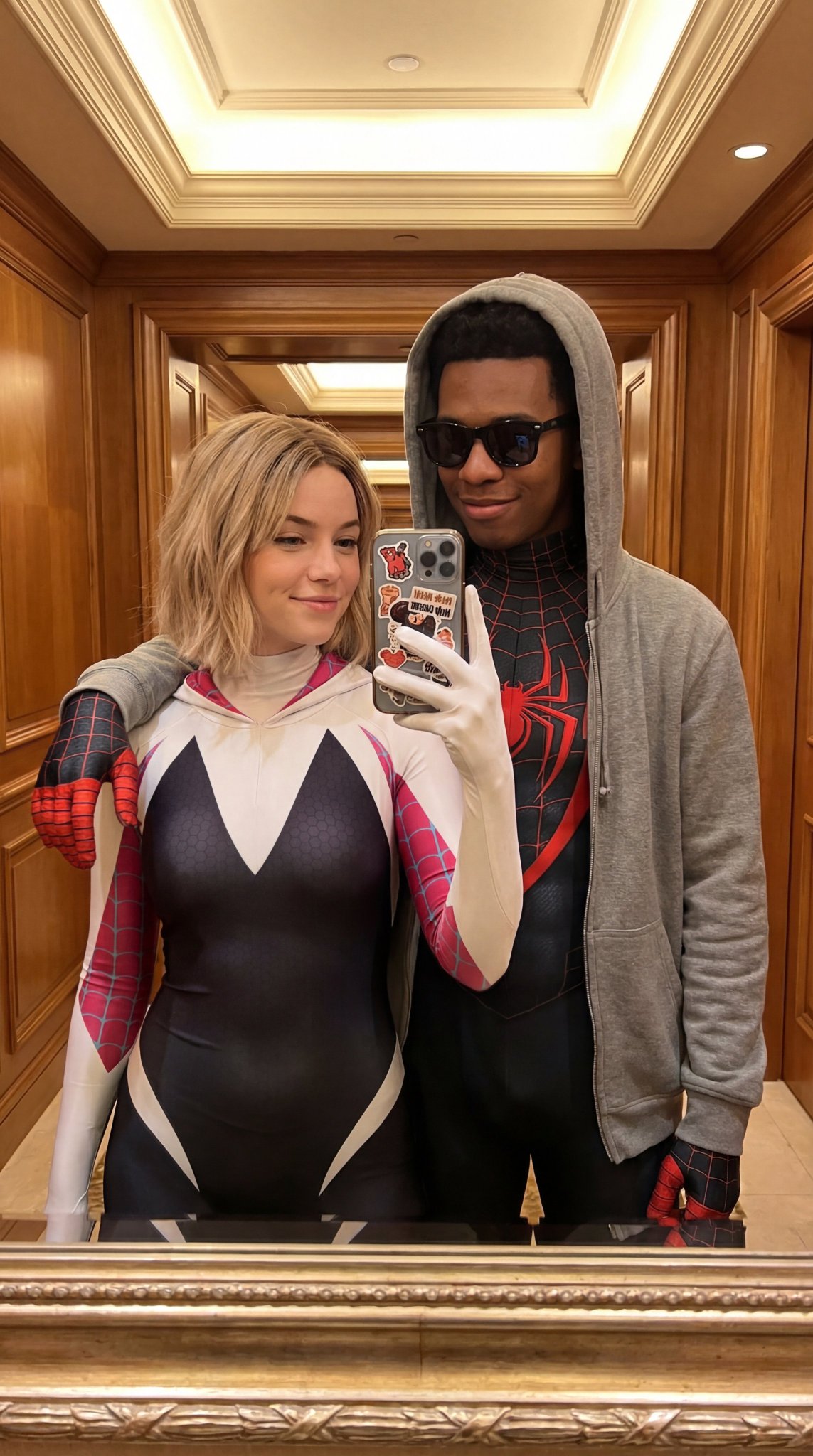
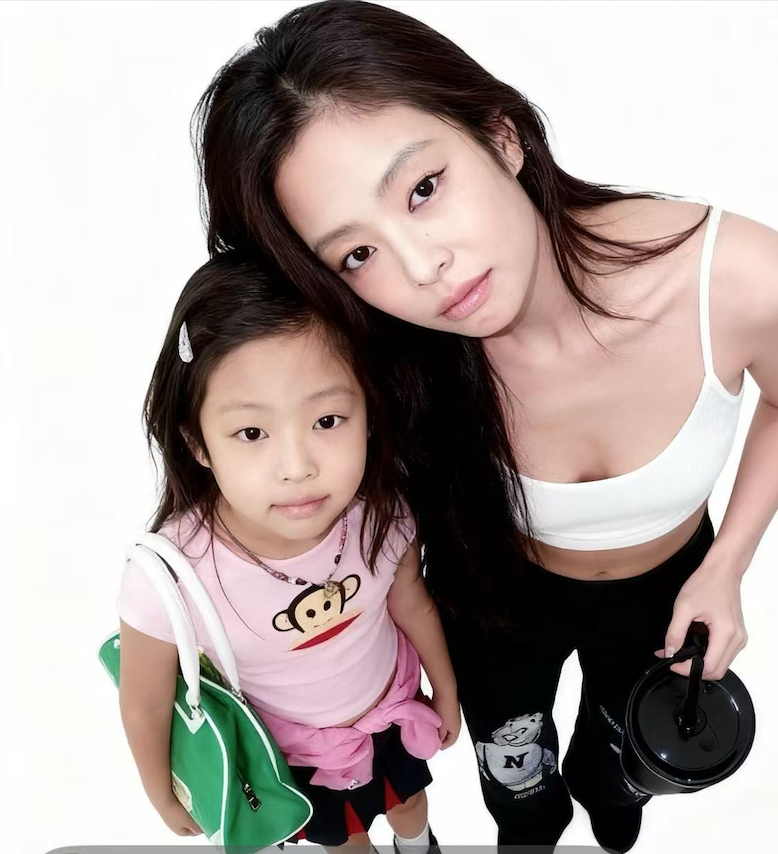
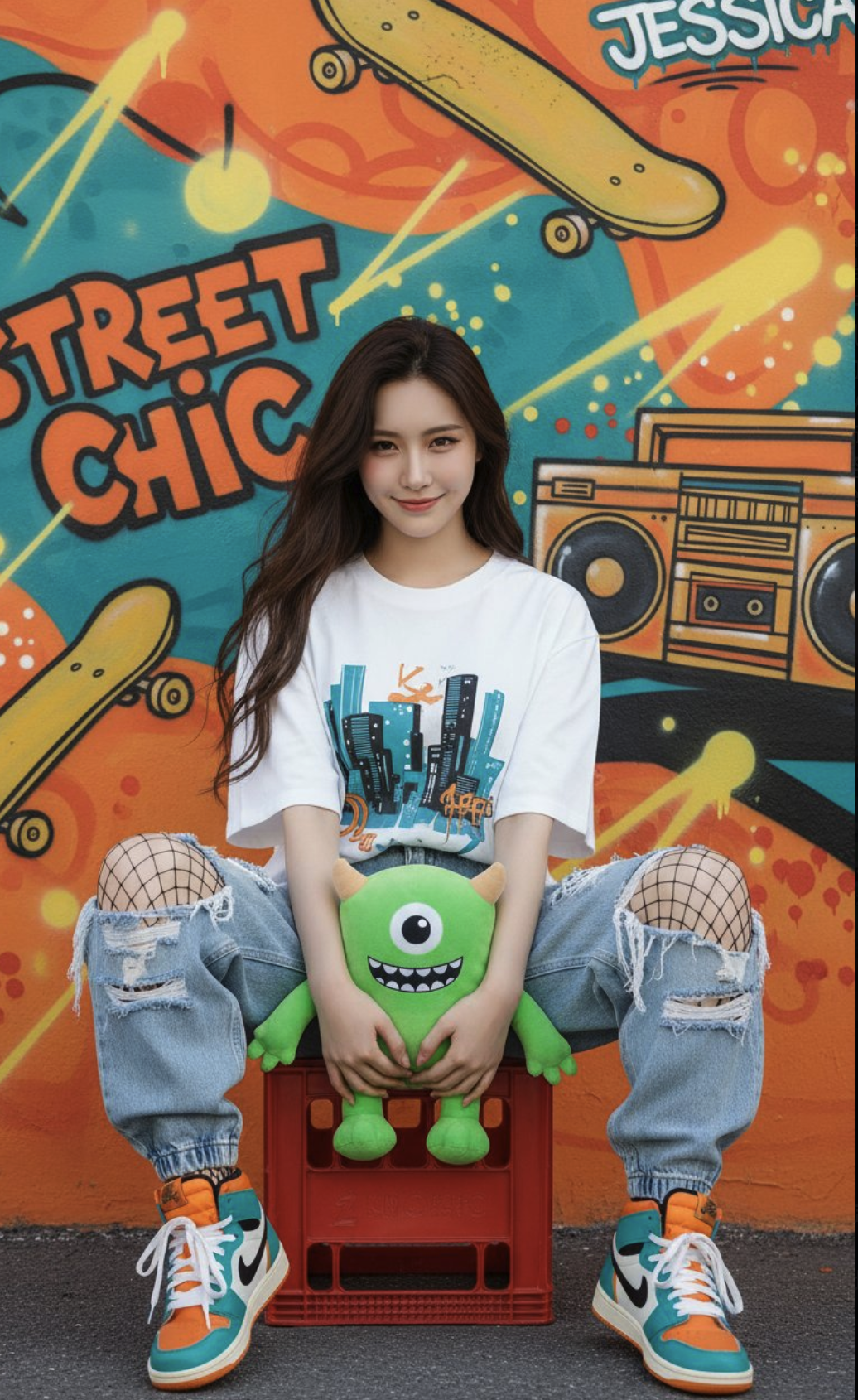
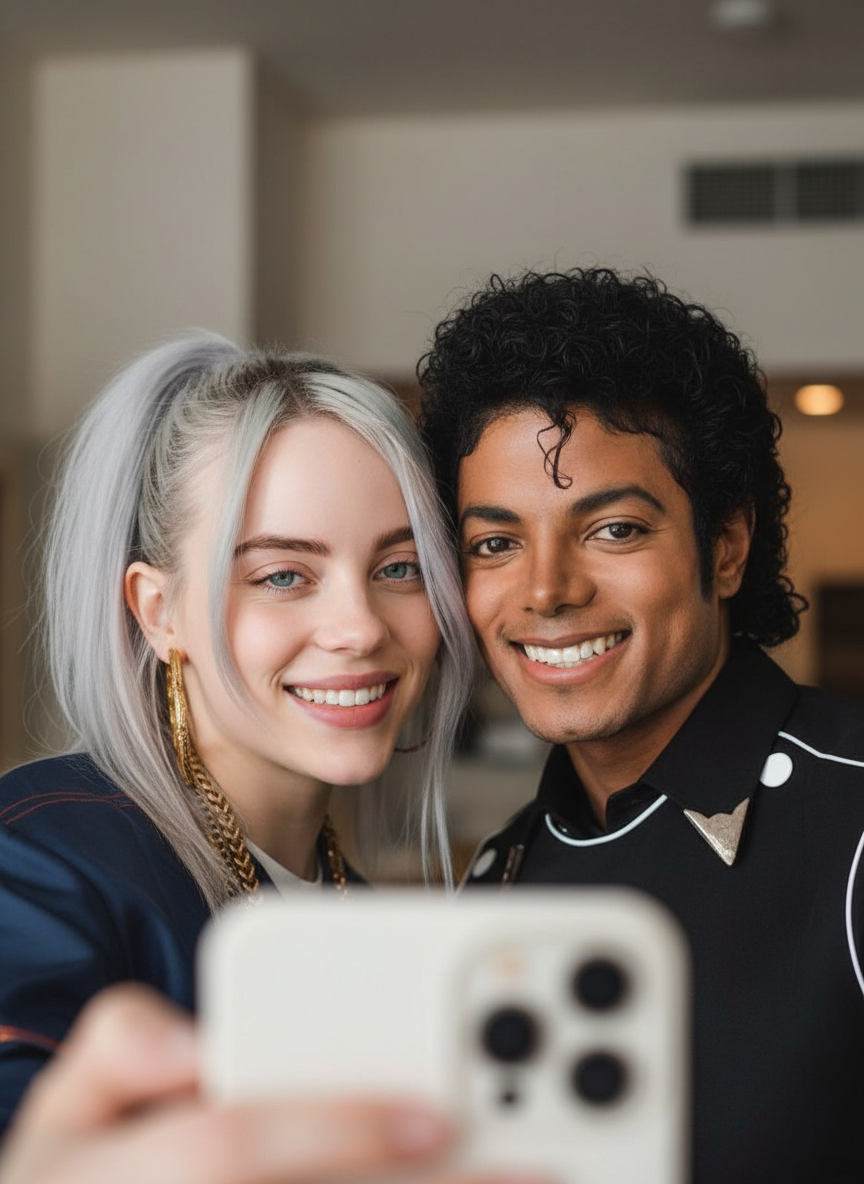
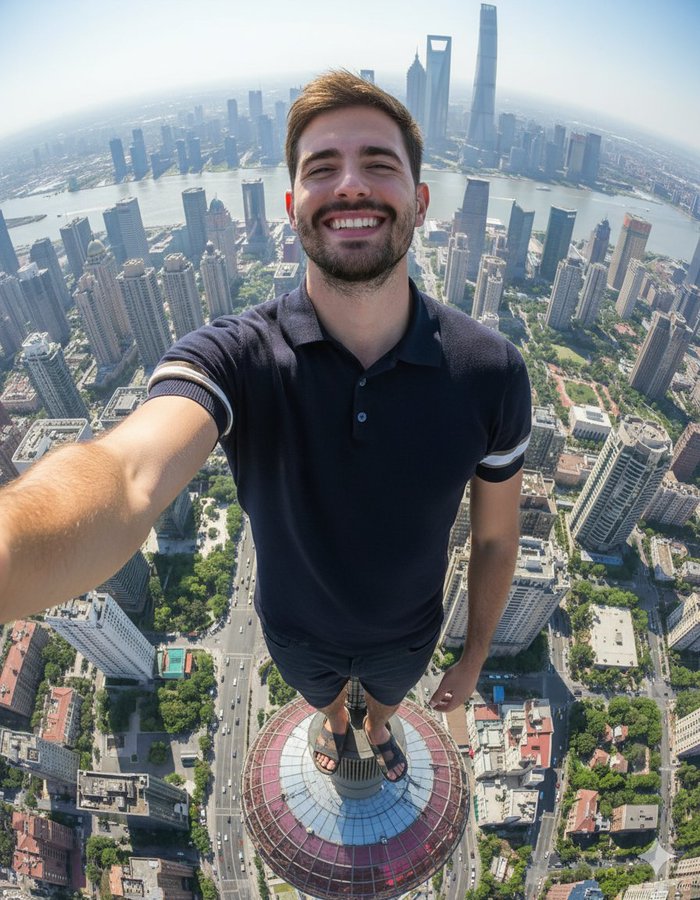
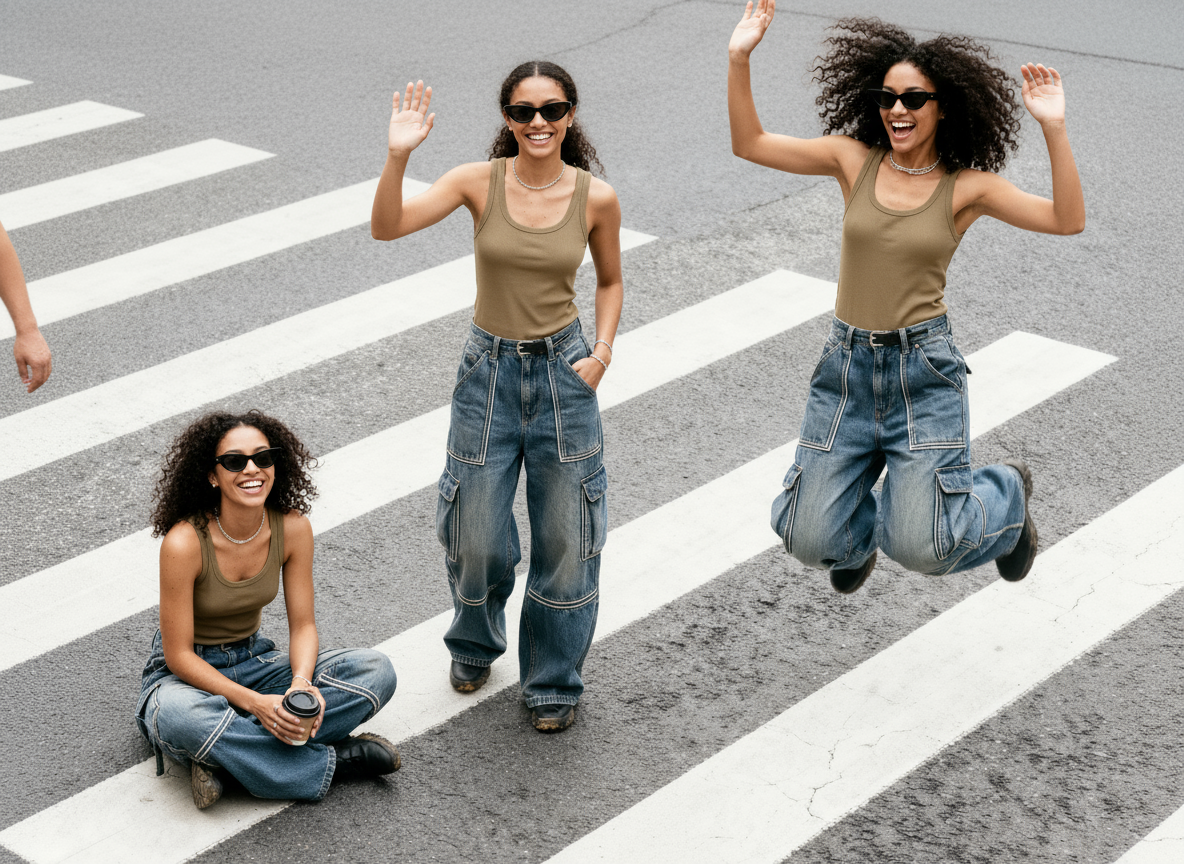
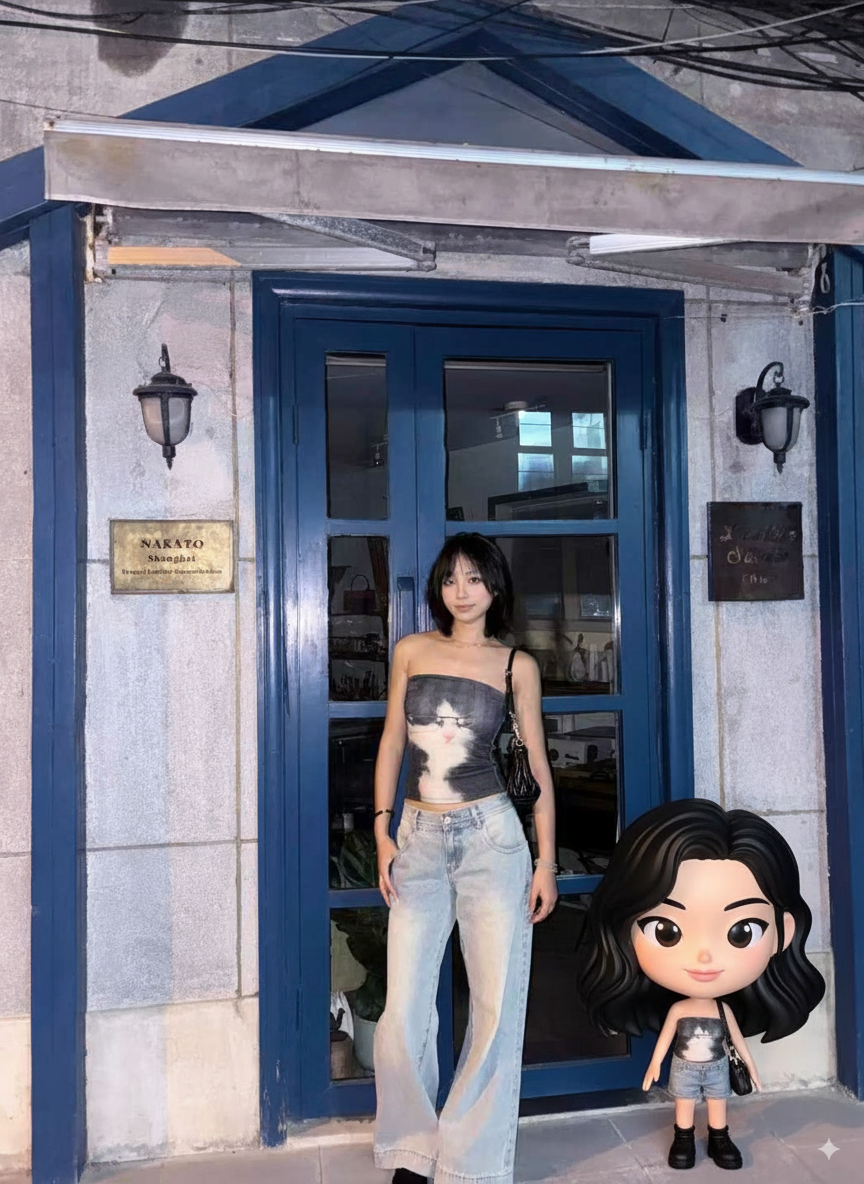
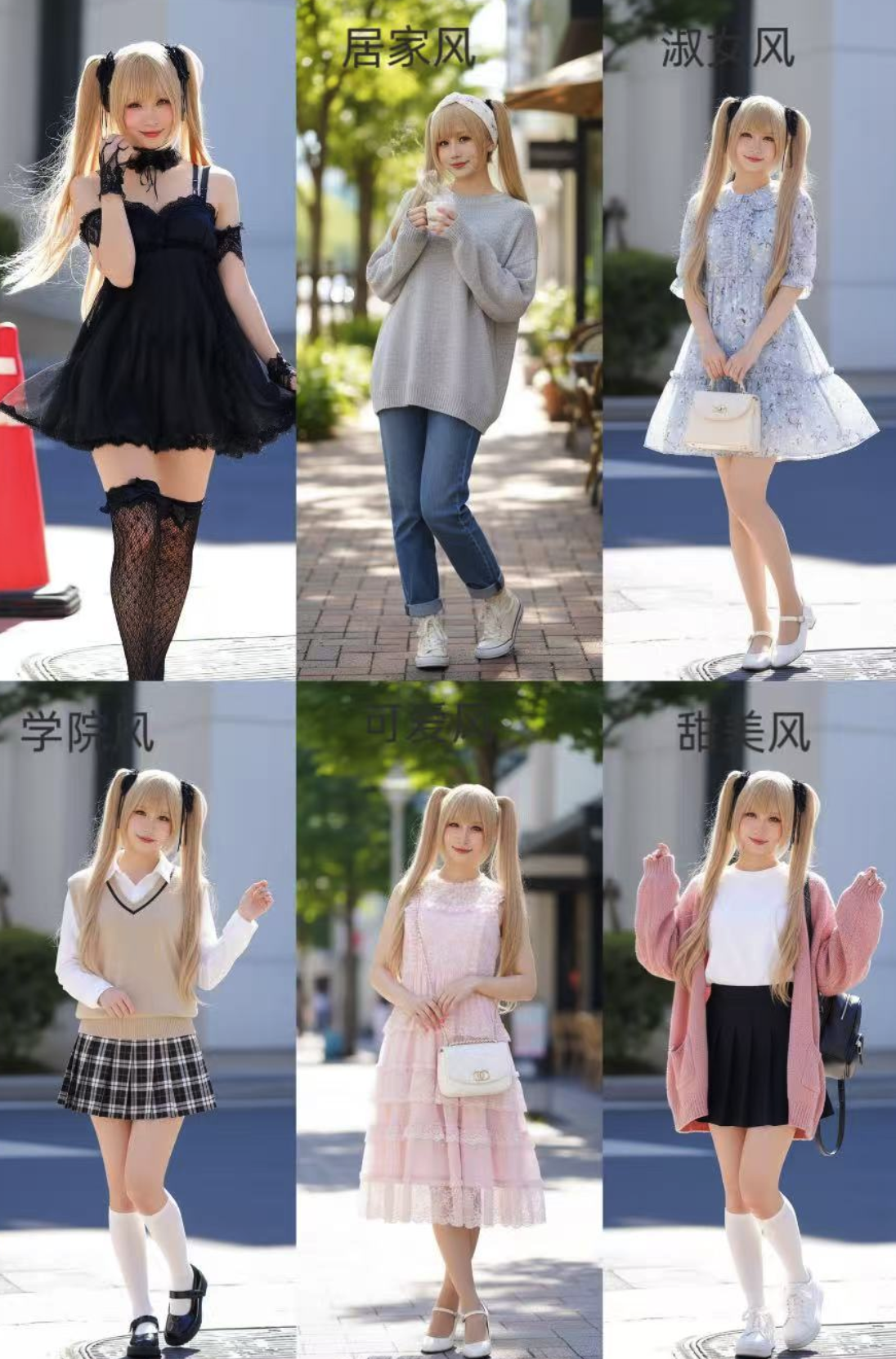
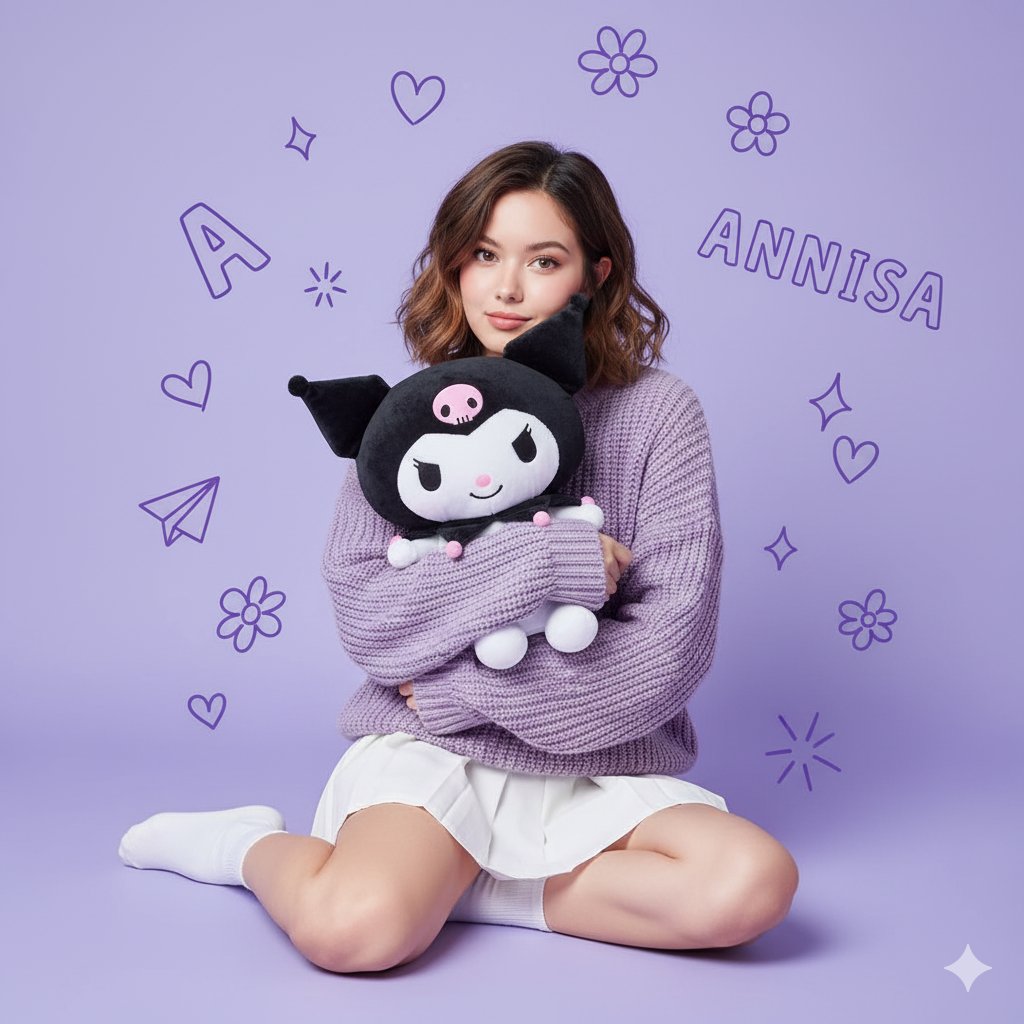
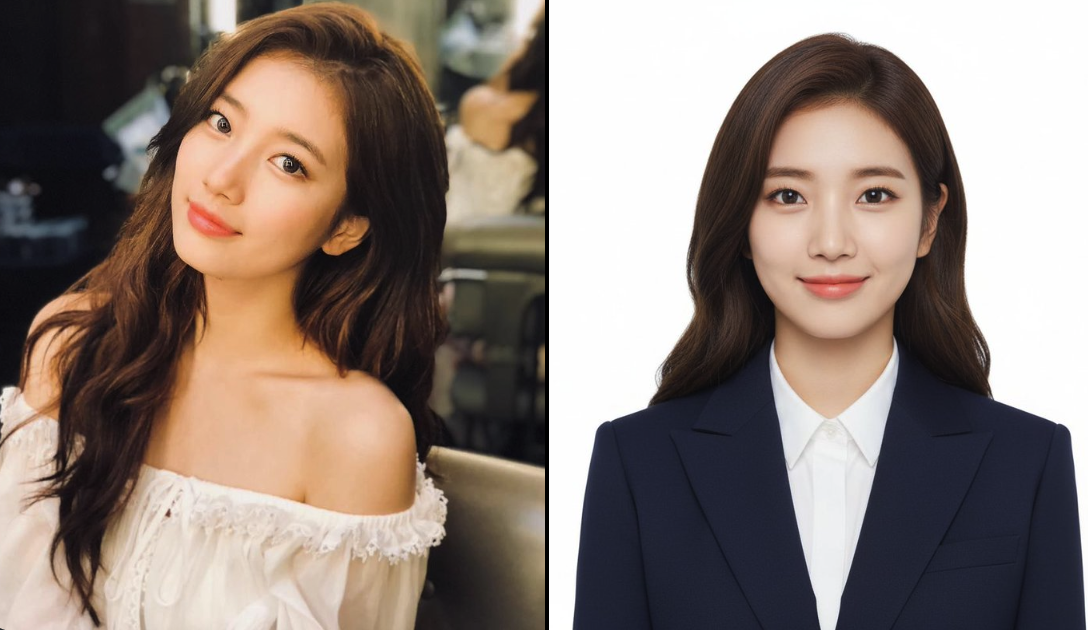
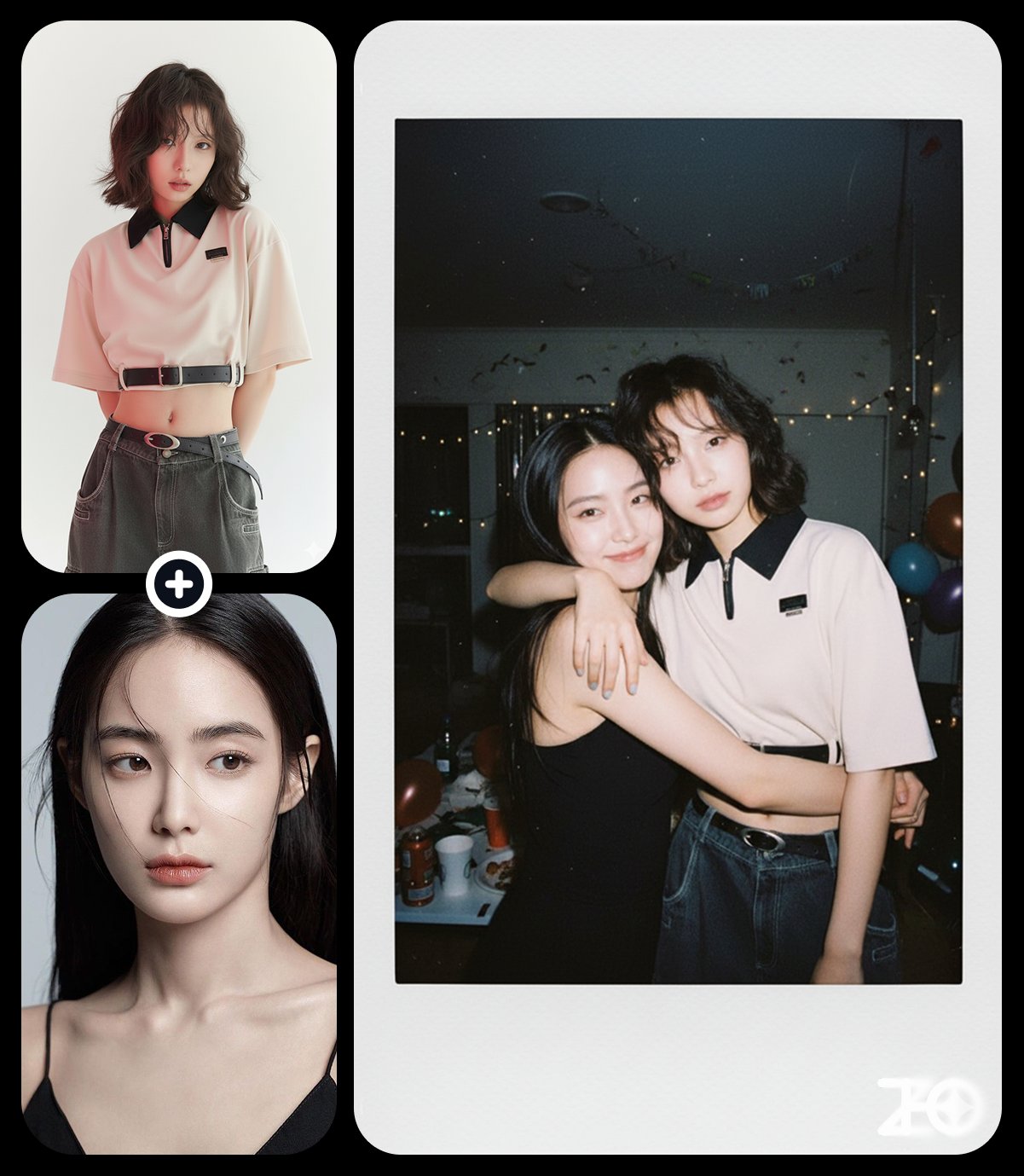
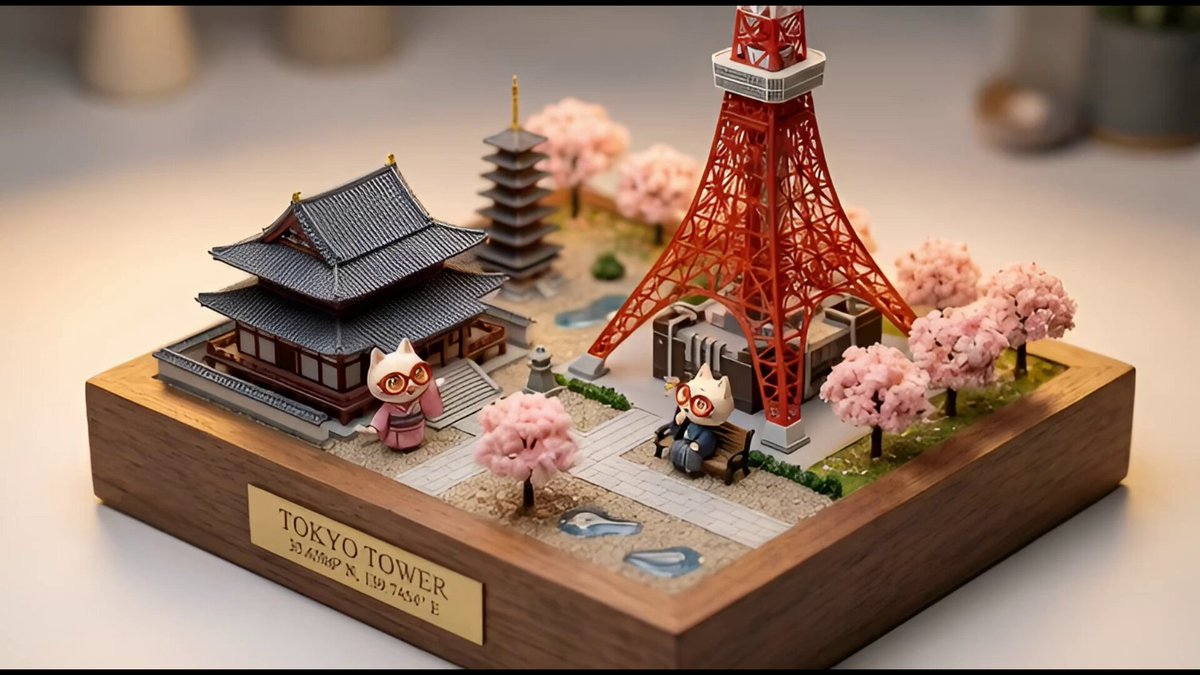
名人/指定人物(上传图片)超写实照片级生成
Prompt
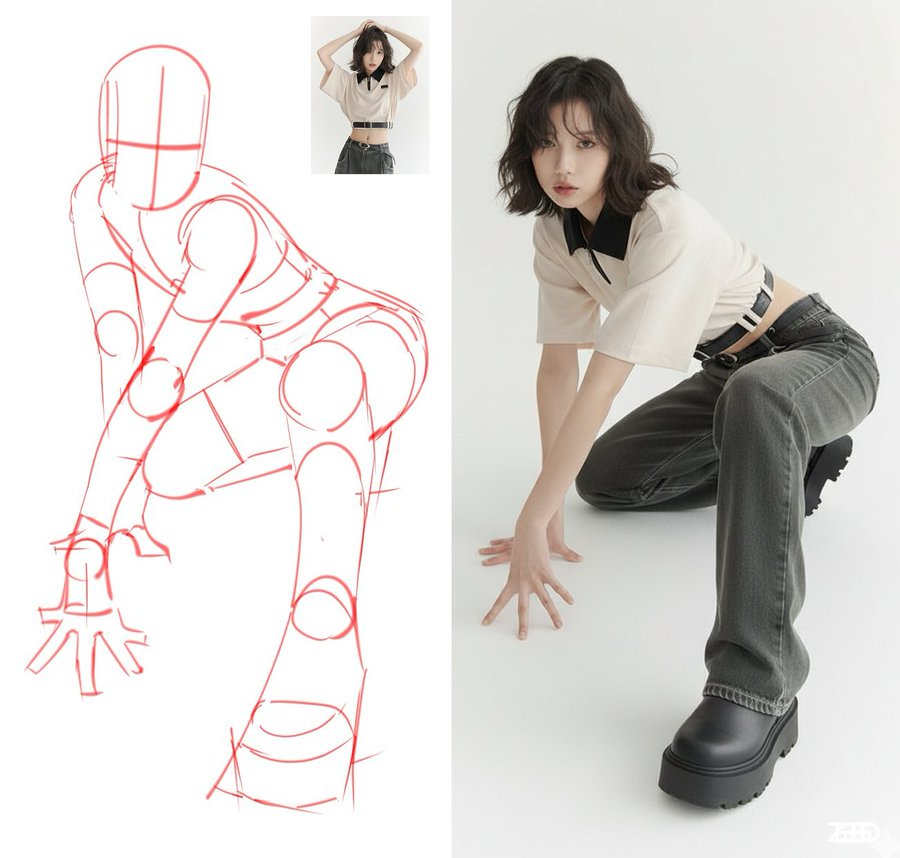
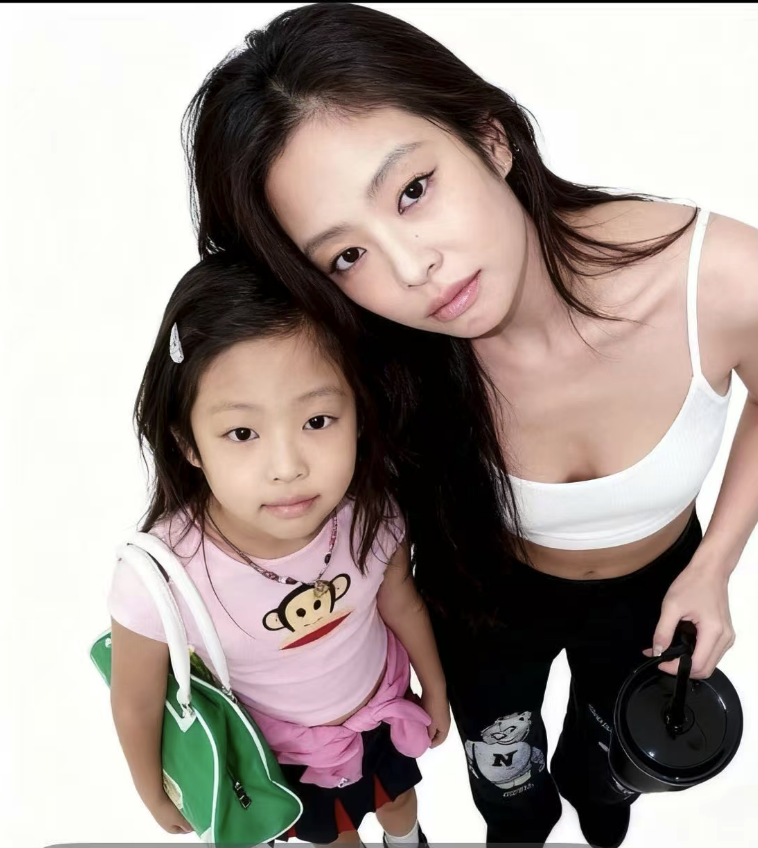
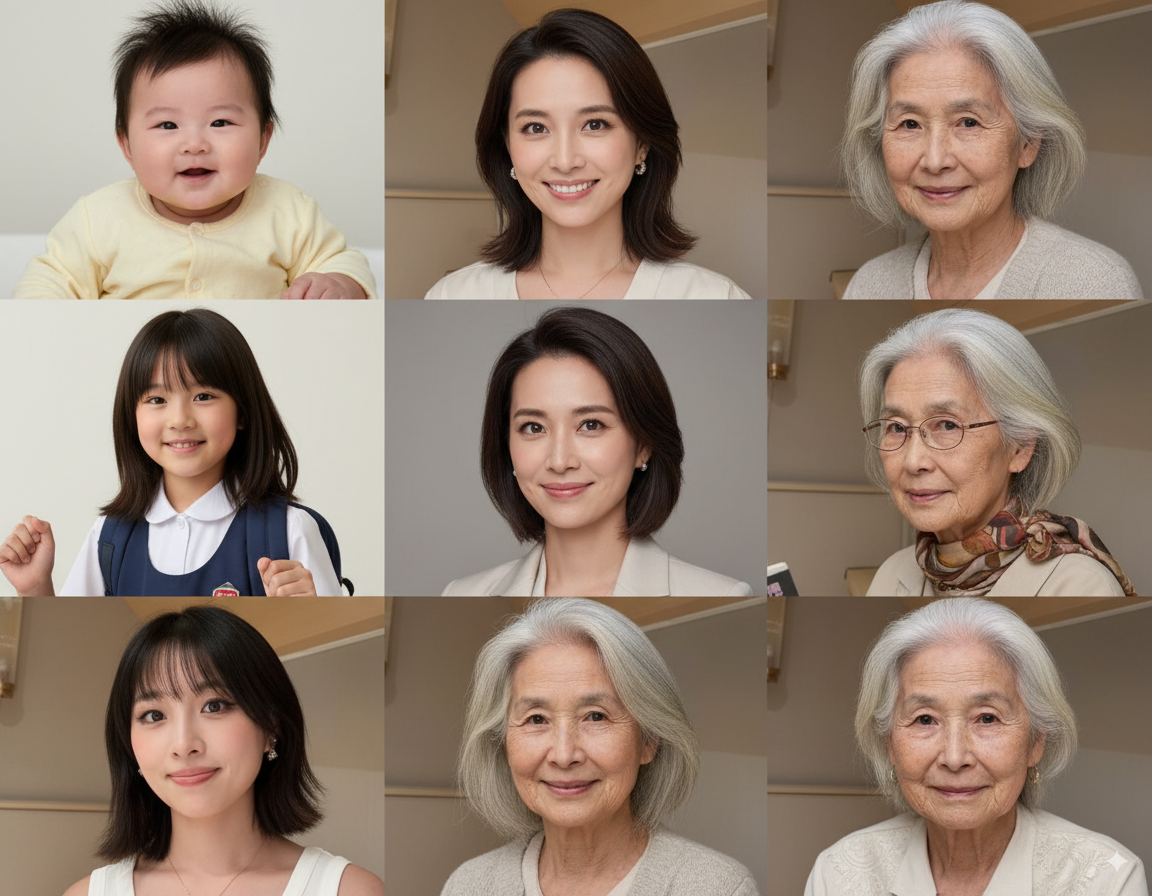
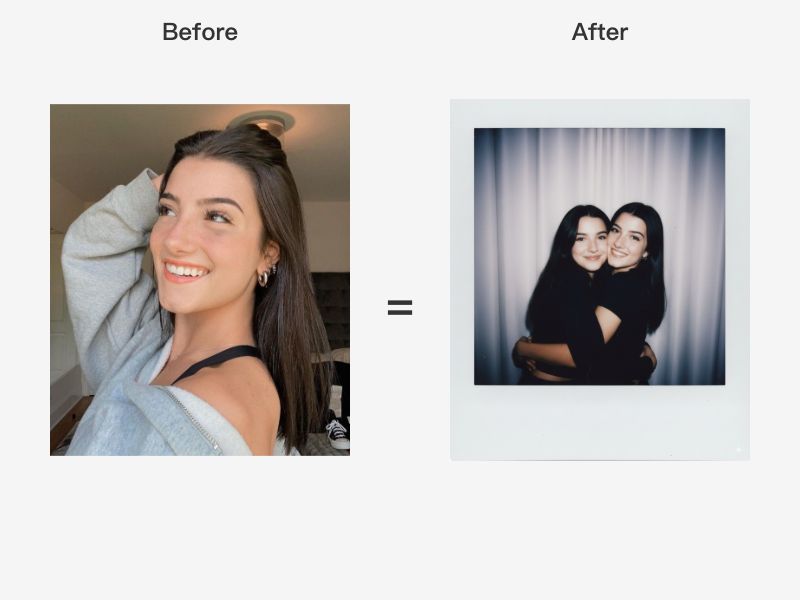
画面采用中景近乎半身的构图,镜头与人物几乎平视,但透视感强烈,人物微微前倾,闪光灯从正面偏左上方打来,制造出硬朗的高光与深重阴影,整体呈现典型的"直闪"质感
- Category
- 摄像
- Model
- Nano Banana Pro
- Creator
- ZHO_ZHO_ZHO
- Source ID
- 7b453407-41c0-41bd-b434-9f1ffc62fe4f
- Published
- Sep 6, 2025
Views10
20
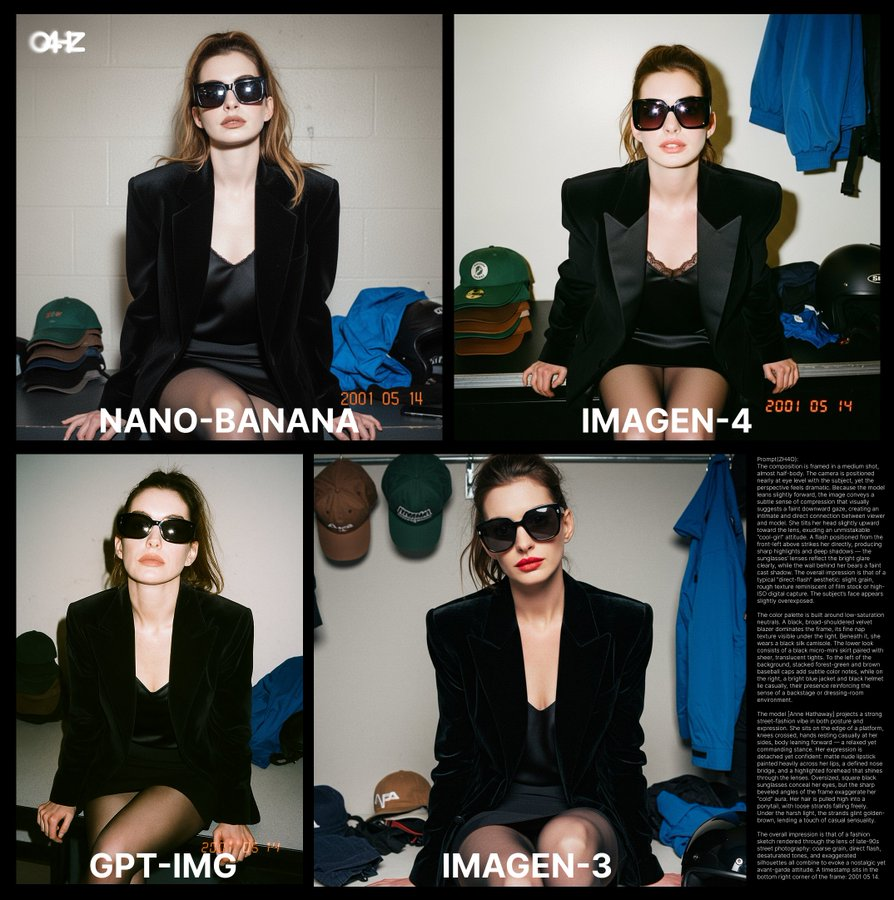
画面采用中景近乎半身的构图,镜头与人物几乎平视,但透视感强烈,人物微微前倾,闪光灯从正面偏左上方打来,制造出硬朗的高光与深重阴影,整体呈现典型的"直闪"质感
Guide
"名人/指定人物(上传图片)超写实照片级生成" AI image prompt for Nano Banana Pro (摄像). 上传指定人物照片,生成超写实的专业摄影级照片,适合名人或特定人物的写实化处理 Copy it on Picva and recreate the look in one click.
The full copyable prompt and example visuals above are ready for AI image generation or one-click recreate in Picva.
Step 1
Review the example visuals, category, and full prompt text for "名人/指定人物(上传图片)超写实照片级生成".
Step 2
Copy the prompt body from this page, or load it directly in Studio.
Step 3
Prefer Nano Banana Pro. If you switch models, keep subject and composition and tweak style terms.
Step 4
Recreate the look in Picva, or export into your workflow for editing and publishing.