15

皮克斯风格巨型世界角色提示
Enlarge

皮克斯风格巨型世界角色提示

Prompt
## SUBJECT & ACTION
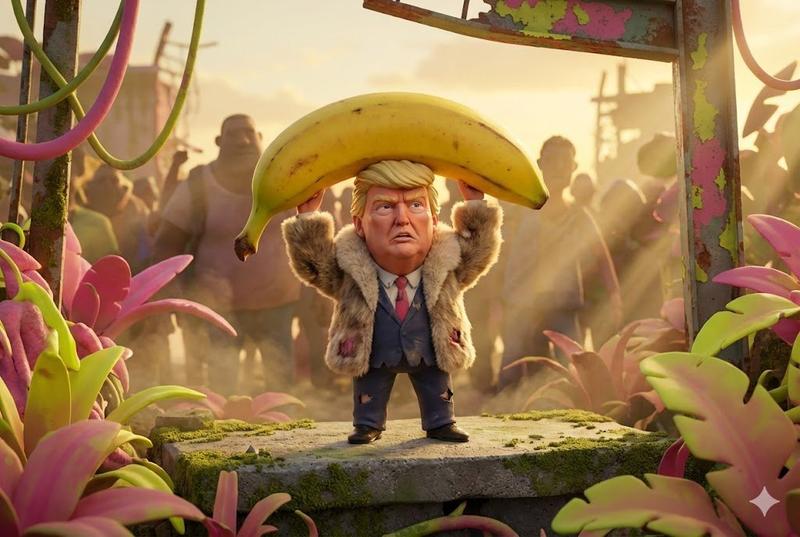
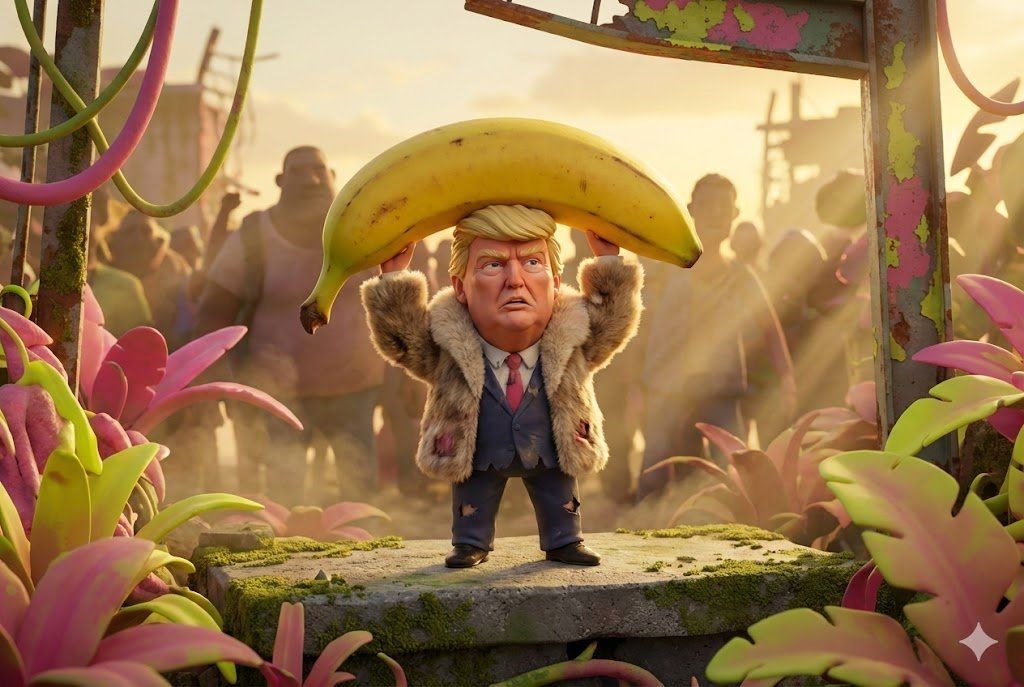
{argument name="character" default="[CHARACTER]"} holding a {argument name="object" default="[OBJEKT]"} as a helmet and looking very ready for battle.
The character looks determined but confused.

## ENVIRONMENT & CONTEXT
Scene takes place in a world where everything is giant sized.
Background details: overgrown vegetation, blurred crowd.

## VISUAL STYLE & AESTHETIC
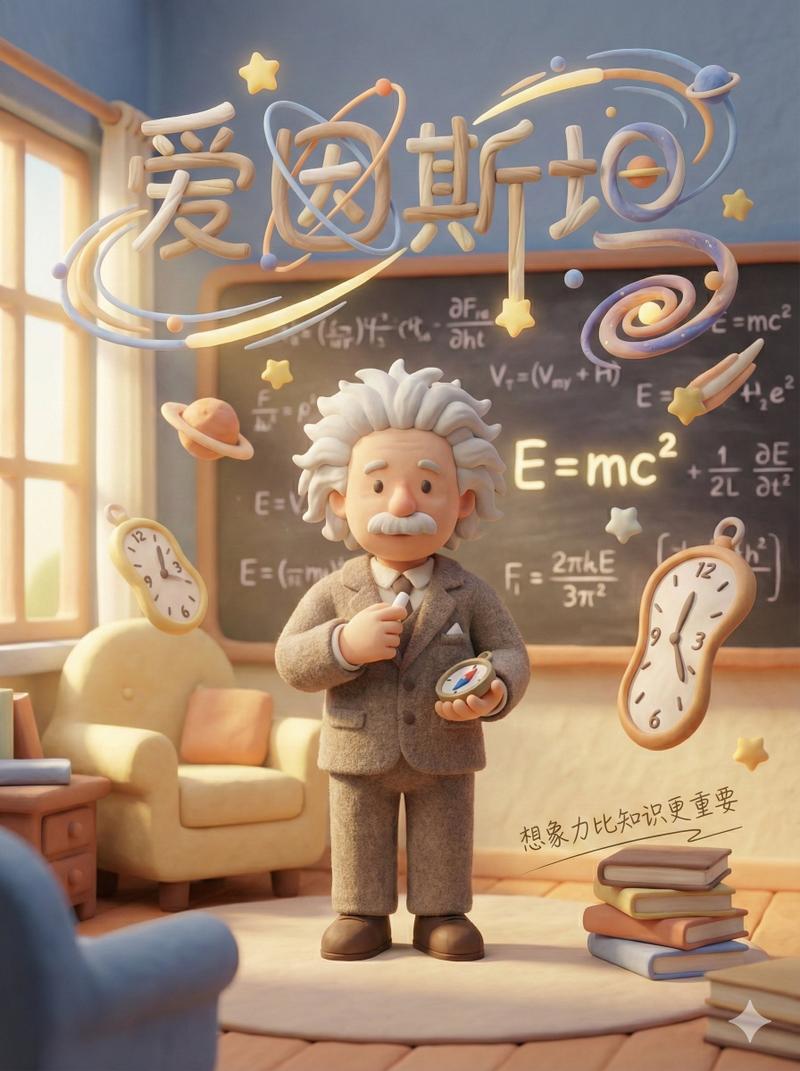
**Style:** Pixar-Style 3D Animation or Claymation
**Lighting:** Golden Hour with God Rays breaking through dust particles
**Camera:** Telephoto 200mm (Compressed background, subject isolation, bokeh)
**Color Palette:** Vibrant Acid Pop Colors (Pink, Lime, Yellow)

## DETAILS & TEXTURE
- Focus on textures: Gritty concrete and rusting metal with peeling paint
- Fluffy fur texture
- High fidelity, 8k, extremely detailed masterpiece.

## PARAMETERS
--ar 3:2 --chaos 20 --style raw
Category
创意图片
Model
Nano Banana Pro
Views0
Source ID
3abfa672-0026-479d-98a4-a49a308e7768
Published
Mar 8, 2026

Guide

About "皮克斯风格巨型世界角色提示"

What is this prompt for?

"皮克斯风格巨型世界角色提示" AI image prompt for Nano Banana Pro (创意图片). 一个生成皮克斯风格 3D 动画或黏土动画图像的提示,内容是一个角色在一个巨型世界中,手持一个物体作为头盔。它指定了黄金时段的光线、鲜艳的酸性流行色彩,以及诸如长焦镜头以压缩背景等技术相机细节。 --…

The full copyable prompt and example visuals above are ready for AI image generation or one-click recreate in Picva.

How to use this prompt

  1. Step 1

    Open the prompt detail

    Review the example visuals, category, and full prompt text for "皮克斯风格巨型世界角色提示".

  2. Step 2

    Copy the prompt

    Copy the prompt body from this page, or load it directly in Studio.

  3. Step 3

    Pick a model (Nano Banana Pro)

    Prefer Nano Banana Pro. If you switch models, keep subject and composition and tweak style terms.

  4. Step 4

    Generate and export

    Recreate the look in Picva, or export into your workflow for editing and publishing.

FAQ

What is the "皮克斯风格巨型世界角色提示" prompt?
It is an AI image-generation prompt for Nano Banana Pro in the 创意图片 category. This page includes the full prompt text, example visuals, and a one-click recreate path in Picva.
How do I use this prompt to generate an image?
Copy the prompt from this page, or use Generate / Studio. Paste it into a compatible image model, or recreate the look in Picva with optional reference images.
Which model is this prompt for?
This page lists Nano Banana Pro. Most descriptive prompts also transfer to nearby image models such as GPT Image, Flux, or Midjourney with light style tweaks.
Can I use the result commercially?
You can usually copy the prompt for creation, but commercial use of the final image depends on the model terms, reference-image rights, and the generated content. Follow the source author and platform rules.