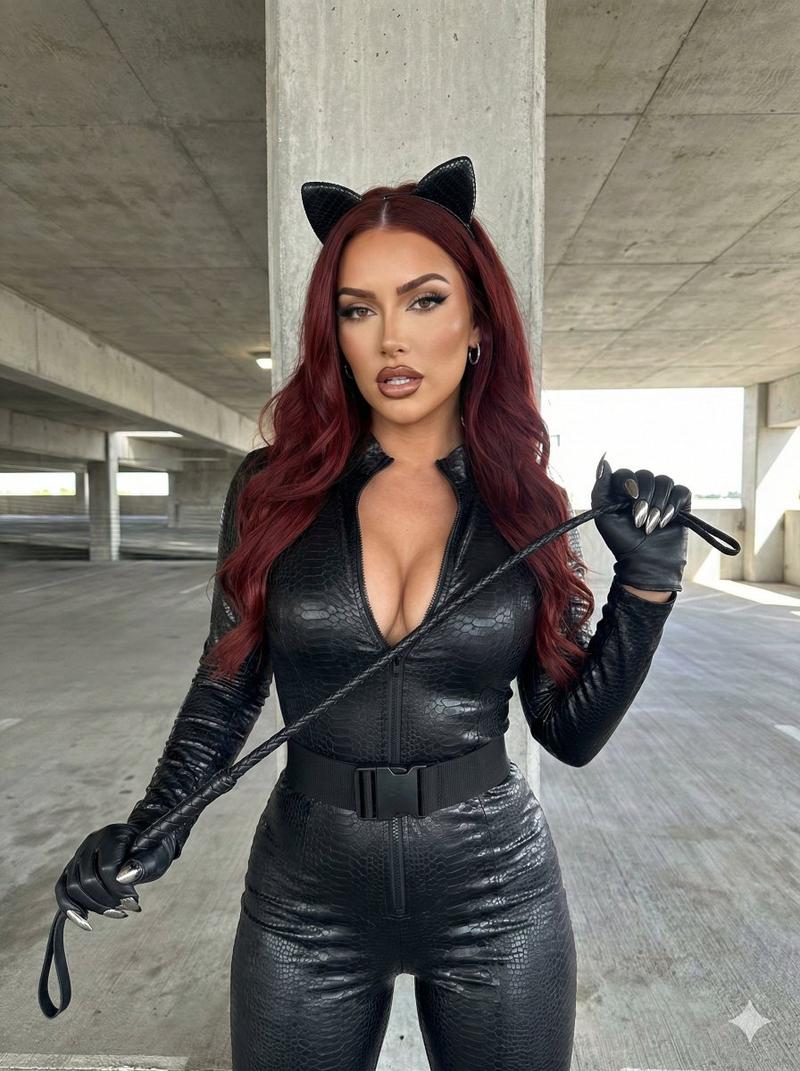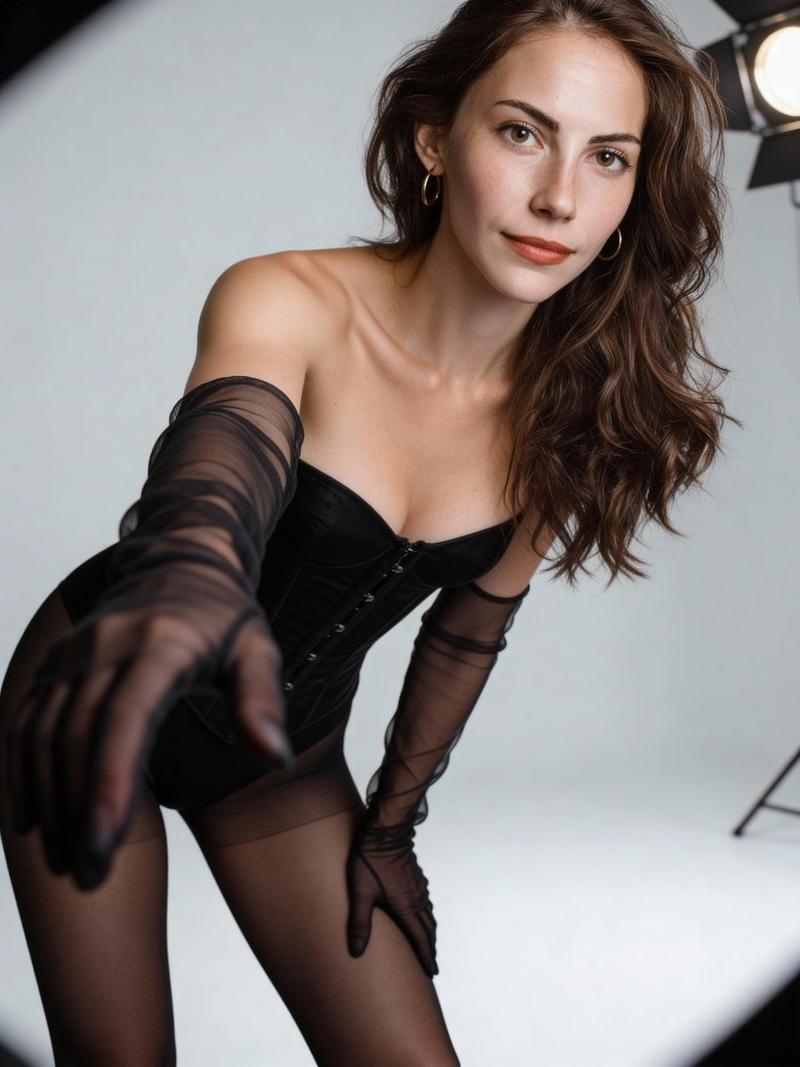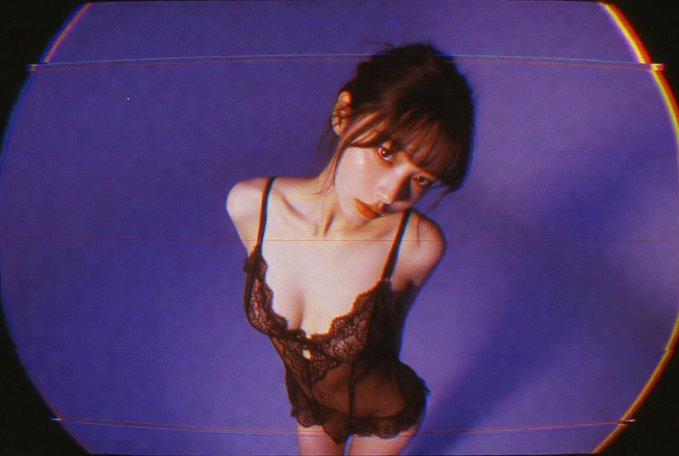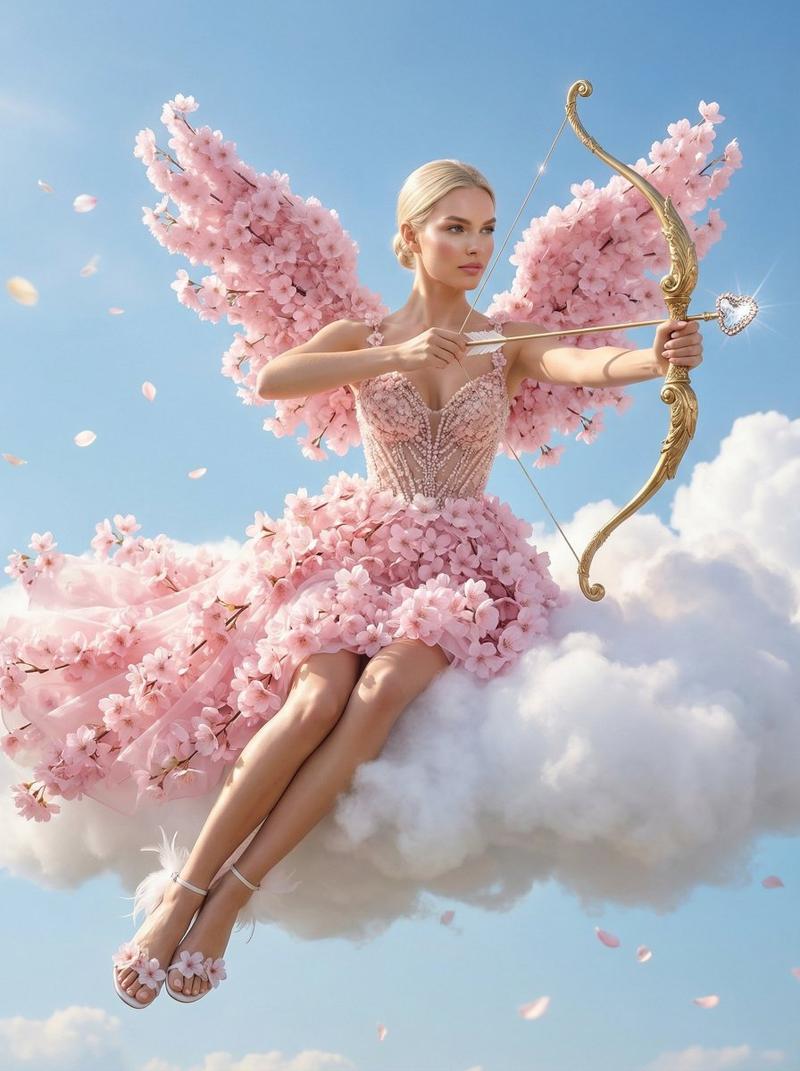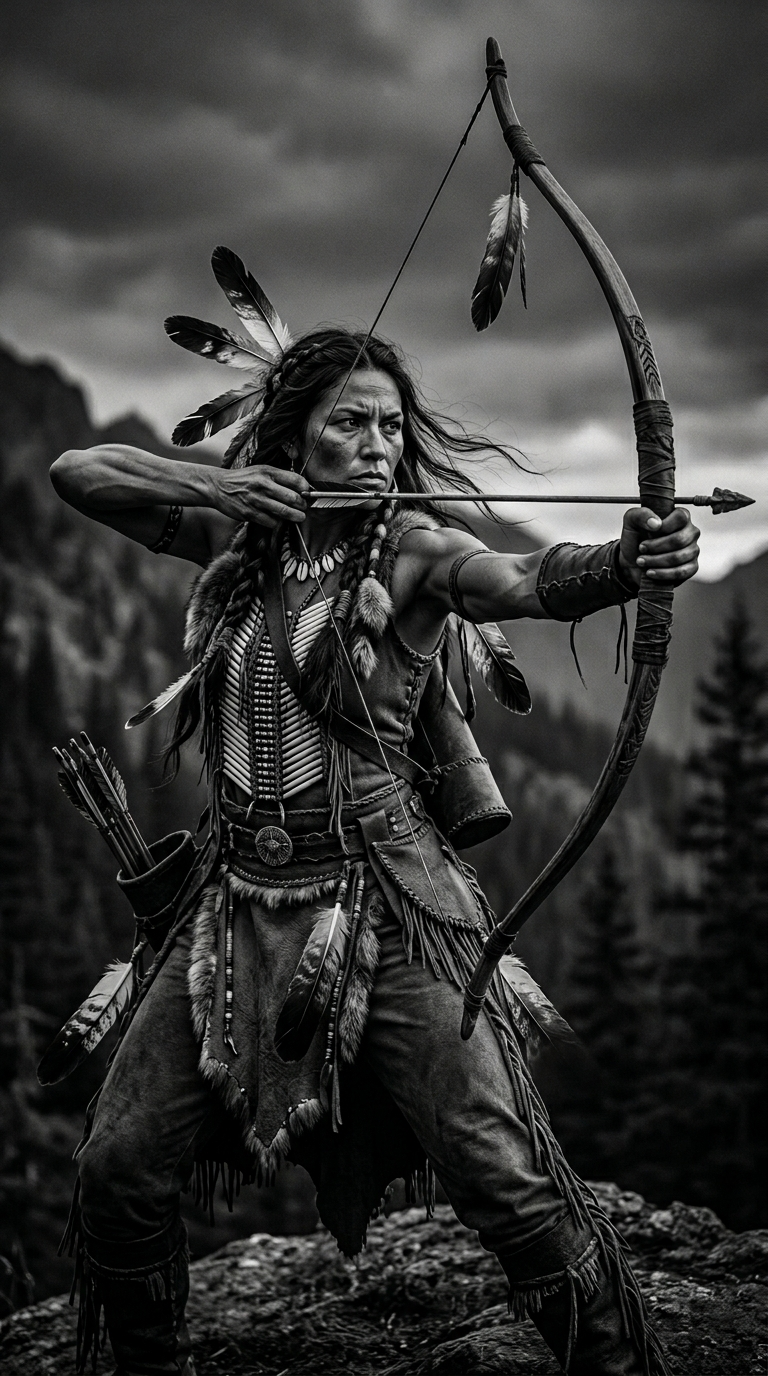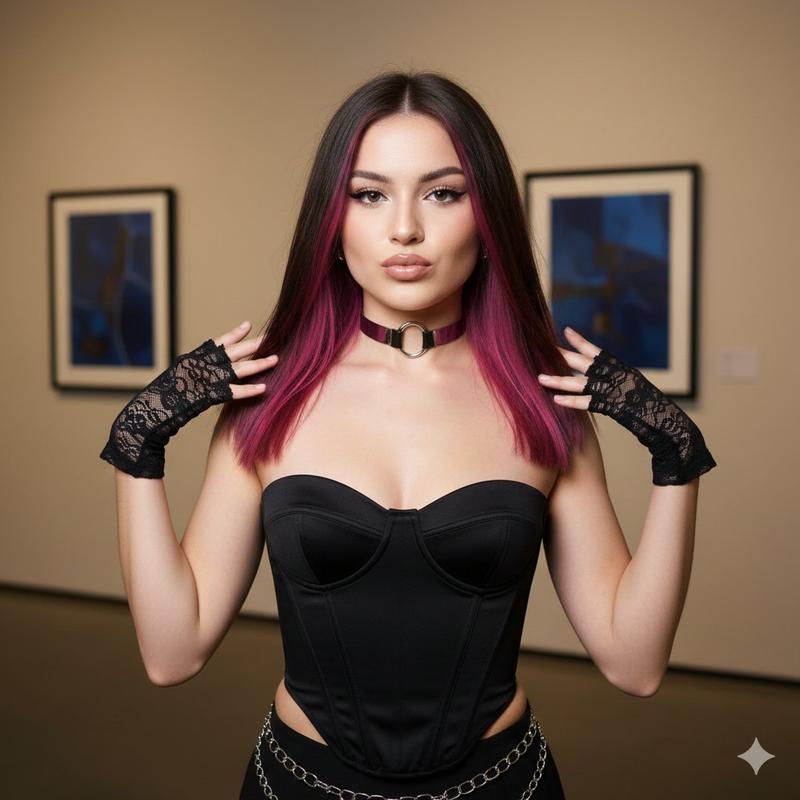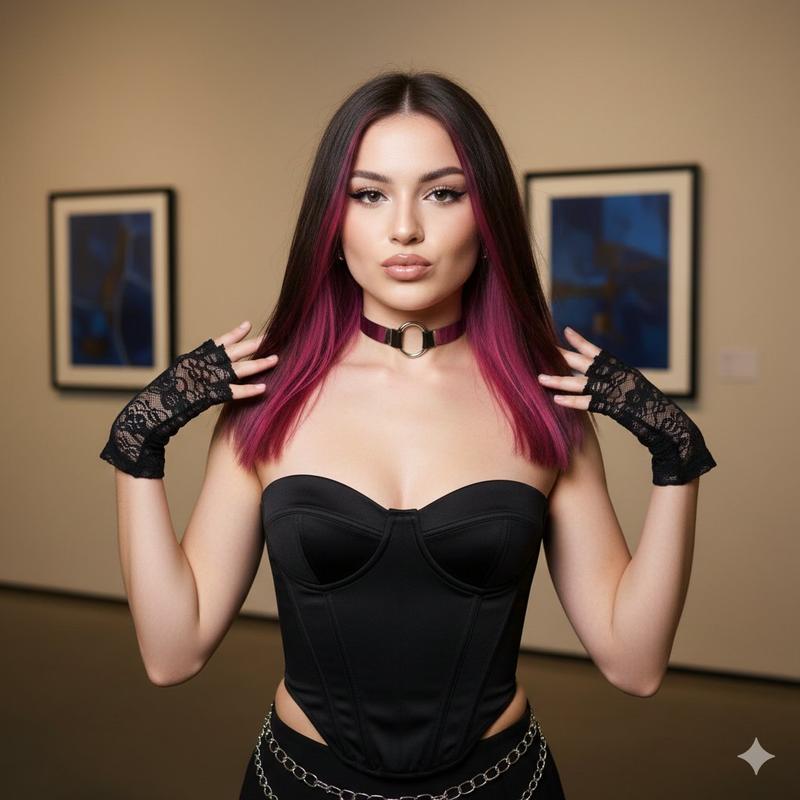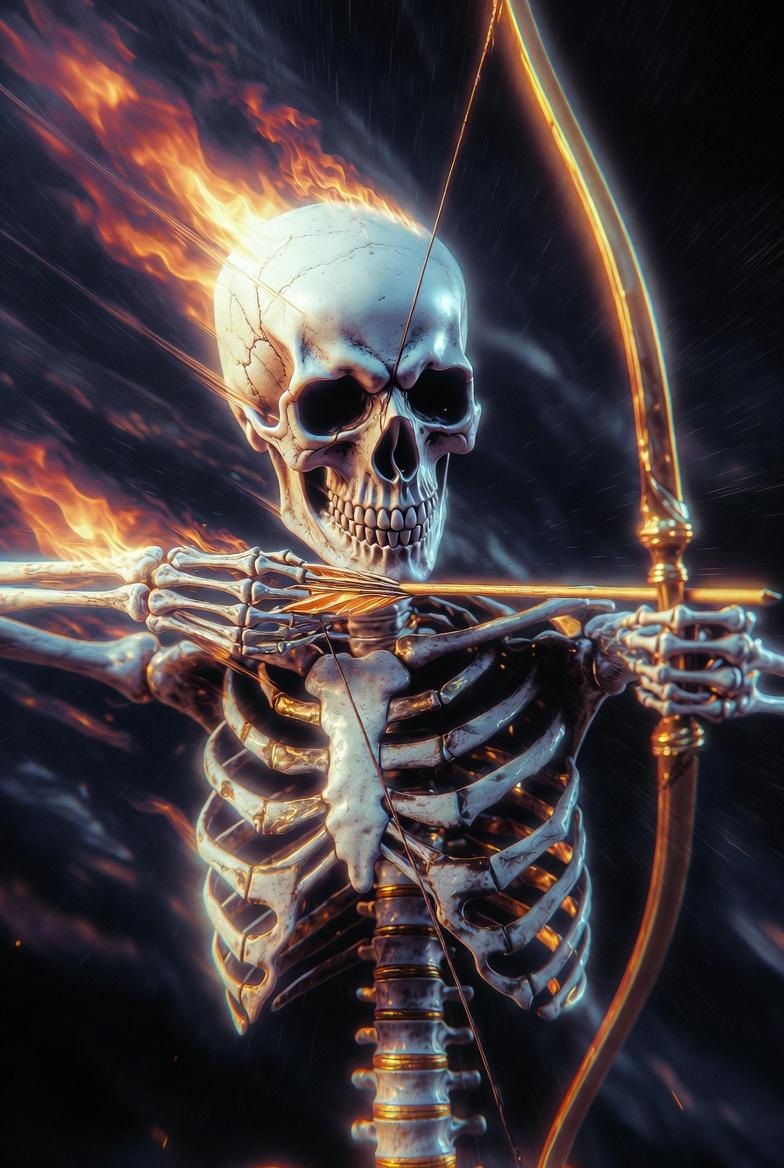
电影巴洛克丘比特时尚编辑提示
Prompt
{
  "generation_request": {
    "meta_data": {
      "task_type": "cinematic_fashion_editorial_cupid_portrait",
      "language": "en",
      "priority": "highest",
      "version": "v1.0_CUPID_BAROQUE_EDITORIAL"
    },
    "input": {
      "mode": "image_to_image",
      "reference_image_usage": "very_high",
      "preserve_identity": true,
      "preserve_facial_features": true,
      "preserve_expression_structure": true,
      "notes": "Maintain exact face identity and bone structure. Enhance realism and detail without altering facial proportions."
    },
    "output": {
      "aspect_ratio": "2:3",
      "resolution": "ultra_high",
      "num_images": 1,
      "sharpness": "extreme_crisp",
      "grain": "subtle_film",
      "color_depth": "rich_monochrome_red"
    },
    "scene": {
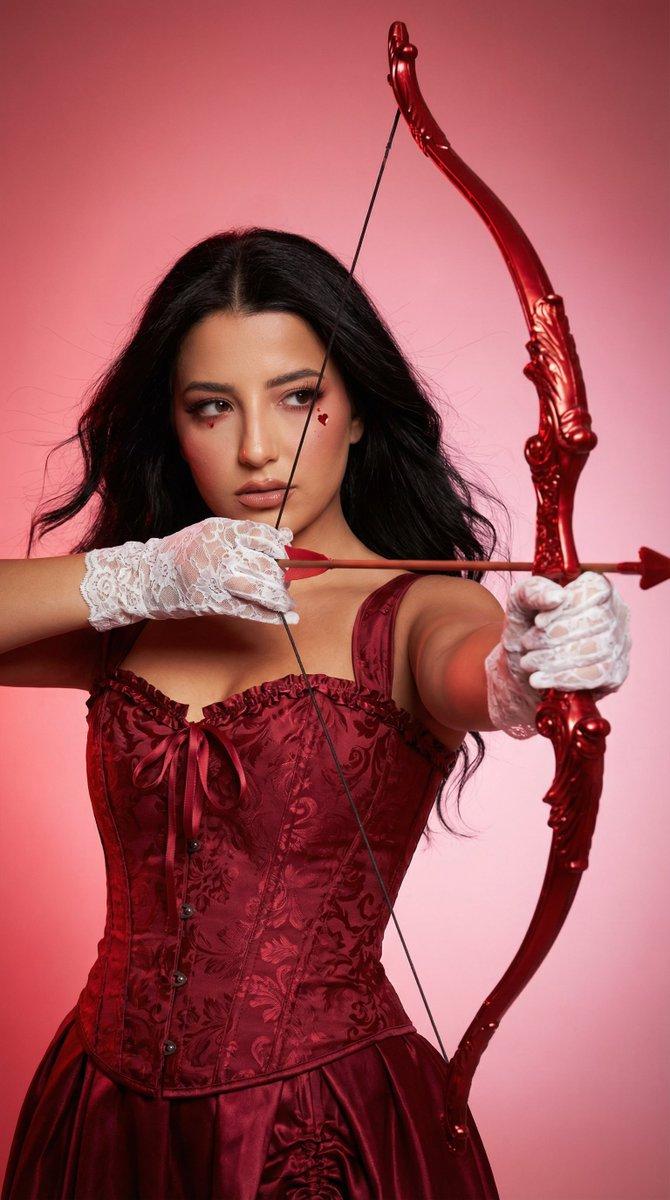
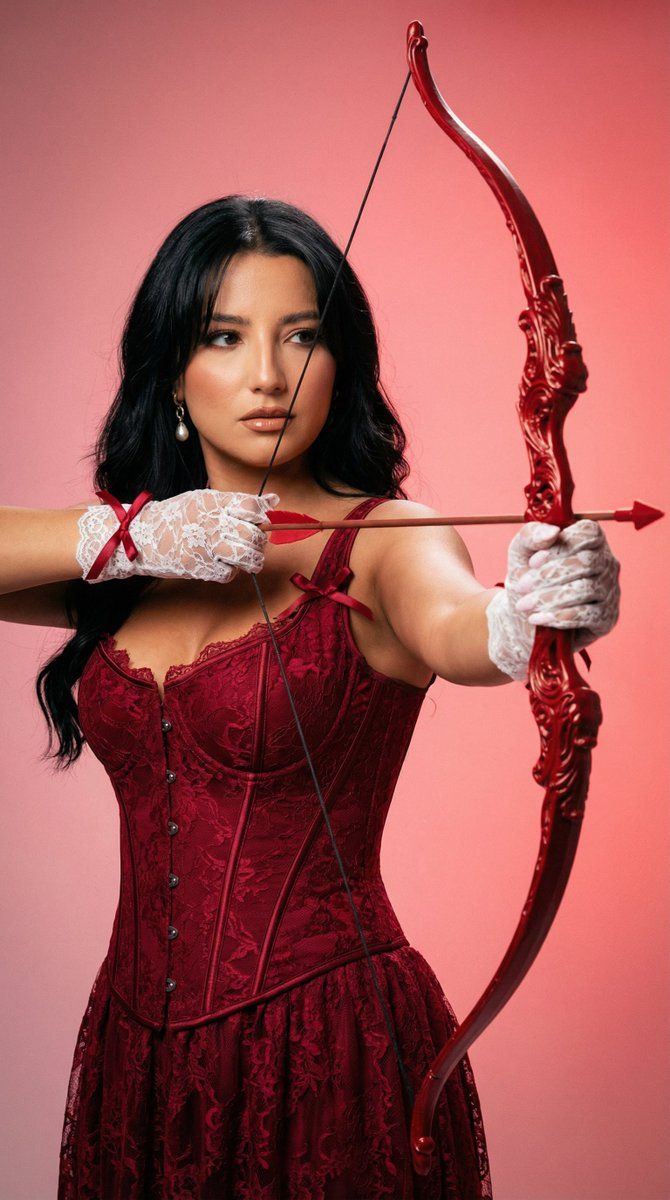
      "concept": "romantic baroque cupid fashion editorial",
      "environment": "studio with smooth pink-to-red gradient backdrop",
      "lighting": {
        "style": "dramatic fashion studio lighting",
        "key_light": "soft frontal diffused light",
        "rim_light": "subtle warm rim light on hair and shoulders",
        "shadow_control": "clean soft shadows",
        "skin_rendering": "natural luminous porcelain texture"
      },
      "camera": {
        "lens": "85mm prime",
        "aperture": "f/1.8",
        "depth_of_field": "shallow but face fully sharp",
        "focus": "eyes razor sharp"
      }
    },
    "subject": {
      "type": "adult woman",
      "pose": "dynamic bow aiming pose with strong arm tension",
      "anatomy": "perfect hand articulation, correct finger grip on bowstring, natural shoulder mechanics",
      "expression": "intense focused gaze slightly sideways",
      "skin": "smooth but realistic texture, soft blush with tiny heart highlight under eye",
      "hair": "long dark hair flowing naturally with subtle volume"
    },
    "wardrobe": {
      "dress": "deep red baroque corset dress with structured bodice and layered skirt",
      "gloves": "white lace gloves with red ribbon bows",
      "fabric_detail": "visible fabric weave, realistic folds and tension lines"
    },
    "props": {
      "bow": "ornate carved glossy red baroque bow",
      "arrow": "deep red arrow with clean sharp tip",
      "material_detail": "polished lacquer finish with subtle highlights"
    },
    "color_grading": {
      "palette": "monochrome red-pink romantic palette",
      "contrast": "medium-high fashion contrast",
      "highlights": "soft glossy highlights",
      "tone_curve": "editorial cinematic"
    },
    "quality_control": {
      "hands": "five fingers each hand, correct joint alignment",
      "symmetry": "natural facial symmetry",
      "avoid": [
        "extra fingers",
        "warped bow",
        "melted fabric",
        "plastic skin",
        "distorted anatomy",
        "low resolution",
        "watermark"
      ]
    }
  }
}- Category
- 创意图片
- Model
- Nano Banana Pro
- Creator
- Özge Döner
- Source ID
- f615336e-c6dd-41aa-b564-b6063c75f9df
- Published
- Mar 8, 2026
Views1