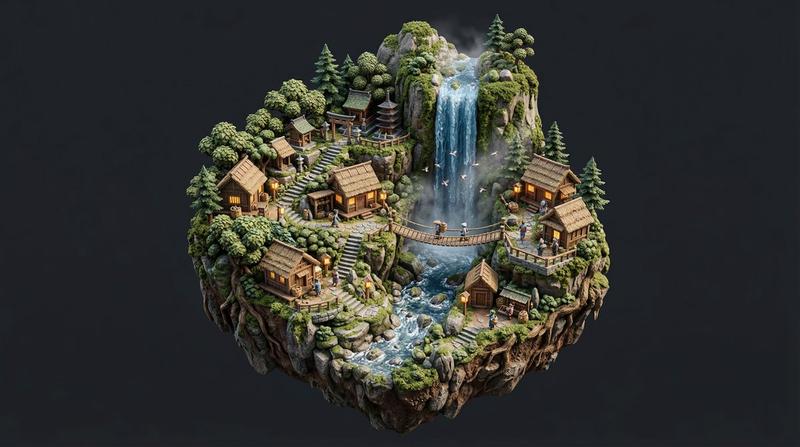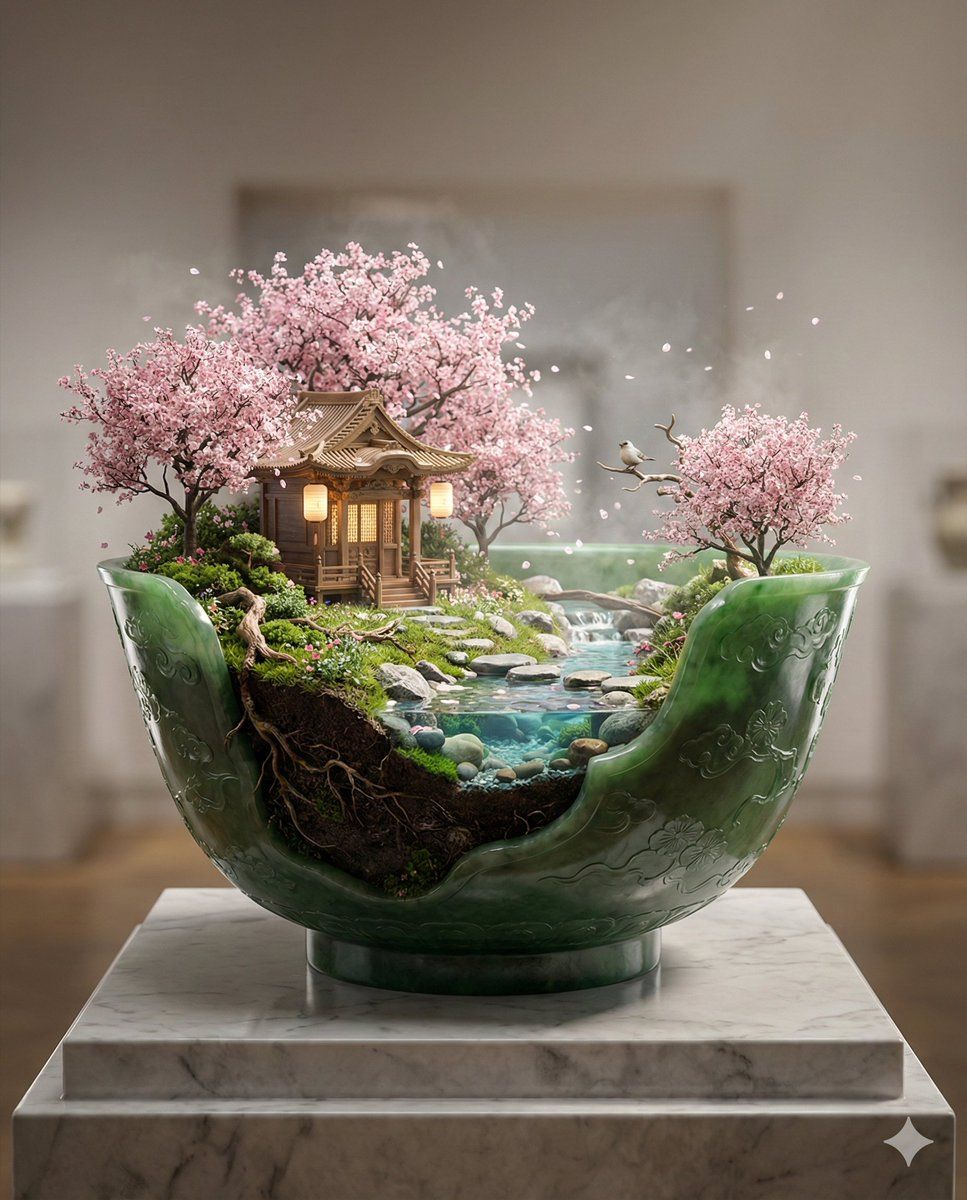
圣泉神殿帝王玉碗立体模型
Prompt
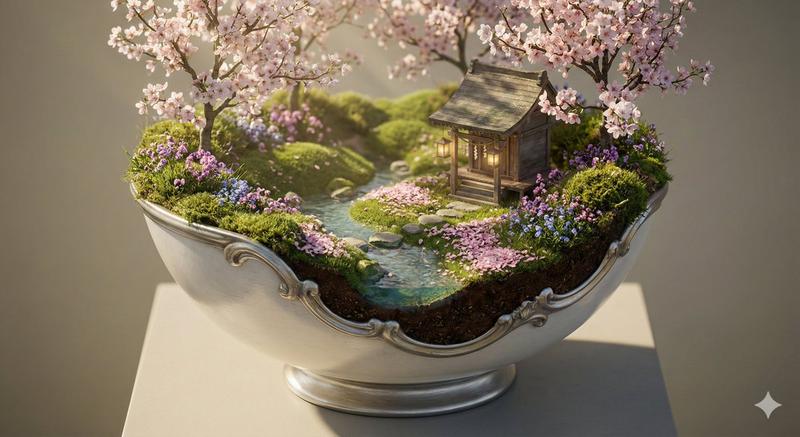
Subject: a living-world masterpiece ornate imperial green jade bowl diorama containing a sacred spring shrine landscape, the bowl opened with an organic blended cutaway where the jade rim seamlessly crystallizes into living terrain — fresh grass, layered roots, moss networks, flowering plants, and soil — making the boundary between vessel and world visually continuous and almost indistinguishable, revealing an exquisitely detailed miniature realm featuring an intricately carved wooden shrine, layered cherry blossom trees of varied heights, a crystal-clear winding stream with stepping stones, petal-covered paths, shrine lanterns, sacred rope details, drifting petals, and subtle signs of active life
Environment: the jade bowl rests on a refined museum pedestal in a softly lit gallery-style neutral space, inside the bowl exists a fully dynamic spring ecosystem with varied terrain height, clustered blossom trees, exposed roots, pollen haze, faint mist pockets, and believable environmental layering, the tallest trees and shrine roofs are intentionally composed fully inside the frame with visible headroom above them to ensure nothing is clipped
Style: ultra-refined hyper-detailed surreal realism with active environmental storytelling, imperial East-Asian-inspired artifact aesthetic, masterwork jade carving object design, cinematic macro miniature photography, extremely precise botanical realism, physically plausible ecological detail, strong visual hierarchy, premium Nano Banana Pro optimized living-world density
Lighting: luminous early-spring morning light filtering through blossom canopies, gentle volumetric rays illuminating drifting petals and pollen, subtle rim lighting catching translucent jade edges and mineral depth, delicate warm shrine lantern glow for emotional focus, balanced exposure preserving jade translucency and terrain micro-detail
Camera: carefully composed three-quarter frontal museum presentation angle aimed into the blended opening, slightly elevated macro viewpoint maximizing terrain readability while framing the entire bowl and all trees completely within the image, generous vertical breathing space above the highest branches, cinematic miniature depth of field focused on shrine entrance and stream crossing, 70–100mm macro-equivalent lens feel
Materials: master-carved imperial green jade bowl with deep emerald tonal variation, natural mineral veining, subtle translucency along thinner carved regions, ultra-fine engraved blossom and cloud motifs polished into the jade, the cutaway transition organically morphs into layered soil strata, moss networks, intertwined roots, and living ground cover so the jade appears naturally formed into the landscape
Composition: shrine positioned slightly off-center along a sacred visual axis, the stream curves in an elegant S-shape guiding the eye inward, layered blossom branches create overhead framing but remain fully contained withi
- Category
- 创意图片
- Model
- Nano Banana Pro
- Creator
- Artingent
- Source ID
- ad27bd3a-4447-484e-a33f-def5fdb03439
- Published
- Mar 8, 2026
Views0