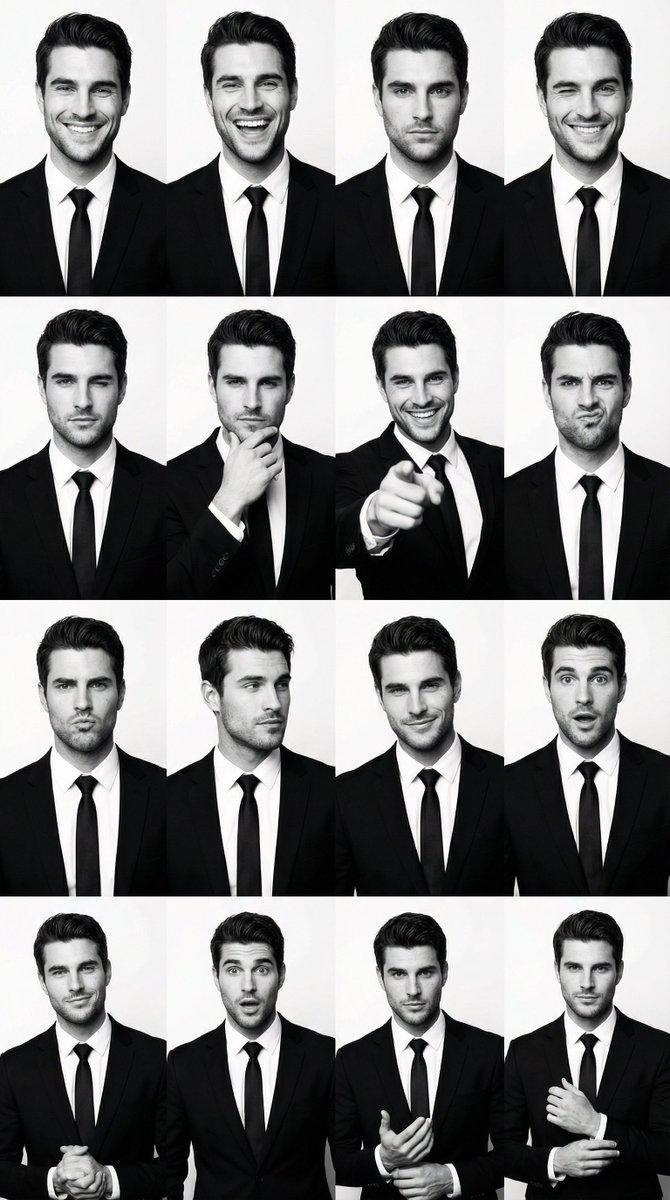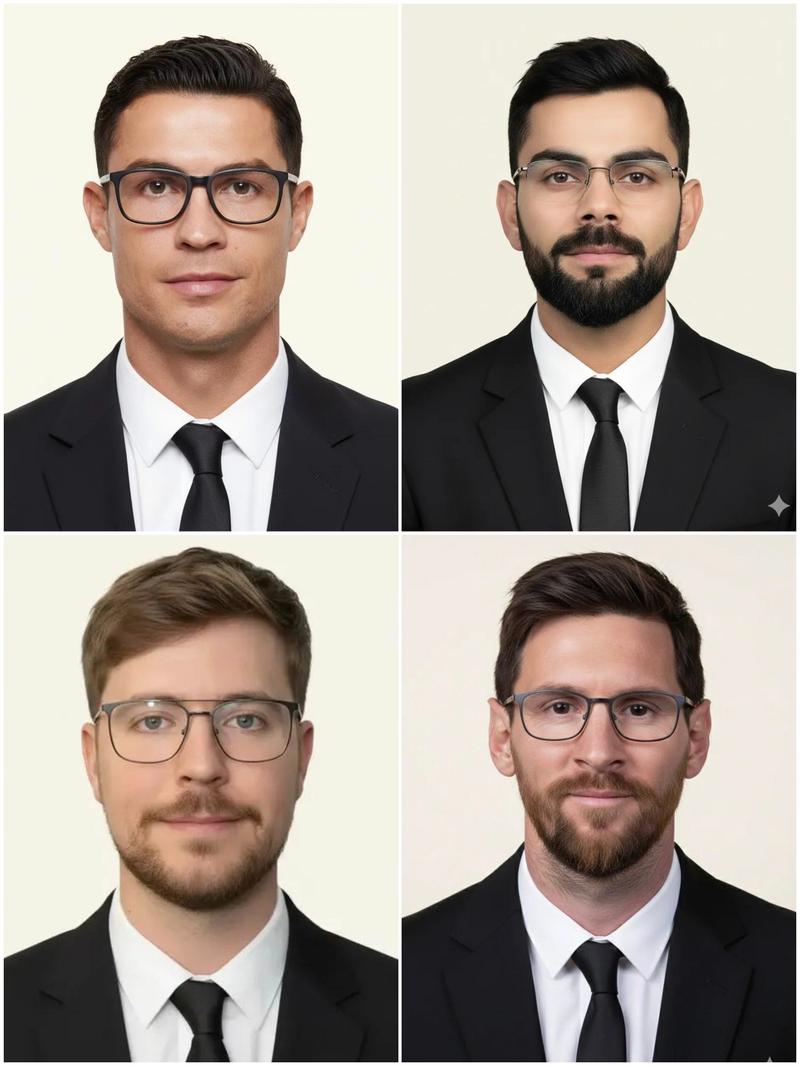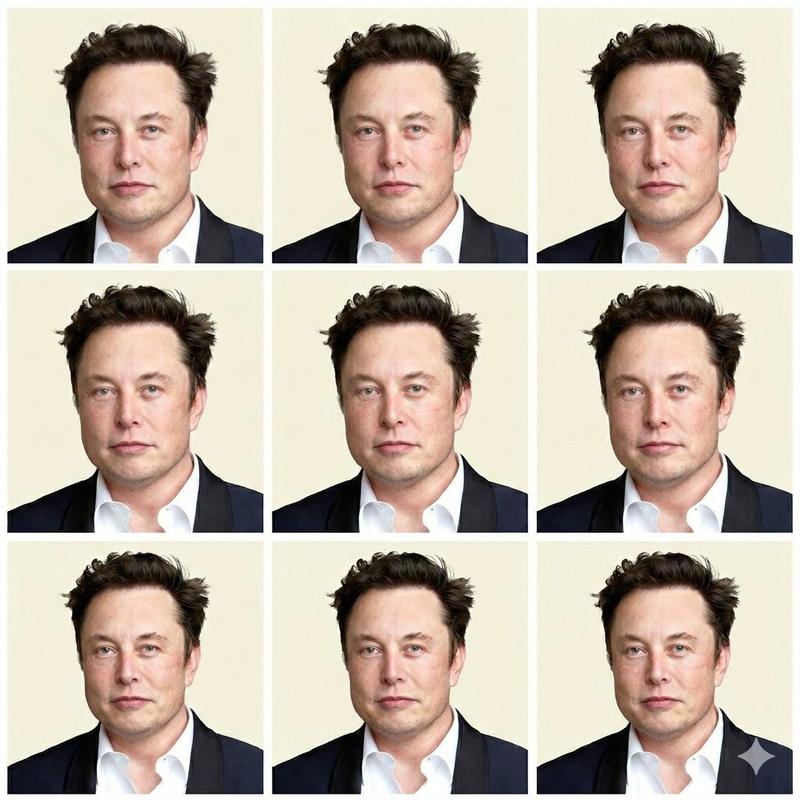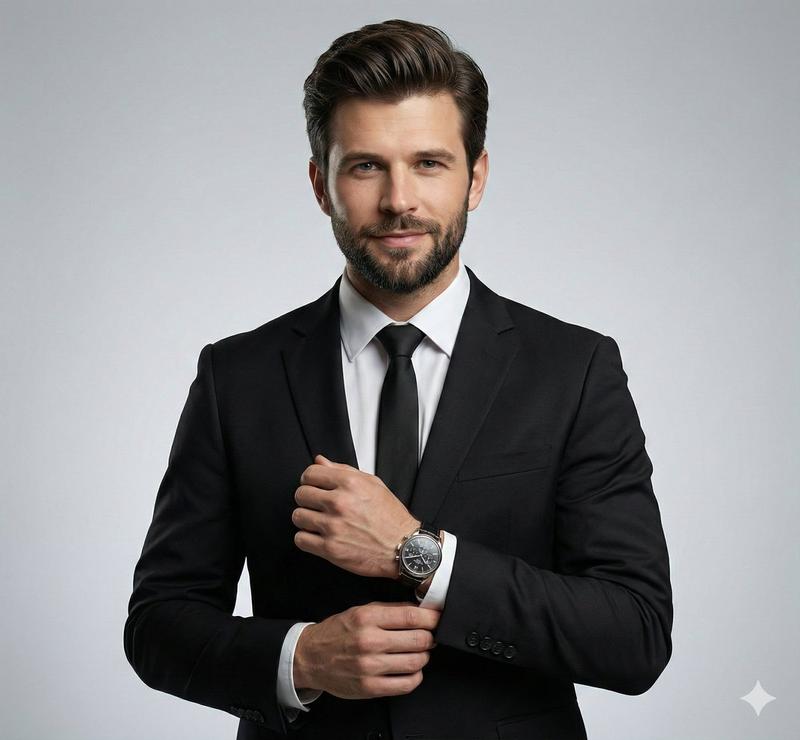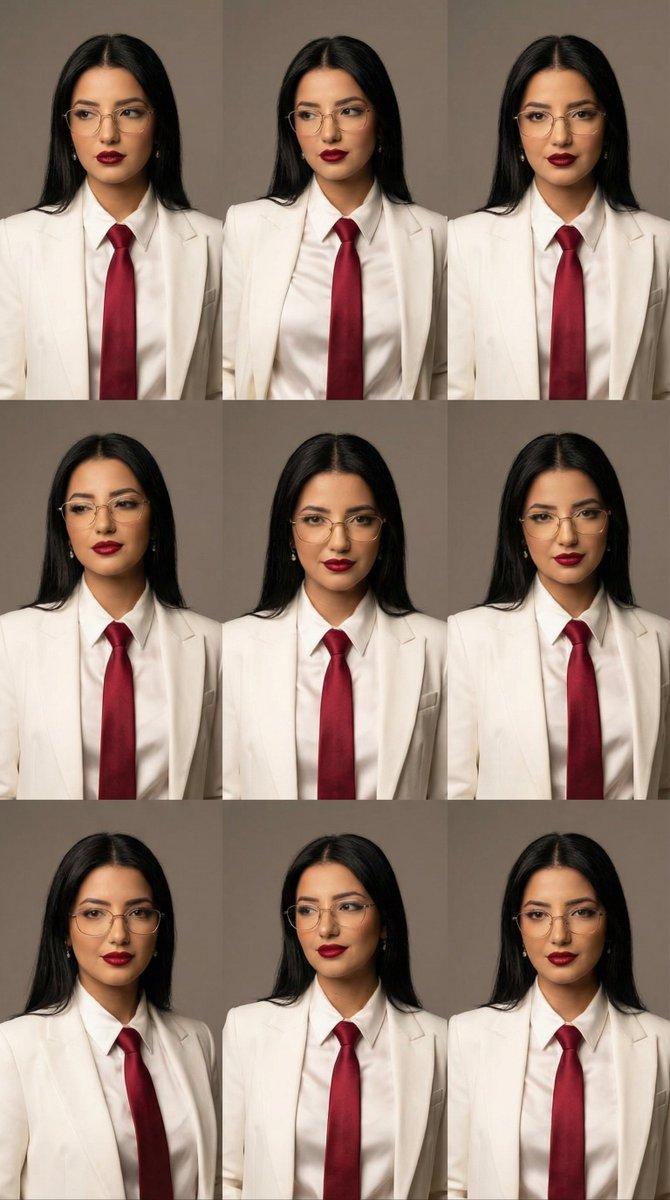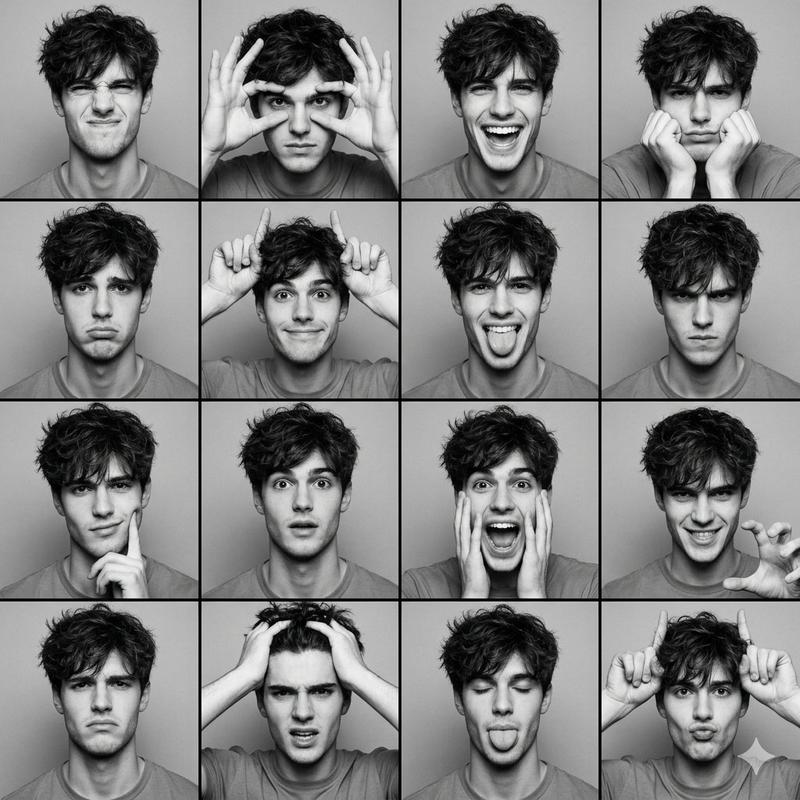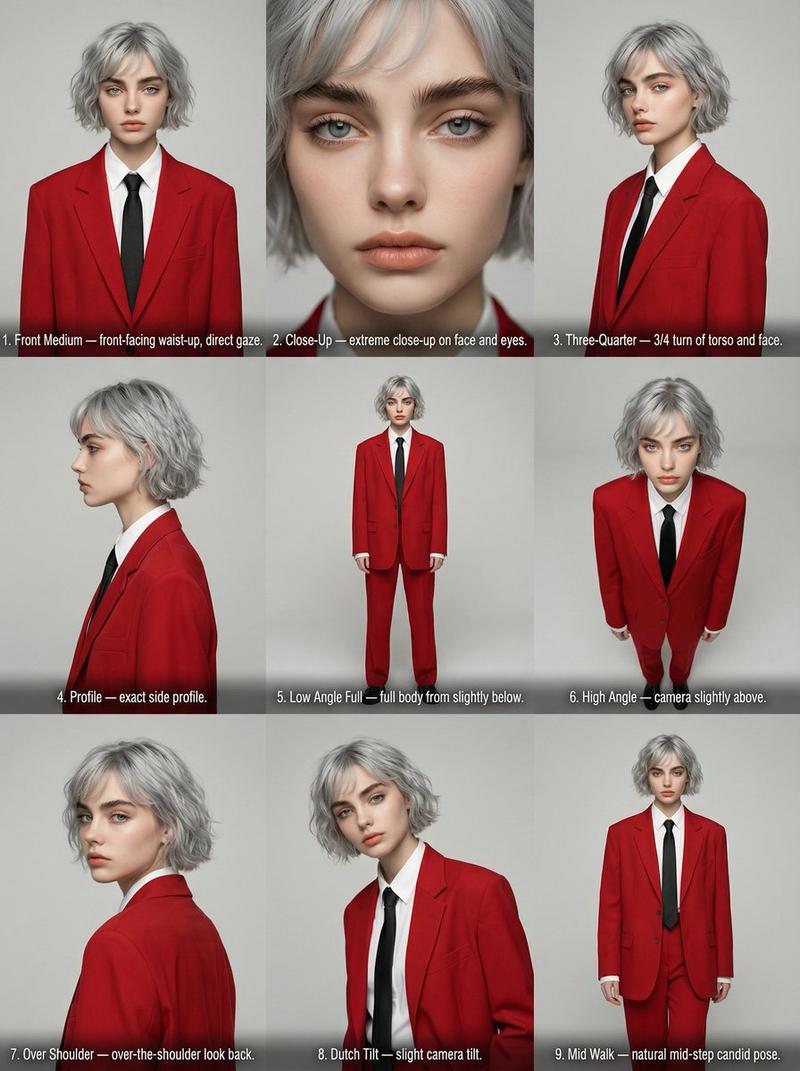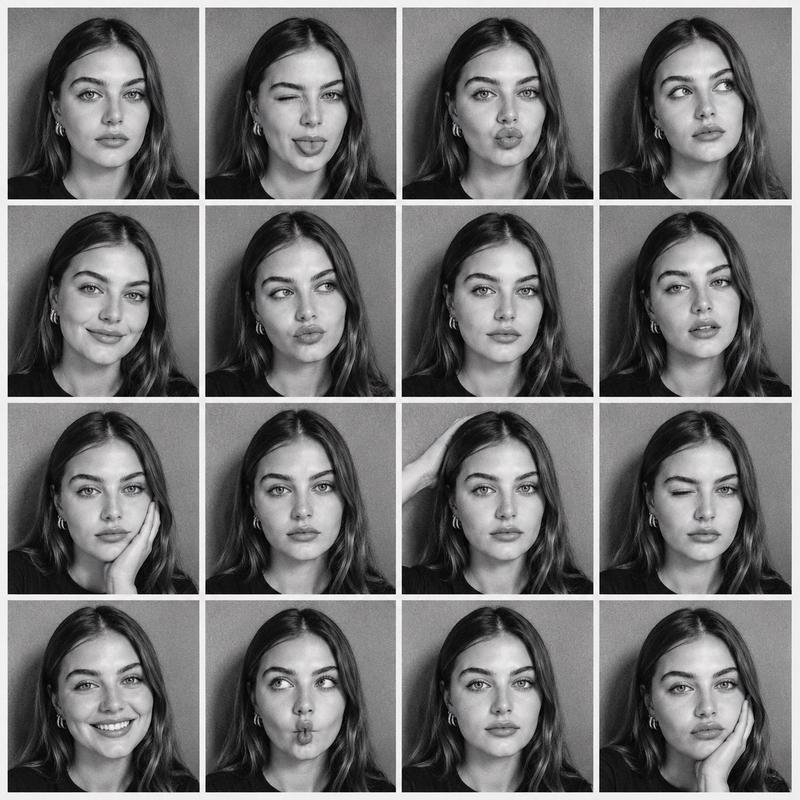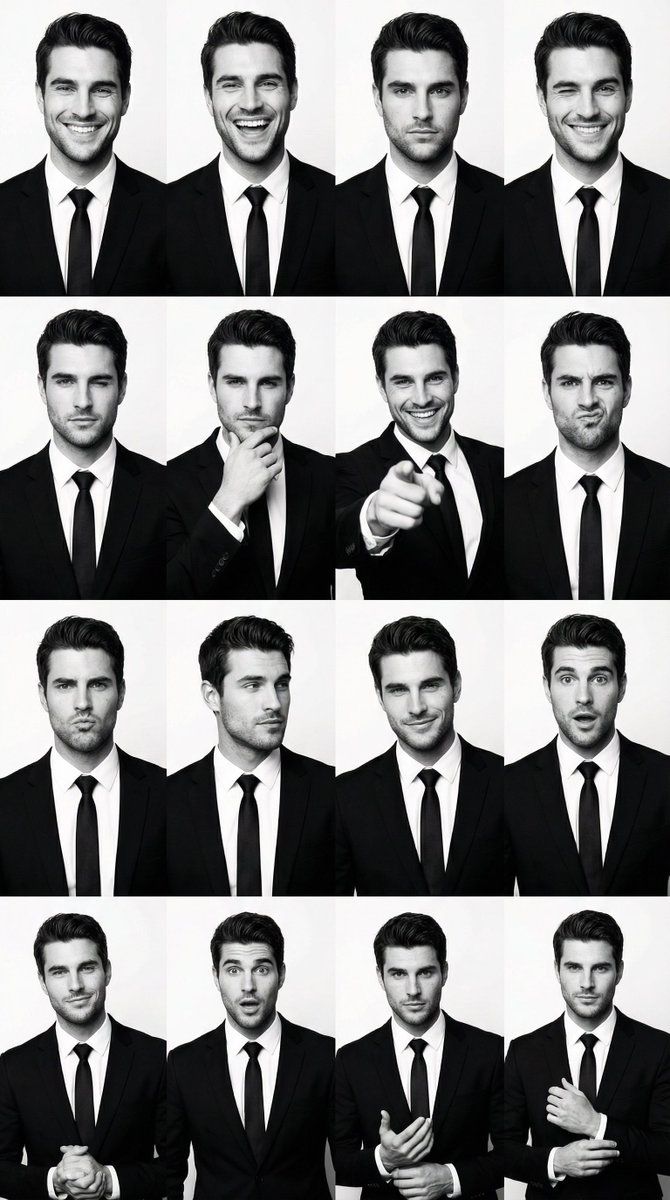
黑白身份互换网格 (4x4)
Prompt
{
  "generation_request": {
    "meta_data": {
      "task_type": "bw_male_expression_grid_identity_swap",
      "language": "en",
      "priority": "highest",
      "version": "v1.0_BW_MALE_GRID_KEEP_POSES_SWAP_IDENTITY"
    },
    "input": {
      "mode": "image_to_image",
      "reference_image_usage": "very_high",
      "preserve_identity": true,
      "preserve_facial_features": true,
      "preserve_hairstyle": true,
      "notes": "PRIMARY STRUCTURE ANCHOR: use the uploaded male 4x4 grid image (suit photobooth). Keep the exact 4x4 layout, crop, spacing, poses, gestures, hand placements, and framing in every panel. PRIMARY IDENTITY ANCHOR: use the uploaded reference photo of the target adult man. Replace the man in ALL panels with the reference identity while preserving the original pose and expression intensity. Keep suit-and-tie styling and clean studio background. Maintain consistent identity across all 16 panels."
    },
    "output": {
      "aspect_ratio": "1:1",
      "resolution": "ultra_high",
      "num_images": 1,
      "layout": {
        "type": "grid",
        "rows": 4,
        "cols": 4,
        "gutter": "thin",
        "panel_consistency": "very_high"
      },
      "sharpness": "crisp_studio",
      "grain": "subtle_analog_bw"
    },
    "scene": {
      "environment": "clean white studio backdrop",
      "lighting": {
        "style": "high-key studio",
        "key_light": "front softbox",
        "fill": "balanced fill",
        "avoid": "dramatic cinematic shadows"
      },
      "camera": {
        "lens": "50mm",
        "framing": "mid chest to head (varies per panel but keep same as structure image)",
        "focus": "eyes sharp"
      }
    },
    "subject": {
      "type": "adult man",
      "wardrobe": "black suit, white shirt, black tie (match structure image), no logos",
      "grooming": "match reference hairstyle as closely as possible while keeping overall look consistent",
      "anatomy_rules": "realistic hands, correct fingers, no distortions"
    },
    "style": {
      "color": "pure black and white",
      "contrast": "medium_high",
      "background": "keep identical to structure image",
      "finish": "clean studio print look"
    },
    "quality_control": {
      "identity_lock": "strict",
      "hands_priority": "very_high",
      "avoid": [
        "extra fingers",
        "missing fingers",
        "deformed hands",
        "warped face",
        "uneven eyes",
        "melted mouth",
        "identity drift across panels",
        "text",
        "watermark",
        "logo"
      ]
    },
    "negative_prompt": [
      "color",
      "sepia",
      "cinematic lighting",
      "blur",
      "low resolution",
      "distorted anatomy",
      "plastic skin",
      "face mismatch"
    ]
  }
}- Category
- 创意图片
- Model
- Nano Banana Pro
- Creator
- Özge Döner
- Source ID
- bfb897e3-7f8f-40e6-8886-e767edbffba7
- Published
- Mar 8, 2026
Views0