17

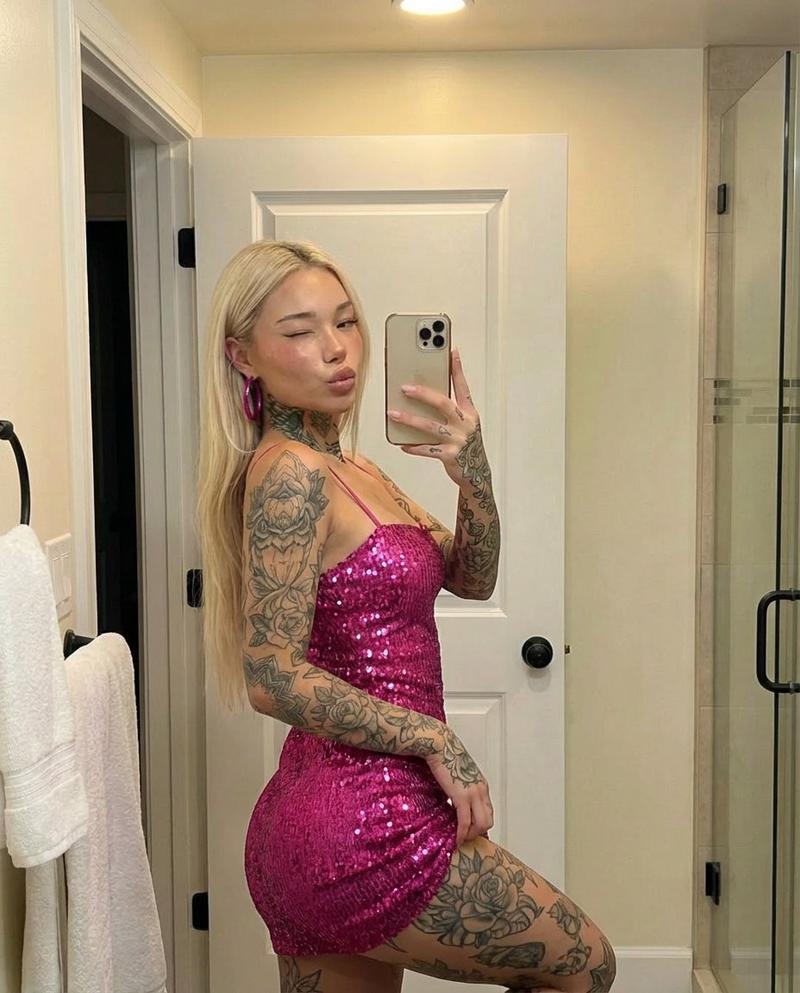
纹身女子镜中自拍提示词
Enlarge

纹身女子镜中自拍提示词

Prompt
{
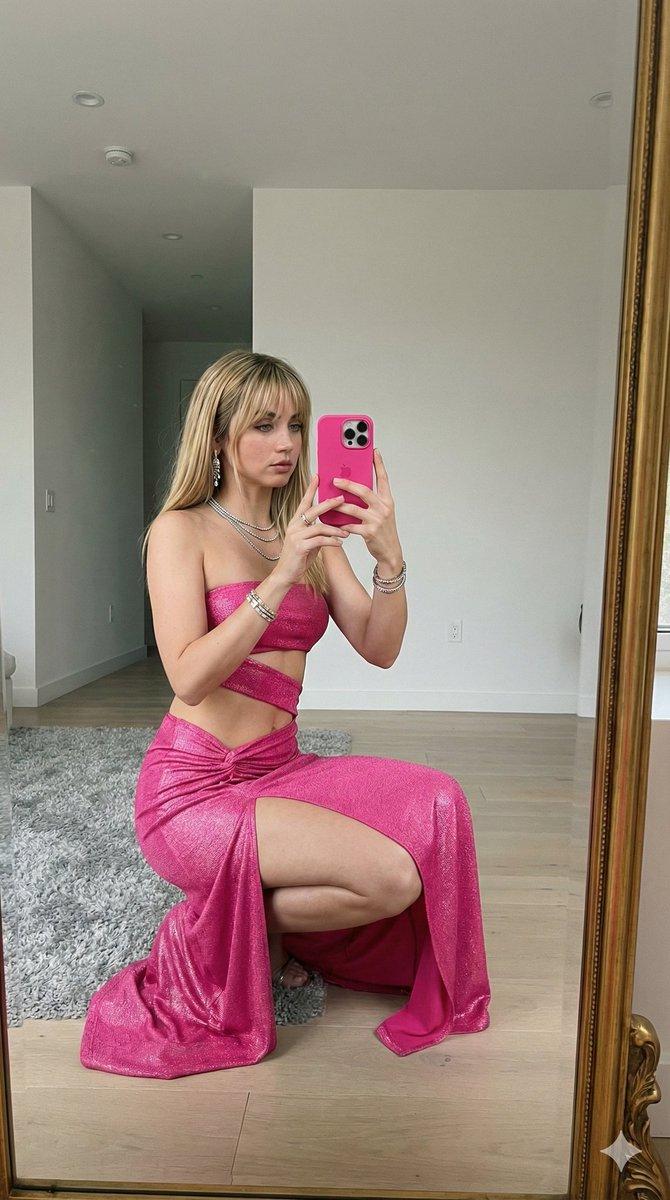
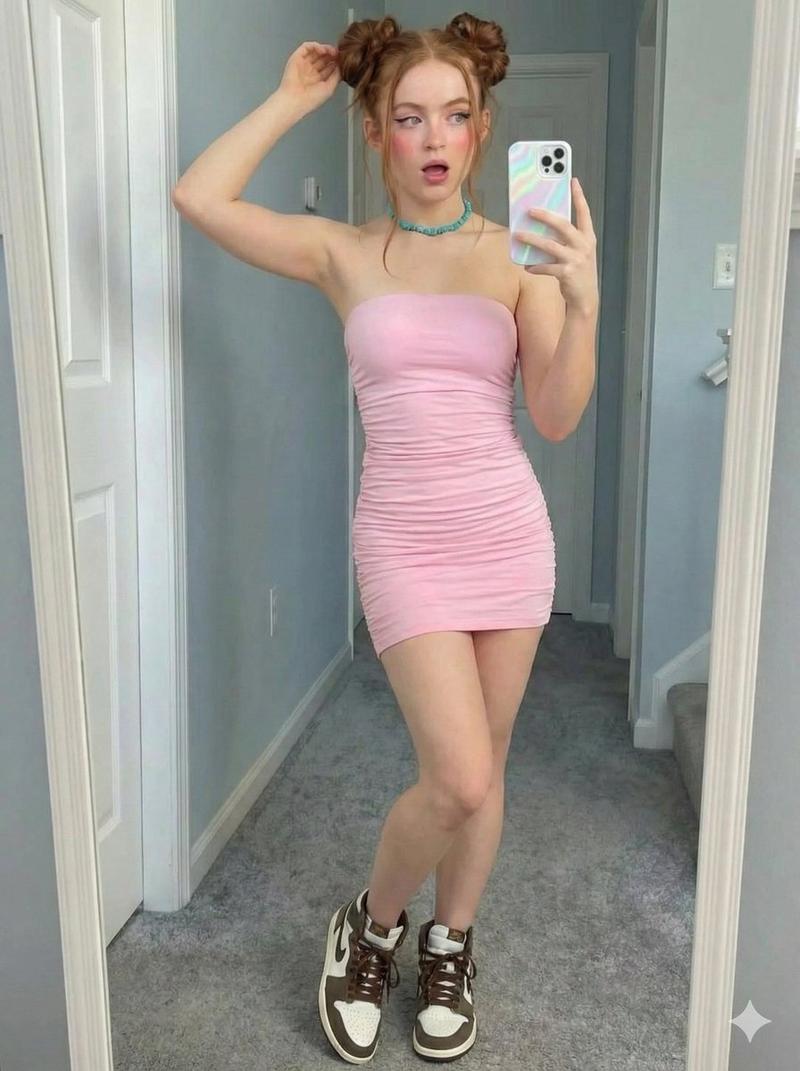
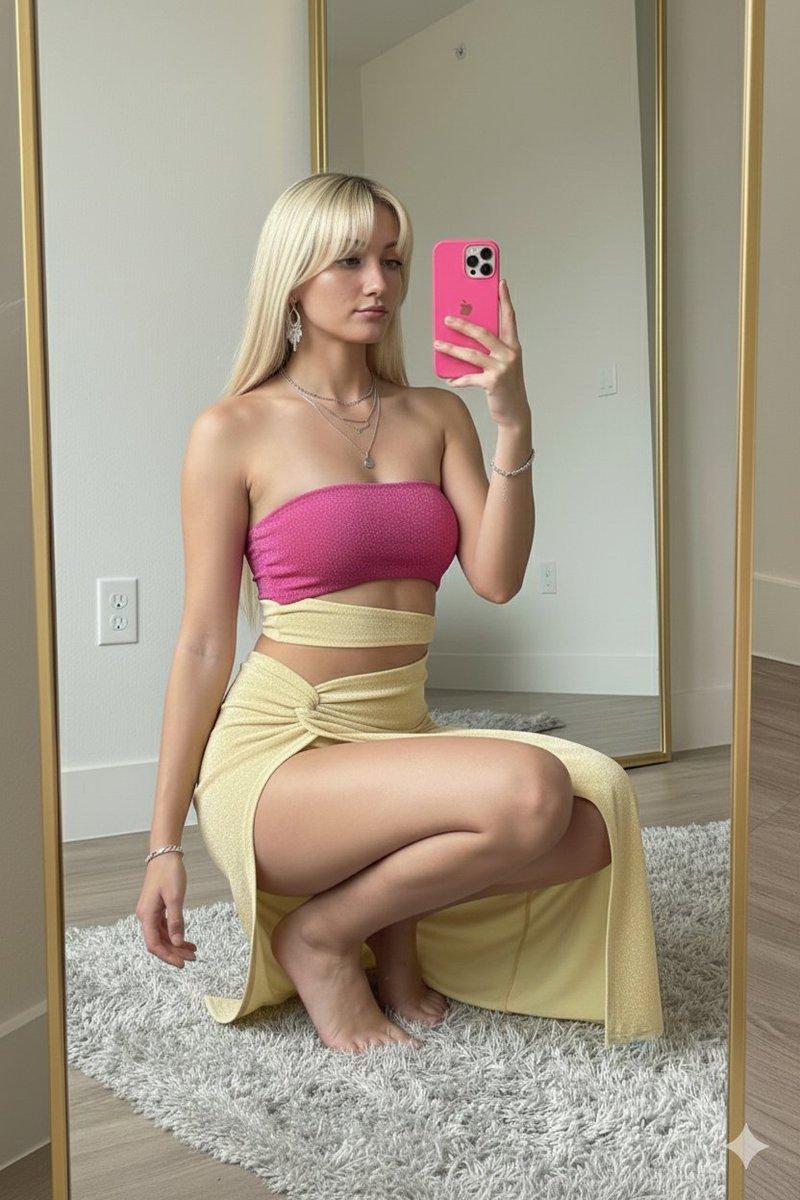
  "prompt": "A mirror selfie of a confident woman with long straight {argument name="hair color" default="platinum blonde"} hair wearing a {argument name="dress color" default="hot pink"} sequin mini dress. She has detailed floral tattoos covering both arms, neck, and thigh. She is posing sideways in a bright modern bathroom with white walls, a glass shower, and soft overhead lighting. She is holding a gold smartphone and winking at the mirror with a playful kiss expression. Glam makeup, glossy lips, hoop earrings, high detail, realistic lighting, sharp focus, 4k.",
  "negative_prompt": "blurry, low resolution, distorted body, bad anatomy, extra fingers, overexposed lighting, messy background",
  "style": "photorealistic, fashion photography, glam aesthetic",
  "camera": "mirror selfie, eye-level angle, slight side pose",
  "lighting": "soft indoor bathroom lighting, even illumination",
  "quality": "high detail, 4k, sharp focus"
}
Category
创意图片
Model
Nano Banana Pro
Views0
Source ID
a3e510de-ec30-4ed7-89a3-b4658a3c2a55
Published
Mar 8, 2026

Guide

About "纹身女子镜中自拍提示词"

What is this prompt for?

"纹身女子镜中自拍提示词" AI image prompt for Nano Banana Pro (创意图片). 一个结构化提示,用于生成一张逼真的镜面自拍,画面中一位自信的女性,身着亮粉色亮片迷你连衣裙,身上有大面积花卉纹身,在明亮的现代浴室中侧身摆姿。 --- ```json { "prompt": "一位自信…

The full copyable prompt and example visuals above are ready for AI image generation or one-click recreate in Picva.

How to use this prompt

  1. Step 1

    Open the prompt detail

    Review the example visuals, category, and full prompt text for "纹身女子镜中自拍提示词".

  2. Step 2

    Copy the prompt

    Copy the prompt body from this page, or load it directly in Studio.

  3. Step 3

    Pick a model (Nano Banana Pro)

    Prefer Nano Banana Pro. If you switch models, keep subject and composition and tweak style terms.

  4. Step 4

    Generate and export

    Recreate the look in Picva, or export into your workflow for editing and publishing.

FAQ

What is the "纹身女子镜中自拍提示词" prompt?
It is an AI image-generation prompt for Nano Banana Pro in the 创意图片 category. This page includes the full prompt text, example visuals, and a one-click recreate path in Picva.
How do I use this prompt to generate an image?
Copy the prompt from this page, or use Generate / Studio. Paste it into a compatible image model, or recreate the look in Picva with optional reference images.
Which model is this prompt for?
This page lists Nano Banana Pro. Most descriptive prompts also transfer to nearby image models such as GPT Image, Flux, or Midjourney with light style tweaks.
Can I use the result commercially?
You can usually copy the prompt for creation, but commercial use of the final image depends on the model terms, reference-image rights, and the generated content. Follow the source author and platform rules.