18

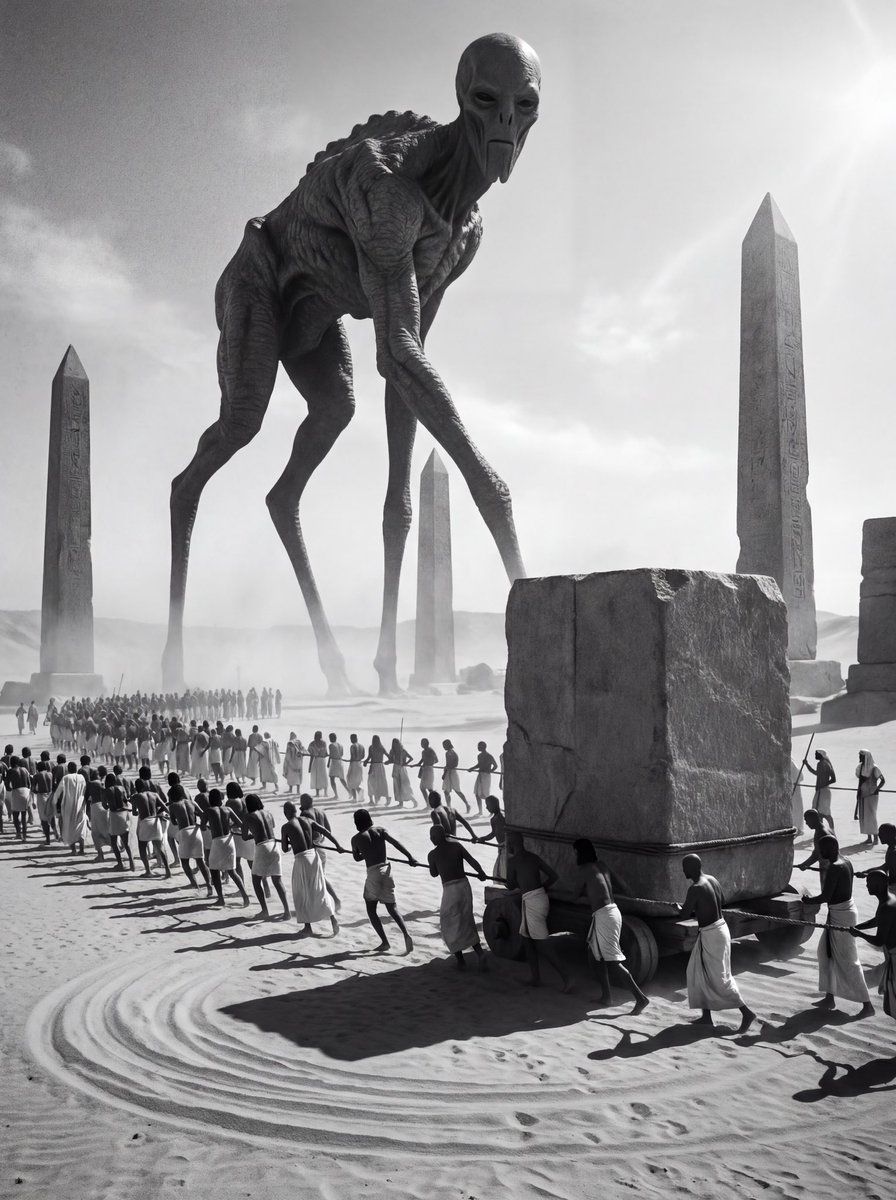
古埃及祭祀外星实体提示
Enlarge

古埃及祭祀外星实体提示

Prompt
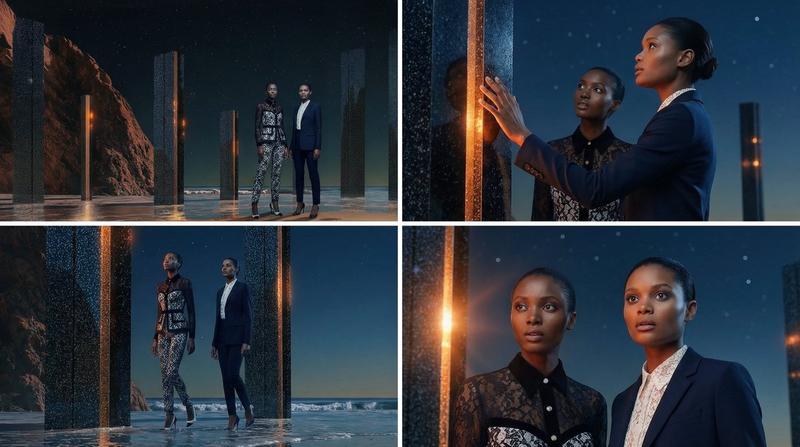
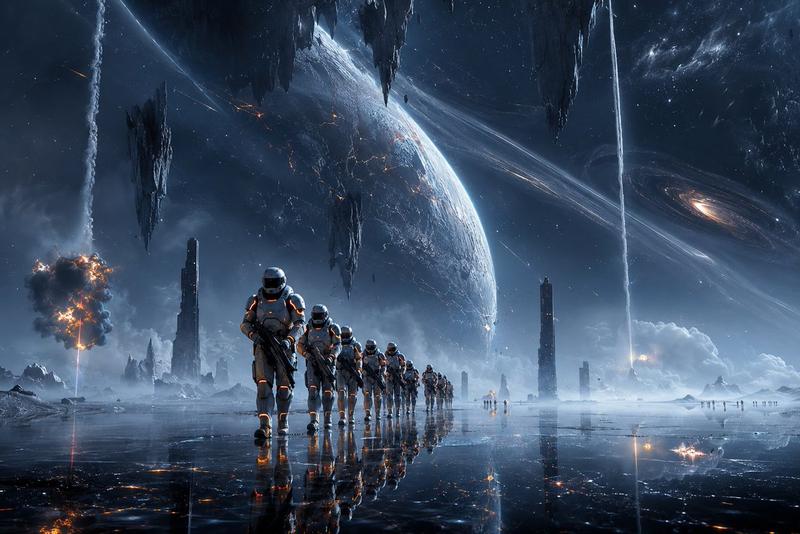
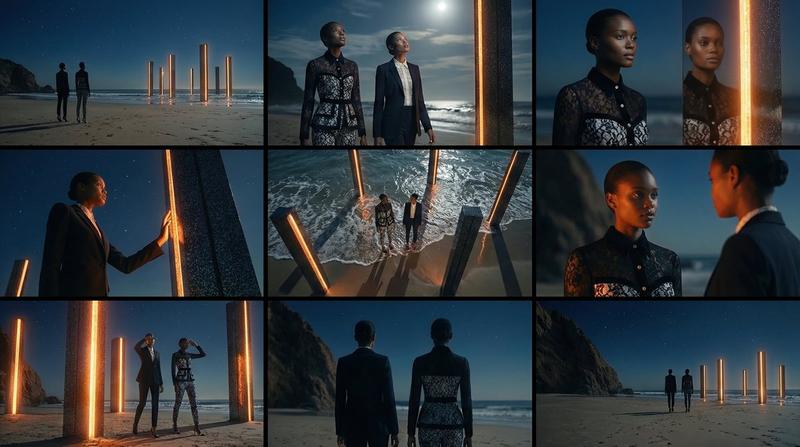
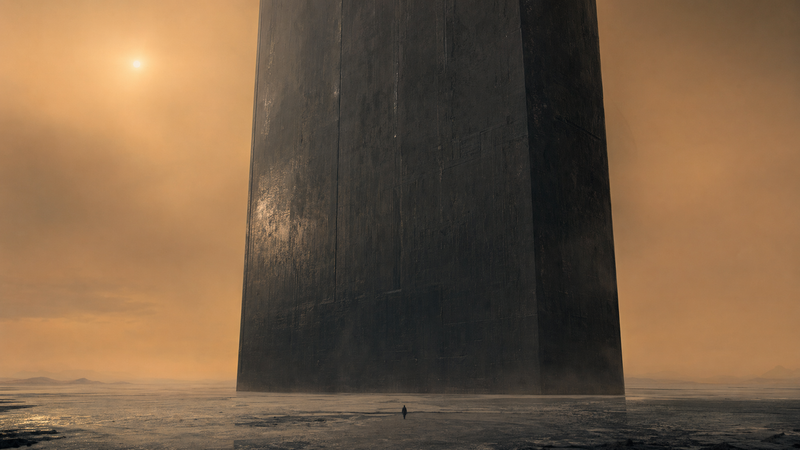
Monochrome ritualistic scene set in ancient Egypt, a ceremonial procession of ancient Egyptian people moving a massive square stone block as part of a sacred rite, bodies arranged in deliberate patterns, synchronized movements, sand disturbed like ritual markings. A gigantic alien entity presides over the scene like an ancient god. Its skin is thick and cracked like elephant hide, aged and primordial; its legs are impossibly thin and unnaturally long like a deer’s, elevating its body into an inhuman silhouette. The face is deeply unsettling, elongated and expressionless, evoking Anunnaki-like beings and forgotten star gods. The alien radiates silent authority, worshipped rather than feared. High-contrast lighting, deep shadows, sacred geometry in composition, mythological atmosphere, surreal historical ritual, solemn and ominous mood, timeless and forbidden
Category
创意图片
Model
Nano Banana Pro
Creator
iX
Views0
Source ID
a363b31f-c100-4d2a-b394-17e71f2b3447
Published
Mar 8, 2026

Guide

About "古埃及祭祀外星实体提示"

What is this prompt for?

"古埃及祭祀外星实体提示" AI image prompt for Nano Banana Pro (创意图片). 一个用于 Nano Banana Pro 的详细英文提示,用于生成一张图片,然后该图片在 Higgsfield Cinema Studio 2.0 中被用于制作视频。该提示描述了一个古埃及的单色、仪式性…

The full copyable prompt and example visuals above are ready for AI image generation or one-click recreate in Picva.

How to use this prompt

  1. Step 1

    Open the prompt detail

    Review the example visuals, category, and full prompt text for "古埃及祭祀外星实体提示".

  2. Step 2

    Copy the prompt

    Copy the prompt body from this page, or load it directly in Studio.

  3. Step 3

    Pick a model (Nano Banana Pro)

    Prefer Nano Banana Pro. If you switch models, keep subject and composition and tweak style terms.

  4. Step 4

    Generate and export

    Recreate the look in Picva, or export into your workflow for editing and publishing.

FAQ

What is the "古埃及祭祀外星实体提示" prompt?
It is an AI image-generation prompt for Nano Banana Pro in the 创意图片 category. This page includes the full prompt text, example visuals, and a one-click recreate path in Picva.
How do I use this prompt to generate an image?
Copy the prompt from this page, or use Generate / Studio. Paste it into a compatible image model, or recreate the look in Picva with optional reference images.
Which model is this prompt for?
This page lists Nano Banana Pro. Most descriptive prompts also transfer to nearby image models such as GPT Image, Flux, or Midjourney with light style tweaks.
Can I use the result commercially?
You can usually copy the prompt for creation, but commercial use of the final image depends on the model terms, reference-image rights, and the generated content. Follow the source author and platform rules.