19

逼真的影棚肖像,同时保留身份特征
Enlarge

逼真的影棚肖像,同时保留身份特征

Prompt
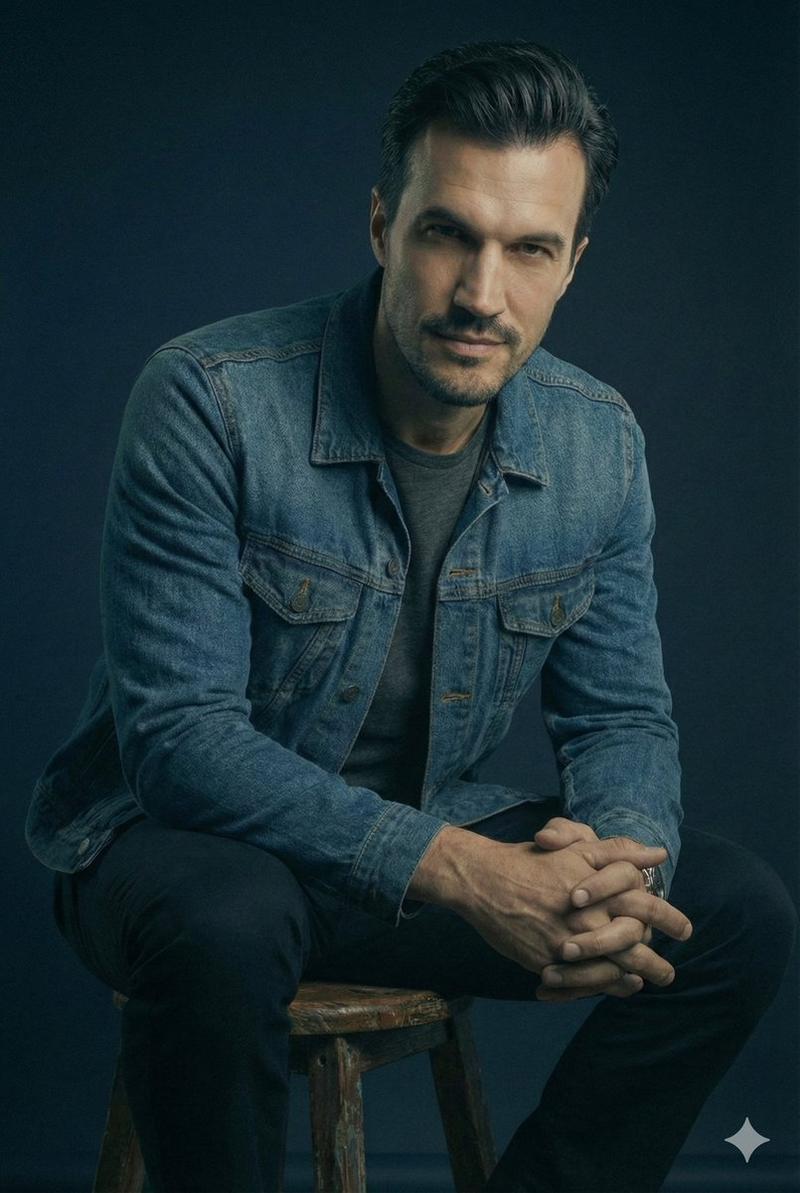
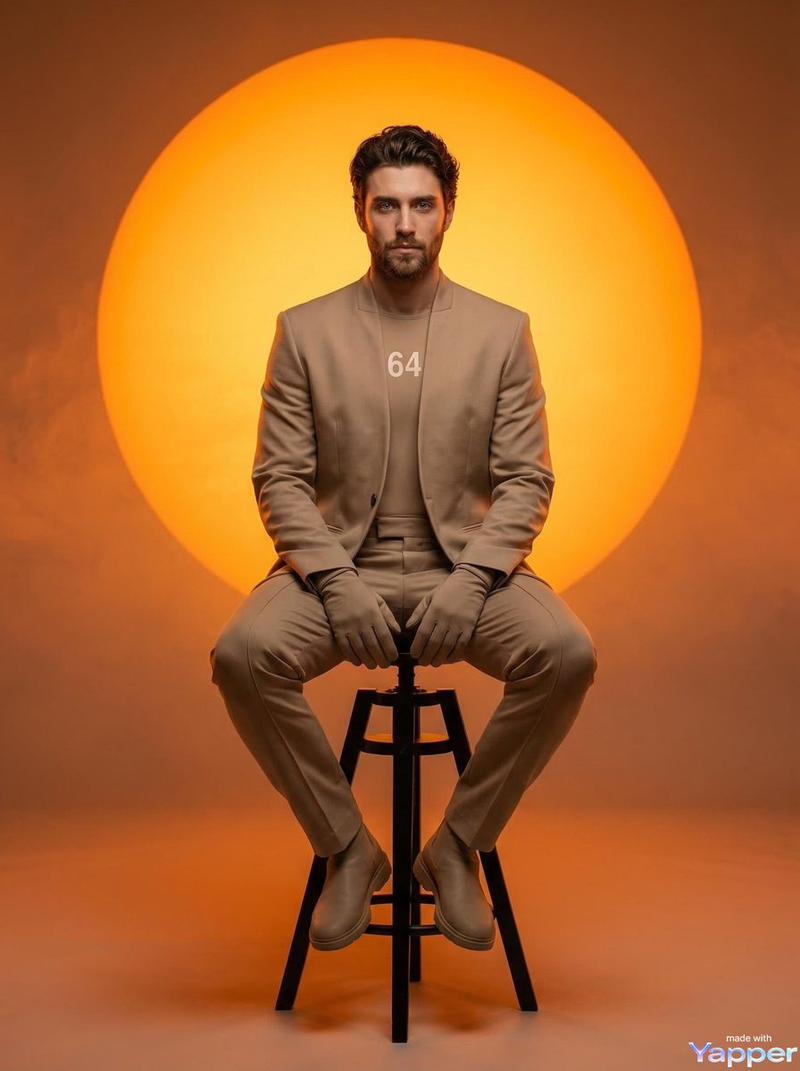
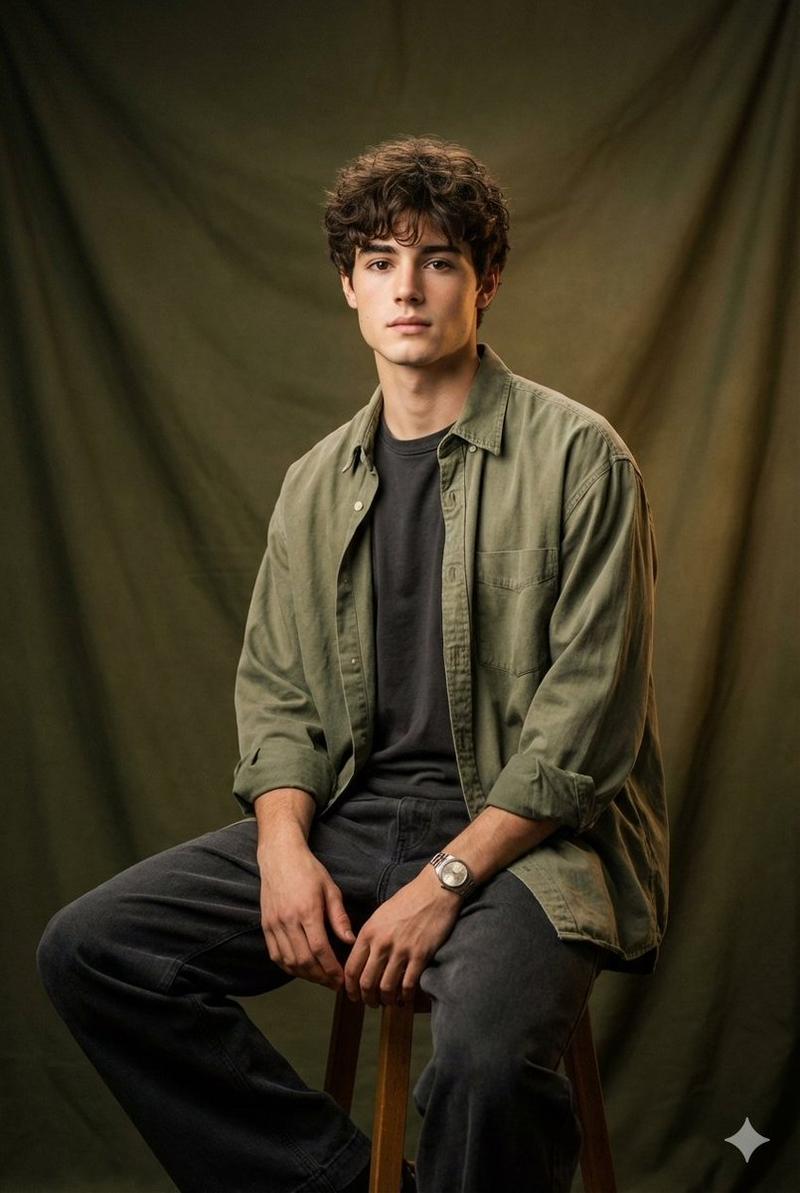
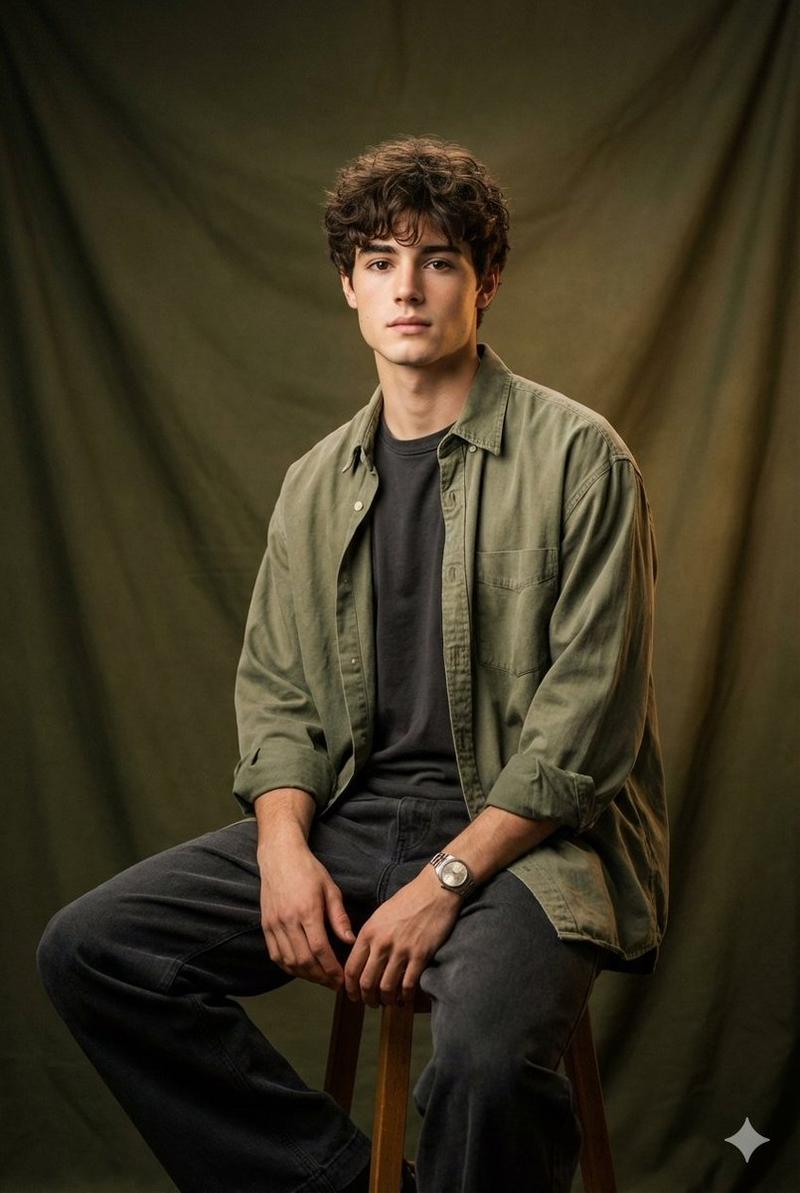
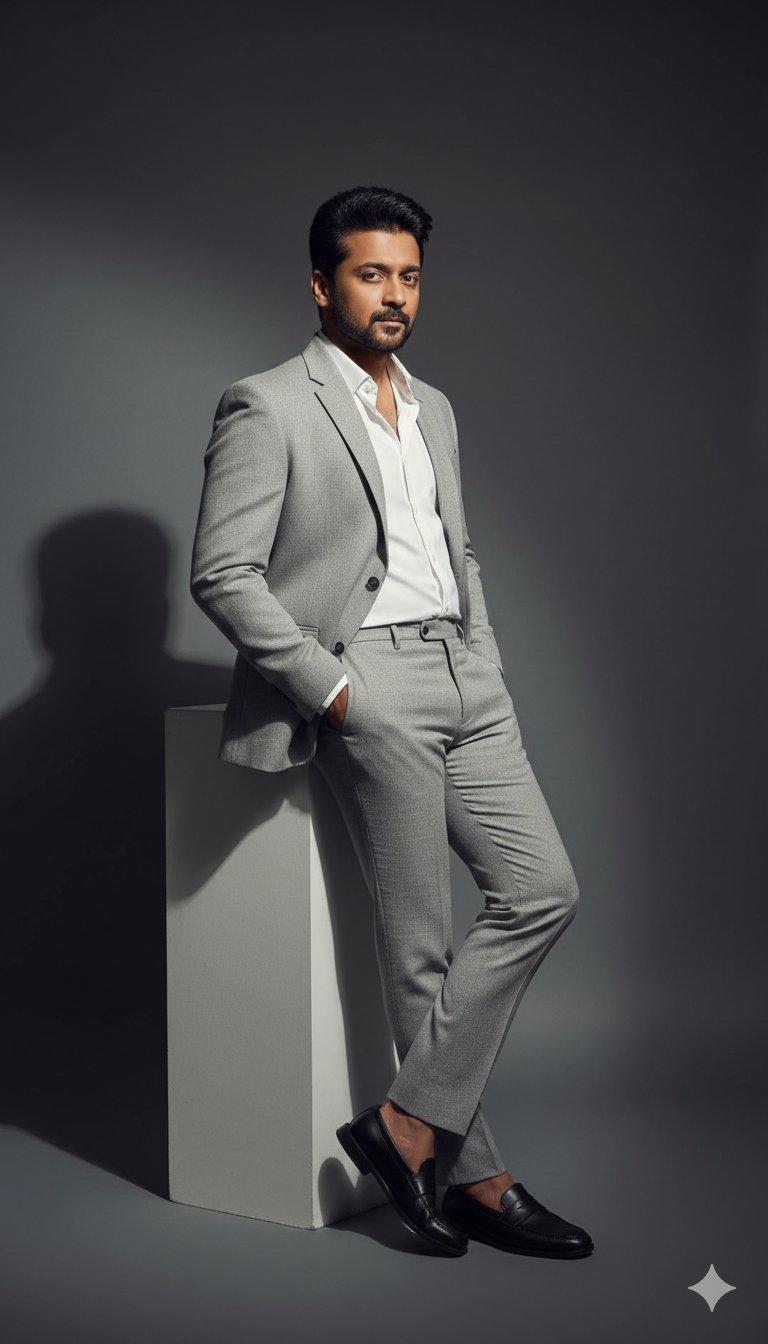
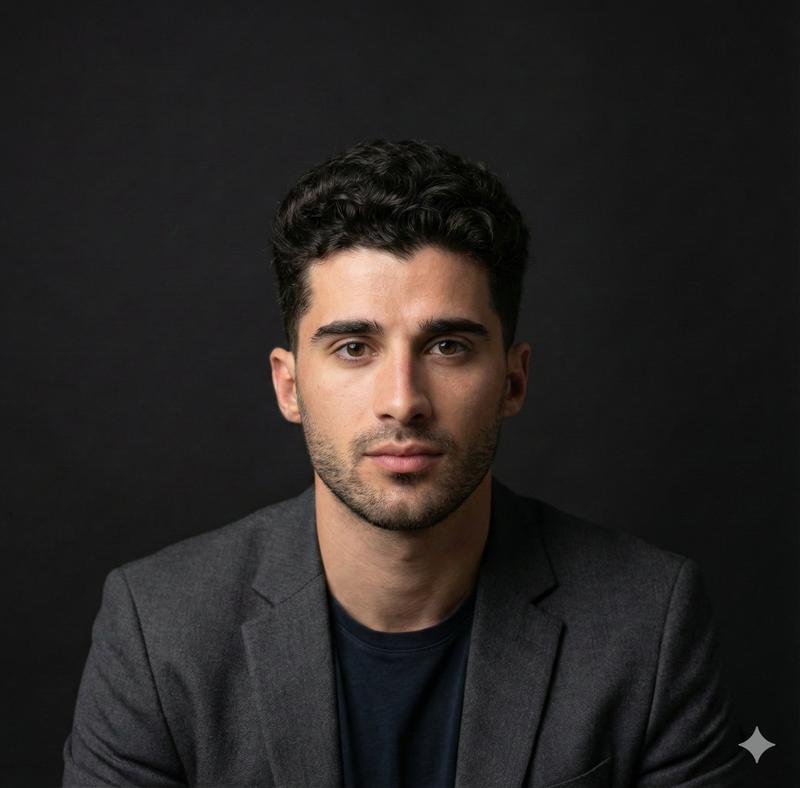
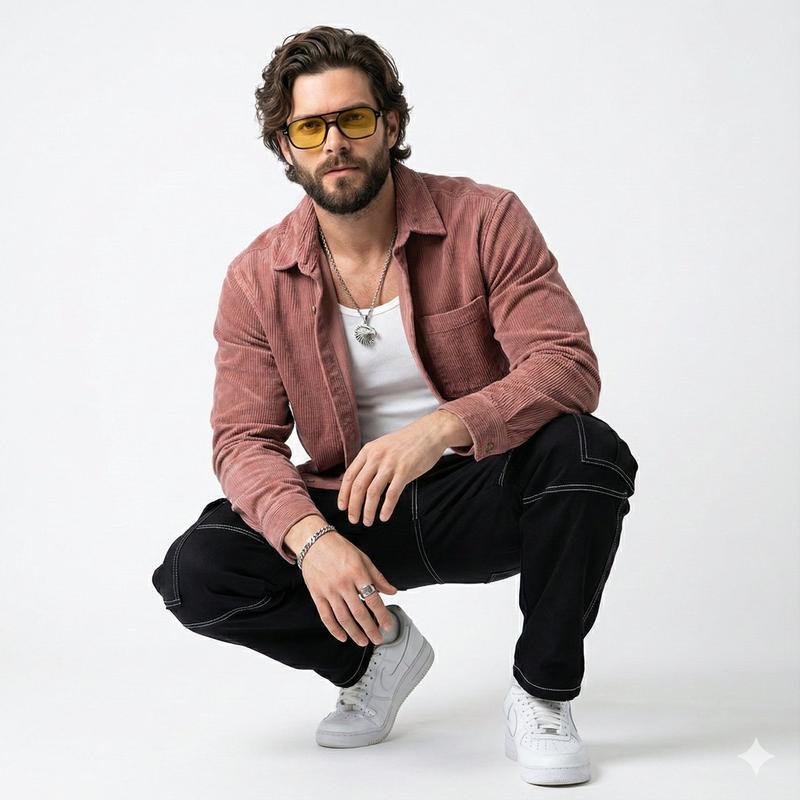
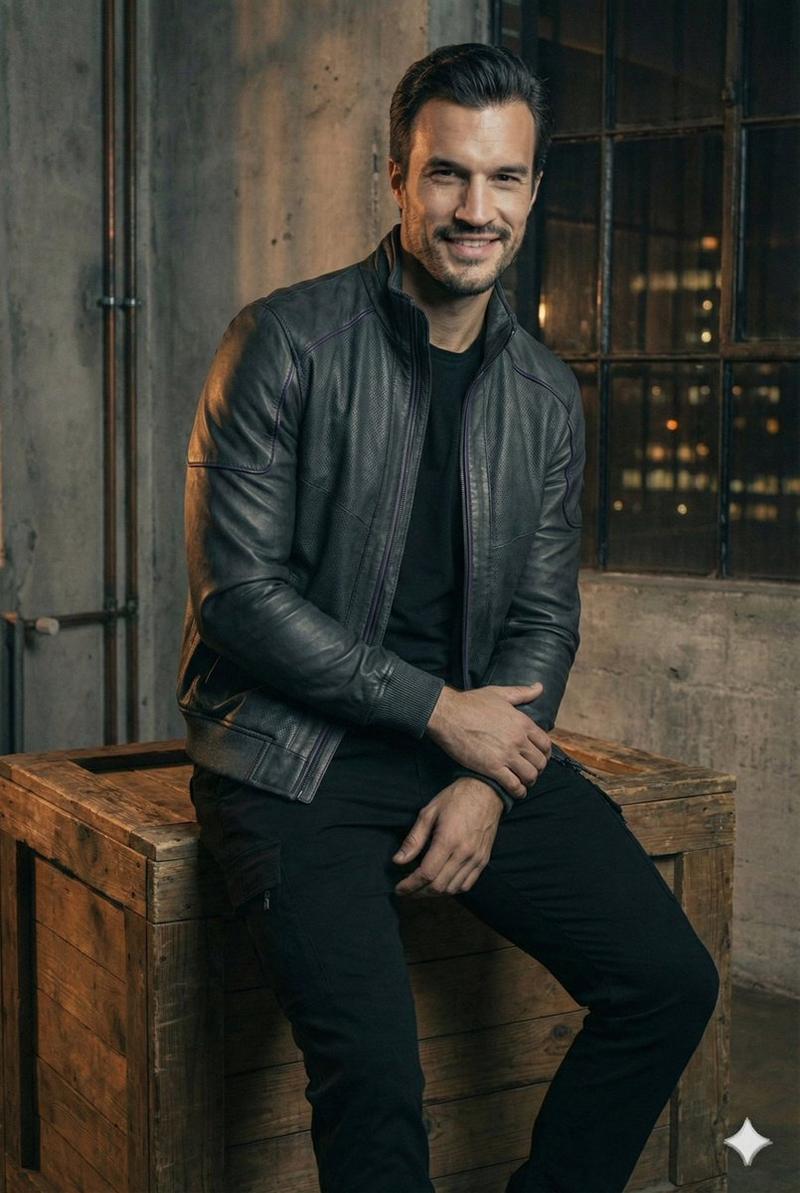
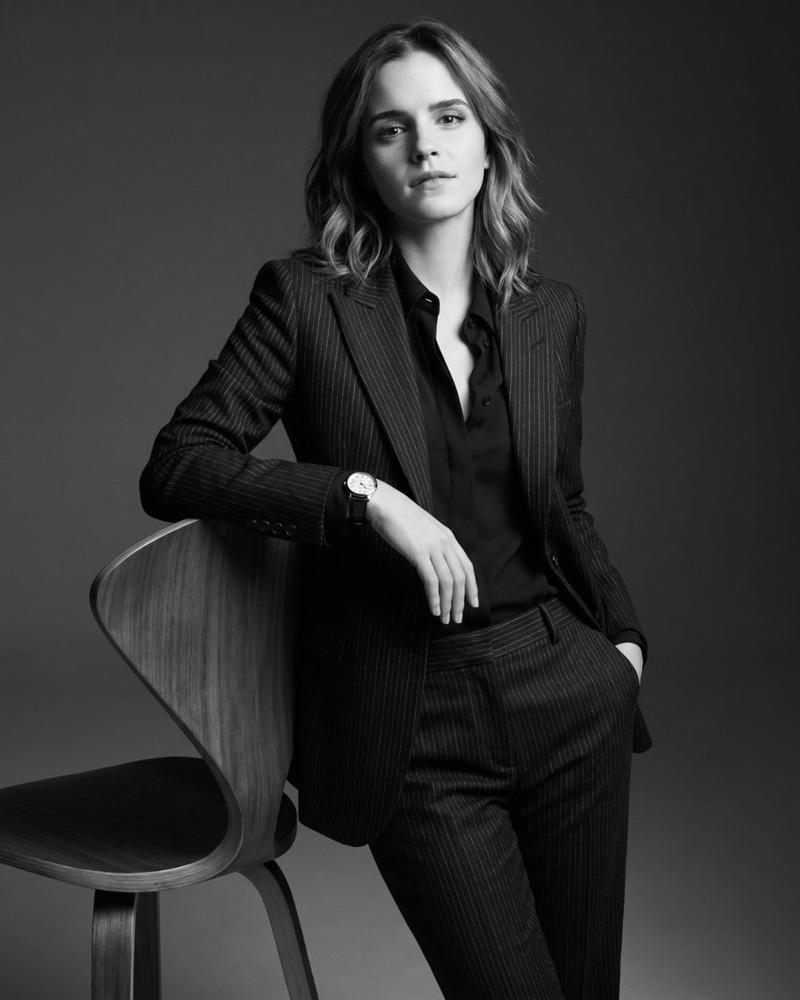
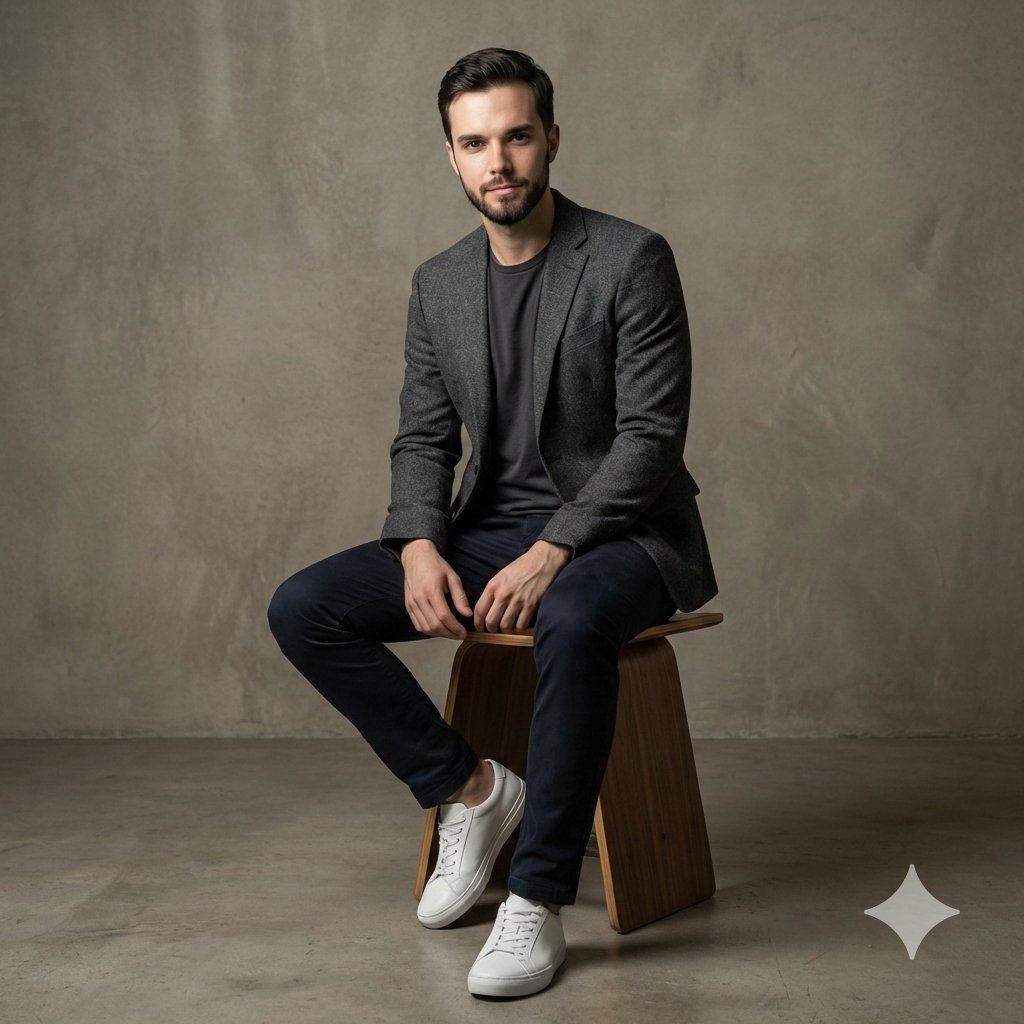
Photorealistic studio portrait of the same man as the reference, preserving his facial features, proportions, and overall likeness. He poses with relaxed confidence, shifting his weight slightly and maintaining a natural, self-assured stance.
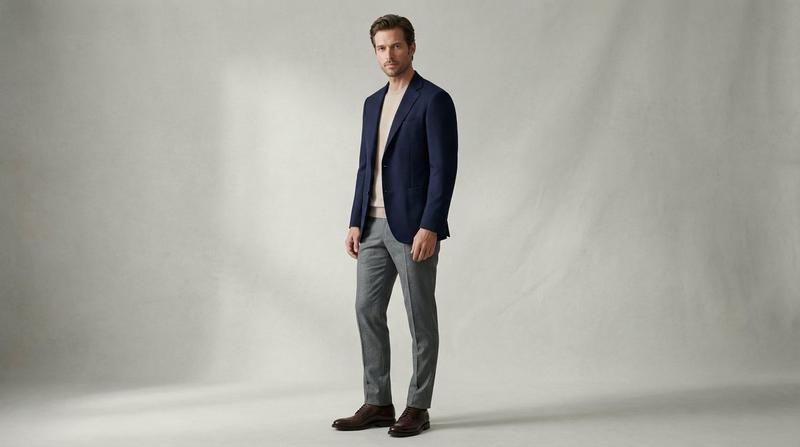
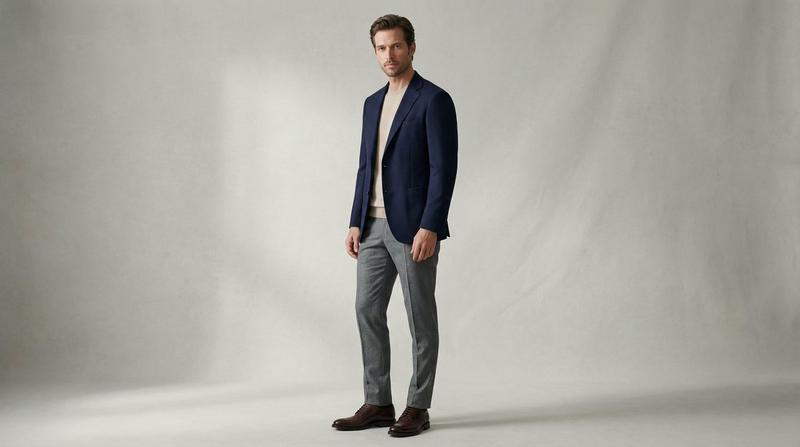
He wears a different modern casual outfit, a textured knit sweater or lightweight hoodie layered under a structured bomber or denim jacket, slim-fit chinos, and clean leather sneakers or casual boots. The styling feels contemporary, comfortable, and effortlessly stylish.
Captured in a modern studio environment with a matte charcoal or soft concrete backdrop. Lighting is minimal yet refined: a directional side key light with a subtle rim light to define the silhouette, creating depth and separation while keeping full focus on the subject. Soft shadows add dimension without distracting from the face.
Ultra-sharp focus on the subject, shallow depth of field, realistic skin texture, visible fabric weave and layering, editorial lifestyle photography aesthetic, high contrast with soft tonal transitions, ultra-realistic, high resolution.
Negative prompt (optional): busy background, over-stylized fashion, harsh facial shadows, blur, distortion, extra limbs, unrealistic skin, glossy plastic texture, cartoon style.
Category
创意图片
Model
Nano Banana Pro
Creator
Johnn
Views0
Source ID
33249b33-6186-427d-804d-cfb91aca1a52
Published
Mar 8, 2026

Guide

About "逼真的影棚肖像,同时保留身份特征"

What is this prompt for?

"逼真的影棚肖像,同时保留身份特征" AI image prompt for Nano Banana Pro (创意图片). 一个详细的提示,用于使用 Google Nano Banana Pro 生成一张逼真的影棚肖像,重点在于在更新拍摄对象的服装并保持特定的高对比度照明设置以营造编辑美学的同时,保留拍摄对象的面部…

The full copyable prompt and example visuals above are ready for AI image generation or one-click recreate in Picva.

How to use this prompt

  1. Step 1

    Open the prompt detail

    Review the example visuals, category, and full prompt text for "逼真的影棚肖像,同时保留身份特征".

  2. Step 2

    Copy the prompt

    Copy the prompt body from this page, or load it directly in Studio.

  3. Step 3

    Pick a model (Nano Banana Pro)

    Prefer Nano Banana Pro. If you switch models, keep subject and composition and tweak style terms.

  4. Step 4

    Generate and export

    Recreate the look in Picva, or export into your workflow for editing and publishing.

FAQ

What is the "逼真的影棚肖像,同时保留身份特征" prompt?
It is an AI image-generation prompt for Nano Banana Pro in the 创意图片 category. This page includes the full prompt text, example visuals, and a one-click recreate path in Picva.
How do I use this prompt to generate an image?
Copy the prompt from this page, or use Generate / Studio. Paste it into a compatible image model, or recreate the look in Picva with optional reference images.
Which model is this prompt for?
This page lists Nano Banana Pro. Most descriptive prompts also transfer to nearby image models such as GPT Image, Flux, or Midjourney with light style tweaks.
Can I use the result commercially?
You can usually copy the prompt for creation, but commercial use of the final image depends on the model terms, reference-image rights, and the generated content. Follow the source author and platform rules.