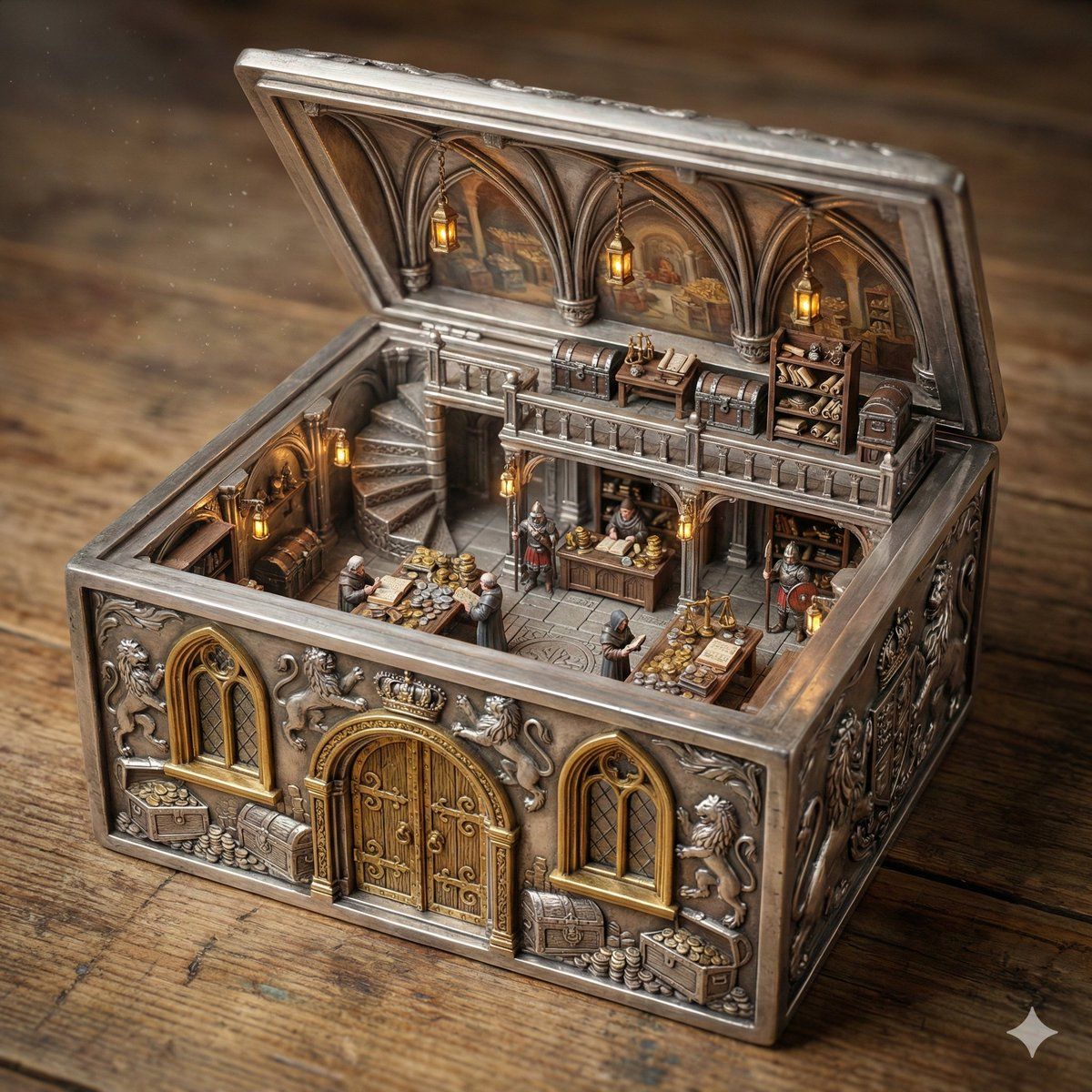
皇家金库点钞室华丽盒式立体模型
Prompt
ORNATE BOX DIORAMA — TRI-LAYER MASTER PROMPT (HARD FRONT-RIGHT ISOMETRIC)
THEME_LOCATION = Royal Treasury Counting Room
BOX_VARIABLE = Silver
DOOR_MATERIAL = Gold
WINDOW_MATERIAL = Gold
WINDOW_PANE_MATERIAL =
FLOOR_MATERIAL =
STAIRCASE_TYPE = Spiral
STAIRCASE_MATERIAL = Silver
MEZZANINE_FLOOR_MATERIAL = Silver
DIORAMA_LIGHTING =
========================
LAYER 1 — PHYSICAL GEOMETRY (HIGHEST PRIORITY)
The ornate antique box is a solid rigid container transformed into architecture.
If BOX_VARIABLE is specified, the entire container and its carved architectural
structure must be made from that material.
If BOX_VARIABLE is empty, infer logically from THEME_LOCATION.
The full outer shell must remain intact on all sides.
No removed walls.
No dollhouse cutaway.
FRONT FACADE LOCK:
The FRONT SIDE must contain:
• exactly ONE centered door
• exactly TWO windows
• one window left of the door
• one window right of the door
Openings must be carved THROUGH the existing wall.
Apply DOOR_MATERIAL / WINDOW_MATERIAL / WINDOW_PANE_MATERIAL
if specified, otherwise infer logically.
Front wall must remain structurally thick and complete.
ORNAMENTAL DEPTH CONTINUITY LOCK:
All carvings must continue through wall thickness.
Frames must appear carved from the same solid material.
Interior walls share identical structural thickness.
The lid must match base width and length and be hinge-connected.
========================
LAYER 2 — SCENE LOGIC
Create a two-level miniature THEME_LOCATION fully integrated
into the container.
Use FLOOR_MATERIAL / STAIRCASE_TYPE / STAIRCASE_MATERIAL /
MEZZANINE_FLOOR_MATERIAL if specified, otherwise infer logically.
Upper level attaches directly to container walls.
The inside of the lid functions as the vaulted ceiling.
All props, materials, and architecture must match THEME_LOCATION.
========================
LAYER 3 — RENDER & CAMERA
Ultra-realistic cinematic miniature diorama photography.
Use DIORAMA_LIGHTING if specified.
========================
HARD FRONT-RIGHT ISOMETRIC CAMERA SYSTEM
CORNER ANCHOR RULE:
The FRONT-RIGHT TOP CORNER of the box must be the closest point to the viewer.
WALL VISIBILITY RATIO RULE:
The front wall must occupy slightly more visible area than the right wall.
Approximate visual dominance:
• front wall ≈ 60% visibility
• right wall ≈ 40% visibility
Both must be clearly visible simultaneously.
RIM OCCLUSION RULE:
Camera must remain above the front wall rim.
The top edge of the front wall must overlap a small portion of the interior floor.
Interior must be seen OVER the wall, never through a missing wall.
FORBIDDEN CAMERA POSITIONS:
Do NOT center the camera on the front wall.
Do NOT use a straight frontal view.
Do NOT use a top-down view.
Do NOT prioritize interior visibility over box geometry.
COMPOSITION TARGET:
The image must resemble a professionally photographed miniature collectible
box viewed from a stable elevated front
- Category
- 创意图片
- Model
- Nano Banana Pro
- Creator
- Artingent
- Source ID
- 3781993a-d77e-4b8e-894e-0da94da090bf
- Published
- Mar 8, 2026
Views0
















