19

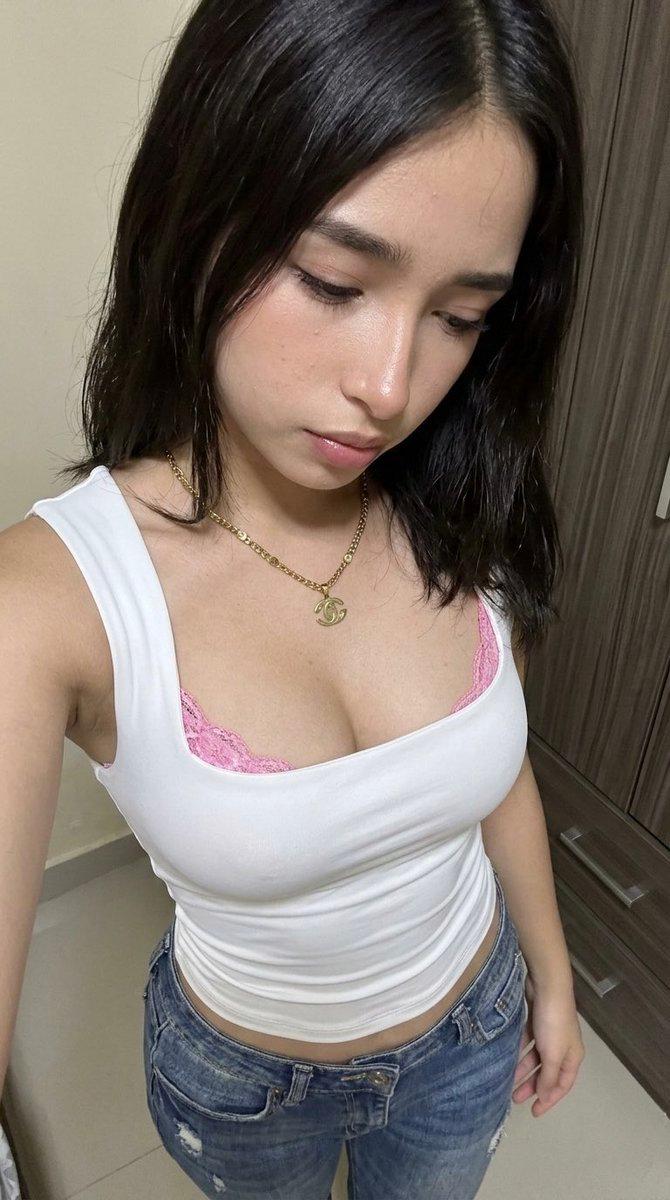
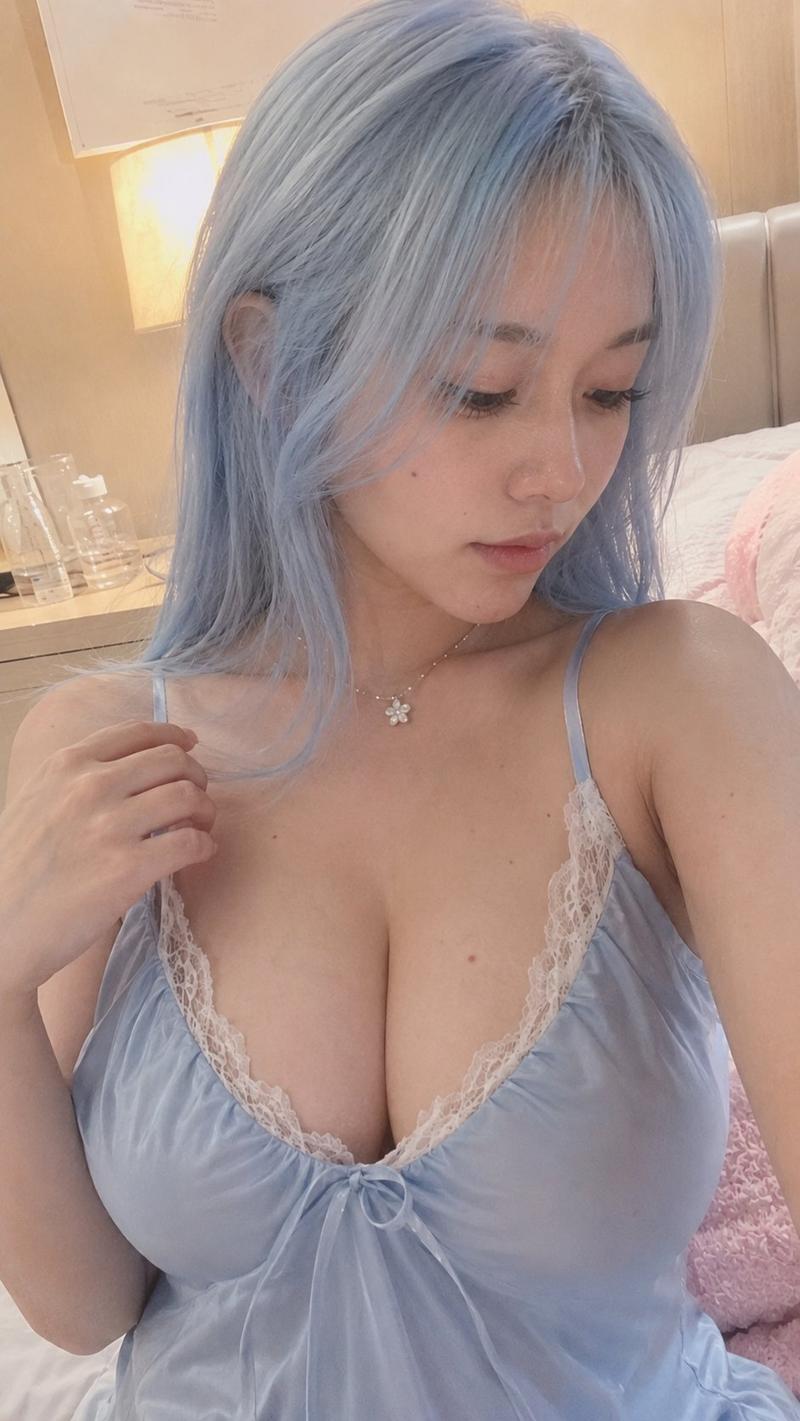
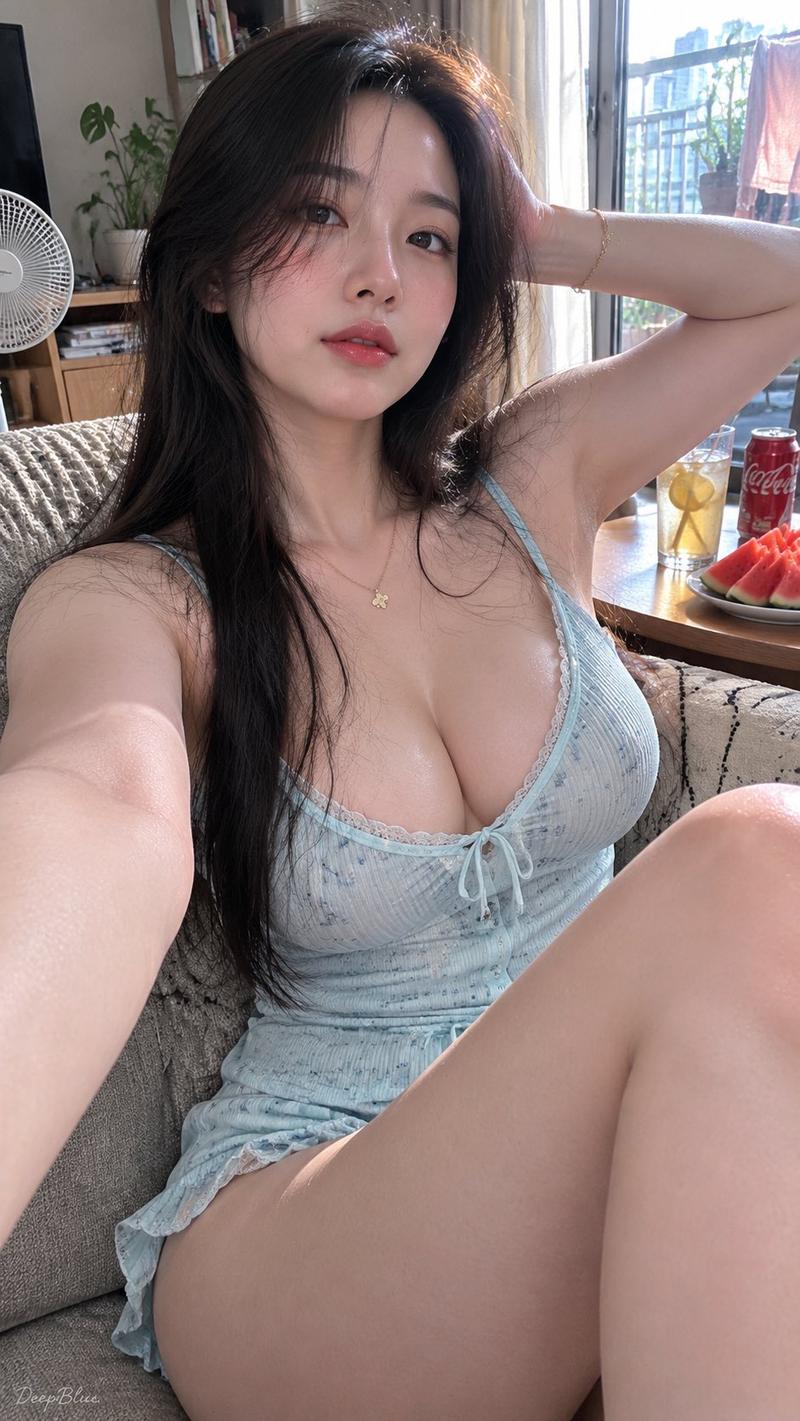
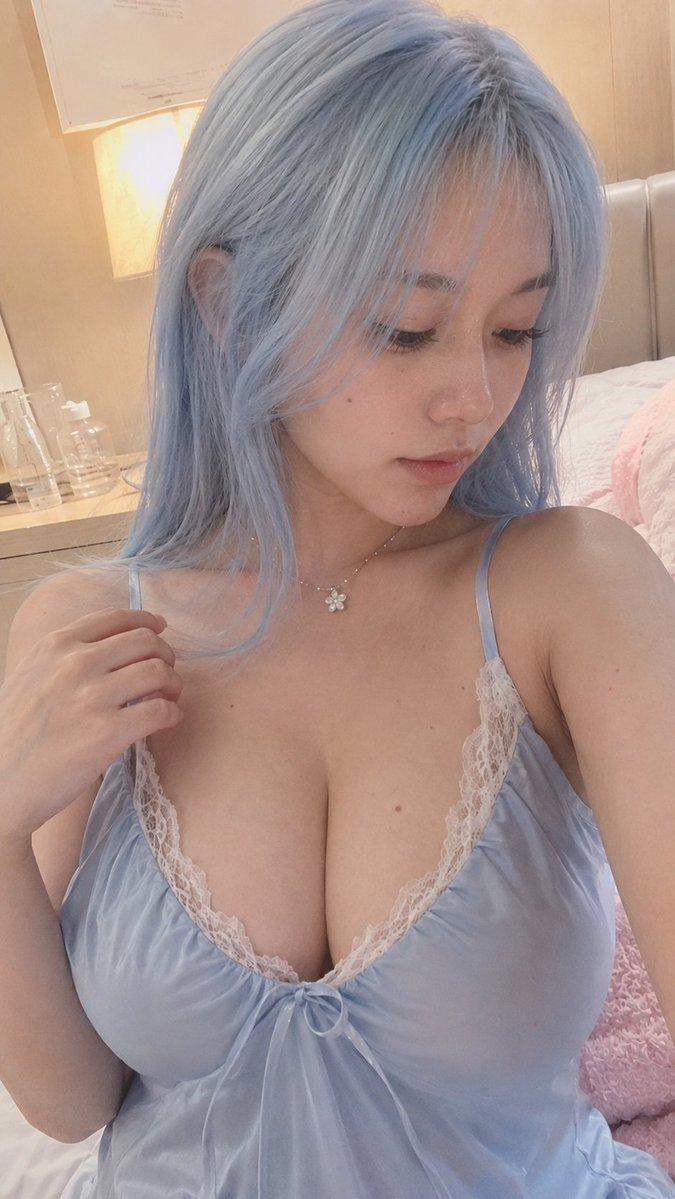
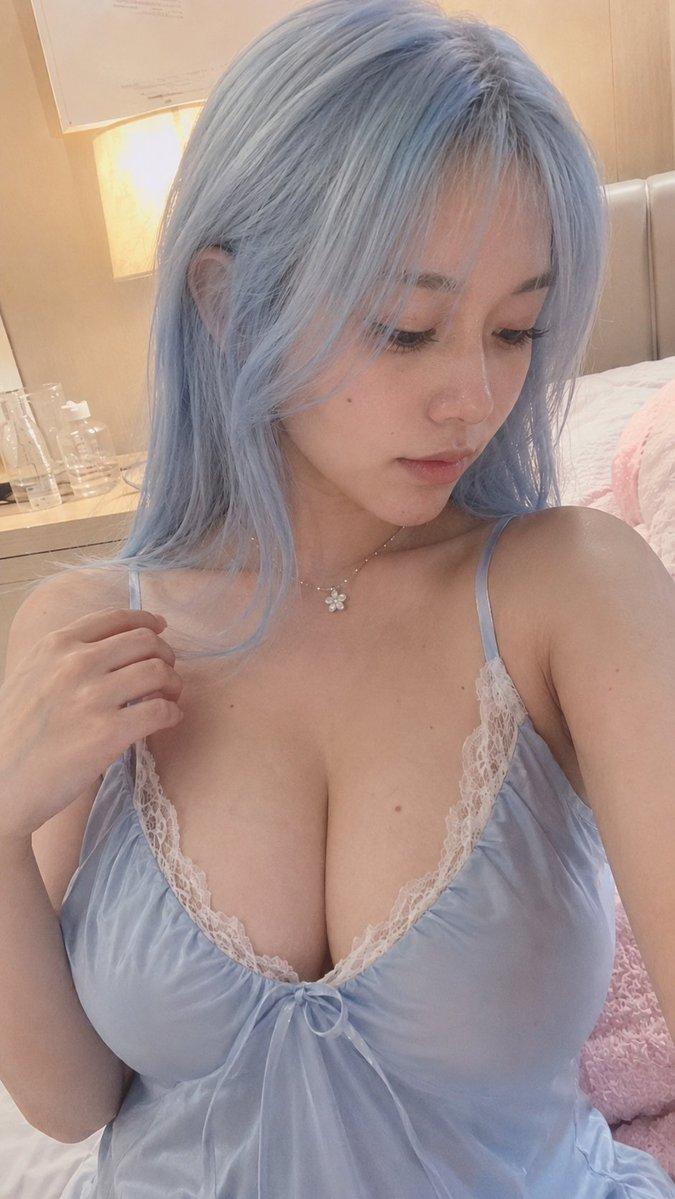
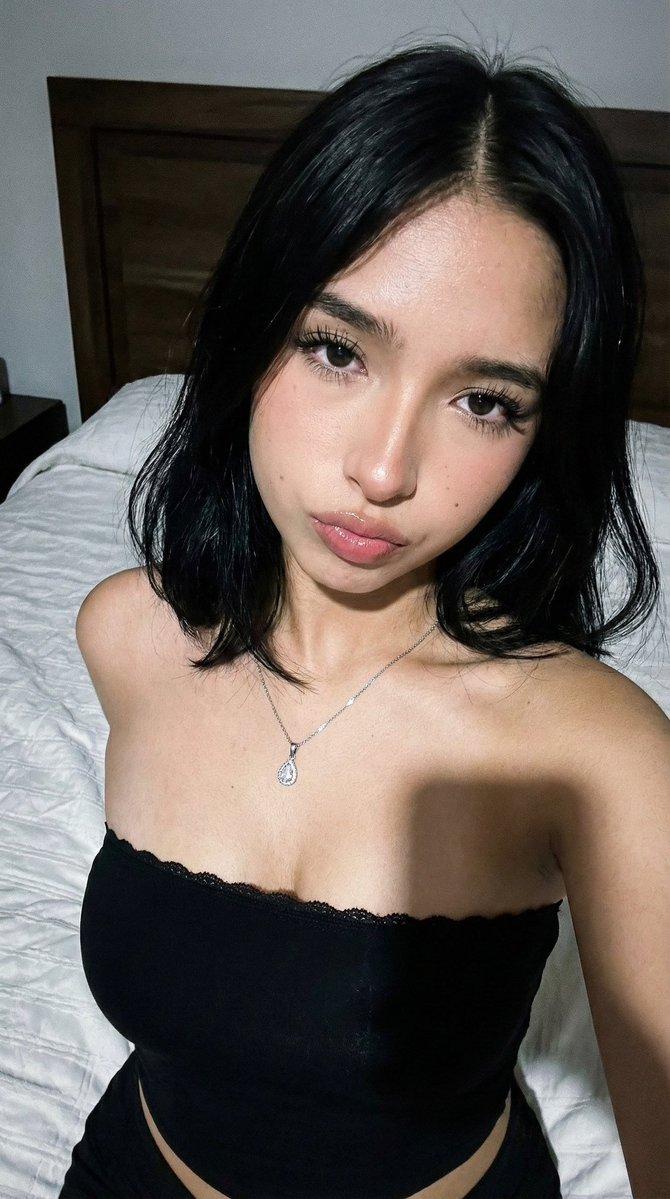
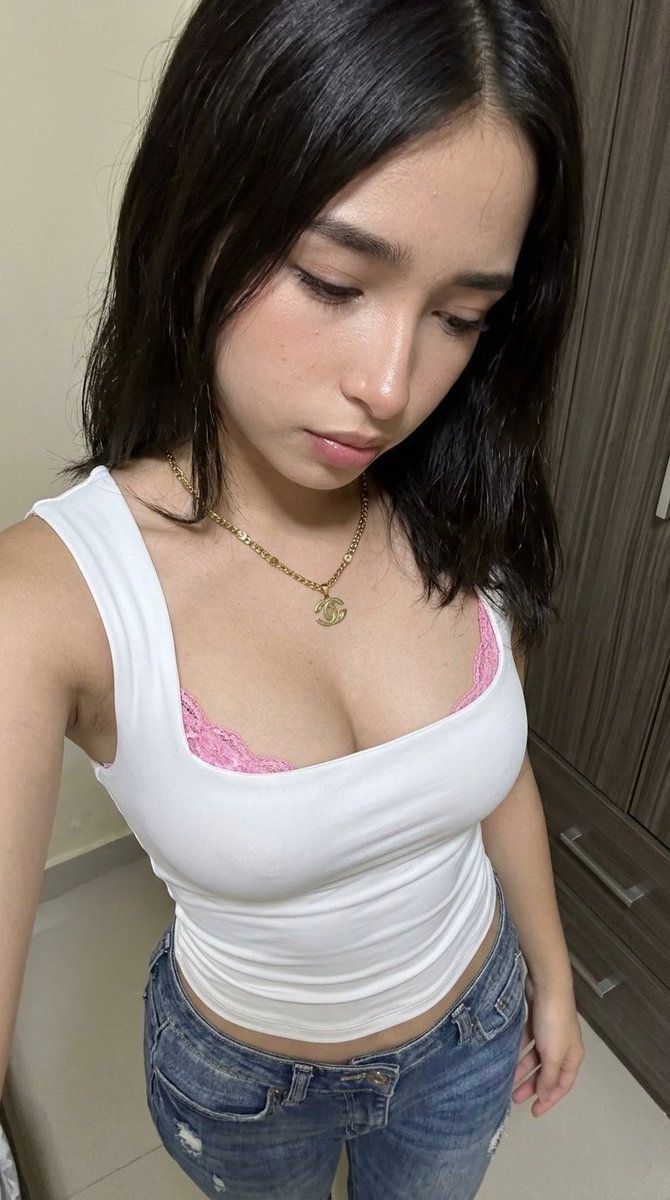
高角度 POV 肖像,具有生物保真度和技术服饰
Enlarge

高角度 POV 肖像,具有生物保真度和技术服饰

Prompt
(9:16). Raw iPhone 17 Pro, 24mm, f/5.6 structural depth, digital grain. Identity Lock Reference A: absolute facial/hair geometry inheritance. Bio-Fidelity: micro-pores, fine vellus hair, satin-finish hydration, natural skin-tension on décolletage. Outfit: Technical white compression-fit tank top, square architectural neckline, visible pink floral-lace technical trim; low-rise distressed blue denim; gold technical link necklace with circular logo pendant. Hyper-defined S-curve, 20% anatomical bust and waist-to-hip volume emphasis. Pose: Standing high-angle downward POV looking at self-torso. Lighting: Soft indoor ambient 3000K, natural ambient occlusion in textile layers. Environment: Pixel-perfect dark wood-grain cabinet on right margin, neutral wall background.
Category
创意图片
Model
Nano Banana Pro
Creator
Danna R.
Views0
Source ID
fbea5476-2506-465e-9d83-c4f17e66ea81
Published
Mar 8, 2026

Guide

About "高角度 POV 肖像,具有生物保真度和技术服饰"

What is this prompt for?

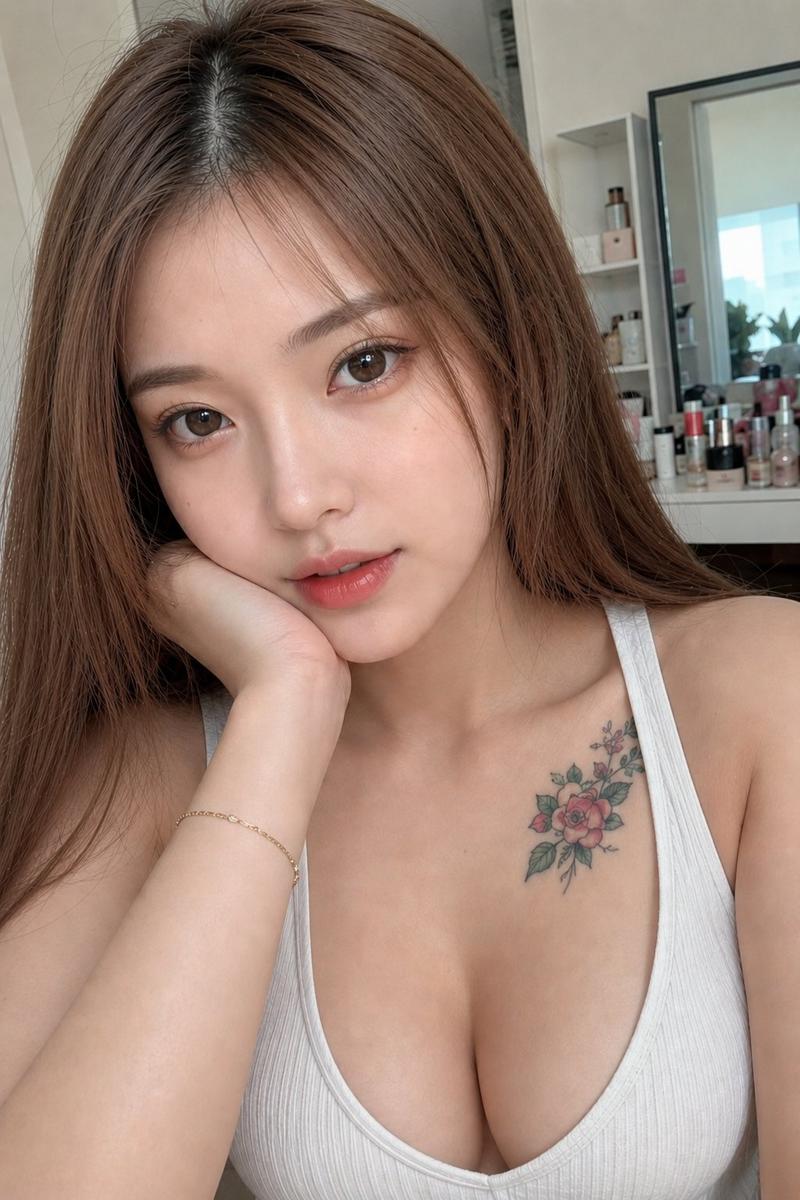
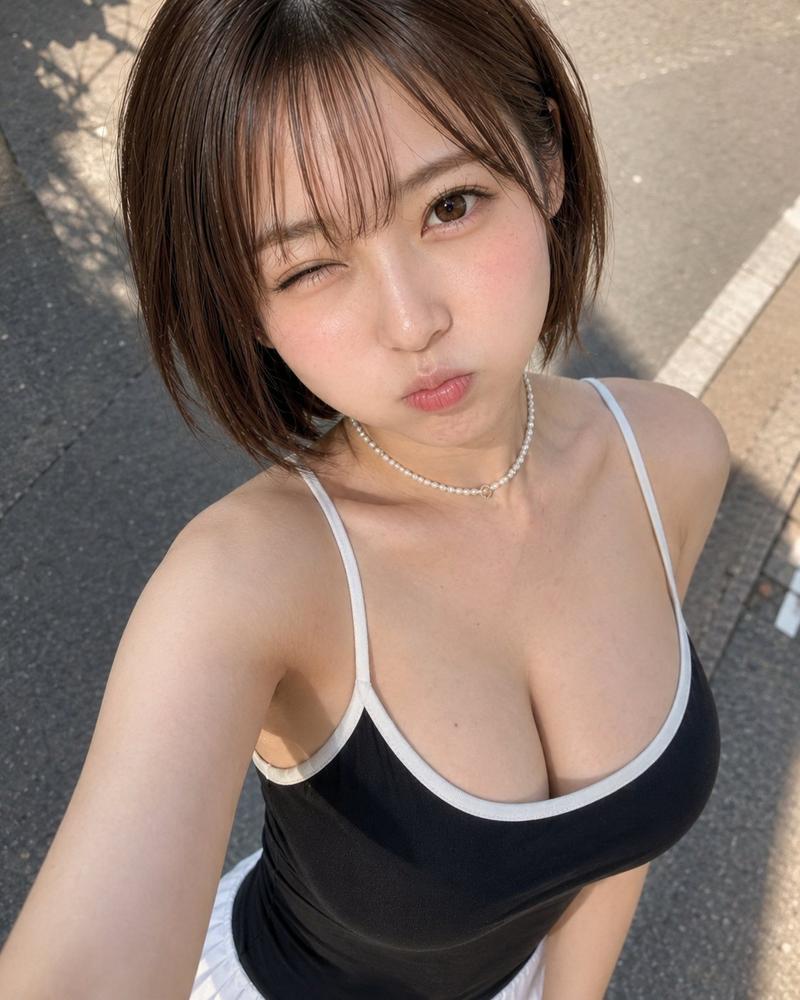
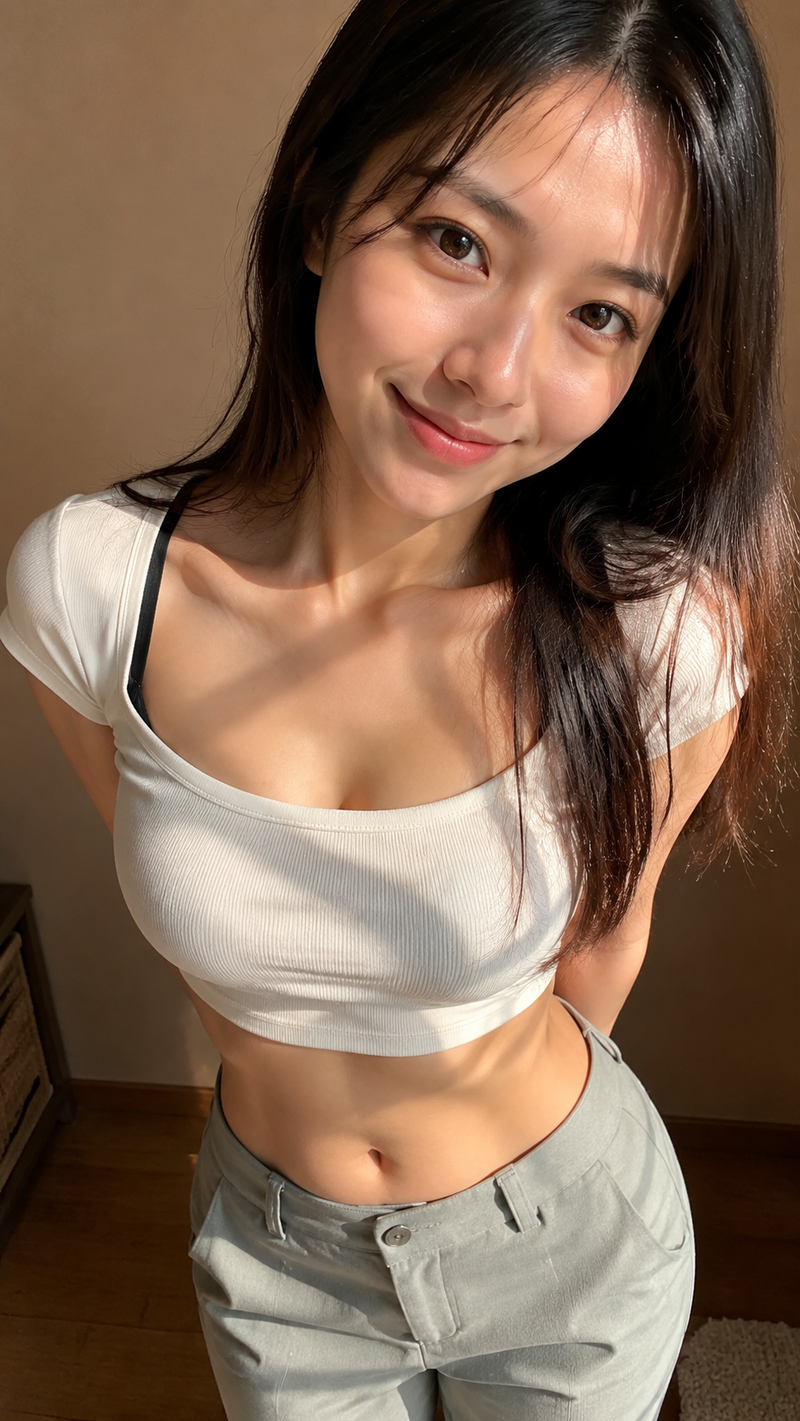
"高角度 POV 肖像,具有生物保真度和技术服饰" AI image prompt for Nano Banana Pro (创意图片). 一个高度具体的图像生成提示,用于高角度、向下视角的自拍。它要求使用特定的 iPhone 相机设置,即“身份锁定”(Identity Lock)和“生物保真”(Bio-Fideli…

The full copyable prompt and example visuals above are ready for AI image generation or one-click recreate in Picva.

How to use this prompt

  1. Step 1

    Open the prompt detail

    Review the example visuals, category, and full prompt text for "高角度 POV 肖像,具有生物保真度和技术服饰".

  2. Step 2

    Copy the prompt

    Copy the prompt body from this page, or load it directly in Studio.

  3. Step 3

    Pick a model (Nano Banana Pro)

    Prefer Nano Banana Pro. If you switch models, keep subject and composition and tweak style terms.

  4. Step 4

    Generate and export

    Recreate the look in Picva, or export into your workflow for editing and publishing.

FAQ

What is the "高角度 POV 肖像,具有生物保真度和技术服饰" prompt?
It is an AI image-generation prompt for Nano Banana Pro in the 创意图片 category. This page includes the full prompt text, example visuals, and a one-click recreate path in Picva.
How do I use this prompt to generate an image?
Copy the prompt from this page, or use Generate / Studio. Paste it into a compatible image model, or recreate the look in Picva with optional reference images.
Which model is this prompt for?
This page lists Nano Banana Pro. Most descriptive prompts also transfer to nearby image models such as GPT Image, Flux, or Midjourney with light style tweaks.
Can I use the result commercially?
You can usually copy the prompt for creation, but commercial use of the final image depends on the model terms, reference-image rights, and the generated content. Follow the source author and platform rules.