13

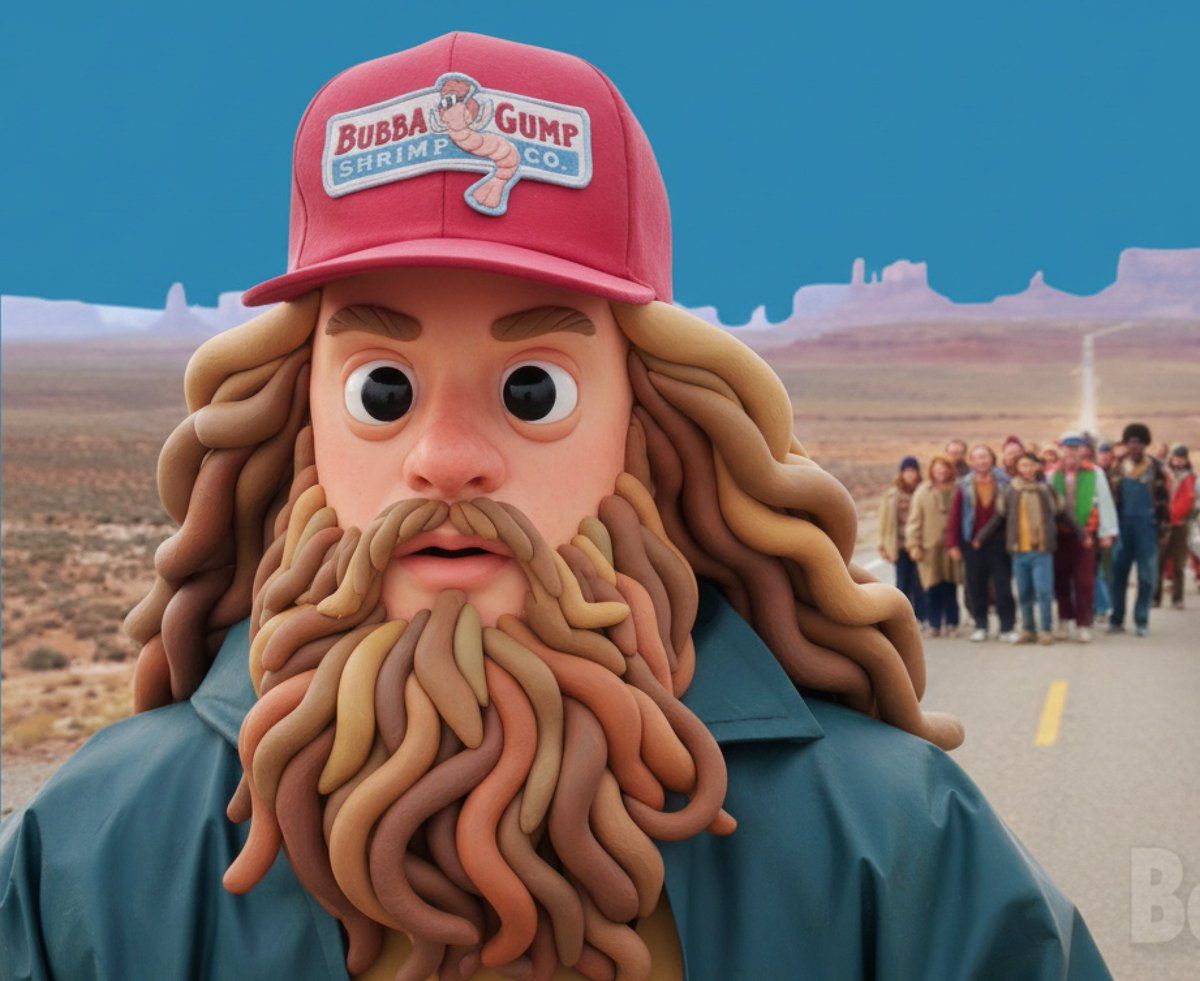
风格化 3D 黏土角色生成
Enlarge

风格化 3D 黏土角色生成

Prompt
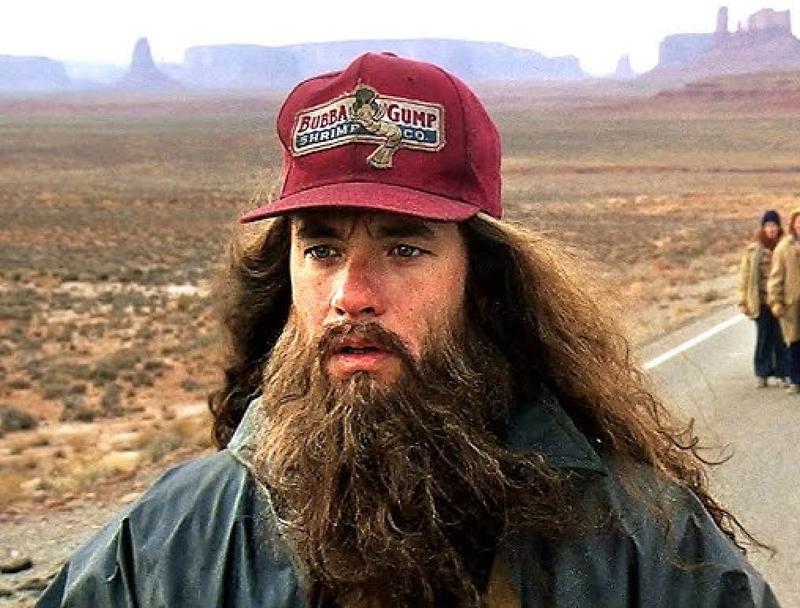
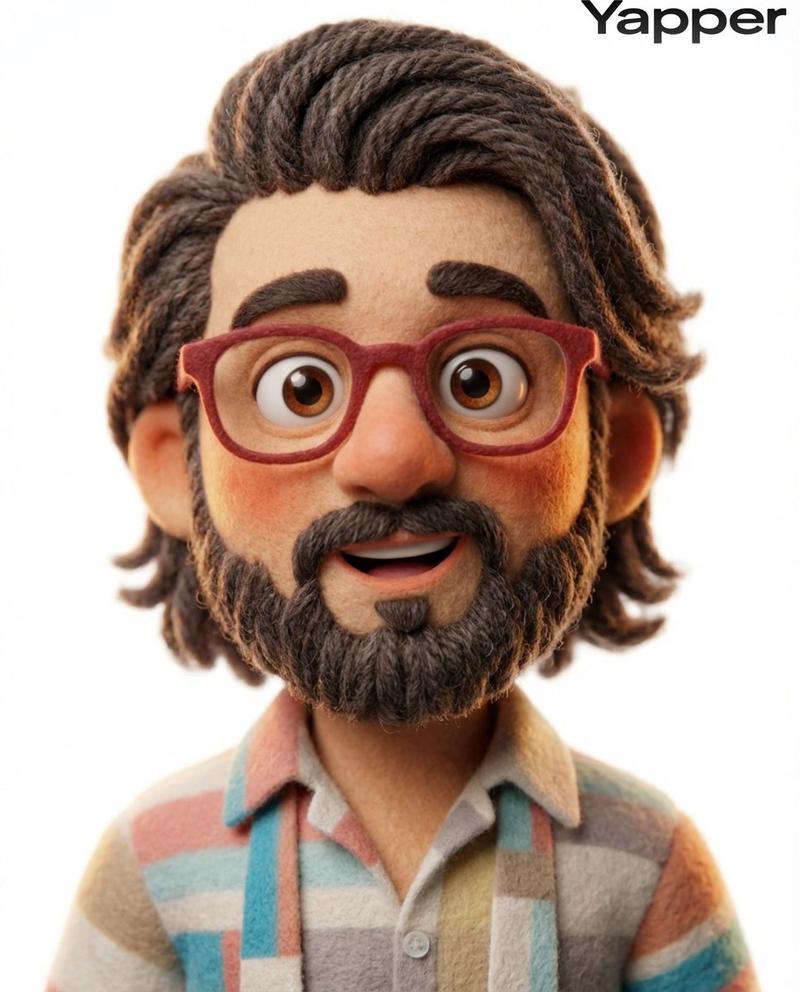
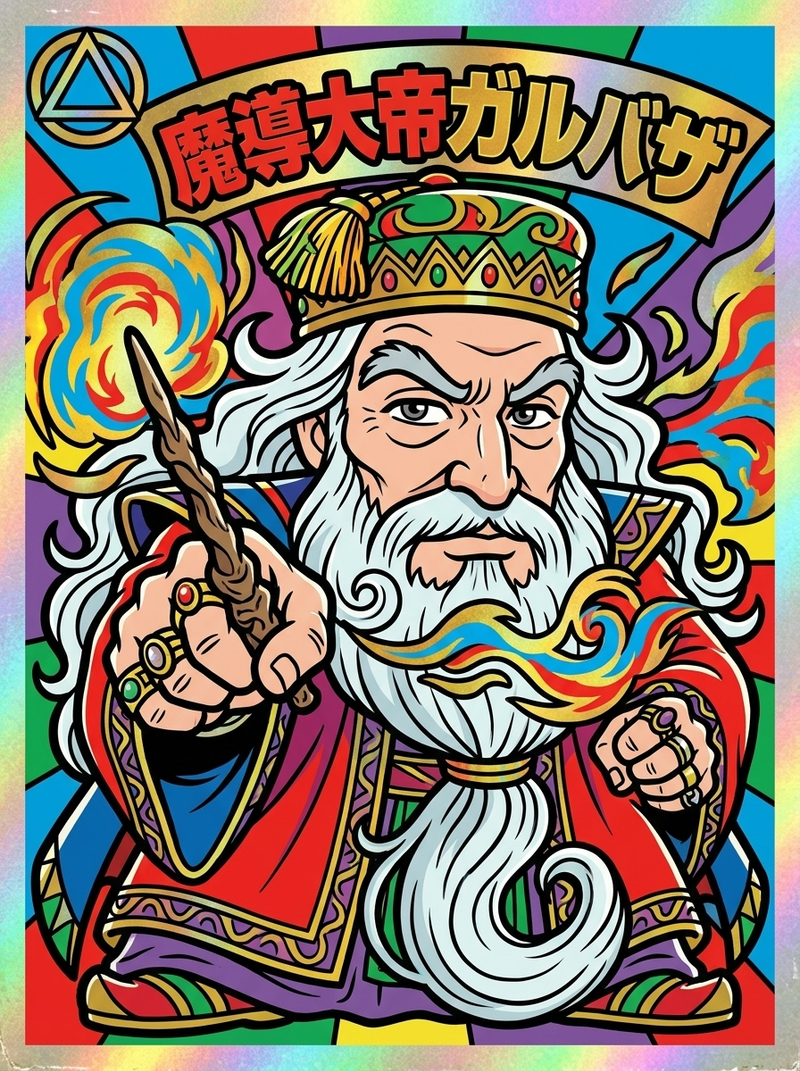
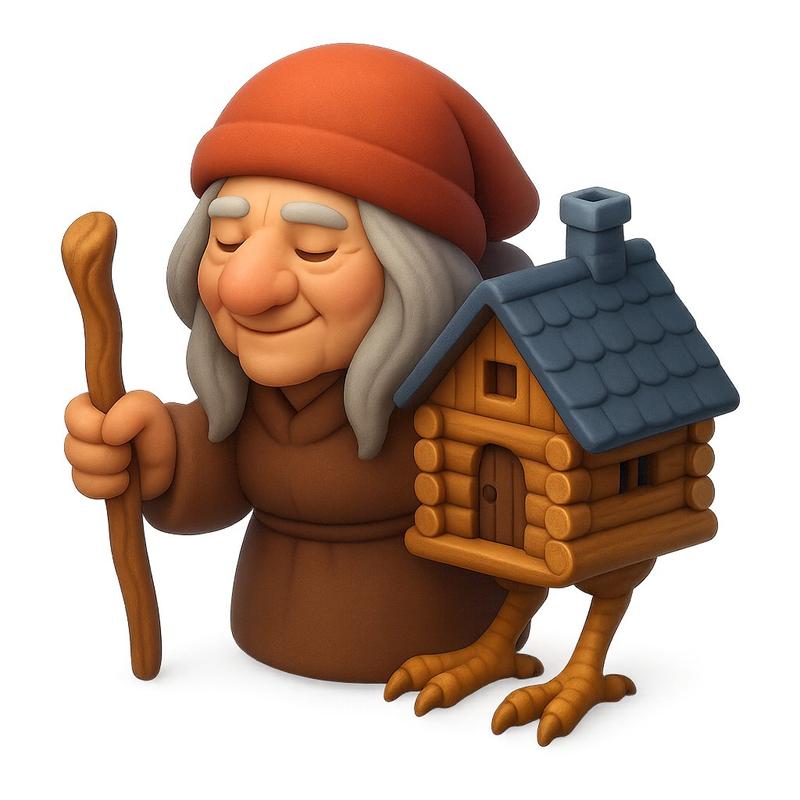
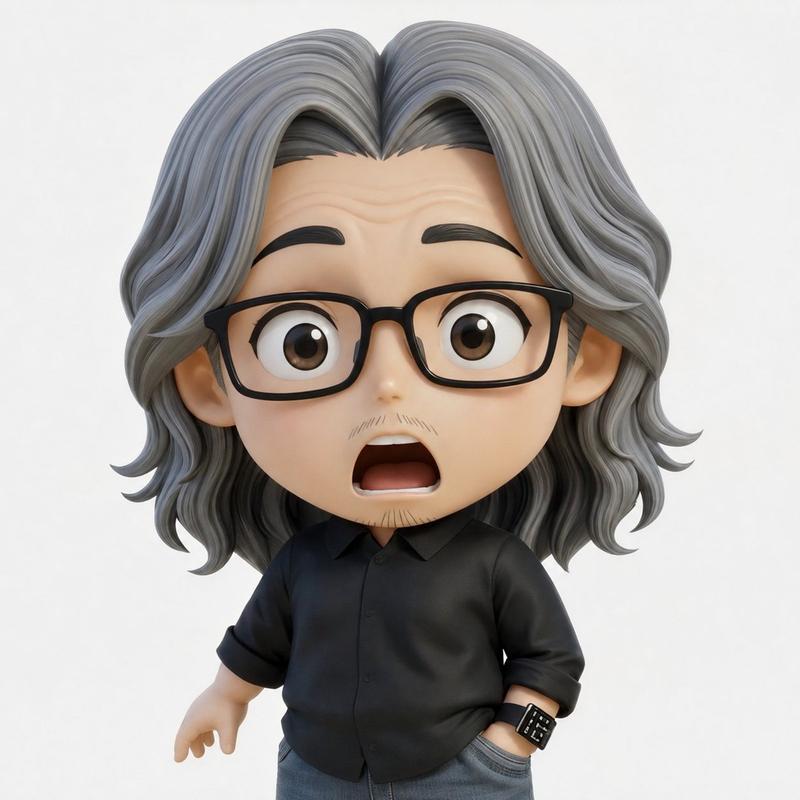
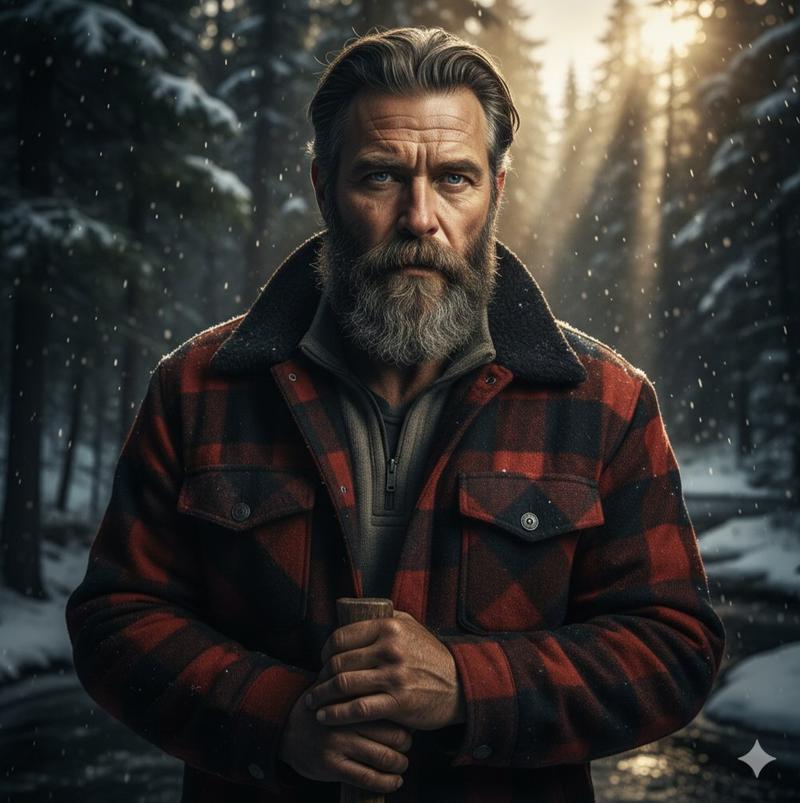
Transform the subject into a stylized 3D character with soft clay-like materials, rounded sculptural forms, exaggerated facial features, pastel + vibrant color palette, smooth subsurface scattering skin, large cartoon eyes, simplified anatomy. Render against a bold blue studio background with soft frontal lighting and subtle shadows. Playful, surreal, polished character-design aesthetic similar to modern stylized 3D illustration. Keep the original photo’s composition and framing.
Category
创意图片
Model
Nano Banana Pro
Views0
Source ID
82bedf63-b6ec-482c-a1d3-1bf9745e34c3
Published
Mar 8, 2026

Guide

About "风格化 3D 黏土角色生成"

What is this prompt for?

"风格化 3D 黏土角色生成" AI image prompt for Nano Banana Pro (创意图片). 一个详细的提示,用于将一个主体转换为风格化的 3D 黏土角色,强调柔软的材质、夸张的特征、鲜艳的柔和色调,以及精致的角色设计美学,同时保持原始构图。 --- 将主体转化为风格化的 3D 角色,采用柔…

The full copyable prompt and example visuals above are ready for AI image generation or one-click recreate in Picva.

How to use this prompt

  1. Step 1

    Open the prompt detail

    Review the example visuals, category, and full prompt text for "风格化 3D 黏土角色生成".

  2. Step 2

    Copy the prompt

    Copy the prompt body from this page, or load it directly in Studio.

  3. Step 3

    Pick a model (Nano Banana Pro)

    Prefer Nano Banana Pro. If you switch models, keep subject and composition and tweak style terms.

  4. Step 4

    Generate and export

    Recreate the look in Picva, or export into your workflow for editing and publishing.

FAQ

What is the "风格化 3D 黏土角色生成" prompt?
It is an AI image-generation prompt for Nano Banana Pro in the 创意图片 category. This page includes the full prompt text, example visuals, and a one-click recreate path in Picva.
How do I use this prompt to generate an image?
Copy the prompt from this page, or use Generate / Studio. Paste it into a compatible image model, or recreate the look in Picva with optional reference images.
Which model is this prompt for?
This page lists Nano Banana Pro. Most descriptive prompts also transfer to nearby image models such as GPT Image, Flux, or Midjourney with light style tweaks.
Can I use the result commercially?
You can usually copy the prompt for creation, but commercial use of the final image depends on the model terms, reference-image rights, and the generated content. Follow the source author and platform rules.