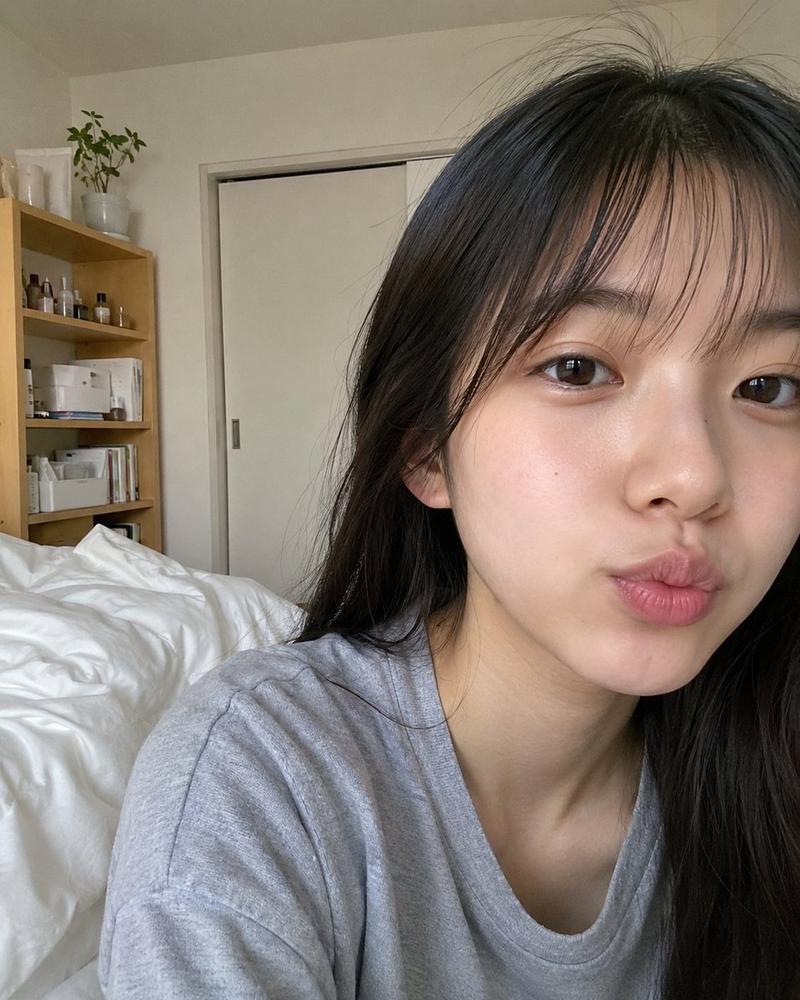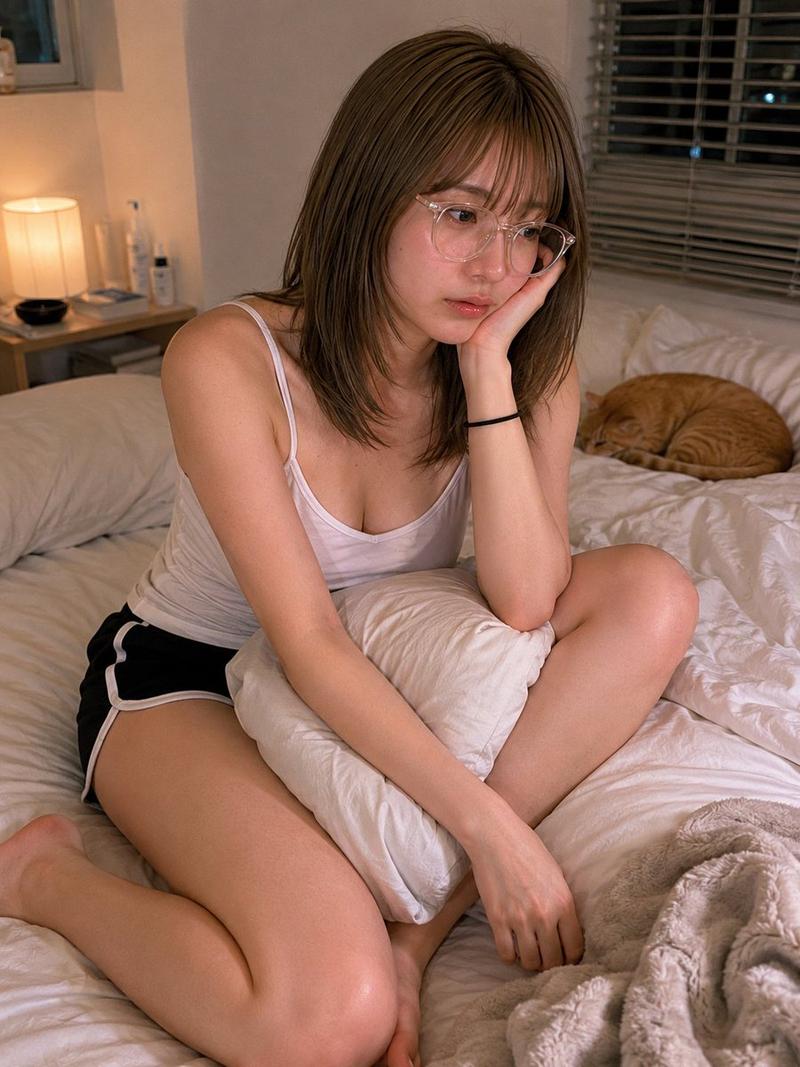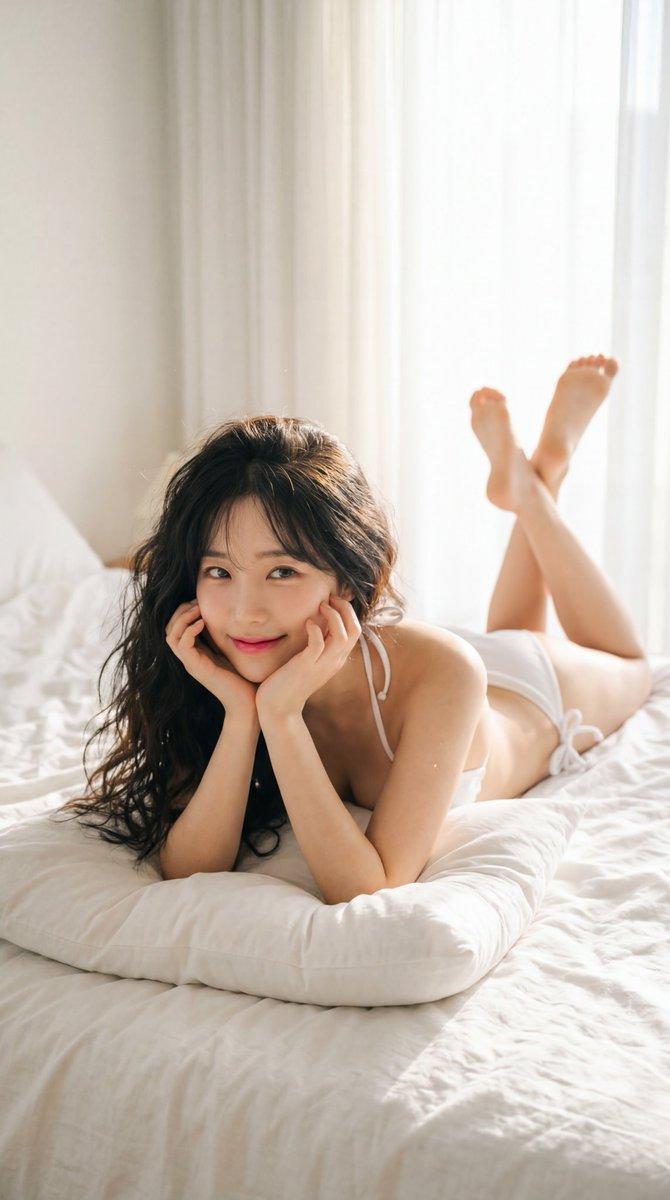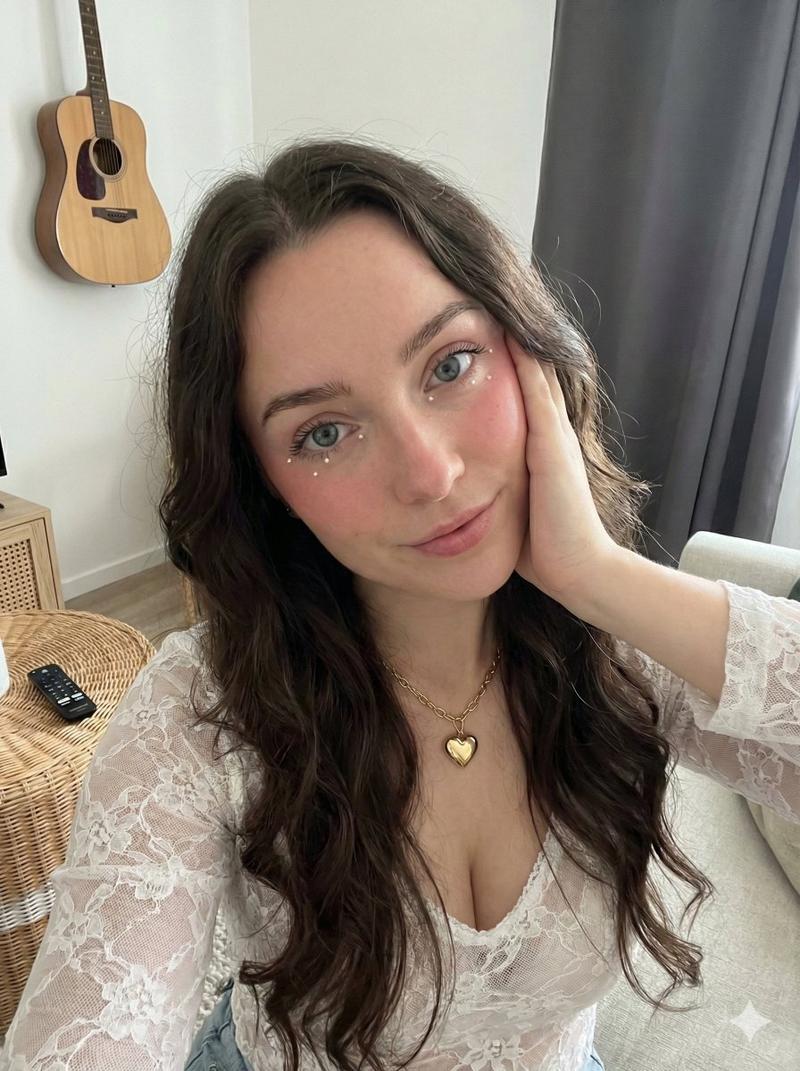
清晨素颜自拍
Prompt
{
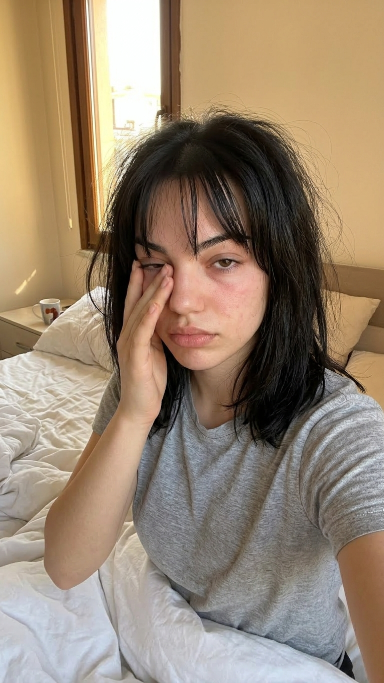
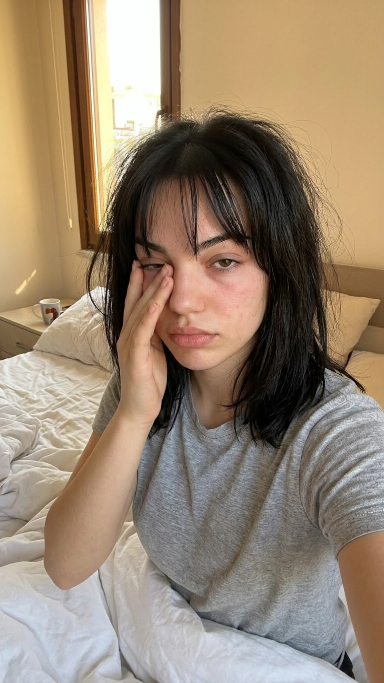
  "scene": "A young woman taking a candid morning selfie in bed, appearing sleepy and fresh awake with messy hair.",
  "subject": {
    "character": "Young woman",
    "face": {
      "structure": "Soft natural features, slightly puffy from sleep",
      "skin": "Fair complexion, natural texture with slight morning redness",
      "eyes": {
        "shape": "Almond",
        "color": "Dark brown",
        "expression": "Sleepy, half-closed, tired"
      },
      "mouth": {
        "lips": "Full, neutral, natural pink"
      },
      "makeup": "None, bare-faced"
    },
    "hair": {
      "color": "Black",
      "length": "Shoulder-length",
      "texture": "Straight, slightly frizzy and uncombed",
      "style": "Messy bedhead with wispy front bangs parted irregularly",
      "shine": "Matte, natural"
    }
  },
  "pose": {
    "overall": "Sitting up in bed, looking groggy while taking a selfie.",
    "position": {
      "base": "Sitting on a bed covered with white sheets",
      "orientation": "Front-facing, looking directly at the camera"
    },
    "torso": {
      "direction": "Forward",
      "posture": "Relaxed, slightly slouched"
    },
    "arms": {
      "position": "Right hand raised, gently rubbing the right eye; left arm extended outward holding the camera",
      "other": "Fingers of the right hand are slightly curled against the face"
    },
    "head": {
      "turn": "Straight towards the camera",
      "expression": "Tired, groggy, authentic morning mood"
    }
  },
  "outfit": {
    "t_shirt": {
      "type": "Basic t-shirt",
      "color": "Heather grey",
      "style": "Short sleeves, crew neck, casual loungewear"
    }
  },
  "body": {
    "type": "Slim",
    "skin": "Fair"
  },
  "environment": {
    "location": "A cozy, sunlit bedroom",
    "bed": {
      "sheets": "White, rumpled and wrinkled",
      "headboard": "Beige, upholstered"
    },
    "background": {
      "wall": "Plain warm beige wall",
      "window": "Wooden framed window on the left, letting in bright daylight"
    },
    "furniture": {
      "nightstand": "Light wood drawer beside the bed",
      "props": "A white mug with a red graphic design resting on the nightstand"
    }
  },
  "lighting": {
    "type": "Natural morning sunlight",
    "quality": {
      "intensity": "Bright directional light mixed with soft room shadows",
      "direction": "Side lighting coming from the window on the left"
    },
    "on_subject": {
      "skin": "Softly lit on the right side of the face, bright natural highlights on the left side",
      "hair": "Sunlight catches the left side of the hair, highlighting the frizz"
    }
  },
  "photography": {
    "angle": "Selfie angle, slightly elevated eye-level",
    "framing": "Medium close-up, focusing on the upper body and face",
    "focus": "Sharp focus on the subject's face and hand, background slightly out of focus",
"style": "Candid, authentic, 'I woke up li- Category
- 创意图片
- Model
- Nano Banana Pro
- Creator
- Sedra
- Source ID
- d9db69d8-ef82-495f-9ee8-502118297e40
- Published
- Mar 8, 2026
Views0