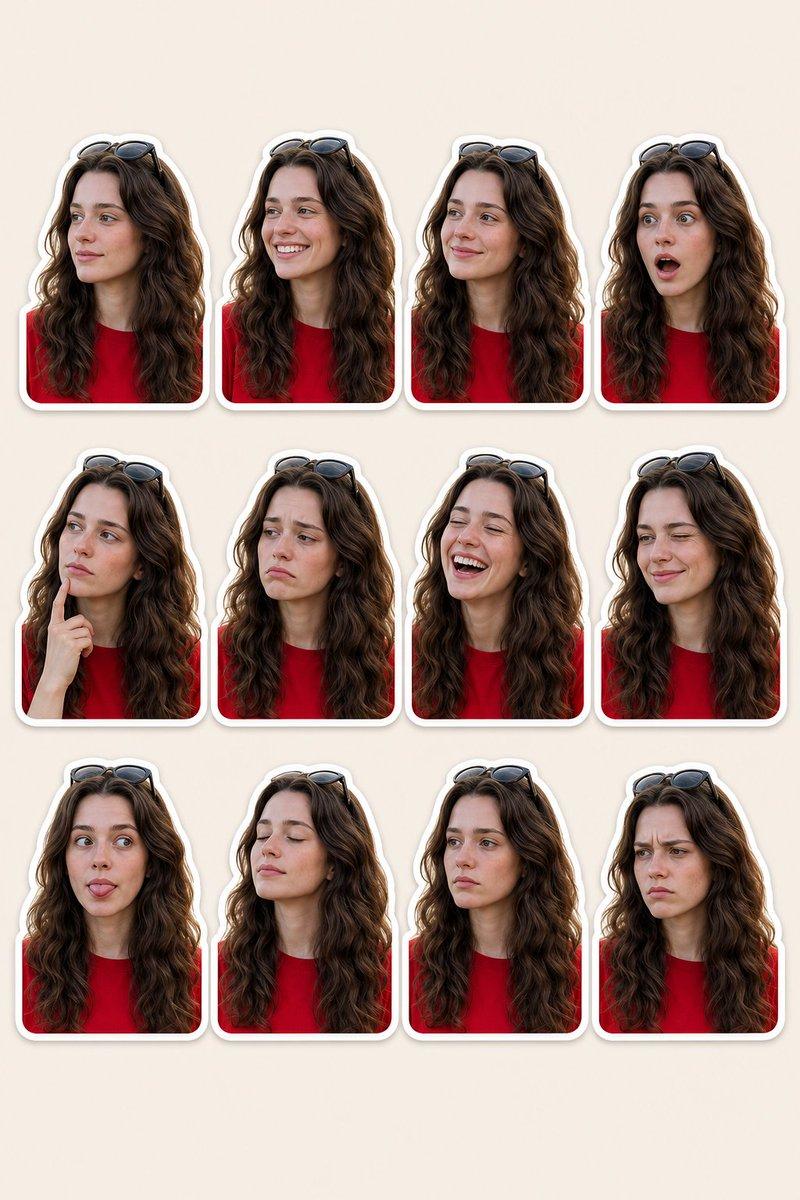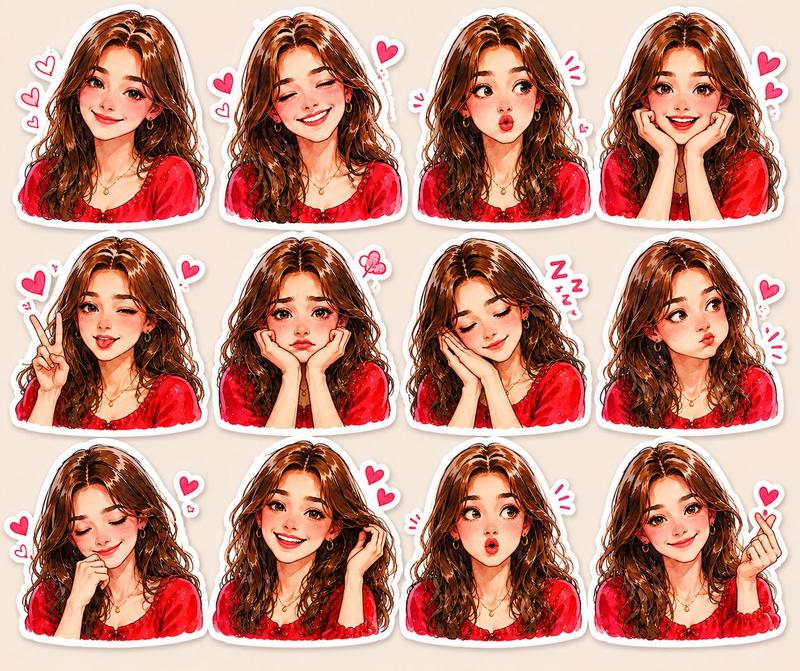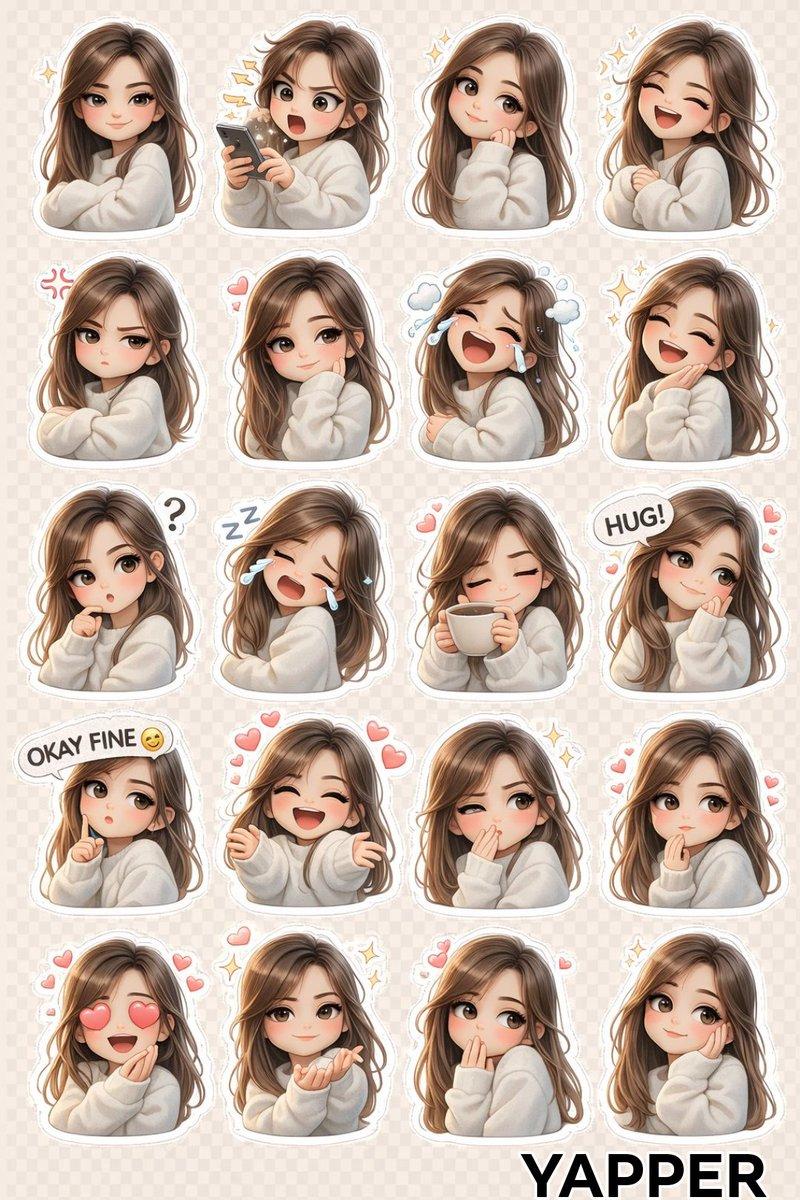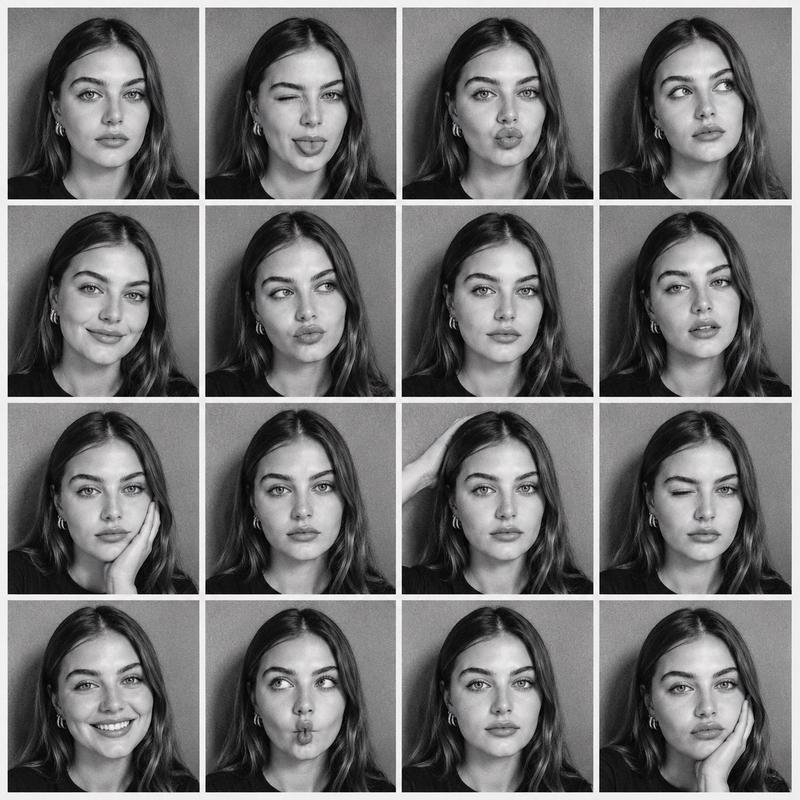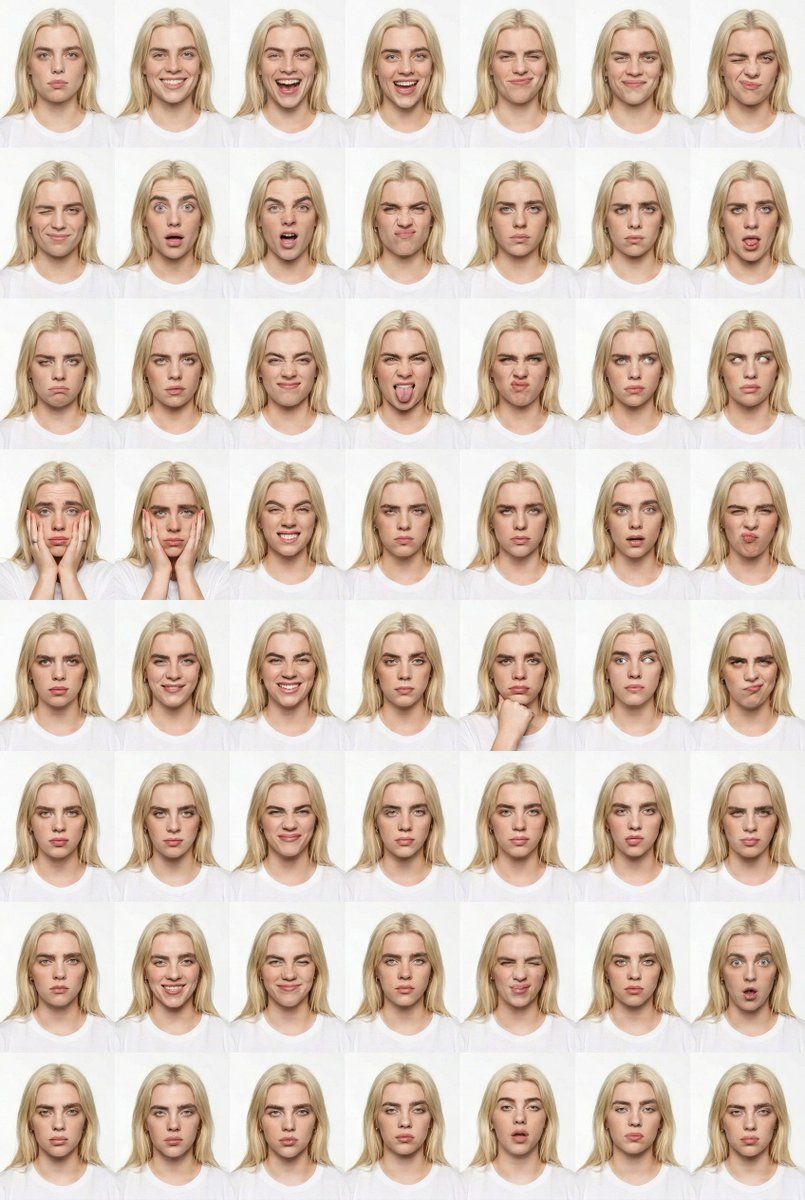
48 格工作室表情联系表提示
Prompt
{
  "generation_request": {
    "meta_data": {
      "tool": "NanoBanana Pro",
      "task_type": "studio_expression_contact_sheet_6x8_clean",
      "language": "en",
      "priority": "highest",
      "version": "v1.0_48_PANEL_FACE_LOCK"
    },
    "input": {
      "mode": "image_to_image",
      "reference_image_usage": "very_high",
      "preserve_identity": true,
      "preserve_facial_features": true,
      "preserve_hairstyle": true,
      "preserve_wardrobe": true,
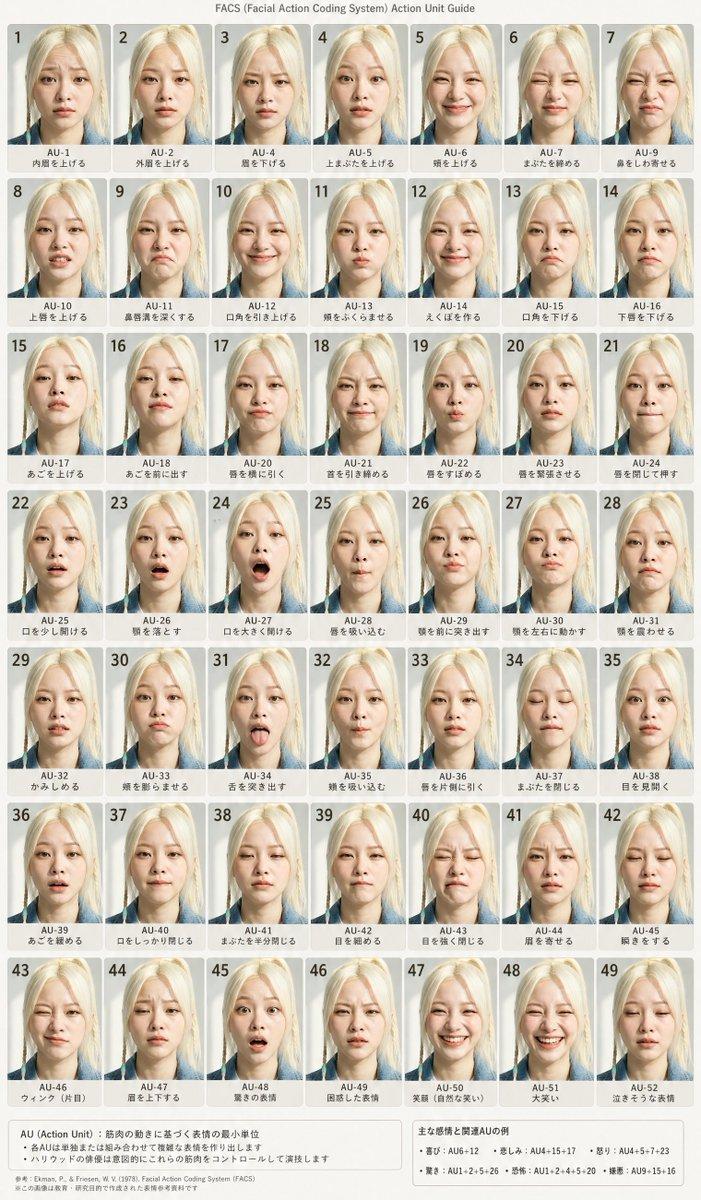
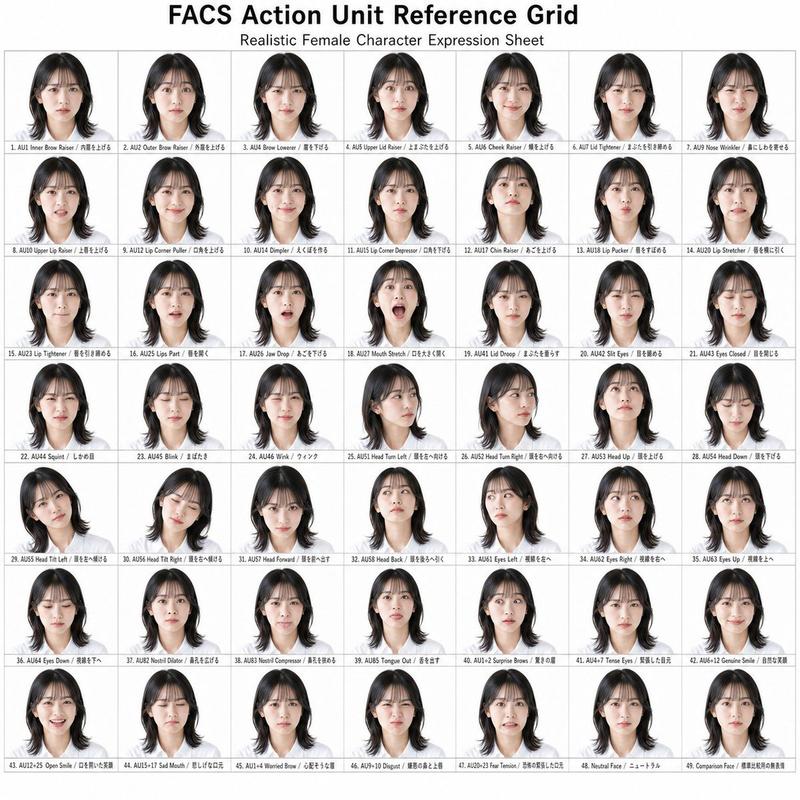
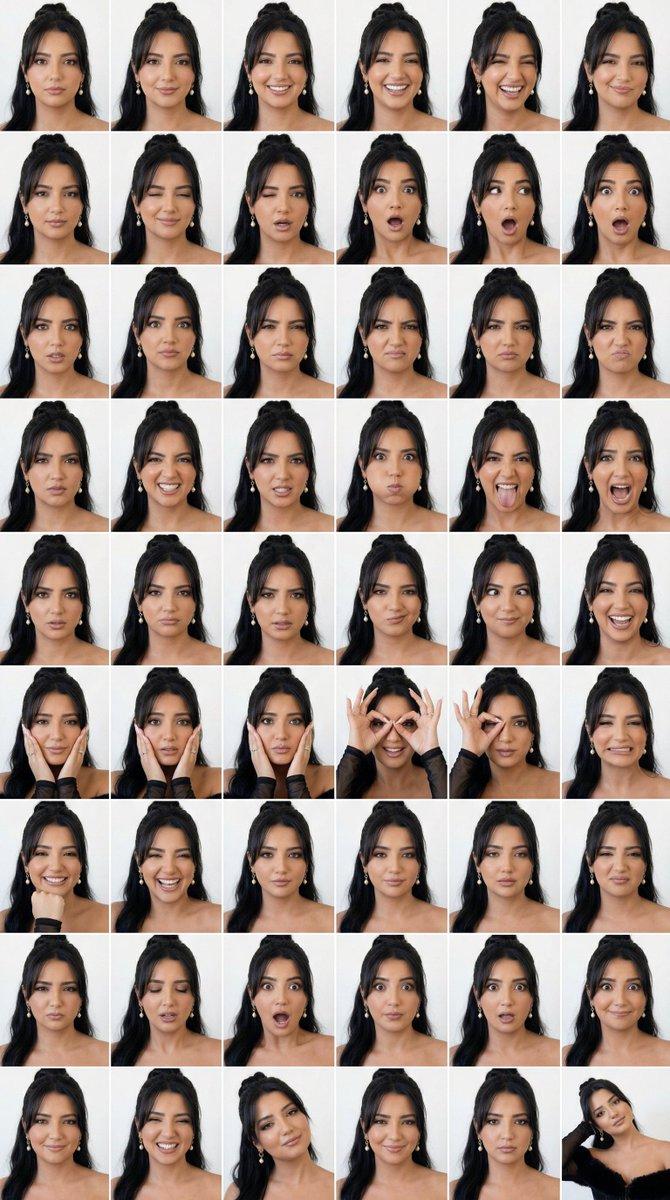
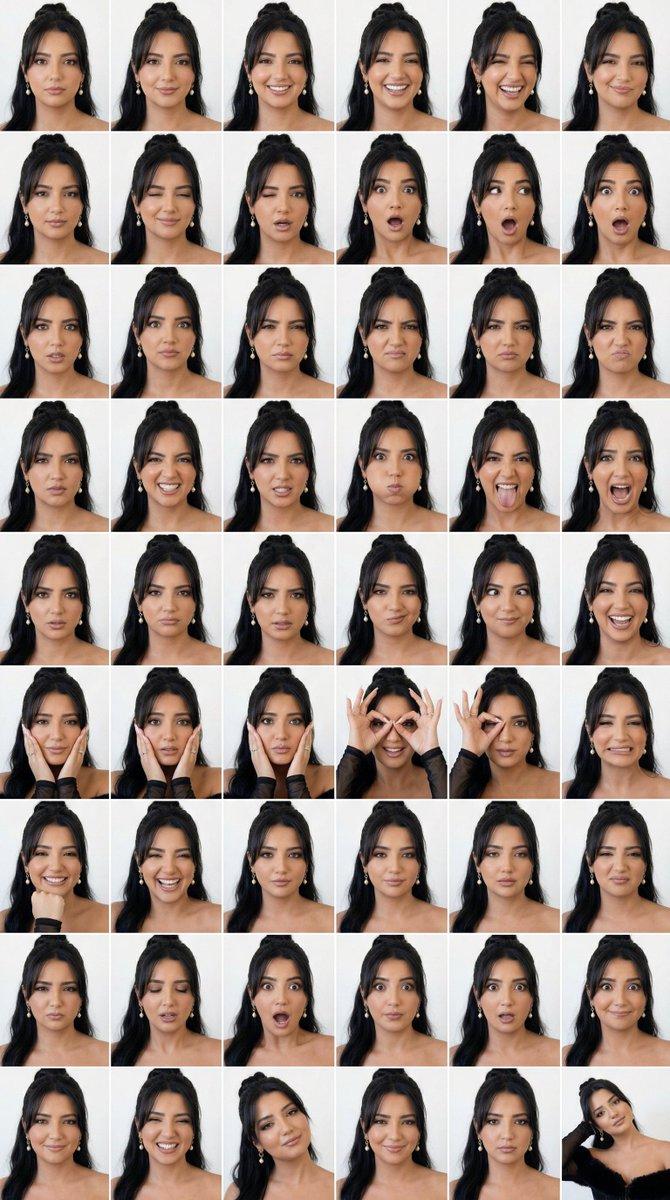
      "notes": "Create a 6x8 grid (48 panels) studio expression contact sheet. Same adult male identity in every panel. White seamless background. Head-and-shoulders framing locked. Only facial expressions and minimal hand gestures change. No text, no watermark, no logos."
    },
    "output_settings": {
      "aspect_ratio": "4:5",
      "resolution_target": "ultra_high_res",
      "num_images": 1,
      "layout": {
        "type": "grid",
        "rows": 8,
        "cols": 6,
        "gutter": "thin_white",
        "outer_border": "none",
        "panel_consistency": "extreme"
      },
      "sharpness": "studio_crisp",
      "grain": "none",
      "render_style": "clean_editorial_portrait"
    },
    "scene": {
      "environment": "white seamless studio backdrop",
      "lighting": {
        "style": "soft frontal portrait lighting",
        "key_light": "large diffused softbox centered",
        "fill": "balanced fill, minimal shadow",
        "avoid": "dramatic contrast, colored gels, HDR"
      },
      "camera": {
        "lens": "85mm portrait lens",
        "distance": "tight head-and-shoulders crop",
        "focus": "eyes razor sharp",
        "perspective_lock": "strict"
      }
    },
    "subject": {
      "type": "adult male",
      "wardrobe": "simple white shirt",
      "hair": "natural medium-length dark hair",
      "anatomy_rules": "realistic proportions, correct hands and fingers"
    },
    "expression_rule": "Each of the 48 panels must show a different expression: neutral, subtle smile, full smile, laugh, smirk, raised eyebrow, wink, surprise, shock, wide eyes, open mouth, dramatic gasp, side-eye, squint, anger, frown, clenched jaw, puffed cheeks, tongue out, exaggerated grin, mock scream, intense stare, skeptical look, confused look, doubtful smirk, playful cross-eye, big laugh, fake cry, hands on cheeks, fingers around eyes binocular gesture, covering face partially, stretching mouth sideways, chin on fist, overjoyed grin, serious stare, calm look, narrowed eyes, mock frustration, dramatic sigh, exaggerated shock, goofy face, proud smile, sarcastic grin, puzzled tilt, confident smirk, blank expression, relaxed ending pose.",
    "quality_control": {
      "identity_lock": "maximum",
      "background_lock": "maximum",
      "crop_lock": "maximum",
      "avoid": [
        "face distortion",
        "eye misalignment",
        "extra fingers",
        "missing fingers",
        "warped anatomy",
"he- Category
- 创意图片
- Model
- Nano Banana Pro
- Creator
- Shreya♡
- Source ID
- fc171a6d-b452-4f63-88e0-d679c9af5fca
- Published
- Mar 8, 2026
Views0