15

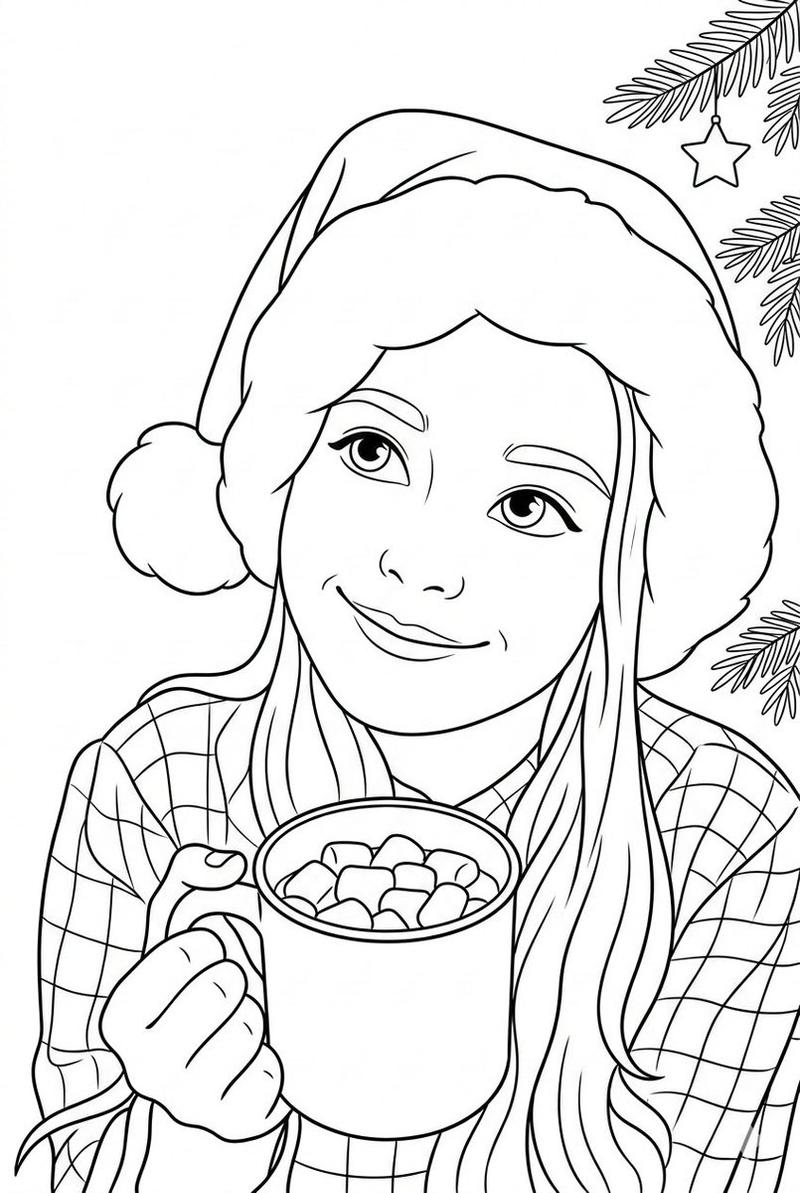
将照片转换为黑白填色页
Enlarge

将照片转换为黑白填色页

Prompt
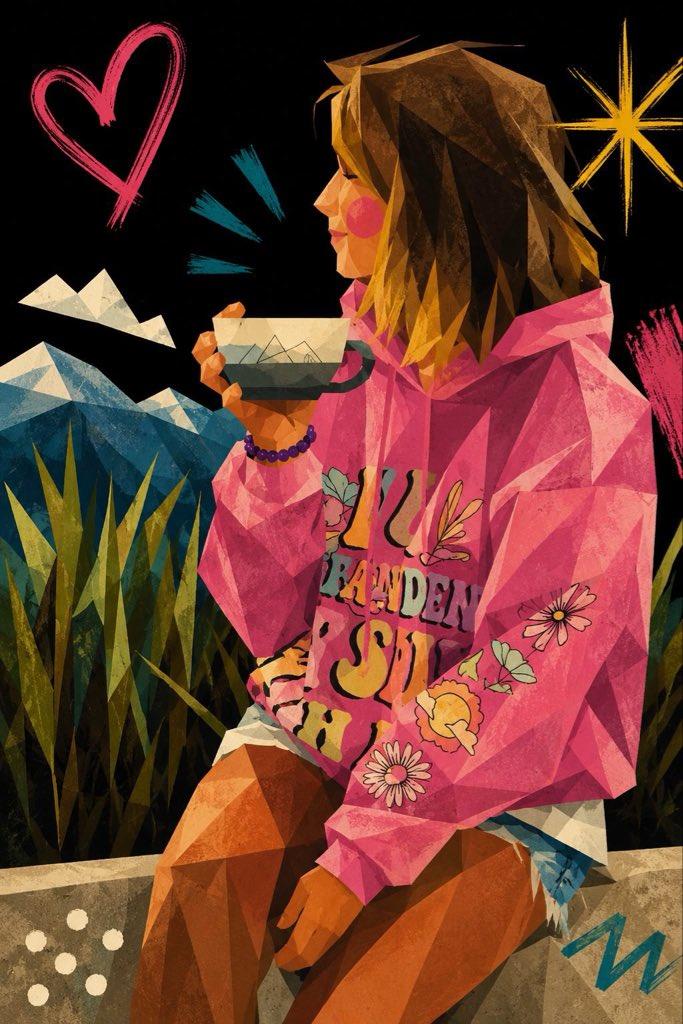
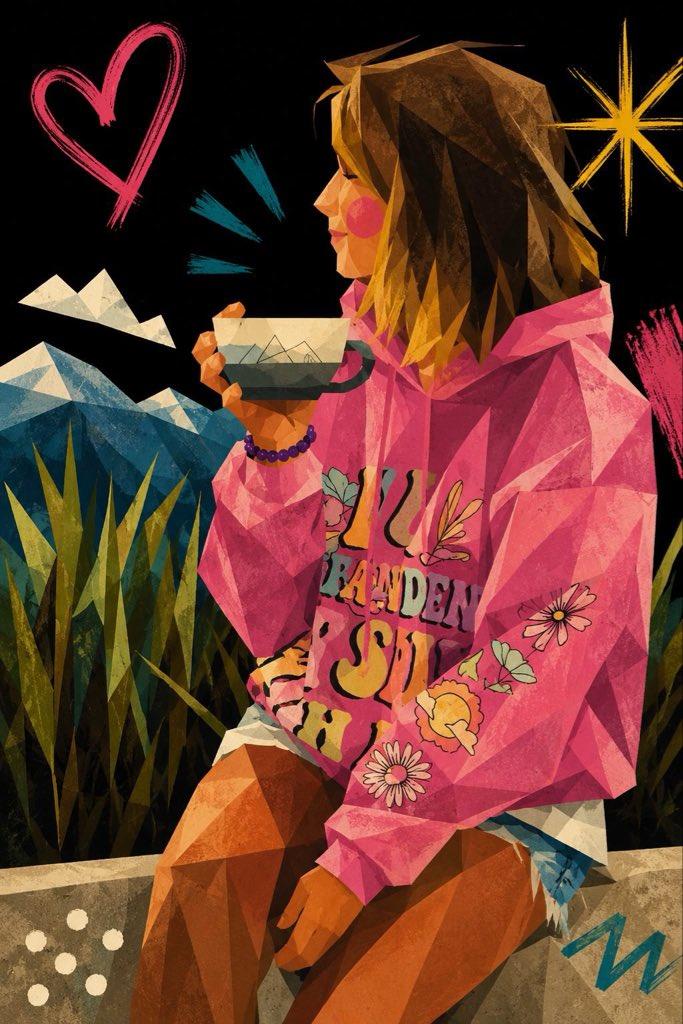
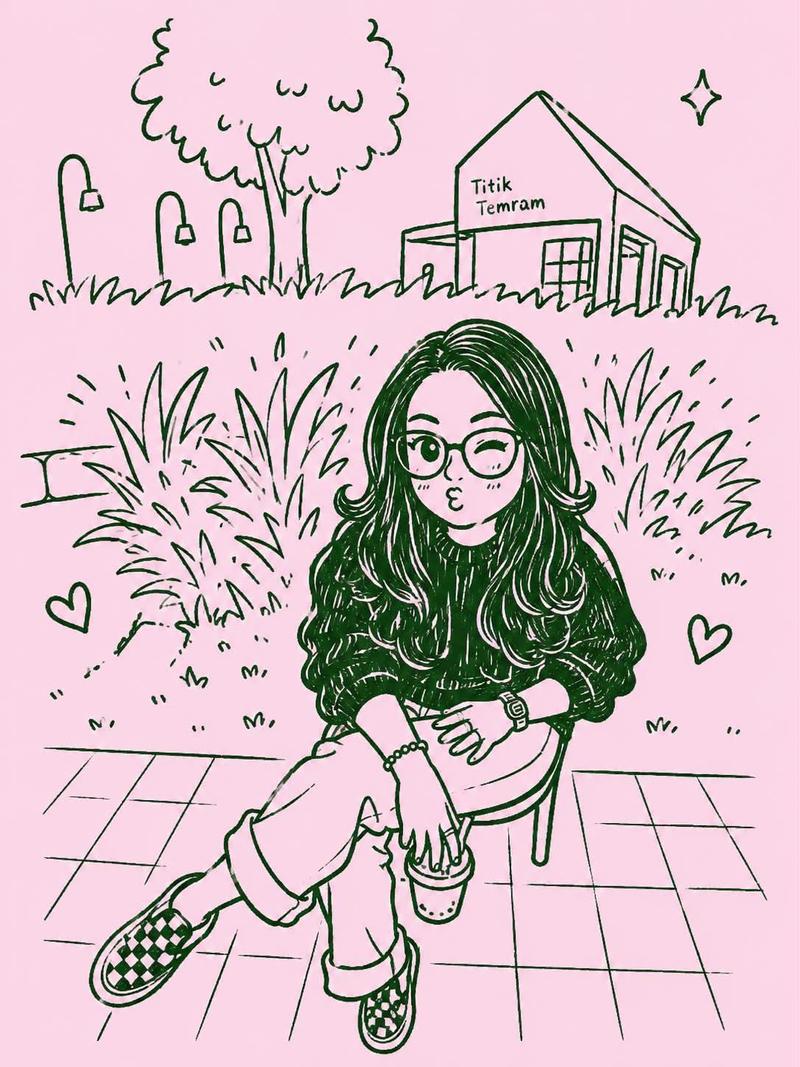
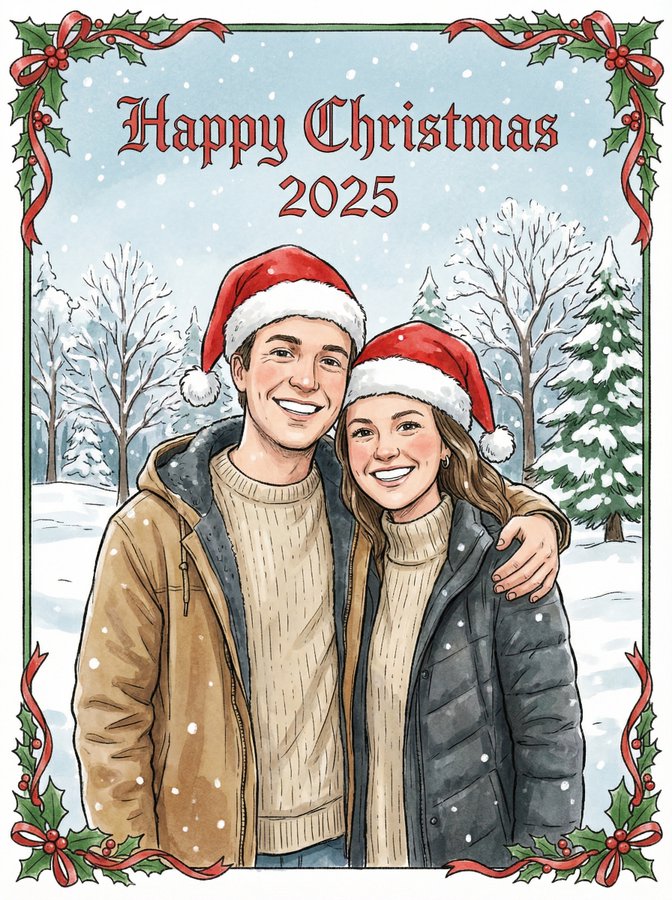
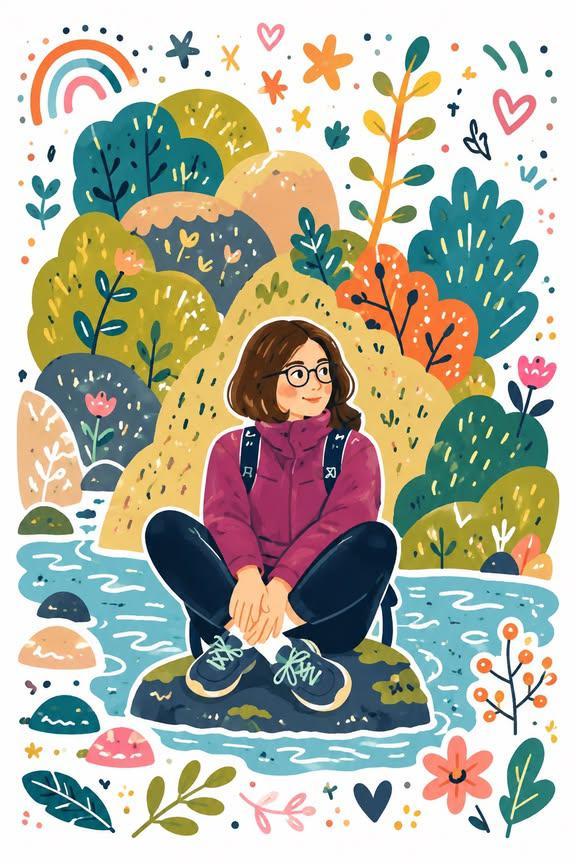
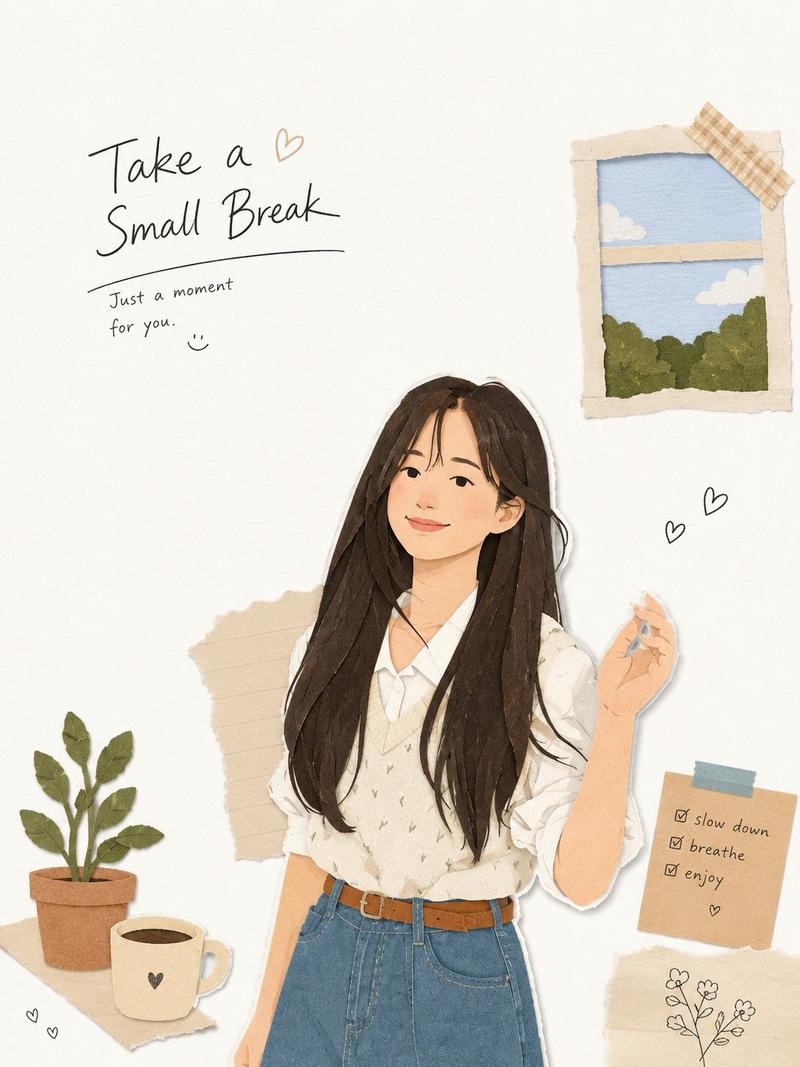
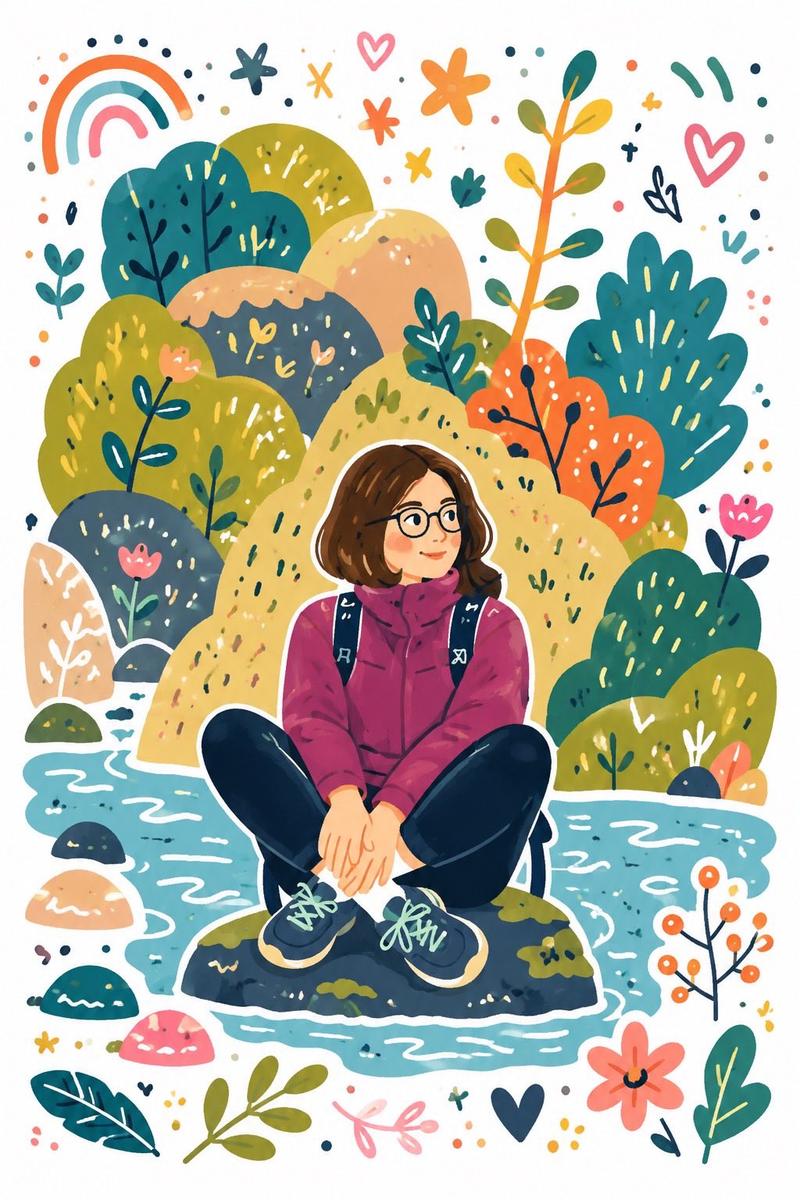
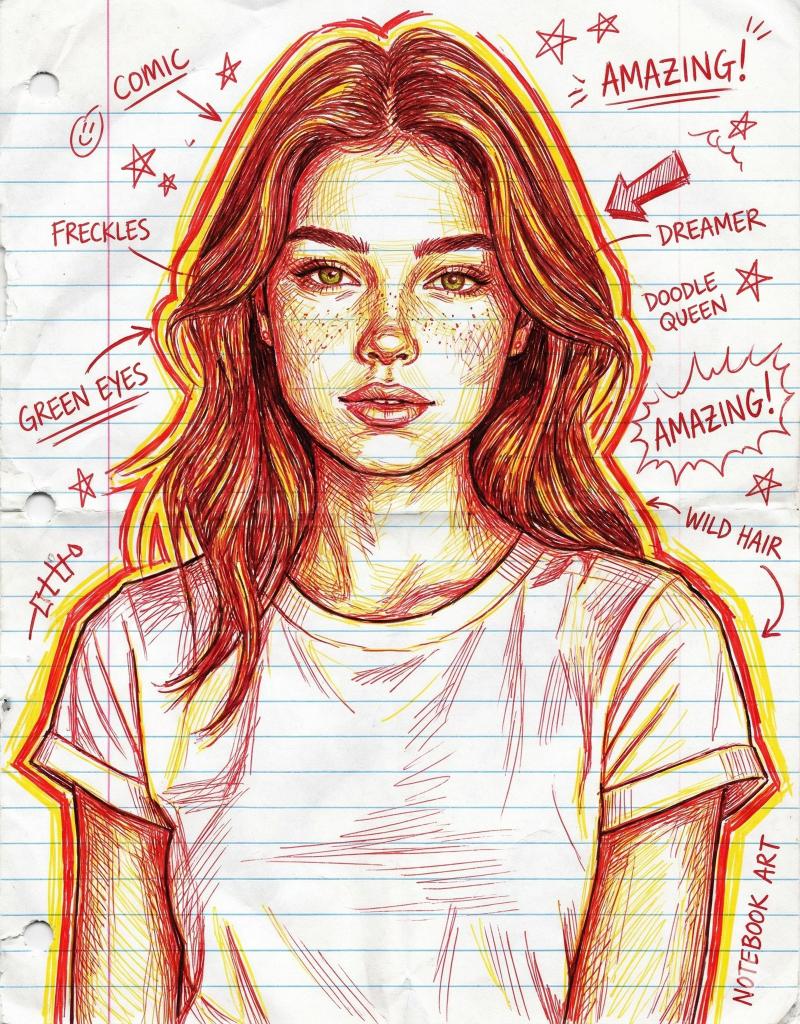
Convert the provided photo into a black and white coloring page. Preserve the original composition, proportions, and recognizable facial features from the original photo.
Style: children's illustration with a soft cartoonish look, inspired by Pixar aesthetics, but simplified for coloring.
Lines: clean, smooth, medium-thickness outlines, clear closed shapes, no broken lines, no sketchiness.
Shading: no gray colors, no shadows, no gradients — outlines only.
Details: simplified but accurate, preserving the recognizability of key objects and expressions, removing unnecessary background.
Faces: expressive, friendly, slightly rounded features, kid-friendly, maintaining likeness.
Background: simplified interior or environmental elements, minimalistic yet readable.
Composition: centered, balanced, with comfortable margins for printing.
Technical requirements:
– clean black lines on a white background
– high contrast
– printable A4 / US Letter format
– suitable for coloring with pencils or markers
No color, no textures, no realism, no photo effects, no hatching, no cross-hatching.
Category
创意图片
Model
Nano Banana Pro
Views0
Source ID
46d2019f-441a-4969-b7b7-80fba67995f4
Published
Mar 8, 2026

Guide

About "将照片转换为黑白填色页"

What is this prompt for?

"将照片转换为黑白填色页" AI image prompt for Nano Banana Pro (创意图片). 一个结构化的提示,旨在将现有照片转换为适合儿童的简化黑白涂色页,同时保持构图和相似度,并严格遵守线条、阴影和可打印性规则。 --- 将提供的照片转换为黑白涂色页。保留原始构图、比例以及照片中可识别的面部…

The full copyable prompt and example visuals above are ready for AI image generation or one-click recreate in Picva.

How to use this prompt

  1. Step 1

    Open the prompt detail

    Review the example visuals, category, and full prompt text for "将照片转换为黑白填色页".

  2. Step 2

    Copy the prompt

    Copy the prompt body from this page, or load it directly in Studio.

  3. Step 3

    Pick a model (Nano Banana Pro)

    Prefer Nano Banana Pro. If you switch models, keep subject and composition and tweak style terms.

  4. Step 4

    Generate and export

    Recreate the look in Picva, or export into your workflow for editing and publishing.

FAQ

What is the "将照片转换为黑白填色页" prompt?
It is an AI image-generation prompt for Nano Banana Pro in the 创意图片 category. This page includes the full prompt text, example visuals, and a one-click recreate path in Picva.
How do I use this prompt to generate an image?
Copy the prompt from this page, or use Generate / Studio. Paste it into a compatible image model, or recreate the look in Picva with optional reference images.
Which model is this prompt for?
This page lists Nano Banana Pro. Most descriptive prompts also transfer to nearby image models such as GPT Image, Flux, or Midjourney with light style tweaks.
Can I use the result commercially?
You can usually copy the prompt for creation, but commercial use of the final image depends on the model terms, reference-image rights, and the generated content. Follow the source author and platform rules.