15

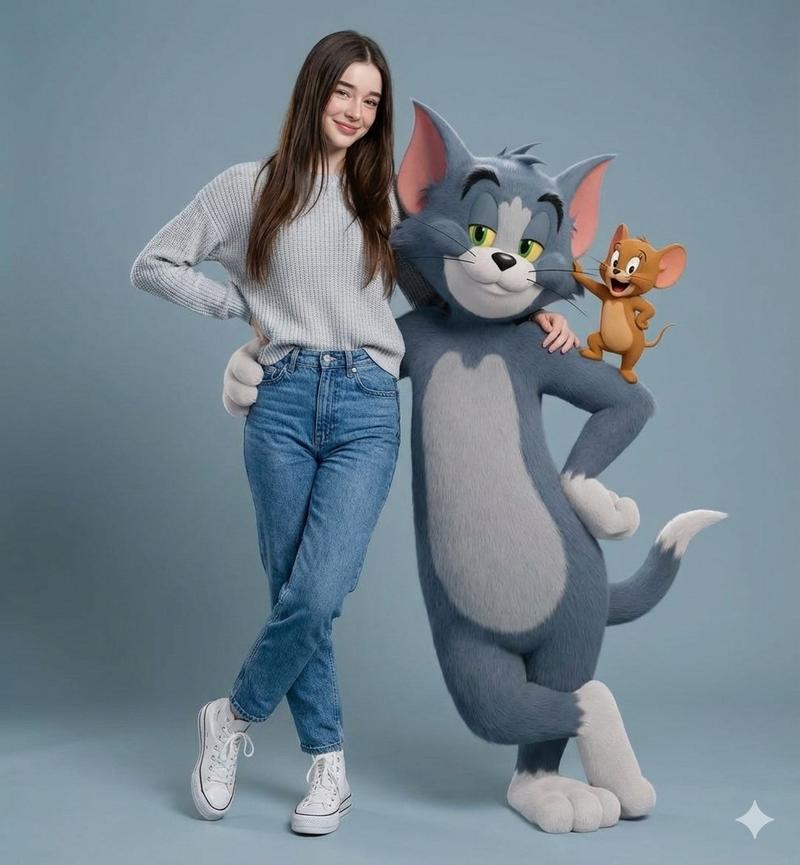
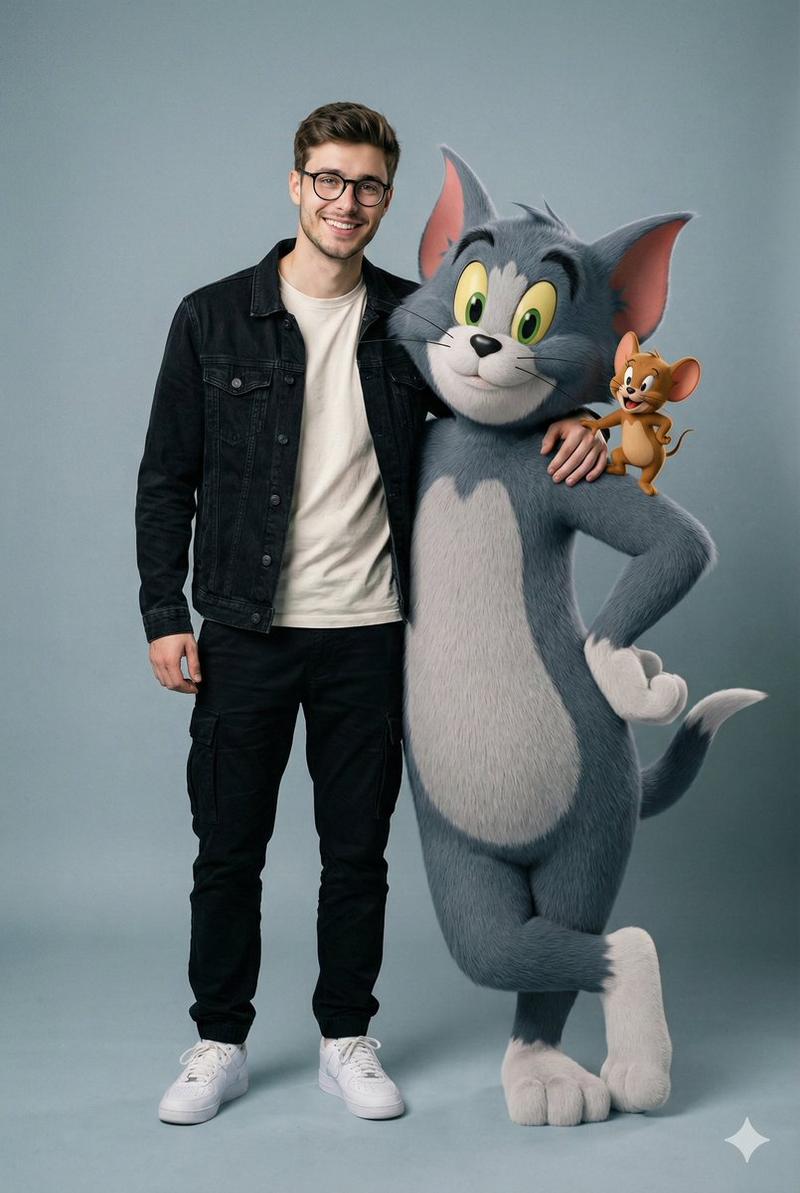
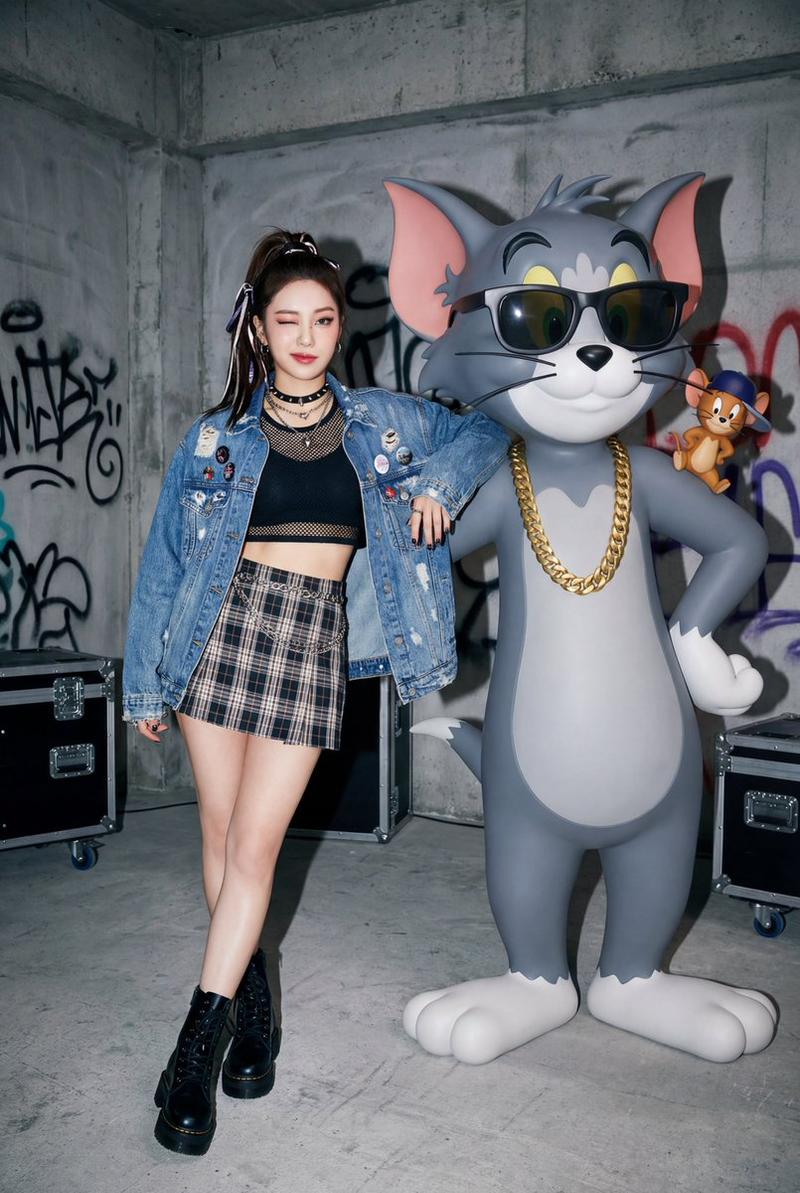
第一人称自拍:拥抱风格化的汤姆和杰瑞
Enlarge

第一人称自拍:拥抱风格化的汤姆和杰瑞

Prompt
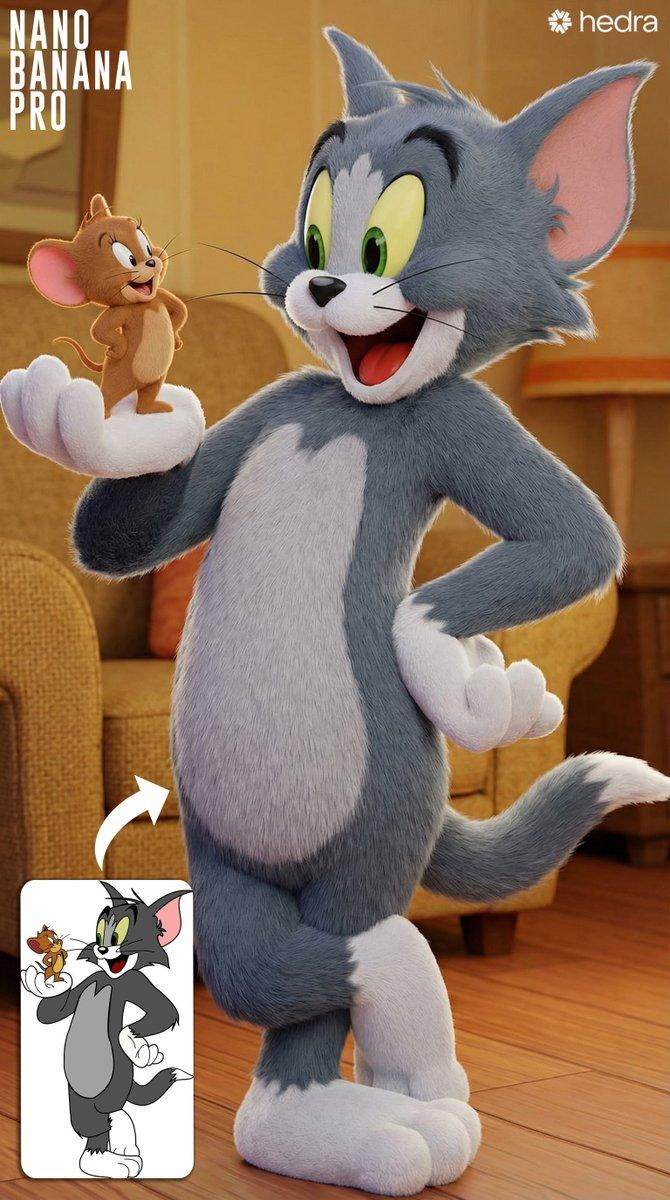
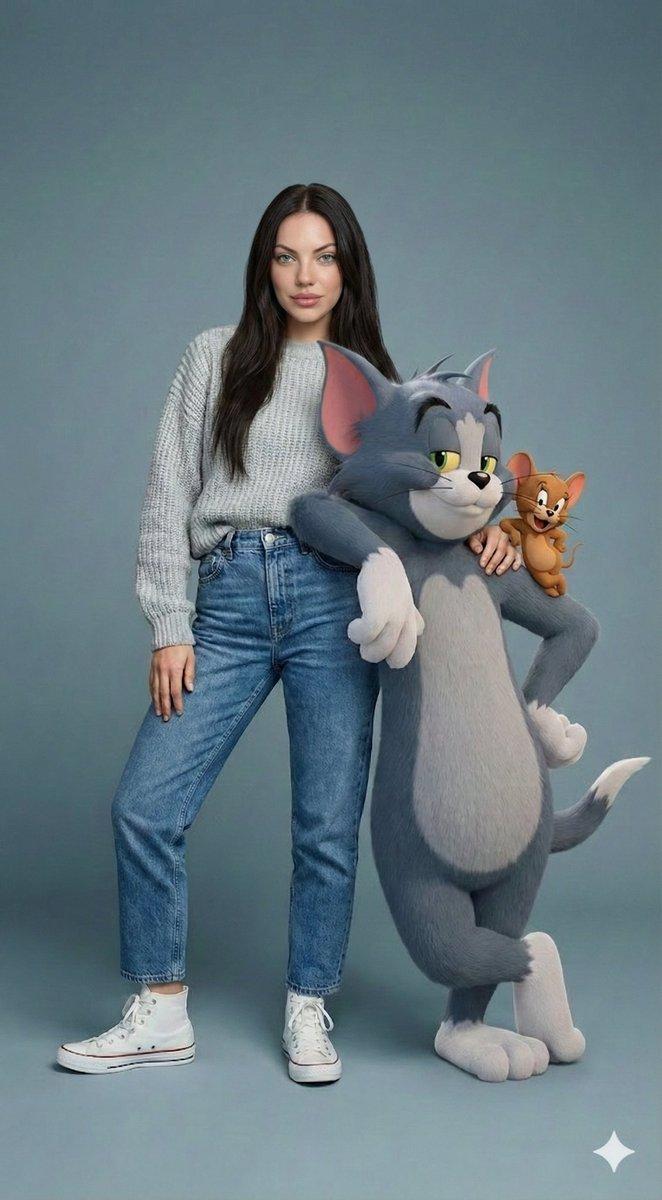
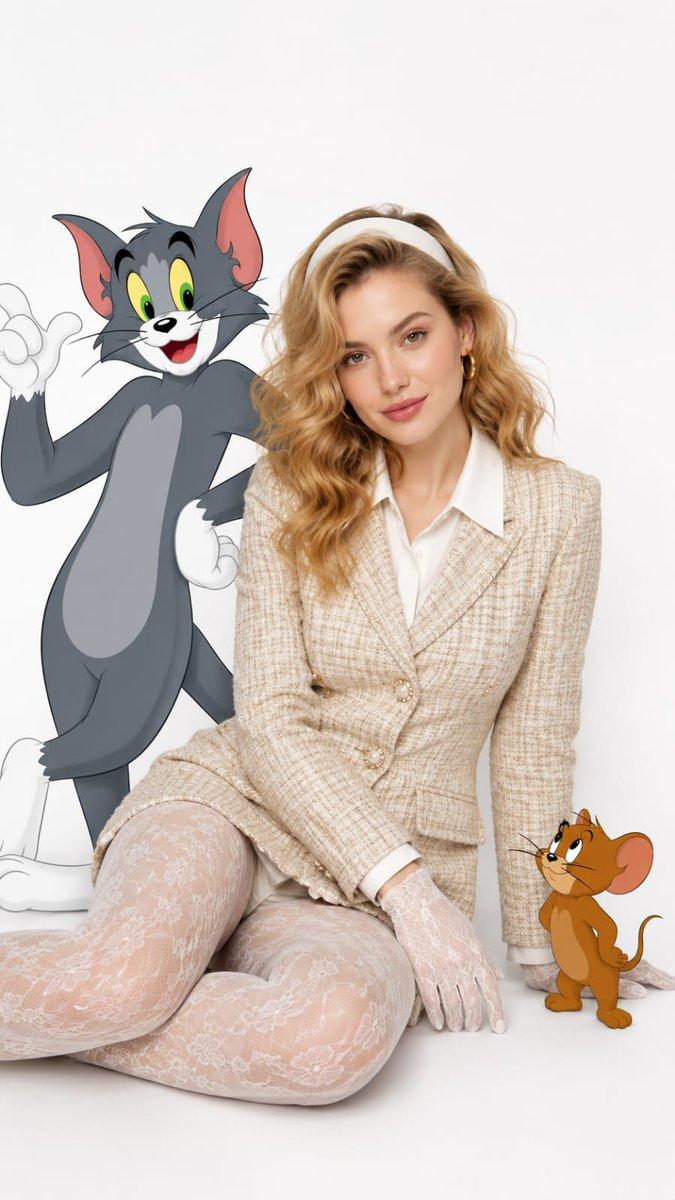
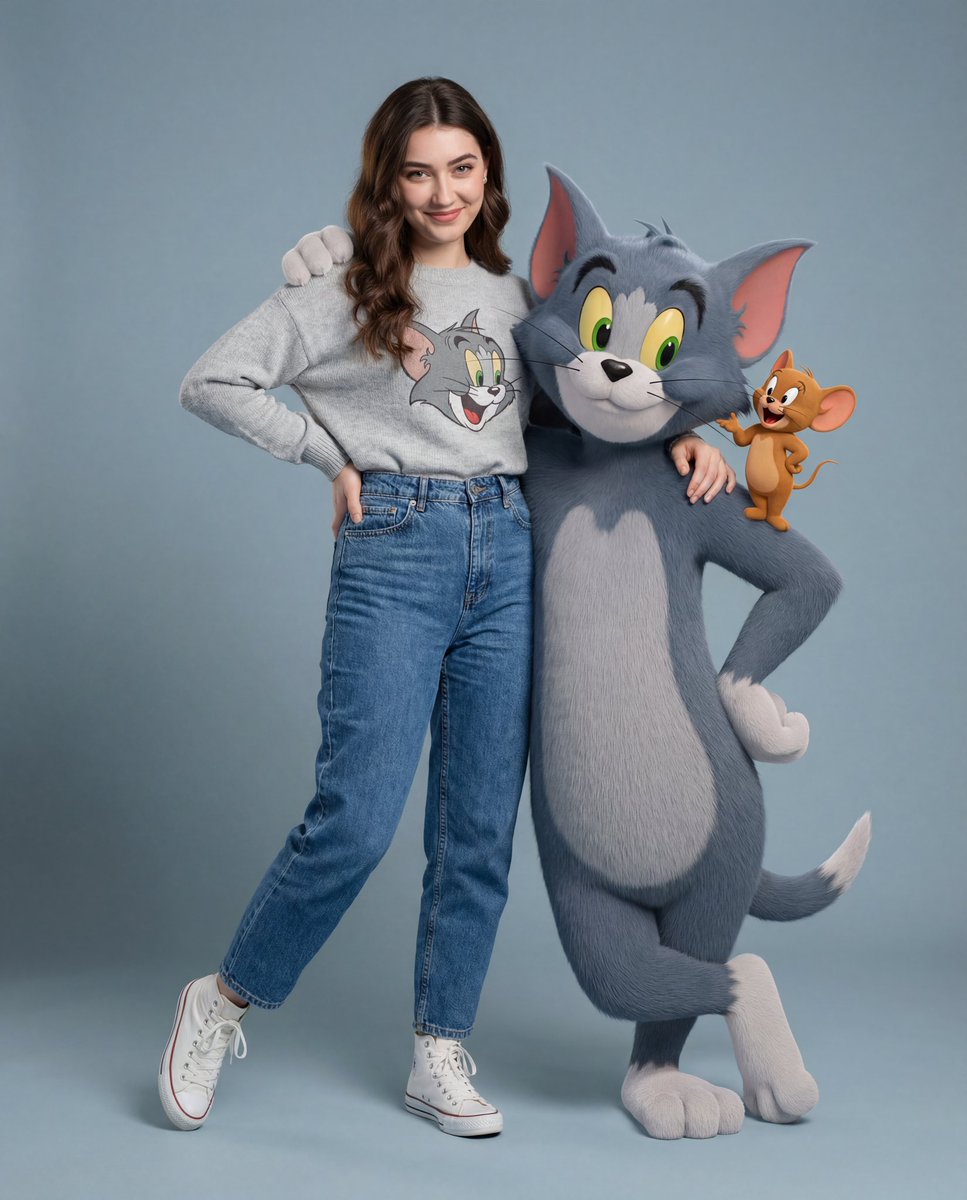
A Realistic First Person (Pov) Selfie Taken With An Outside Arm, In The Same Clothes As In The Uploaded Photo.
Close-up Of Me Hugging Tom, The Cartoon Gray Cat From Tom And Jerry, With A Small Smile (Jerry Can Be Looking Out Of My Shoulder Or My Pocket).
Photorealistic Environment: Studio Set, Office Interior, Warm Light, Props, Spotlights And Cables In The Background.
Tom Is A Strongly Stylized Toon 3d: Cel-shading, Multi-proportions, Clear Contour, No Realistic Fur, Not Live-action.
Organic: Zoom To The Chest, Contact Of Hugs, Single Light, Natural Shadows. 4k.natural shadows. 4k.
Category
创意图片
Model
Nano Banana Pro
Creator
Harboriis
Views8
Source ID
02feea03-f9c4-4793-8cec-331380b94495
Published
Mar 8, 2026

Guide

About "第一人称自拍:拥抱风格化的汤姆和杰瑞"

What is this prompt for?

"第一人称自拍:拥抱风格化的汤姆和杰瑞" AI image prompt for Nano Banana Pro (创意图片). 一个提示,要求生成一张超现实的第一人称视角自拍,其中用户正在拥抱卡通人物汤姆。提示中特别指出,汤姆必须是一个风格强烈的 3D 卡通形象(赛璐珞渲染,非写实毛发),而环境则是照片级的真实感,…

The full copyable prompt and example visuals above are ready for AI image generation or one-click recreate in Picva.

How to use this prompt

  1. Step 1

    Open the prompt detail

    Review the example visuals, category, and full prompt text for "第一人称自拍:拥抱风格化的汤姆和杰瑞".

  2. Step 2

    Copy the prompt

    Copy the prompt body from this page, or load it directly in Studio.

  3. Step 3

    Pick a model (Nano Banana Pro)

    Prefer Nano Banana Pro. If you switch models, keep subject and composition and tweak style terms.

  4. Step 4

    Generate and export

    Recreate the look in Picva, or export into your workflow for editing and publishing.

FAQ

What is the "第一人称自拍:拥抱风格化的汤姆和杰瑞" prompt?
It is an AI image-generation prompt for Nano Banana Pro in the 创意图片 category. This page includes the full prompt text, example visuals, and a one-click recreate path in Picva.
How do I use this prompt to generate an image?
Copy the prompt from this page, or use Generate / Studio. Paste it into a compatible image model, or recreate the look in Picva with optional reference images.
Which model is this prompt for?
This page lists Nano Banana Pro. Most descriptive prompts also transfer to nearby image models such as GPT Image, Flux, or Midjourney with light style tweaks.
Can I use the result commercially?
You can usually copy the prompt for creation, but commercial use of the final image depends on the model terms, reference-image rights, and the generated content. Follow the source author and platform rules.