17

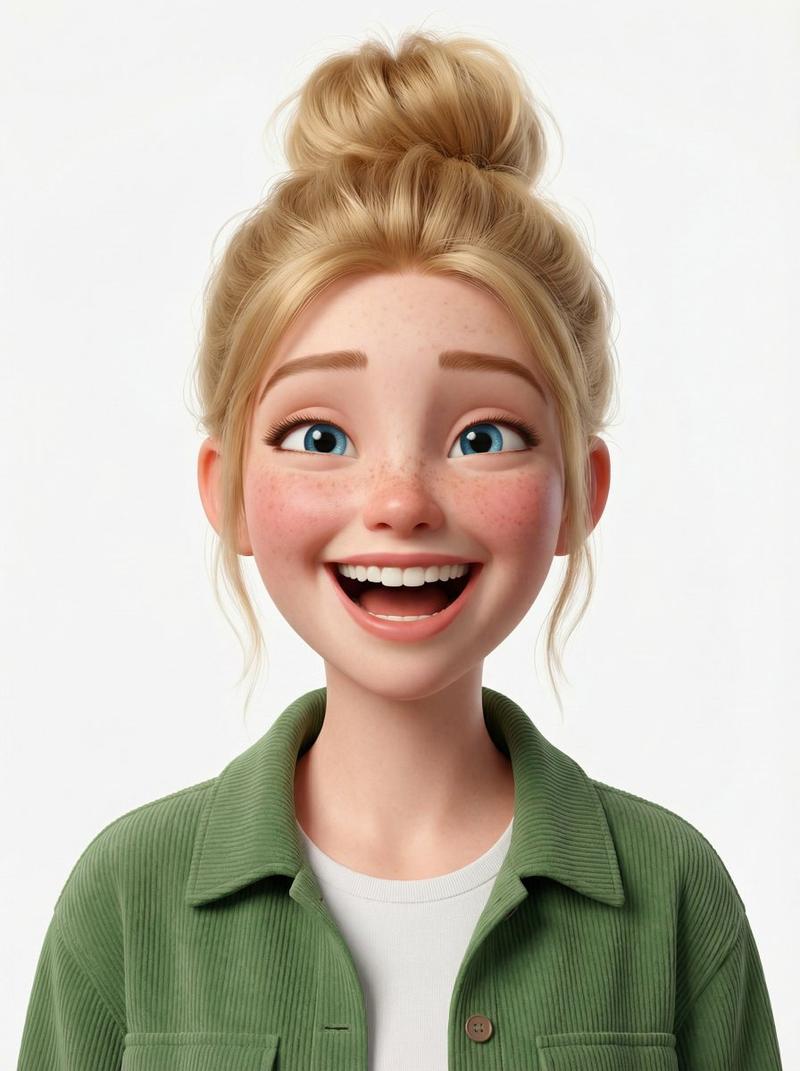
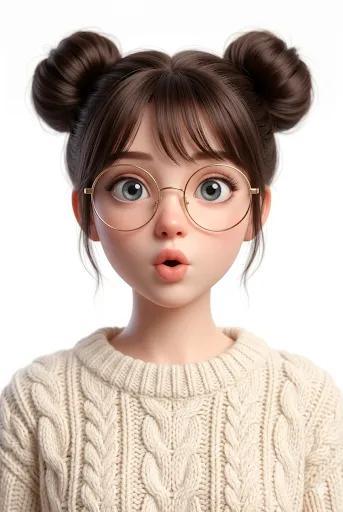
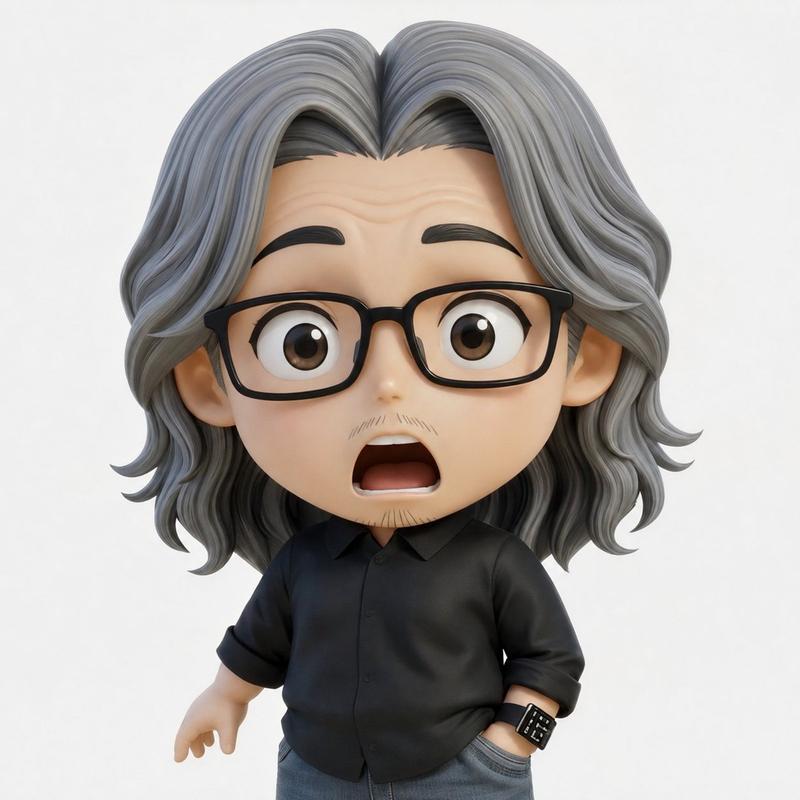
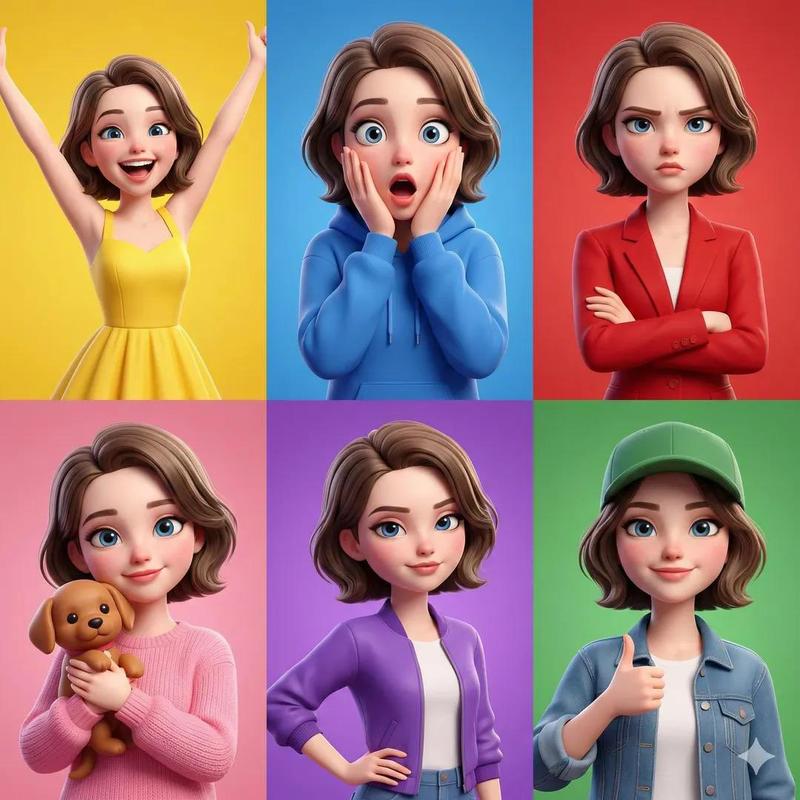
皮克斯风格 3D 角色肖像(男性和女性)
Enlarge

皮克斯风格 3D 角色肖像(男性和女性)

Prompt
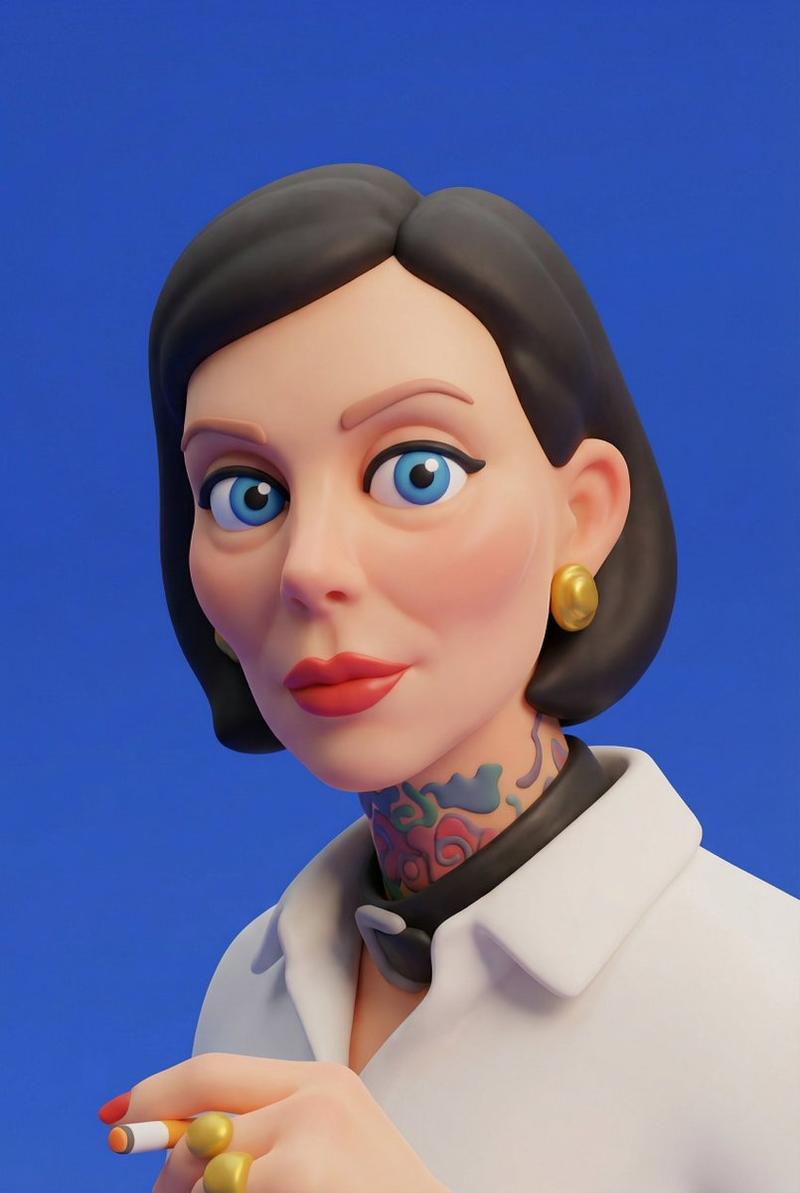
Prompt 1 (first image):

3D stylized character portrait of a young man, curly dark hair, wearing black round glasses and a dark hoodie, subtle smirk expression while looking sideways, small tattoo on the neck, smooth skin, highly detailed Pixar-style character design, soft studio lighting, clean light gray background, ultra-sharp, cinematic render, high detail, modern animated film style.

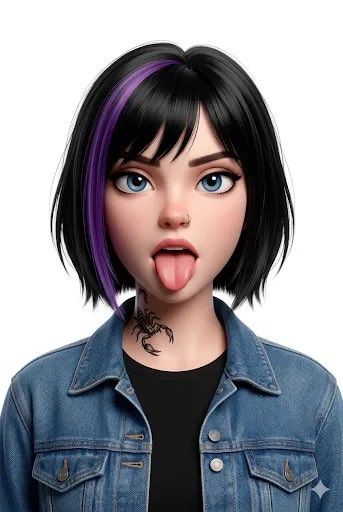
Prompt 2 (second image):
3D stylized character portrait of a young girl with short black bob haircut and a purple hair streak, big blue eyes, playful expression with tongue sticking out, small neck tattoo, wearing a denim jacket over a black shirt, cute Pixar/Disney style character design, soft studio lighting, clean light gray background, ultra detailed, cinematic render, vibrant colors, animated movie style.
Category
创意图片
Model
Nano Banana Pro
Creator
Kashberg
Views9
Source ID
bcc3ecc0-e9a8-42d0-943a-7b104febb1ab
Published
Mar 8, 2026

Guide

About "皮克斯风格 3D 角色肖像(男性和女性)"

What is this prompt for?

"皮克斯风格 3D 角色肖像(男性和女性)" AI image prompt for Nano Banana Pro (创意图片). 以下是两个用于生成高度细致的皮克斯风格 3D 角色肖像的独立提示。第一个提示是关于一个留着卷发、戴着眼镜的年轻男子,第二个提示是关于一个留着波波头、挑染紫色头发的年轻女孩。两个提示都指…

The full copyable prompt and example visuals above are ready for AI image generation or one-click recreate in Picva.

How to use this prompt

  1. Step 1

    Open the prompt detail

    Review the example visuals, category, and full prompt text for "皮克斯风格 3D 角色肖像(男性和女性)".

  2. Step 2

    Copy the prompt

    Copy the prompt body from this page, or load it directly in Studio.

  3. Step 3

    Pick a model (Nano Banana Pro)

    Prefer Nano Banana Pro. If you switch models, keep subject and composition and tweak style terms.

  4. Step 4

    Generate and export

    Recreate the look in Picva, or export into your workflow for editing and publishing.

FAQ

What is the "皮克斯风格 3D 角色肖像(男性和女性)" prompt?
It is an AI image-generation prompt for Nano Banana Pro in the 创意图片 category. This page includes the full prompt text, example visuals, and a one-click recreate path in Picva.
How do I use this prompt to generate an image?
Copy the prompt from this page, or use Generate / Studio. Paste it into a compatible image model, or recreate the look in Picva with optional reference images.
Which model is this prompt for?
This page lists Nano Banana Pro. Most descriptive prompts also transfer to nearby image models such as GPT Image, Flux, or Midjourney with light style tweaks.
Can I use the result commercially?
You can usually copy the prompt for creation, but commercial use of the final image depends on the model terms, reference-image rights, and the generated content. Follow the source author and platform rules.