20

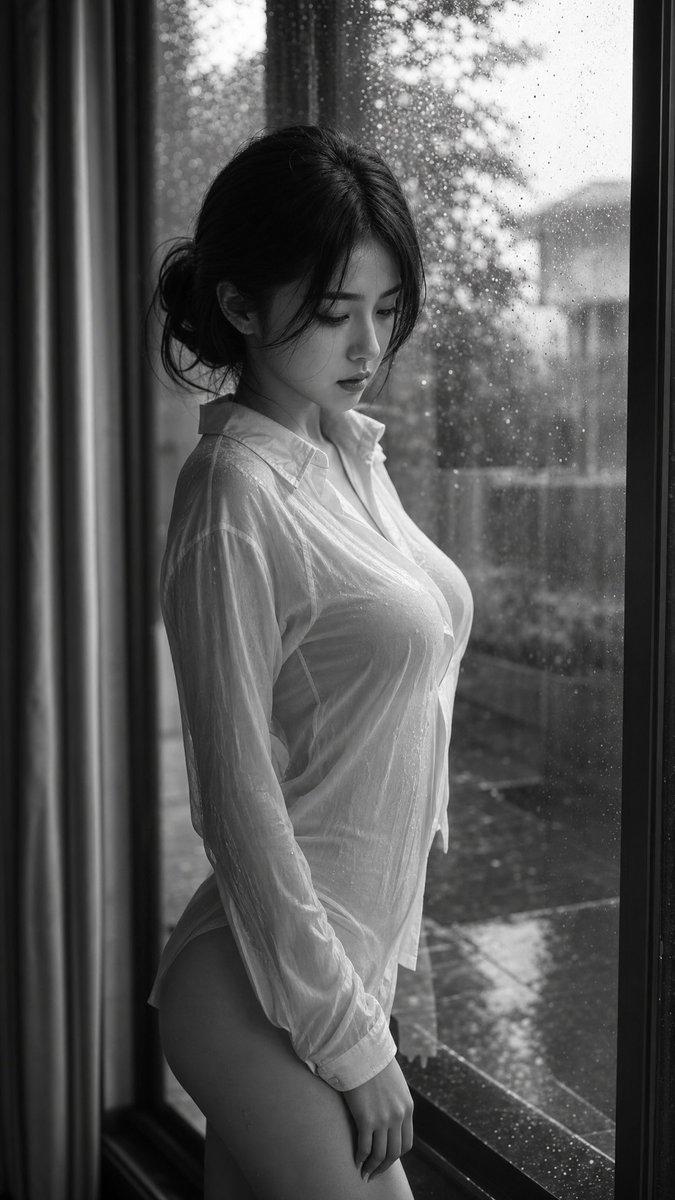
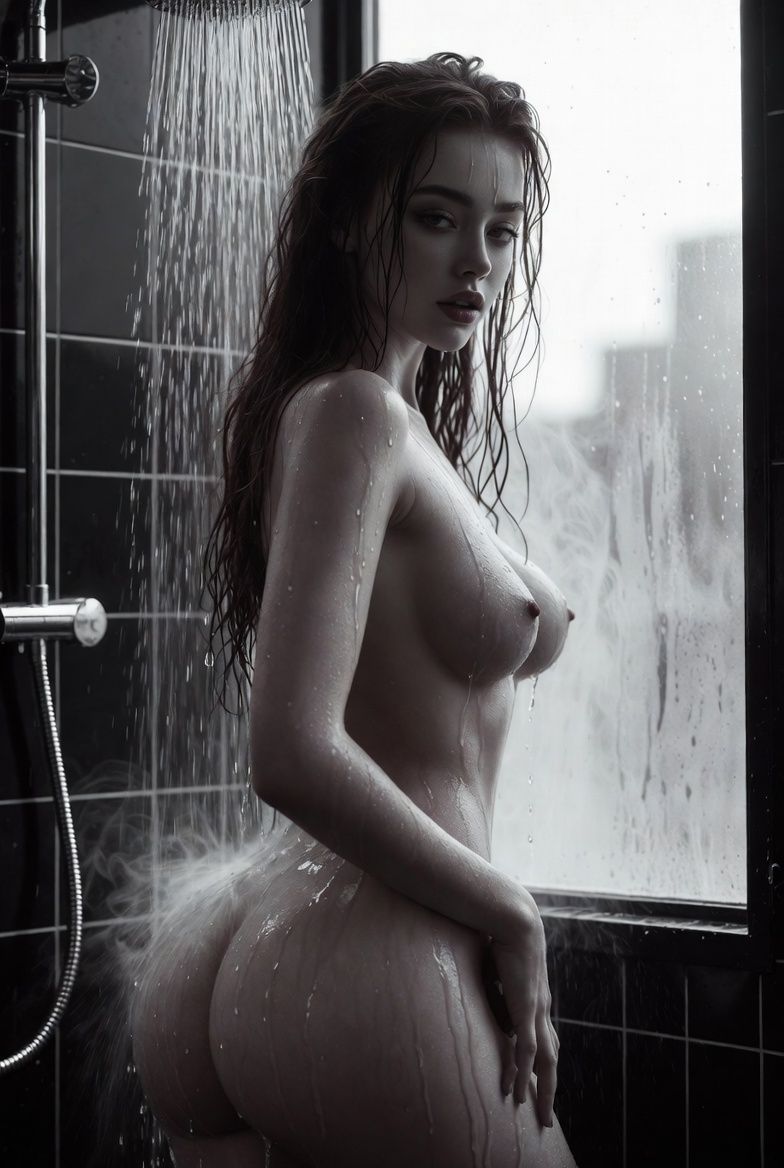
戏剧性的黑白淋浴肖像
Enlarge

戏剧性的黑白淋浴肖像

Prompt
{
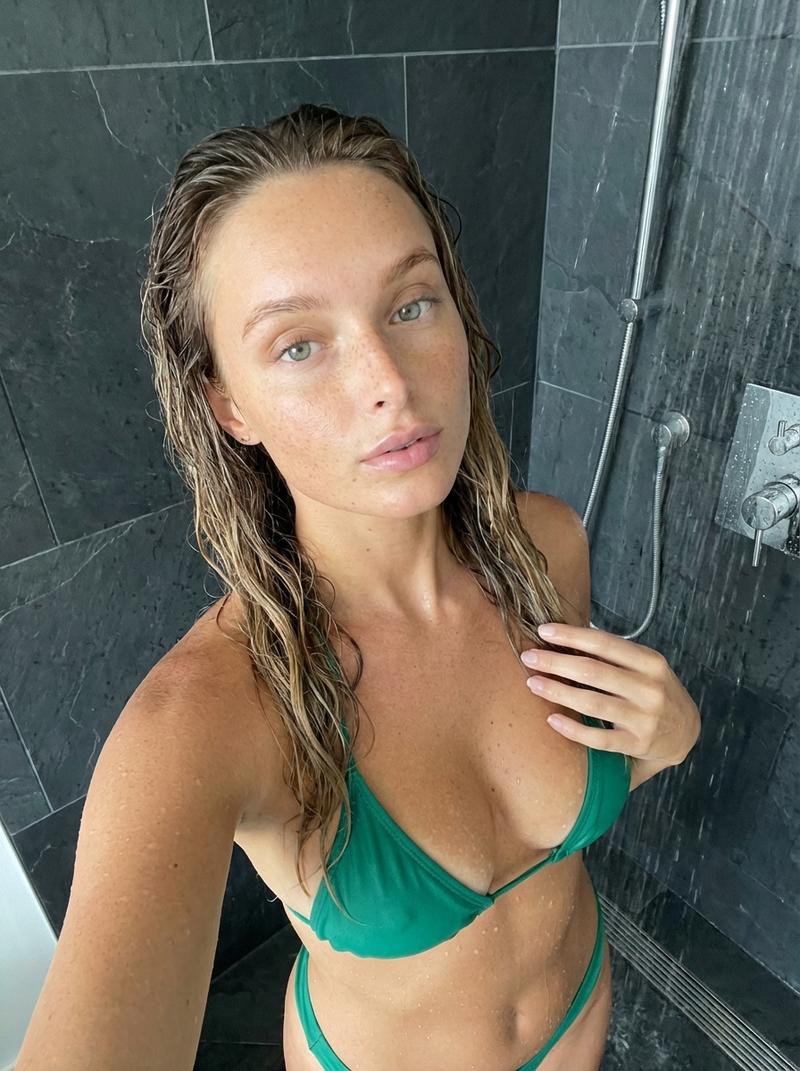
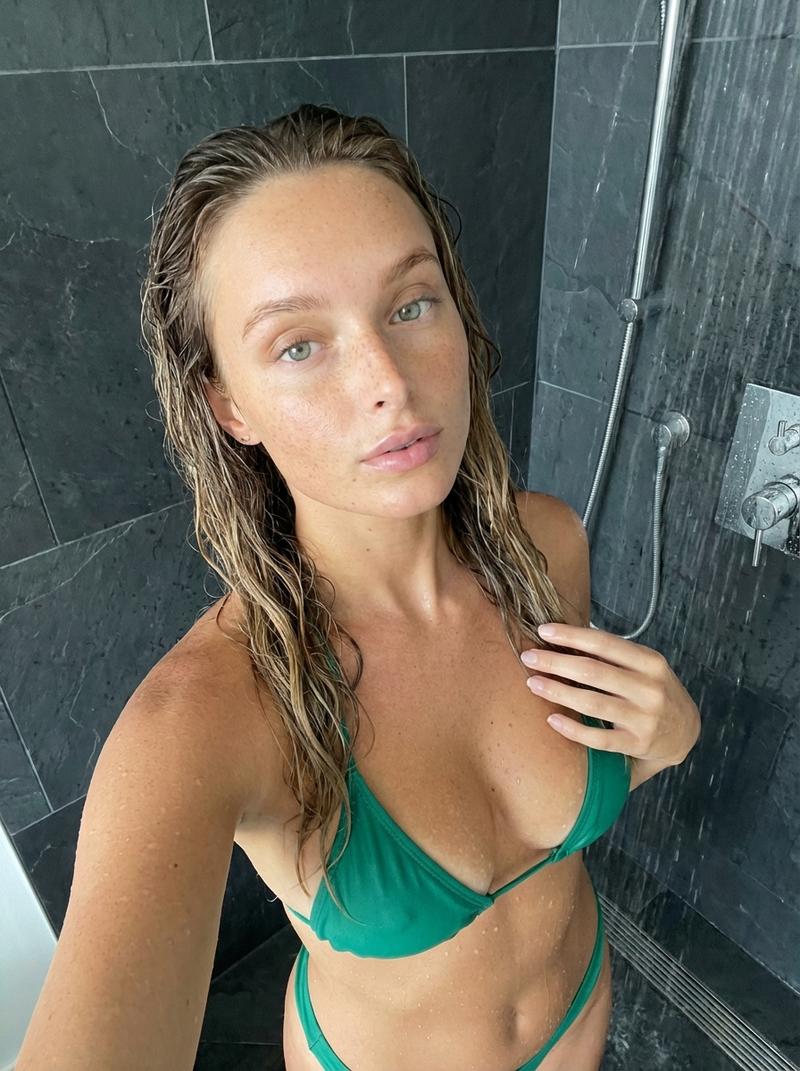
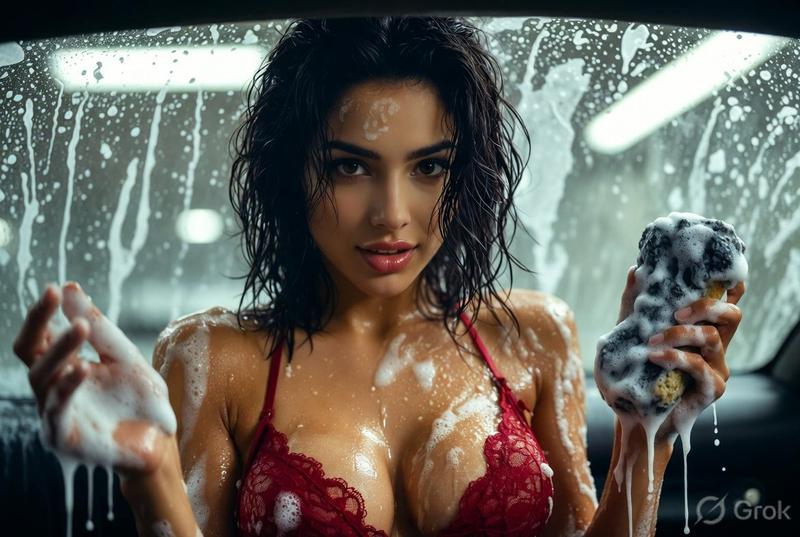
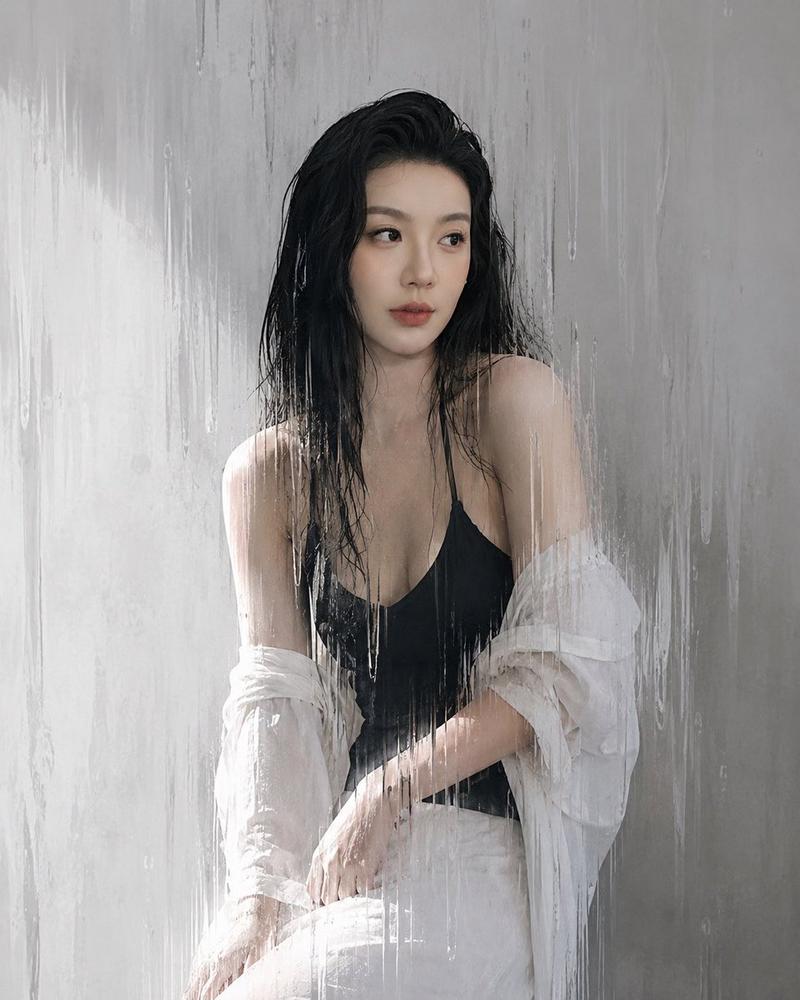
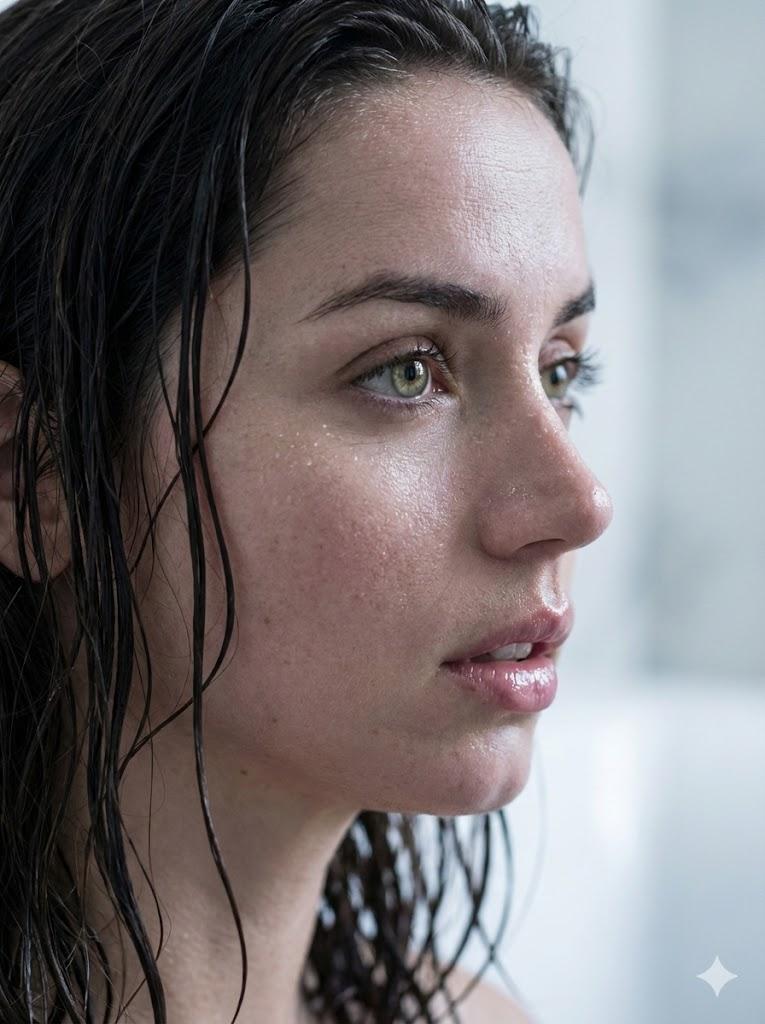
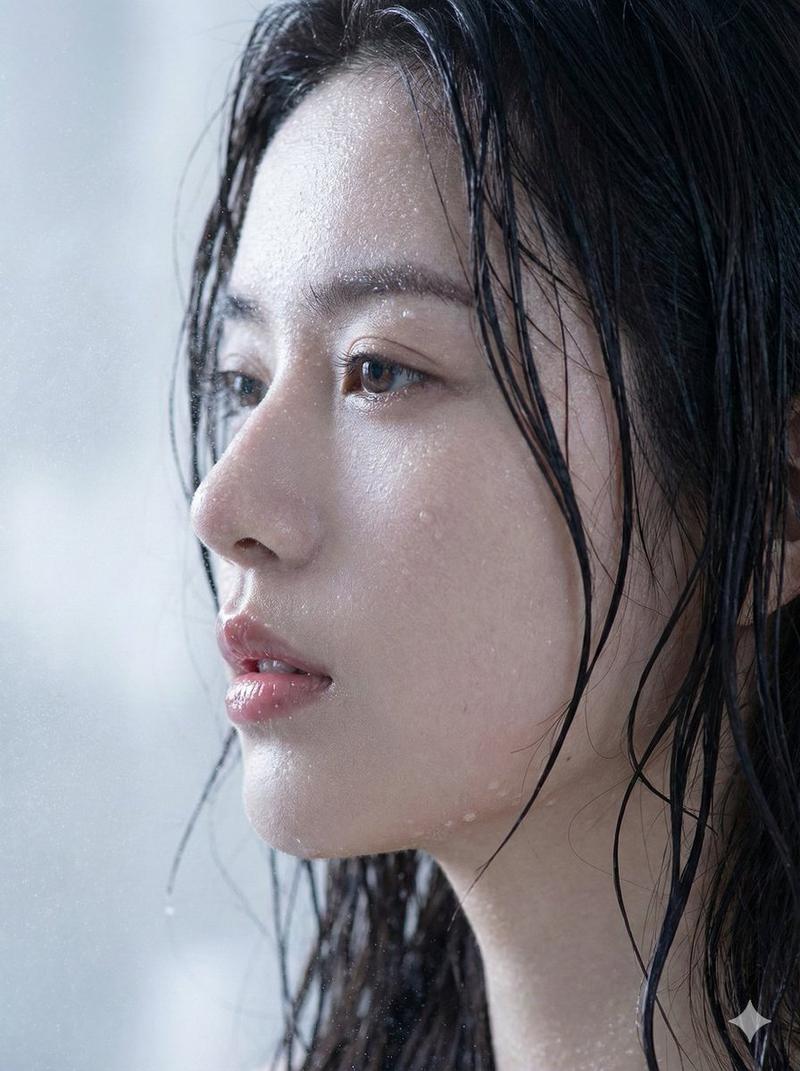
  "prompt": "A stunningly beautiful young woman with long wet dark brown hair slicked back, seductive dark eyes with wet lashes, full glossy lips slightly parted, perfect symmetrical face, flawless pale skin glistening with water, extremely voluptuous figure with large natural breasts, tiny waist, wide hips, standing nude in a modern black-tiled shower under a rainfall showerhead, water cascading down her body in streams, droplets on skin, one hand on hip, other hand resting on thigh, body slightly turned to side profile view emphasizing curves, large window behind her with foggy glass and blurred city view, dramatic black and white high-contrast photography style, moody cinematic lighting with strong shadows and highlights from window light, steam and water reflections, highly detailed realistic wet skin texture, photorealistic, ultra high resolution, artistic erotic nude portrait"
}
Category
创意图片
Model
Nano Banana Pro
Views17
Source ID
b021753c-7989-4f93-b3f4-4e144100cf82
Published
Mar 8, 2026

Guide

About "戏剧性的黑白淋浴肖像"

What is this prompt for?

"戏剧性的黑白淋浴肖像" AI image prompt for Nano Banana Pro (创意图片). 一段为 Nano Banana Pro 设计的极具表现力的提示词,描述了一幅戏剧性、高对比度的黑白写实图像:一位丰腴的女性赤身裸体站在现代黑色瓷砖淋浴间中,置身于花洒之下,重点突出湿润的皮肤纹理、电影般的…

The full copyable prompt and example visuals above are ready for AI image generation or one-click recreate in Picva.

How to use this prompt

  1. Step 1

    Open the prompt detail

    Review the example visuals, category, and full prompt text for "戏剧性的黑白淋浴肖像".

  2. Step 2

    Copy the prompt

    Copy the prompt body from this page, or load it directly in Studio.

  3. Step 3

    Pick a model (Nano Banana Pro)

    Prefer Nano Banana Pro. If you switch models, keep subject and composition and tweak style terms.

  4. Step 4

    Generate and export

    Recreate the look in Picva, or export into your workflow for editing and publishing.

FAQ

What is the "戏剧性的黑白淋浴肖像" prompt?
It is an AI image-generation prompt for Nano Banana Pro in the 创意图片 category. This page includes the full prompt text, example visuals, and a one-click recreate path in Picva.
How do I use this prompt to generate an image?
Copy the prompt from this page, or use Generate / Studio. Paste it into a compatible image model, or recreate the look in Picva with optional reference images.
Which model is this prompt for?
This page lists Nano Banana Pro. Most descriptive prompts also transfer to nearby image models such as GPT Image, Flux, or Midjourney with light style tweaks.
Can I use the result commercially?
You can usually copy the prompt for creation, but commercial use of the final image depends on the model terms, reference-image rights, and the generated content. Follow the source author and platform rules.