20

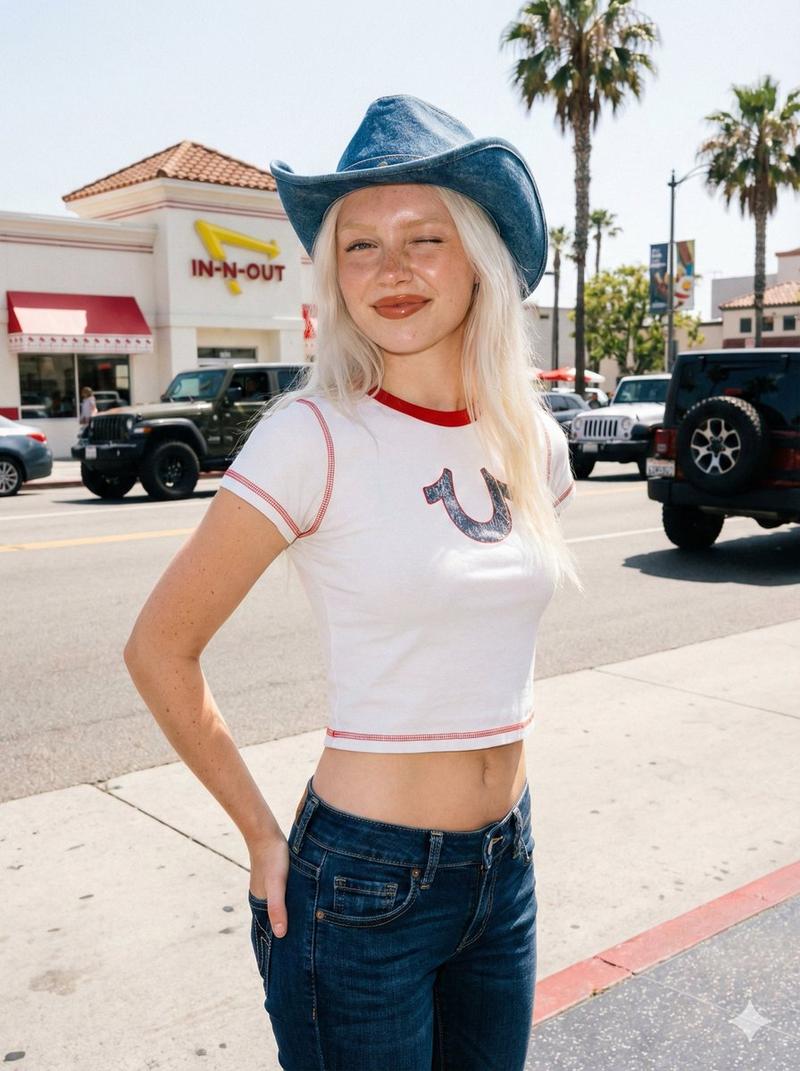
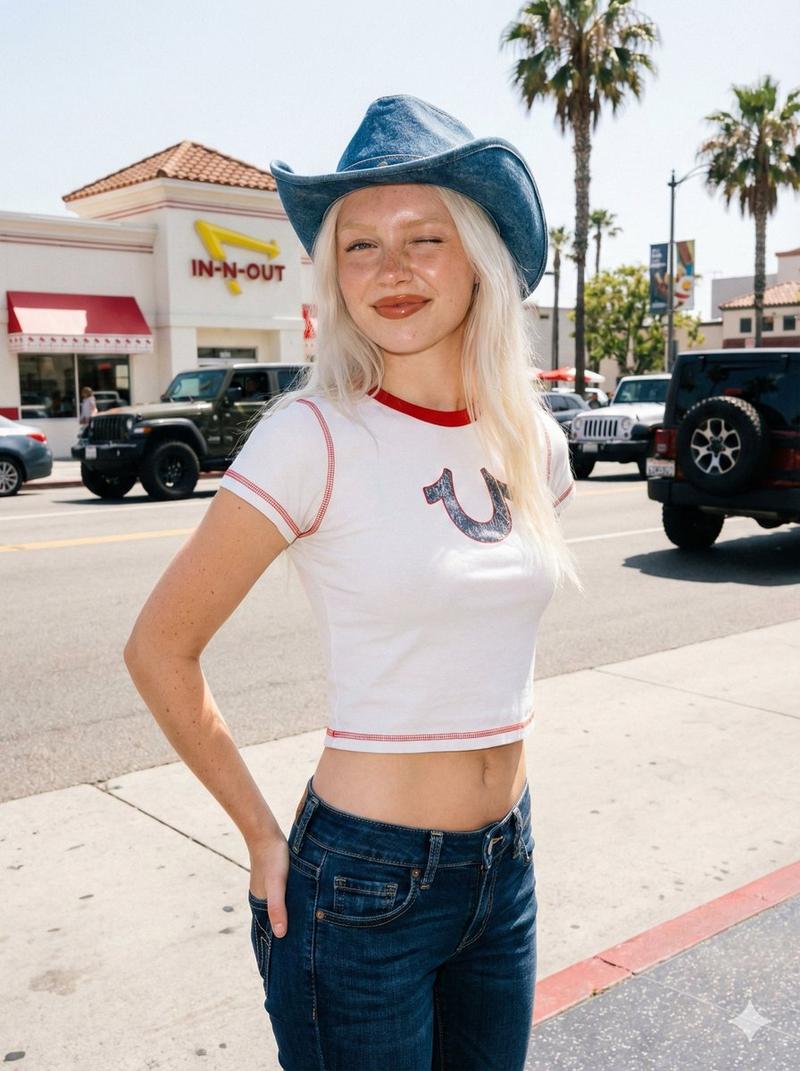
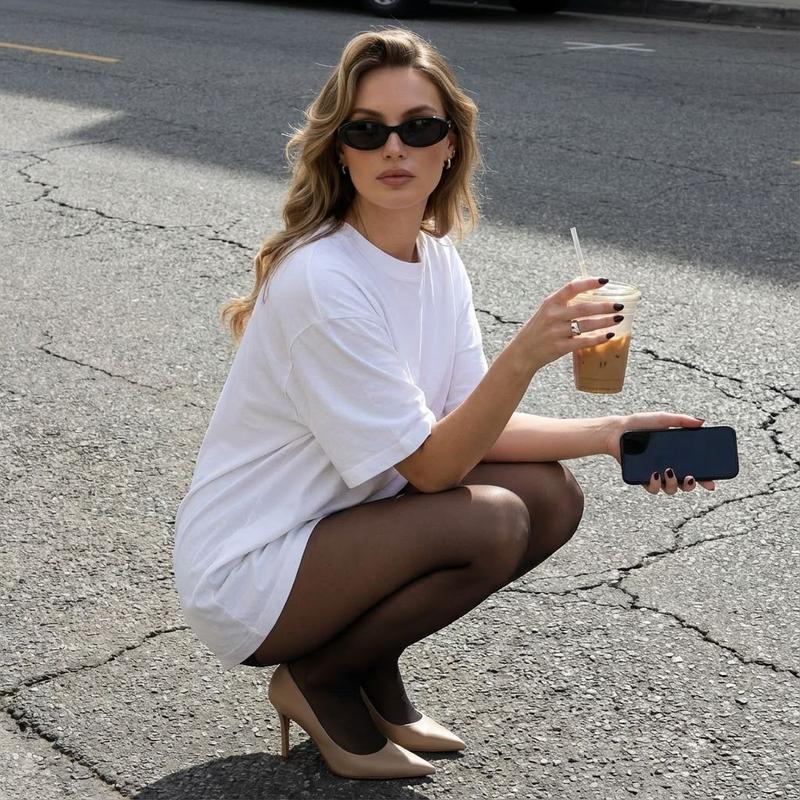
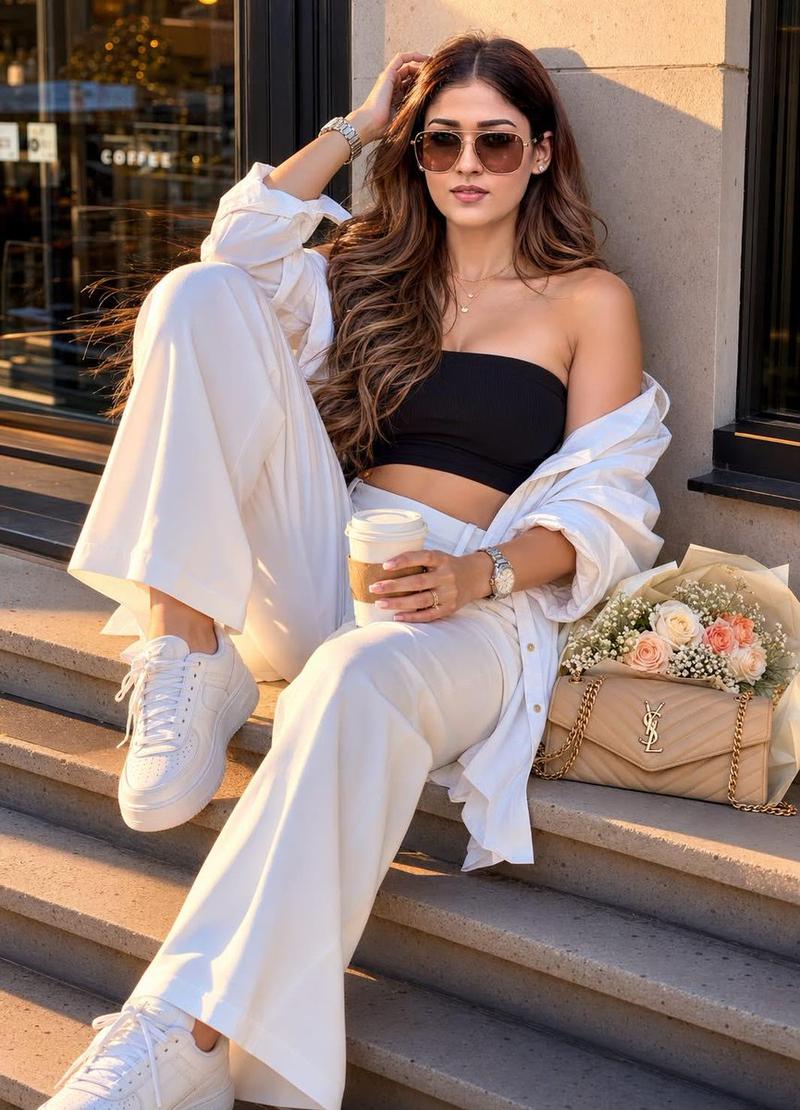
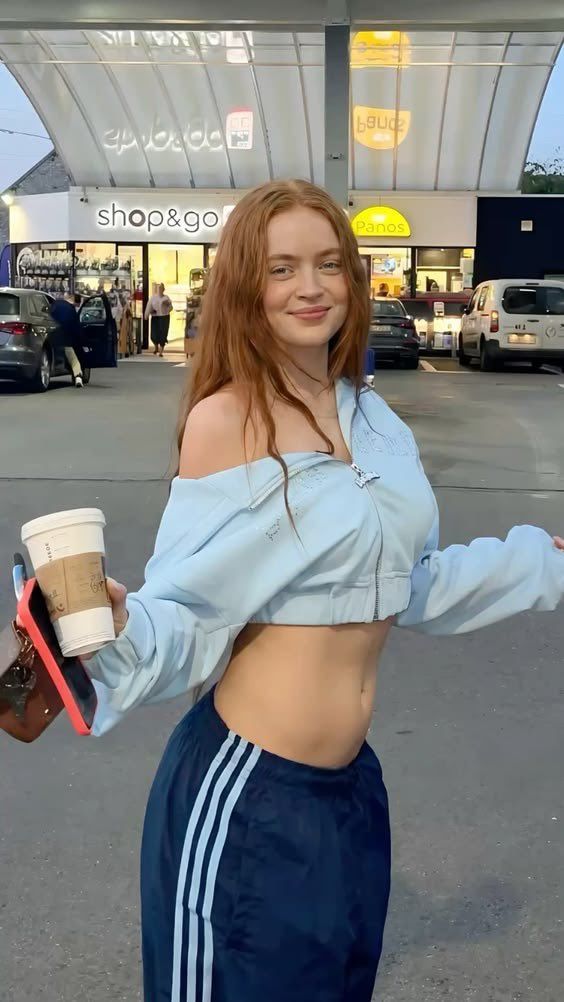
Sadie Sink 在加油站的街头生活照
Enlarge

Sadie Sink 在加油站的街头生活照

Prompt
{
  "description": "A young woman with long red hair standing outside a shop and gas station area. She is smiling at the camera while holding a takeaway coffee cup and a phone. She is wearing a light blue off-shoulder cropped jacket and dark blue sporty track pants with white stripes. The background shows a convenience store with the sign 'shop&go' and parked cars, giving a casual street and everyday lifestyle vibe.",
  "location": "Gas station convenience store parking area",
  "outfit": {
    "top": "Light blue off-shoulder cropped jacket",
    "bottom": "Dark blue sporty track pants with white stripes"
  },
  "accessories": [
    "Takeaway coffee cup",
    "Smartphone",
    "Small handbag"
  ],
  "mood": "Relaxed, casual, cheerful",
  "lighting": "Natural outdoor daylight",
  "style": "Street lifestyle photography"
}
Category
创意图片
Model
Nano Banana Pro
Views19
Source ID
5c3d0be1-b5e5-4be4-811f-feb6979c1de9
Published
Mar 8, 2026

Guide

About "Sadie Sink 在加油站的街头生活照"

What is this prompt for?

"Sadie Sink 在加油站的街头生活照" AI image prompt for Nano Banana Pro (创意图片). 生成一张休闲街头生活照的提示词:一位酷似萨迪·辛克 (Sadie Sink) 的女性,站在一家“shop&go”便利店外,手持咖啡杯和手机,身穿浅蓝色短款夹克和运动休闲裤。 ---…

The full copyable prompt and example visuals above are ready for AI image generation or one-click recreate in Picva.

How to use this prompt

  1. Step 1

    Open the prompt detail

    Review the example visuals, category, and full prompt text for "Sadie Sink 在加油站的街头生活照".

  2. Step 2

    Copy the prompt

    Copy the prompt body from this page, or load it directly in Studio.

  3. Step 3

    Pick a model (Nano Banana Pro)

    Prefer Nano Banana Pro. If you switch models, keep subject and composition and tweak style terms.

  4. Step 4

    Generate and export

    Recreate the look in Picva, or export into your workflow for editing and publishing.

FAQ

What is the "Sadie Sink 在加油站的街头生活照" prompt?
It is an AI image-generation prompt for Nano Banana Pro in the 创意图片 category. This page includes the full prompt text, example visuals, and a one-click recreate path in Picva.
How do I use this prompt to generate an image?
Copy the prompt from this page, or use Generate / Studio. Paste it into a compatible image model, or recreate the look in Picva with optional reference images.
Which model is this prompt for?
This page lists Nano Banana Pro. Most descriptive prompts also transfer to nearby image models such as GPT Image, Flux, or Midjourney with light style tweaks.
Can I use the result commercially?
You can usually copy the prompt for creation, but commercial use of the final image depends on the model terms, reference-image rights, and the generated content. Follow the source author and platform rules.