20

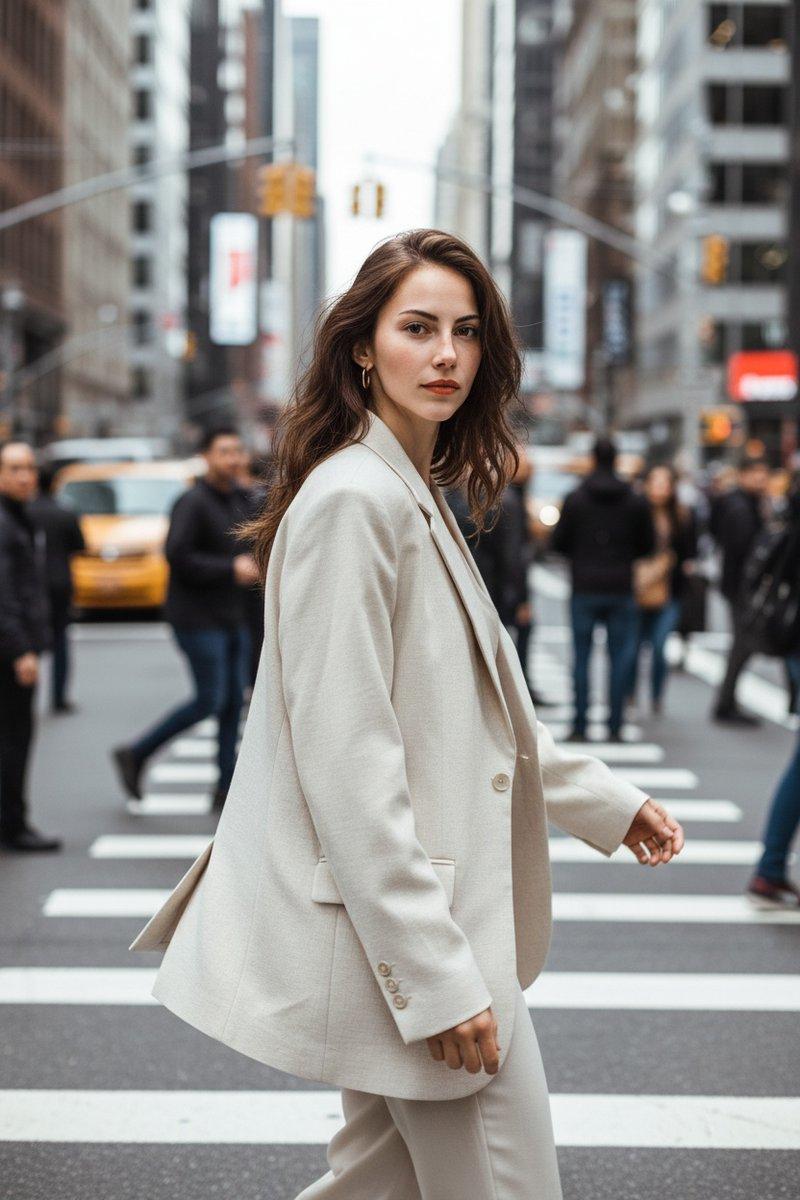
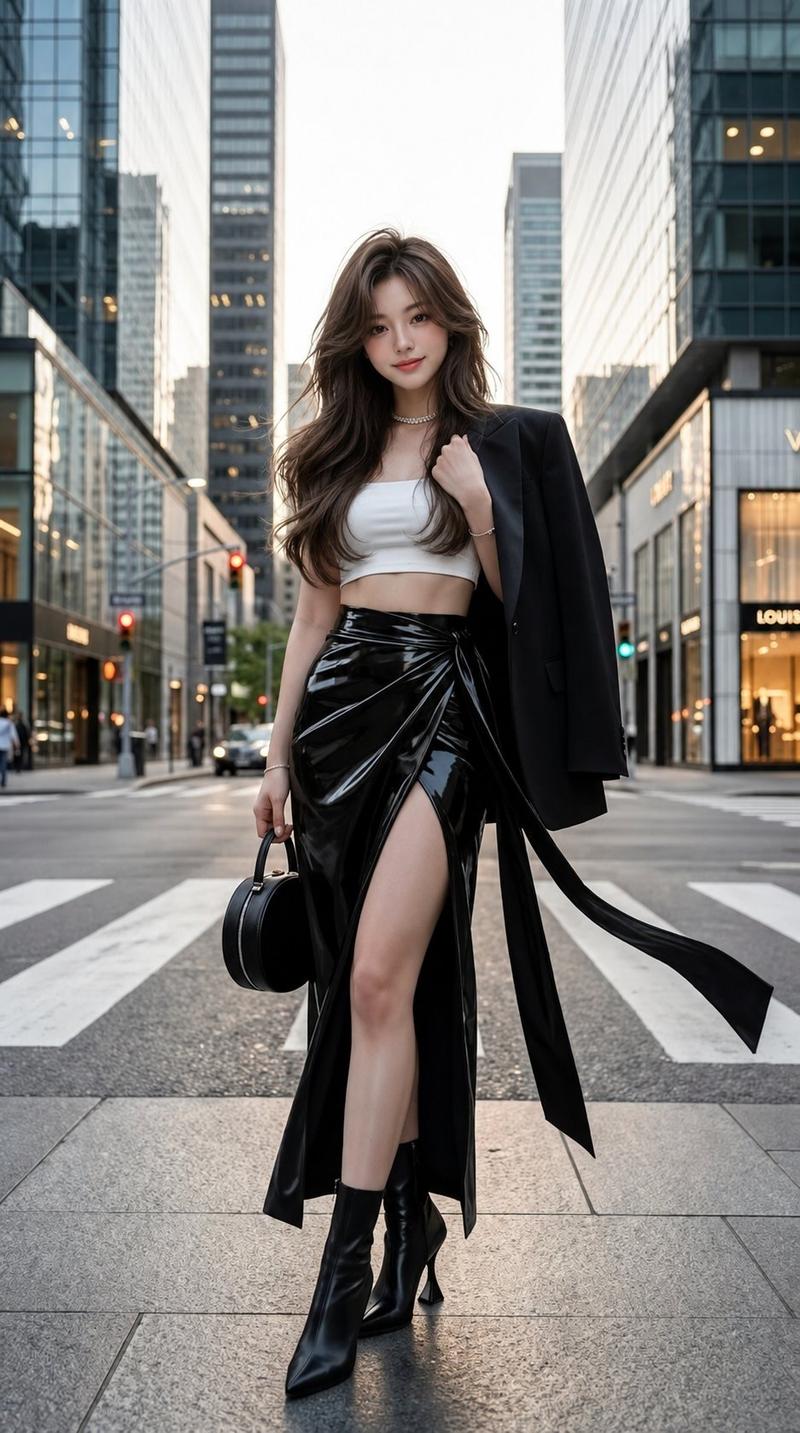
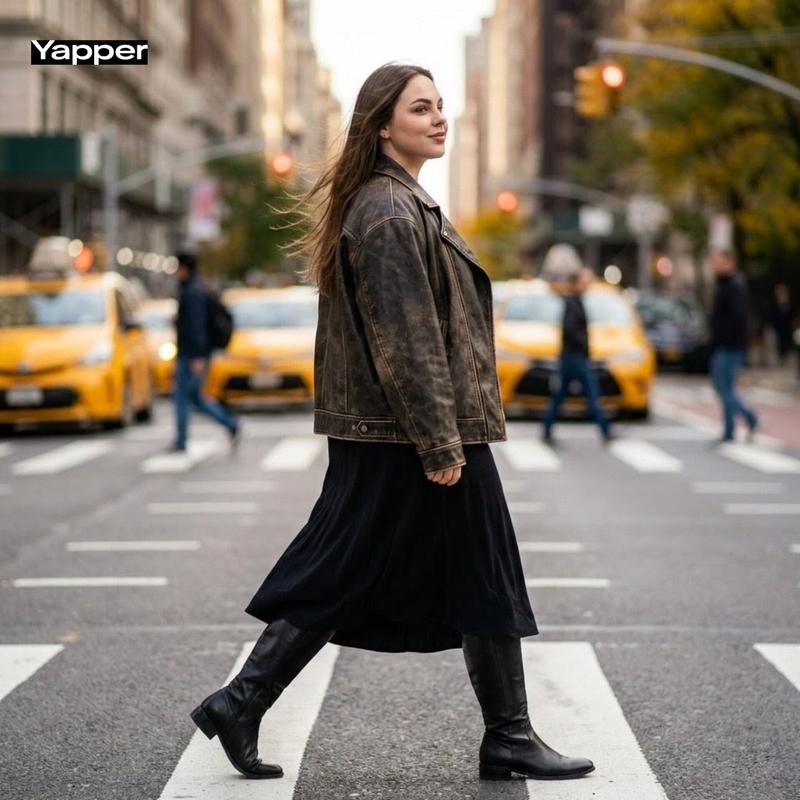
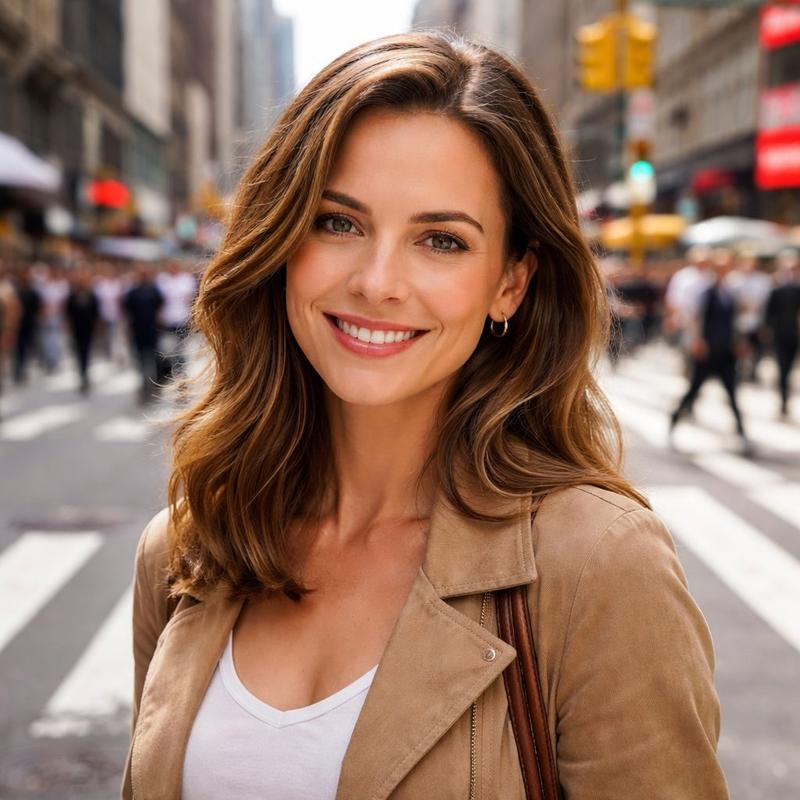
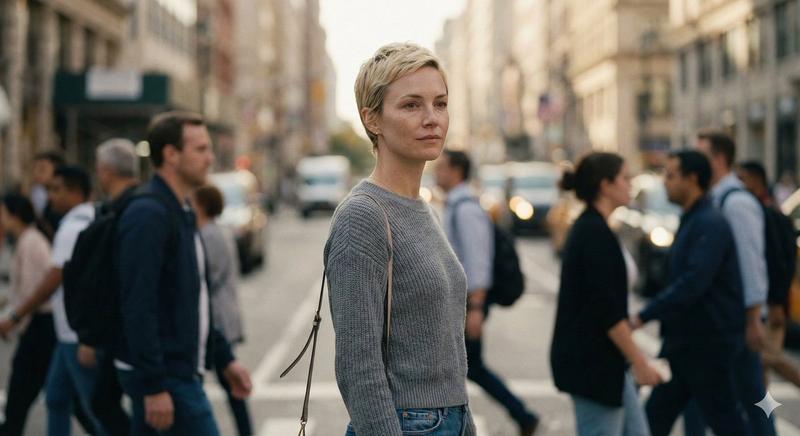
城市中行走的女性的抓拍街头照片
Enlarge

城市中行走的女性的抓拍街头照片

Prompt
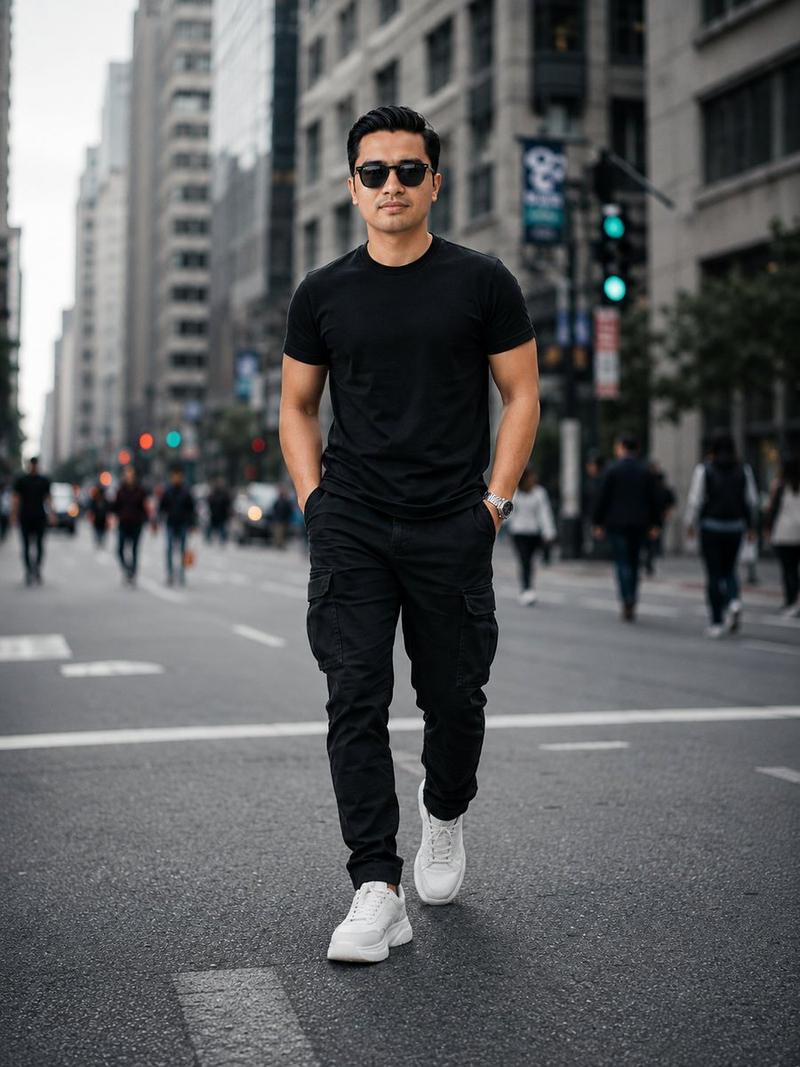
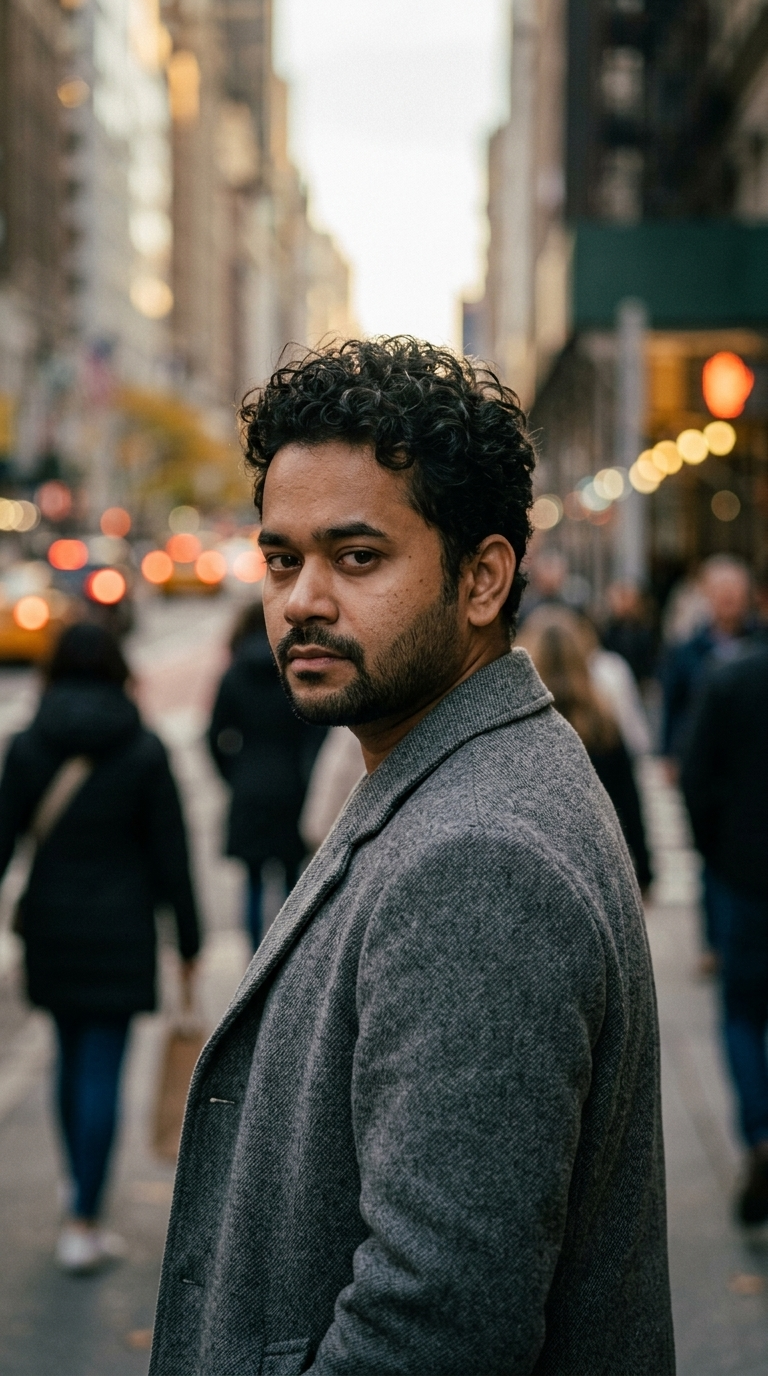
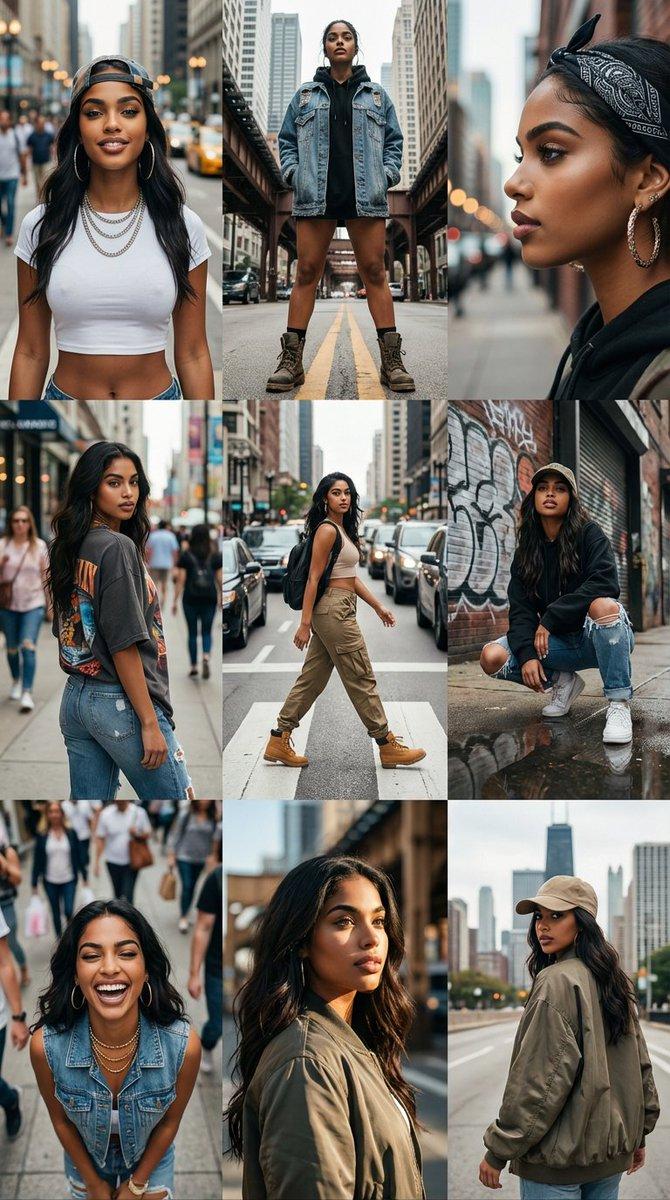
A highly realistic daytime street photo of a young woman walking across a busy city sidewalk. She is mid step, looking ahead naturally with a relaxed confident expression. Her hair moves slightly in the breeze. She is wearing a casual outfit, a {argument name="top color" default="white"} t shirt, light loose baggie blue jeans, and sneakers, with sunglasses resting on her head. In one hand she is holding a coffee cup.

Natural sunlight reflects from glass buildings and softly lights her face. The background shows cars passing, people walking, street signs, and cafés, all slightly blurred with shallow depth of field. Captured like candid street photography with a 50mm lens, natural colors, realistic skin texture, soft shadows on the pavement, photorealistic, ultra detailed, 8k.
Category
创意图片
Model
Nano Banana Pro
Creator
Harboriis
Views0
Source ID
9609b600-59de-40cc-ae3d-2500090701ac
Published
Mar 8, 2026

Guide

About "城市中行走的女性的抓拍街头照片"

What is this prompt for?

"城市中行走的女性的抓拍街头照片" AI image prompt for Nano Banana Pro (创意图片). 生成一张高度逼真的 8K 街头抓拍照片的提示词,内容为一位年轻女性走在繁忙的城市人行道上。照片应体现她随意的着装(白色 T 恤、宽松牛仔裤、咖啡杯)、自然阳光和反光,以及街头摄影的技术细节(50…

The full copyable prompt and example visuals above are ready for AI image generation or one-click recreate in Picva.

How to use this prompt

  1. Step 1

    Open the prompt detail

    Review the example visuals, category, and full prompt text for "城市中行走的女性的抓拍街头照片".

  2. Step 2

    Copy the prompt

    Copy the prompt body from this page, or load it directly in Studio.

  3. Step 3

    Pick a model (Nano Banana Pro)

    Prefer Nano Banana Pro. If you switch models, keep subject and composition and tweak style terms.

  4. Step 4

    Generate and export

    Recreate the look in Picva, or export into your workflow for editing and publishing.

FAQ

What is the "城市中行走的女性的抓拍街头照片" prompt?
It is an AI image-generation prompt for Nano Banana Pro in the 创意图片 category. This page includes the full prompt text, example visuals, and a one-click recreate path in Picva.
How do I use this prompt to generate an image?
Copy the prompt from this page, or use Generate / Studio. Paste it into a compatible image model, or recreate the look in Picva with optional reference images.
Which model is this prompt for?
This page lists Nano Banana Pro. Most descriptive prompts also transfer to nearby image models such as GPT Image, Flux, or Midjourney with light style tweaks.
Can I use the result commercially?
You can usually copy the prompt for creation, but commercial use of the final image depends on the model terms, reference-image rights, and the generated content. Follow the source author and platform rules.