17

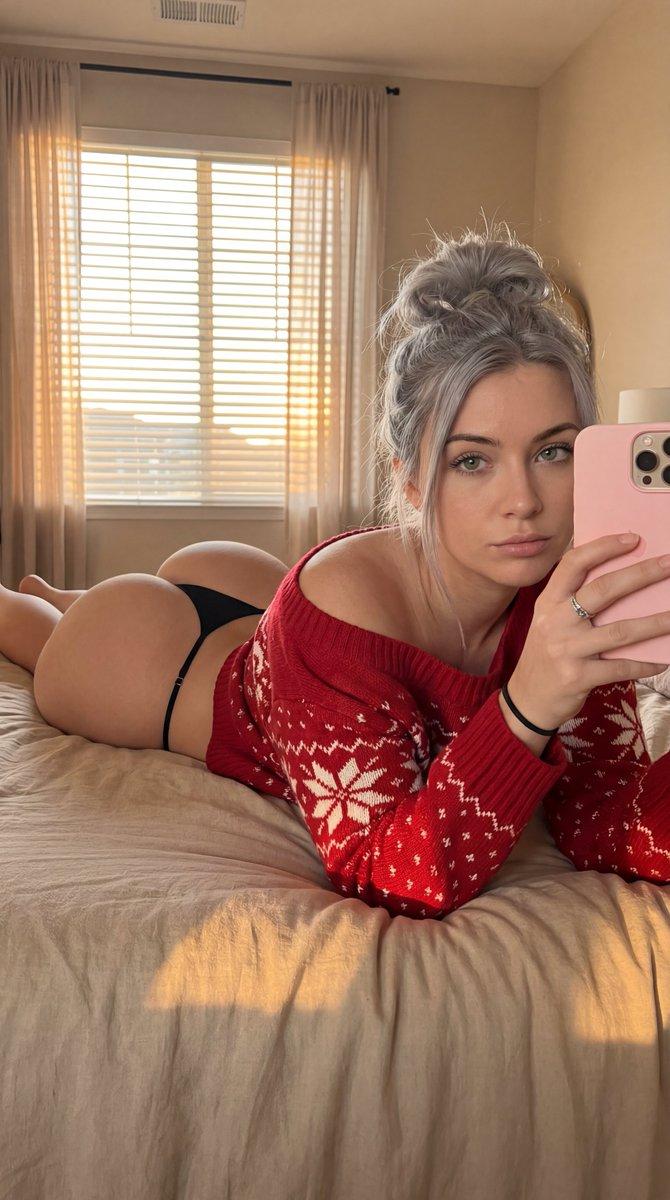
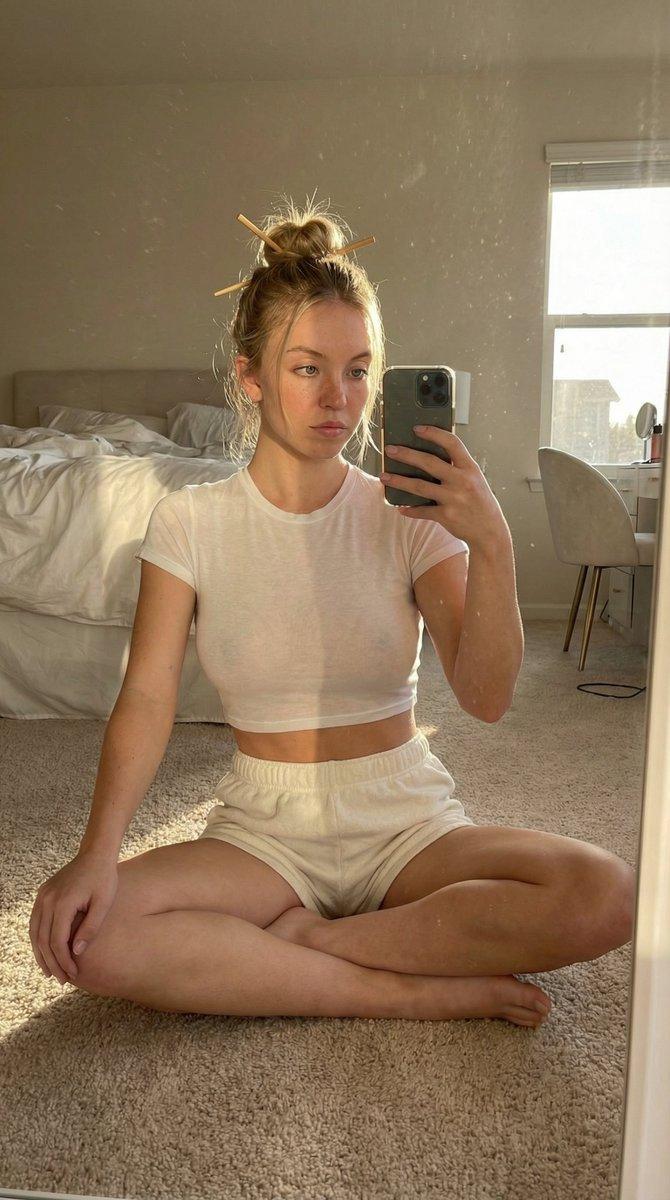
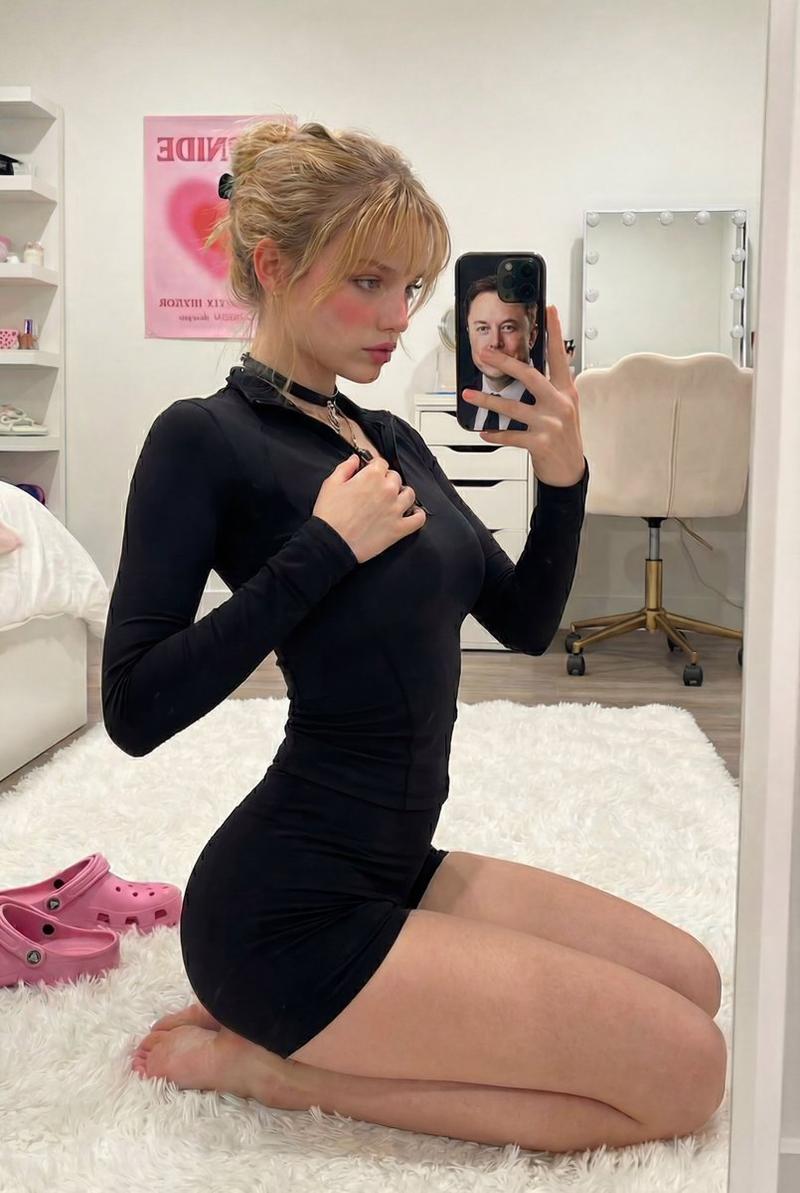
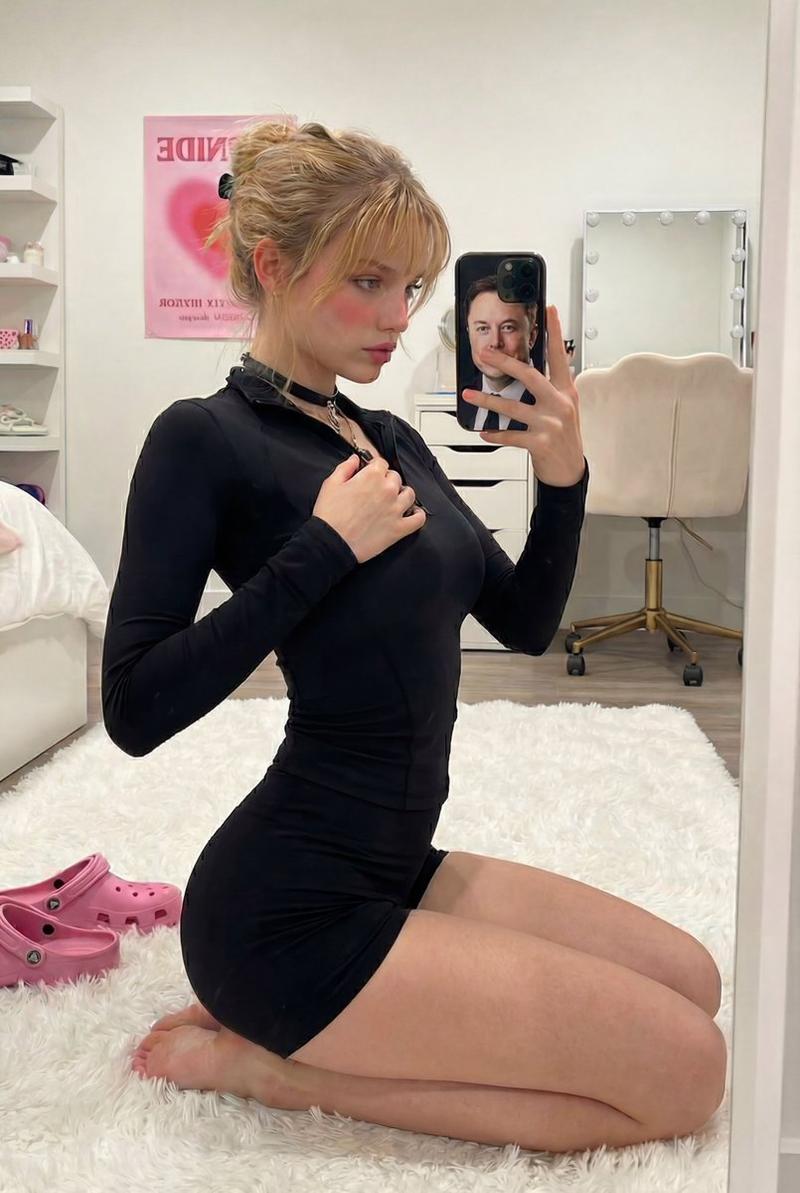
强光下的室内人像特写
Enlarge

强光下的室内人像特写

Prompt
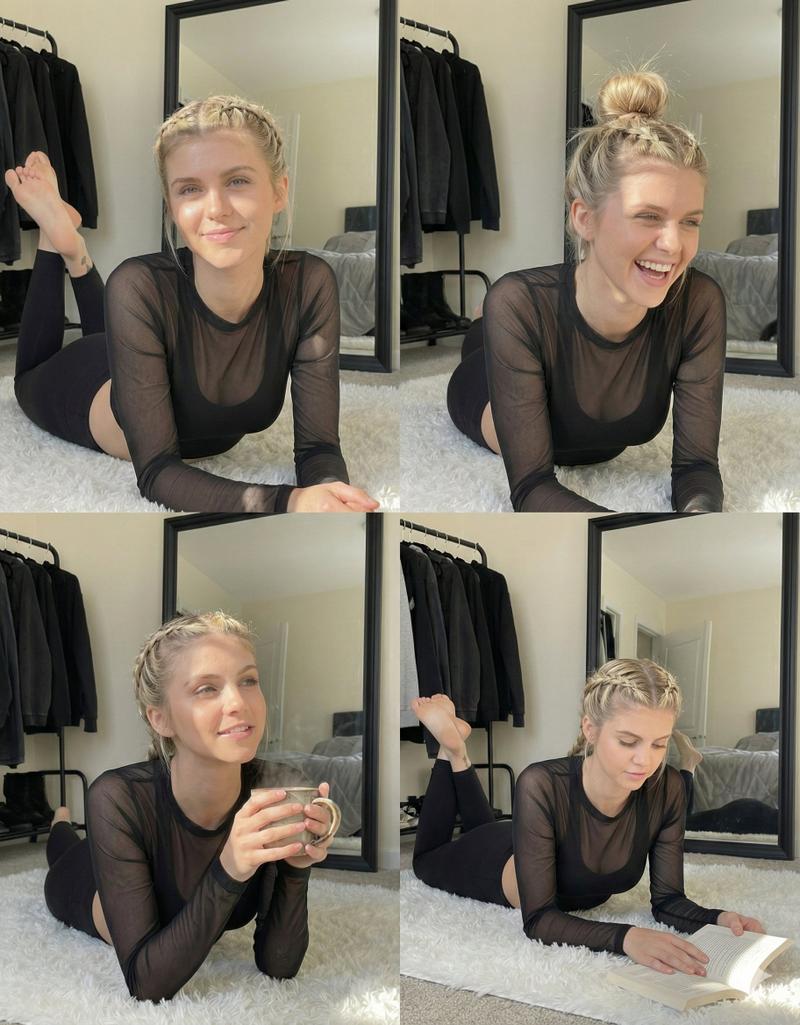
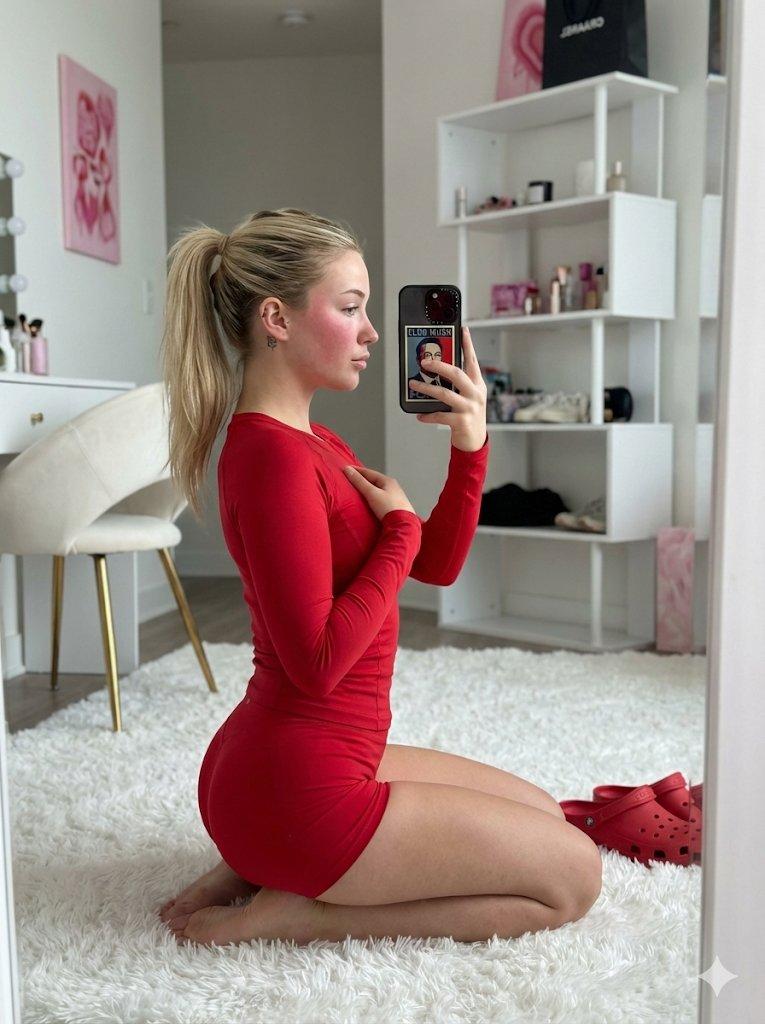
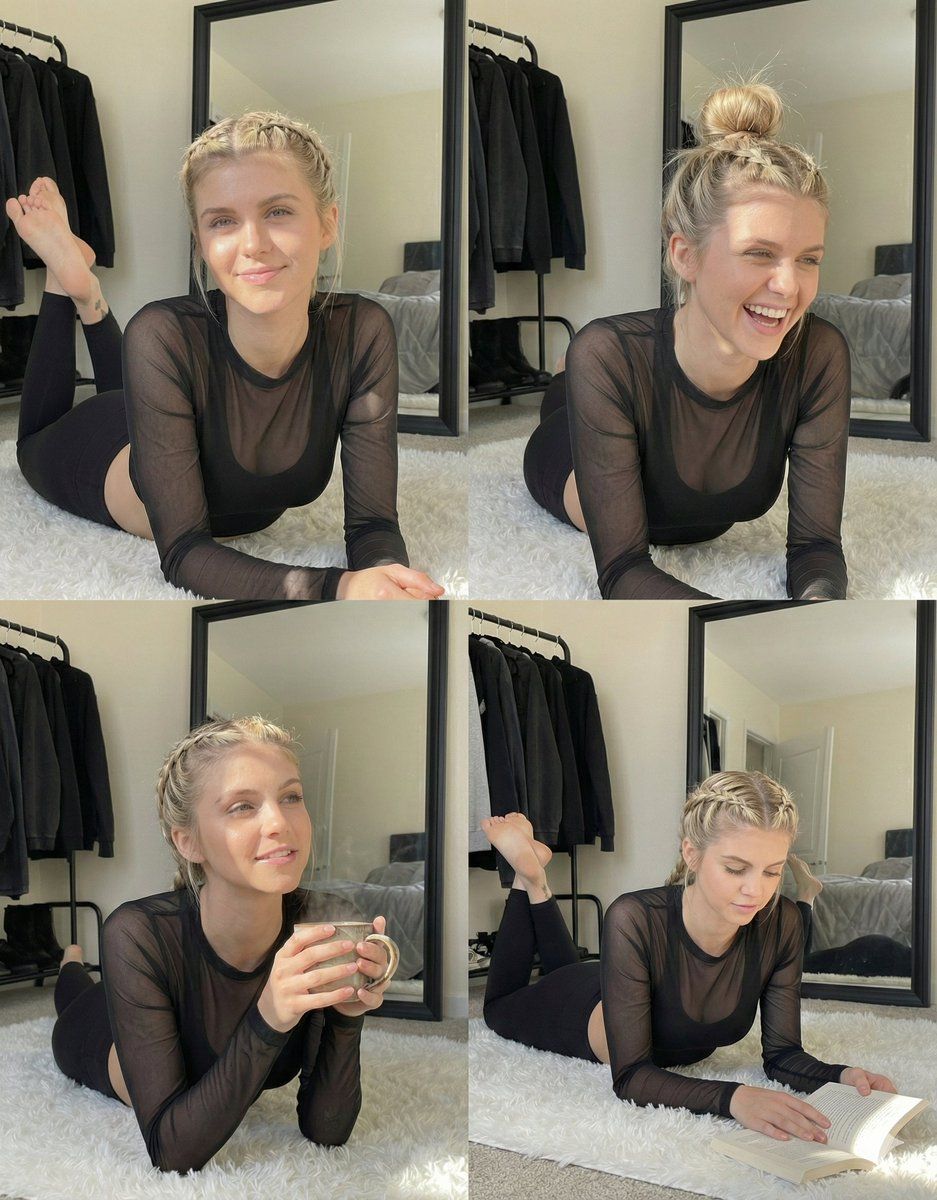
A young White woman with blonde hair styled in two tight braids lies on her stomach on a textured, shaggy white rug. She supports her upper body with her forearms while her legs are bent at the knees, raising her bare feet into the air behind her with ankles crossed. She wears a sheer, long-sleeved black mesh top over a solid black opaque underlayer and black leggings. Her face is illuminated by bright, direct sunlight that casts defined shadows, including the shadow of her hair on her forehead, and she looks directly forward with a wide, open-mouthed smile that exposes her teeth. A small, dark tattoo is visible on the inner side of her right ankle. In the background, a black clothing rack holding dark garments stands to the left, while a large mirror with a black frame rests against the wall on the right, reflecting a bed with grey bedding.
Category
创意图片
Model
Nano Banana Pro
Creator
DANJI
Views0
Source ID
fe5c5926-5de5-4417-a4b4-e7d87de1c954
Published
Mar 8, 2026

Guide

About "强光下的室内人像特写"

What is this prompt for?

"强光下的室内人像特写" AI image prompt for Nano Banana Pro (创意图片). 一个高度具体的提示,用于生成一张年轻女性躺在蓬松地毯上的肖像,详细描述了她的姿势、衣着和环境(衣架、镜子、床)。关键特点是利用明亮、直射的阳光来营造清晰的阴影,强调质感和真实感。 --- 一位年轻的白人女…

The full copyable prompt and example visuals above are ready for AI image generation or one-click recreate in Picva.

How to use this prompt

  1. Step 1

    Open the prompt detail

    Review the example visuals, category, and full prompt text for "强光下的室内人像特写".

  2. Step 2

    Copy the prompt

    Copy the prompt body from this page, or load it directly in Studio.

  3. Step 3

    Pick a model (Nano Banana Pro)

    Prefer Nano Banana Pro. If you switch models, keep subject and composition and tweak style terms.

  4. Step 4

    Generate and export

    Recreate the look in Picva, or export into your workflow for editing and publishing.

FAQ

What is the "强光下的室内人像特写" prompt?
It is an AI image-generation prompt for Nano Banana Pro in the 创意图片 category. This page includes the full prompt text, example visuals, and a one-click recreate path in Picva.
How do I use this prompt to generate an image?
Copy the prompt from this page, or use Generate / Studio. Paste it into a compatible image model, or recreate the look in Picva with optional reference images.
Which model is this prompt for?
This page lists Nano Banana Pro. Most descriptive prompts also transfer to nearby image models such as GPT Image, Flux, or Midjourney with light style tweaks.
Can I use the result commercially?
You can usually copy the prompt for creation, but commercial use of the final image depends on the model terms, reference-image rights, and the generated content. Follow the source author and platform rules.