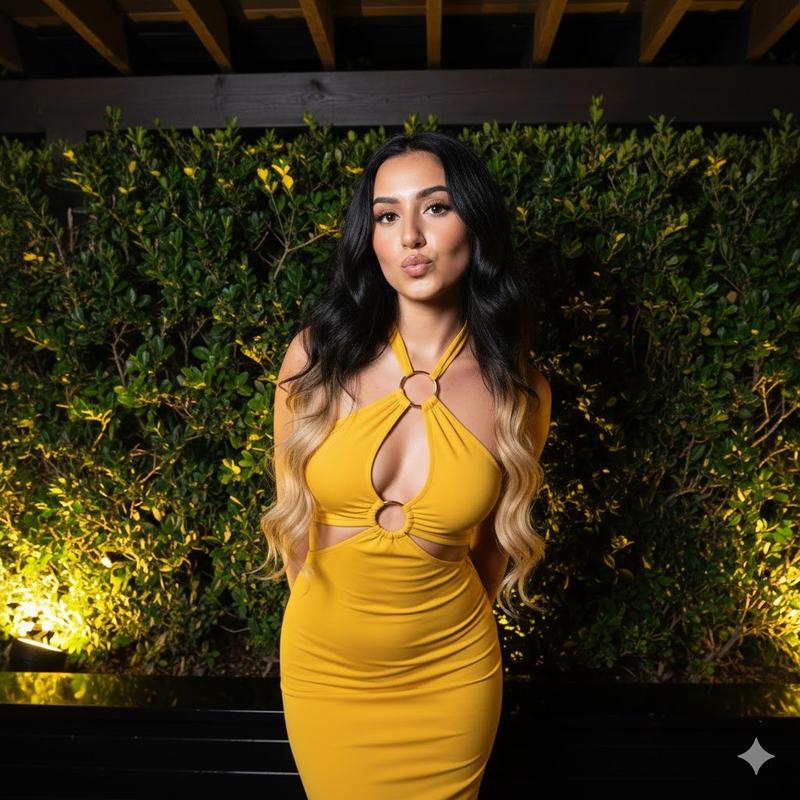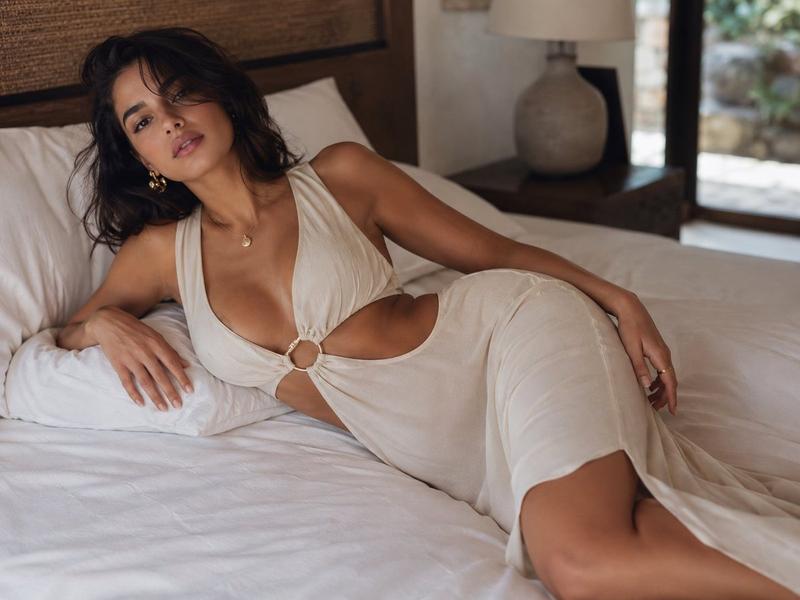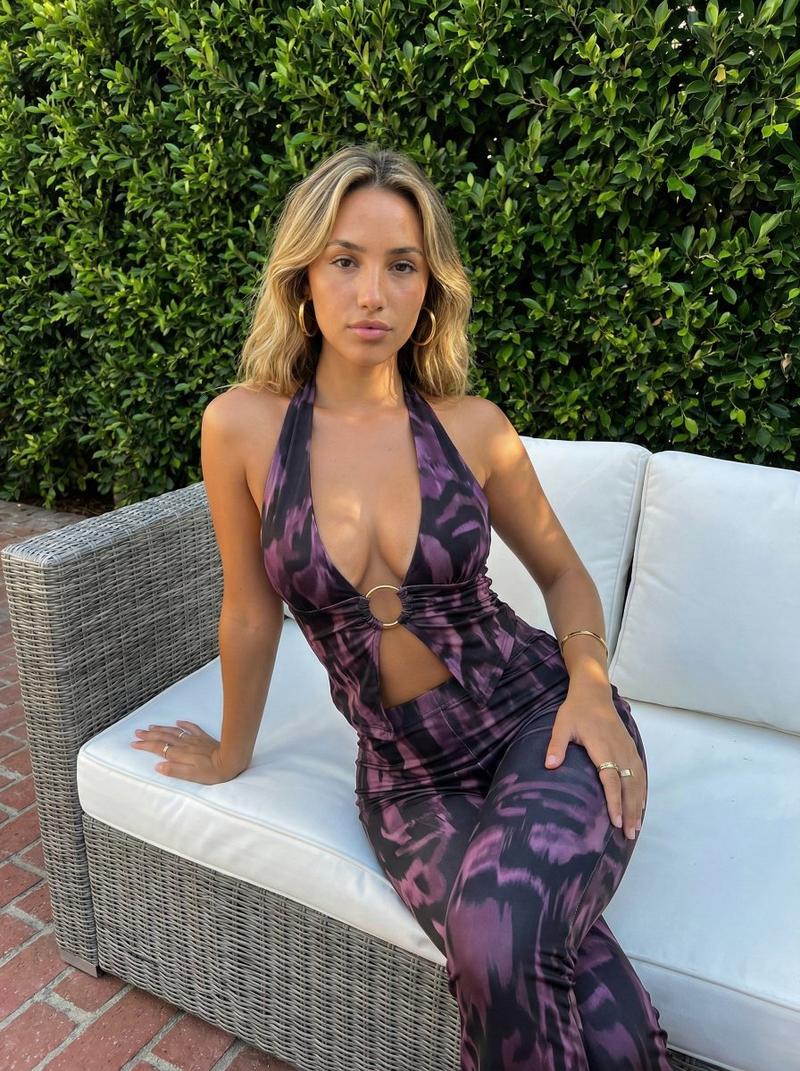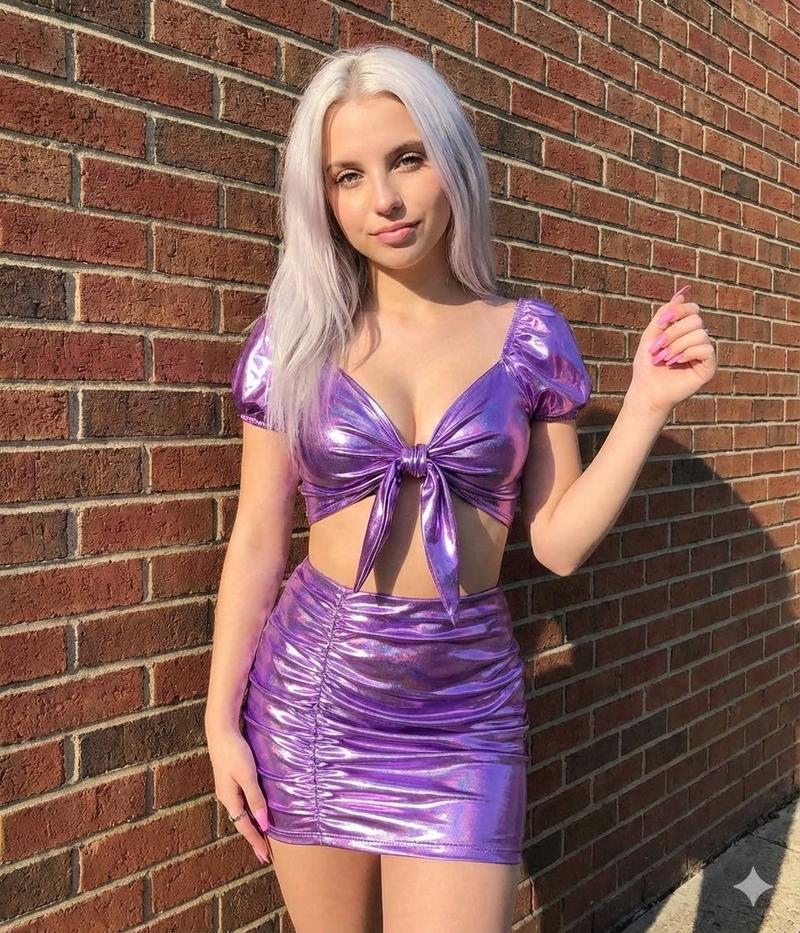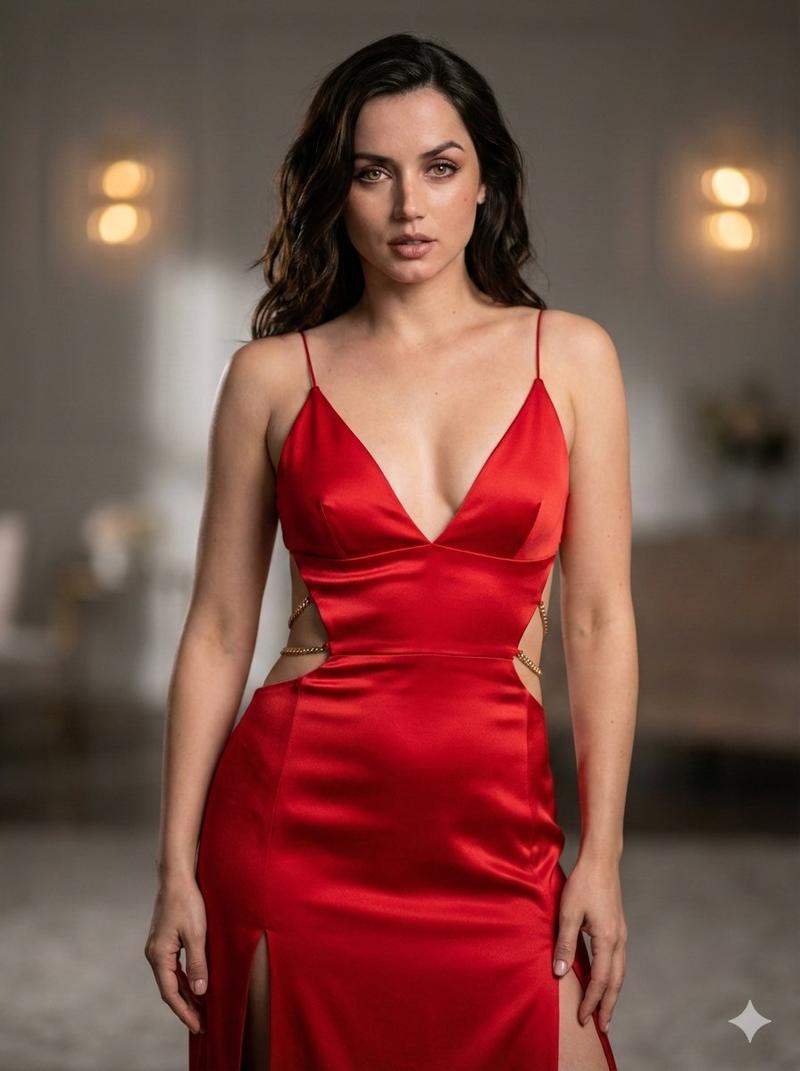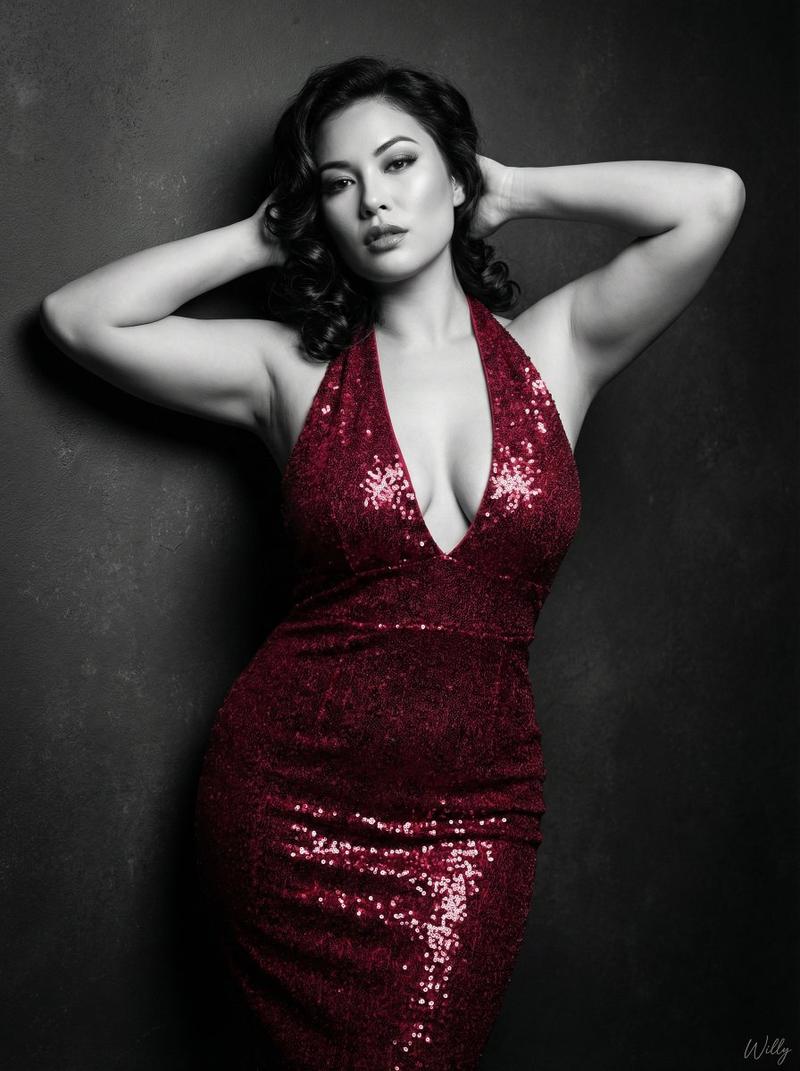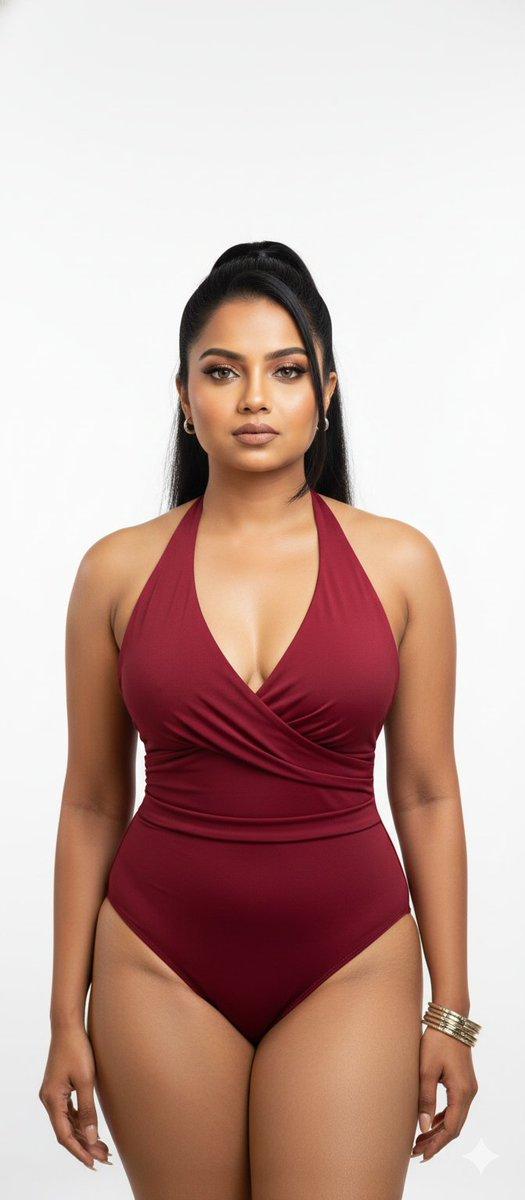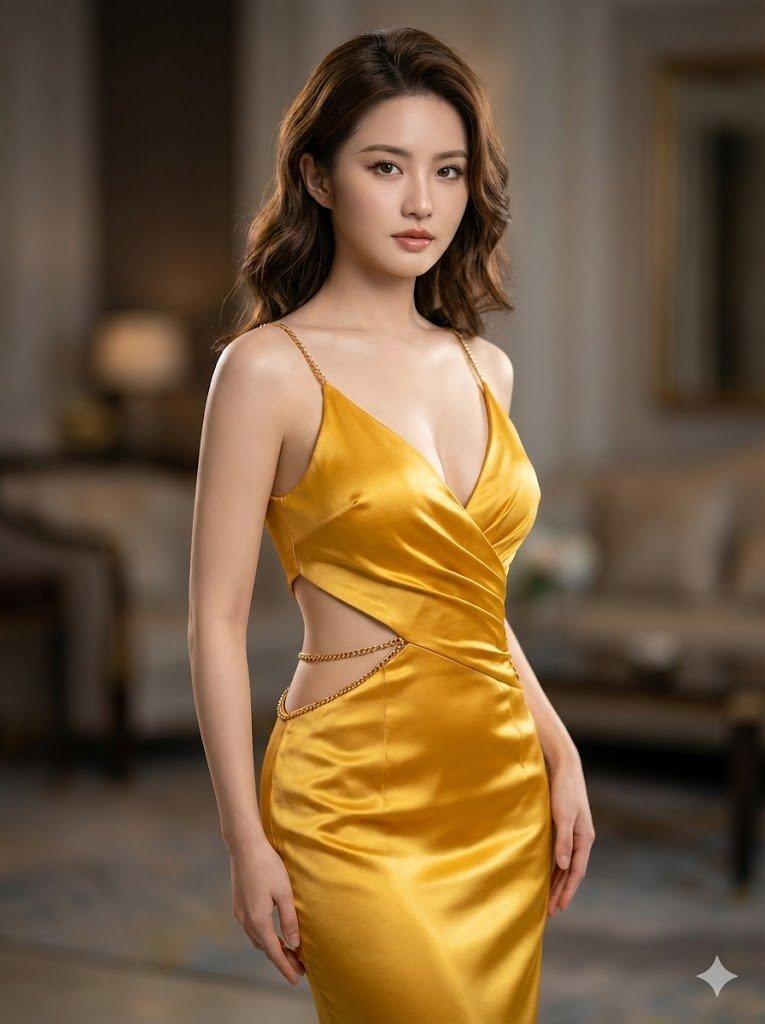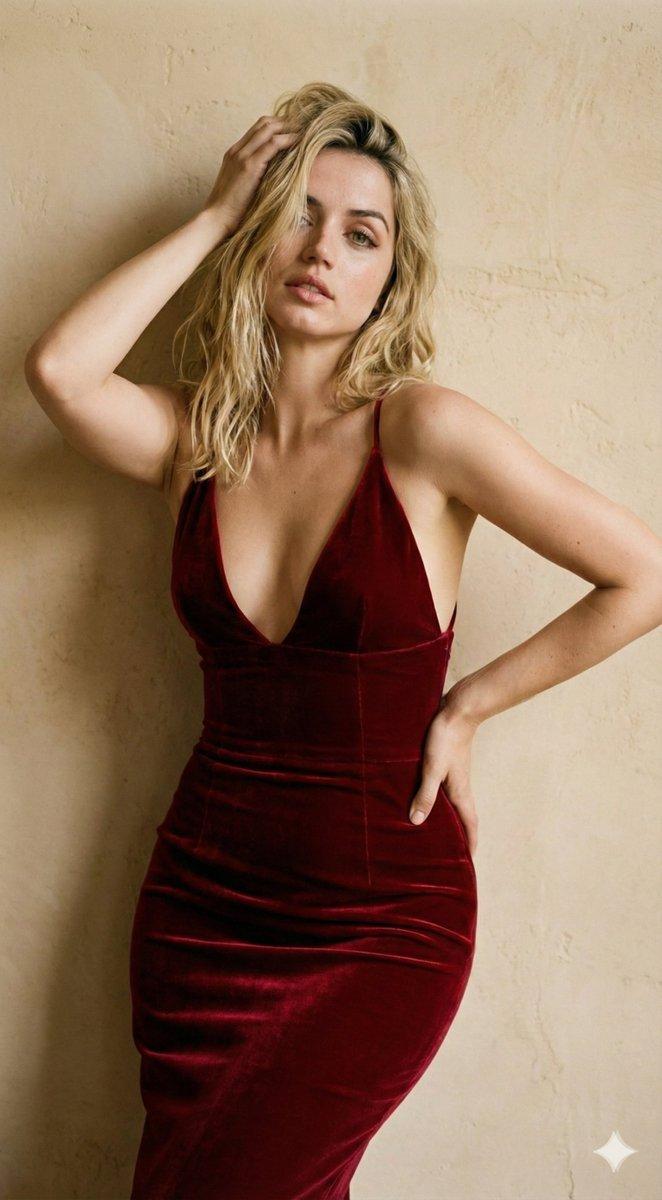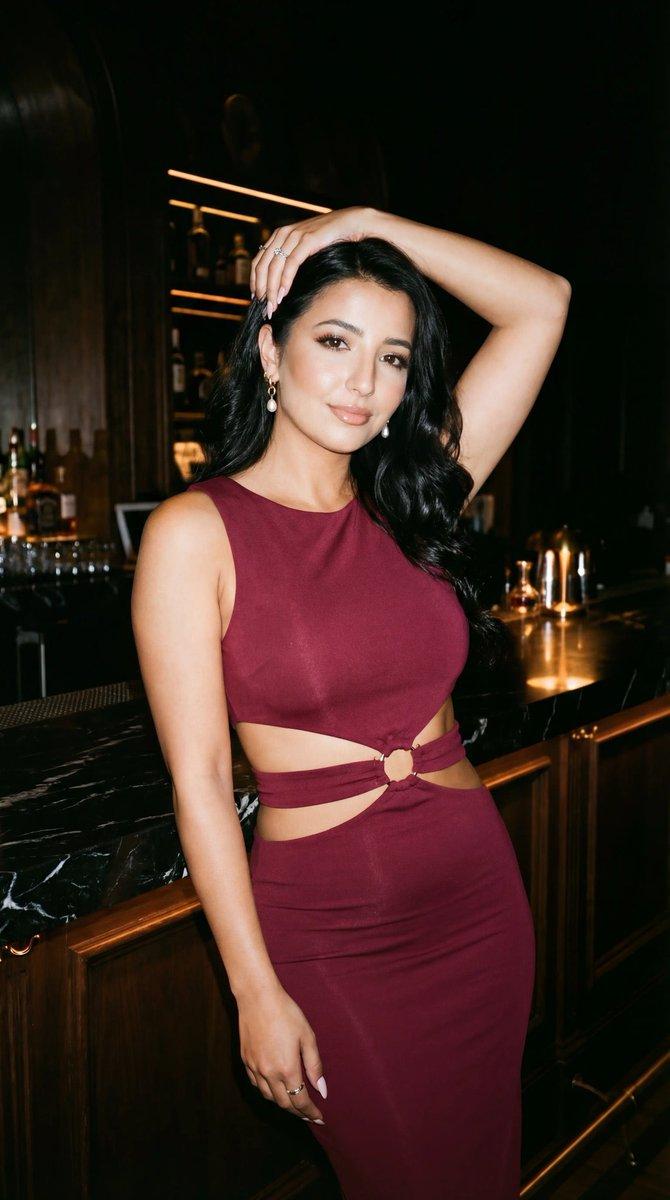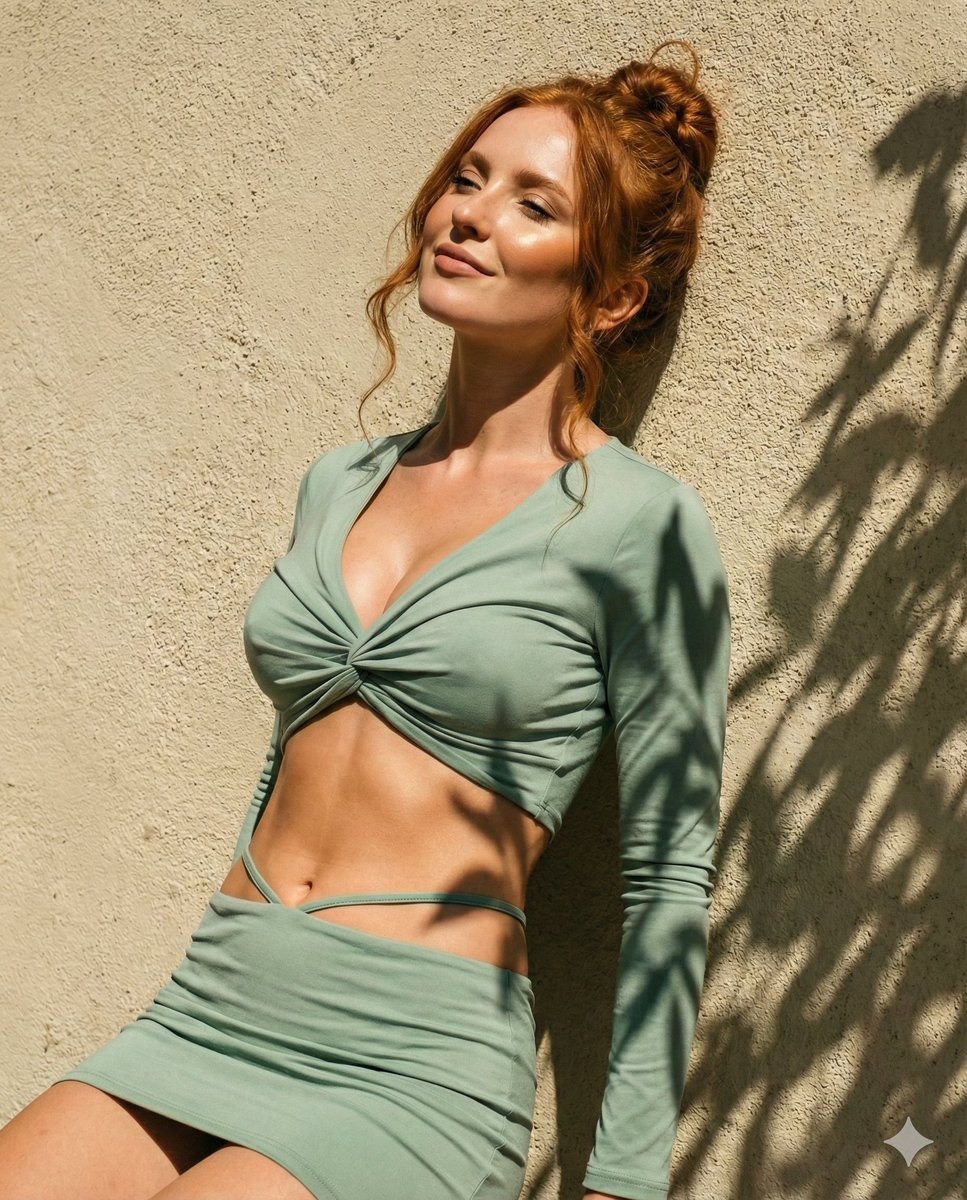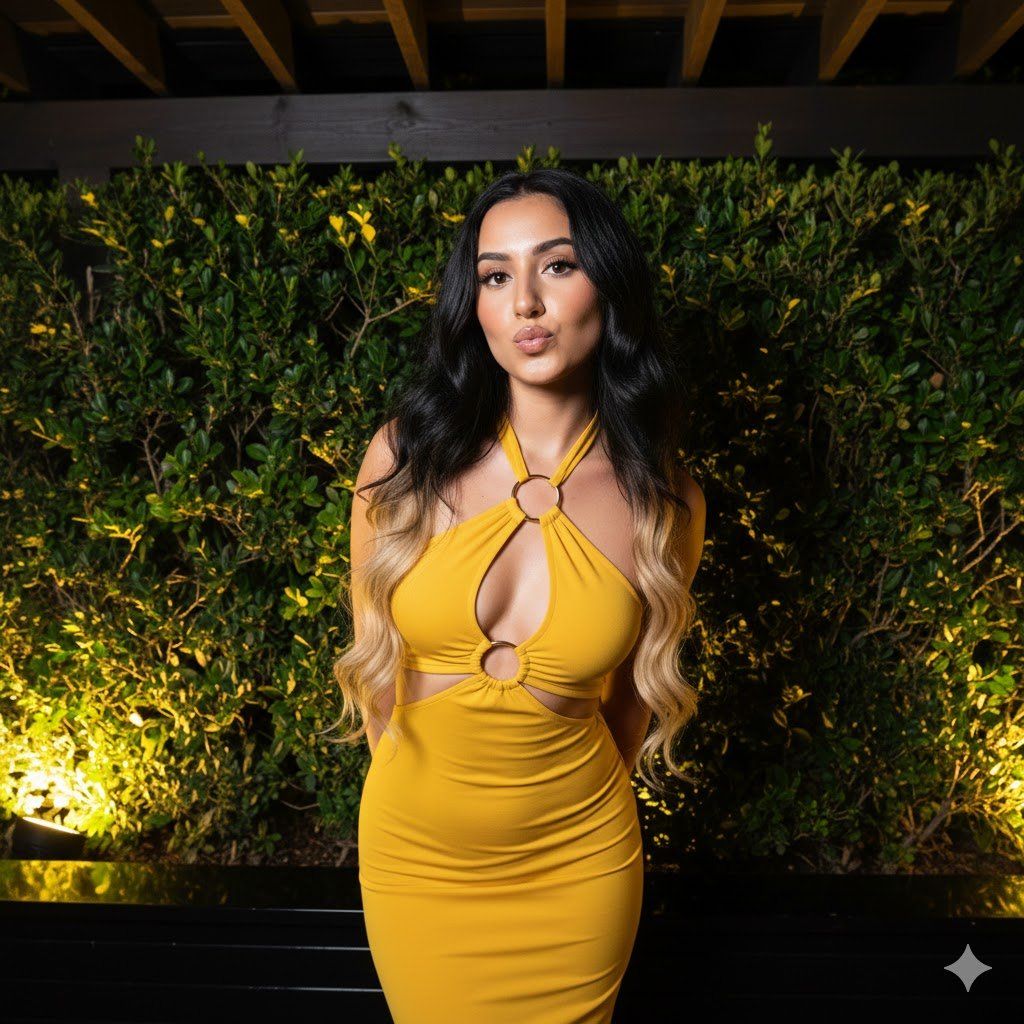
高对比度夜生活人像提示,带闪光摄影美学
Prompt
{

"metadata": {

"confidence_score": "high",

"image_type": "photograph",

"primary_purpose": "social media"

},

"composition": {

"rule_applied": "center composition",

"aspect_ratio": "vertical 9:16",

"layout": "single subject",

"focal_points": [

"Subject's face and playful expression",

"Cutout detail on black dress",

"Illuminated foliage in background"

],

"visual_hierarchy": "Eye is drawn to the subject's face due to camera angle and flash, moves down to the cutout dress detail, then scans the textured green background.",

"balance": "asymmetric"

},

"color_profile": {

"dominant_colors": [

{

"color": "Midnight yellow",

"hex": "#0D0D0D",

"percentage": "25%",

"role": "primary subject (dress)"

},

{

"color": "Foliage Green",

"hex": "#2E4725",

"percentage": "40%",

"role": "background"

},

{

"color": "Warm Gold",

"hex": "#D4AF37",

"percentage": "5%",

"role": "accent (jewelry/hardware)"

},

{

"color": "Warm Tan Skin",

"hex": "#EBC8B2",

"percentage": "20%",

"role": "skin"

},

{

"color": "Warm Light Yellow",

"hex": "#F5E6AA",

"percentage": "10%",

"role": "lighting highlights"

}

],

"color_palette": "complementary (green background vs warm skin tones)",

"temperature": "mixed (cool night/foliage vs warm artificial light)",

"saturation": "moderate",

"contrast": "high contrast"

},

"lighting": {

"type": "mixed (flash + ambient)",

"source_count": "multiple sources",

"direction": "front",

"directionality": "highly directional (flash)",

"quality": "hard light",

"intensity": "bright on subject",

"contrast_ratio": "high contrast",

"mood": "playful/nightlife/glamorous",

"shadows": {

"type": "harsh defined edges",

"density": "deep black",

"placement": "cast behind subject onto foliage",

"length": "short"

},

"highlights": {

"treatment": "specular/bright",

"placement": "on forehead, cheekbones, shoulders, and metallic hardware of dress"

},

"ambient_fill": "present",

"light_temperature": "warm (background lights)"

},

"technical_specs": {

"medium": "digital photography",

"style": "realistic/flash photography",

"texture": "sharp",

"sharpness": "tack sharp",

"grain": "low",

"depth_of_field": "medium",

"perspective": "slightly high angle"

},

"artistic_elements": {

"genre": "portrait/nightlife",

"influences": [

"Flash photography trend",

"Gen Z aesthetic",

"Party/Event photography"

],

"mood": "fun/flirty/confident",

"atmosphere": "Outdoor evening event or restaurant garden setting",

"visual_style": "vibrant/high-contrast"

},

"typography": {

"present": false,

"fonts": [],

"placement": "none",

"integration": "none"

},

"subject_analysis": {

"primary_subject": "Young woman posing outdoors at night",

"positioning": "center",

"scale": "medium (thighs up)",

"interaction": "posing for camera",

"facial_expression": {

"mouth": "pouted/kissy face",

"smile_intensity": "no smile",

"eyes": "looking directly at camera/slightly down",

"eyebrows": "- Category
- 创意图片
- Model
- Nano Banana Pro
- Creator
- Andry Dina
- Source ID
- d86678b4-ccd4-4ed5-9929-a3a8b55572de
- Published
- Mar 8, 2026
Views0