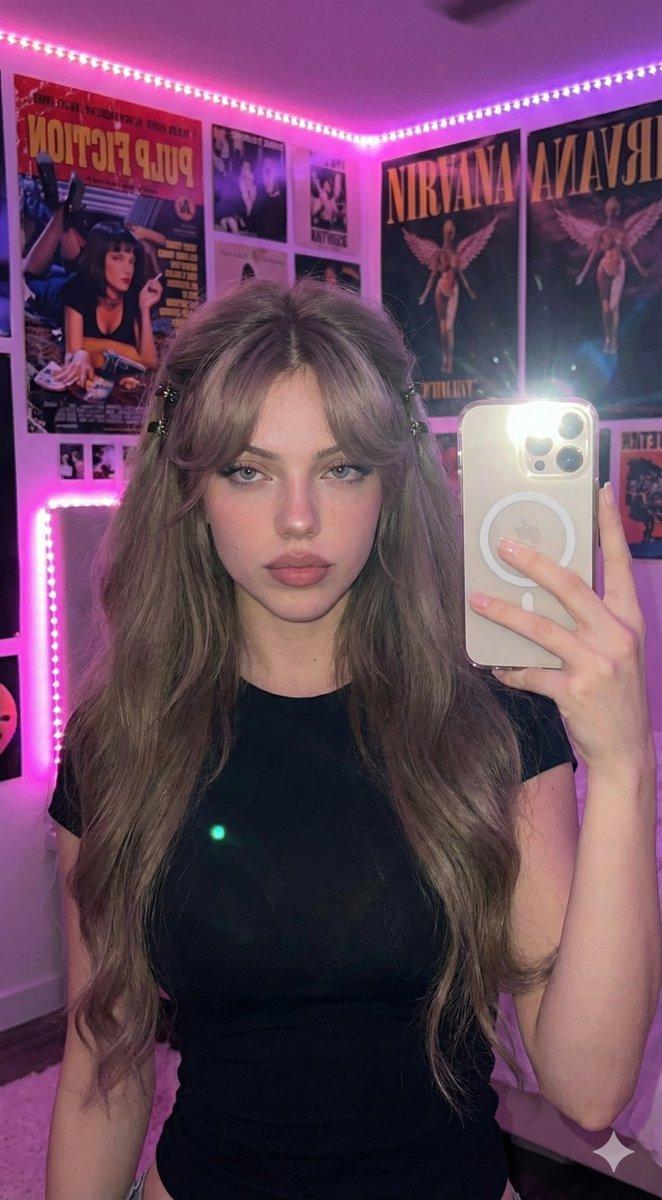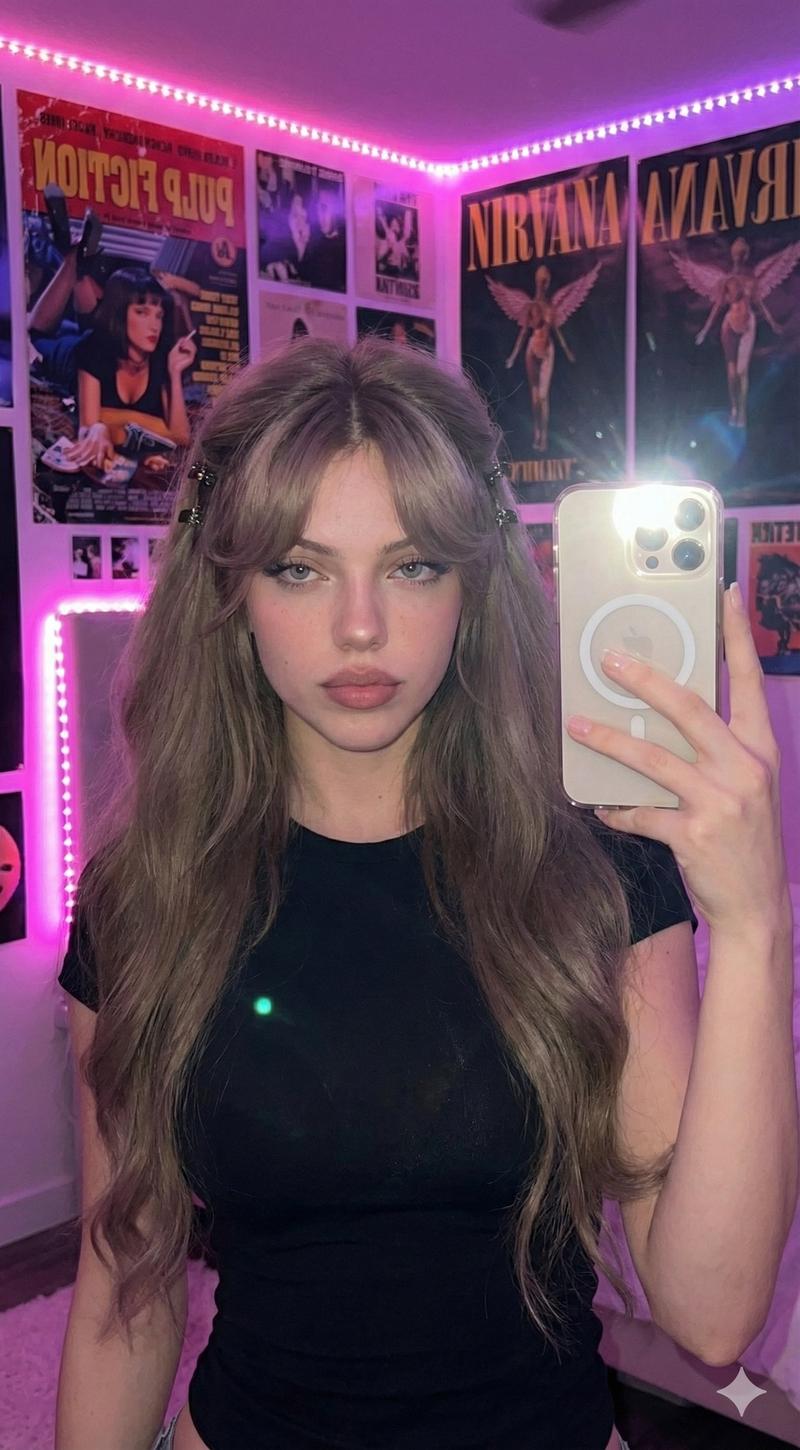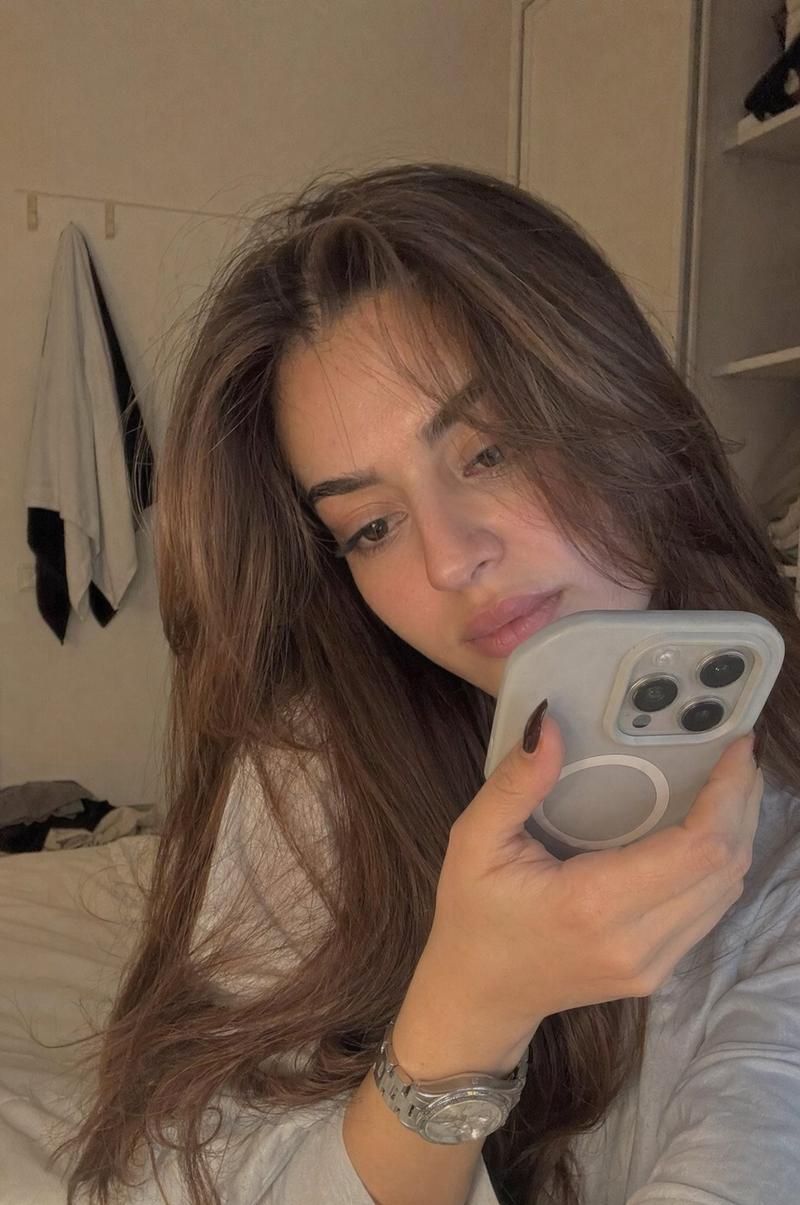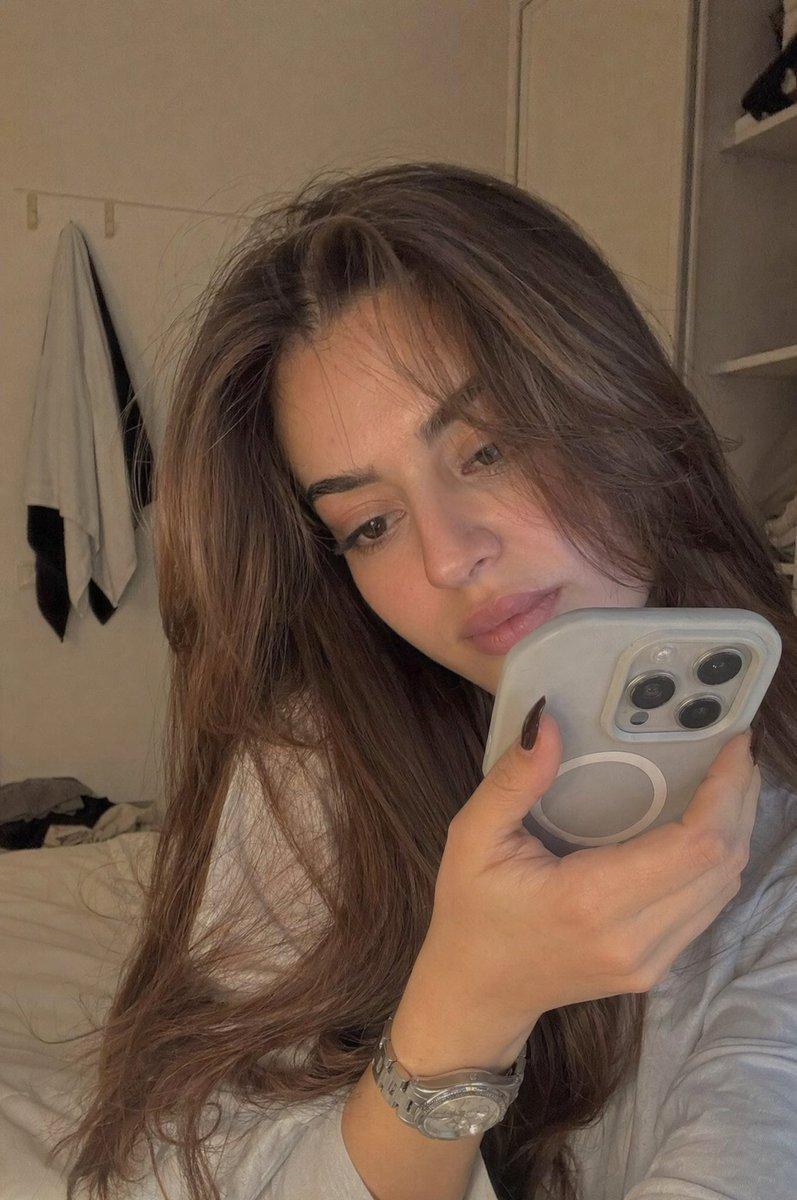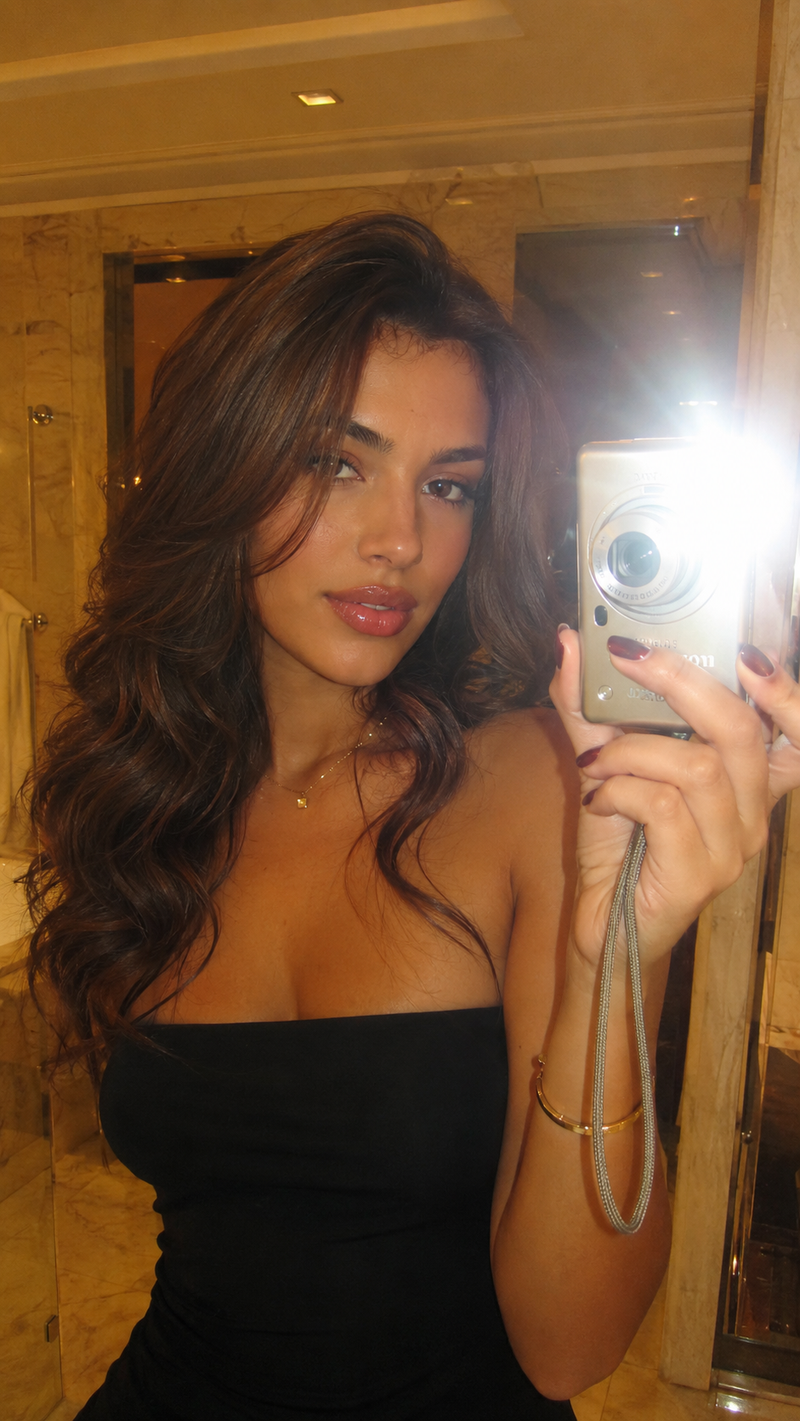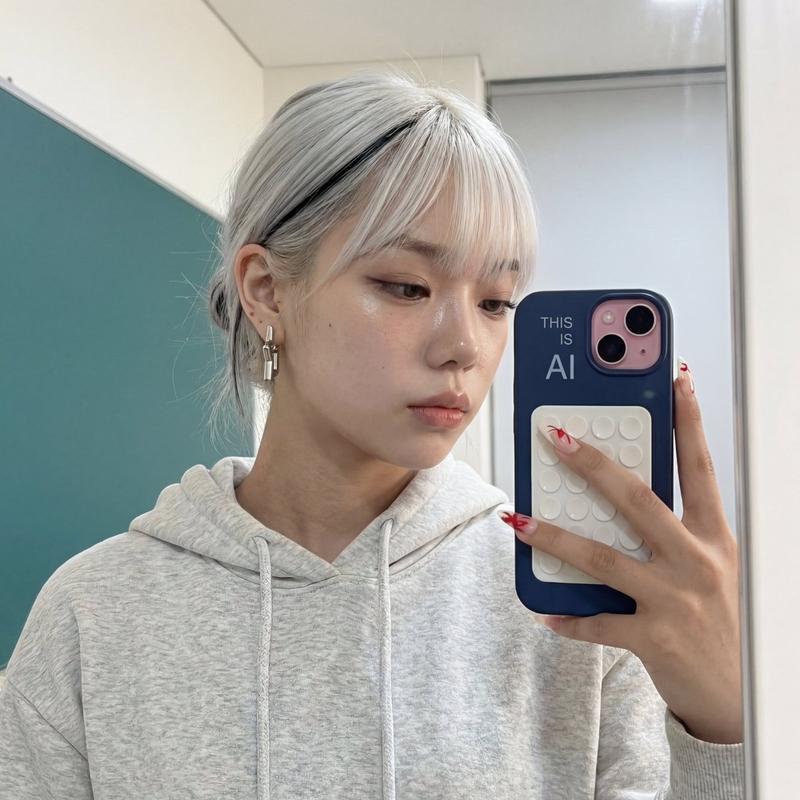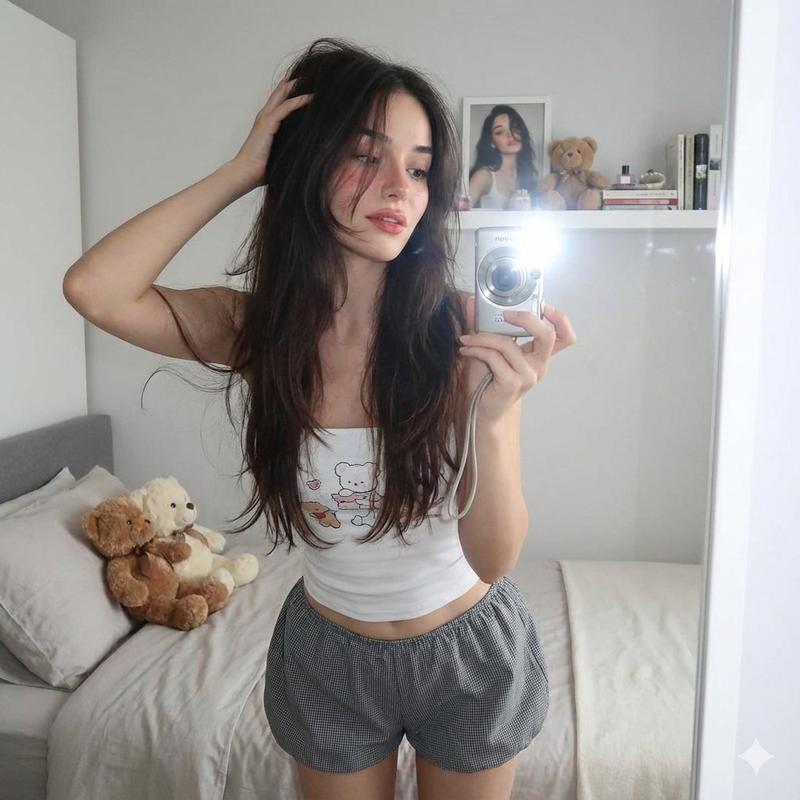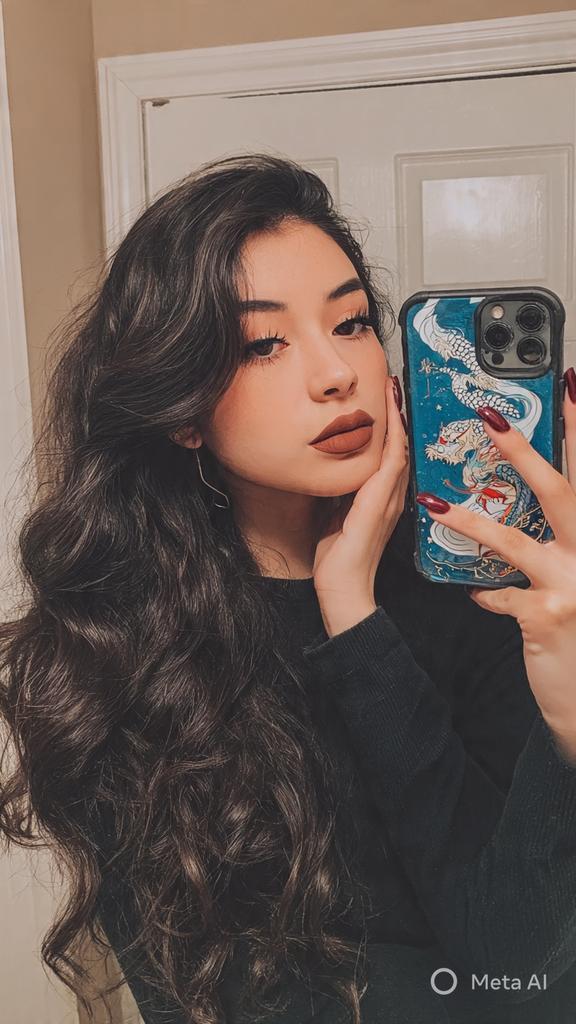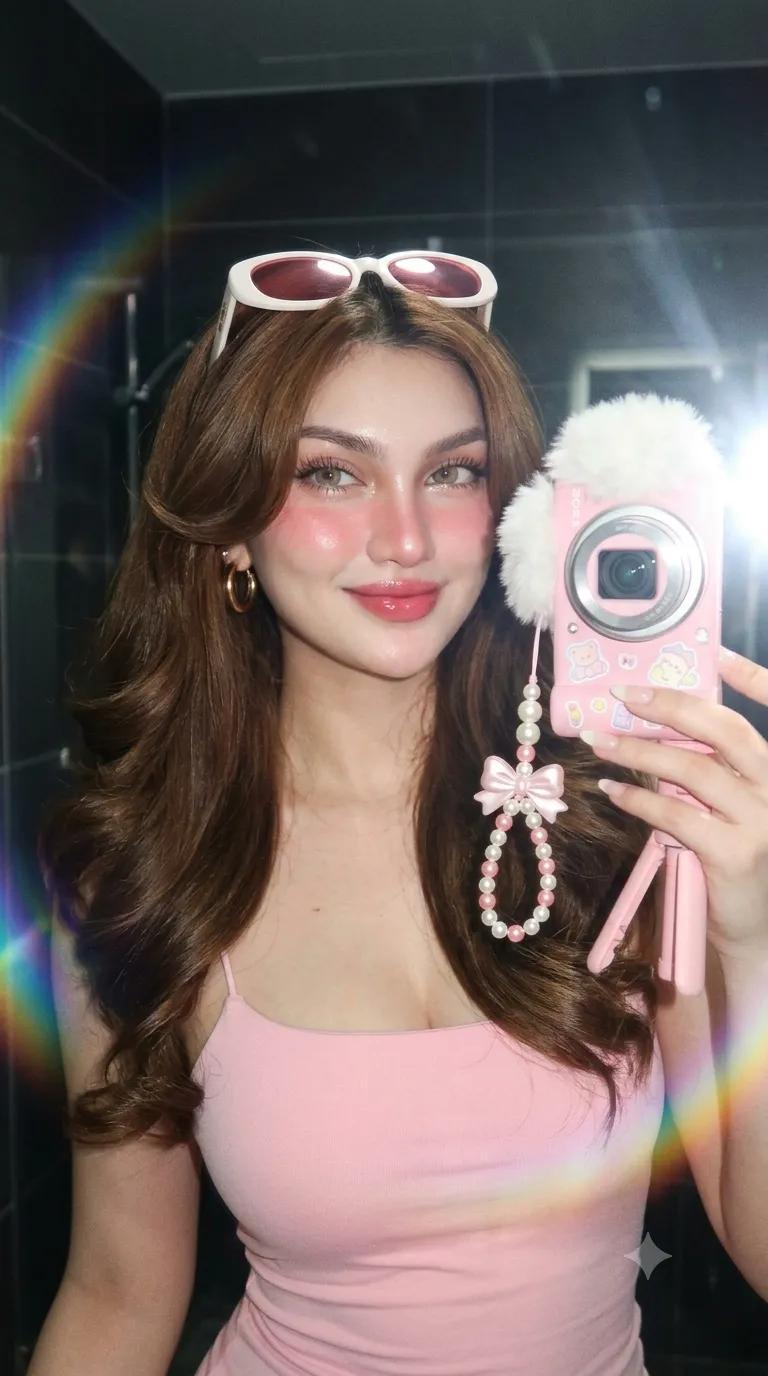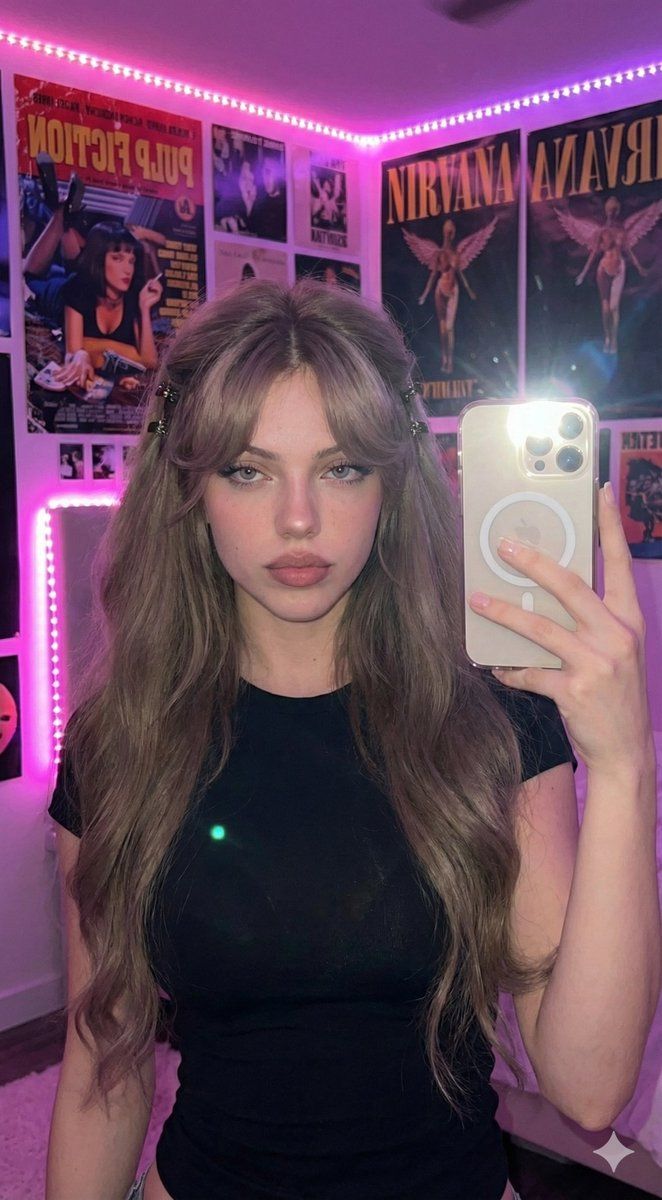
超逼真 16K 智能手机闪光自拍
Prompt
{
  "generative_specification": {
    "project_metadata": {
      "title": "Ultra-Realistic Selfie",
      "resolution_target": "16K",
      "render_engine_style": "Photorealistic",
      "critical_constraint": "Facial features must remain strictly unchanged from source reference."
    },
    "composition_layer": {
      "framing": "Close-up Selfie",
      "perspective": "First-person perspective (POV)",
      "camera_angle": "Eye-level, arm extended",
      "focal_length": "24mm (Smartphone Main Camera equivalent)"
    },
    "subject_layer": {
      "identity": {
        "archetype": "Young girl",
        "expression": "Natural, looking into the lens or screen"
      },
      "anatomy_pose": {
        "action": "Holding a smartphone with one hand",
        "posture": "Slightly angled towards camera",
        "hand_detail": "Visible grip on device"
      },
      "grooming_hair": {
        "color": "Ash brown",
        "length": "Very long and thick, extending past frame",
        "texture": "Fluffy, voluminous, soft waves",
        "styling_structure": {
          "bangs": "Thin, voluminous, center-parted curtain bangs",
          "sides": "Slightly pulled back/pinned",
          "accessories": "Decorative hair clips on left and right temples"
        }
      },
      "wardrobe": {
        "garment": "T-shirt",
        "color": "Black",
        "fit": "Tight/Form-fitting",
        "fabric_detail": "Cotton matte texture"
      }
    },
    "props_layer": {
      "device": {
        "model": "{argument name="phone model" default="iPhone 16 Pro Max"}",
        "state": "Flash Enabled (Torch/Strobe firing)",
        "orientation": "Vertical/Portrait",
        "material": "Titanium/Glass"
      }
    },
    "environment_layer": {
      "setting_type": "Bedroom Corner / Aesthetic Space",
      "decor_elements": [
        "Collage of movie posters",
        "Music band posters",
        "Wall art"
      ],
      "lighting_fixtures": "LED light strips visible in background",
      "atmosphere": "Gen Z aesthetic, cozy, artistic, lived-in"
    },
    "lighting_and_atmosphere": {
      "key_light": {
        "source": "Smartphone Flash",
        "type": "Direct, harsh, high-contrast",
        "effect": "Illuminates face and foreground, creates specular highlights on skin and clips"
      },
      "ambient_light": {
        "source": "Background LEDs",
        "palette": ["Hot Pink", "Deep Purple", "Violet"],
        "style": "Cinematic/Editorial",
        "effect": "Creates a colorful rim light and moody background wash"
      }
    },
    "texture_and_rendering": {
      "skin_fidelity": "Ultra-realistic, visible pores, natural imperfections, no smoothing",
      "hair_fidelity": "Individual strand rendering, high sheen from flash",
      "noise_profile": "Fine digital noise (smartphone sensor simulation)"
    },
    "final_prompt_construction": {
      "text_prompt": "Ultra-realistic 16K selfie of a young girl, shot on iPhone 16 Pro Max with harsh flash. She h"
    }
}- Category
- 创意图片
- Model
- Nano Banana Pro
- Creator
- Yaseen Khan Gul
- Source ID
- b6149b5d-3ecb-4e4c-83f7-631e07ea13e8
- Published
- Mar 8, 2026
Views0