图像分析与校正工具说明
Prompt
A game that automatically analyzes and corrects images.
- Category
- 创意图片
- Model
- Nano Banana Pro
- Creator
- iX|AIART/AIMOVIE【2nd】
- Source ID
- 98726c41-5bd8-43b9-9663-c9330249eff3
- Published
- Mar 8, 2026
Views0
20
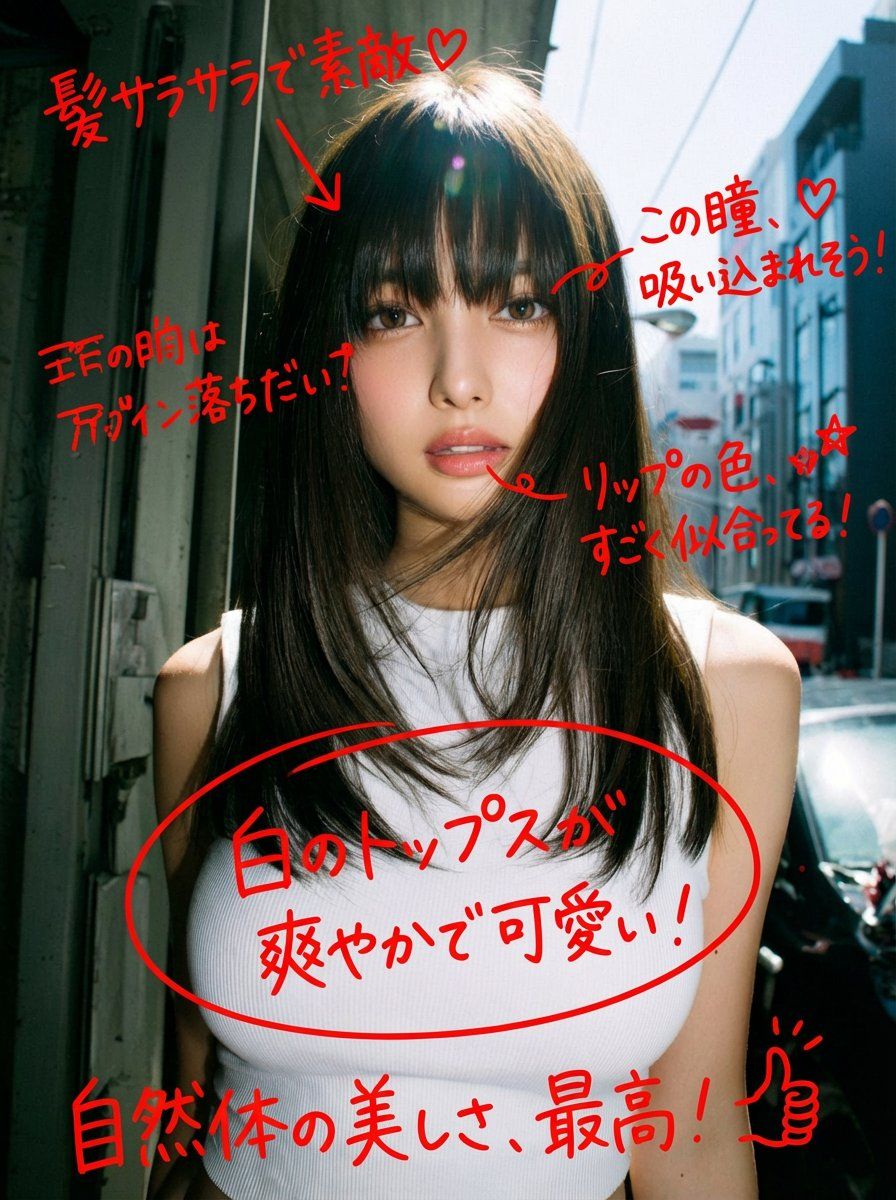
A game that automatically analyzes and corrects images.
Guide
"图像分析与校正工具说明" AI image prompt for Nano Banana Pro (创意图片). 这条推文描述了 Nano Banana Pro 的一个功能:一个能自动分析和修正图像的游戏或工具,这表明提示本身是 AI 功能的元指令,而非视觉生成提示。 --- 一款能自动分析和校正图像的游戏。 Co…
The full copyable prompt and example visuals above are ready for AI image generation or one-click recreate in Picva.
Step 1
Review the example visuals, category, and full prompt text for "图像分析与校正工具说明".
Step 2
Copy the prompt body from this page, or load it directly in Studio.
Step 3
Prefer Nano Banana Pro. If you switch models, keep subject and composition and tweak style terms.
Step 4
Recreate the look in Picva, or export into your workflow for editing and publishing.