18

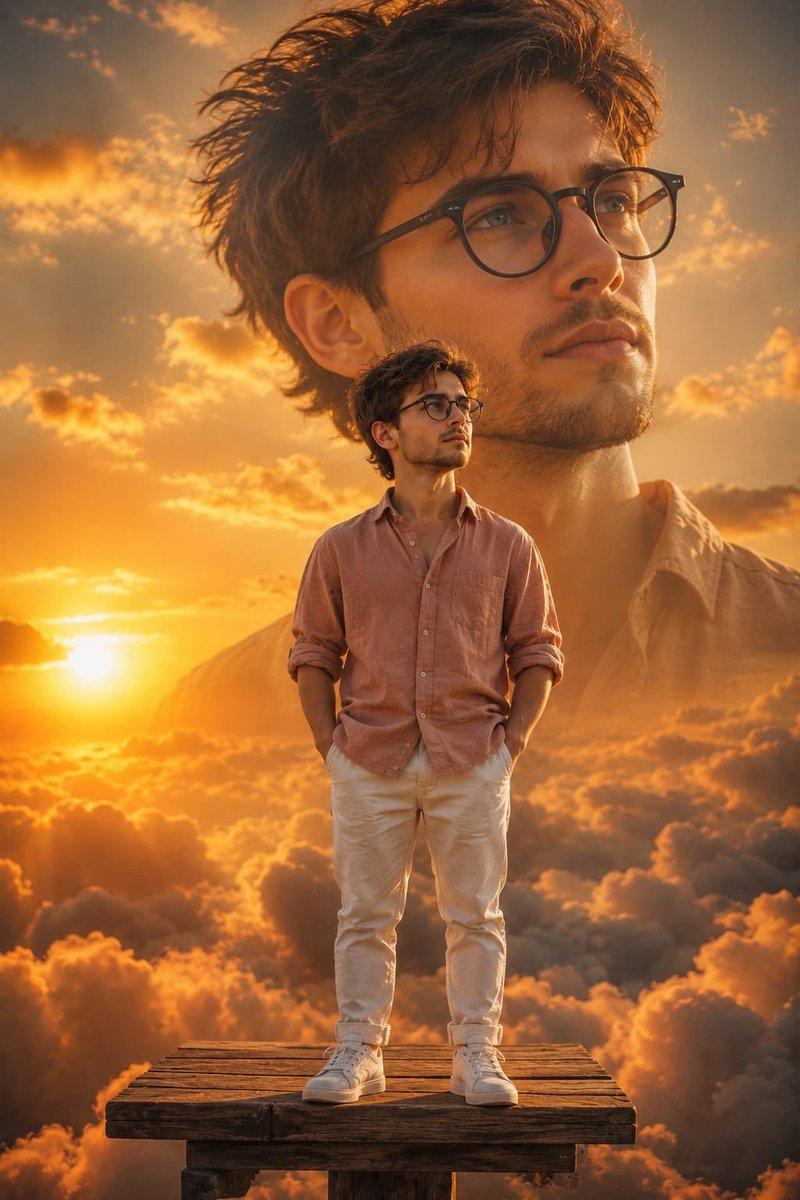
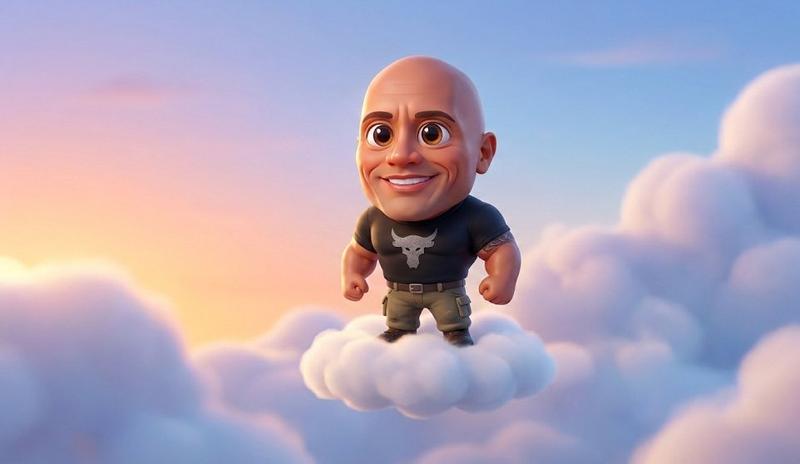
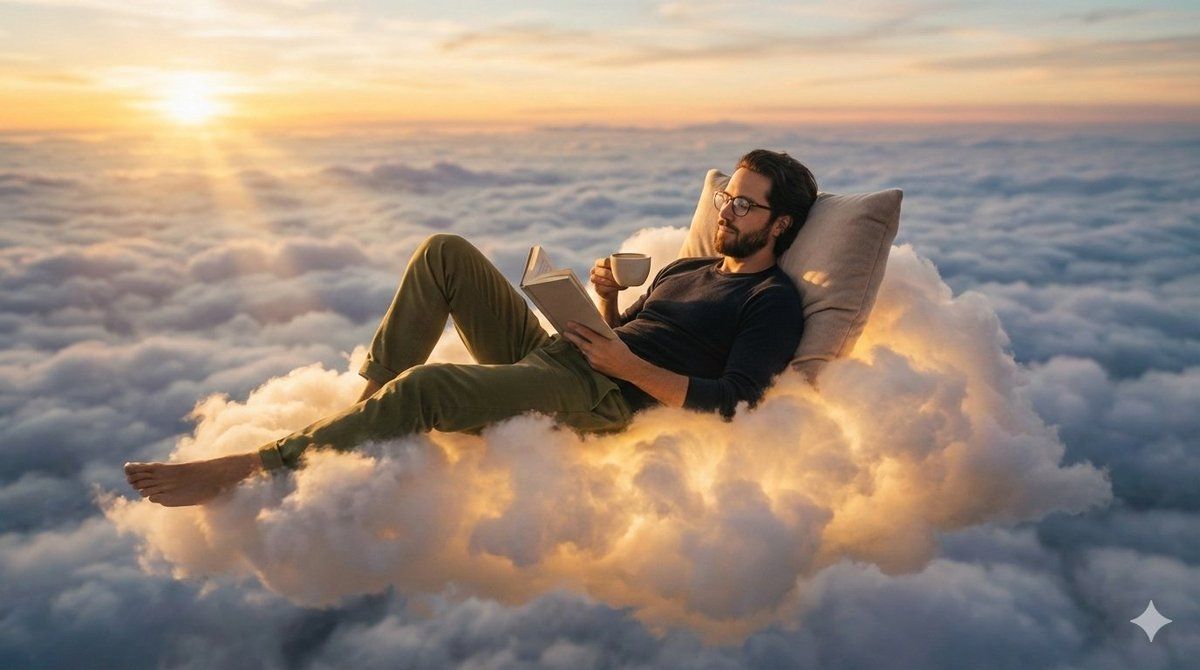
一个人在天空中发光的云朵上放松
Enlarge

一个人在天空中发光的云朵上放松

Prompt
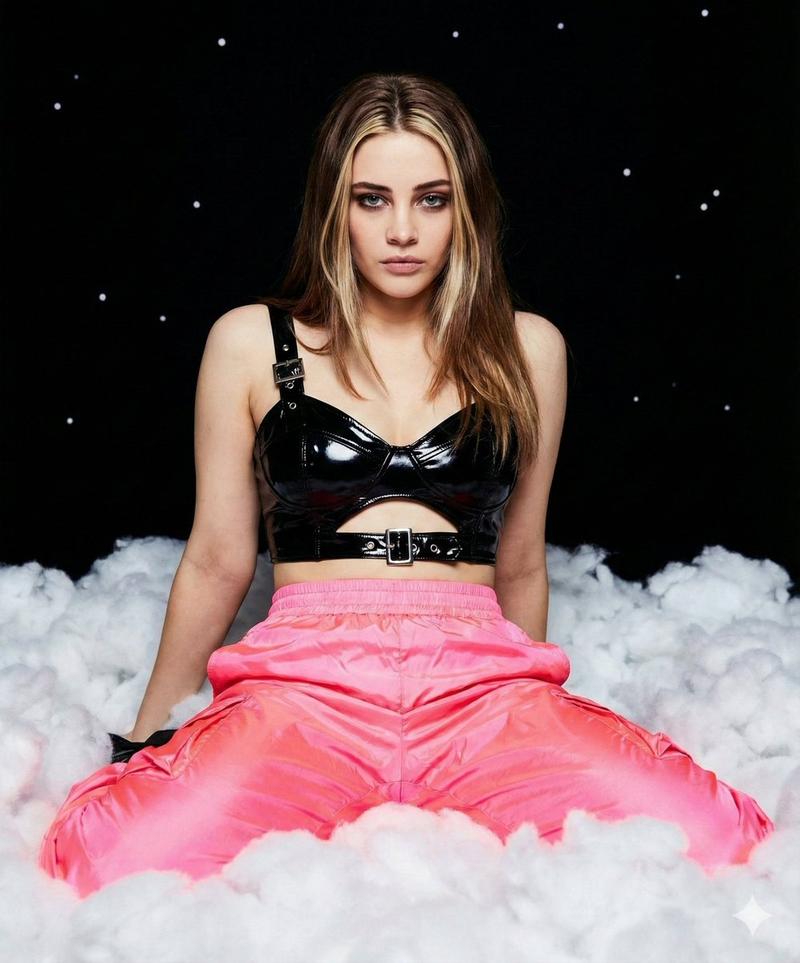
the person from the reference photo ( keep the face of the person 100% accurate from the reference image ) relaxing on a fluffy, glowing cloud high above the sky, surrounded by soft golden sunlight and vast layers of clouds stretching to the horizon. the person is lying back comfortably with a pillow, wearing a dark long-sleeve shirt, olive green pants, and glasses, holding a book in one hand and a coffee cup in the other. the lighting is cinematic and warm, capturing the golden hour ambiance with radiant highlights and gentle shadows across the clouds. captured with a wide-angle lens at medium depth of field, balancing focus between the subject and the surrounding dreamy sky. the overall atmosphere is surreal and serene, blending realism with fantasy in a peaceful, imaginative setting.
Category
创意图片
Model
Nano Banana Pro
Views0
Source ID
36872aa1-5c97-402d-b112-1490479fd67e
Published
Mar 8, 2026

Guide

About "一个人在天空中发光的云朵上放松"

What is this prompt for?

"一个人在天空中发光的云朵上放松" AI image prompt for Nano Banana Pro (创意图片). 一个详细的照片编辑提示,将你的参考照片中的人物放置在金色时段发光的云朵上放松,非常适合梦幻、超现实的肖像。 --- 参考照片中的人物(人物面部需 100% 忠实于参考图像)正躺在天上高处一朵蓬松…

The full copyable prompt and example visuals above are ready for AI image generation or one-click recreate in Picva.

How to use this prompt

  1. Step 1

    Open the prompt detail

    Review the example visuals, category, and full prompt text for "一个人在天空中发光的云朵上放松".

  2. Step 2

    Copy the prompt

    Copy the prompt body from this page, or load it directly in Studio.

  3. Step 3

    Pick a model (Nano Banana Pro)

    Prefer Nano Banana Pro. If you switch models, keep subject and composition and tweak style terms.

  4. Step 4

    Generate and export

    Recreate the look in Picva, or export into your workflow for editing and publishing.

FAQ

What is the "一个人在天空中发光的云朵上放松" prompt?
It is an AI image-generation prompt for Nano Banana Pro in the 创意图片 category. This page includes the full prompt text, example visuals, and a one-click recreate path in Picva.
How do I use this prompt to generate an image?
Copy the prompt from this page, or use Generate / Studio. Paste it into a compatible image model, or recreate the look in Picva with optional reference images.
Which model is this prompt for?
This page lists Nano Banana Pro. Most descriptive prompts also transfer to nearby image models such as GPT Image, Flux, or Midjourney with light style tweaks.
Can I use the result commercially?
You can usually copy the prompt for creation, but commercial use of the final image depends on the model terms, reference-image rights, and the generated content. Follow the source author and platform rules.