10

中国诗歌和跨界人物提示
Enlarge

中国诗歌和跨界人物提示

Prompt
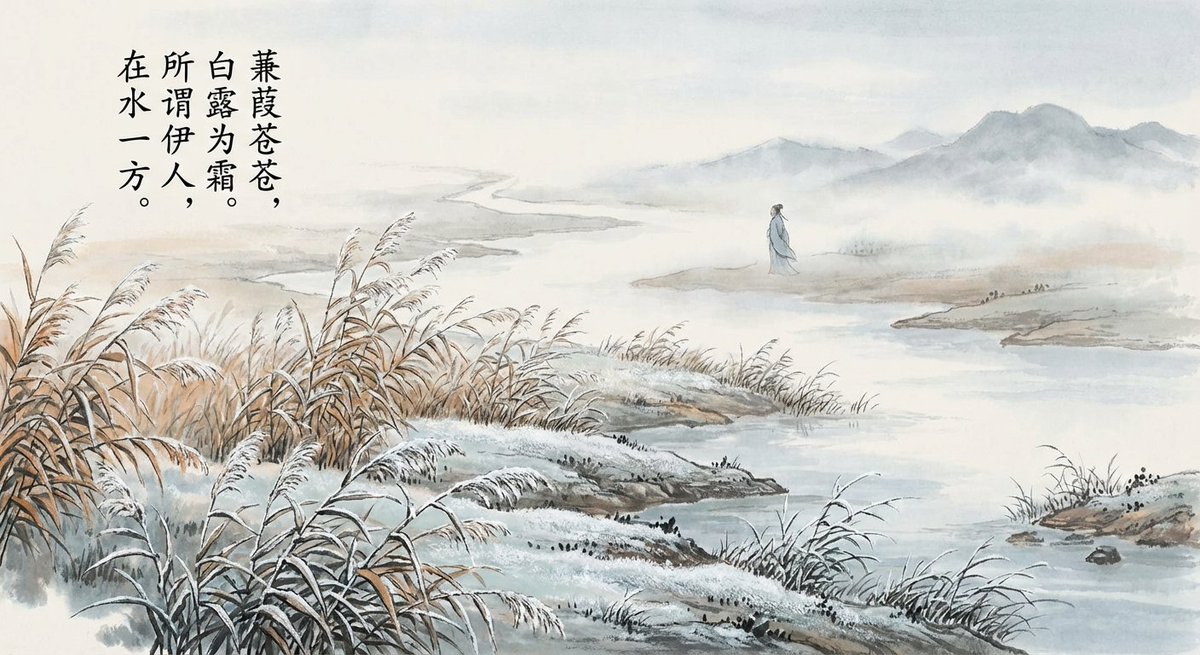
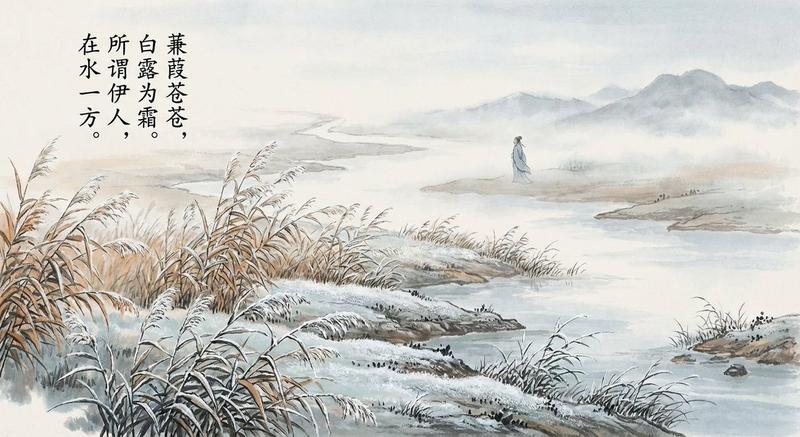
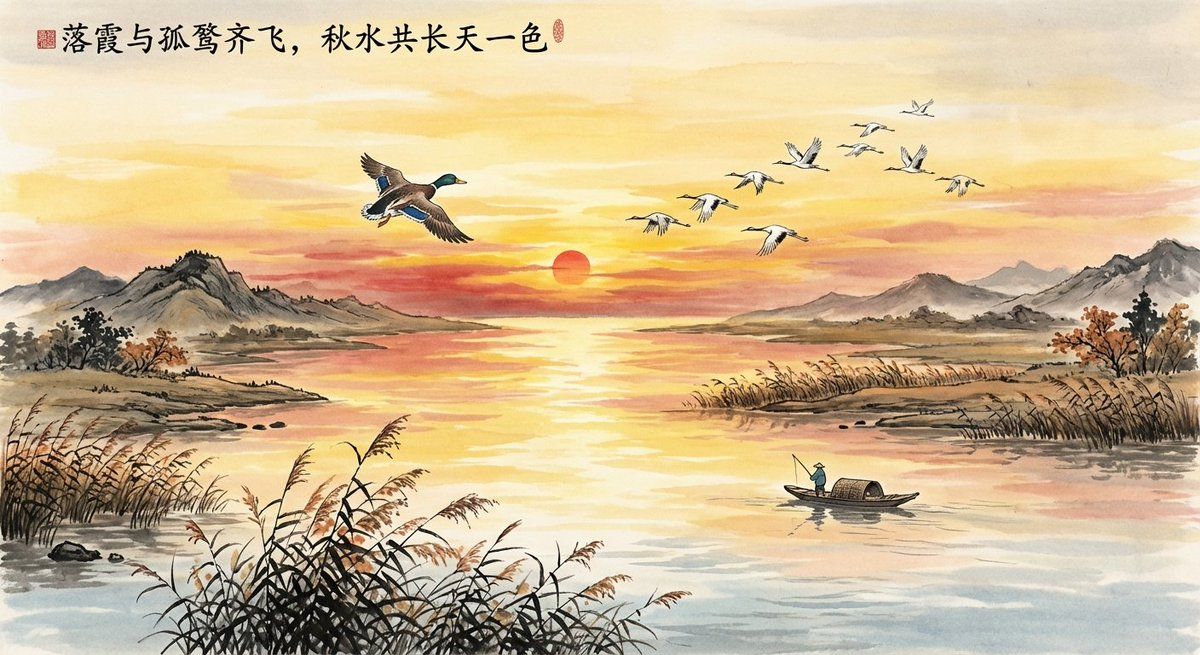
给这句古诗词配图“落霞与孤鹜齐飞,秋水共长天一色”。
生成蜡笔小新和小白在《清明上河图》的一角卖大福的场景
生成孙悟空和林黛玉的合照。
大漠孤烟直,长河落日圆。给这句诗配图
手账风格,出一个冰激凌制作步骤教程图,步骤说明要中文。
漫画分镜。
电商产品联名,宣传图
Category
创意图片
Model
Nano Banana Pro
Creator
离谱
Views0
Source ID
b1e772fb-0993-4876-82e7-faf04440d7f8
Published
Mar 8, 2026

Guide

About "中国诗歌和跨界人物提示"

What is this prompt for?

"中国诗歌和跨界人物提示" AI image prompt for Nano Banana Pro (创意图片). 诗歌插画和角色混搭的几个提示。 --- 给这句古诗词配图:“落霞与孤鹜齐飞,秋水共长天一色”。 生成蜡笔小新和小白在《清明上河图》的一角卖大福的场景。 生成孙悟空和林黛玉的合照。 大漠孤烟直,长河落日圆…

The full copyable prompt and example visuals above are ready for AI image generation or one-click recreate in Picva.

How to use this prompt

  1. Step 1

    Open the prompt detail

    Review the example visuals, category, and full prompt text for "中国诗歌和跨界人物提示".

  2. Step 2

    Copy the prompt

    Copy the prompt body from this page, or load it directly in Studio.

  3. Step 3

    Pick a model (Nano Banana Pro)

    Prefer Nano Banana Pro. If you switch models, keep subject and composition and tweak style terms.

  4. Step 4

    Generate and export

    Recreate the look in Picva, or export into your workflow for editing and publishing.

FAQ

What is the "中国诗歌和跨界人物提示" prompt?
It is an AI image-generation prompt for Nano Banana Pro in the 创意图片 category. This page includes the full prompt text, example visuals, and a one-click recreate path in Picva.
How do I use this prompt to generate an image?
Copy the prompt from this page, or use Generate / Studio. Paste it into a compatible image model, or recreate the look in Picva with optional reference images.
Which model is this prompt for?
This page lists Nano Banana Pro. Most descriptive prompts also transfer to nearby image models such as GPT Image, Flux, or Midjourney with light style tweaks.
Can I use the result commercially?
You can usually copy the prompt for creation, but commercial use of the final image depends on the model terms, reference-image rights, and the generated content. Follow the source author and platform rules.