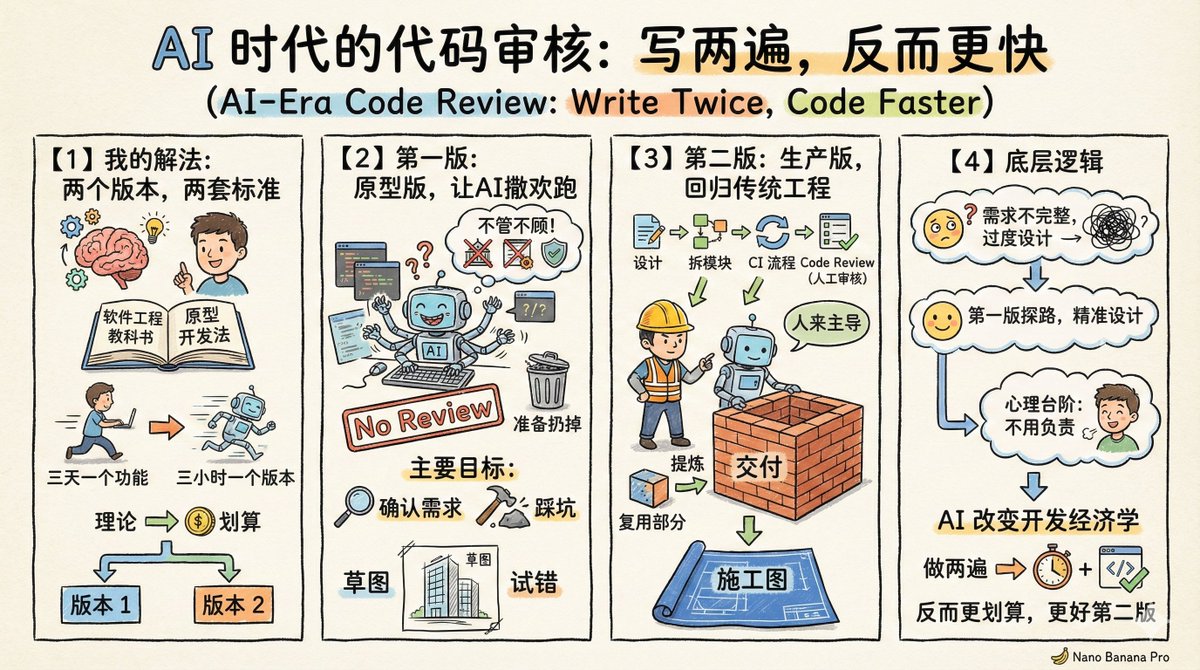
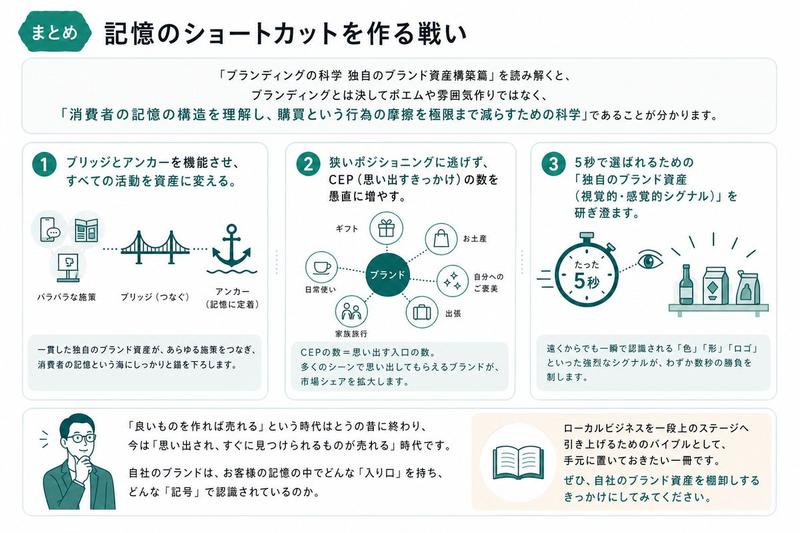
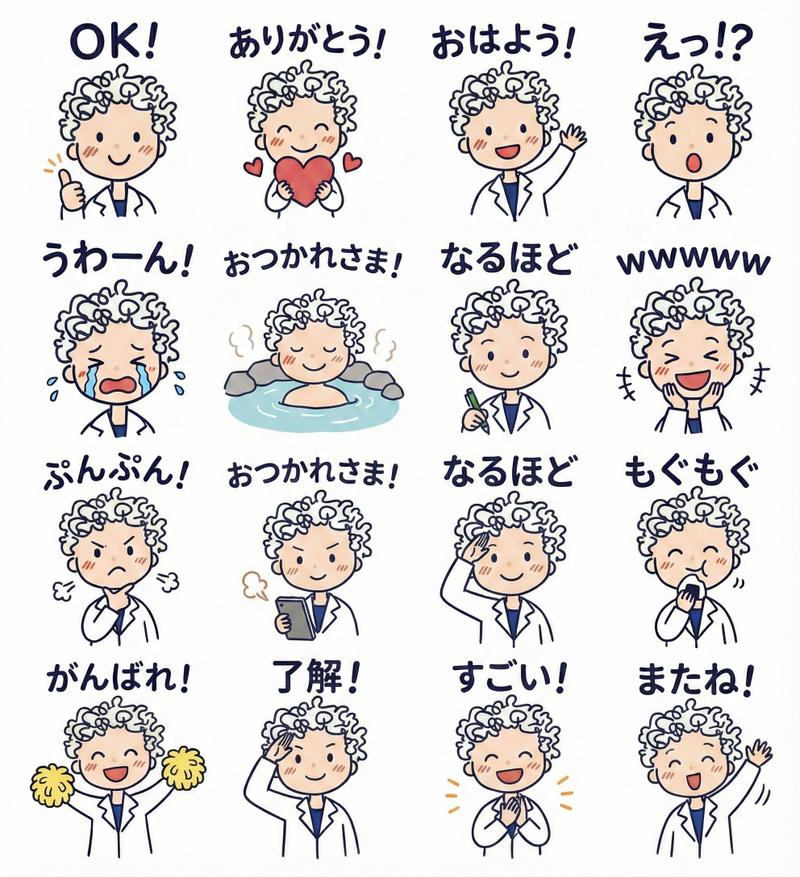
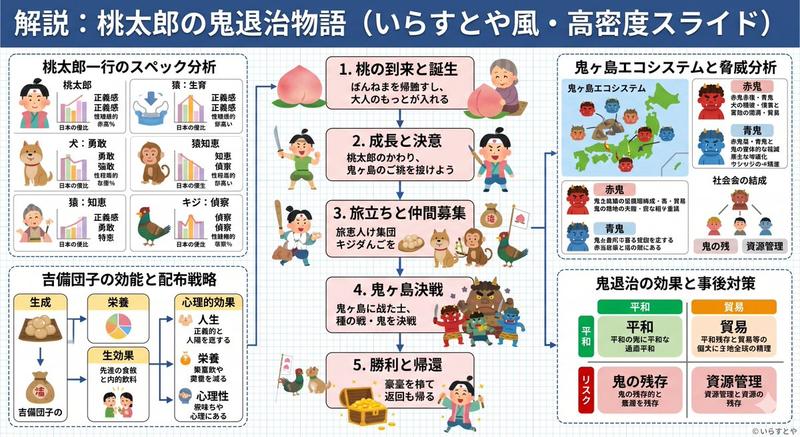
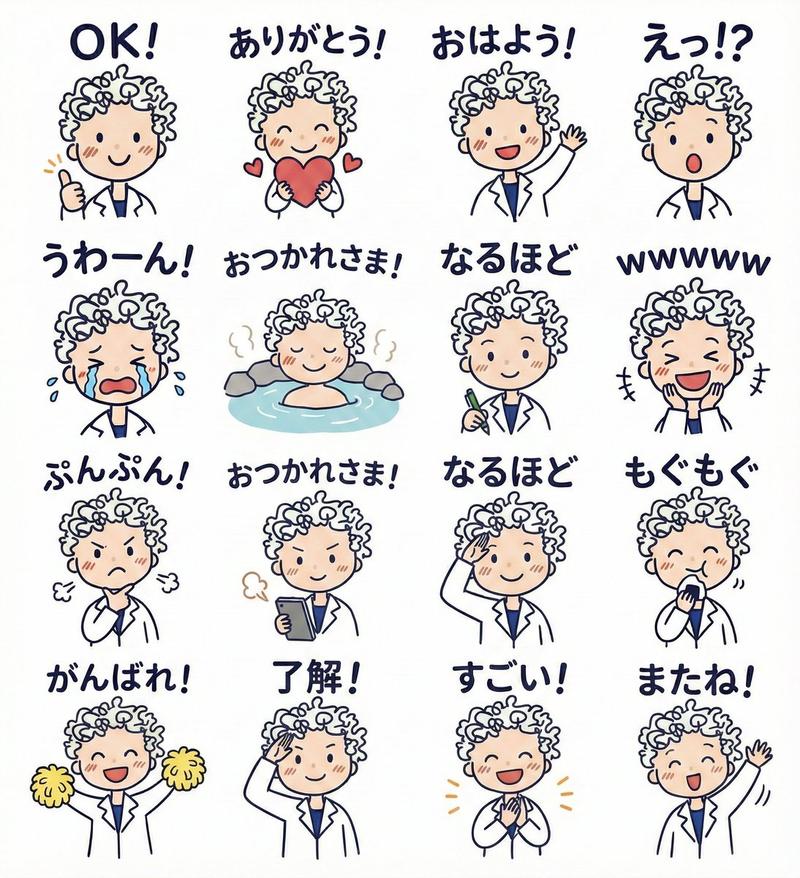
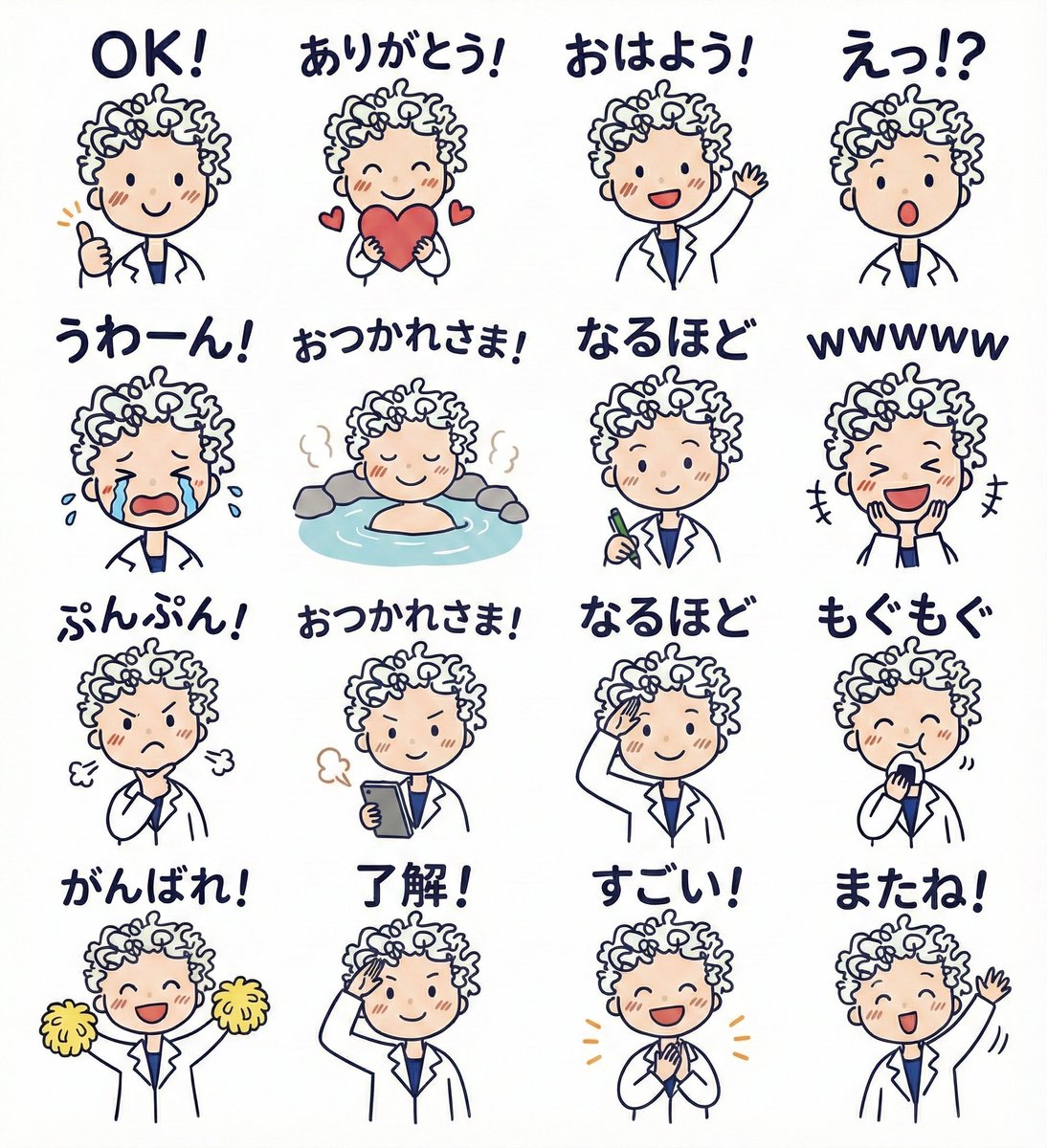
请求透明 PNG 输出
Prompt
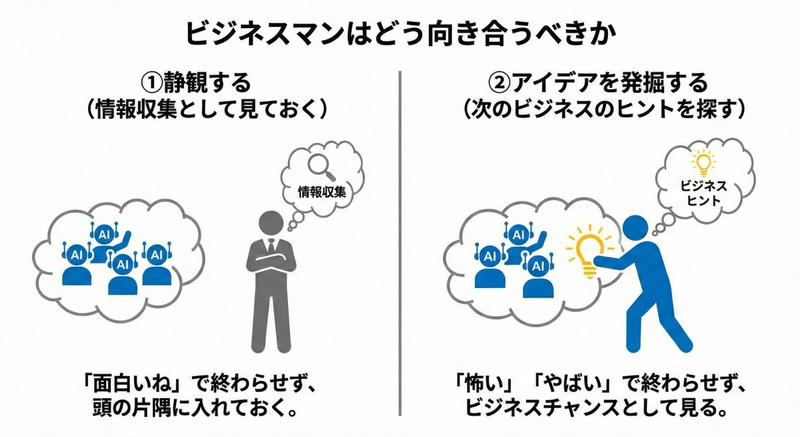
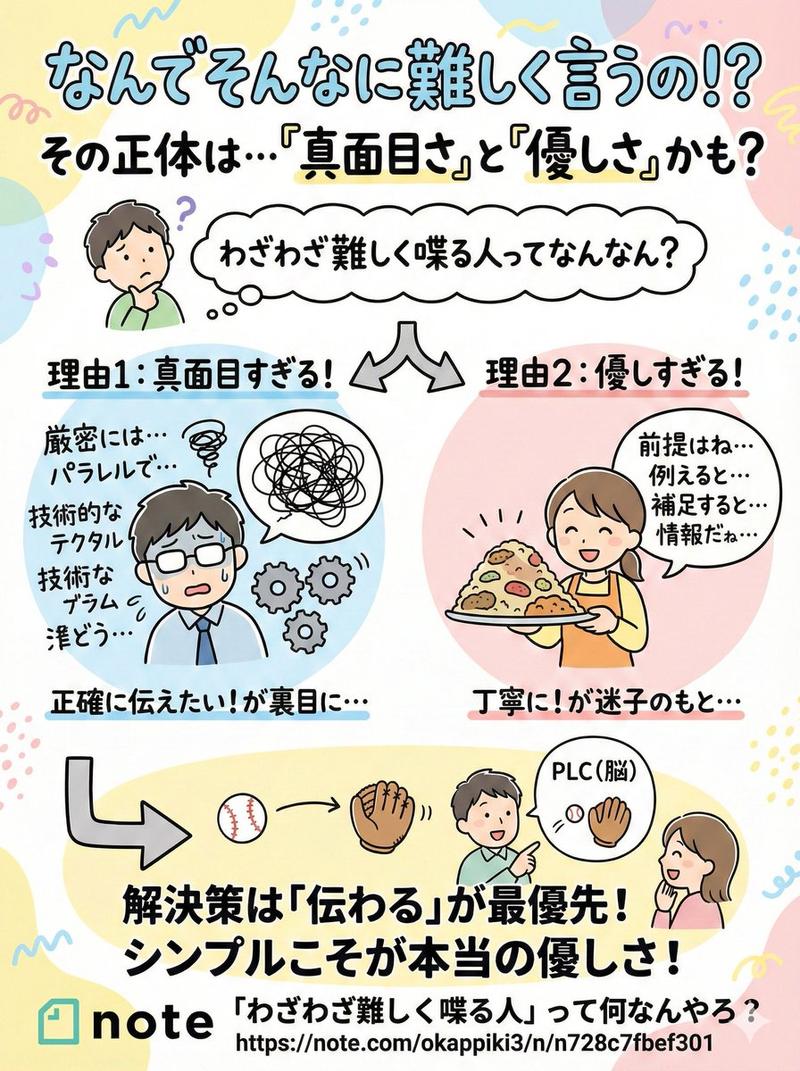
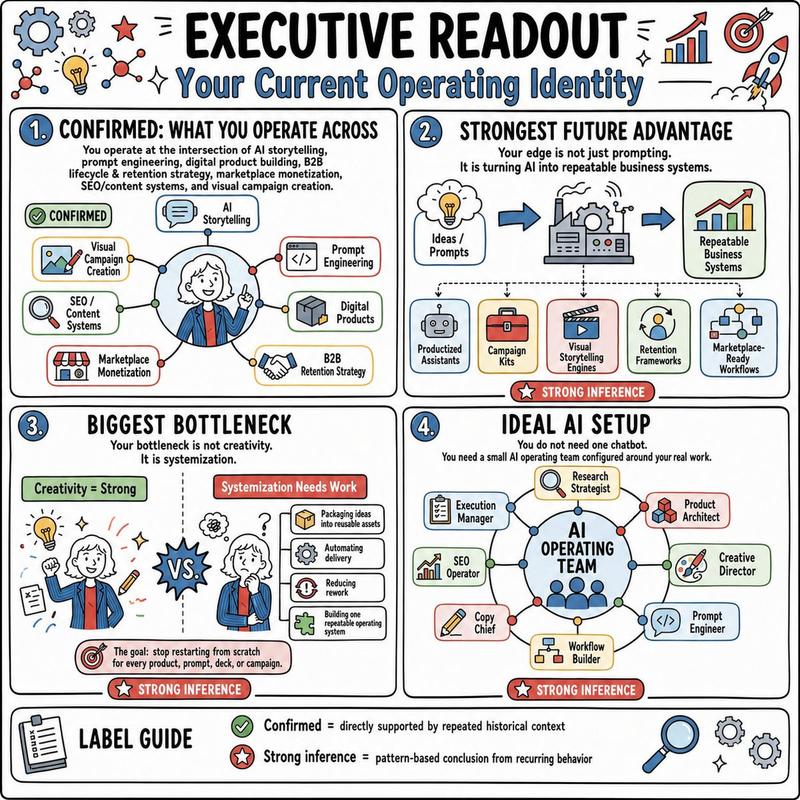
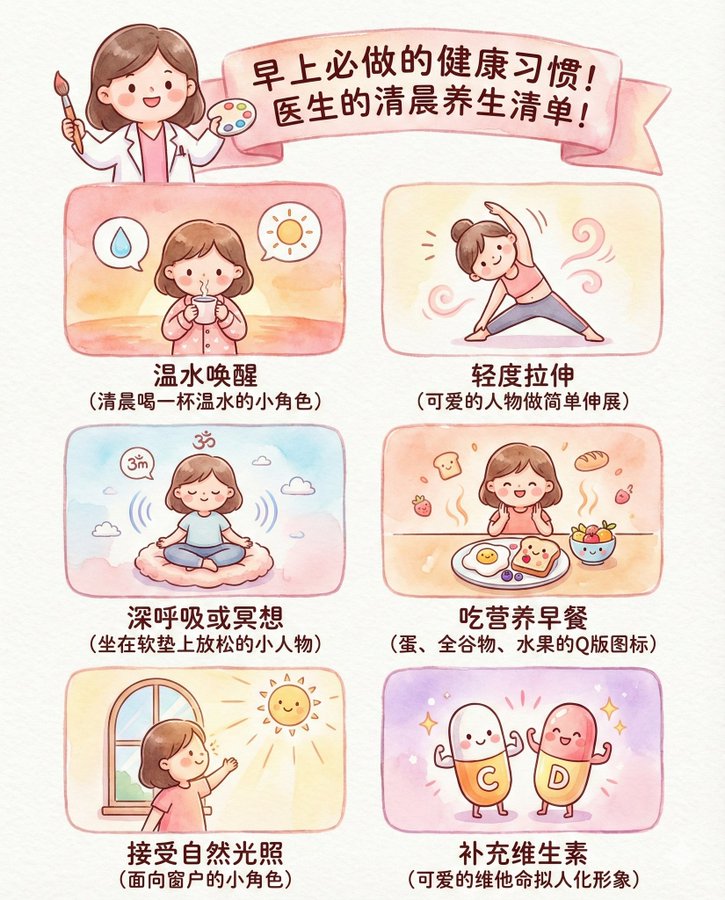
背景の白を透明にして、pngファイルで出力して!
- Category
- 创意图片
- Model
- Nano Banana Pro
- Creator
- 寺田正嗣📖@読書法&学習法研究者✨️
- Source ID
- 058aac76-4126-4d53-9f78-84fe8562ee20
- Published
- Mar 8, 2026
Views0
16
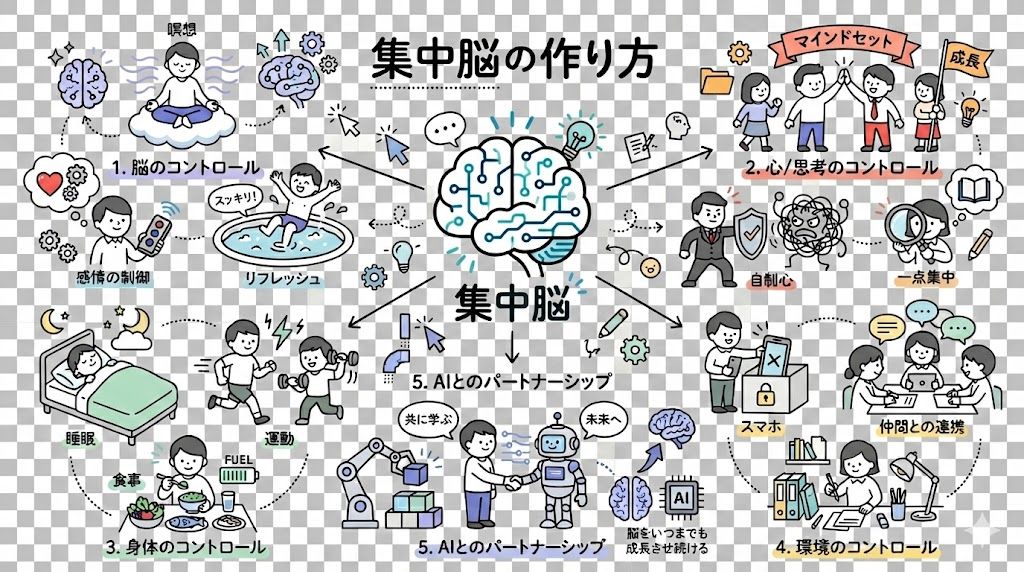
背景の白を透明にして、pngファイルで出力して!
Guide
"请求透明 PNG 输出" AI image prompt for Nano Banana Pro (创意图片). 一个简单的提示,要求 Nano Banana Pro 生成一张带有透明背景的图片,并将其输出为 PNG 文件,这展示了该模型处理特定文件格式和背景透明度请求的能力。 --- 将白色背景变为透明,并将其输…
The full copyable prompt and example visuals above are ready for AI image generation or one-click recreate in Picva.
Step 1
Review the example visuals, category, and full prompt text for "请求透明 PNG 输出".
Step 2
Copy the prompt body from this page, or load it directly in Studio.
Step 3
Prefer Nano Banana Pro. If you switch models, keep subject and composition and tweak style terms.
Step 4
Recreate the look in Picva, or export into your workflow for editing and publishing.