15

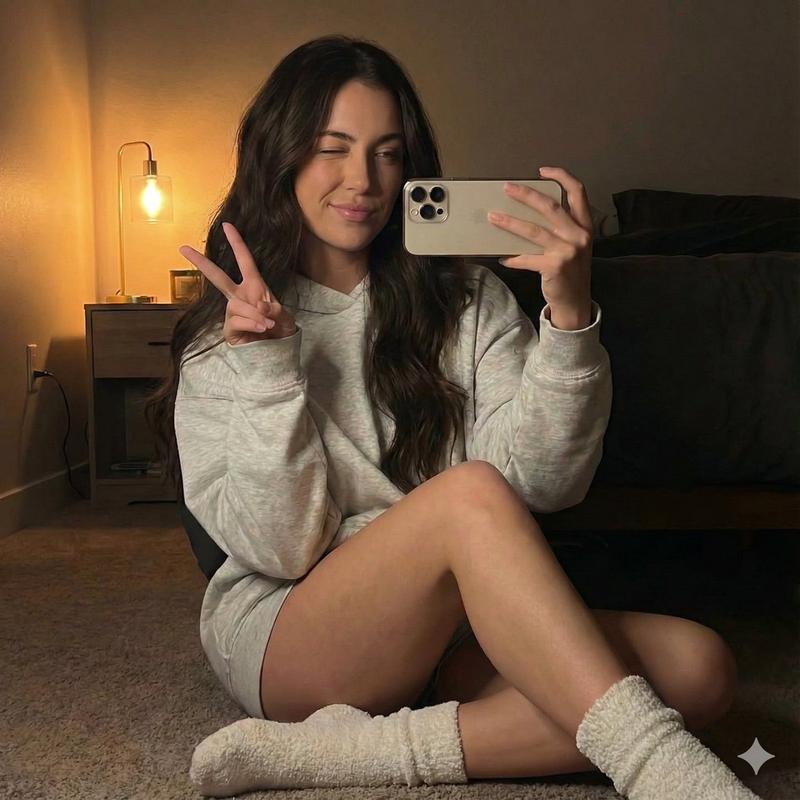
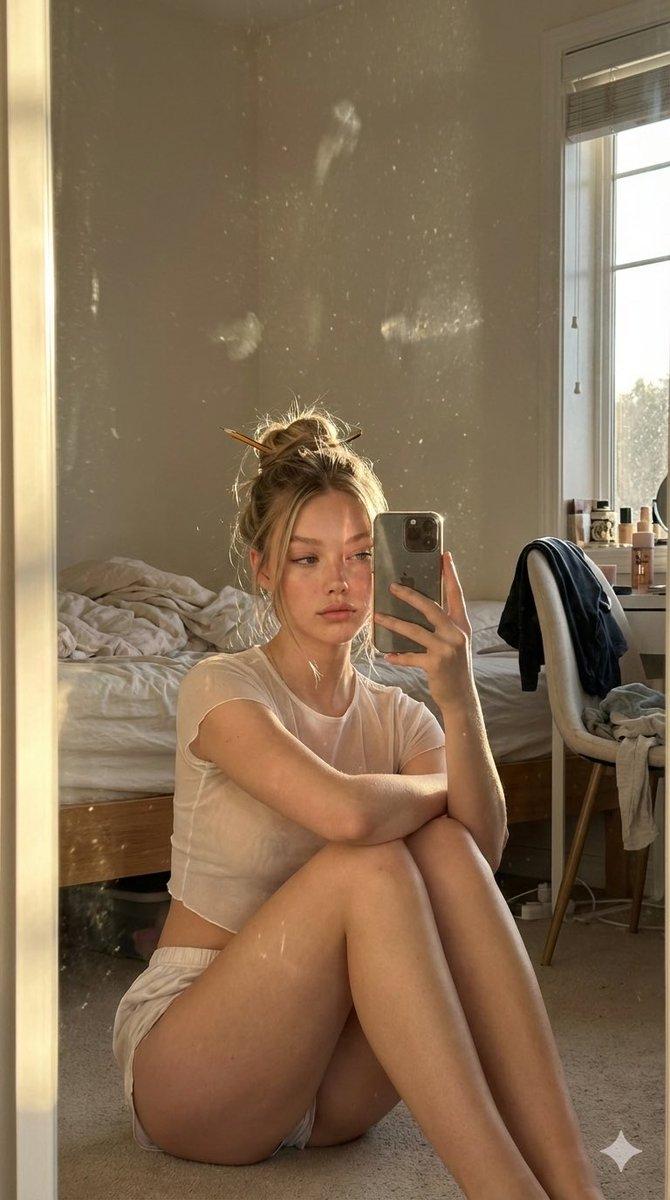
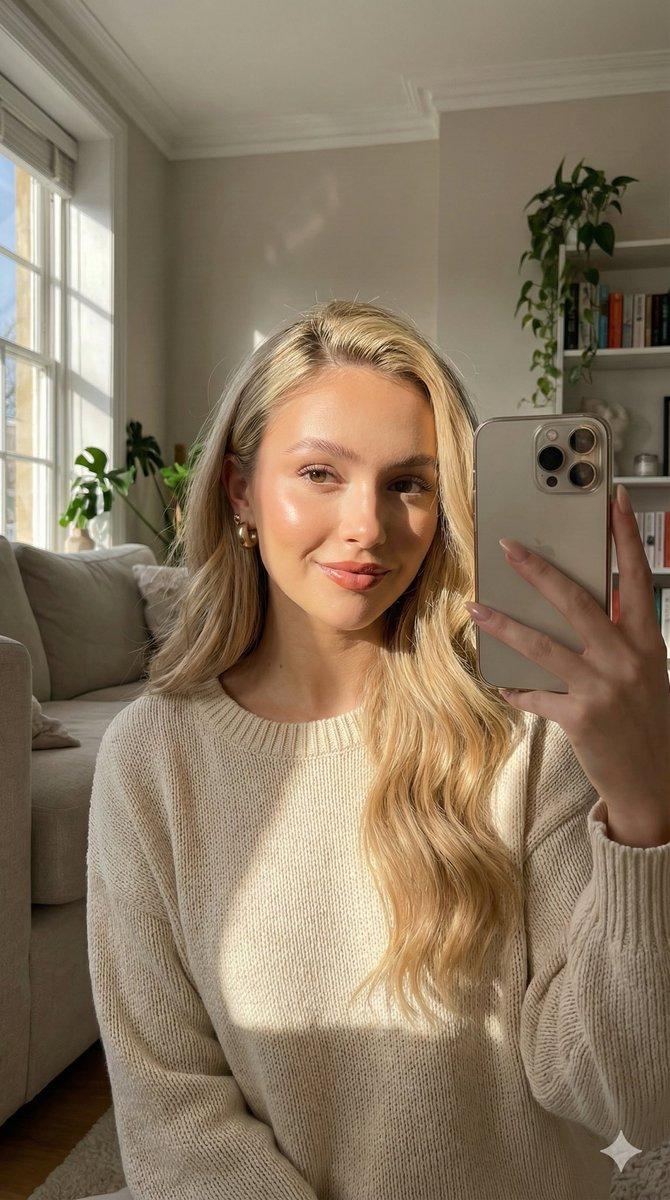
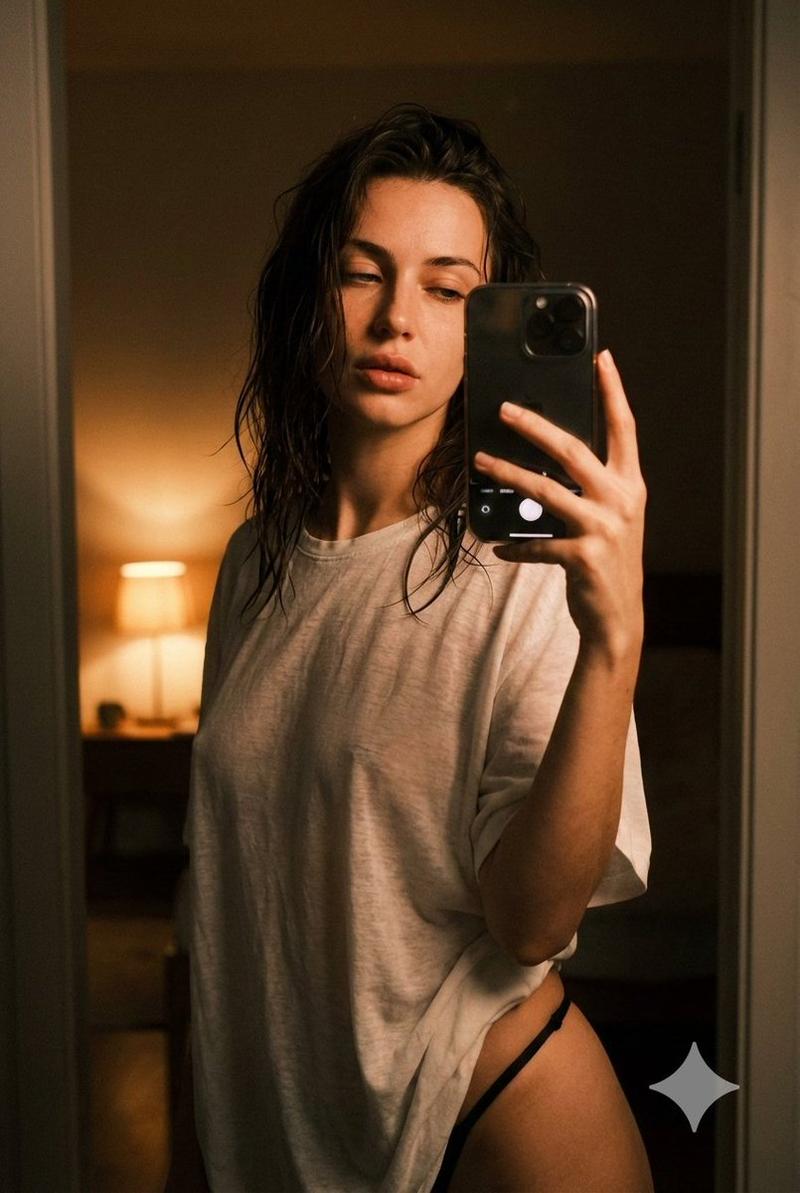
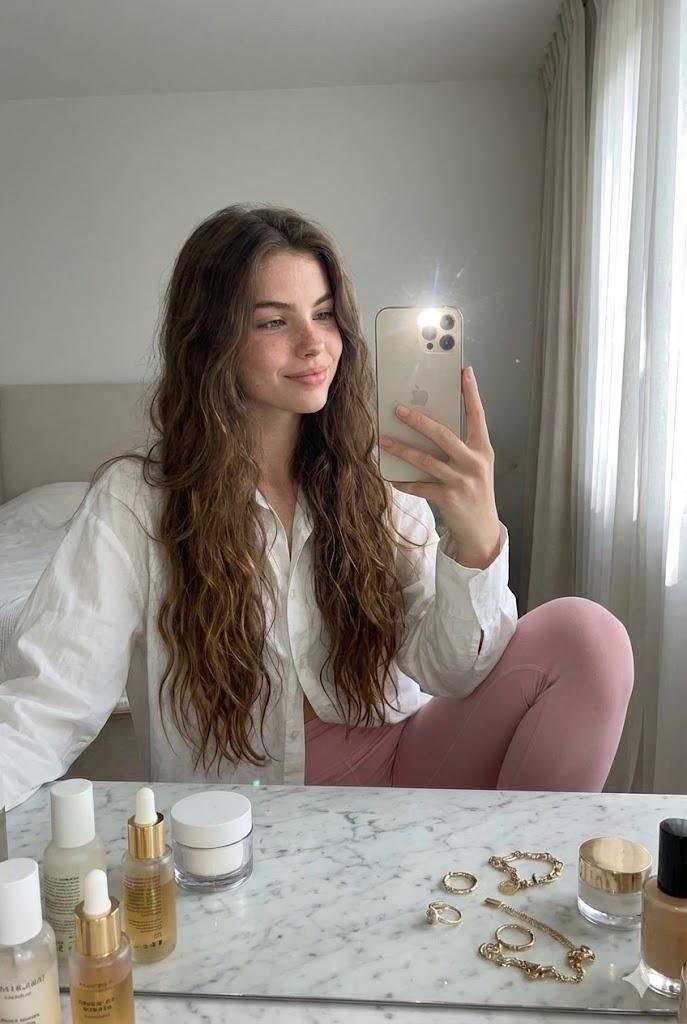
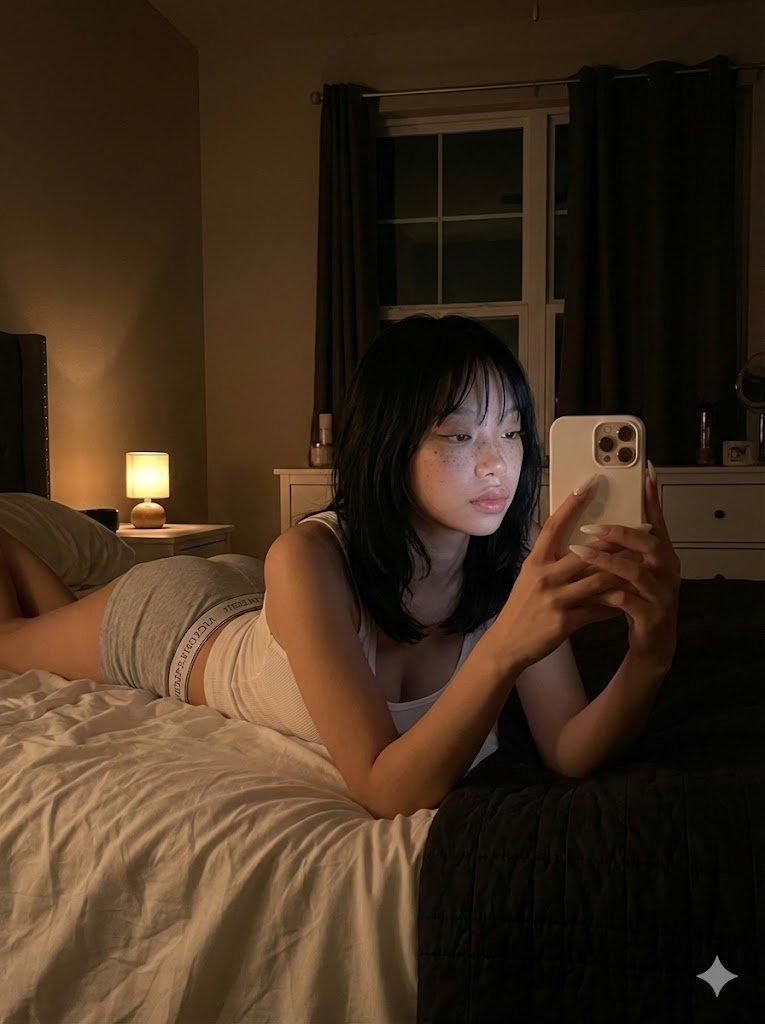
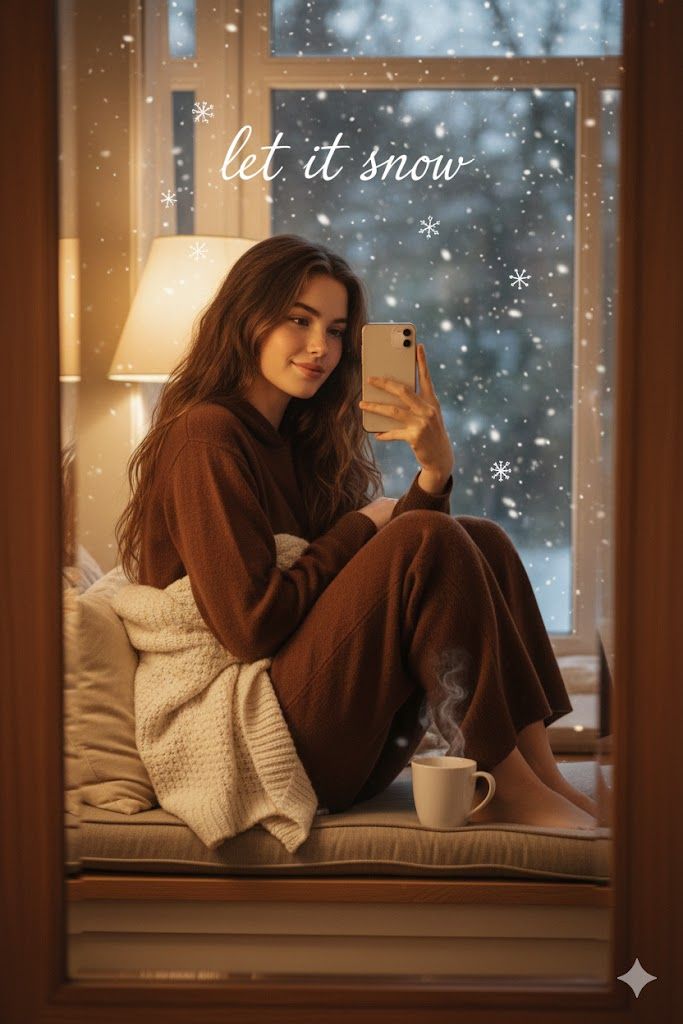
舒适冬日窗边自拍,附参考图
Enlarge

舒适冬日窗边自拍,附参考图

Prompt
A woman with the exact face, hairstyle and hair color of the reference image, curled up on a window seat taking a mirror selfie in the window reflection, peaceful smile looking at phone, wearing rich {argument name="clothing color" default="chocolate brown"} cashmere hoodie and matching wide-leg pants, blanket draped over shoulders, steaming mug nearby, soft golden lamp light, add gentle falling snow particles outside the window with subtle bokeh sparkles, overlay delicate white handwritten text across the top saying "{argument name="text overlay" default="let it snow"}" in flowing script, add small doodled snowflakes scattered around her silhouette, ultra-realistic cozy aesthetic with magical winter effects, iPhone snap vibe, 8k
Category
创意图片
Model
Nano Banana Pro
Views0
Source ID
d4459101-be7d-487e-b7ae-54bdc3c837b7
Published
Mar 8, 2026

Guide

About "舒适冬日窗边自拍,附参考图"

What is this prompt for?

"舒适冬日窗边自拍,附参考图" AI image prompt for Nano Banana Pro (创意图片). 这是一个为 Nano Banana Pro 的参考图像功能设计的提示,指示 AI 保持上传参考图像中人物的面部、发型和颜色完全一致。它生成了一个舒适、超现实的场景:一位女性蜷缩在窗边座位上,在镜子反…

The full copyable prompt and example visuals above are ready for AI image generation or one-click recreate in Picva.

How to use this prompt

  1. Step 1

    Open the prompt detail

    Review the example visuals, category, and full prompt text for "舒适冬日窗边自拍,附参考图".

  2. Step 2

    Copy the prompt

    Copy the prompt body from this page, or load it directly in Studio.

  3. Step 3

    Pick a model (Nano Banana Pro)

    Prefer Nano Banana Pro. If you switch models, keep subject and composition and tweak style terms.

  4. Step 4

    Generate and export

    Recreate the look in Picva, or export into your workflow for editing and publishing.

FAQ

What is the "舒适冬日窗边自拍,附参考图" prompt?
It is an AI image-generation prompt for Nano Banana Pro in the 创意图片 category. This page includes the full prompt text, example visuals, and a one-click recreate path in Picva.
How do I use this prompt to generate an image?
Copy the prompt from this page, or use Generate / Studio. Paste it into a compatible image model, or recreate the look in Picva with optional reference images.
Which model is this prompt for?
This page lists Nano Banana Pro. Most descriptive prompts also transfer to nearby image models such as GPT Image, Flux, or Midjourney with light style tweaks.
Can I use the result commercially?
You can usually copy the prompt for creation, but commercial use of the final image depends on the model terms, reference-image rights, and the generated content. Follow the source author and platform rules.