17

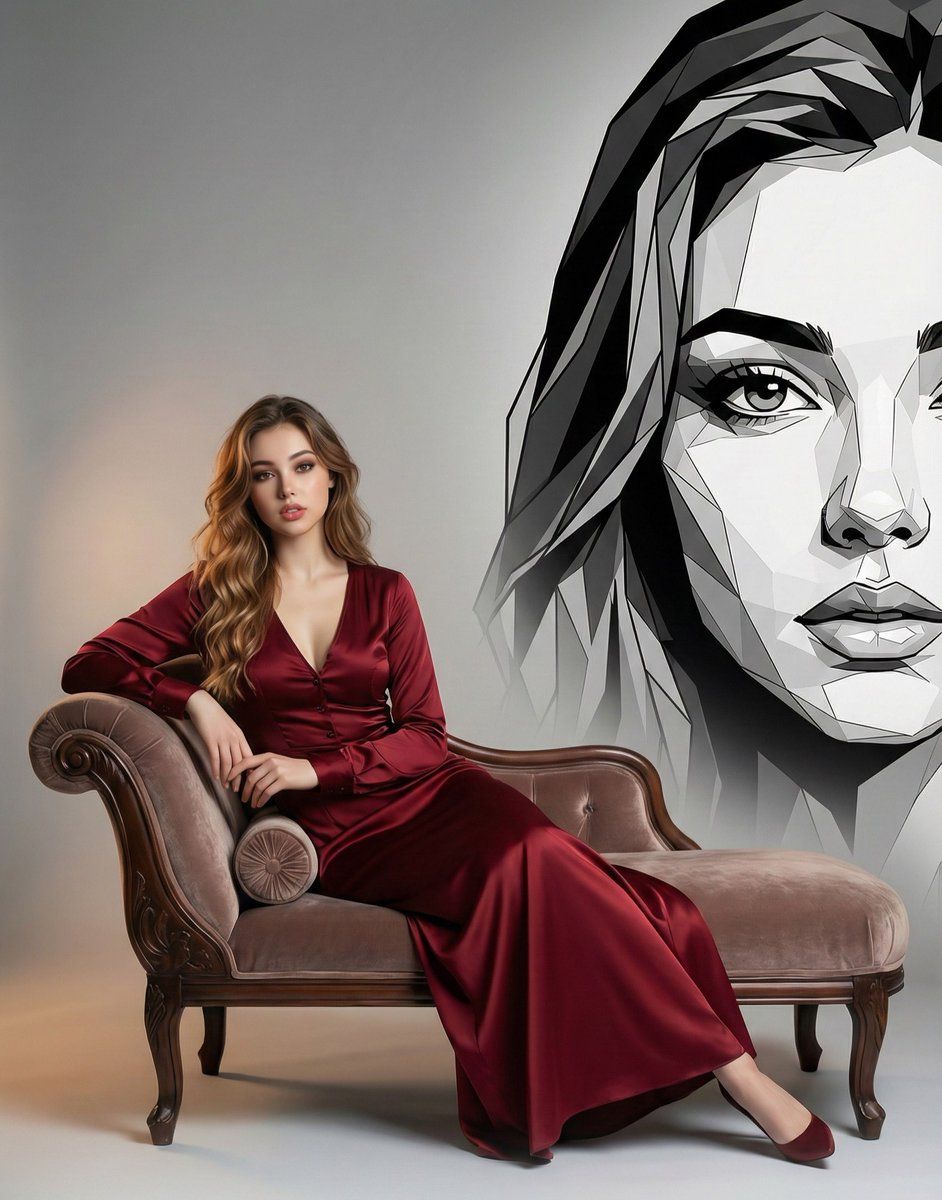
几何壁画对比下的优雅肖像
Enlarge

几何壁画对比下的优雅肖像

Prompt
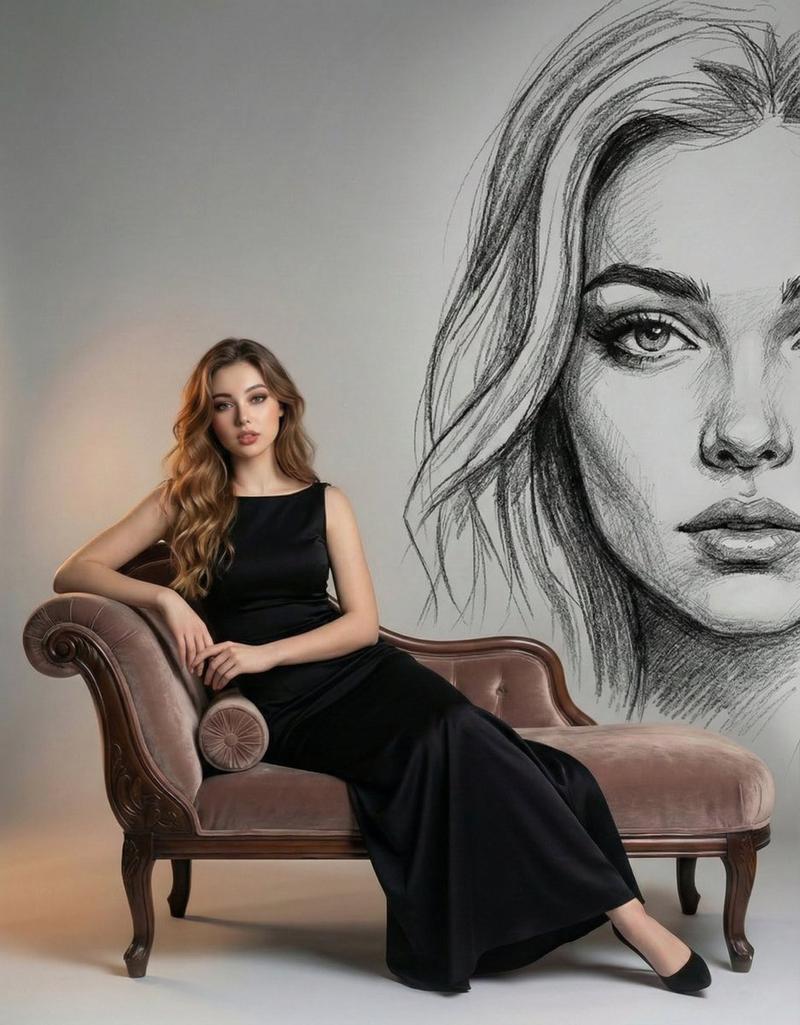
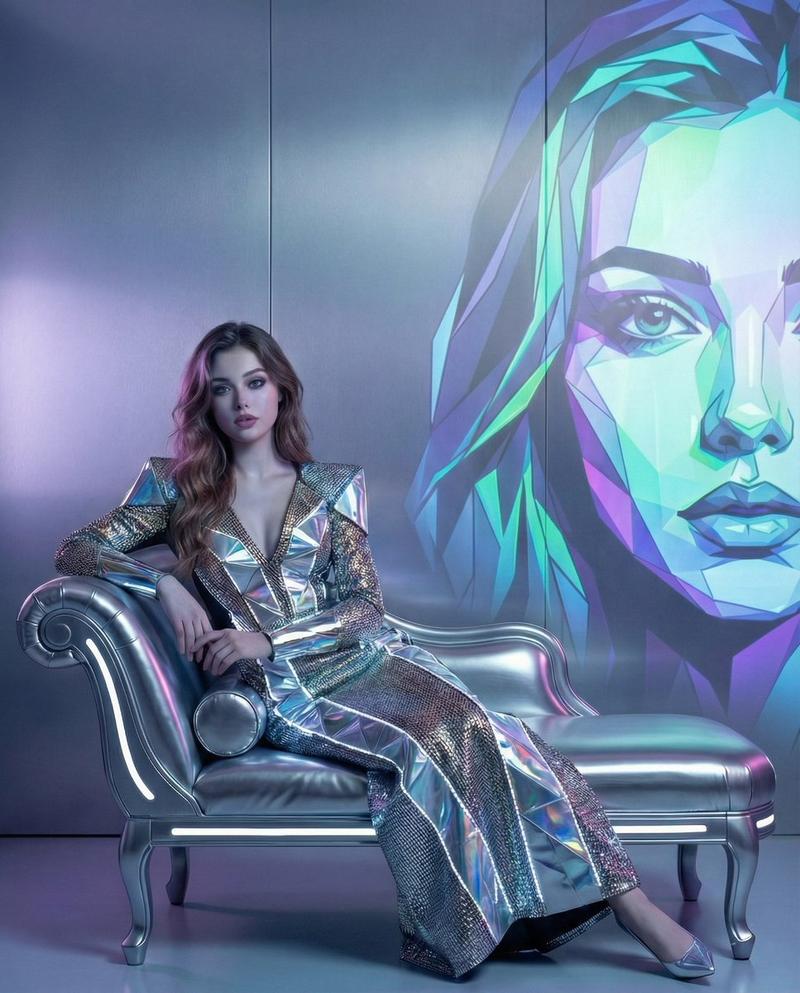
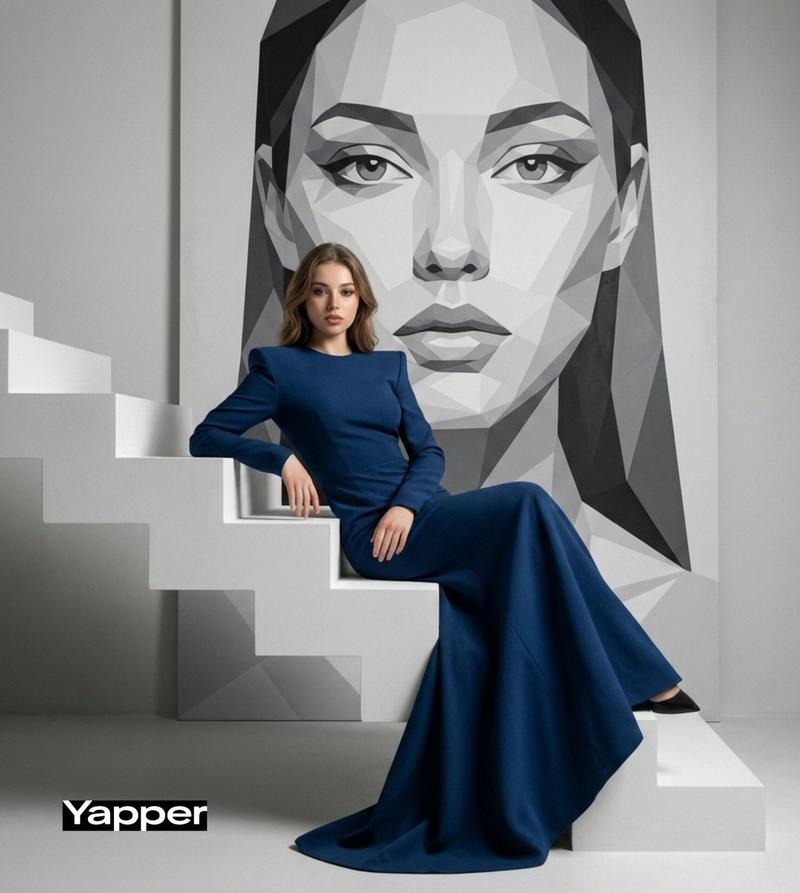
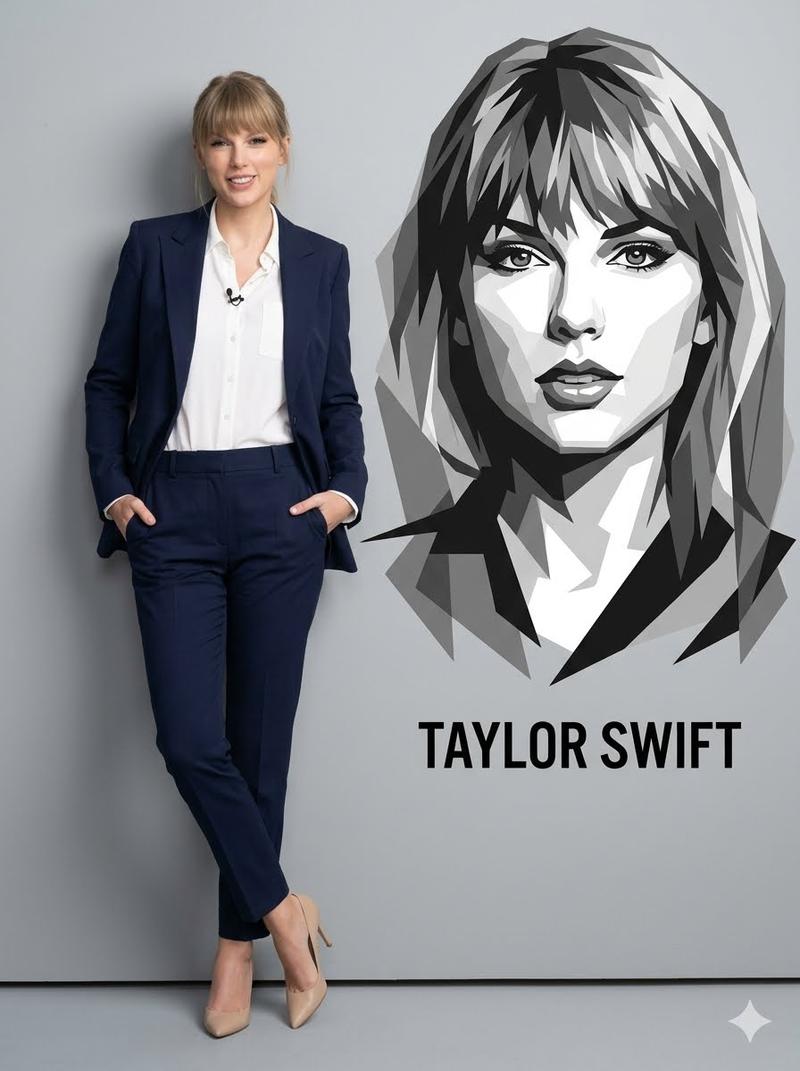
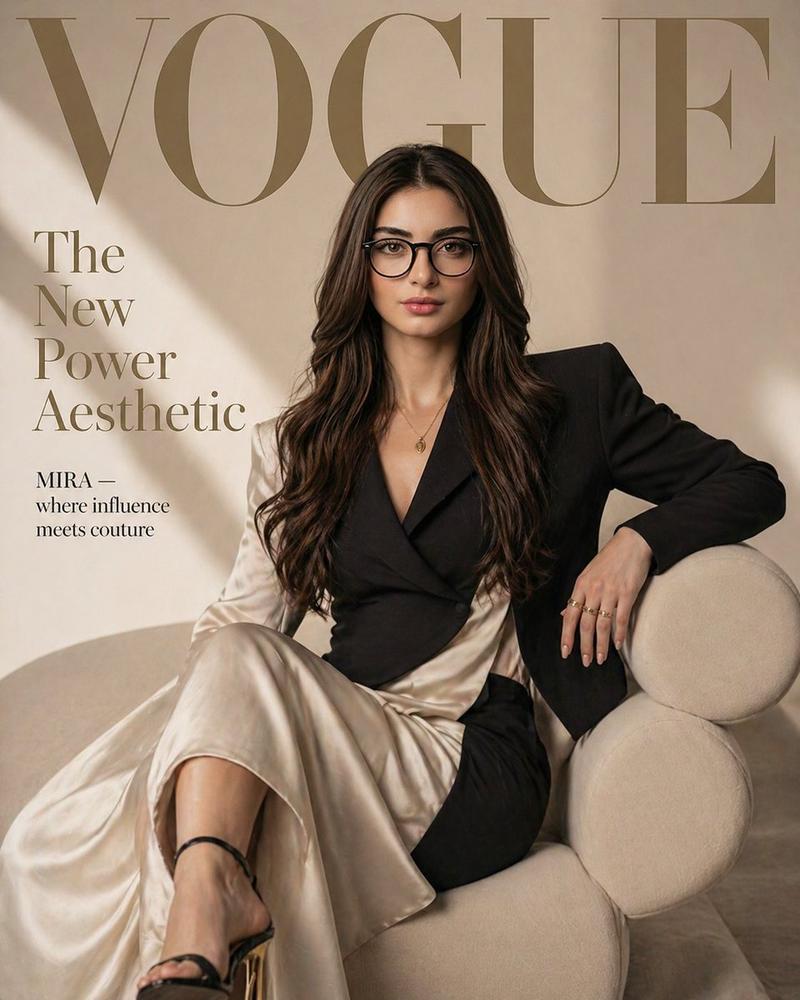
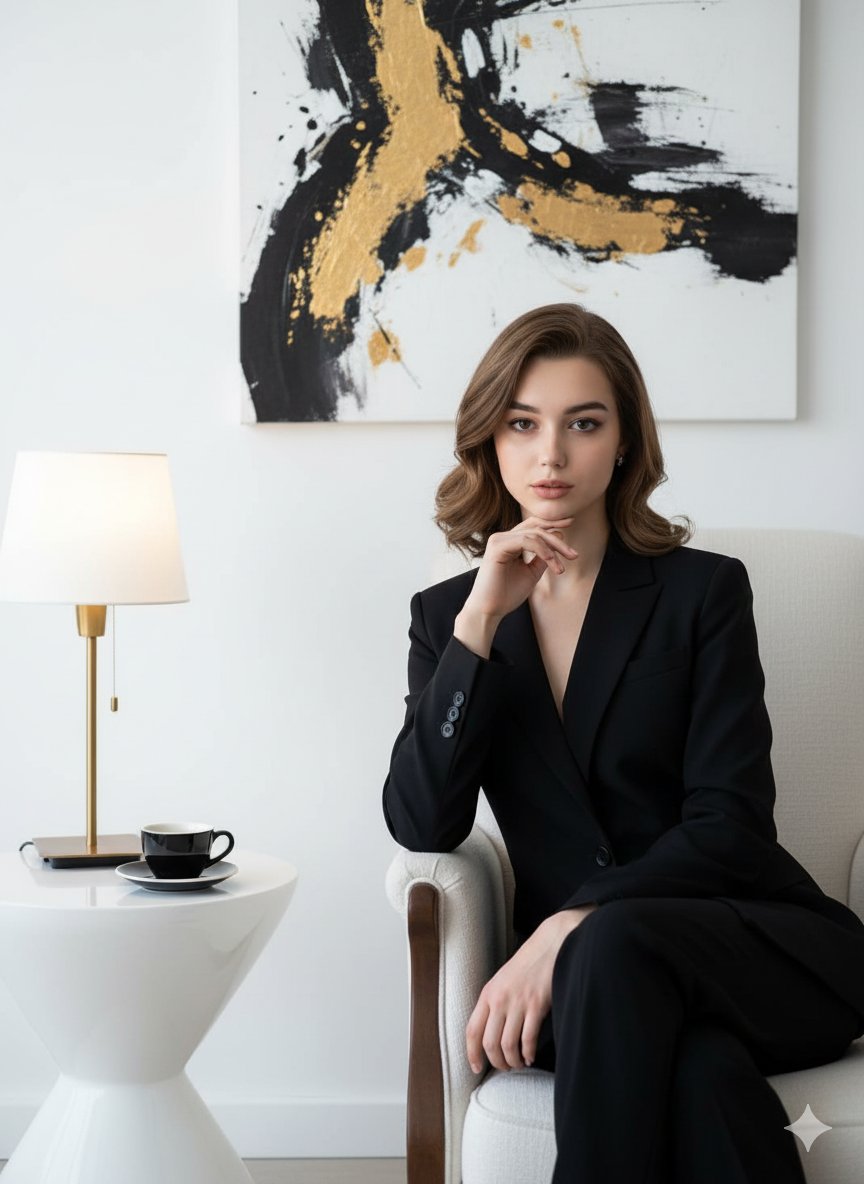
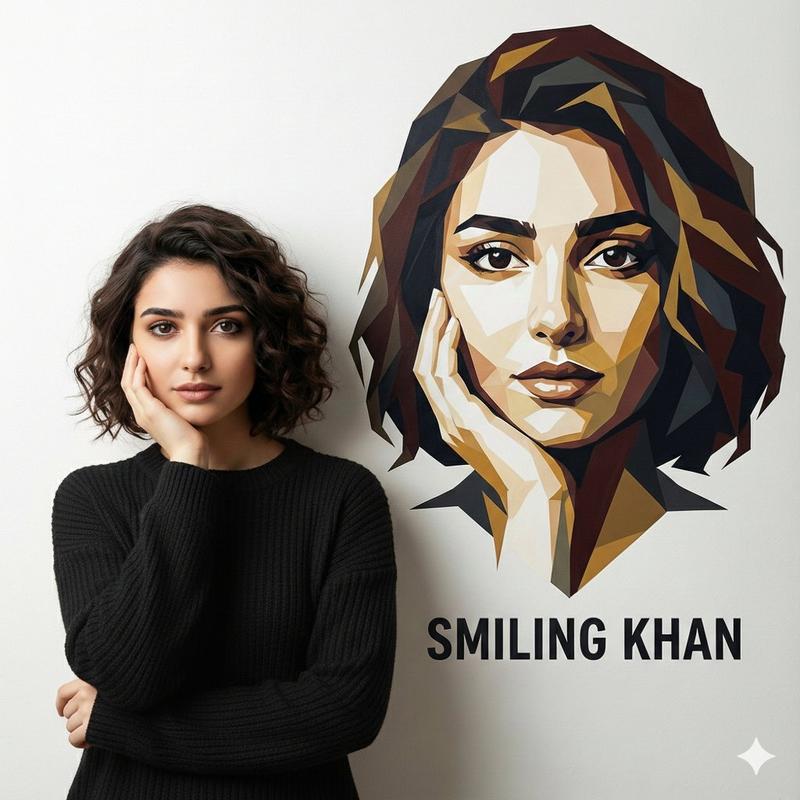
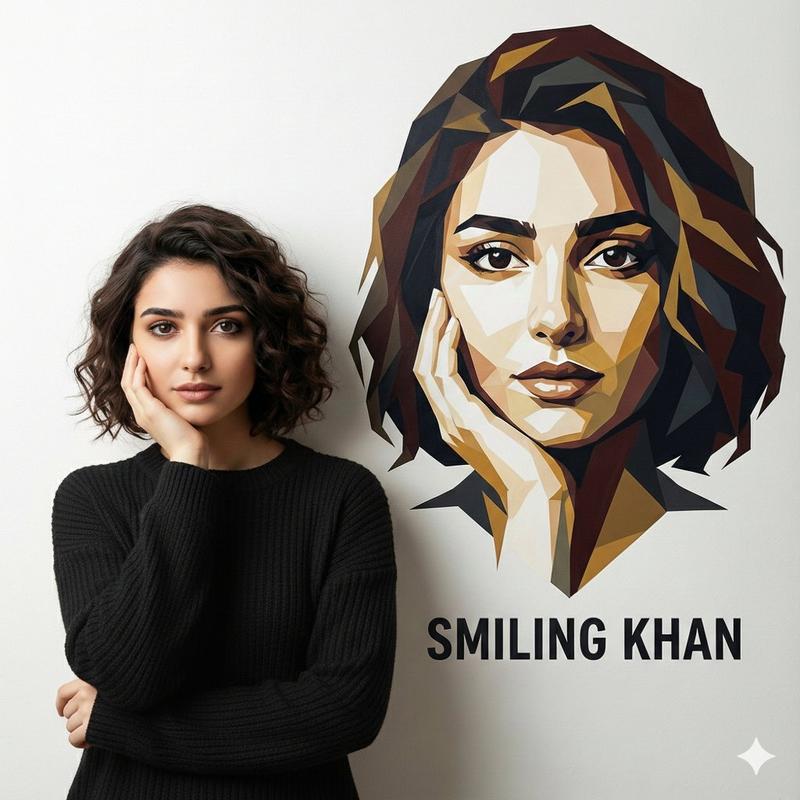
A cinematic studio portrait of an elegant woman reclining on a vintage velvet chaise lounge, wearing a deep burgundy satin gown with soft folds and a subtle sheen. Warm, soft key lighting highlights her natural skin tones and flowing wavy hair, while a neutral gradient background fades from warm beige to cool gray. Behind her, a large monochrome low-poly geometric portrait of the same woman emerges from the wall like a conceptual art mural, creating a contrast between realism and abstract design. Ultra-detailed, fashion editorial style, shallow depth of field, refined luxury mood, balanced composition, 8K resolution, high realism, dramatic yet minimal aesthetic. Google Gemini
Category
创意图片
Model
Nano Banana Pro
Creator
Synthia
Views0
Source ID
177020ba-d74c-4394-ad17-a2a2deba7709
Published
Mar 8, 2026

Guide

About "几何壁画对比下的优雅肖像"

What is this prompt for?

"几何壁画对比下的优雅肖像" AI image prompt for Nano Banana Pro (创意图片). 生成一张电影级影棚肖像的提示词:一位优雅的女士斜倚在复古躺椅上,写实风格的人物与背景中单色低多边形几何肖像壁画形成对比。 --- 一张电影风格的影棚肖像,一位优雅的女士斜倚在复古天鹅绒躺椅上,身着一件…

The full copyable prompt and example visuals above are ready for AI image generation or one-click recreate in Picva.

How to use this prompt

  1. Step 1

    Open the prompt detail

    Review the example visuals, category, and full prompt text for "几何壁画对比下的优雅肖像".

  2. Step 2

    Copy the prompt

    Copy the prompt body from this page, or load it directly in Studio.

  3. Step 3

    Pick a model (Nano Banana Pro)

    Prefer Nano Banana Pro. If you switch models, keep subject and composition and tweak style terms.

  4. Step 4

    Generate and export

    Recreate the look in Picva, or export into your workflow for editing and publishing.

FAQ

What is the "几何壁画对比下的优雅肖像" prompt?
It is an AI image-generation prompt for Nano Banana Pro in the 创意图片 category. This page includes the full prompt text, example visuals, and a one-click recreate path in Picva.
How do I use this prompt to generate an image?
Copy the prompt from this page, or use Generate / Studio. Paste it into a compatible image model, or recreate the look in Picva with optional reference images.
Which model is this prompt for?
This page lists Nano Banana Pro. Most descriptive prompts also transfer to nearby image models such as GPT Image, Flux, or Midjourney with light style tweaks.
Can I use the result commercially?
You can usually copy the prompt for creation, but commercial use of the final image depends on the model terms, reference-image rights, and the generated content. Follow the source author and platform rules.