17

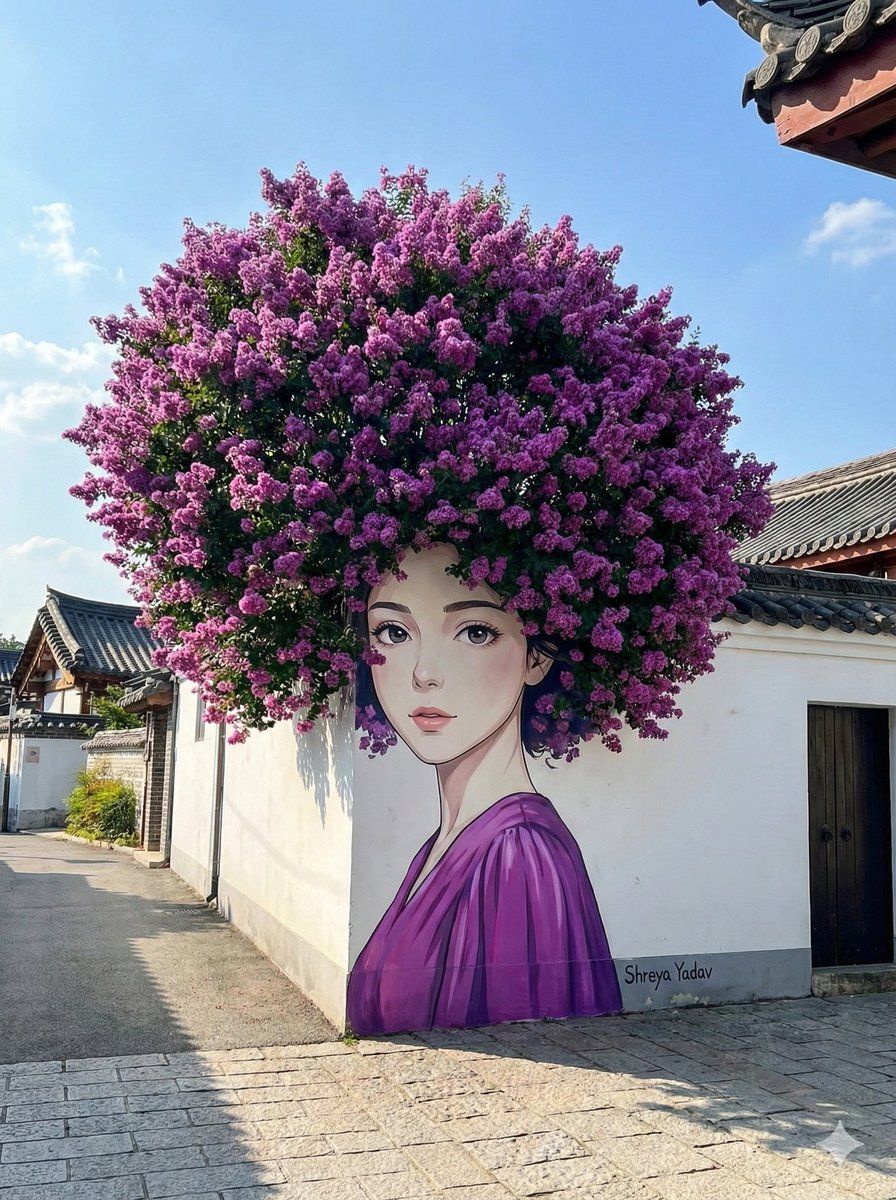
错视街头艺术与花团锦簇的“头发”
Enlarge

错视街头艺术与花团锦簇的“头发”

Prompt
{
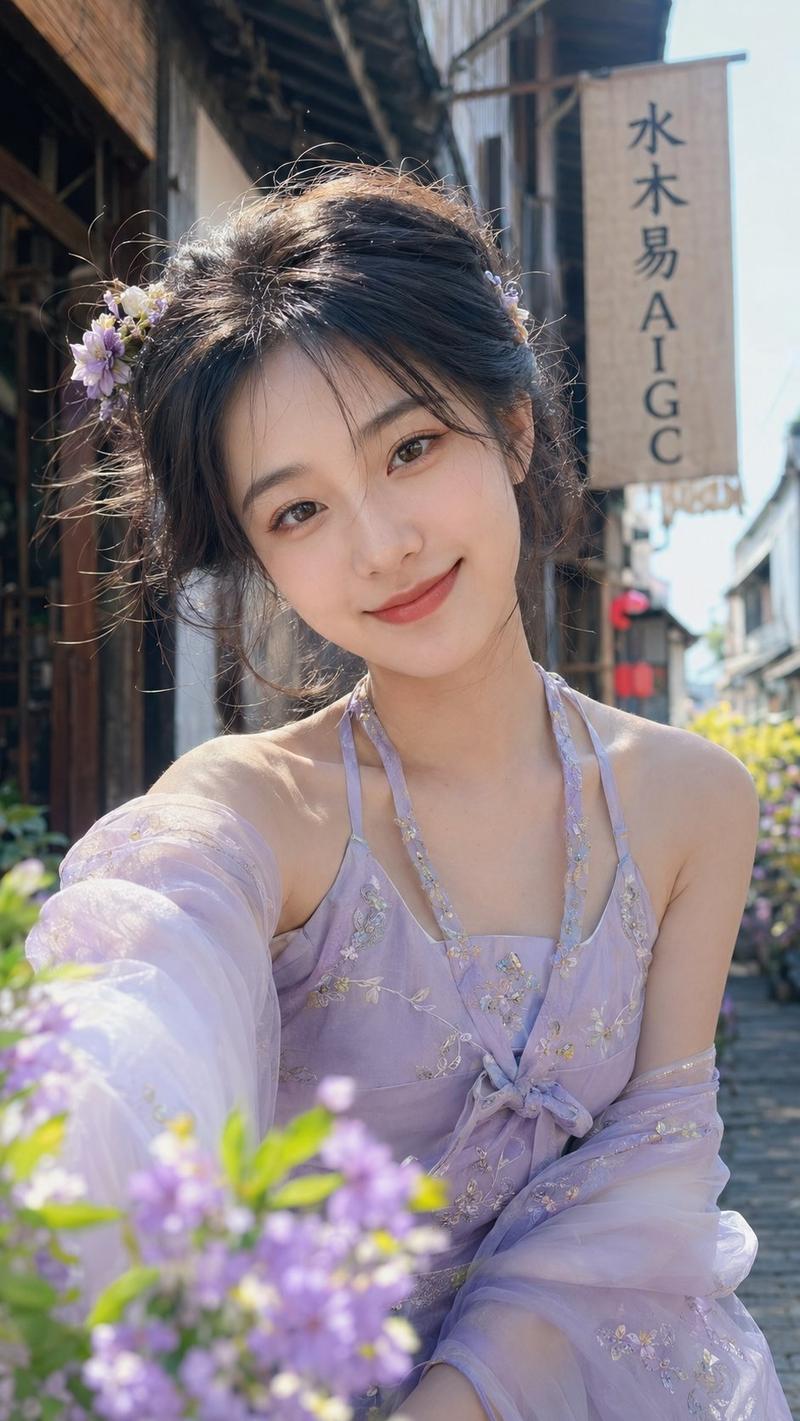
  "prompt": "A hyper-realistic, wide shot of creative street art on a white building wall. A mural of a beautiful woman with an anime-style face, pale skin, and delicate features is painted on the wall. A real, massive, vibrant {argument name="flower color" default="purple"} flowering bush (possibly Crepe Myrtle or Jacaranda) growing from behind the wall is perfectly positioned to look like the woman's massive, voluminous afro-style hair. She is wearing a painted {argument name="dress color" default="purple"} dress that matches the flowers. The setting is a paved street with traditional Asian-style tiled roofs visible. Sunny day, blue sky, cinematic lighting, 8k resolution, trompe-l'œil optical illusion.",
  "negative_prompt": "blurry, low quality, distorted, ugly, pixelated, text, watermark, bad anatomy, bad perspective, gloom, dark",
  "aspect_ratio": "3:4",
  "style": "Photorealistic, Street Art Photography"
}
Category
创意图片
Model
Nano Banana Pro
Views0
Source ID
510c8878-3898-468c-a073-f4fb25034101
Published
Mar 8, 2026

Guide

About "错视街头艺术与花团锦簇的“头发”"

What is this prompt for?

"错视街头艺术与花团锦簇的“头发”" AI image prompt for Nano Banana Pro (创意图片). 一个用于生成超现实、广角街头艺术图像的提示,该图像创造了一种“欺骗眼睛”的视错觉。壁画描绘了一位动漫风格的女性,她巨大的爆炸式发型是由墙后真实生长的紫色鲜花灌木形成的。 --- ```json…

The full copyable prompt and example visuals above are ready for AI image generation or one-click recreate in Picva.

How to use this prompt

  1. Step 1

    Open the prompt detail

    Review the example visuals, category, and full prompt text for "错视街头艺术与花团锦簇的“头发”".

  2. Step 2

    Copy the prompt

    Copy the prompt body from this page, or load it directly in Studio.

  3. Step 3

    Pick a model (Nano Banana Pro)

    Prefer Nano Banana Pro. If you switch models, keep subject and composition and tweak style terms.

  4. Step 4

    Generate and export

    Recreate the look in Picva, or export into your workflow for editing and publishing.

FAQ

What is the "错视街头艺术与花团锦簇的“头发”" prompt?
It is an AI image-generation prompt for Nano Banana Pro in the 创意图片 category. This page includes the full prompt text, example visuals, and a one-click recreate path in Picva.
How do I use this prompt to generate an image?
Copy the prompt from this page, or use Generate / Studio. Paste it into a compatible image model, or recreate the look in Picva with optional reference images.
Which model is this prompt for?
This page lists Nano Banana Pro. Most descriptive prompts also transfer to nearby image models such as GPT Image, Flux, or Midjourney with light style tweaks.
Can I use the result commercially?
You can usually copy the prompt for creation, but commercial use of the final image depends on the model terms, reference-image rights, and the generated content. Follow the source author and platform rules.