15

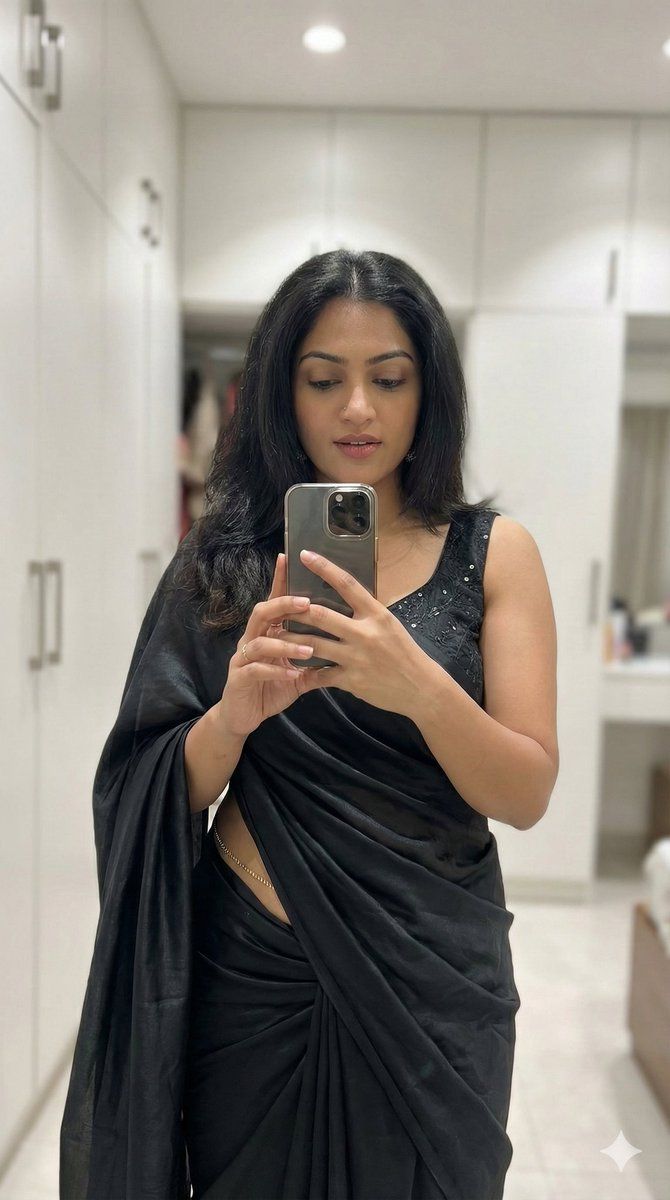
超逼真纱丽镜面自拍
Enlarge

超逼真纱丽镜面自拍

Prompt
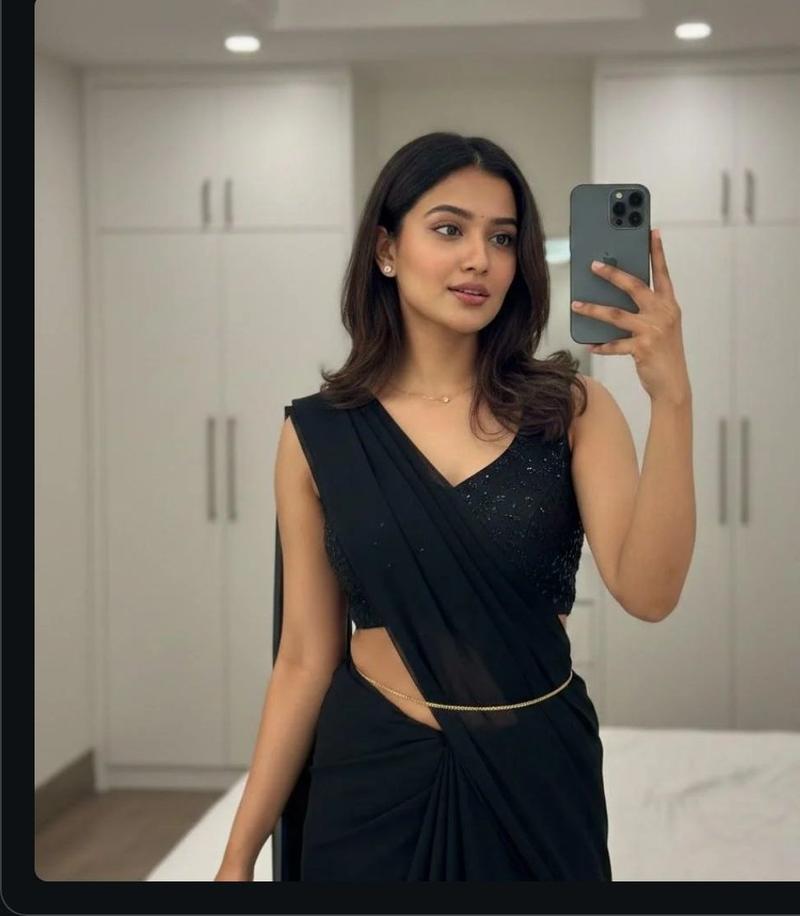
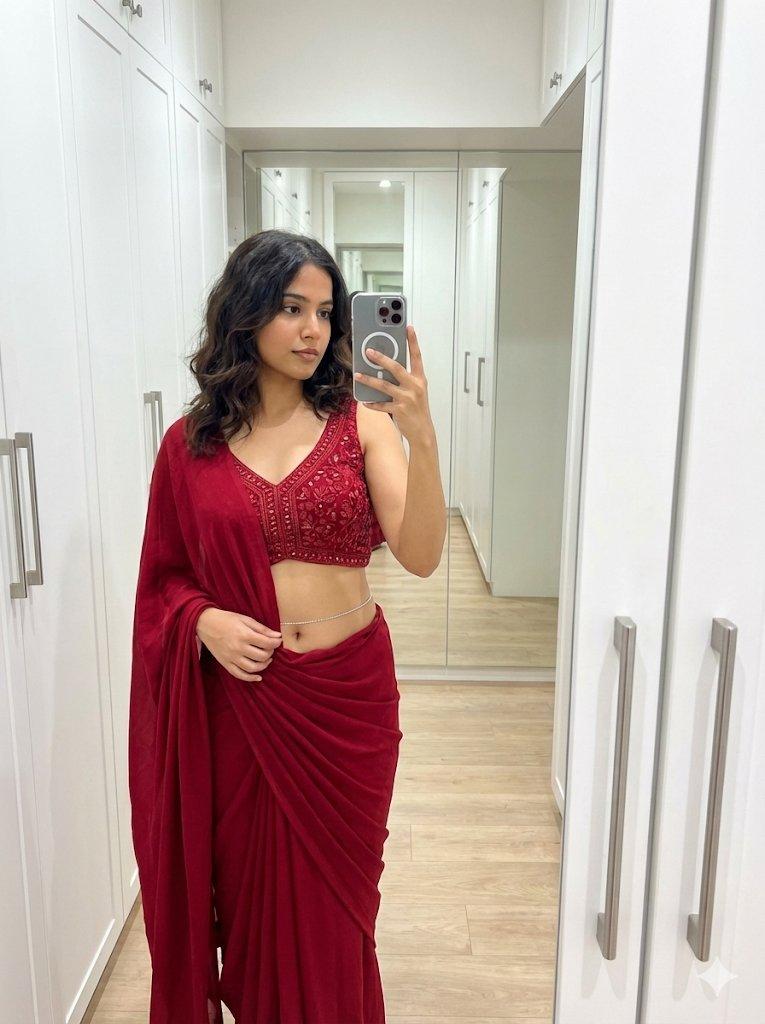
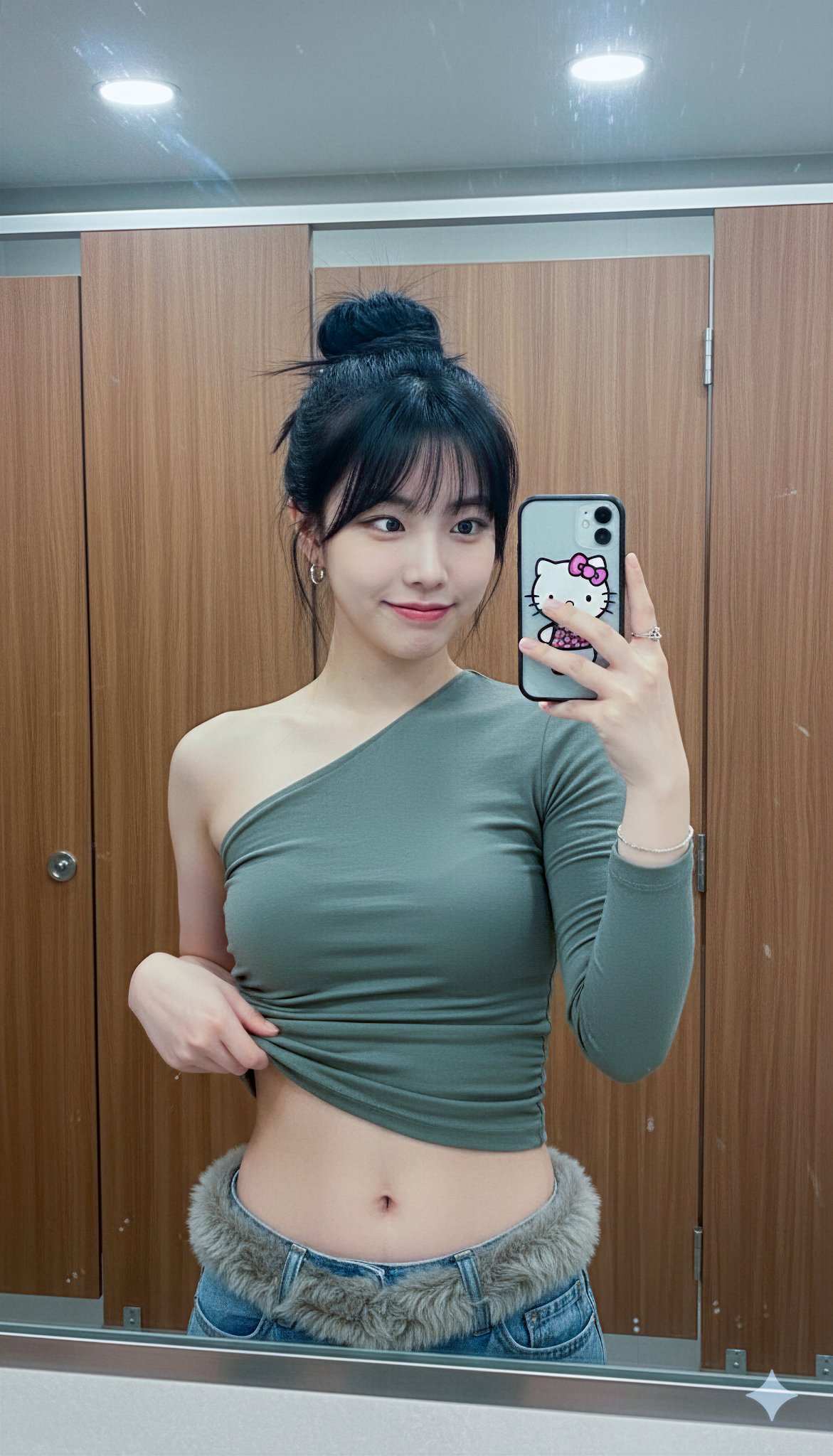
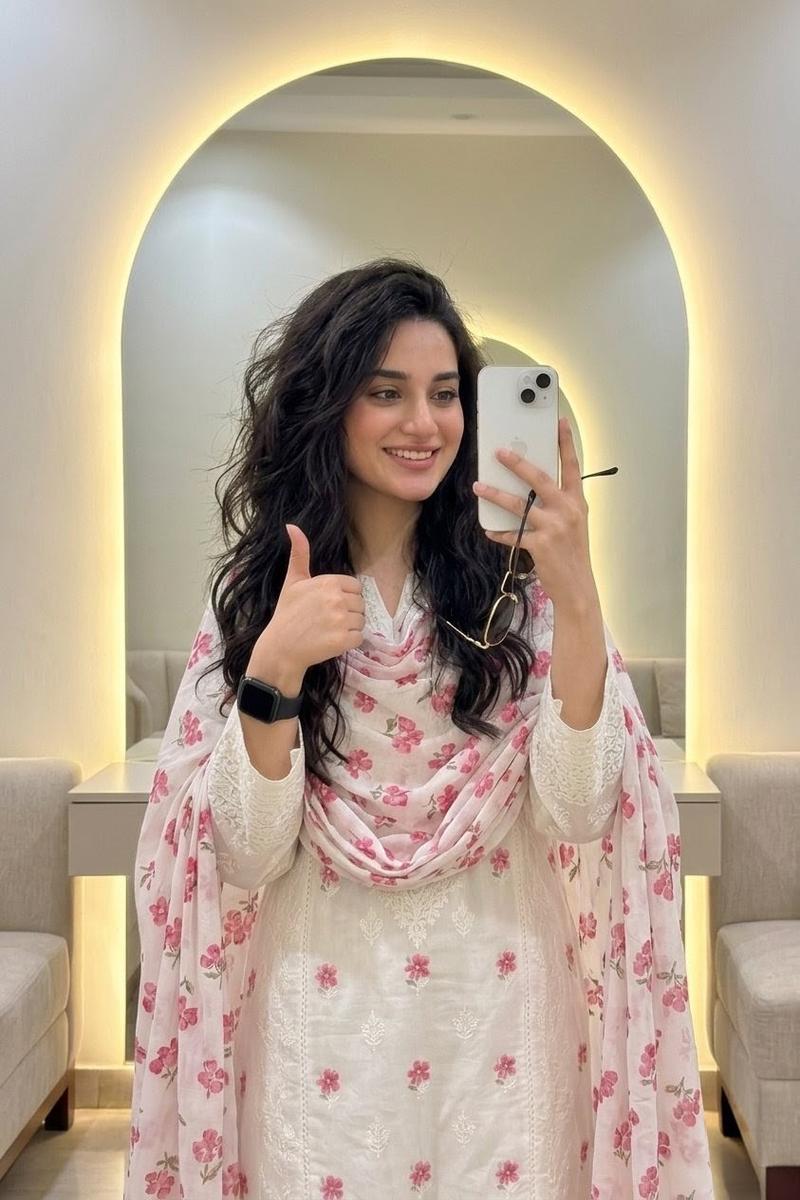
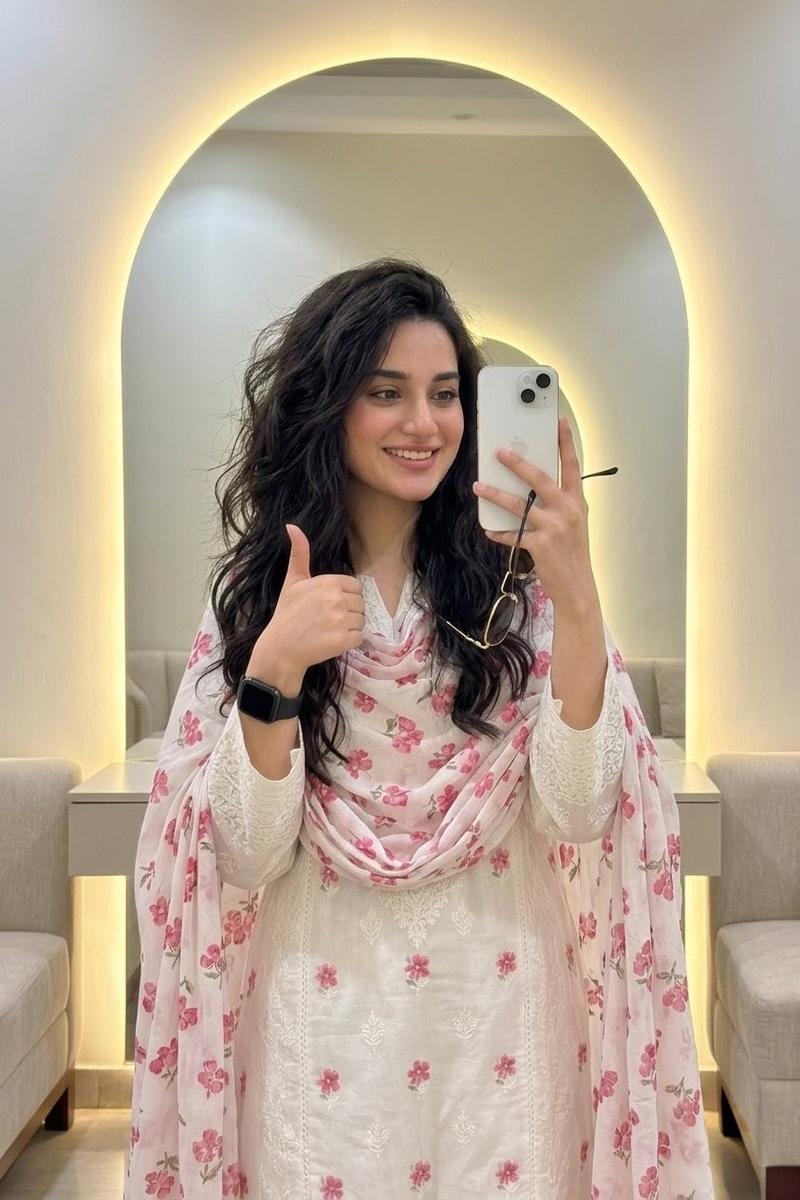
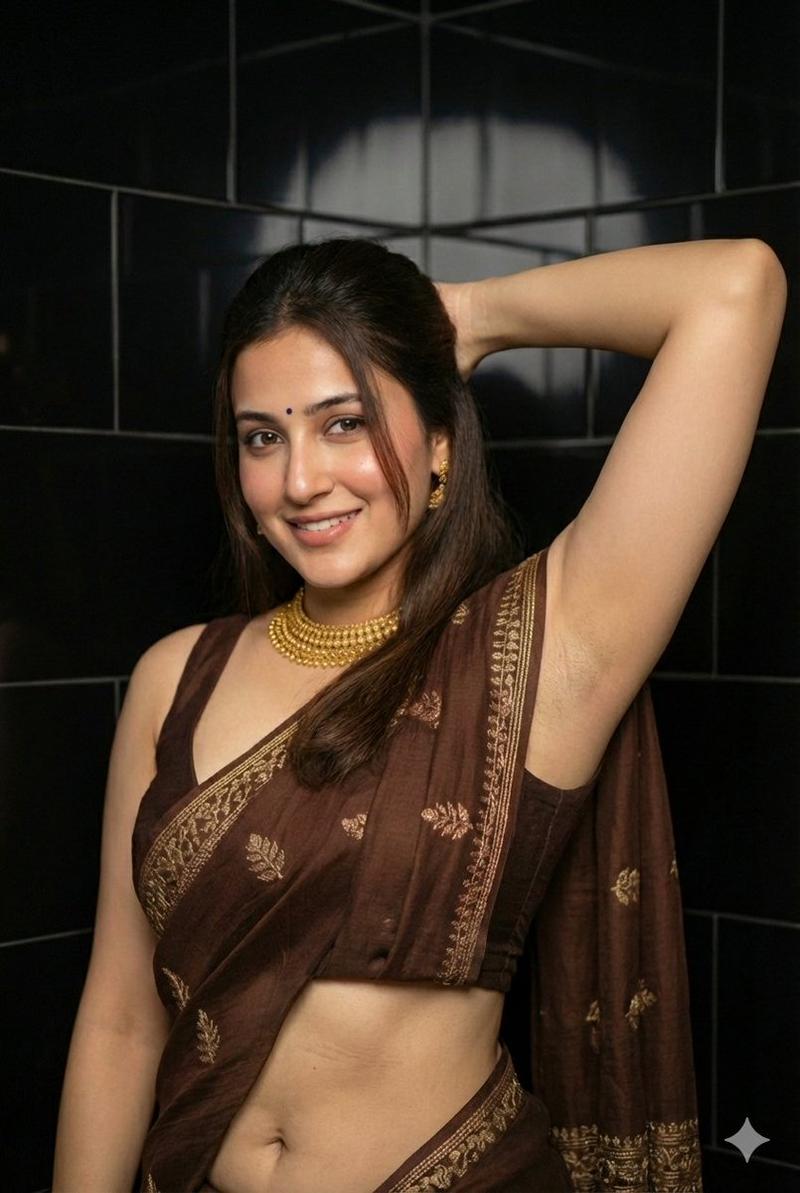
Ultra photorealistic 8K candid smartphone mirror selfie of a young adult woman with warm natural skin tone, visible realistic skin texture, subtle highlights, and no plastic or over-smoothed look. She has dark brown hair, loose with natural volume, smooth texture, and a middle part. Her expression is a soft confident gaze directly at the camera, natural lips slightly parted. Pose is relaxed and natural, slightly angled body with shoulders down, like a casual mirror selfie taken indoors. She is wearing an elegant black saree with soft realistic fabric folds and draping physics, paired with a sleeveless black blouse that has subtle shimmer embroidery, accessorized with minimal jewelry and a delicate waist chain. Setting is a modern indoor bedroom or dressing area with clean white wardrobe cabinets in the background, softly blurred. Lighting is soft overhead indoor ceiling light creating balanced natural shadows and highlights. Camera angle slightly above eye level, natural portrait lens with sharp focus on the subject and realistic depth of field. The entire image must look like a genuine real-life photo—editorial yet completely natural and candid, no cartoon style, no AI artifacts, no distortions especially on hands or limbs, no extra limbs, no text or watermarks, highly detailed realism.
(Aspect ratio 9:16 vertical)
Category
创意图片
Model
Nano Banana Pro
Creator
Preetha
Views0
Source ID
9e02e756-9e4e-493c-b00c-dd0ffc4b76ce
Published
Mar 8, 2026

Guide

About "超逼真纱丽镜面自拍"

What is this prompt for?

"超逼真纱丽镜面自拍" AI image prompt for Nano Banana Pro (创意图片). 这是一个超详细的提示词,旨在生成一张高度逼真、自然的年轻女性镜面自拍,她身穿优雅的黑色纱丽。它详细说明了 8K 分辨率、逼真的皮肤纹理、自然光照和精确构图等技术细节,以避免常见的 AI 伪影,旨在呈现一种既…

The full copyable prompt and example visuals above are ready for AI image generation or one-click recreate in Picva.

How to use this prompt

  1. Step 1

    Open the prompt detail

    Review the example visuals, category, and full prompt text for "超逼真纱丽镜面自拍".

  2. Step 2

    Copy the prompt

    Copy the prompt body from this page, or load it directly in Studio.

  3. Step 3

    Pick a model (Nano Banana Pro)

    Prefer Nano Banana Pro. If you switch models, keep subject and composition and tweak style terms.

  4. Step 4

    Generate and export

    Recreate the look in Picva, or export into your workflow for editing and publishing.

FAQ

What is the "超逼真纱丽镜面自拍" prompt?
It is an AI image-generation prompt for Nano Banana Pro in the 创意图片 category. This page includes the full prompt text, example visuals, and a one-click recreate path in Picva.
How do I use this prompt to generate an image?
Copy the prompt from this page, or use Generate / Studio. Paste it into a compatible image model, or recreate the look in Picva with optional reference images.
Which model is this prompt for?
This page lists Nano Banana Pro. Most descriptive prompts also transfer to nearby image models such as GPT Image, Flux, or Midjourney with light style tweaks.
Can I use the result commercially?
You can usually copy the prompt for creation, but commercial use of the final image depends on the model terms, reference-image rights, and the generated content. Follow the source author and platform rules.