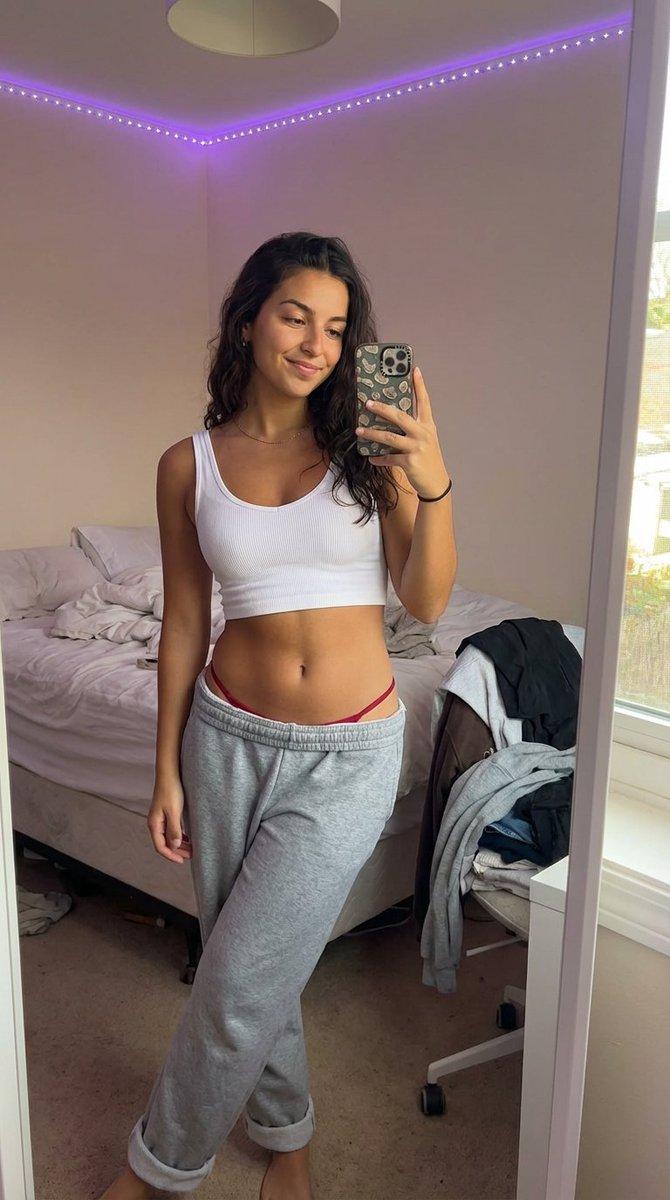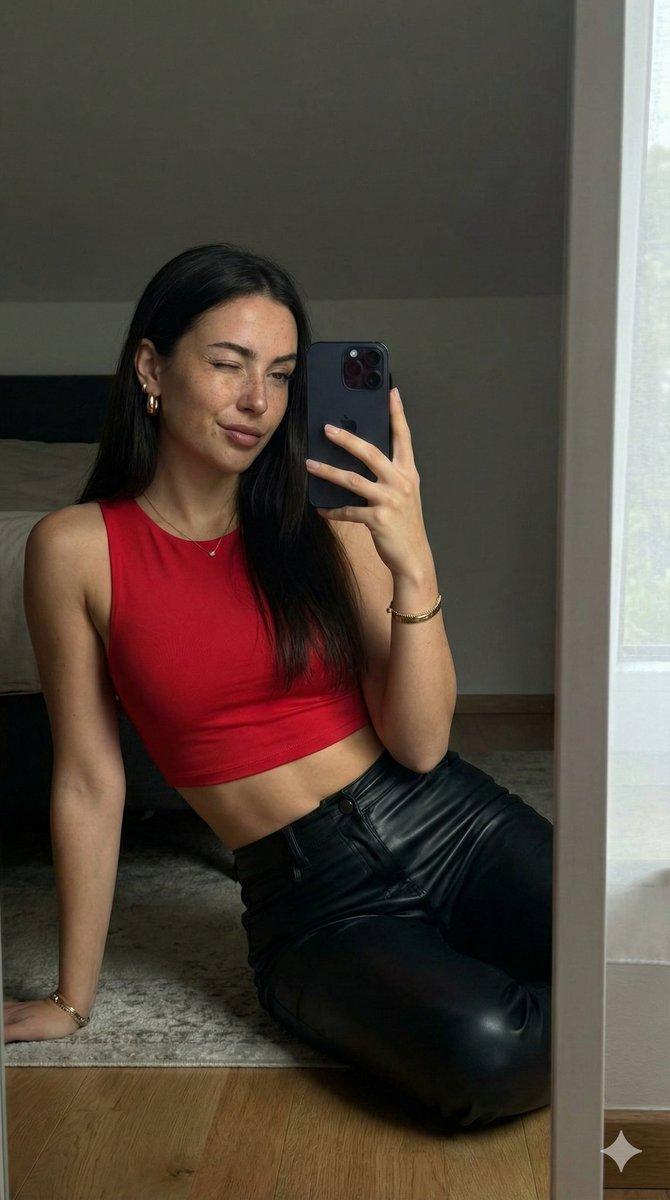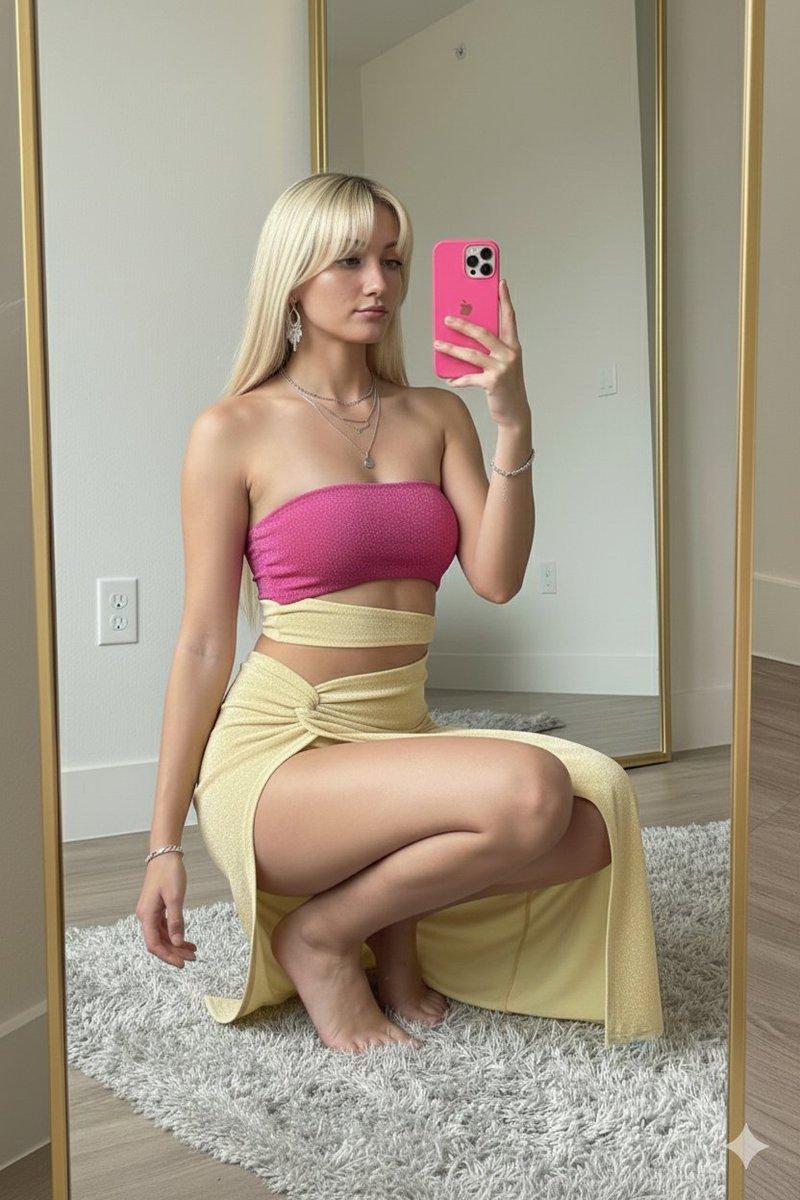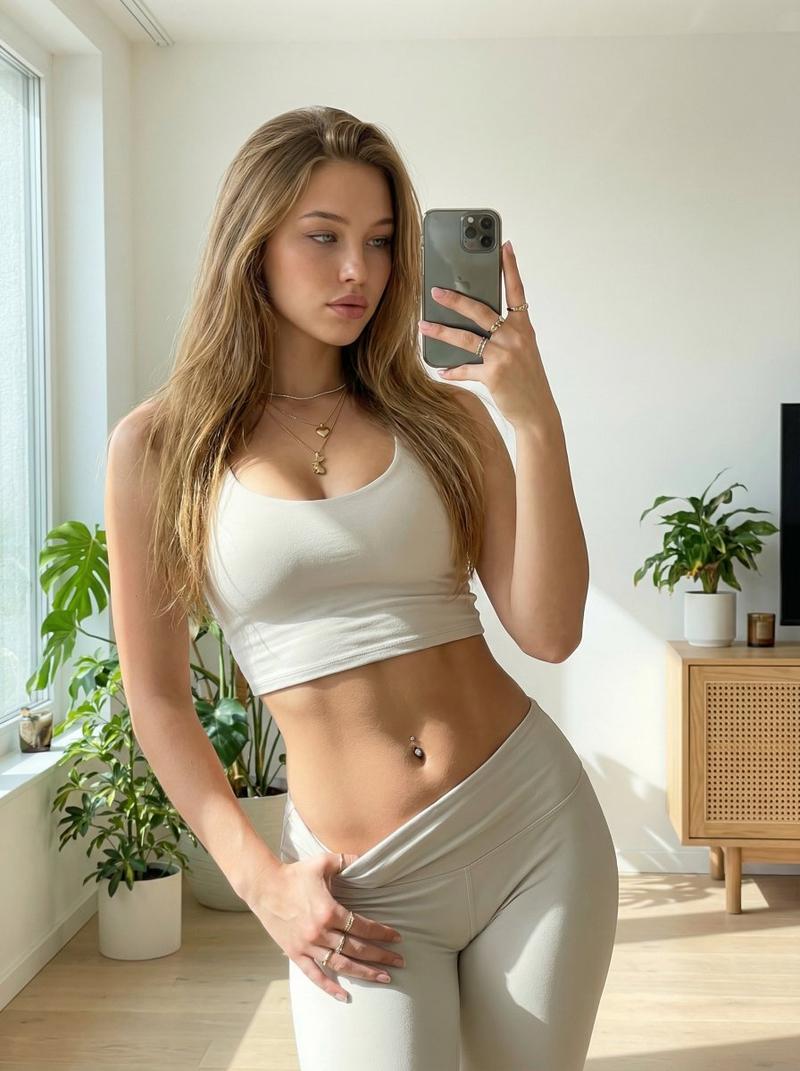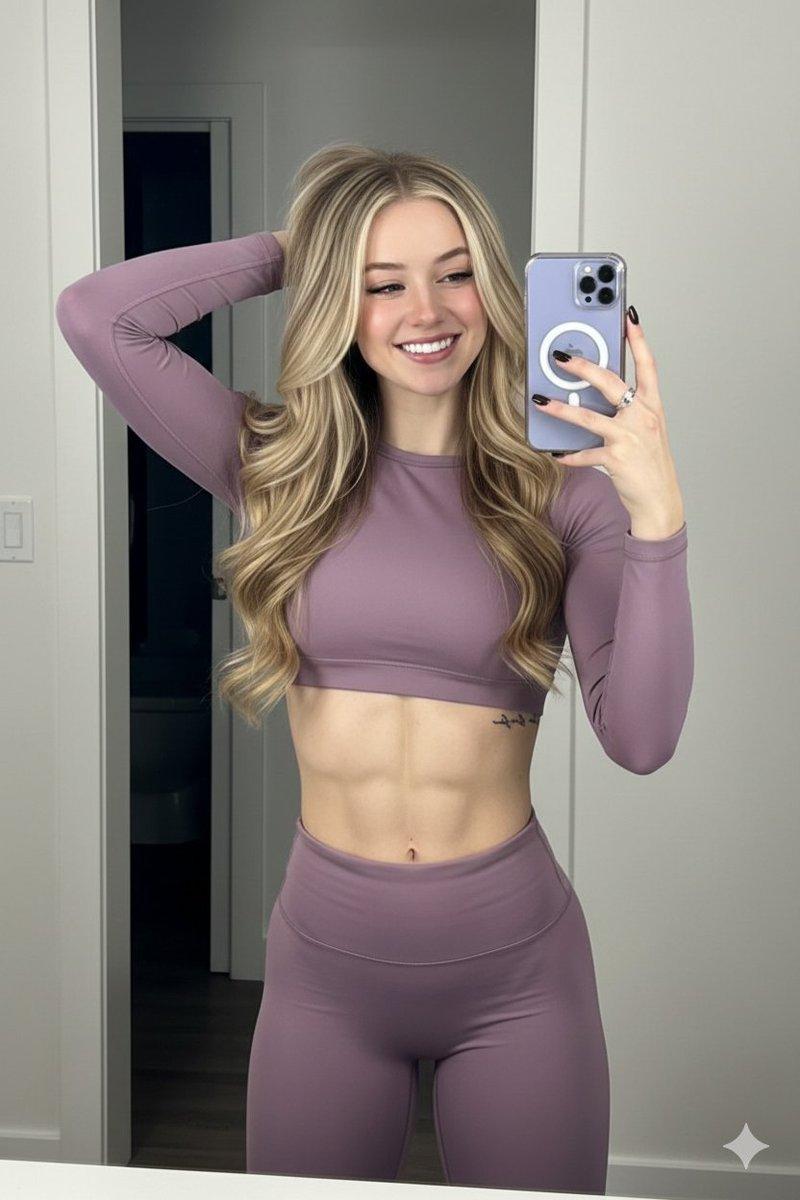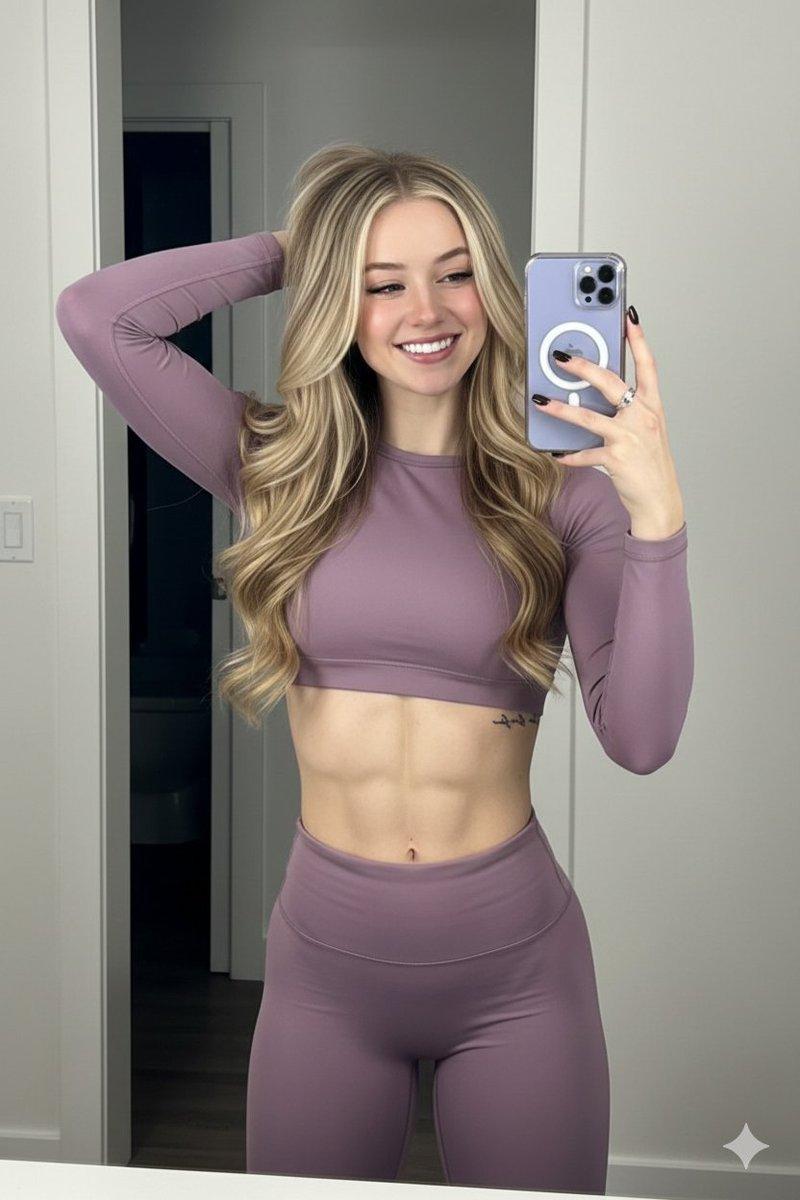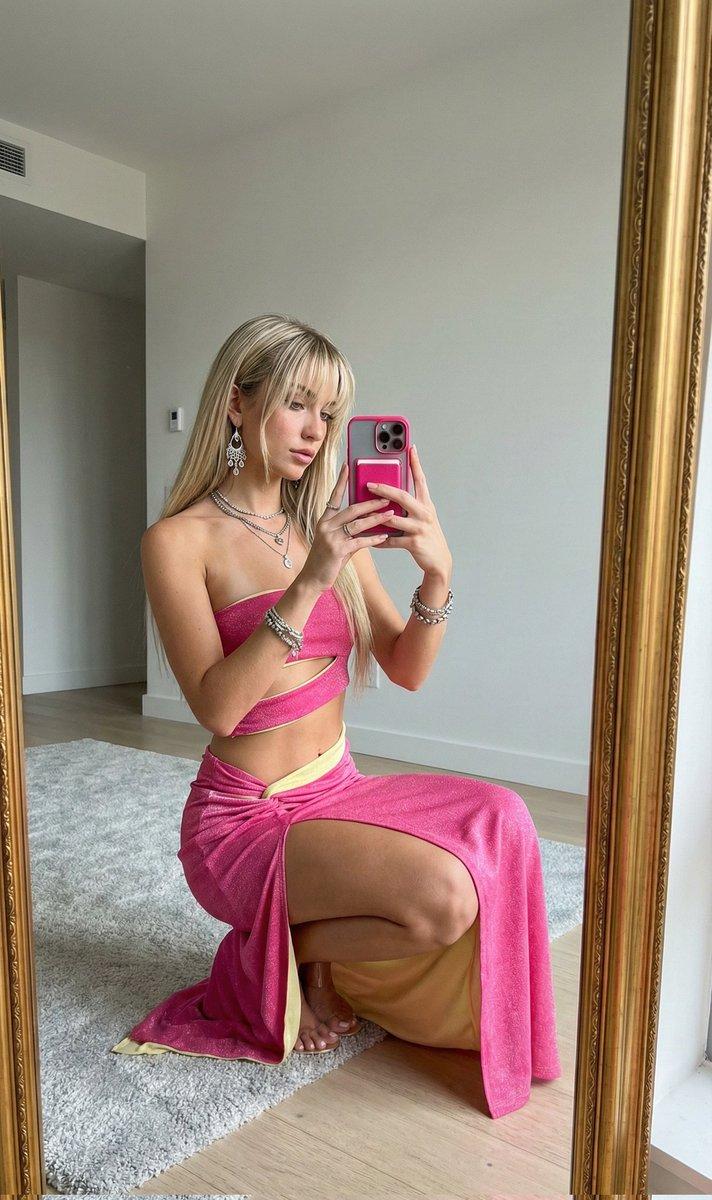
超逼真纱丽镜面自拍提示词
Prompt
{
  "type": "{argument name="type" default="image_generation"}",
  "model_style": "{argument name="model style" default="ultra_photorealistic"}",
  "aspect_ratio": "{argument name="aspect ratio" default="9:16"}",
  "resolution": "{argument name="resolution" default="8K"}",
  "quality": "{argument name="quality" default="high_detail_realism"}",
  "identity_reference": {
    "use_reference_image": true,
    "face_preservation": "{argument name="face preservation" default="exact"}",
    "body_preservation": "{argument name="body preservation" default="exact"}",
    "no_facial_changes": true,
    "no_body_modification": true
  },
  "subject": {
    "gender": "{argument name="gender" default="female"}",
    "age": "{argument name="age" default="young adult"}",
    "expression": "{argument name="expression" default="soft confident gaze, natural lips slightly parted"}",
    "pose": "{argument name="pose" default="slightly angled mirror selfie pose, relaxed shoulders, natural posture"}",
    "hair": {
      "color": "{argument name="hair color" default="dark brown"}",
      "style": "{argument name="hair style" default="loose, natural volume, middle part"}",
      "texture": "{argument name="hair texture" default="smooth and realistic"}"
    },
    "skin": {
      "tone": "{argument name="skin tone" default="warm natural complexion"}",
      "detail": "{argument name="skin detail" default="visible skin texture, realistic highlights, no plastic look"}"
    }
  },
  "outfit": {
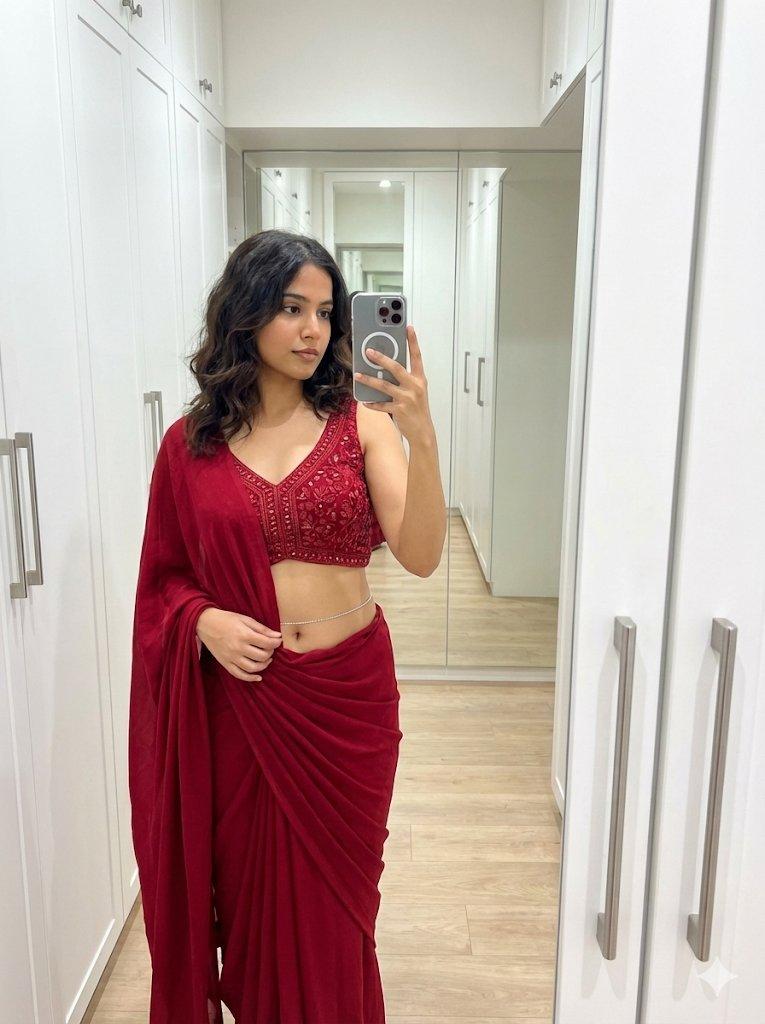
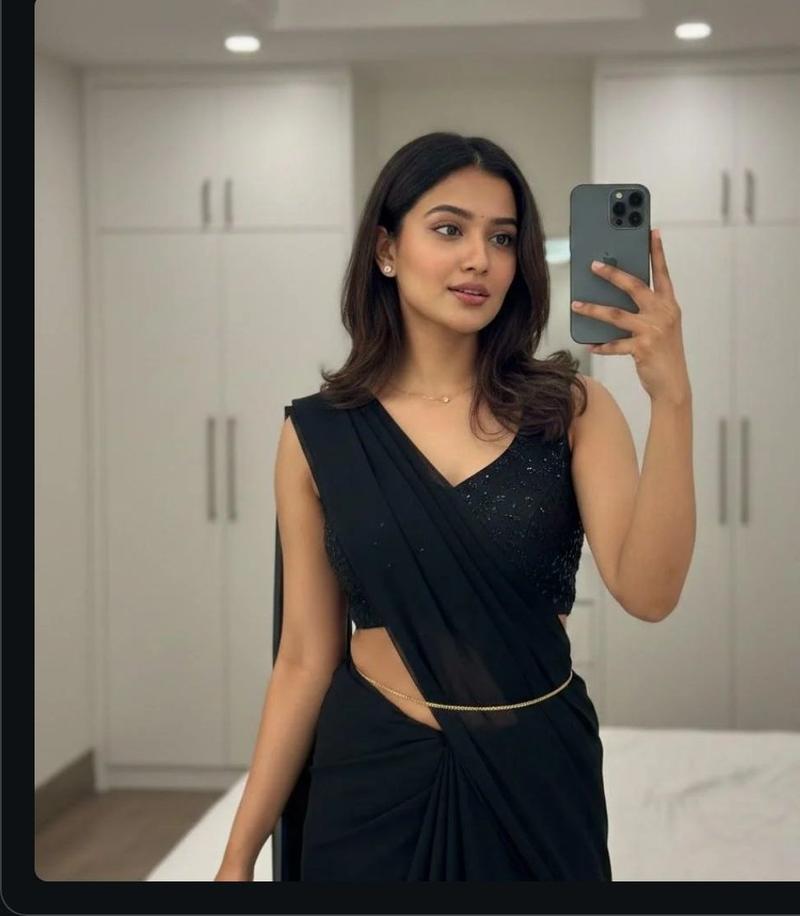
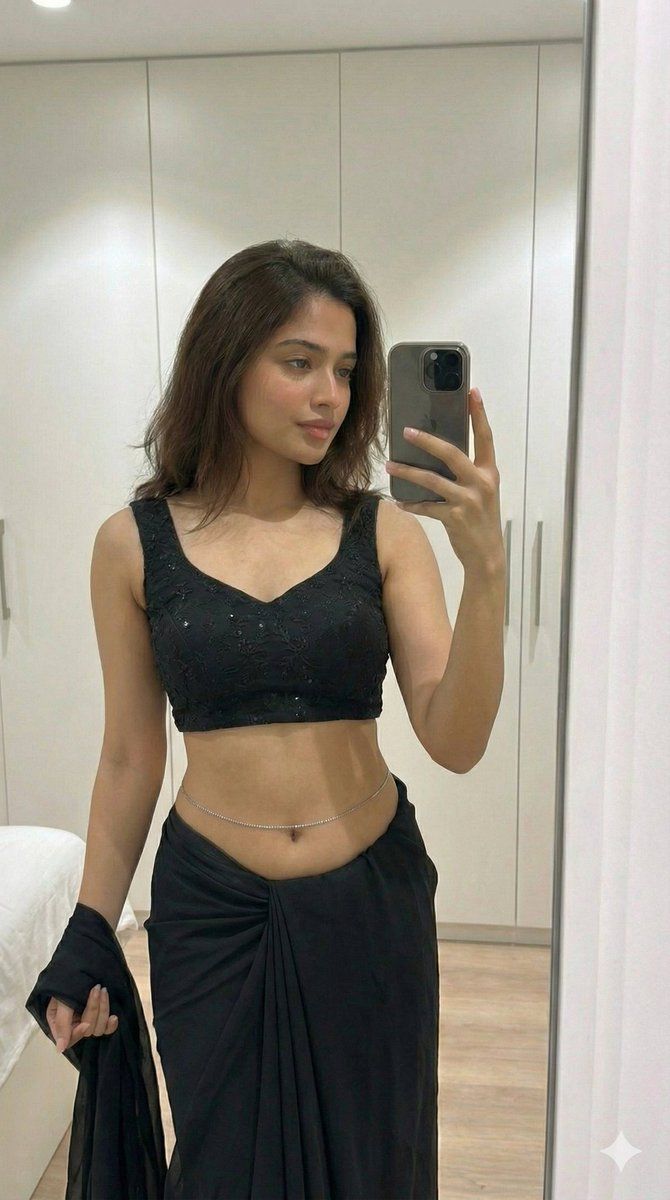
    "style": "{argument name="outfit style" default="black saree with modern blouse"}",
    "blouse": "{argument name="blouse" default="black sleeveless blouse with subtle shimmer embroidery"}",
    "saree": "{argument name="saree" default="black draped saree with soft fabric folds and realistic fabric physics"}",
    "accessories": [
      "{argument name="accessory 1" default="delicate waist chain"}",
      "{argument name="accessory 2" default="minimal jewelry"}"
    ]
  },
  "environment": {
    "location": "{argument name="location" default="indoor modern bedroom or dressing area"}",
    "background": "{argument name="background" default="clean white wardrobe cabinets"}",
    "lighting": {
      "type": "{argument name="lighting type" default="soft indoor lighting"}",
      "source": "{argument name="lighting source" default="overhead ceiling light"}",
      "effect": "{argument name="lighting effect" default="natural shadows, balanced highlights"}"
    }
  },
  "camera": {
    "device": "{argument name="device" default="smartphone"}",
    "lens": "{argument name="lens" default="natural portrait lens"}",
    "angle": "{argument name="angle" default="slightly above eye level"}",
    "focus": "{argument name="focus" default="sharp focus on subject, mild background softness"}",
    "depth_of_field": "{argument name="depth of field" default="realistic"}"
  },
  "rendering_rules": {
    "no_cartoon": true,
    "no_ai_artifacts": true,
    "no_over_smoothing": true,
    "no_extra_limbs": true,
    "no_distorted_hands": true,
    "no_text_or_watermark": true
  },
  "final_look": "{argument name="final look" default="looks like a real candid photo, ultra-realistic, editorial yet natural"}"
}- Category
- 创意图片
- Model
- Nano Banana Pro
- Creator
- yusra.
- Source ID
- 349f8093-6cb9-4026-a11e-7d899fde5200
- Published
- Mar 8, 2026
Views0