20

宁静河流钓鱼电影静帧提示词
Enlarge

宁静河流钓鱼电影静帧提示词

Prompt
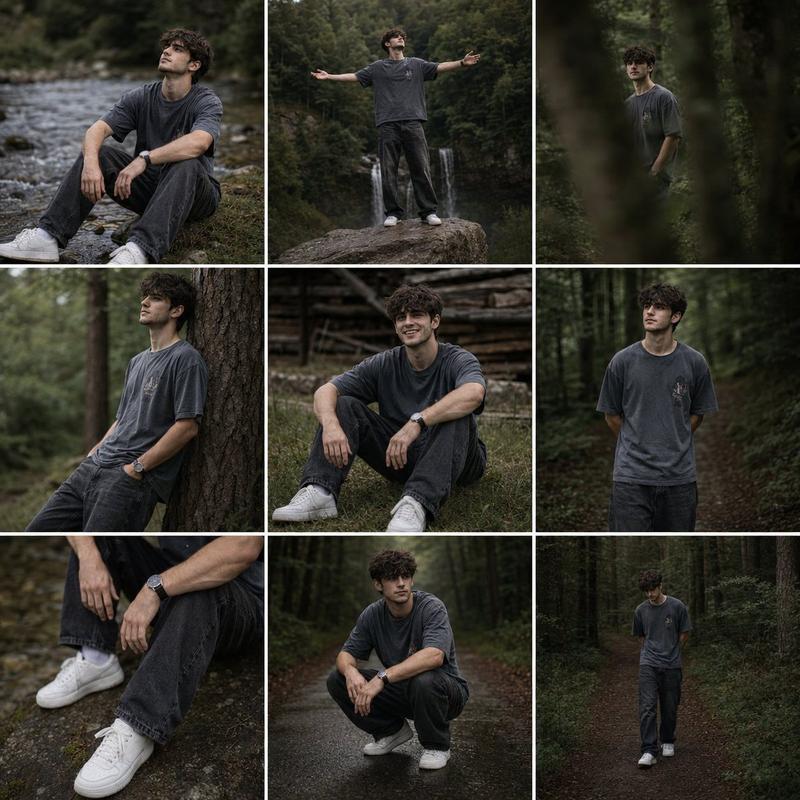
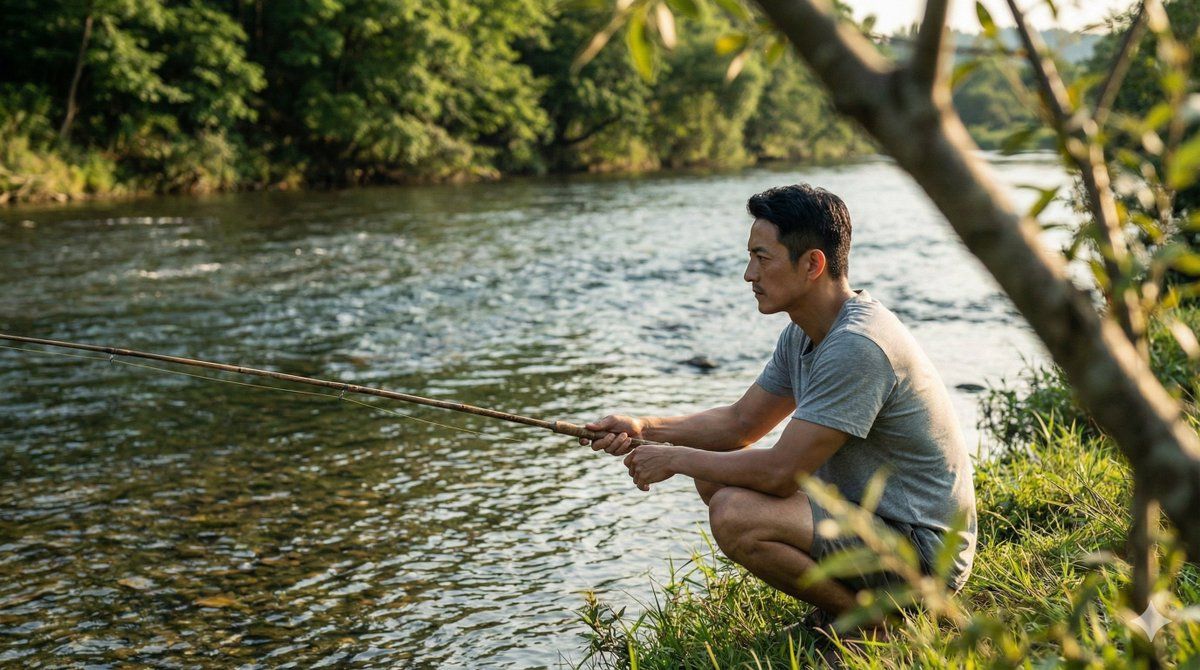
Wide angle side shot of a man with face matching the photo reference, wearing a plain gray t-shirt and shorts, squatting on lush green grass at the edge of a clear flowing river while fishing with a simple rod, positioned on the left side of the frame, natural and unposed, cinematic still-film realism; in the foreground, a tree trunk appears partially visible with soft bokeh blur, adding depth and framing; the midground shows the grassy riverbank and crystal-clear water with gentle ripples and subtle reflections of afternoon sunlight revealing hints of the riverbed; the background features a calm river flowing through dense greenery and trees; lighting is peaceful golden-hour afternoon, warm and soft, with sunlight lightly reflecting off the clear water, natural shadows, tranquil and reflective mood; photorealistic, shallow depth of field, natural color grading, cinematic composition, high detail, film-like look.
Category
创意图片
Model
Nano Banana Pro
Views0
Source ID
1ec82684-ecf2-4313-a5b8-e5de06577c3c
Published
Mar 8, 2026

Guide

About "宁静河流钓鱼电影静帧提示词"

What is this prompt for?

"宁静河流钓鱼电影静帧提示词" AI image prompt for Nano Banana Pro (创意图片). 一个给 Nano Banana Pro 的详细提示,用于生成一张电影般的定格画面,描绘一名男子在河边钓鱼。该提示要求男子的面部与参考照片匹配,并指定他的姿势(蹲在草地上)、着装和环境(清澈流淌的河流…

The full copyable prompt and example visuals above are ready for AI image generation or one-click recreate in Picva.

How to use this prompt

  1. Step 1

    Open the prompt detail

    Review the example visuals, category, and full prompt text for "宁静河流钓鱼电影静帧提示词".

  2. Step 2

    Copy the prompt

    Copy the prompt body from this page, or load it directly in Studio.

  3. Step 3

    Pick a model (Nano Banana Pro)

    Prefer Nano Banana Pro. If you switch models, keep subject and composition and tweak style terms.

  4. Step 4

    Generate and export

    Recreate the look in Picva, or export into your workflow for editing and publishing.

FAQ

What is the "宁静河流钓鱼电影静帧提示词" prompt?
It is an AI image-generation prompt for Nano Banana Pro in the 创意图片 category. This page includes the full prompt text, example visuals, and a one-click recreate path in Picva.
How do I use this prompt to generate an image?
Copy the prompt from this page, or use Generate / Studio. Paste it into a compatible image model, or recreate the look in Picva with optional reference images.
Which model is this prompt for?
This page lists Nano Banana Pro. Most descriptive prompts also transfer to nearby image models such as GPT Image, Flux, or Midjourney with light style tweaks.
Can I use the result commercially?
You can usually copy the prompt for creation, but commercial use of the final image depends on the model terms, reference-image rights, and the generated content. Follow the source author and platform rules.