18

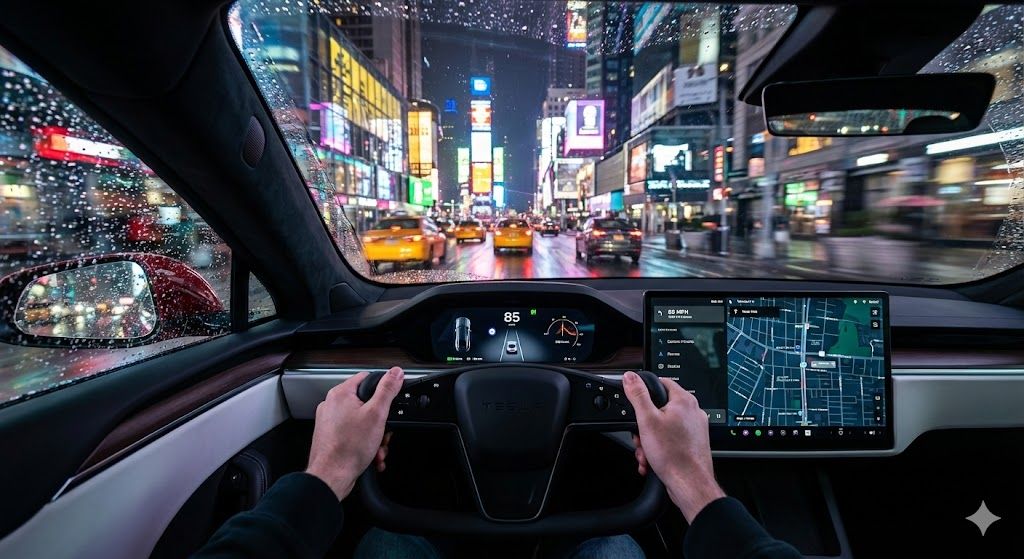
雨中曼哈顿:特斯拉第一视角电影级驾驶体验
Enlarge

雨中曼哈顿:特斯拉第一视角电影级驾驶体验

Prompt
Hyperdetailed, photorealistic cinematic shot from the driver's perspective (First-person view) inside the cockpit of a modern Tesla Model S. Focus on the illuminated dashboard, the subtle glow of the center screen, and the driver's hands lightly gripping the steering wheel. Outside the windshield, the car is driving down a rain-slicked street in Midtown Manhattan, New York City, at a high speed at night. Extreme detail on wet reflections, neon light streaks forming colorful bokeh in the background, and subtle motion blur on the passing buildings. Cinematic lighting, deep shadows, high contrast, shallow depth of field, 8K resolution, incredibly sharp focus, professional street photography quality.
Category
创意图片
Model
Nano Banana Pro
Views0
Source ID
d1dfbf68-e493-4d98-a611-02816555ede8
Published
Mar 8, 2026

Guide

About "雨中曼哈顿:特斯拉第一视角电影级驾驶体验"

What is this prompt for?

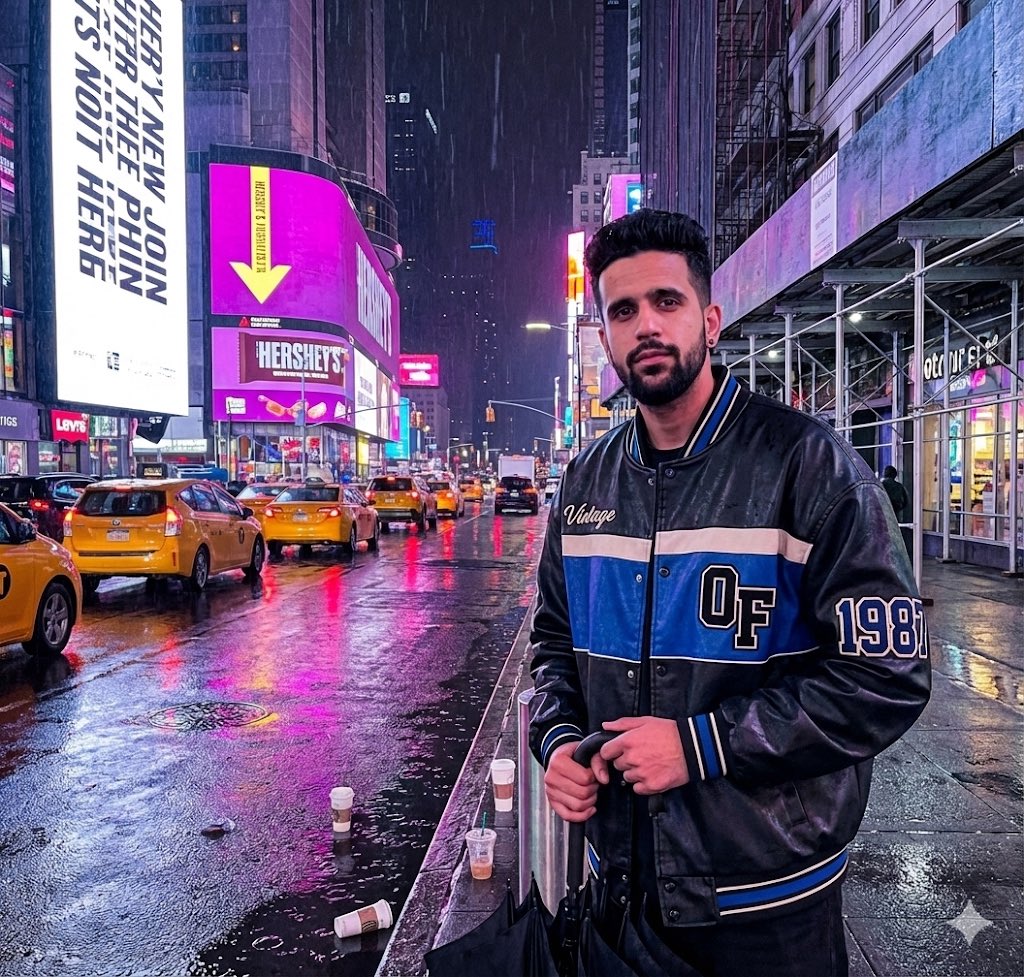
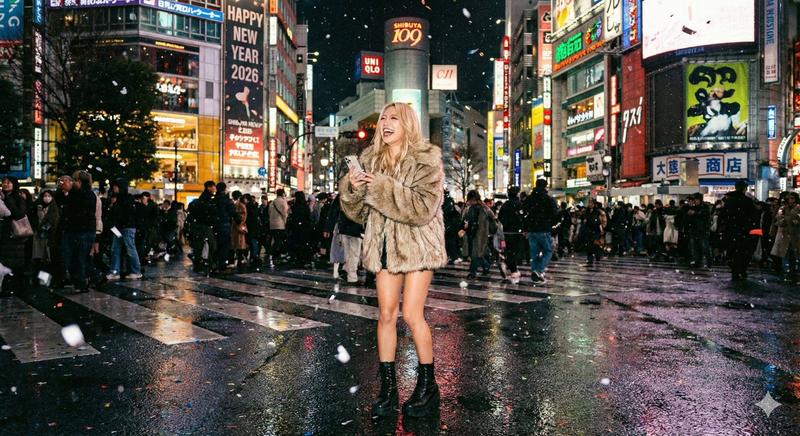
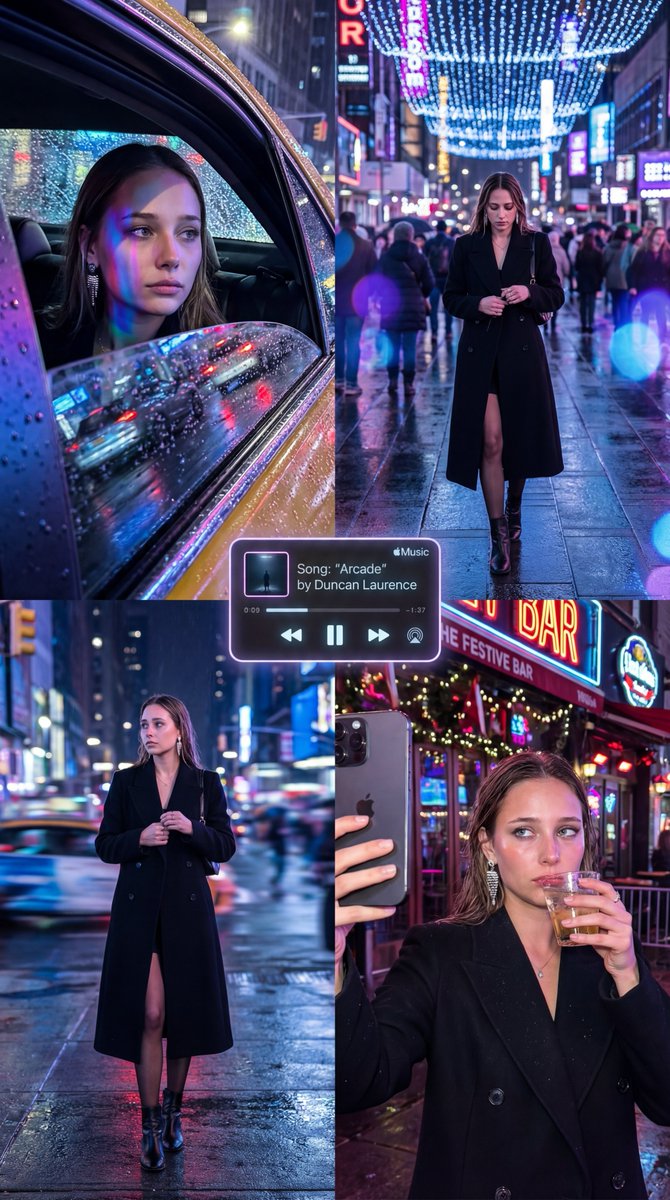
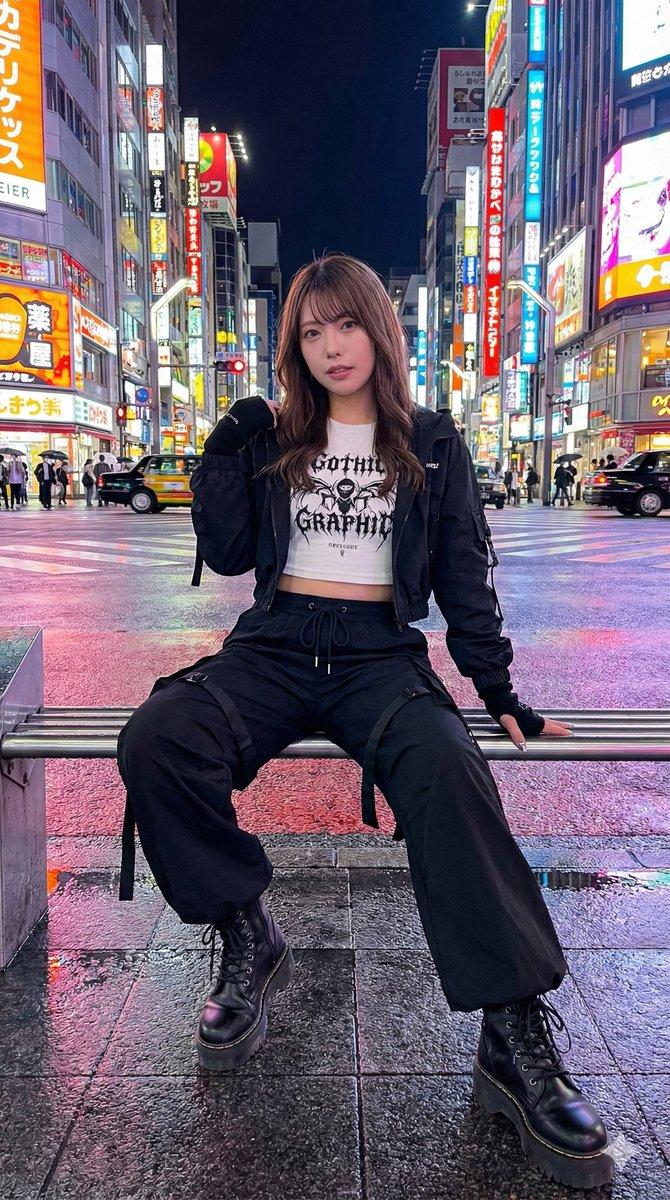
"雨中曼哈顿:特斯拉第一视角电影级驾驶体验" AI image prompt for Nano Banana Pro (创意图片). 一个提示,用于生成一张超细节、超逼真的电影级镜头,视角来自特斯拉 Model S 驾驶舱内。场景捕捉了雨夜中高速穿梭于曼哈顿中城的情景,重点突出湿润的反光、霓虹灯散景、细微的运动模糊,…

The full copyable prompt and example visuals above are ready for AI image generation or one-click recreate in Picva.

How to use this prompt

  1. Step 1

    Open the prompt detail

    Review the example visuals, category, and full prompt text for "雨中曼哈顿:特斯拉第一视角电影级驾驶体验".

  2. Step 2

    Copy the prompt

    Copy the prompt body from this page, or load it directly in Studio.

  3. Step 3

    Pick a model (Nano Banana Pro)

    Prefer Nano Banana Pro. If you switch models, keep subject and composition and tweak style terms.

  4. Step 4

    Generate and export

    Recreate the look in Picva, or export into your workflow for editing and publishing.

FAQ

What is the "雨中曼哈顿:特斯拉第一视角电影级驾驶体验" prompt?
It is an AI image-generation prompt for Nano Banana Pro in the 创意图片 category. This page includes the full prompt text, example visuals, and a one-click recreate path in Picva.
How do I use this prompt to generate an image?
Copy the prompt from this page, or use Generate / Studio. Paste it into a compatible image model, or recreate the look in Picva with optional reference images.
Which model is this prompt for?
This page lists Nano Banana Pro. Most descriptive prompts also transfer to nearby image models such as GPT Image, Flux, or Midjourney with light style tweaks.
Can I use the result commercially?
You can usually copy the prompt for creation, but commercial use of the final image depends on the model terms, reference-image rights, and the generated content. Follow the source author and platform rules.