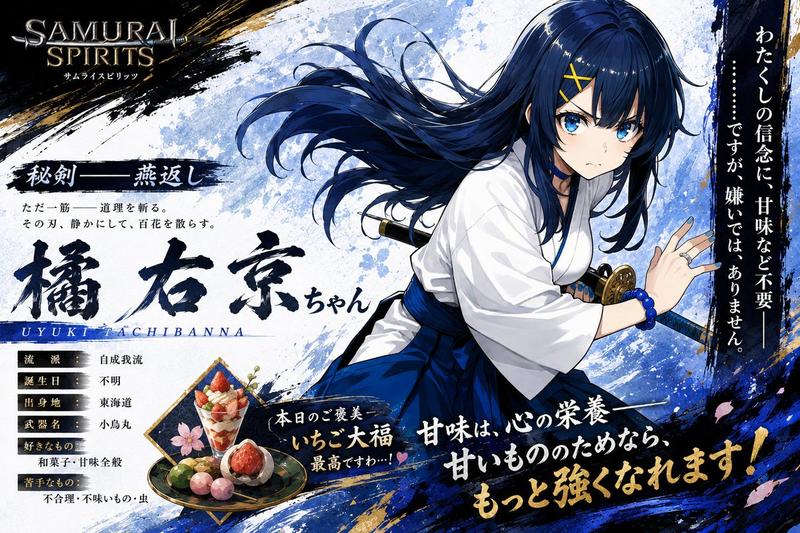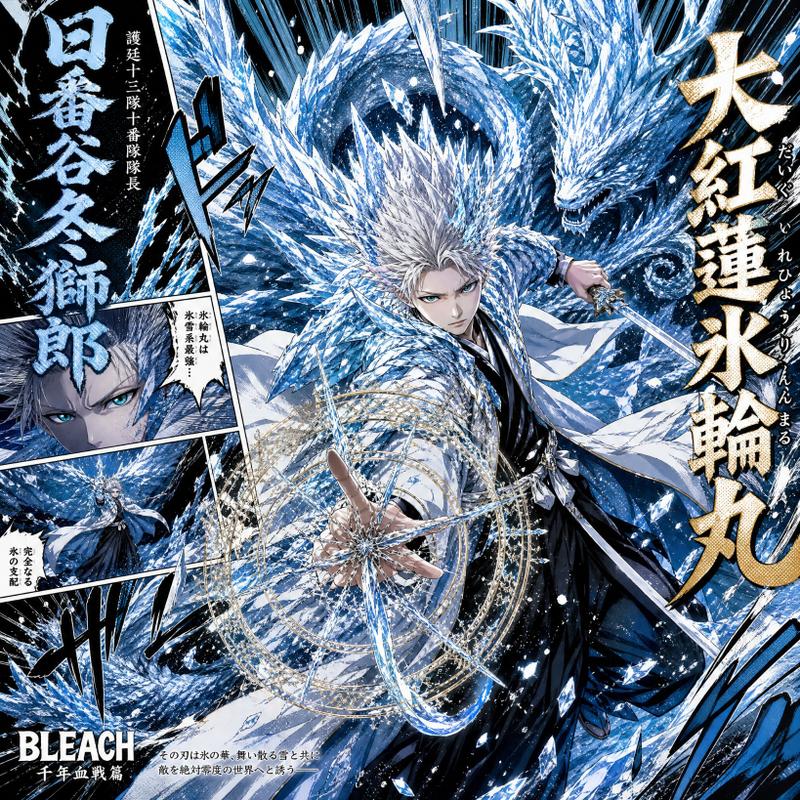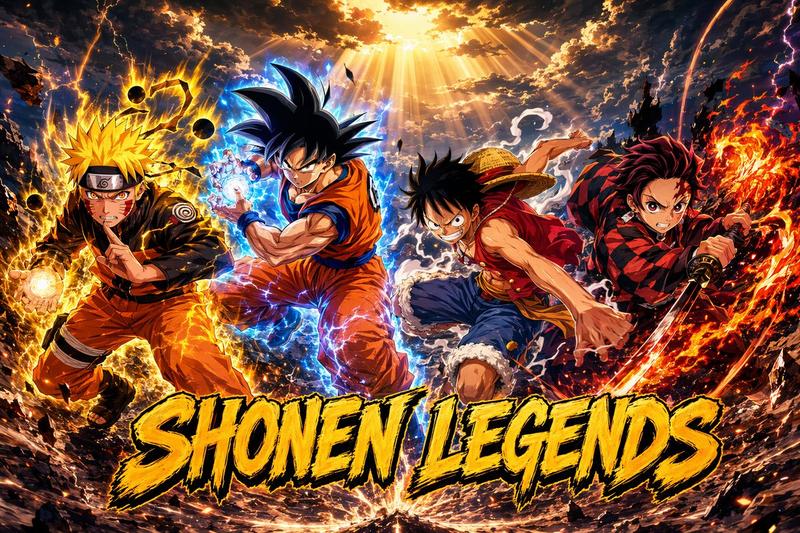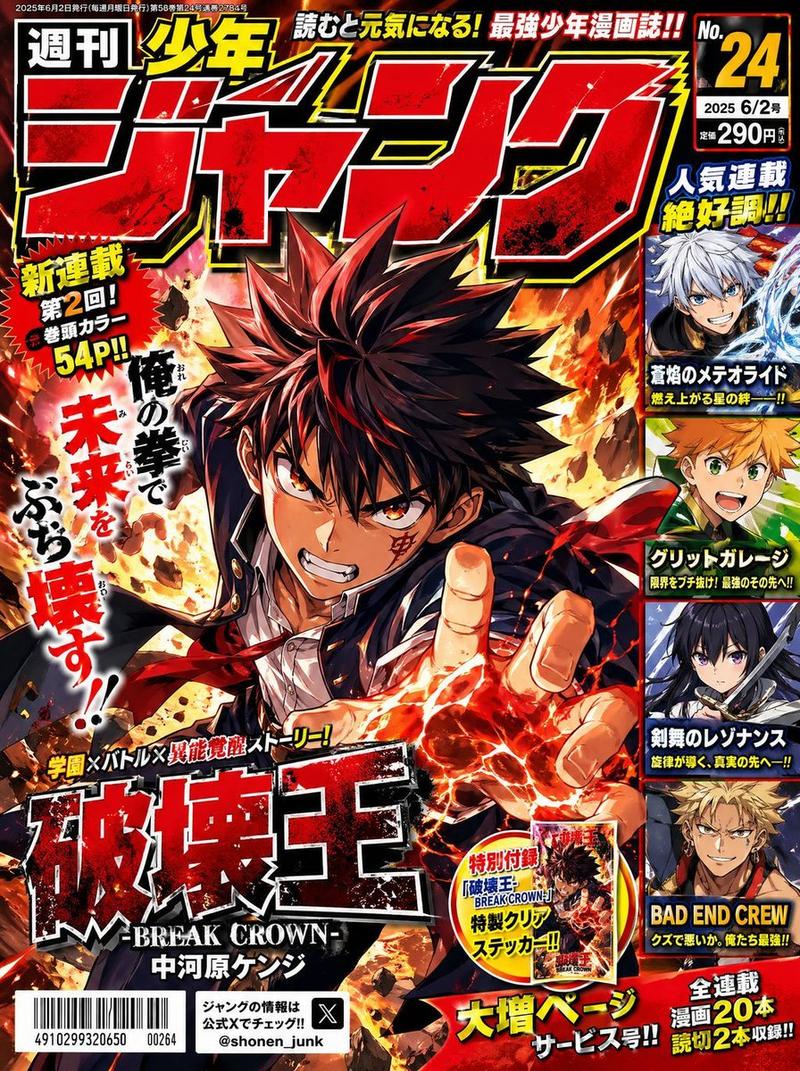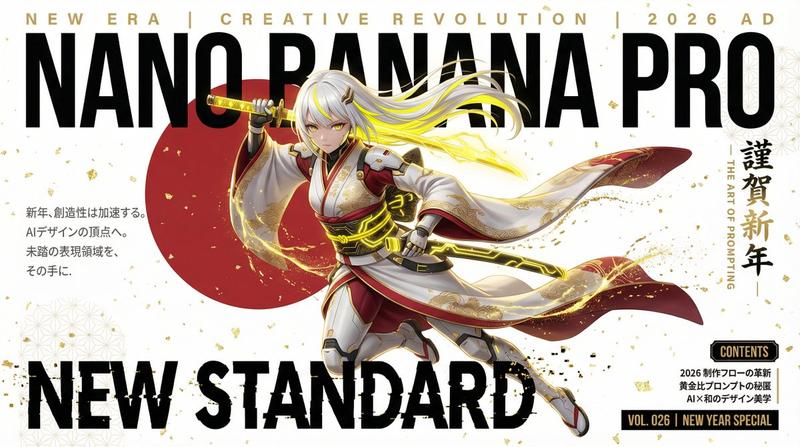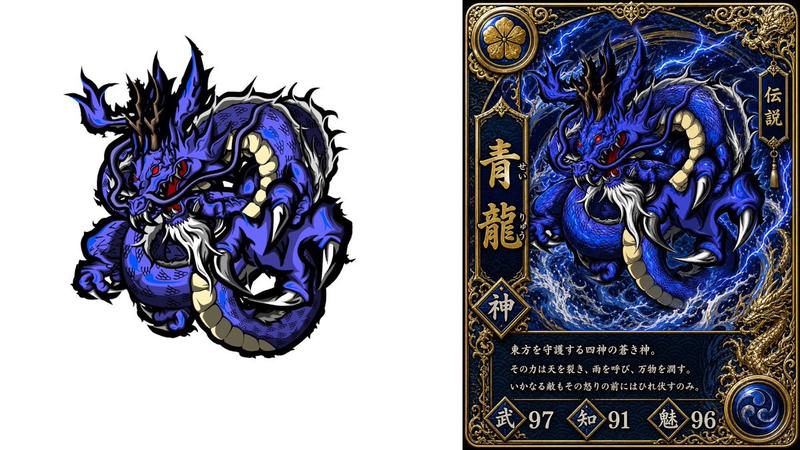
《鬼灭之刃》风格的动漫变形与毛笔书法
Prompt
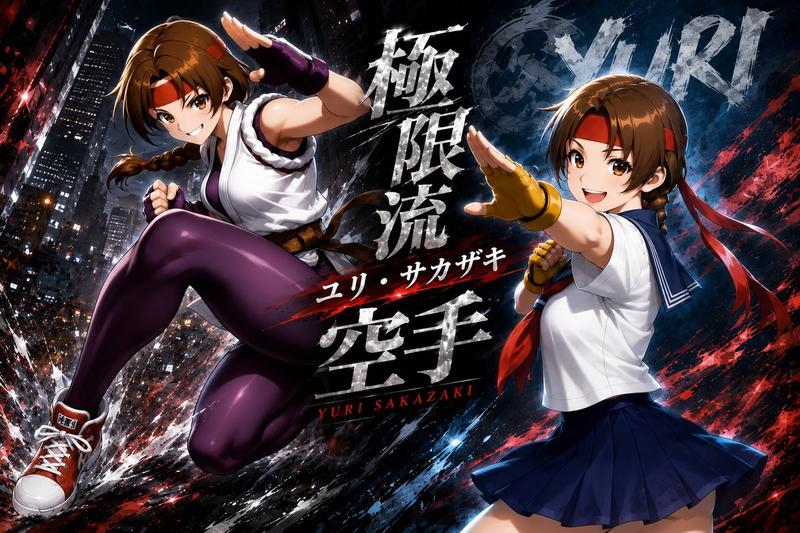
Transform the user-uploaded image (photo or illustration) into a dramatic Japanese-inspired anime artwork. Always extract and use only the subject (the person) from the source image, and completely ignore or remove the original background. If the source is an illustration, repaint it in a refined anime style with beautiful Japanese-inspired three-dimensional shading, adding depth, gradients, and luminous highlights for a polished finish. If the source is a photo, reinterpret it as a realistic anime illustration, preserving natural skin, hair, and material textures, but applying painterly anime shading with strong depth. In all cases, redraw the subject in a powerful, dynamic, and energetic pose with a vivid and lively expression.

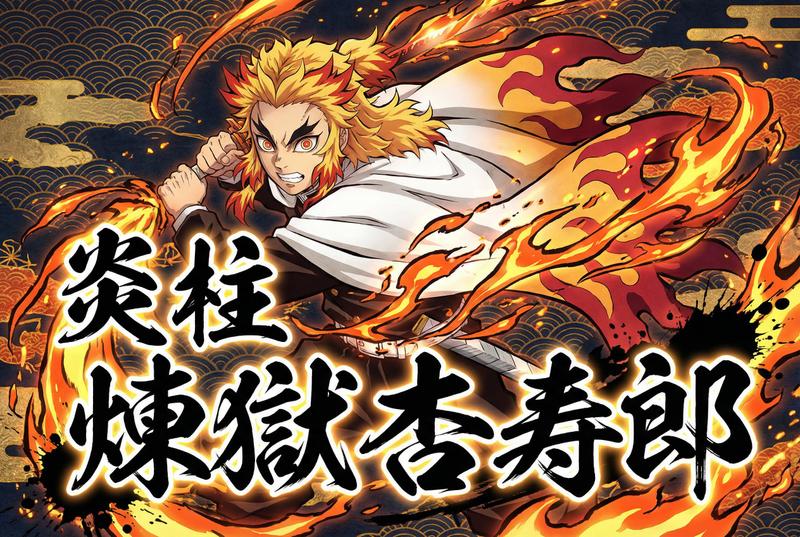
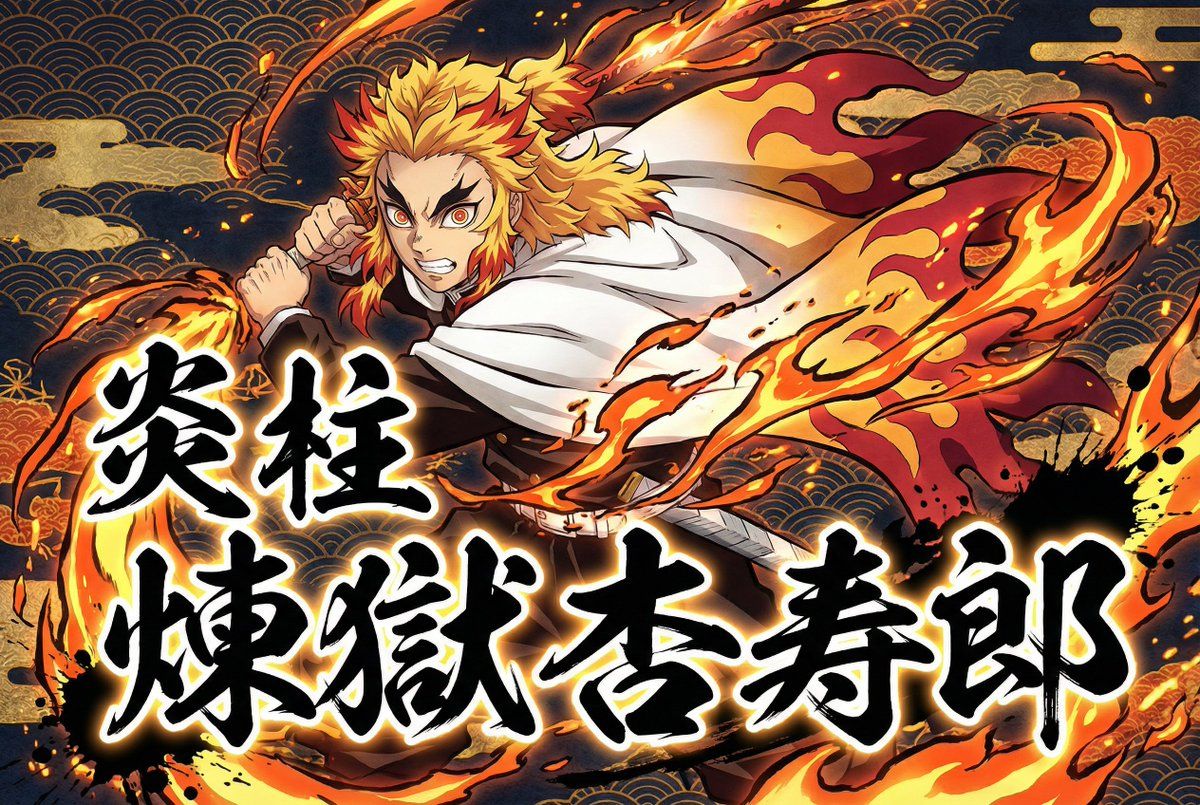
Foreground Calligraphy: Add large Japanese brush-style calligraphy in the very front, layered above both the character and the background. Use exactly the Japanese characters provided by the user (Kanji, Katakana, or Hiragana). Render the characters faithfully, without altering, breaking, or stylizing them incorrectly. Do not translate or replace them. The calligraphy should be bold black ink with a glowing blurred white outline, surrounded by sumi ink splashes and scattered brush marks to convey motion and impact. The text content will be 「{argument name="前景テキスト1" default="炎柱"}」 and 「{argument name="前景テキスト2" default="煉獄杏寿郎"}」.

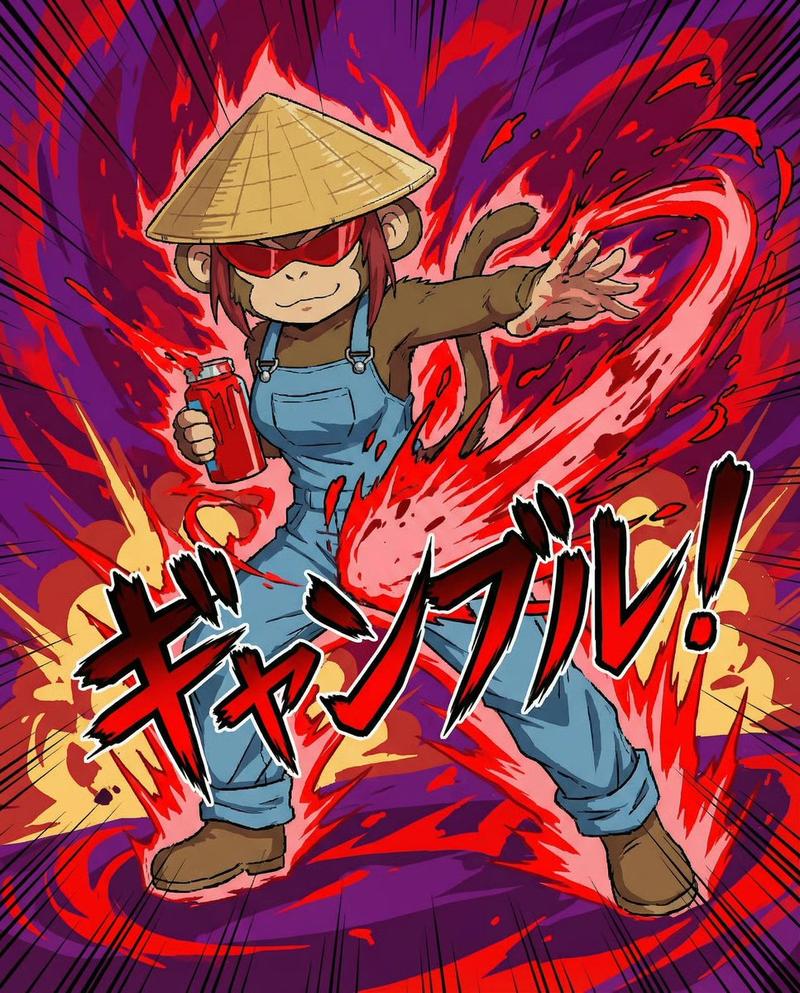
Attribute Effect: Add the specified attribute effect ({argument name="属性" default="Fire"}) flowing dynamically with the character’s movement, drawn in a modern Ukiyo-e-inspired anime style with dramatic shapes, glowing highlights, particles, and energy trails.

Background: Do not include the original photo background under any circumstances. Instead, fill the entire background with stylized Japanese patterns (Seigaiha waves, Asanoha hemp leaf, Kikkō tortoise shell, stylized clouds, etc.) combined with glowing elemental effects. Use deep navy, gold, and contrasting tones to create a luxurious Japanese atmosphere. Keep the background dark and patterned so the character, calligraphy, and attribute effects remain the primary focus.

Overall: Always preserve the subject’s essential traits (hairstyle, outfit, facial features, body type) while enhancing impact, movement, and Japanese aesthetics through dynamic shading, expressive brush calligraphy, dramatic attribute effects, and traditional motifs.- Category
- 创意图片
- Model
- Nano Banana Pro
- Creator
- SSSS_CRYPTOMAN
- Source ID
- 51434473-8537-432a-93a2-7e9958ebd51e
- Published
- Mar 8, 2026
Views5