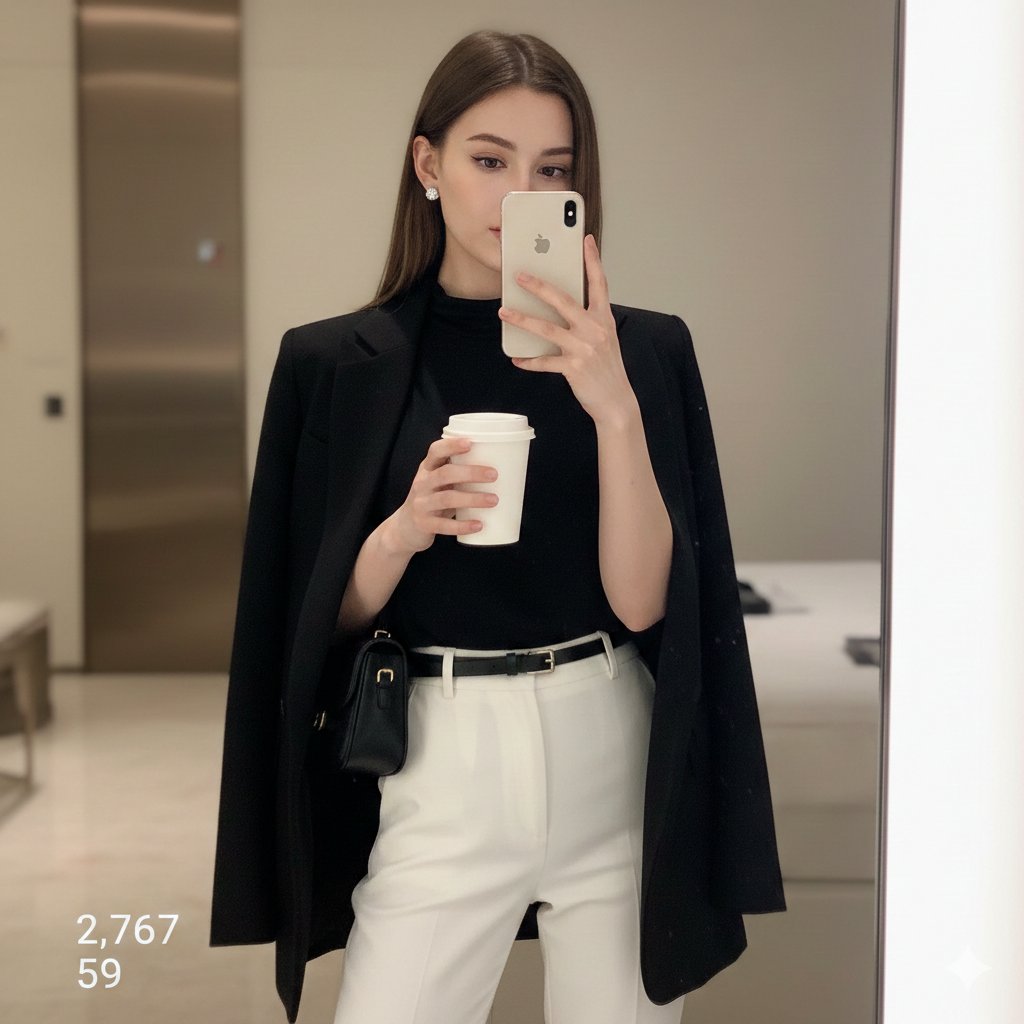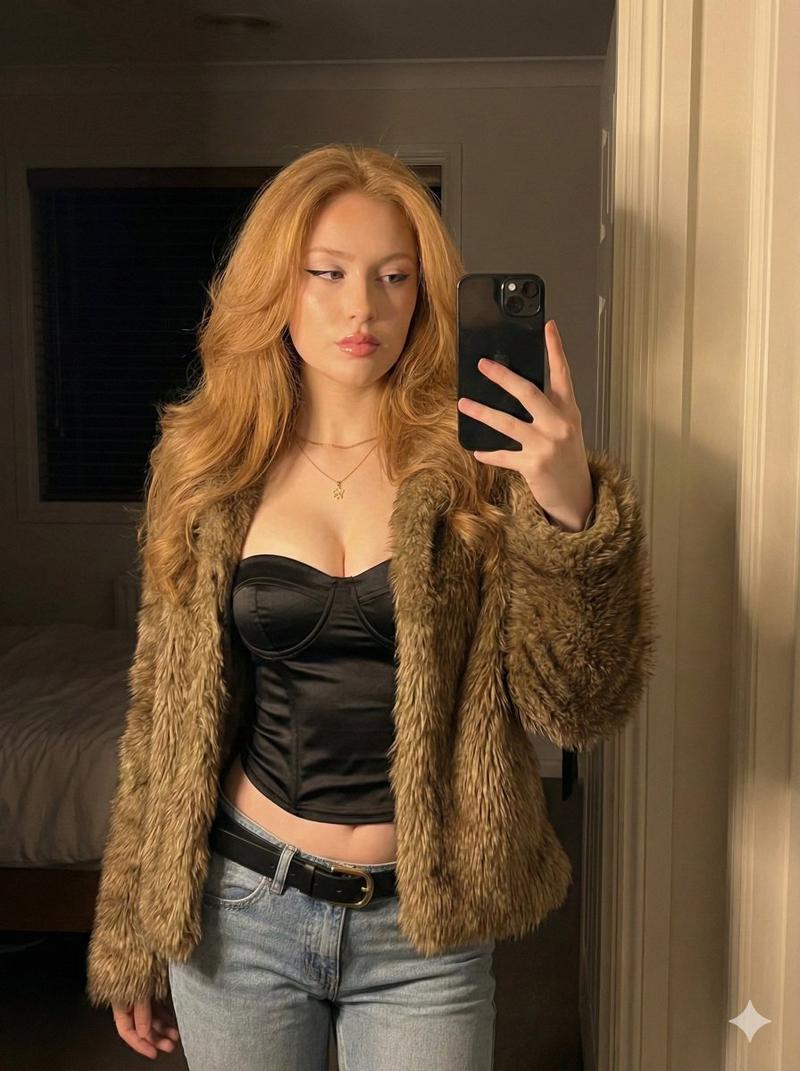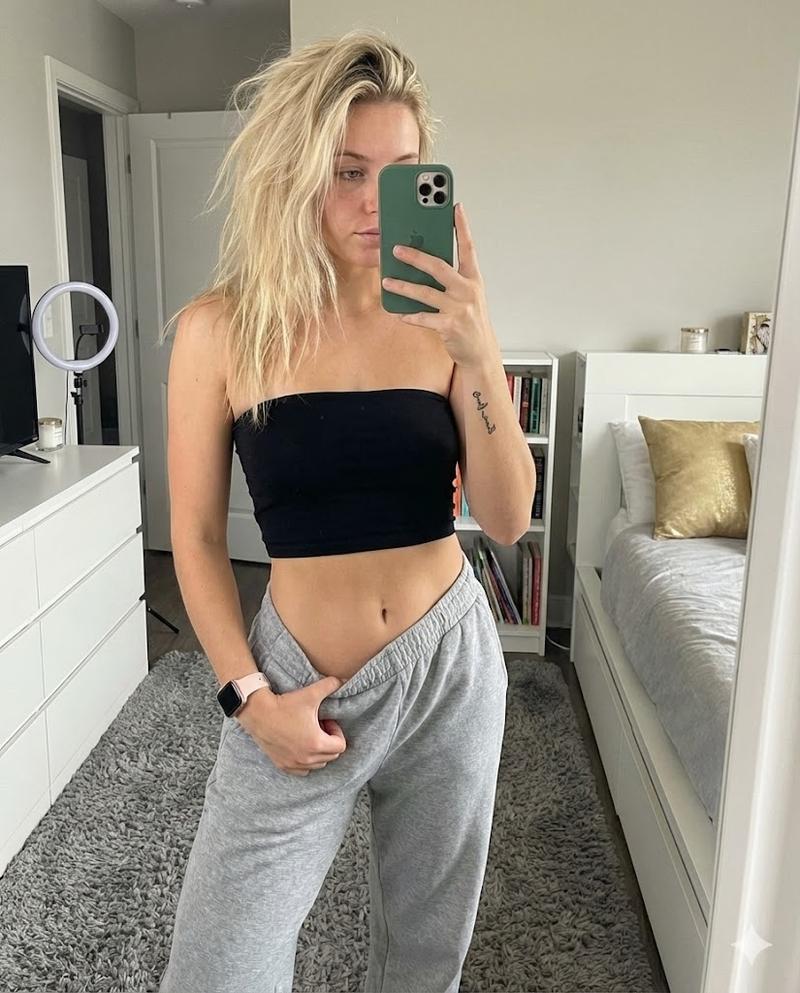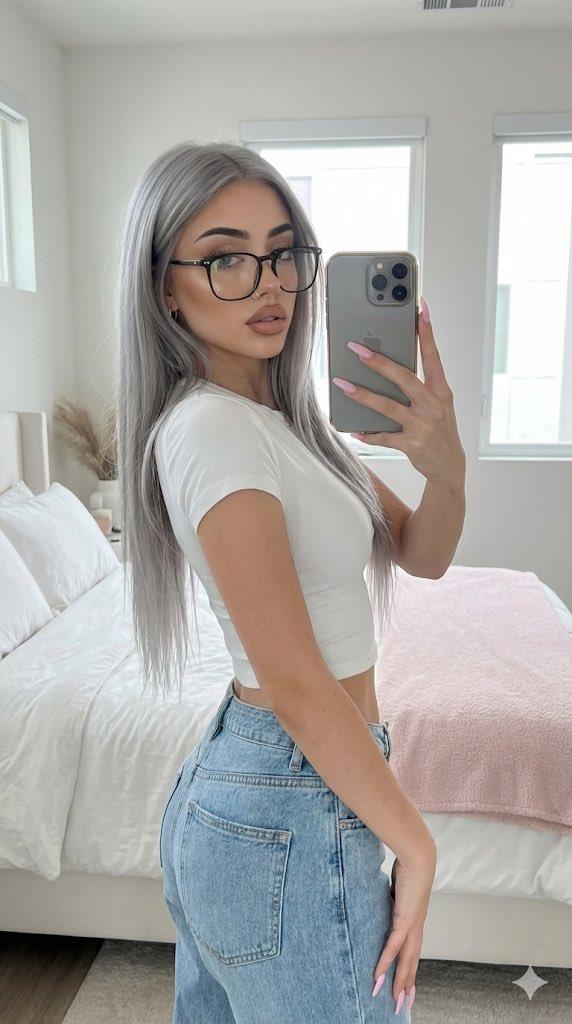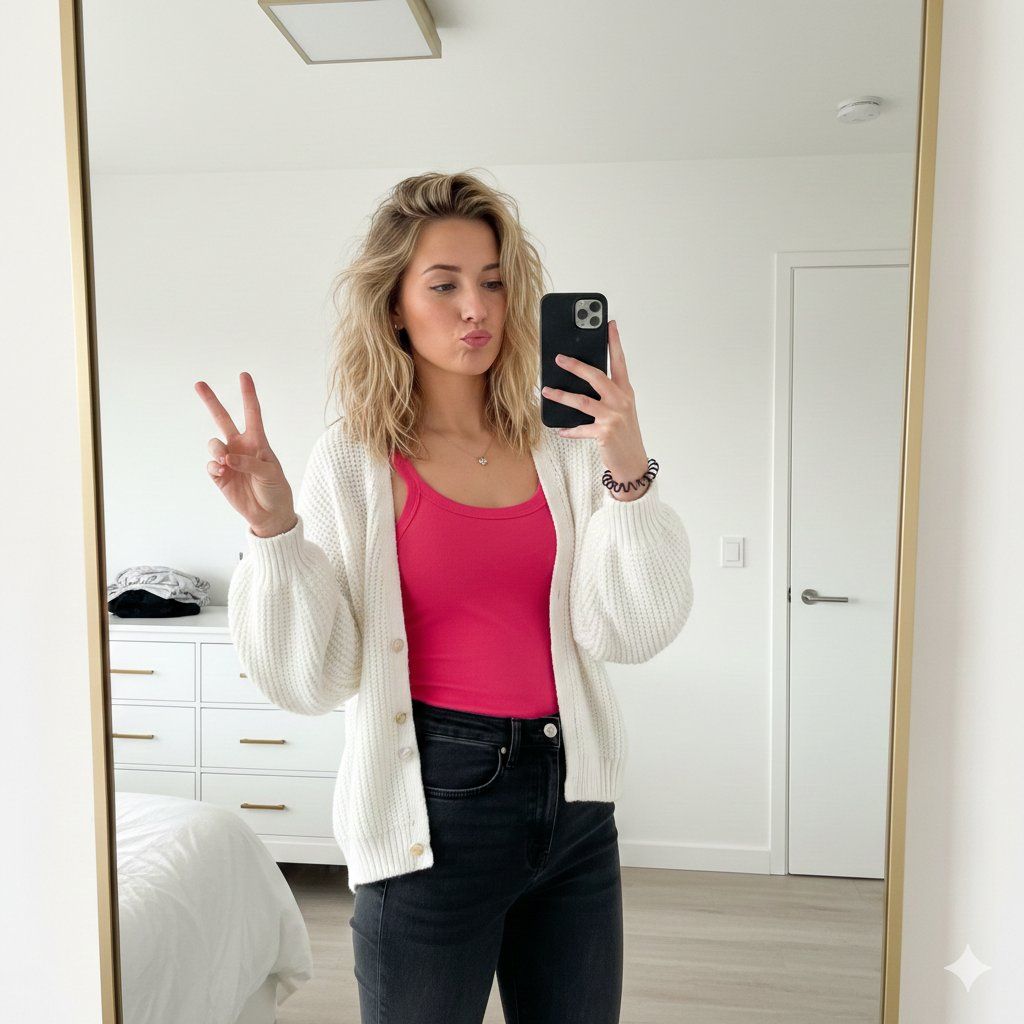
用于生成镜面自拍图像的详细 JSON 提示
Prompt
{
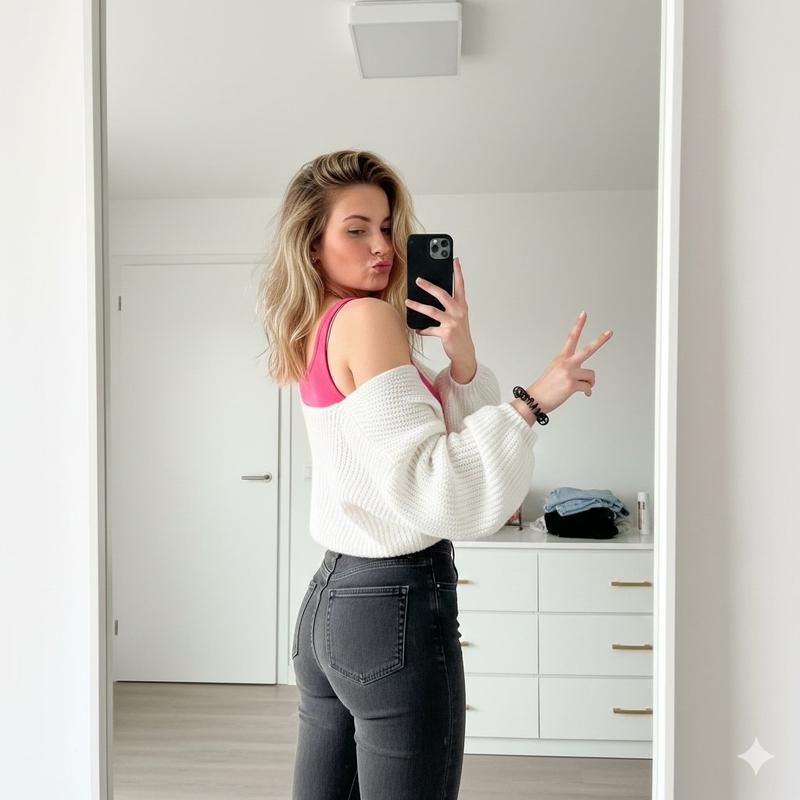
  "subject": {
    "gender": "{argument name="gender" default="female"}",
    "appearance": {
      "hair": "{argument name="hair style" default="blonde, medium-length, wavy, slightly messy/effortless style"}",
      "expression": "{argument name="expression" default="playful pout, eyes slightly narrowed"}",
      "pose": "{argument name="pose" default="standing, mirror selfie, body angled away from mirror while looking back, making a peace sign (V-sign) with left hand"}",
      "skin_tone": "{argument name="skin tone" default="fair"}"
    },
    "attire": {
      "top": "{argument name="top attire" default="vibrant pink tank top or camisole"}",
      "outerwear": "{argument name="outerwear" default="white chunky-knit cardigan, oversized balloon sleeves, worn open"}",
      "bottom": "{argument name="bottom attire" default="high-waisted dark grey or faded black denim jeans, skinny or slim fit"}",
      "accessories": "{argument name="accessories" default="spiral hair tie on wrist, delicate necklace"}"
    }
  },
  "composition": {
    "shot_type": "{argument name="shot type" default="medium shot, mirror selfie"}",
    "angle": "{argument name="angle" default="low angle, looking slightly up"}",
    "lighting": "{argument name="lighting" default="bright, natural indoor lighting, soft shadows"}",
    "framing": "{argument name="framing" default="vertical, reflection in a large floor-to-ceiling mirror with a thin gold or wooden frame"}"
  },
  "setting": {
    "environment": "{argument name="environment" default="modern bedroom or dressing area"}",
    "background_elements": [
      "white minimalist walls",
      "white dresser with gold hardware",
      "white door and door handle",
      "square ceiling light fixture",
      "some clothing items visible on the dresser in the background"
    ],
    "color_palette": ["white", "black", "pink", "soft grey"]
  },
  "technical_details": {
    "camera_in_hand": "{argument name="camera in hand" default="black smartphone (dual-lens setup)"}",
    "style": "{argument name="style" default="lifestyle photography, social media aesthetic, candid feel"}"
  }
}- Category
- 创意图片
- Model
- Nano Banana Pro
- Creator
- Chandan Singh
- Source ID
- 5c3c1c9c-9e58-41bf-b3b3-720a40cb79eb
- Published
- Mar 8, 2026
Views0