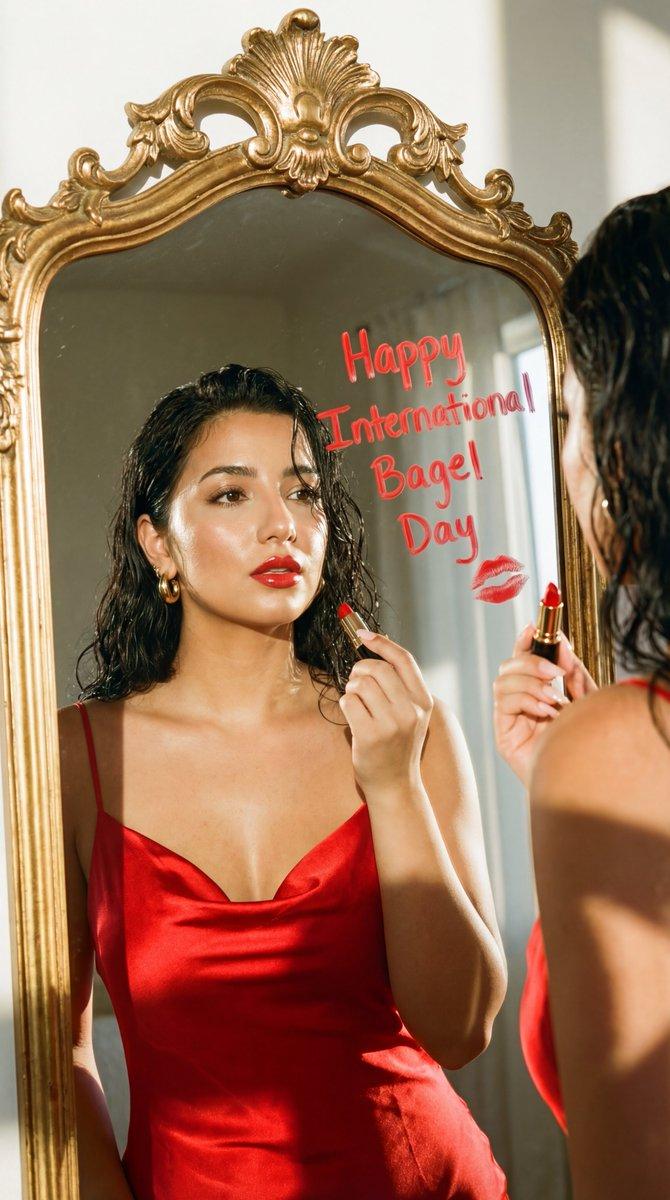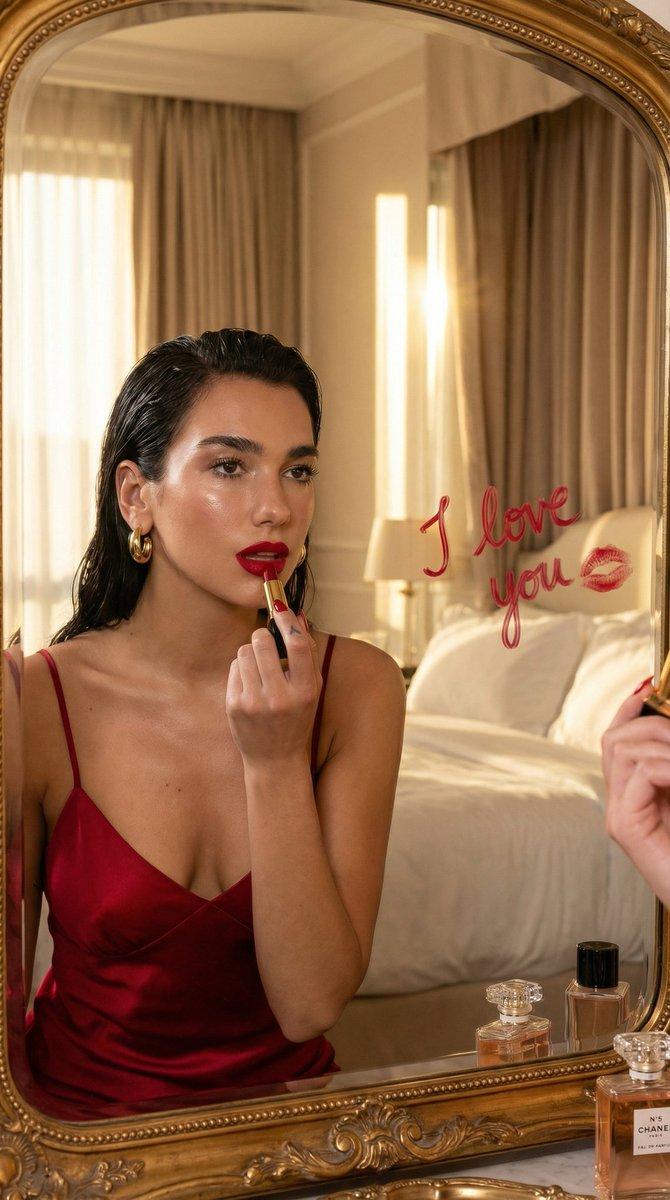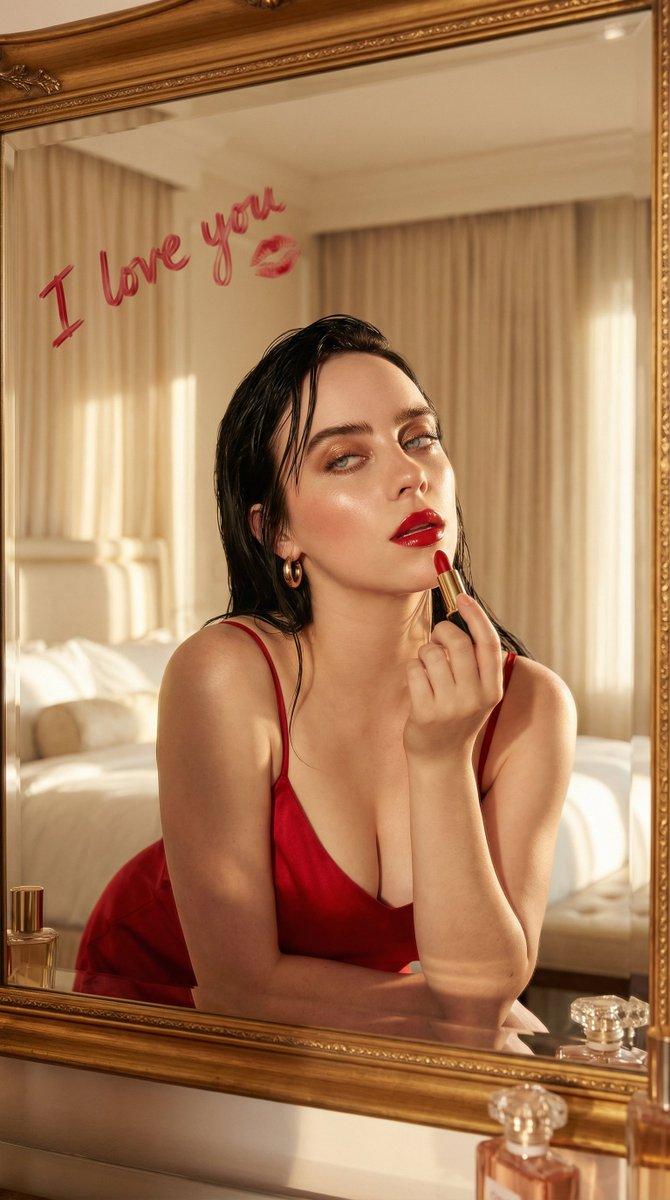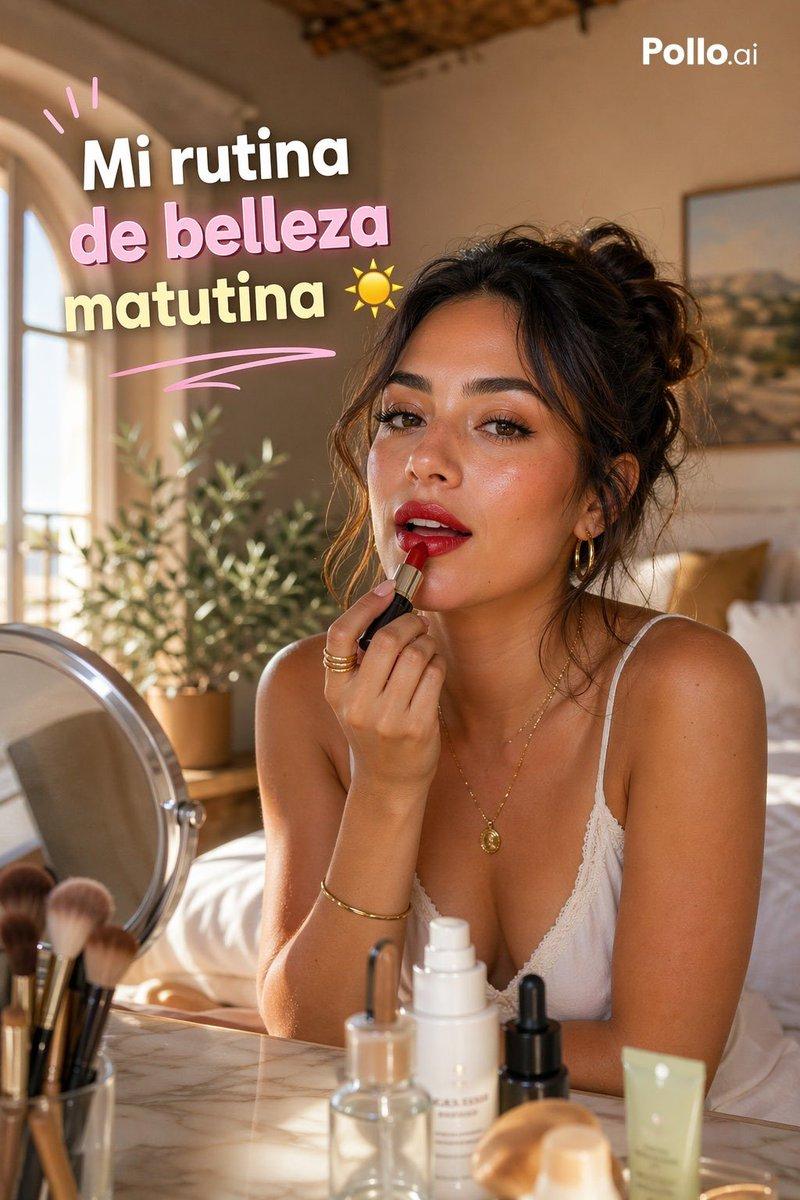
镜中映照的魅力女性正在涂抹唇彩
Prompt
{
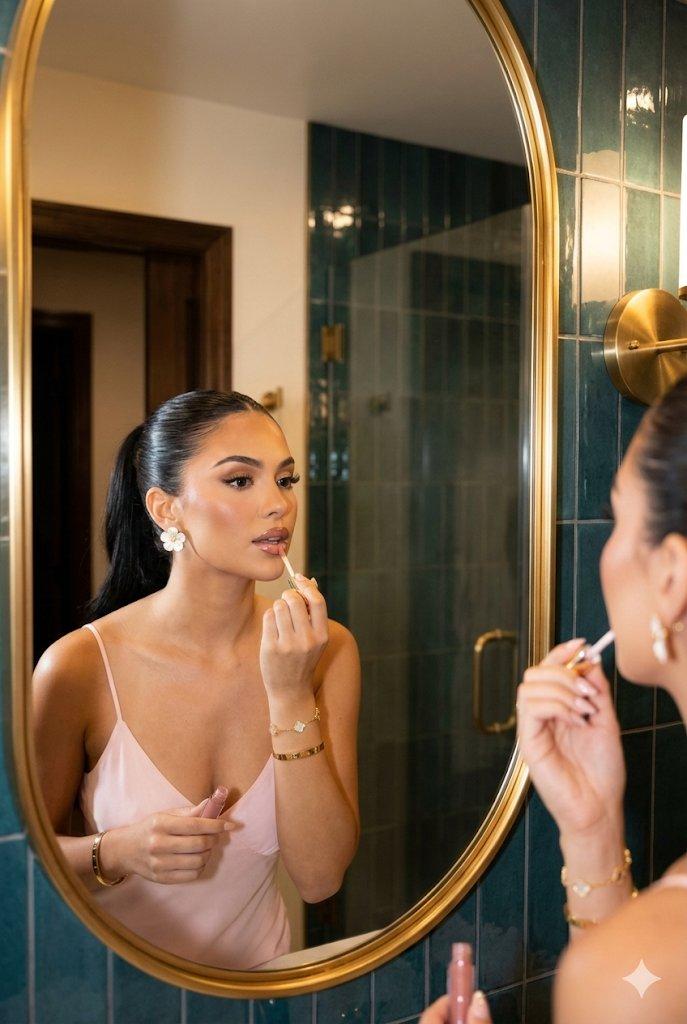
  "lighting": {
    "type": "Warm artificial ambient lighting.",
    "quality": "Soft, warm, and flattering. Creates glossy highlights on the lips, cheekbones, and tiled surfaces.",
    "shadows": "Soft, defined shadows under the chin and arms.",
    "sources": [
      "Overhead recessed lights (reflected)",
      "Wall sconce (partially visible on the left)"
    ]
  },
  "background": {
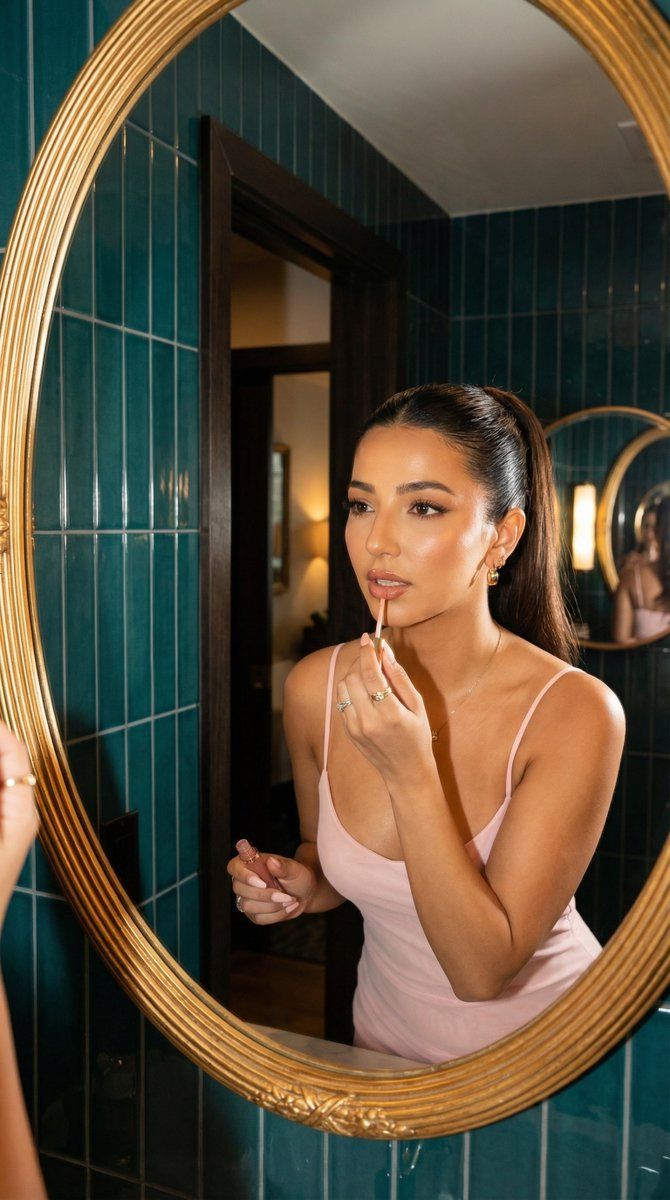
    "type": "Bathroom or dressing area exterior to the mirror, plus the reflected environment.",
    "reflected_environment": "Inside the large oval gold-framed mirror, the same dark teal tiled wall continues. There is a dark wooden doorway leading to another room (possibly a bedroom with framed art). A smaller circular mirror reflects the shoulder and arm of another person. A glass shower enclosure is visible further back. Warm ceiling light sources are reflected near the top.",
    "immediate_surroundings": "Left side shows vertical, stacked, dark teal glazed tiles. A brushed gold brass sconce fixture is partially visible on the far left edge."
  },
  "typography": {
    "content": null,
    "present": false
  },
  "composition": {
    "frame": "Vertical portrait orientation",
    "balance": "Asymmetrical, with the subject weighted to the right side of the frame.",
    "layering": "Foreground elements (tiles, sconce) frame the midground mirror reflection, which contains the subject and deeper background elements.",
    "structure": "Mirror reflection shot; the main subject is framed within a large oval mirror.",
    "focal_point": "The woman's face and the action of applying lip gloss."
  },
  "color_profile": {
    "saturation": "Moderate saturation, especially in the teal and gold tones.",
    "dominant_colors": [
      "#004d55",
      "#f2cdd3",
      "#cfa97e",
      "#bca36a"
    ],
    "palette_description": "A rich contrast between deep teal tiles and warm elements like skin tones, the pink dress, and gold accents."
  },
  "technical_specs": {
    "focus": "Sharp focus on the subject's face and hands.",
    "style": "Candid, lifestyle shot, possibly from a smartphone.",
    "media_type": "Digital photograph",
    "depth_of_field": "Moderate depth of field; the immediate reflection is sharp, while deeper background elements in the reflection are slightly softer."
  },
  "subject_analysis": {
    "hair": "Sleek, dark brown hair pulled tightly back into a high ponytail, very neat and smooth against the scalp, with a long ponytail hanging down her back.",
    "type": "Young woman",
    "count": 1,
    "makeup": "Full glamour makeup: flawless base, contoured cheeks, defined brows, long eyelashes (likely extensions), winged eyeliner, and highly glossy nude-pink lips.",
    "clothing": "Light pink spaghetti strap slip dress.",
    "accessories": "Large white floral stud earrings with gold centers. Multiple gold bracelets on the left wrist, including a Van Cleef & Arpels Alhambra motif bracelet and a flat gold bangle."
}- Category
- 创意图片
- Model
- Nano Banana Pro
- Creator
- Özge Döner
- Source ID
- 0378b7f3-4383-4351-9e9f-3841e18aedca
- Published
- Mar 8, 2026
Views0