17

适用于 Nano Banana Pro 的圣诞华丽 E-Girl 图像生成提示词
Enlarge

适用于 Nano Banana Pro 的圣诞华丽 E-Girl 图像生成提示词

Prompt
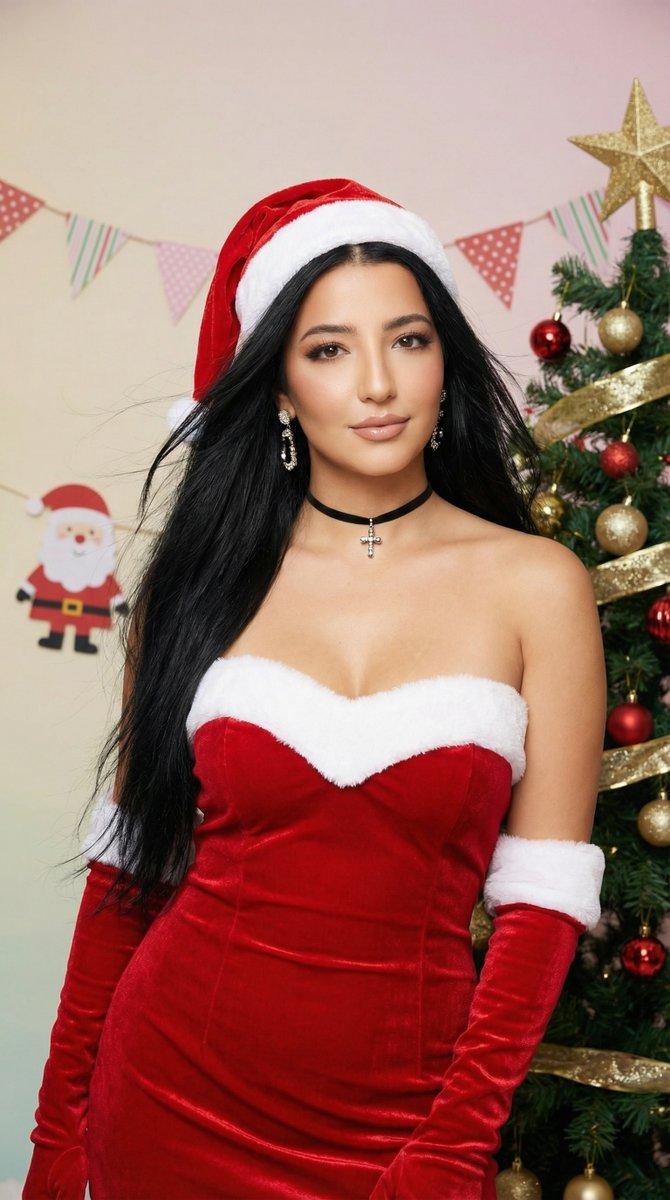
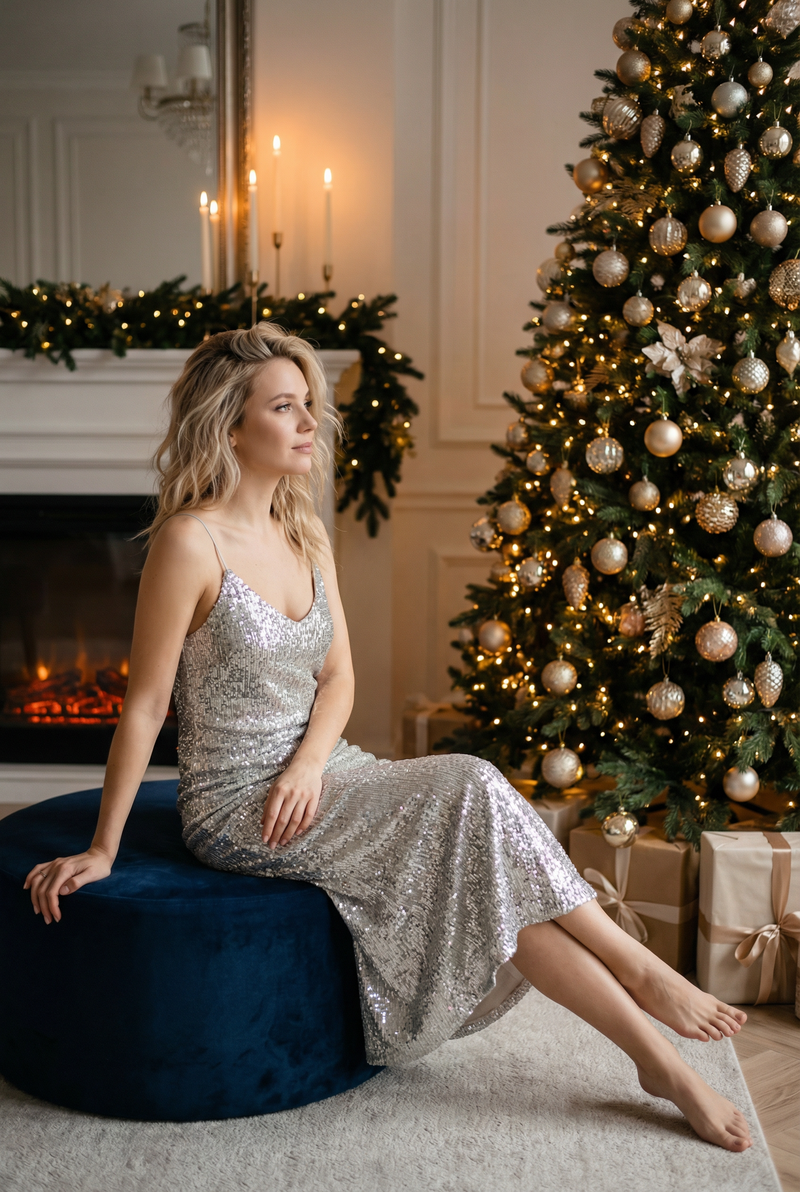
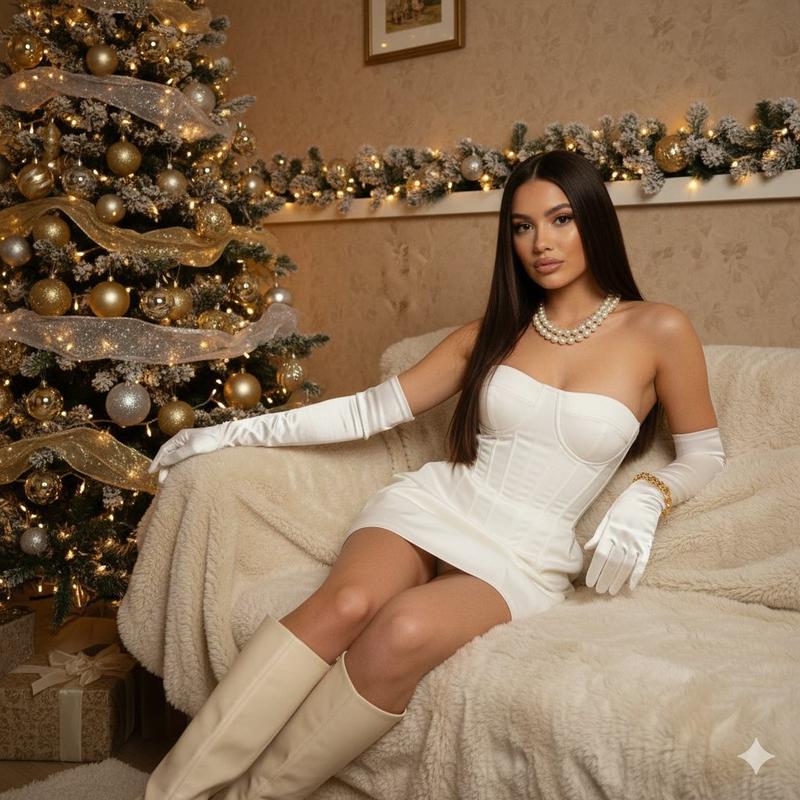
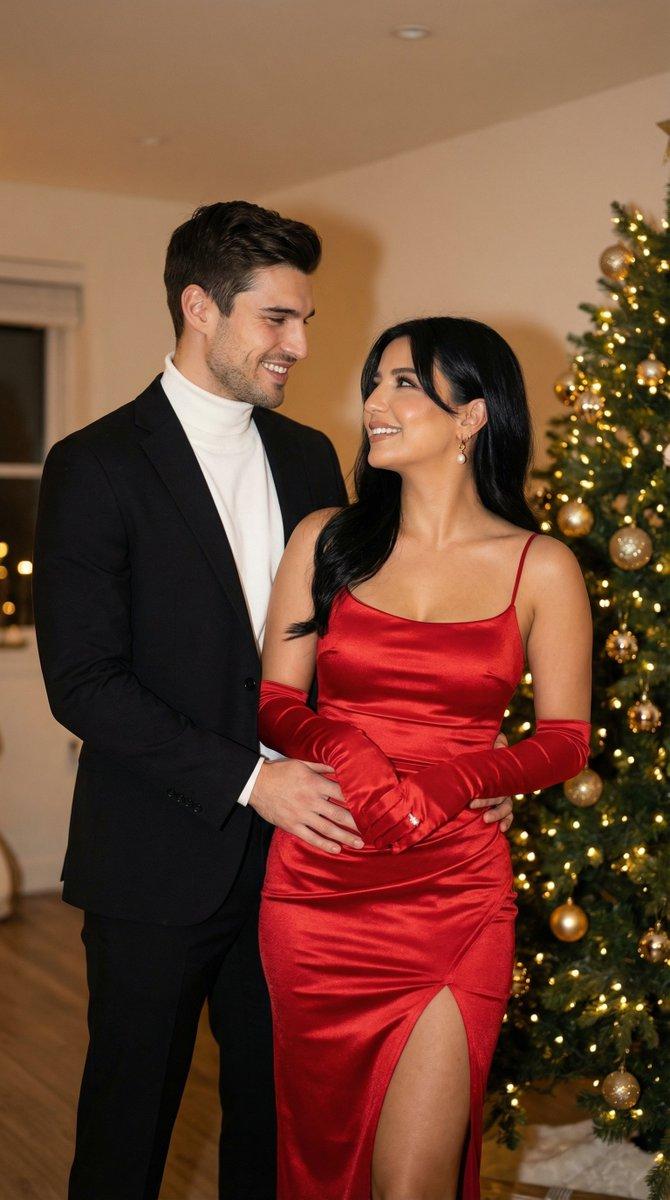
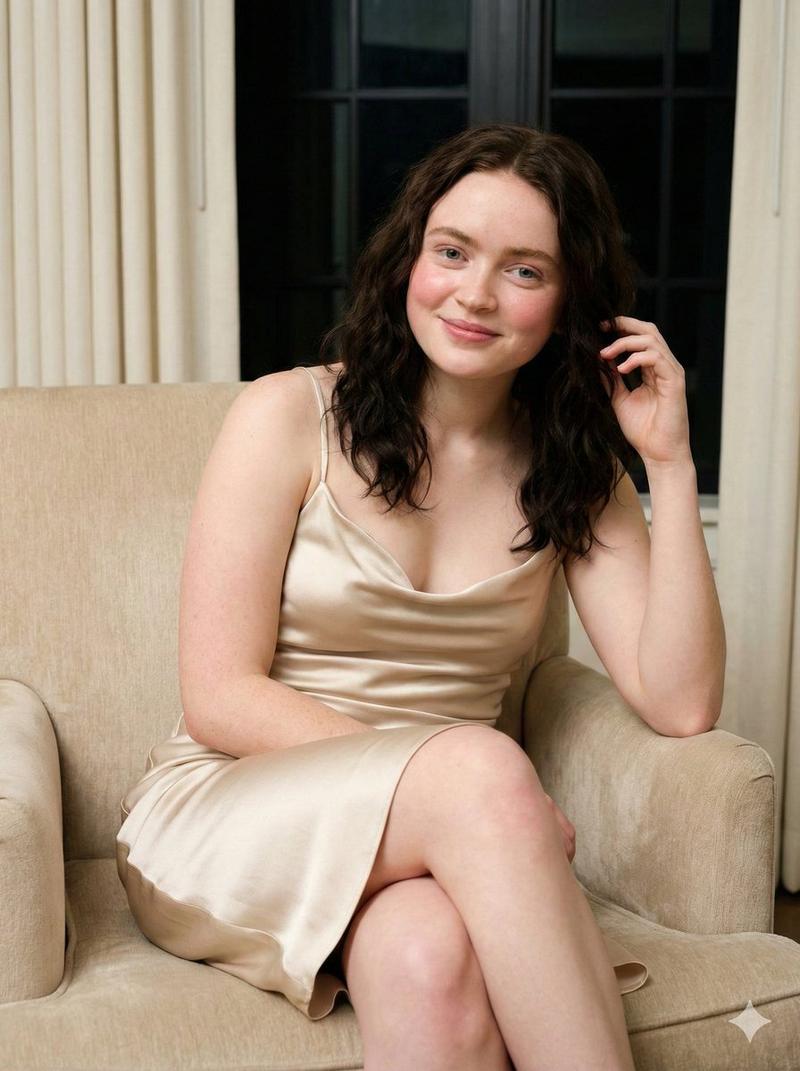
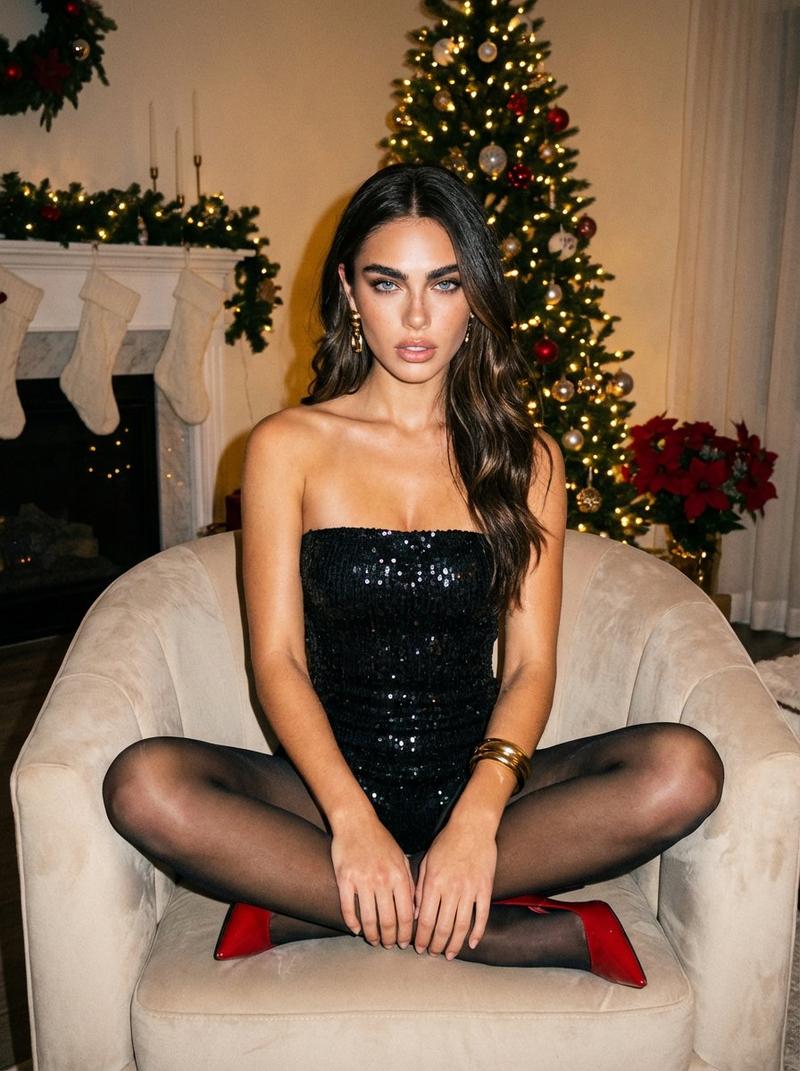
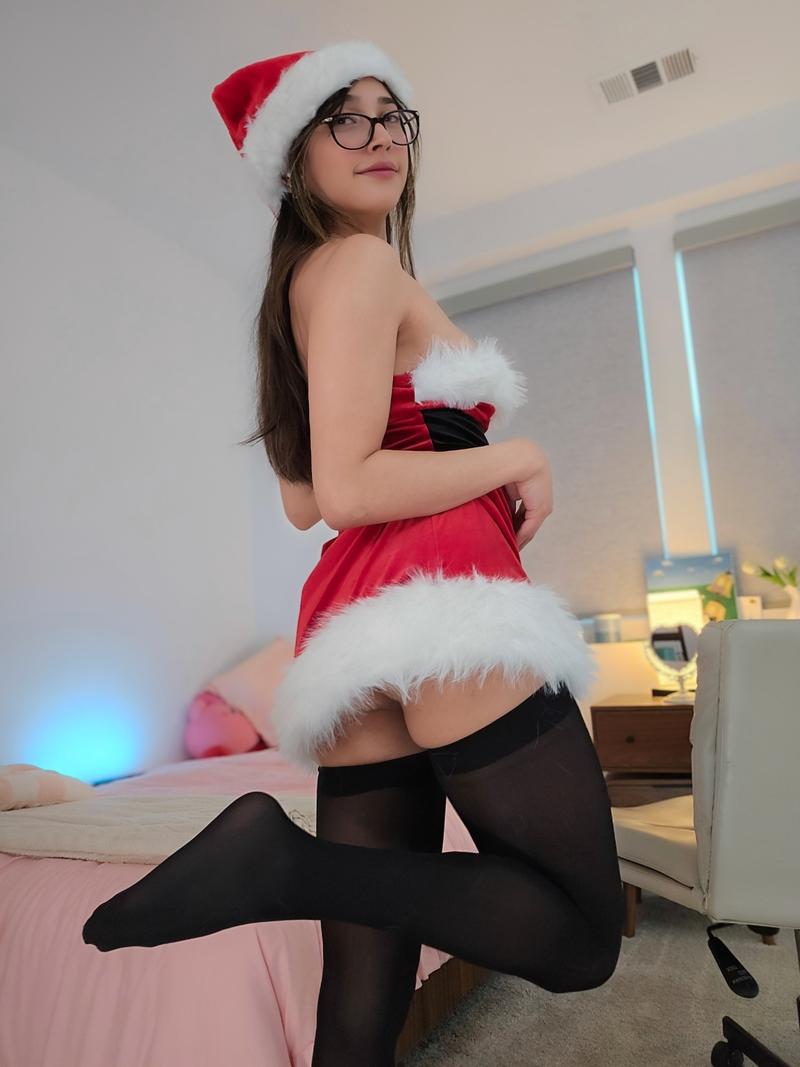
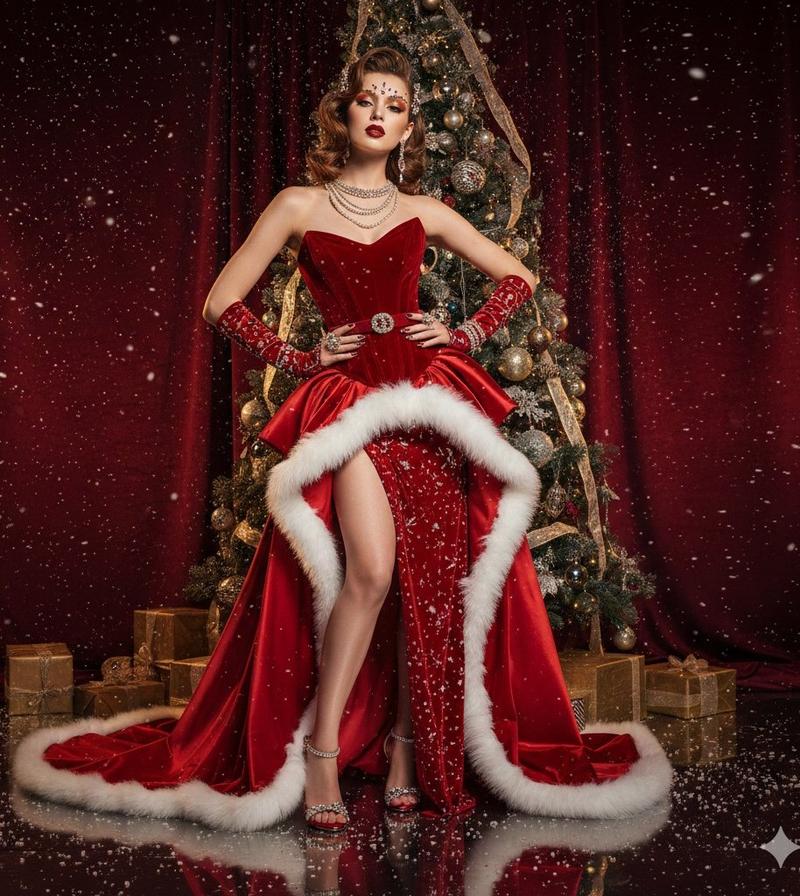
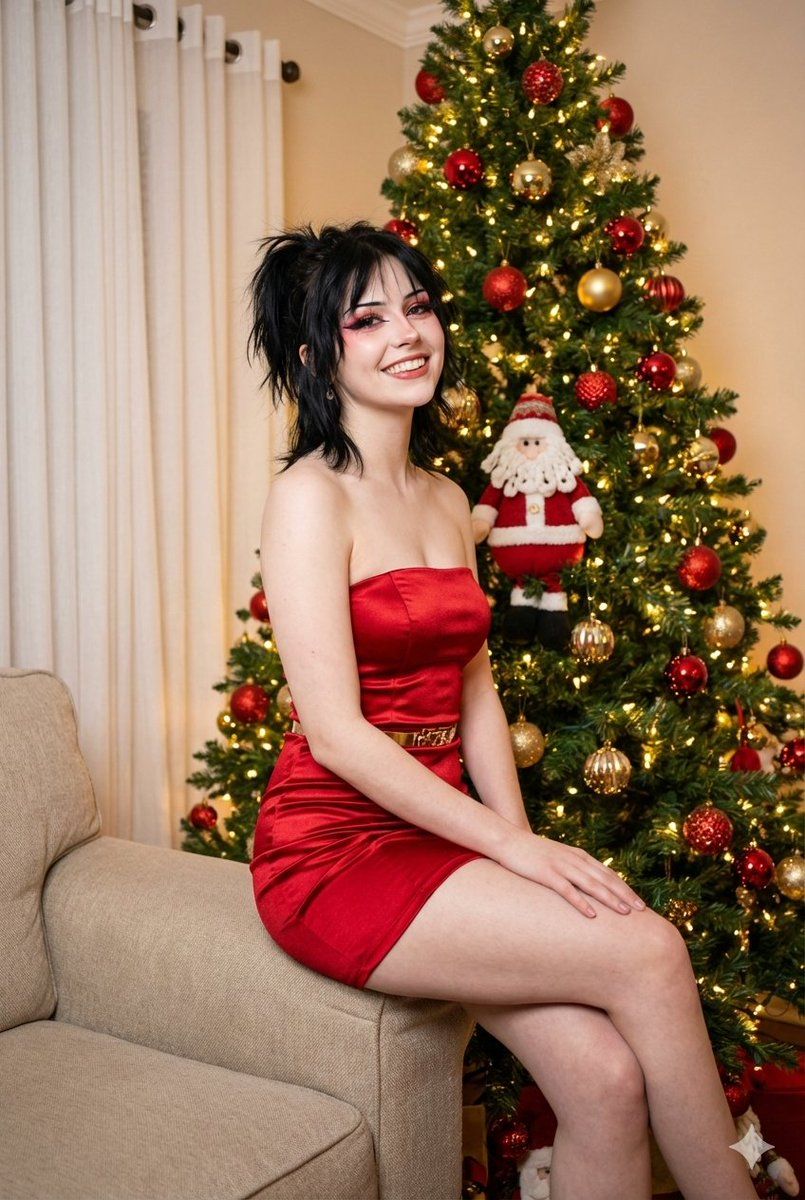
A candid raw lifestyle photograph shot on Sony A7R V 35mm f/11. Deep depth of field, everything in focus. A young woman ({argument name="age" default="19"}) with pale porcelain skin and long black hair with bangs (wolf cut) tied in a messy high ponytail sitting on the arm of a beige sofa. She wears a short, tight strapless {argument name="dress color" default="red"} satin dress with a thin gold belt and nude high heels. She is smiling radiantly, looking slightly to the side. Dramatic e-girl makeup with eyeliner and blush. Background is sharp and detailed: A large Christmas tree with lights and red/gold ornaments, a cute plush Santa on the floor, and white curtains covering a window are clearly visible with no bokeh. Warm festive lighting. Christmas
Category
创意图片
Model
Nano Banana Pro
Creator
Key Alves
Views0
Source ID
c9159977-16bd-4f4a-9006-f6f7aec58805
Published
Mar 8, 2026

Guide

About "适用于 Nano Banana Pro 的圣诞华丽 E-Girl 图像生成提示词"

What is this prompt for?

"适用于 Nano Banana Pro 的圣诞华丽 E-Girl 图像生成提示词" AI image prompt for Nano Banana Pro (创意图片). 一个高度结构化、详细的 JSON 提示,专为 Nano Banana Pro 图像生成引擎(Flux.1 [dev])设计,用于创建一张清晰、充…

The full copyable prompt and example visuals above are ready for AI image generation or one-click recreate in Picva.

How to use this prompt

  1. Step 1

    Open the prompt detail

    Review the example visuals, category, and full prompt text for "适用于 Nano Banana Pro 的圣诞华丽 E-Girl 图像生成提示词".

  2. Step 2

    Copy the prompt

    Copy the prompt body from this page, or load it directly in Studio.

  3. Step 3

    Pick a model (Nano Banana Pro)

    Prefer Nano Banana Pro. If you switch models, keep subject and composition and tweak style terms.

  4. Step 4

    Generate and export

    Recreate the look in Picva, or export into your workflow for editing and publishing.

FAQ

What is the "适用于 Nano Banana Pro 的圣诞华丽 E-Girl 图像生成提示词" prompt?
It is an AI image-generation prompt for Nano Banana Pro in the 创意图片 category. This page includes the full prompt text, example visuals, and a one-click recreate path in Picva.
How do I use this prompt to generate an image?
Copy the prompt from this page, or use Generate / Studio. Paste it into a compatible image model, or recreate the look in Picva with optional reference images.
Which model is this prompt for?
This page lists Nano Banana Pro. Most descriptive prompts also transfer to nearby image models such as GPT Image, Flux, or Midjourney with light style tweaks.
Can I use the result commercially?
You can usually copy the prompt for creation, but commercial use of the final image depends on the model terms, reference-image rights, and the generated content. Follow the source author and platform rules.