20

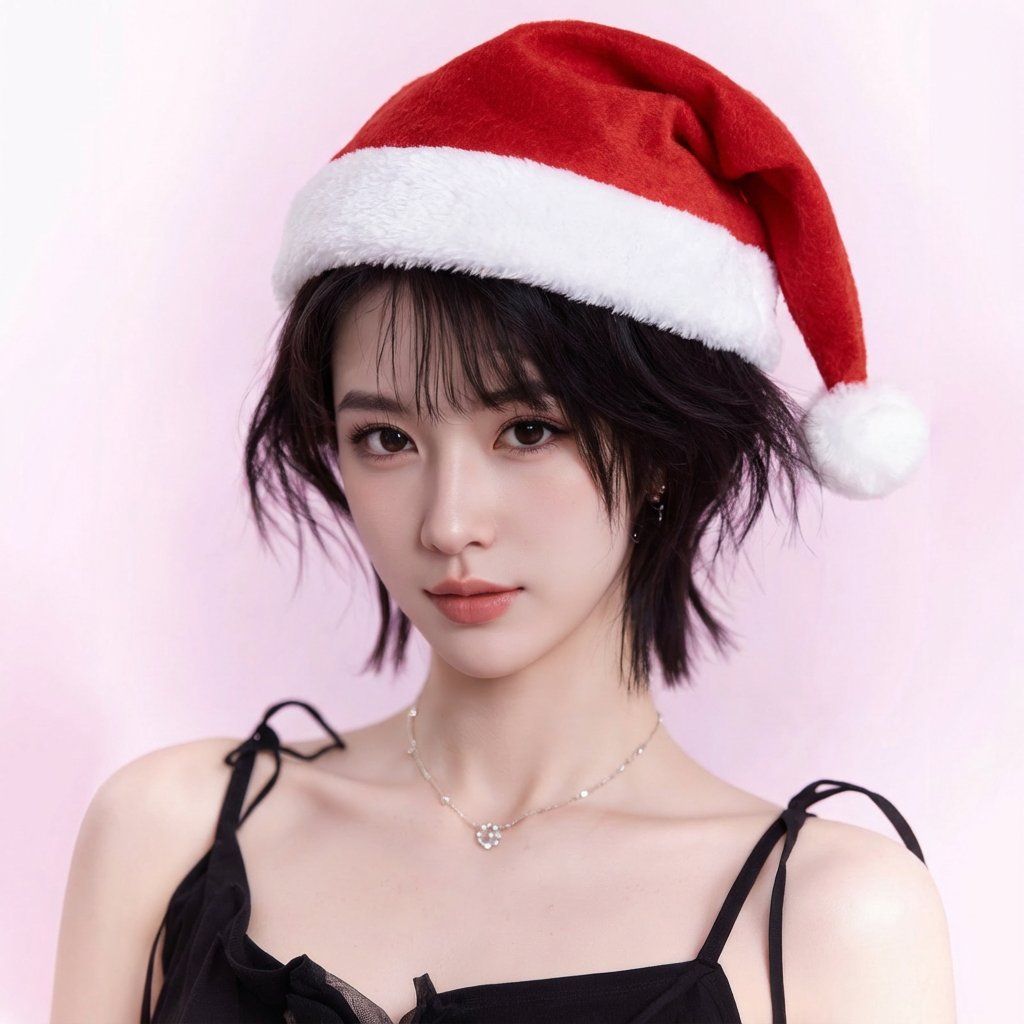
为头像添加圣诞帽(图像到图像)
Enlarge

为头像添加圣诞帽(图像到图像)

Prompt
Using the user-uploaded reference image as the base, add a classic Christmas Santa hat to the subject.

Style match: preserve the original art style exactly (2D/3D/photorealistic/anime/cartoon), keeping identity, facial features, hairstyle, colors, shading, and overall composition unchanged.

Hat design: traditional Santa hat (red felt with subtle fabric texture, white fluffy trim, white pom-pom). Place it naturally on top of the head, aligned to head angle and hairline. Respect perspective, scale, and head shape.

Integration: match the existing lighting, shadows, highlights, linework, and rendering style. Add realistic contact shadows where the hat touches hair/forehead. Do not alter the face, hair, background, clothing, or any other elements.

Output: square (1:1) avatar, crisp and clear at small profile-picture size.
Category
创意图片
Model
Nano Banana Pro
Creator
katon
Views0
Source ID
5b3a2b0b-ddb7-44b8-9a15-007c36ca1531
Published
Mar 8, 2026

Guide

About "为头像添加圣诞帽(图像到图像)"

What is this prompt for?

"为头像添加圣诞帽(图像到图像)" AI image prompt for Nano Banana Pro (创意图片). 一个简单、实用的图像到图像生成提示,专门用于为上传的个人资料图片主体添加一顶传统的圣诞老人帽。该提示强调精确保留原始艺术风格、身份和构图,确保帽子与匹配的光照和阴影自然融合。 --- 以用户上传…

The full copyable prompt and example visuals above are ready for AI image generation or one-click recreate in Picva.

How to use this prompt

  1. Step 1

    Open the prompt detail

    Review the example visuals, category, and full prompt text for "为头像添加圣诞帽(图像到图像)".

  2. Step 2

    Copy the prompt

    Copy the prompt body from this page, or load it directly in Studio.

  3. Step 3

    Pick a model (Nano Banana Pro)

    Prefer Nano Banana Pro. If you switch models, keep subject and composition and tweak style terms.

  4. Step 4

    Generate and export

    Recreate the look in Picva, or export into your workflow for editing and publishing.

FAQ

What is the "为头像添加圣诞帽(图像到图像)" prompt?
It is an AI image-generation prompt for Nano Banana Pro in the 创意图片 category. This page includes the full prompt text, example visuals, and a one-click recreate path in Picva.
How do I use this prompt to generate an image?
Copy the prompt from this page, or use Generate / Studio. Paste it into a compatible image model, or recreate the look in Picva with optional reference images.
Which model is this prompt for?
This page lists Nano Banana Pro. Most descriptive prompts also transfer to nearby image models such as GPT Image, Flux, or Midjourney with light style tweaks.
Can I use the result commercially?
You can usually copy the prompt for creation, but commercial use of the final image depends on the model terms, reference-image rights, and the generated content. Follow the source author and platform rules.












