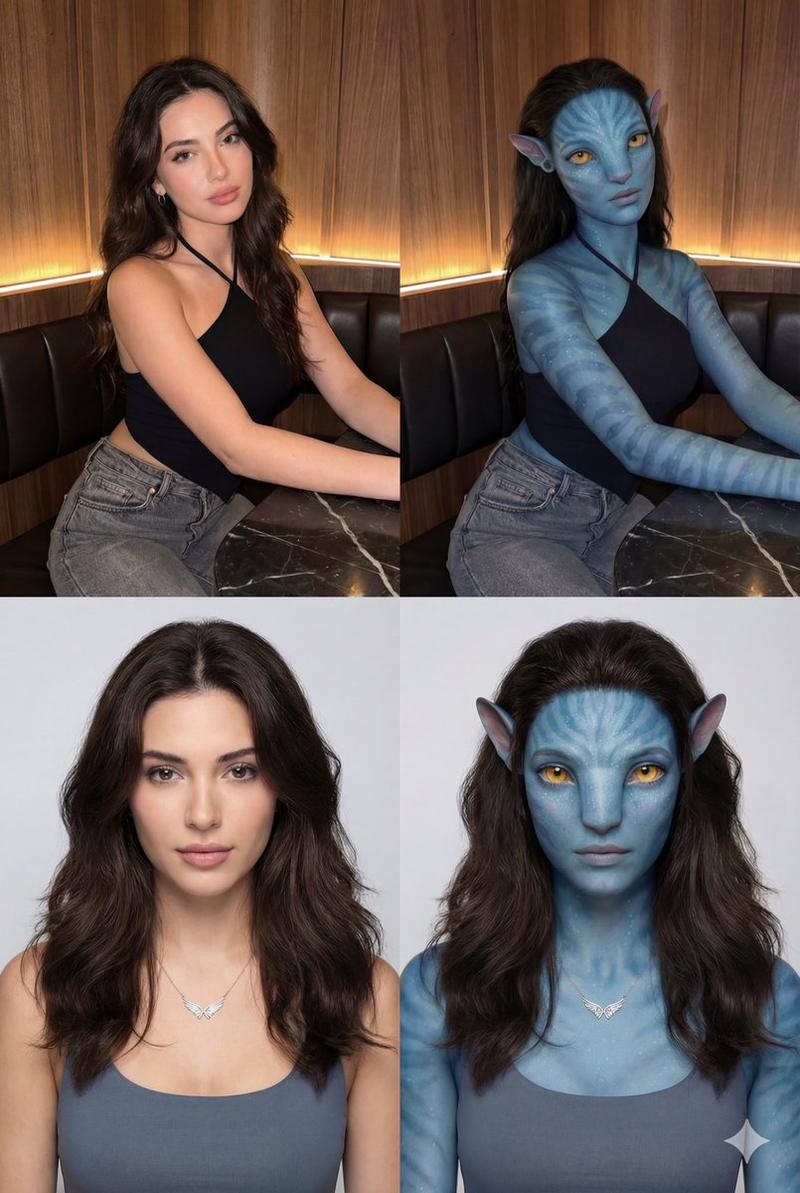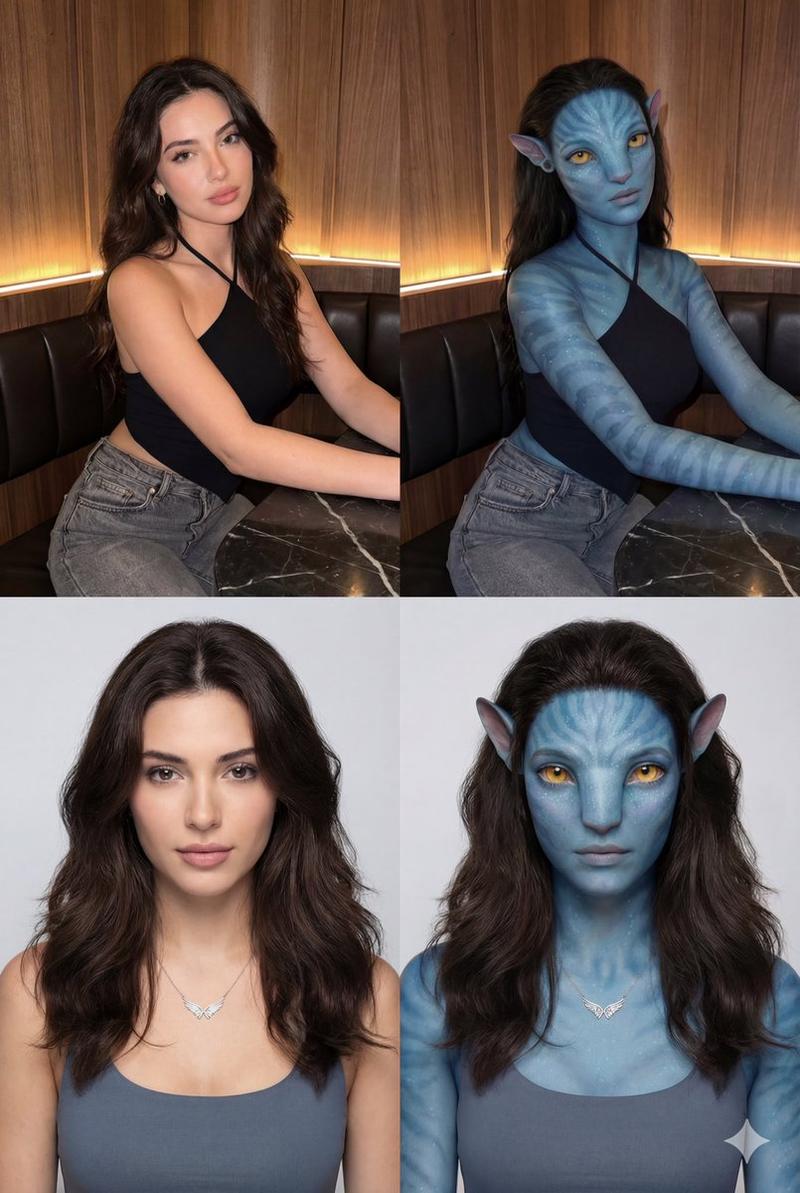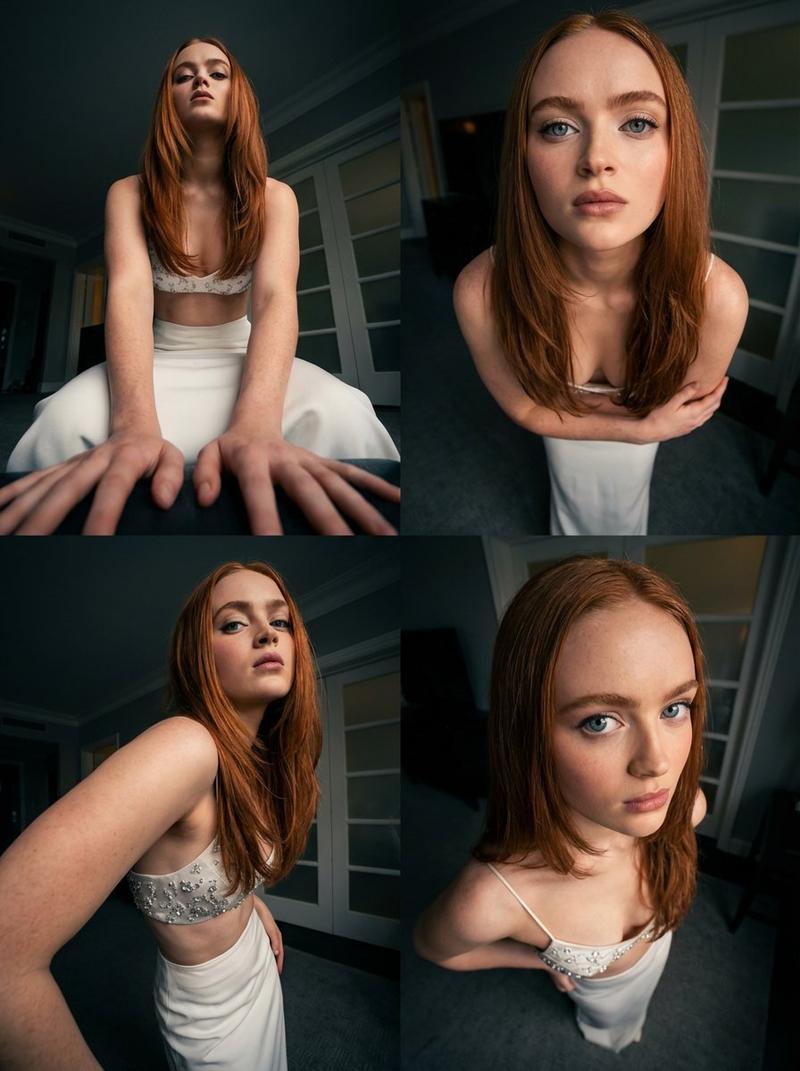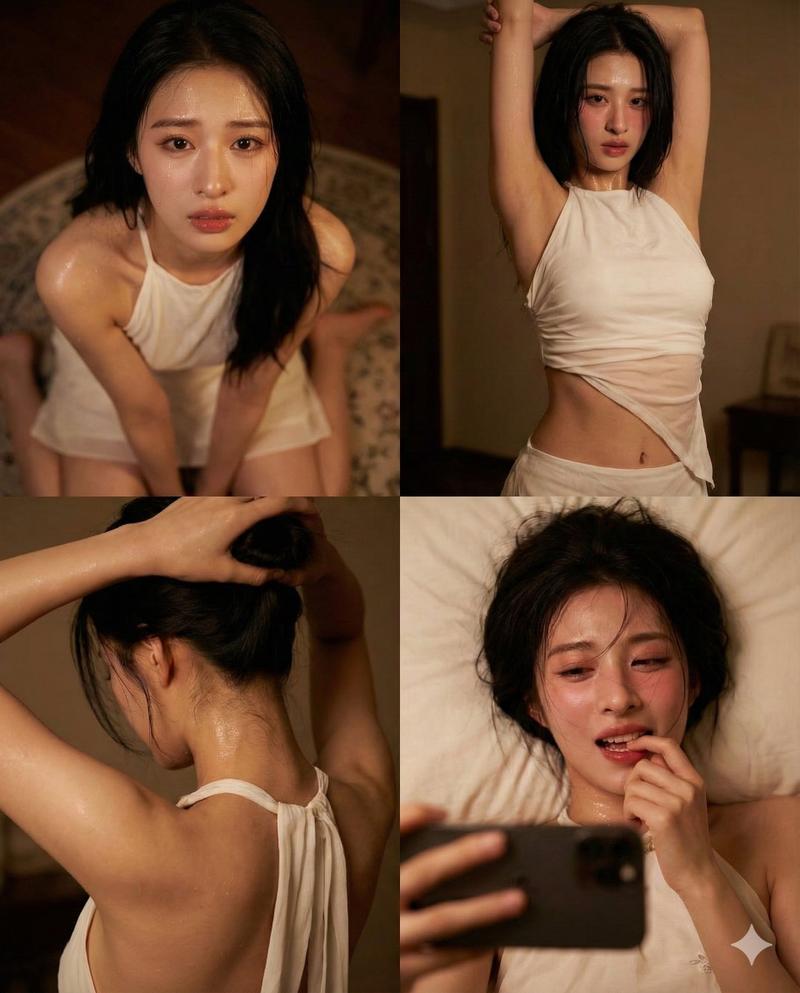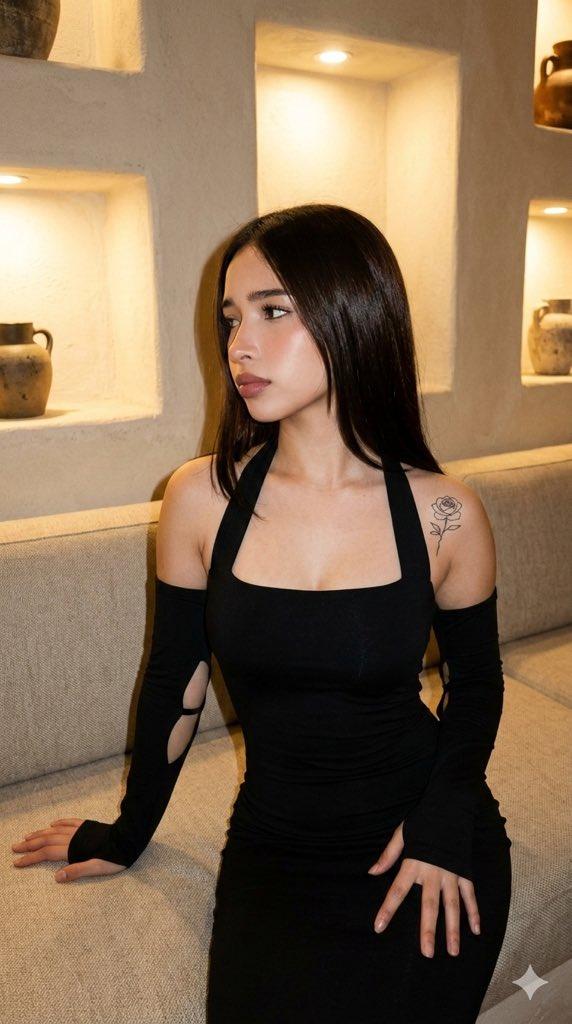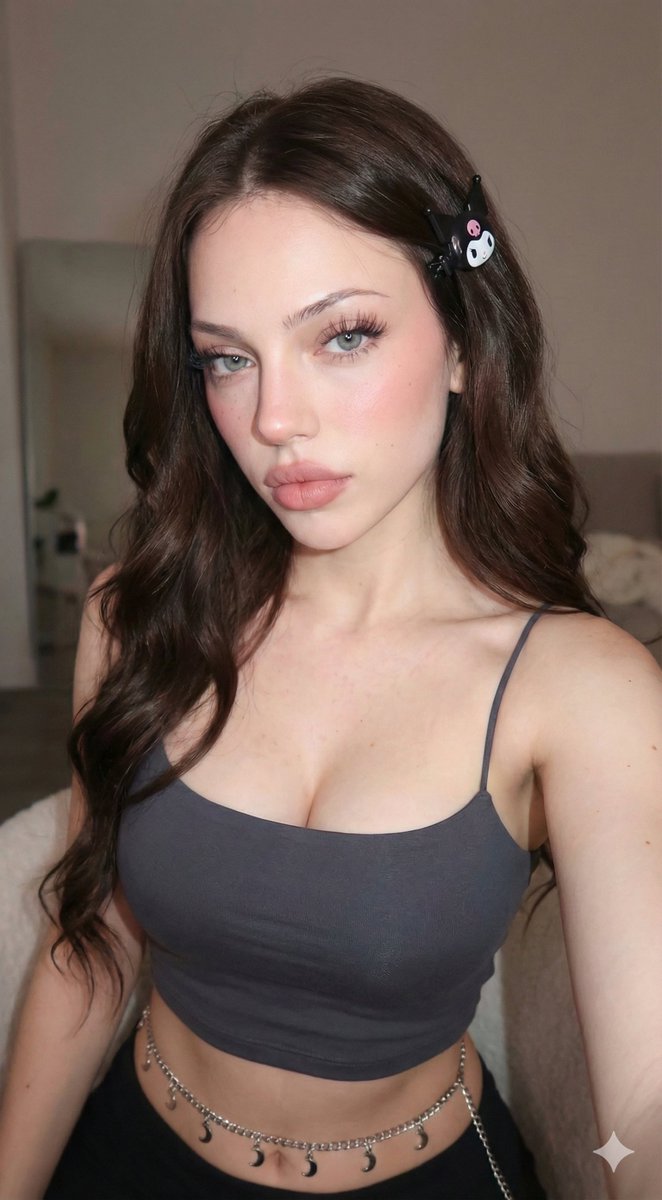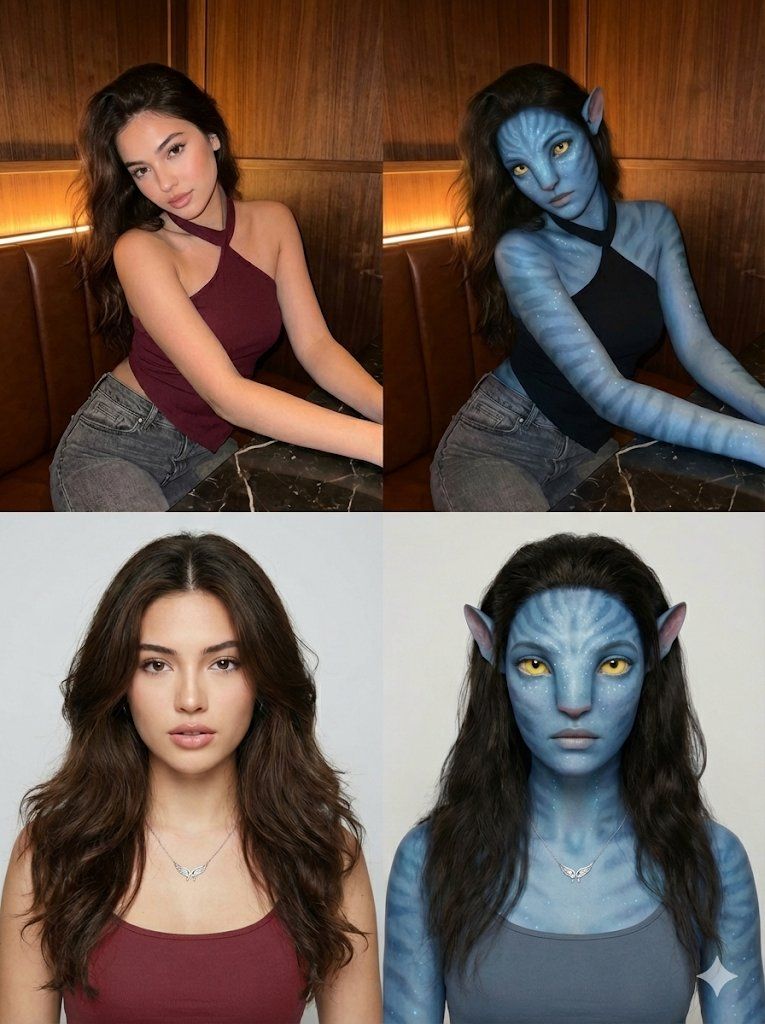
2x2 网格人类到纳美人转换提示
Prompt
{
  "image_layout": {
    "type": "2x2 Grid",
 Transformation",
    "style": "Photorealistic to CGI/Digital Art conversion"
  },
  "panels": [
    {
      "position": "Top-Left",
      "subject_type": "A young Russian Female",
      "setting": "Indoor BTS station /Bar Booth",
      "lighting": "Warm ambient strip lighting from behind, soft frontal illumination",
      "subject_details": {
        "hair": "Long, dark brown, wavy, side-swept",
        "skin": "Fair, smooth complexion",
        "eyes": "Dark brown, almond-shaped",
        "apparel": {
          "top": "cherry red  asymmetrical halter-neck top (one shoulder exposed)",
          "bottom": "Grey denim jeans"
        },
        "pose": "Seated, leaning forward slightly, arms resting on a dark marble table",
        "expression": "Soft, alluring, head slightly tilted"
      },
      "background": "Wood paneling with horizontal grain, dark leather booth seating"
    },
    {
      "position": "Top-Right",
      "subject_type": "Na'vi / Avatar Hybrid",
      "setting": "Indoor Restaurant/Bar Booth (Same as Top-Left)",
      "lighting": "Warm ambient strip lighting matches original, skin reflects blue tones",
      "subject_details": {
        "hair": "Long, dark brown, wavy (same as original)",
        "skin": "Blue textured skin, faint darker blue stripes on arms and face, bioluminescent white dots",
        "eyes": "Large, yellow irises, feline pupil shape",
        "ears": "Pointed, elven/Na'vi style",
        "nose": "Broad, flat feline bridge",
        "apparel": "Black asymmetrical halter-neck top, grey denim jeans",
        "pose": "Seated, leaning forward (matches original)",
        "expression": "Soft, alluring (matches original)"
      },
      "background": "Wood paneling and dark leather booth (matches original)"
    },
    {
      "position": "Bottom-Left",
      "subject_type": "Human Female",
      "setting": "Studio Portrait",
      "lighting": "Soft, even studio lighting, neutral background",
      "subject_details": {
        "hair": "Dark brown, voluminous, center-parted, layered",
        "skin": "Fair, dewy finish",
        "eyes": "Dark, direct gaze",
        "apparel": {
          "top": "Greyish-blue tank top/camisole",
          "accessory": "Delicate silver necklace with a wing-shaped pendant"
        },
        "pose": "Front-facing bust shot",
        "expression": "Neutral, calm, lips slightly parted"
      },
      "background": "Plain off-white/light grey gradient"
    },
    {
      "position": "Bottom-Right",
      "subject_type": "Na'vi / Avatar Hybrid",
      "setting": "Studio Portrait (Same as Bottom-Left)",
      "lighting": "Soft studio lighting (matches original)",
      "subject_details": {
        "hair": "Dark brown, voluminous, center-parted (same as original)",
        "skin": "Blue, smooth texture with subtle speckling/bioluminescence patterns on cheeks and forehead",
        "eyes": "Large, bright yellow/a"
      }
    }
  ]
}- Category
- 创意图片
- Model
- Nano Banana Pro
- Creator
- ANKIT PATEL 🇮🇳 | AI
- Source ID
- 55b91ba9-1a60-4afc-bb24-efad06e34069
- Published
- Mar 8, 2026
Views0