19

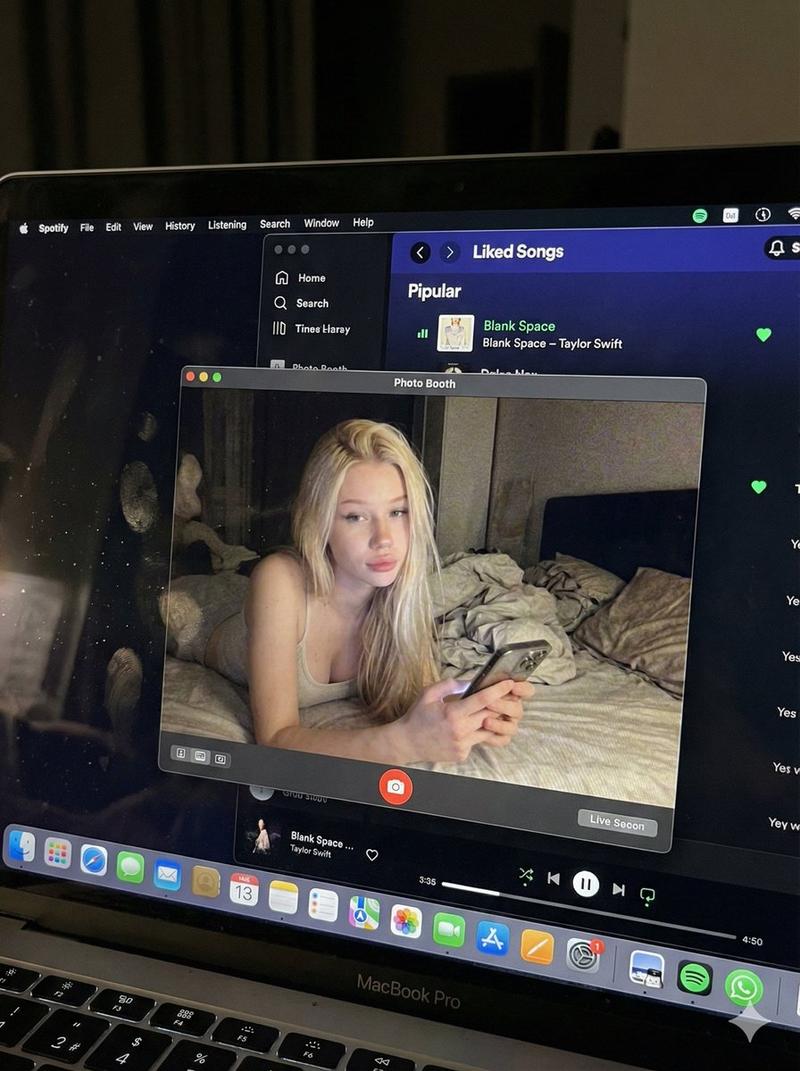
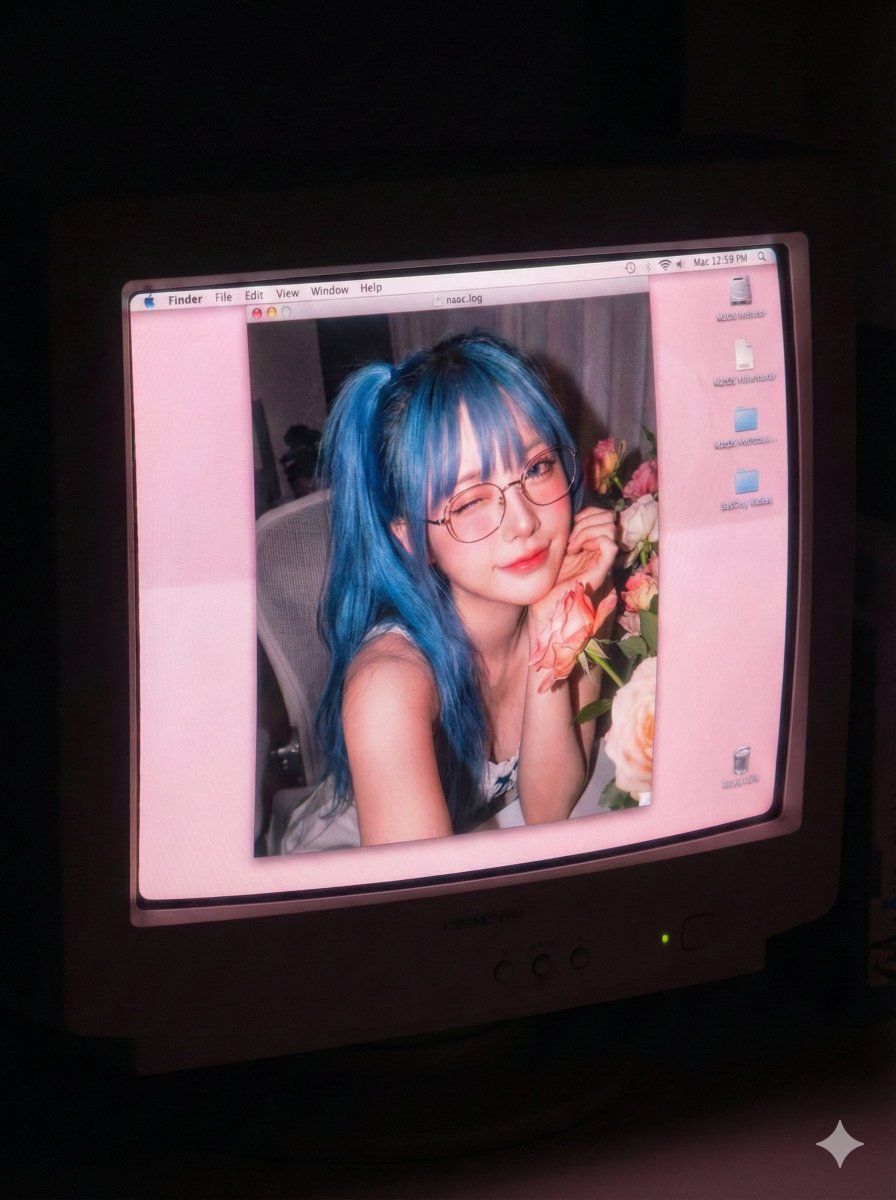
老旧电脑效果肖像提示词
放大

老旧电脑效果肖像提示词

提示词
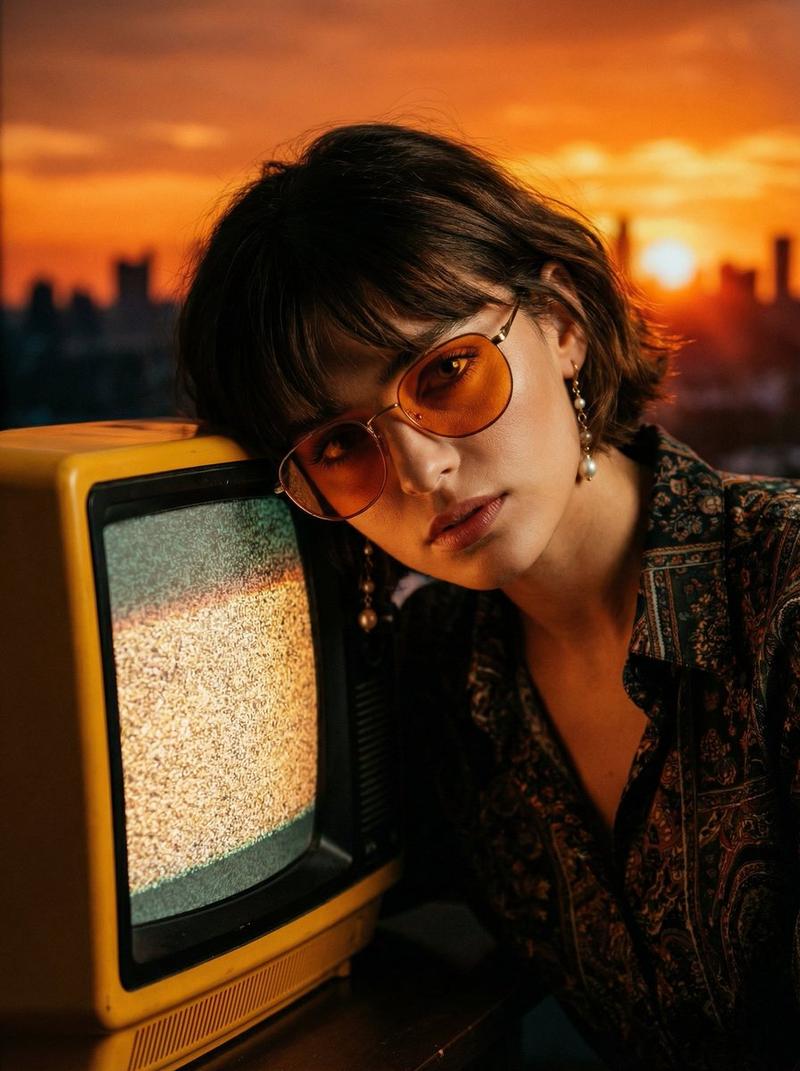
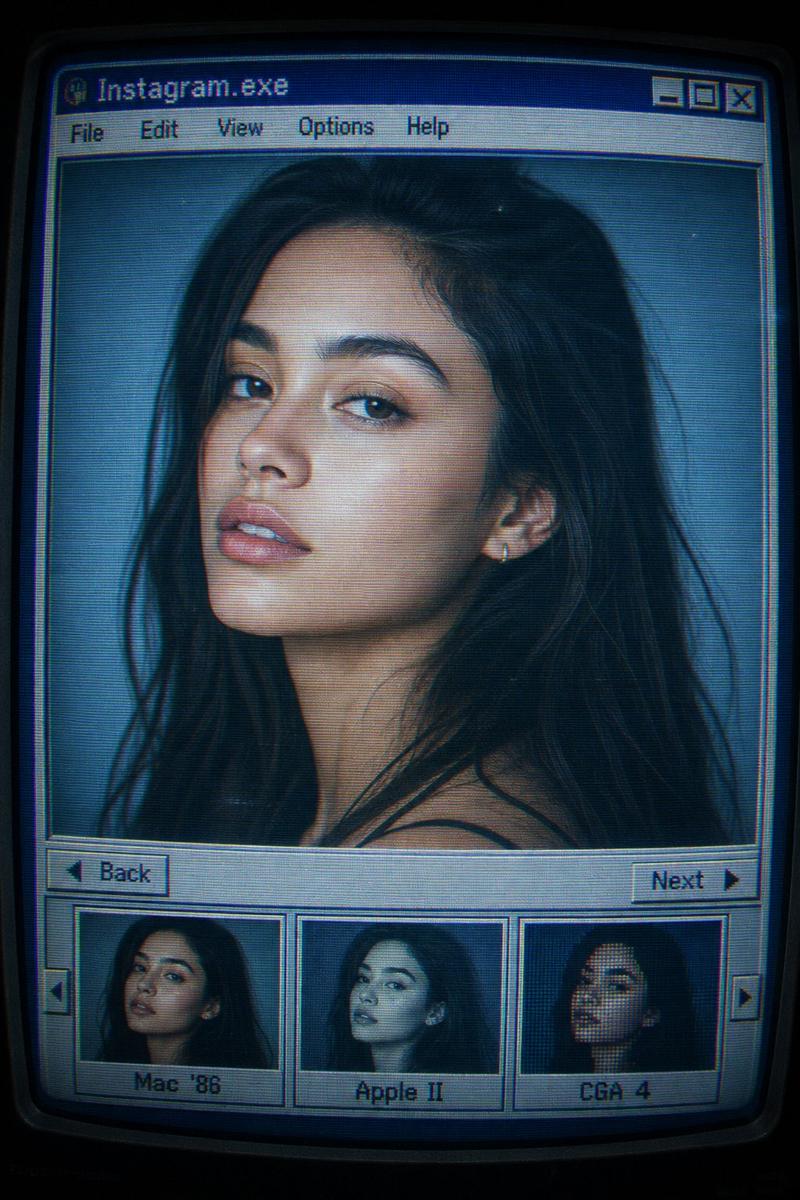
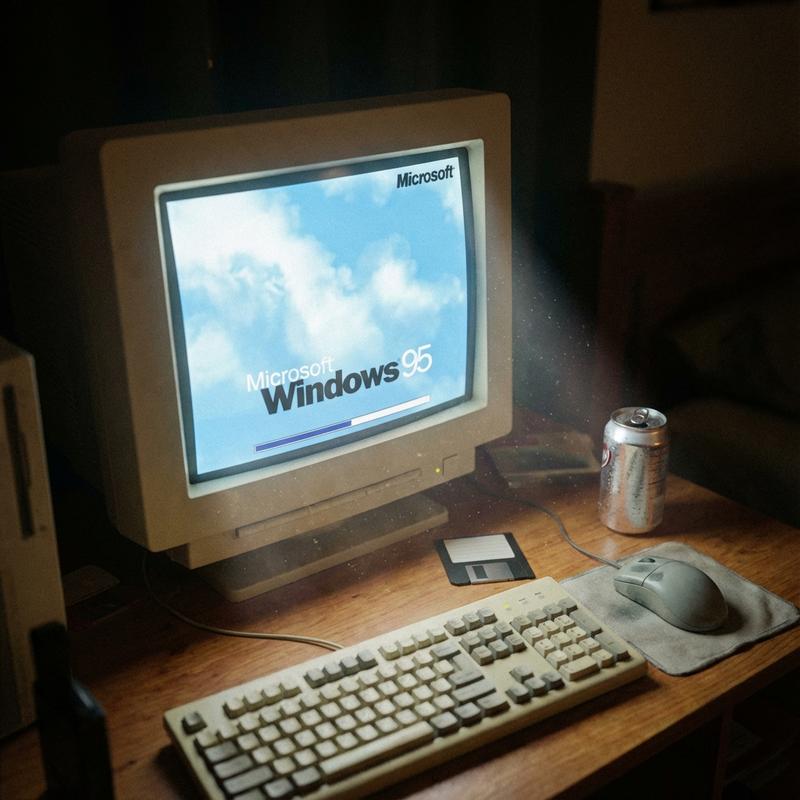
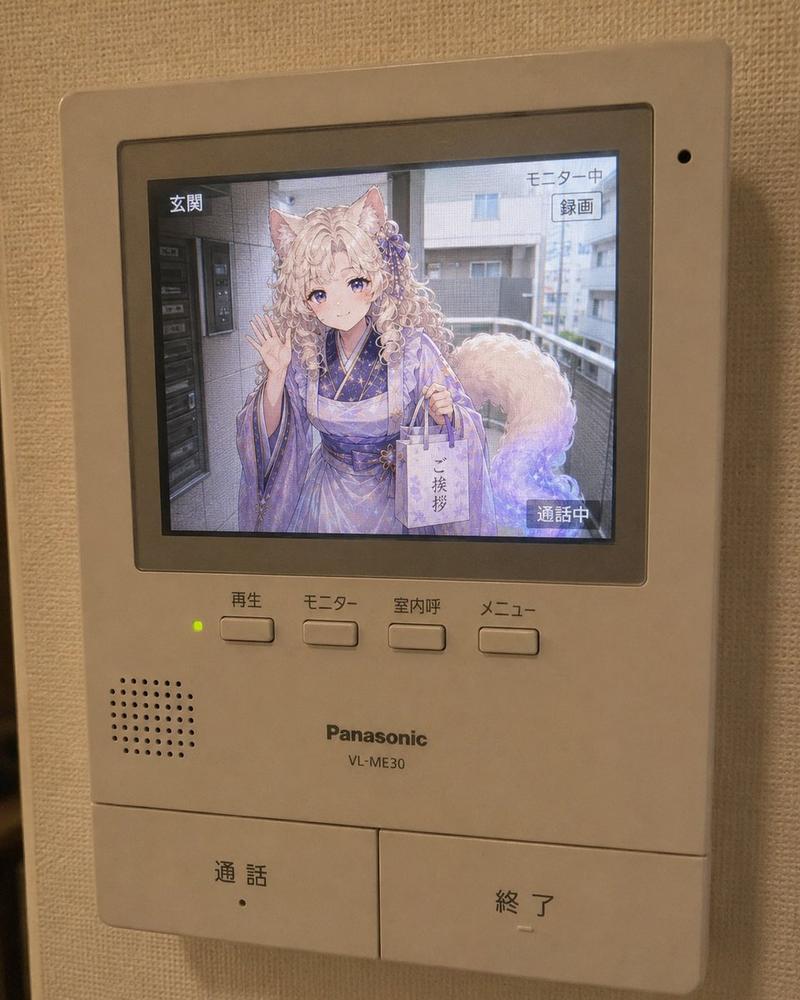
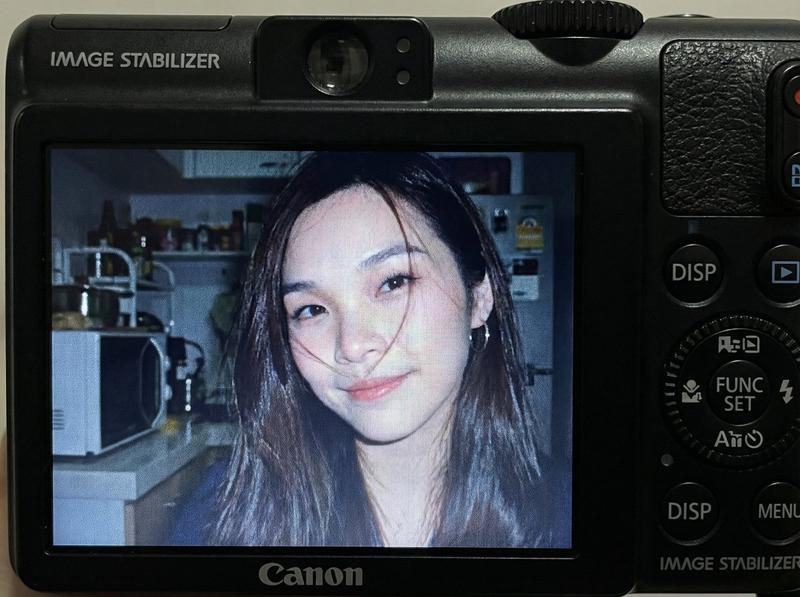
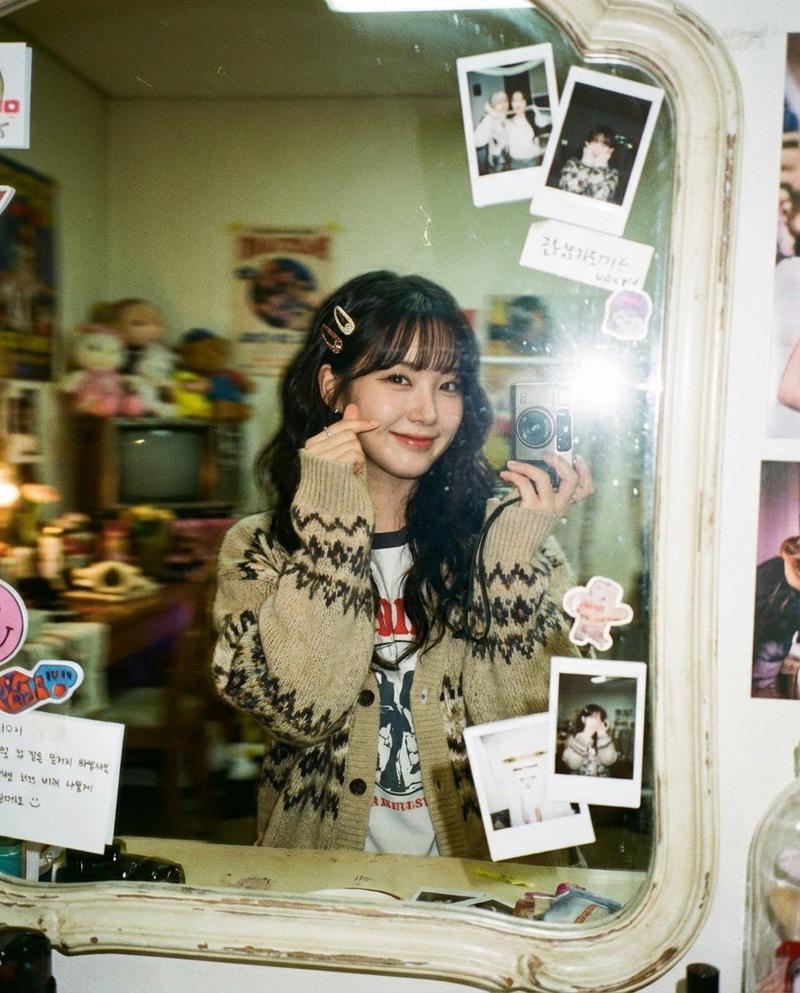
A realistic selfie photograph displayed on a vintage CRT monitor screen in a dark room. The woman based on the input reference image is sitting in a computer chair, leaning toward the camera and playfully winking at the lens with a charming, flirtatious expression. She has the same glasses and hairstyle as the reference. The CRT screen shows scanlines, phosphor bloom, a soft, tender pinkish glow dominating the display, and a Mac OS X early 2000s desktop interface. The photo aesthetic on the screen is authentic 2000s, with strong direct flash striking her face, rosy and warm tones, high digital noise, grain, sharp texture, and hard flash shadows.
分类
创意图片
模型
Nano Banana Pro
来源作者
BeautyVerse
浏览量4
来源 ID
a9709a35-76f8-4a9f-97d9-e8eb86cf50af
发布时间
2026年3月8日

使用说明

关于「老旧电脑效果肖像提示词」

这条提示词适合做什么?

「老旧电脑效果肖像提示词」AI 图片提示词,适用于 Nano Banana Pro,分类:创意图片。一个为 Nano Banana Pro 设计的详细英文提示,基于 SDT(Stable Diffusion Template)结构,旨在生成一张逼真的女性自拍照,显示在老式 CRT 显示器屏幕上,具有特定的 2000…

页面上方提供可复制的完整提示词正文与示例效果图,适合直接用于 AI 图片生成或在 Picva 中一键同款。

如何使用这条提示词

  1. 步骤 1

    打开提示词详情

    查看「老旧电脑效果肖像提示词」的示例图、分类与完整 Prompt 文本。

  2. 步骤 2

    复制提示词

    一键复制页面中的提示词正文,或在 Studio 中直接带入。

  3. 步骤 3

    选择模型(Nano Banana Pro)

    优先使用 Nano Banana Pro;如切换其他模型,可保留主体与构图,微调风格词。

  4. 步骤 4

    生成并导出

    在 Picva 一键生成同款,或导出到你的工作流继续编辑发布。

常见问题

「老旧电脑效果肖像提示词」是什么提示词?
这是一条可用于 Nano Banana Pro 的图片生成提示词,属于「创意图片」分类。页面提供完整 Prompt 文本、示例效果图,以及在 Picva 中一键生成同款的入口。
如何使用这条提示词生成图片?
复制页面中的提示词,或点击一键生成 / Studio。可直接粘贴到支持的图像模型,也可在 Picva 中结合参考图生成同款视觉效果。
这条提示词适合哪个模型?
页面标注模型为 Nano Banana Pro。多数描述型提示词也可迁移到 GPT Image、Flux、Midjourney 等相近图像模型,必要时微调风格与构图词。
可以商用吗?需要注意什么?
提示词文本通常可复制用于创作,但最终图片是否可商用取决于你使用的模型条款、参考图版权以及生成内容本身。请遵守来源作者与平台规则。