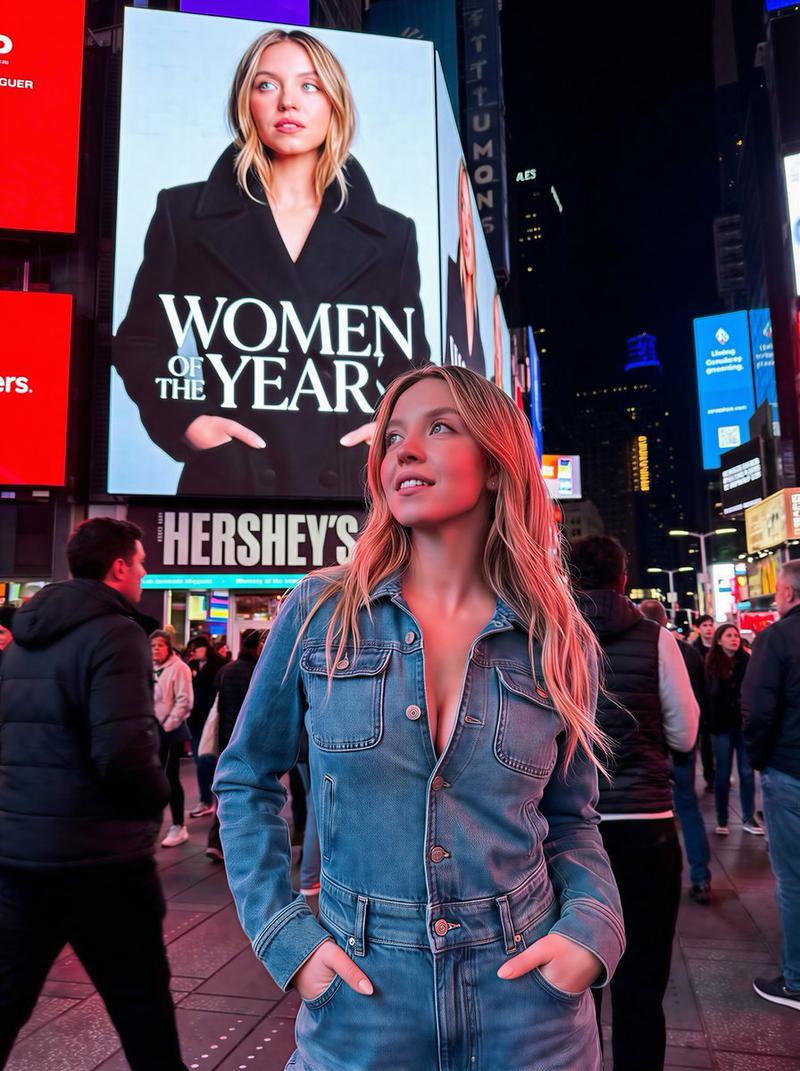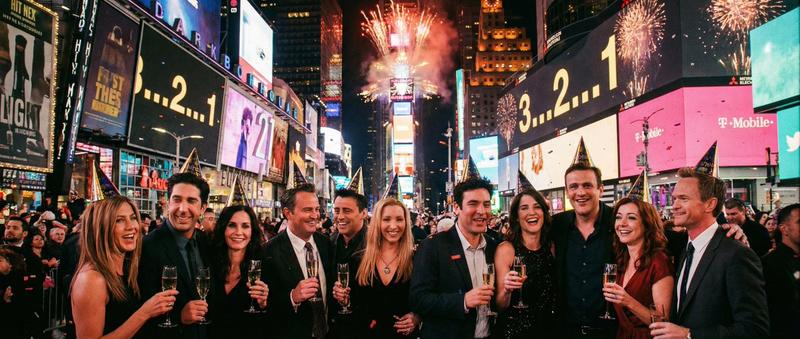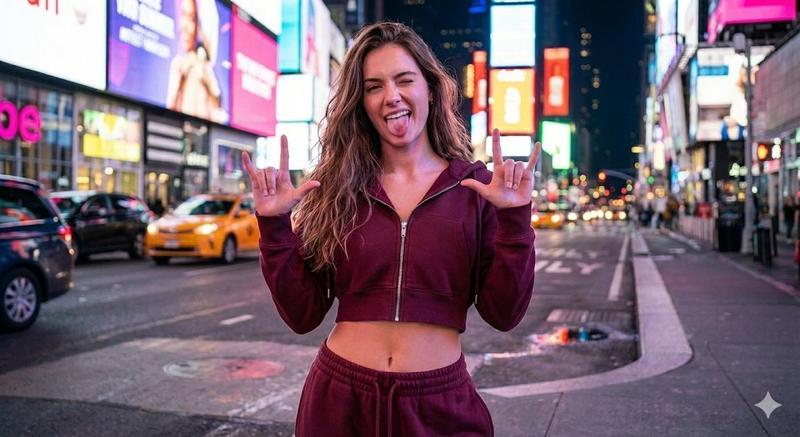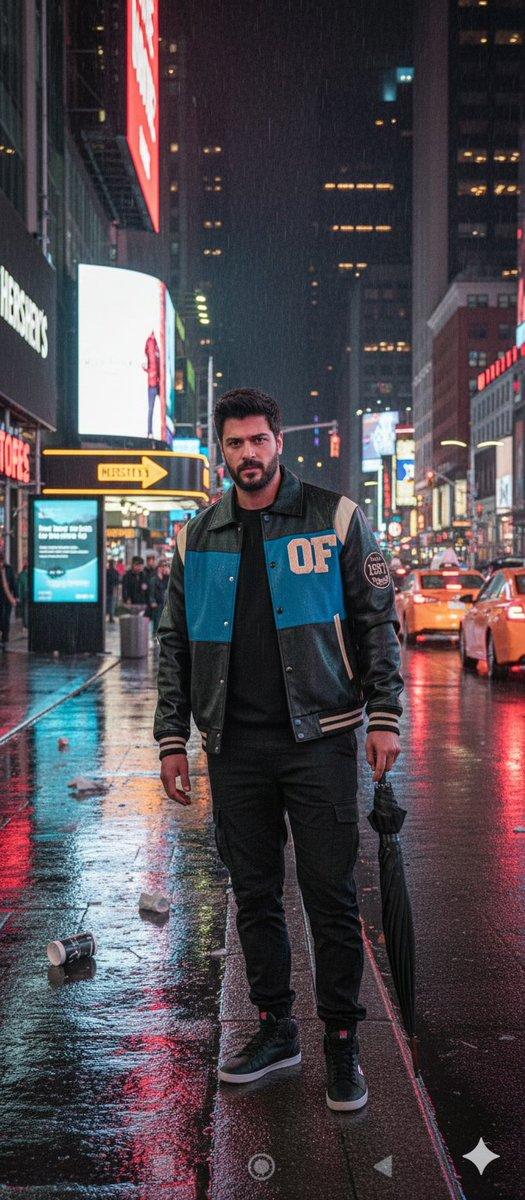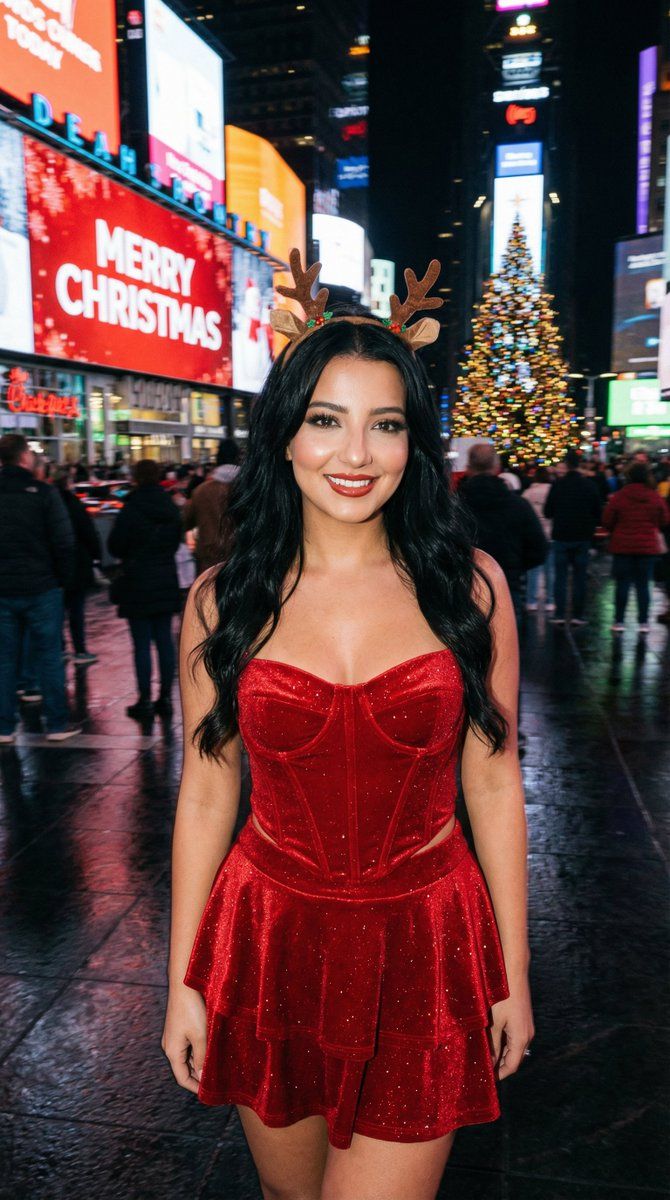
时代广场圣诞闪光摄影,带动态模糊效果
Prompt
{
  "aspect_ratio": "3:4",
  "style_and_setting": "A candid on-camera flash photograph taken at night in New York City's Times Square during the Christmas season. Real smartphone/compact-camera flash vibe, high realism, natural grain, authentic nightlife atmosphere.",
  "subject_appearance": "The central subject is a young woman with long wavy BLACK hair (glossy, healthy volume). She wears a sparkling red velvet corset top with a pointed hem, a matching tiered mini skirt, and a small stylish reindeer antler headband.",
  "pose_and_expression": "She holds a natural, fun pose with a warm, closed-mouth smile, looking directly into the camera. Confident, attractive, model-like presence while staying photoreal (no uncanny beauty filter).",
  "makeup": {
    "style": "SOFT SMOKY GLAM (NOT heavy)",
    "eyes": "soft charcoal-brown smoky eyeshadow with a gentle gradient, lightly blended (not blown out too far), subtle shimmer optional",
    "liner": "thin-to-medium black eyeliner with a small refined wing, tightlined upper lash line",
    "lashes": "defined lashes with mascara (optional light wispy falsies, not dramatic)",
    "brows": "natural-clean shaping, softly defined",
    "skin": "flash-friendly glow with real texture (no plastic smoothing), subtle highlight on cheekbones",
    "lips": "warm red lips (satin to soft gloss), clean edges but not overdrawn"
  },
  "background_elements": "The background features giant LED screens and holiday signage. One prominent screen displays bright 'MERRY CHRISTMAS' text against a red background. Other surrounding screens display Christmas themes heavily weighted with red, blue, and green colors. A large, brilliantly illuminated Christmas tree with ornaments is visible in the scene.",
  "lighting_and_atmosphere": "The overall atmosphere is darker with heavy cinematic motion blur in the background, turning LED screens, traffic, and crowds into streaking lines of color. The on-camera flash freezes the subject perfectly: face and outfit tack-sharp, clean flash catchlights in the eyes, soft flash highlights on skin. Wet pavement reflects the blurred streaks of light. Colors remain harmonious and believable.",
  "camera_notes": {
    "capture_style": "handheld candid flash photo",
    "focus": "subject perfectly sharp; background strongly motion-blurred",
    "grain": "natural low-light grain",
    "no_ai_look": "avoid overly clean studio look"
  },
  "strict_rules": [
    "Photoreal flash realism",
    "Hair must be BLACK and wavy",
    "Makeup must be SOFT smoky glam (NOT heavy)",
    "Subject sharp; background heavy motion blur",
    "No watermark, no extra text overlay beyond the existing Times Square screen content"
  ],
  "negative_prompt": [
    "watermark",
    "logo",
    "extra overlay text on the image",
    "cartoon",
    "anime",
    "cgi look",
    "plastic skin",
    "over-smoothed face",
    "beautify filter",
    "identity drift",
"blond"- Category
- 创意图片
- Model
- Nano Banana Pro
- Creator
- Özge Döner
- Source ID
- 930acef8-81ba-4e18-b074-ab6d48563788
- Published
- Mar 8, 2026
Views0