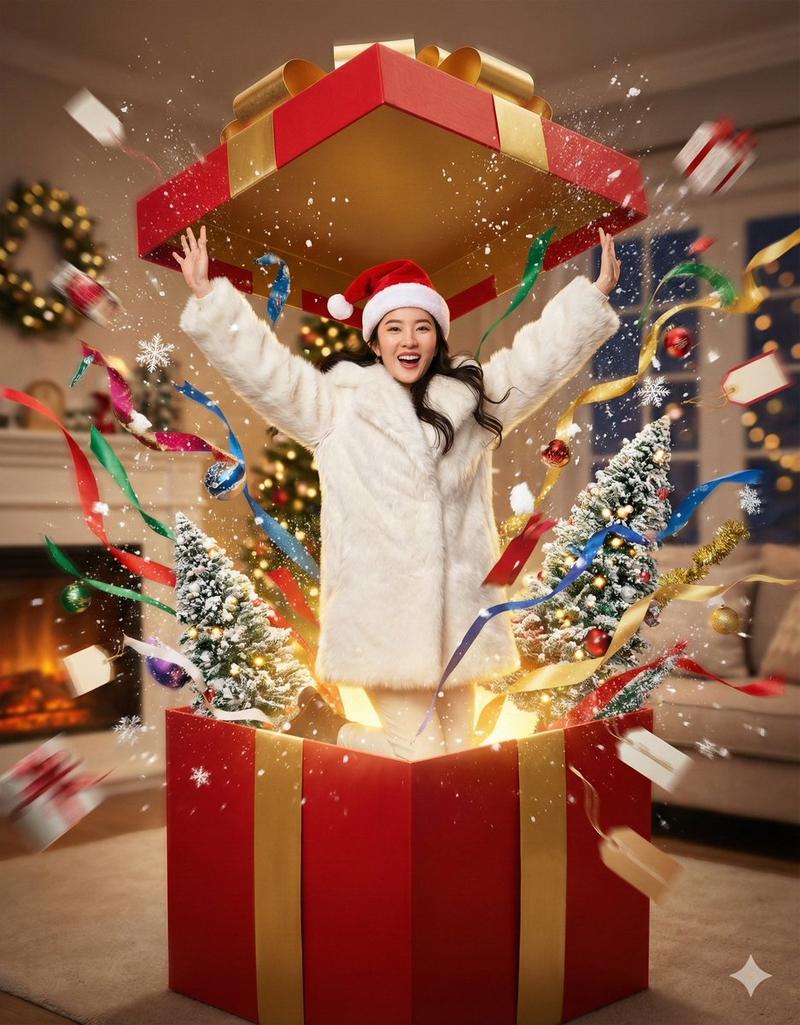
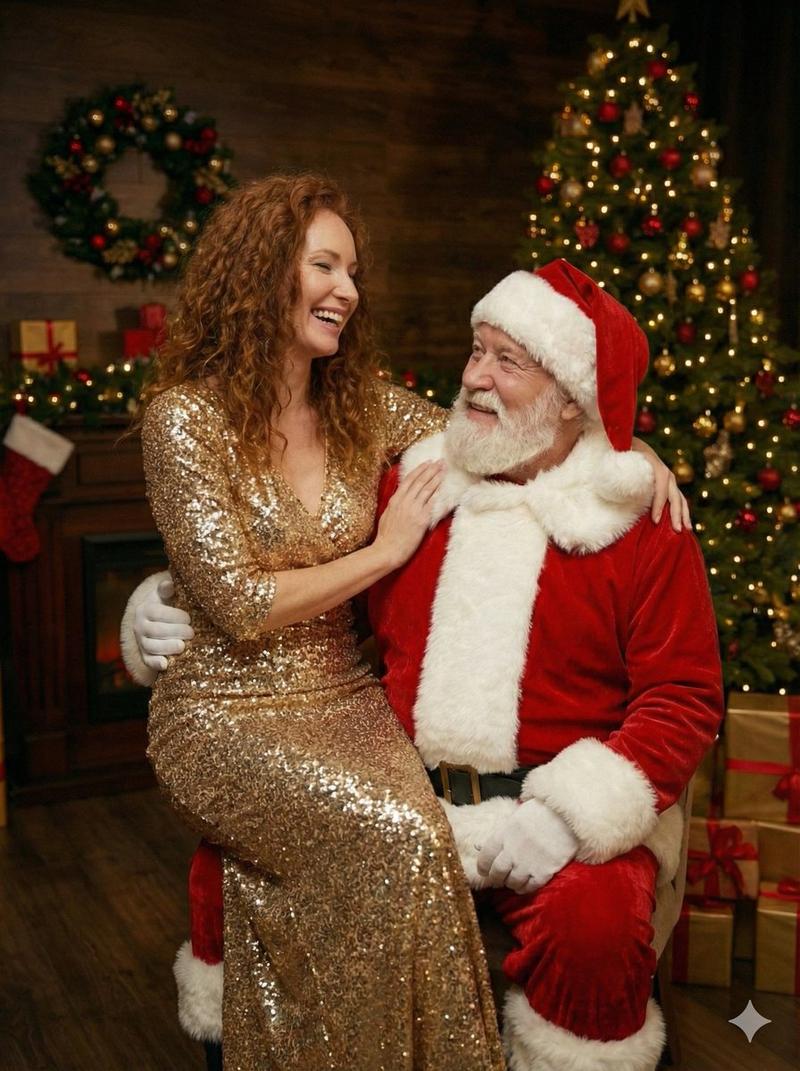
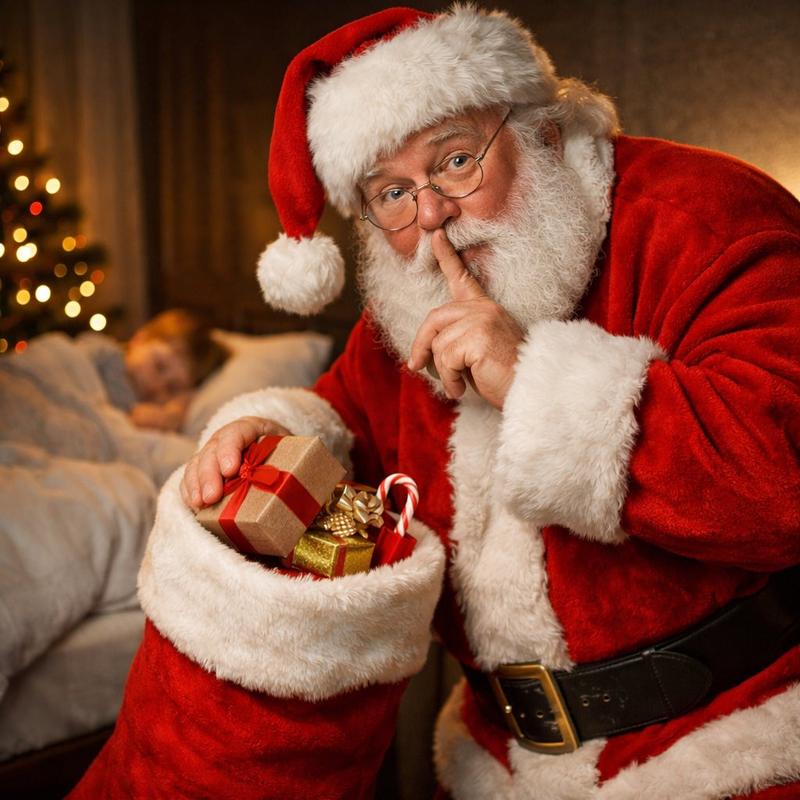
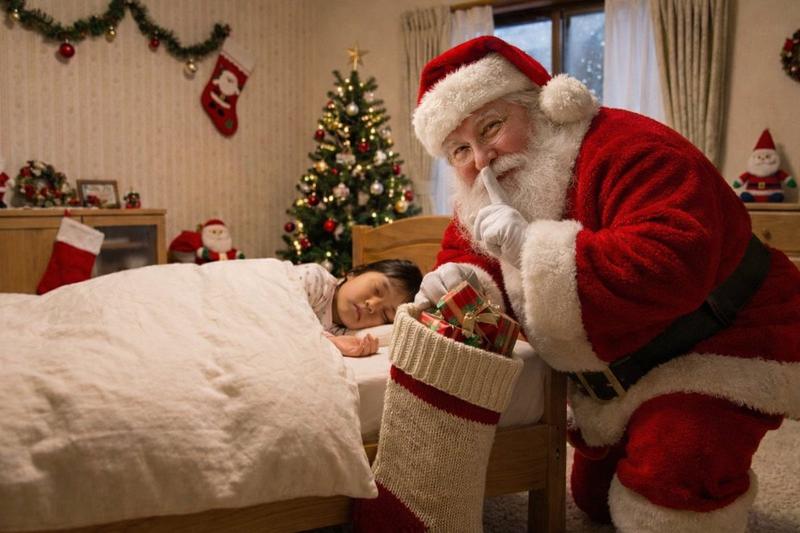
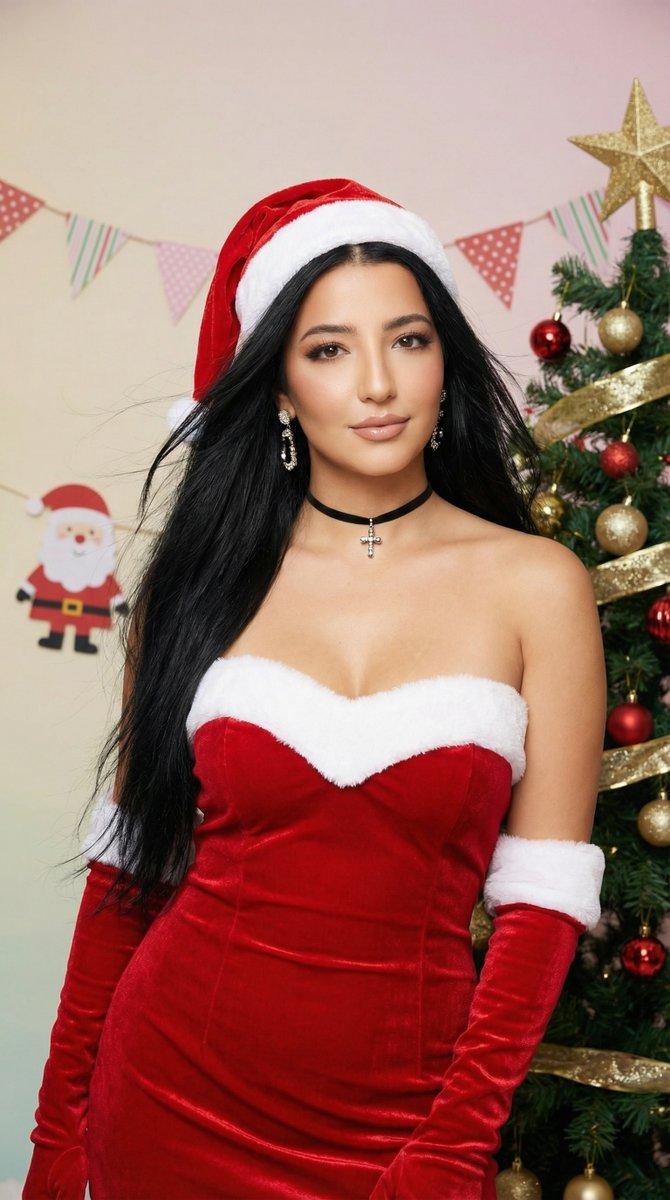
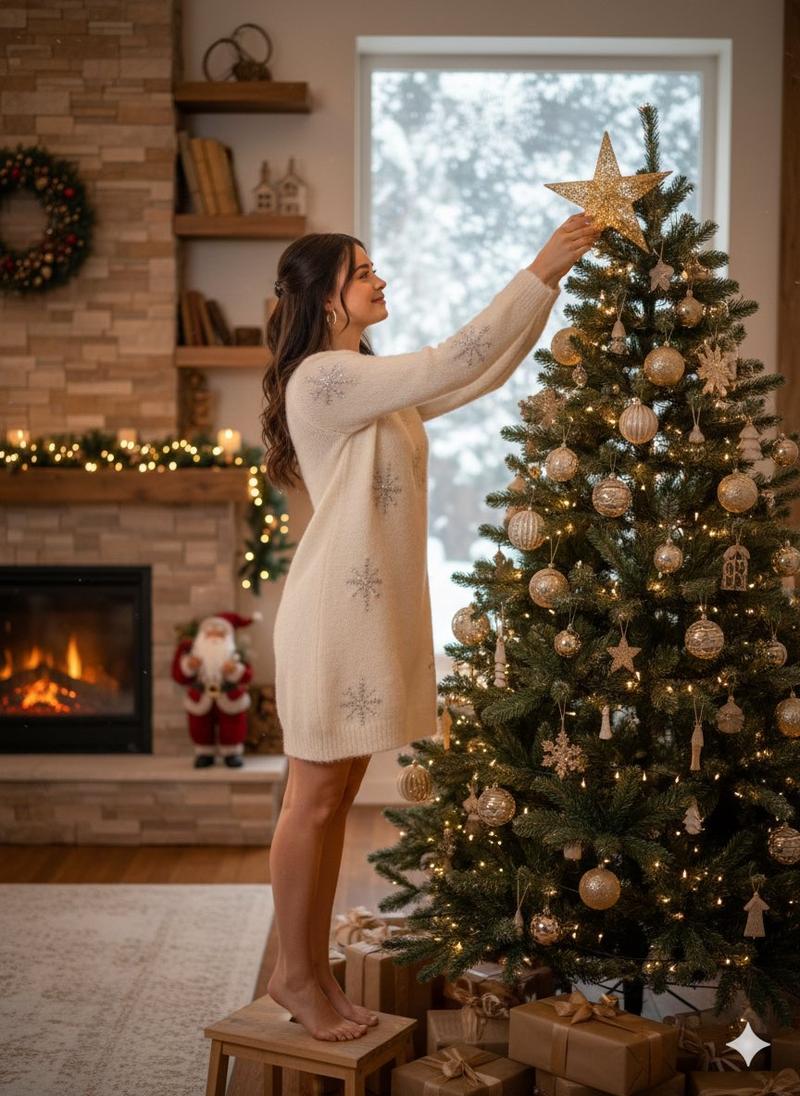
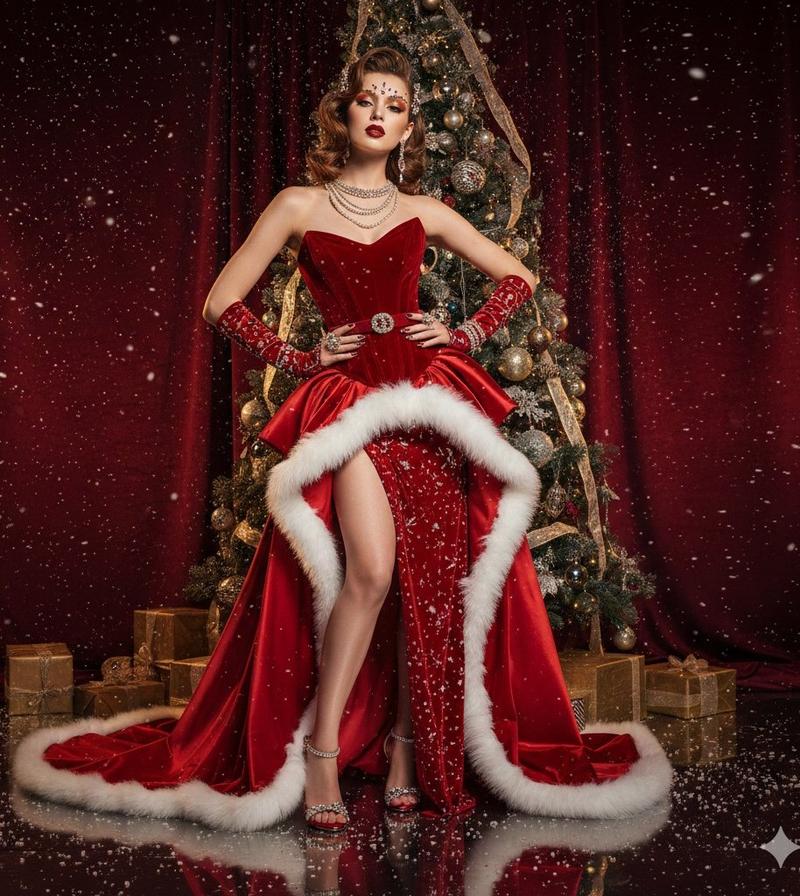
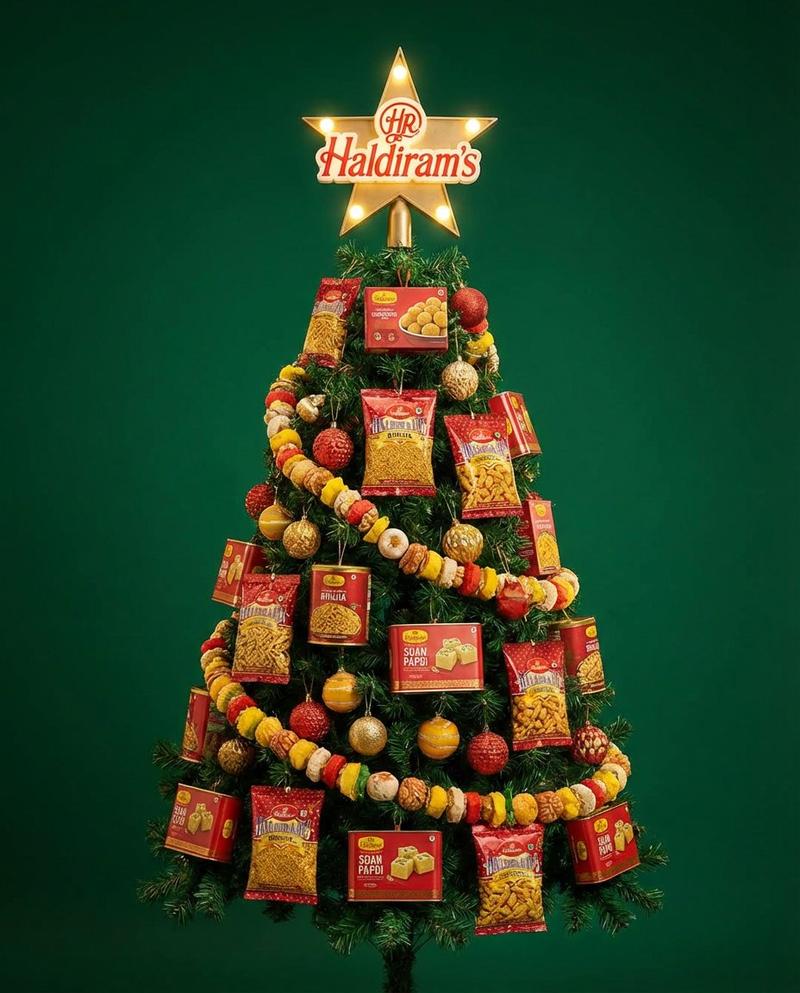
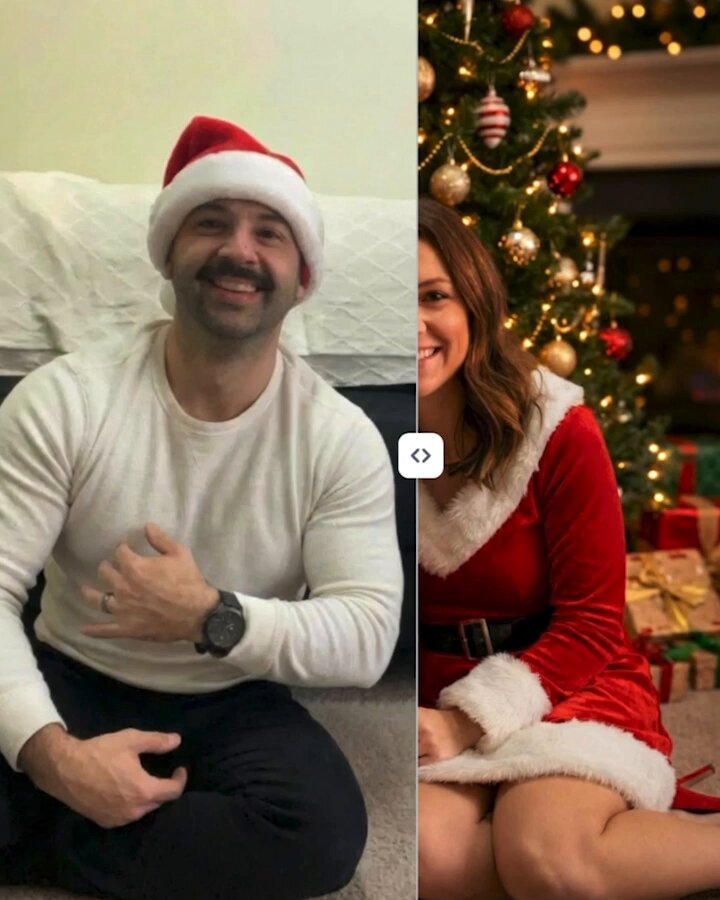
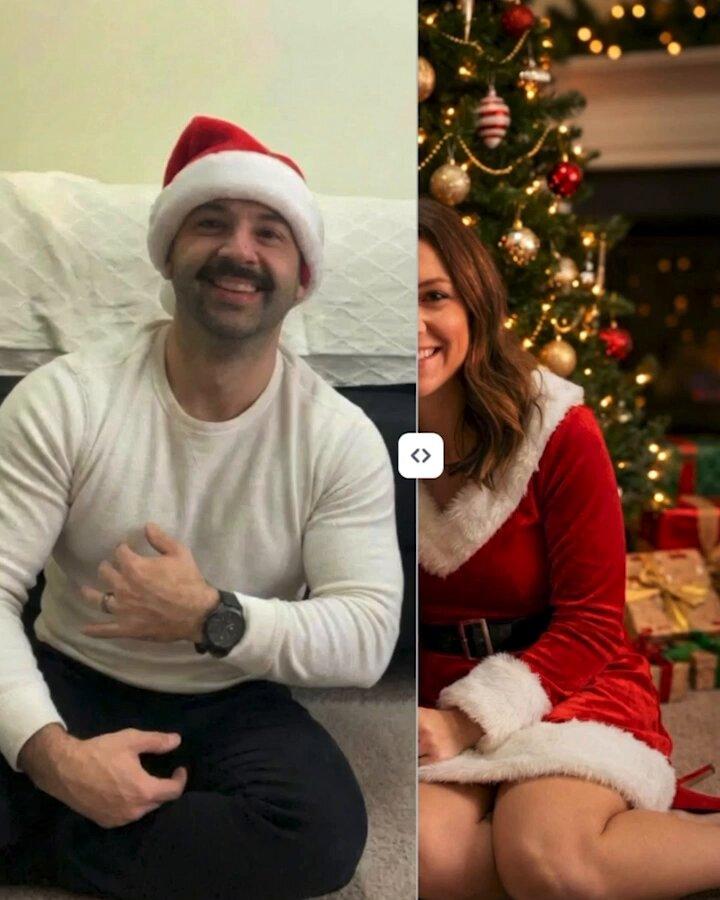
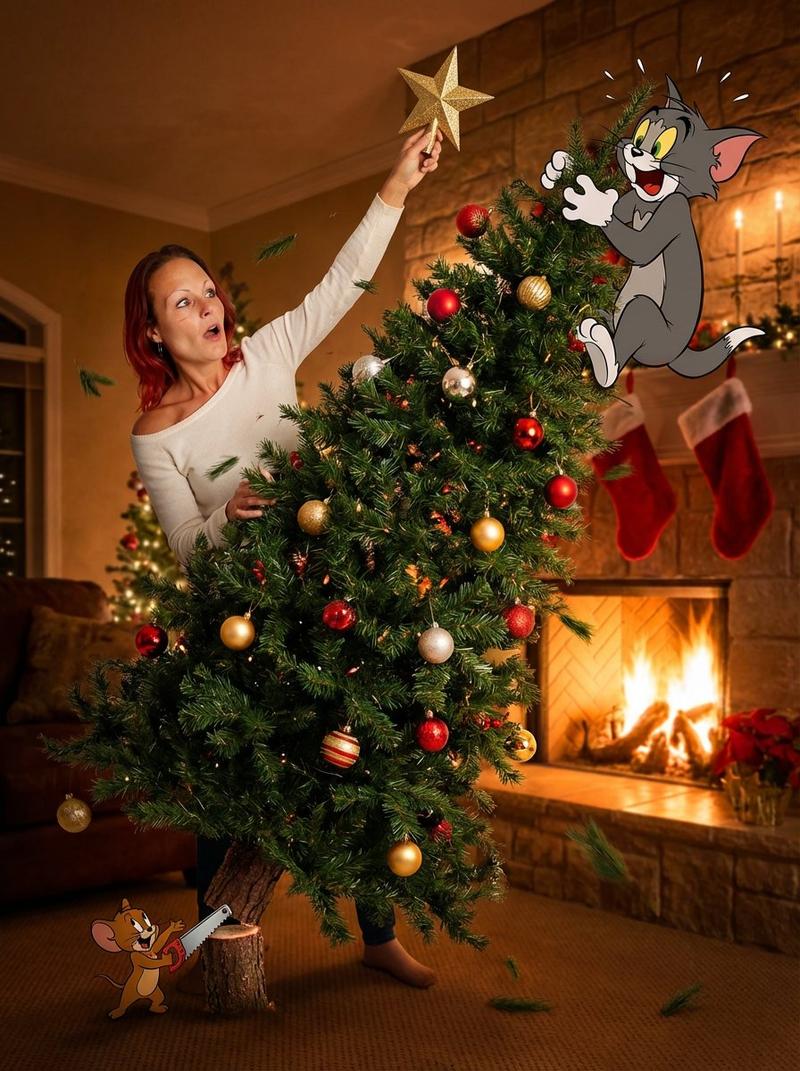
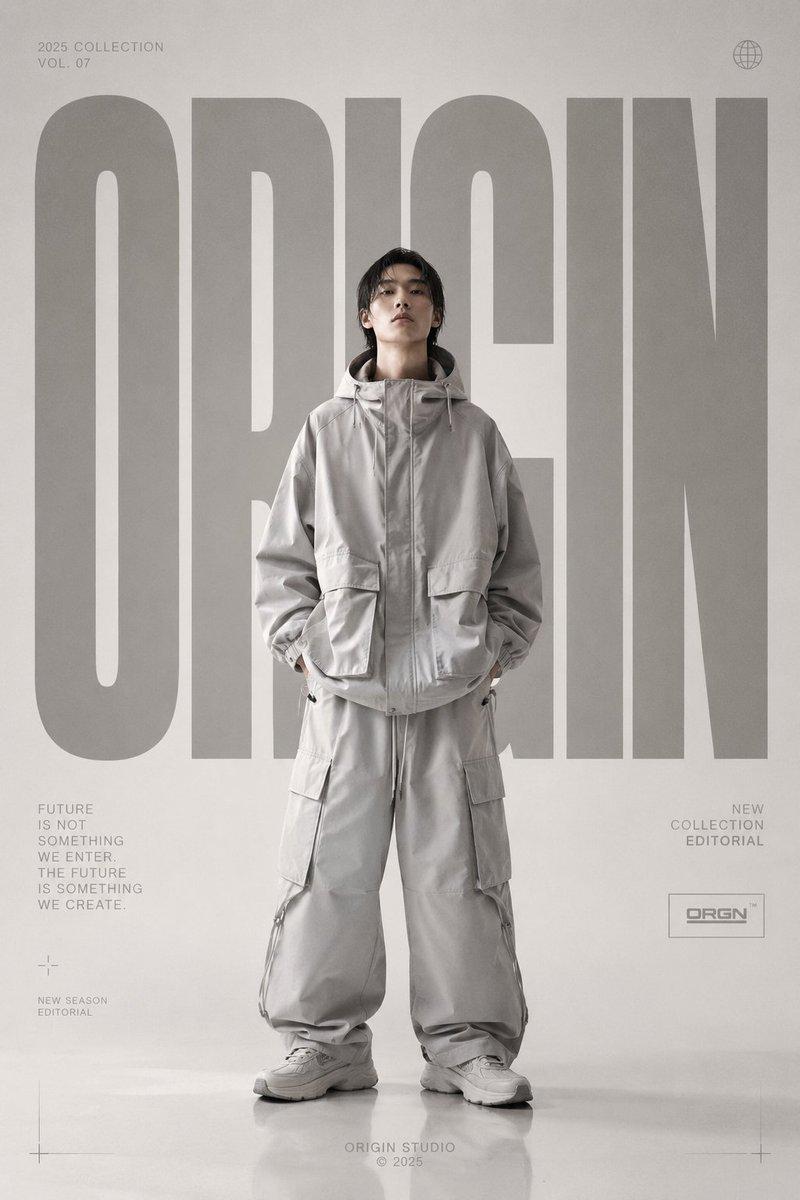
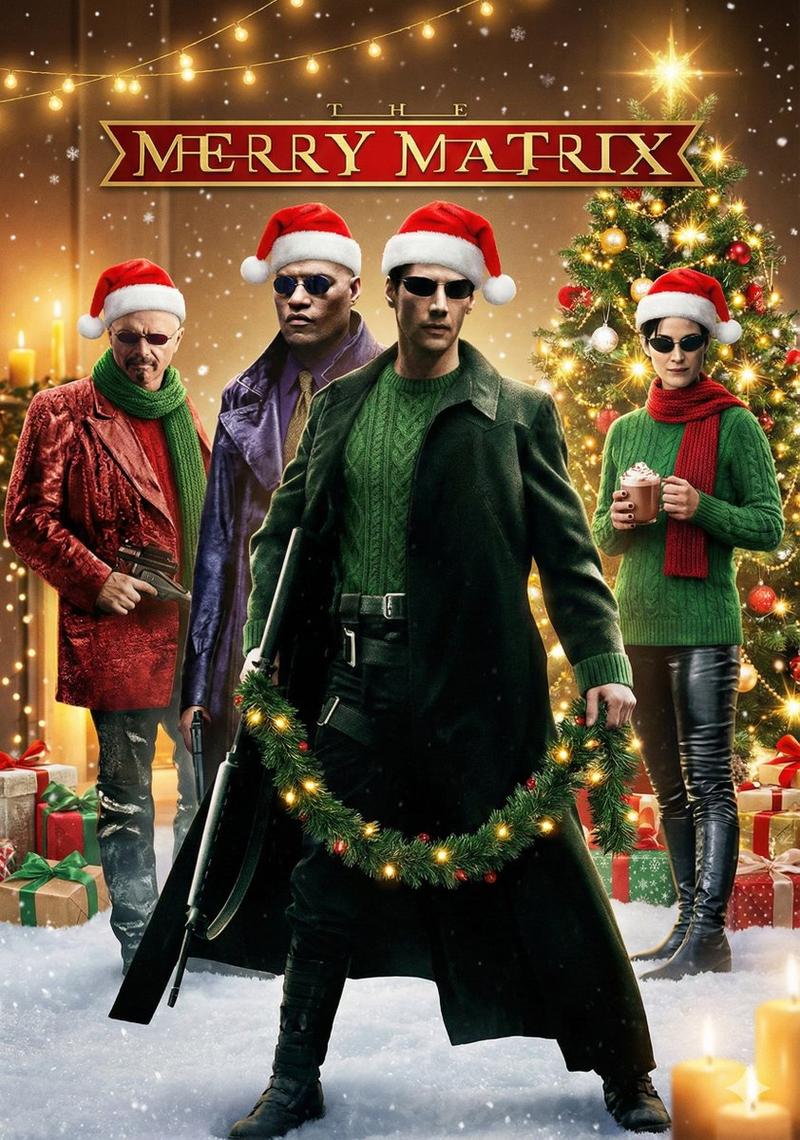
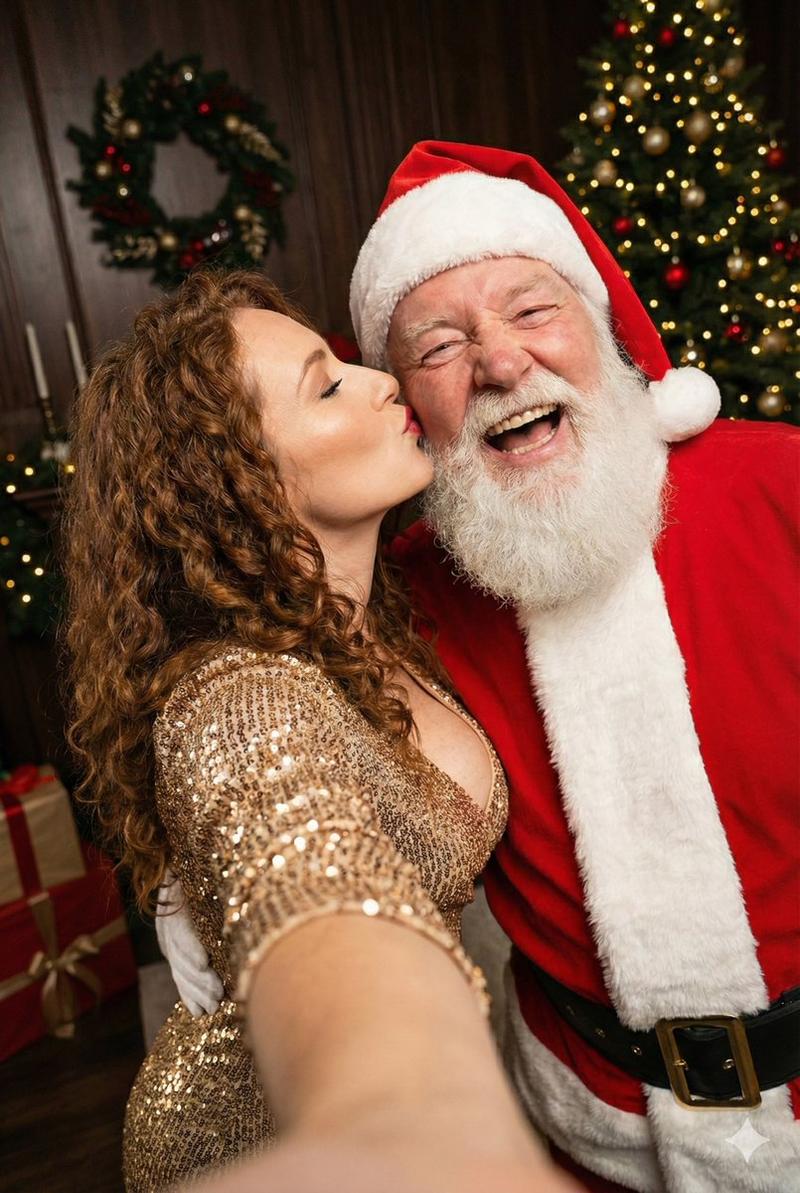
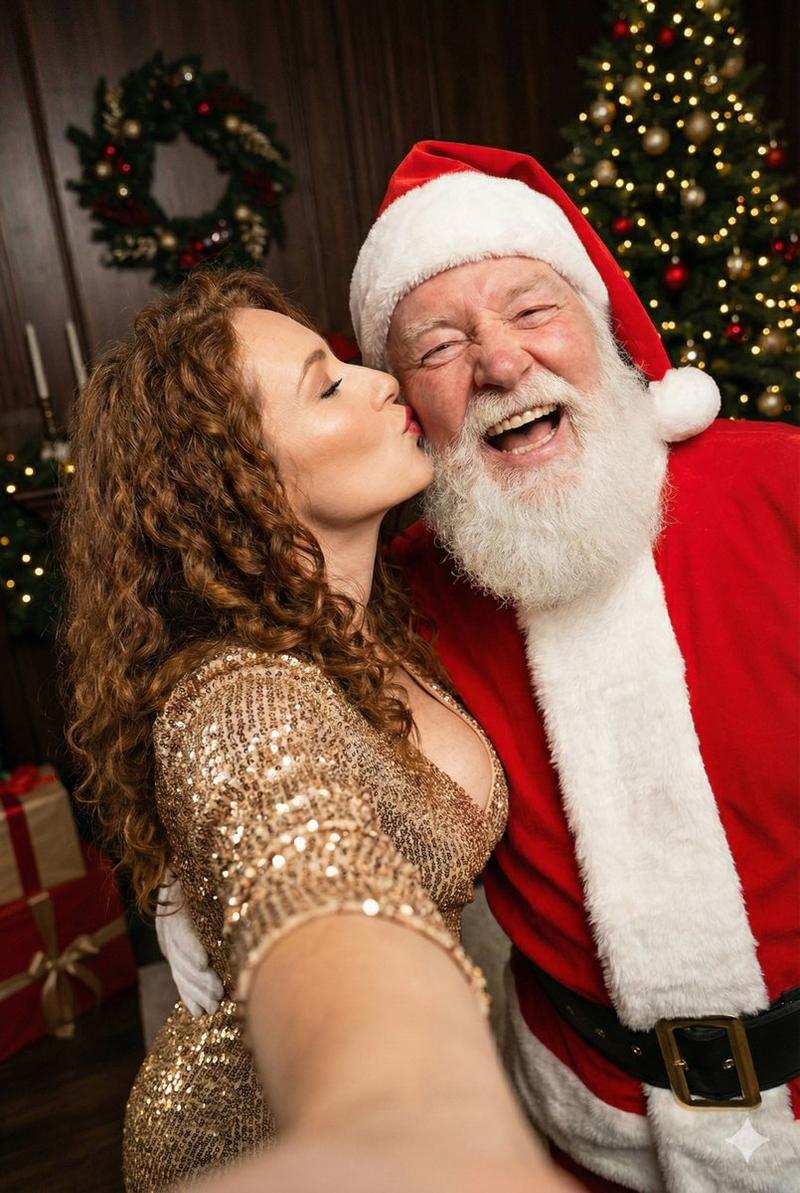
将现有图片更改为圣诞老人主题
Prompt
「出来上がった画像」もNano Banana Proなら違和なく変更可能です!
- Category
- 创意图片
- Model
- Nano Banana Pro
- Creator
- au
- Source ID
- c23adf65-2bab-4b78-9163-012a823c050f
- Published
- Mar 8, 2026
Views3
20
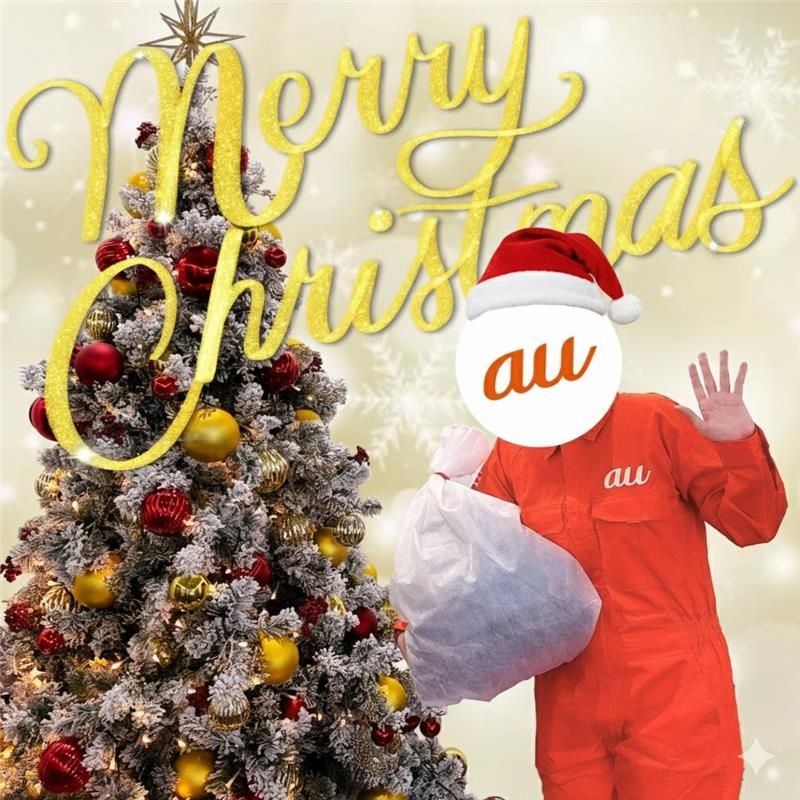
「出来上がった画像」もNano Banana Proなら違和なく変更可能です!
Guide
"将现有图片更改为圣诞老人主题" AI image prompt for Nano Banana Pro (创意图片). 用户解释说,Nano Banana Pro 可以无缝修改现有图像,例如将一个人变成圣诞老人,而不会出现明显的违和感。 --- 即使是“已完成的图像”也能用 Nano Banana Pro 无缝更改…
The full copyable prompt and example visuals above are ready for AI image generation or one-click recreate in Picva.
Step 1
Review the example visuals, category, and full prompt text for "将现有图片更改为圣诞老人主题".
Step 2
Copy the prompt body from this page, or load it directly in Studio.
Step 3
Prefer Nano Banana Pro. If you switch models, keep subject and composition and tweak style terms.
Step 4
Recreate the look in Picva, or export into your workflow for editing and publishing.