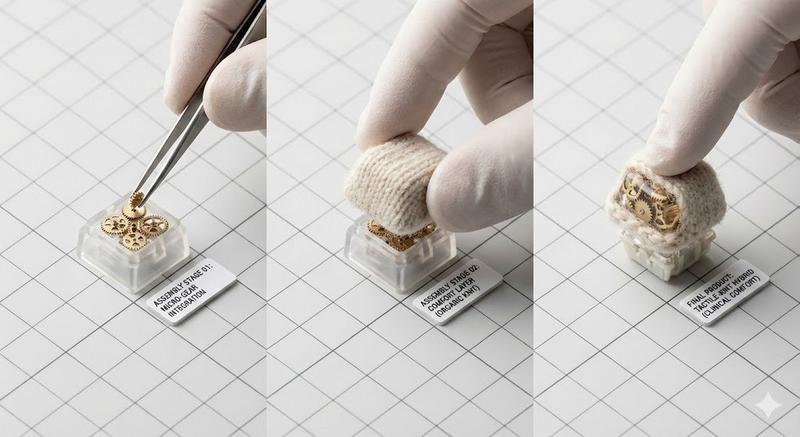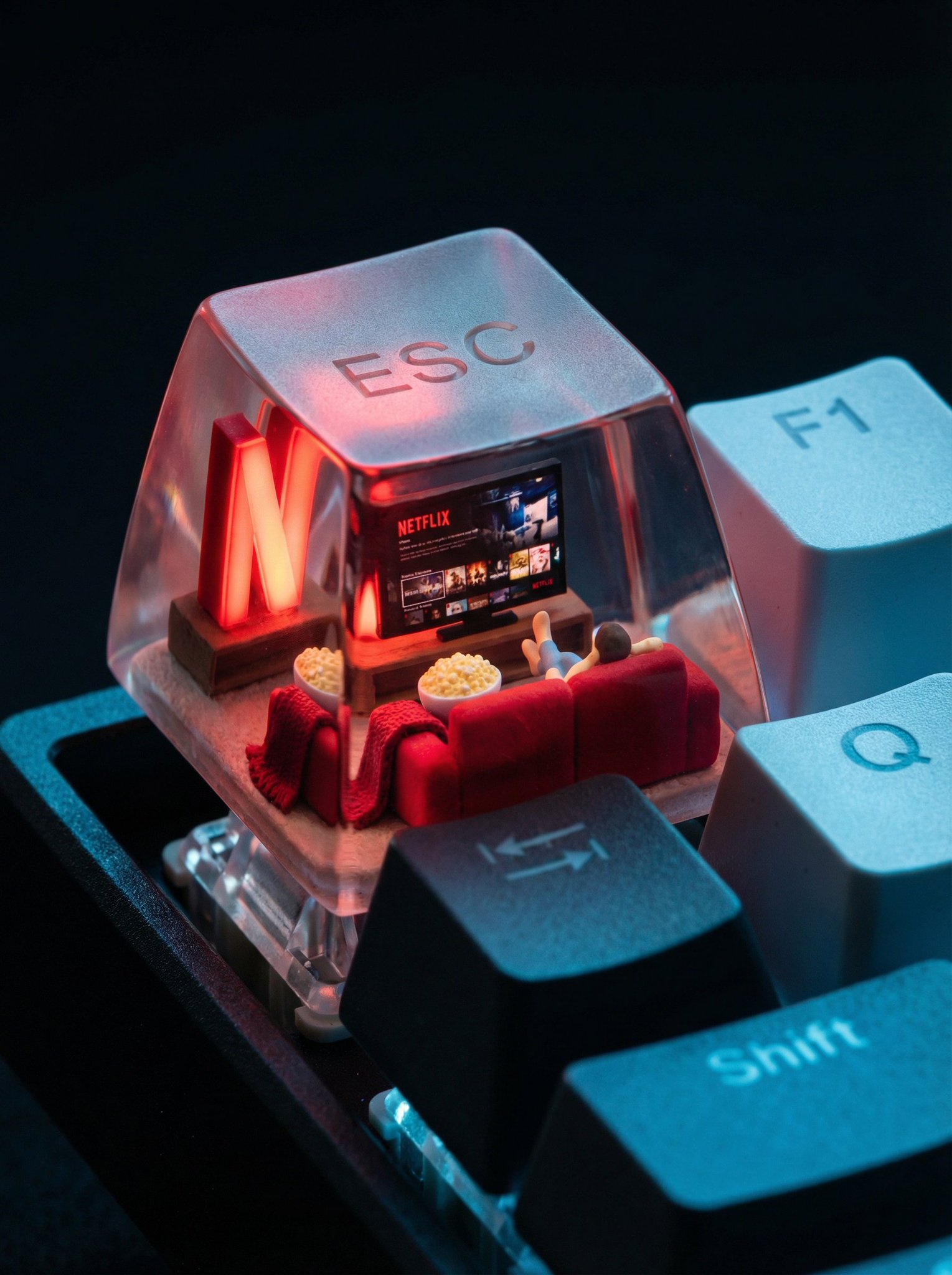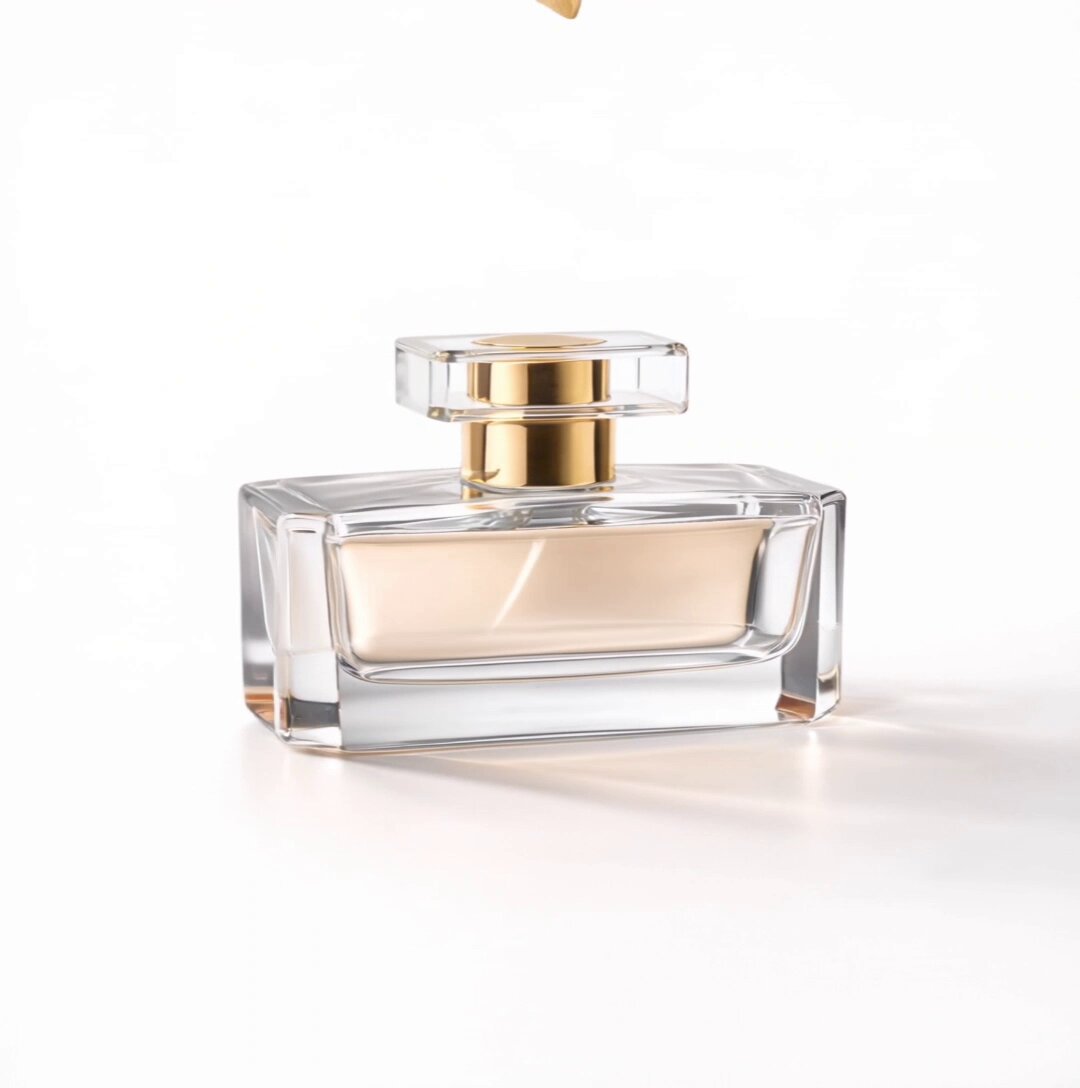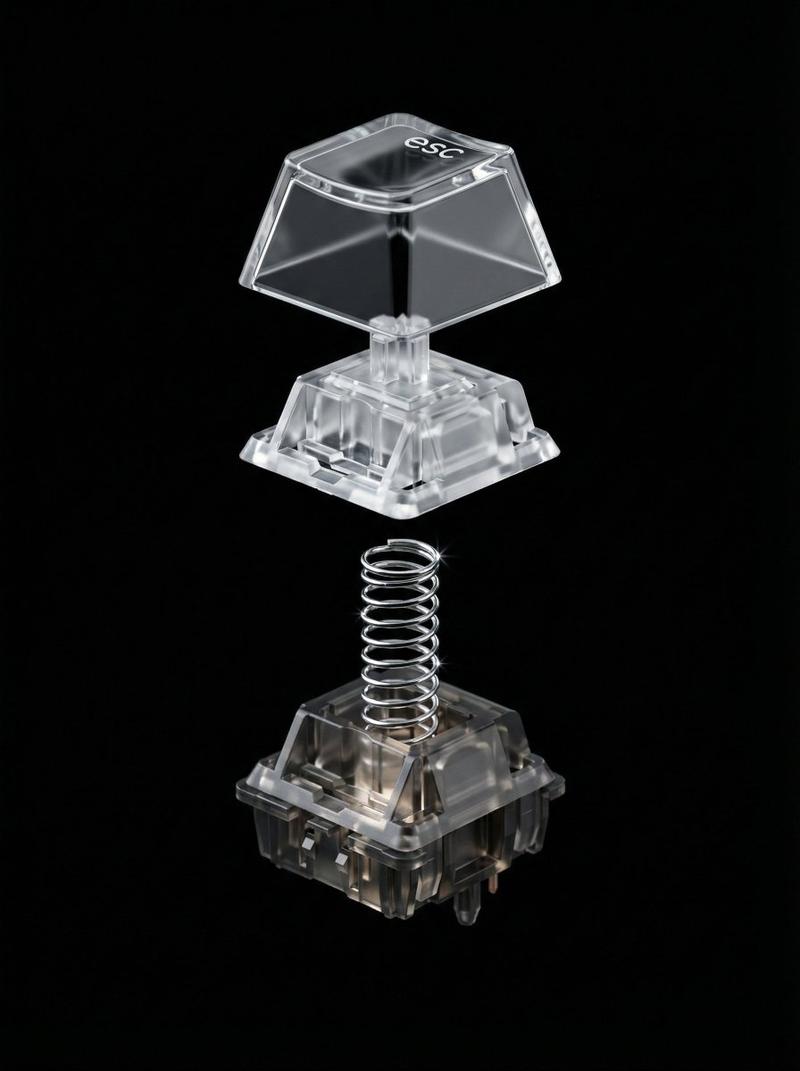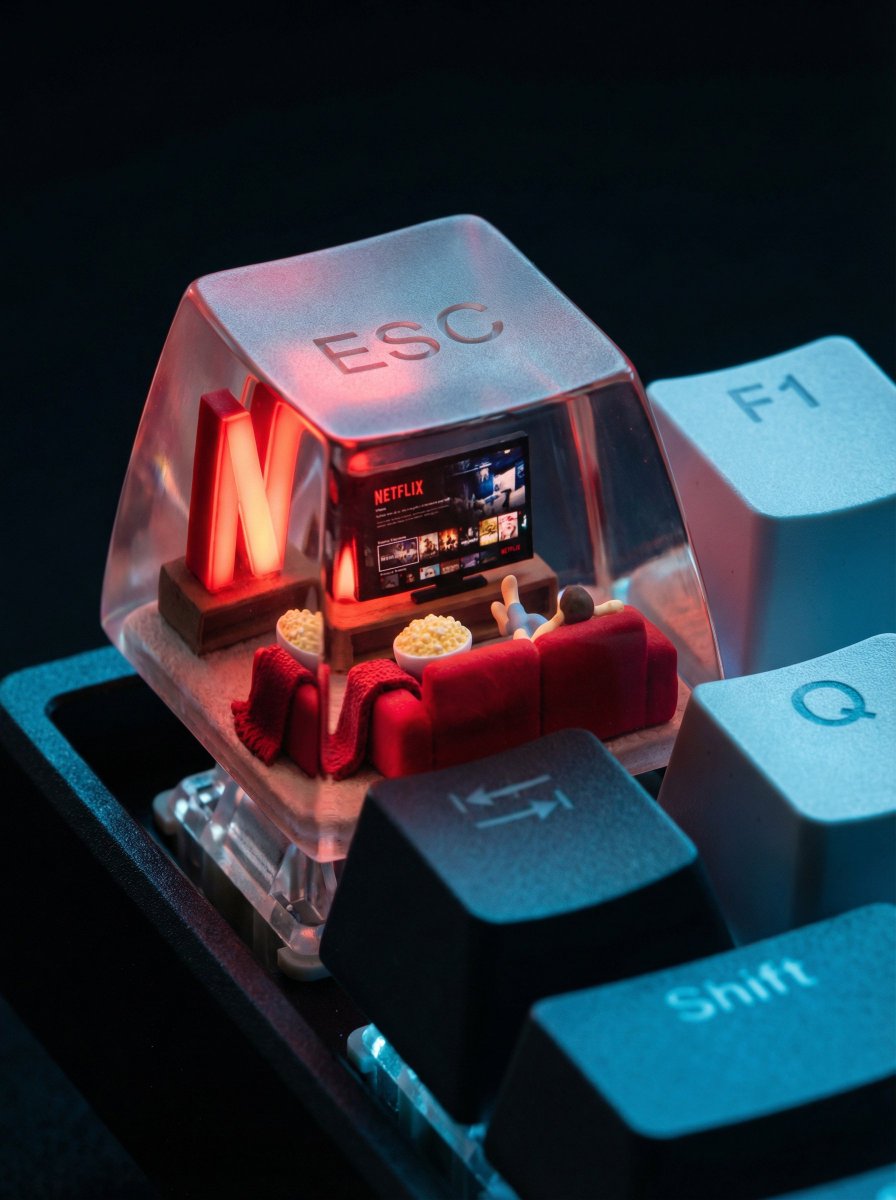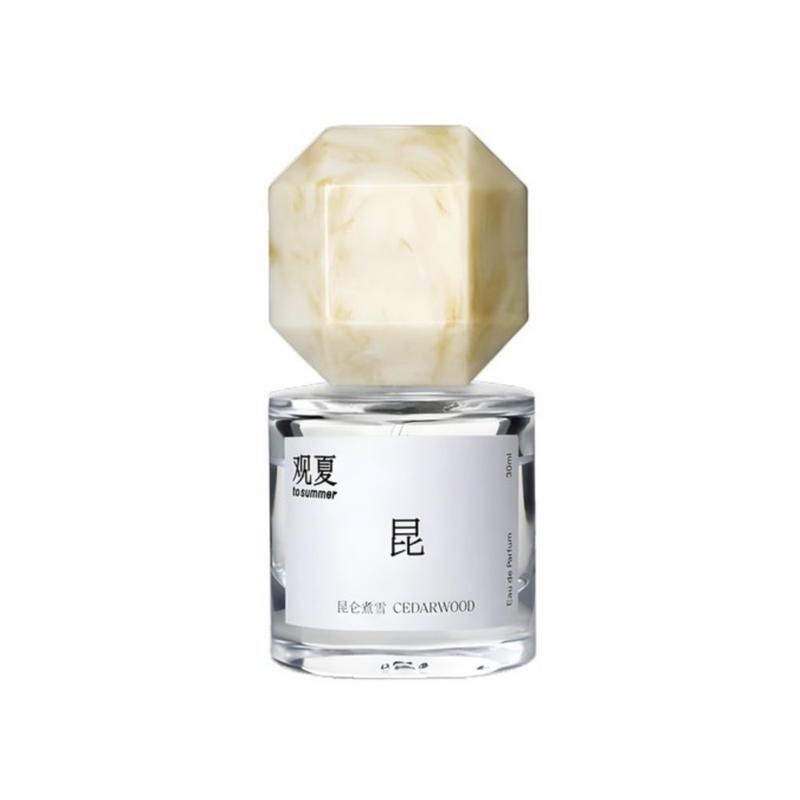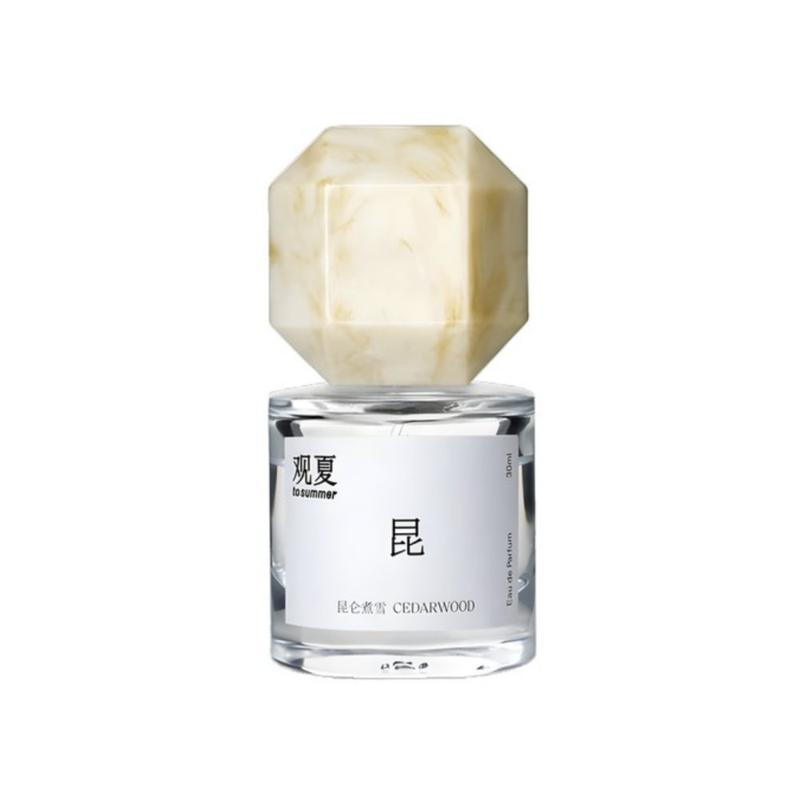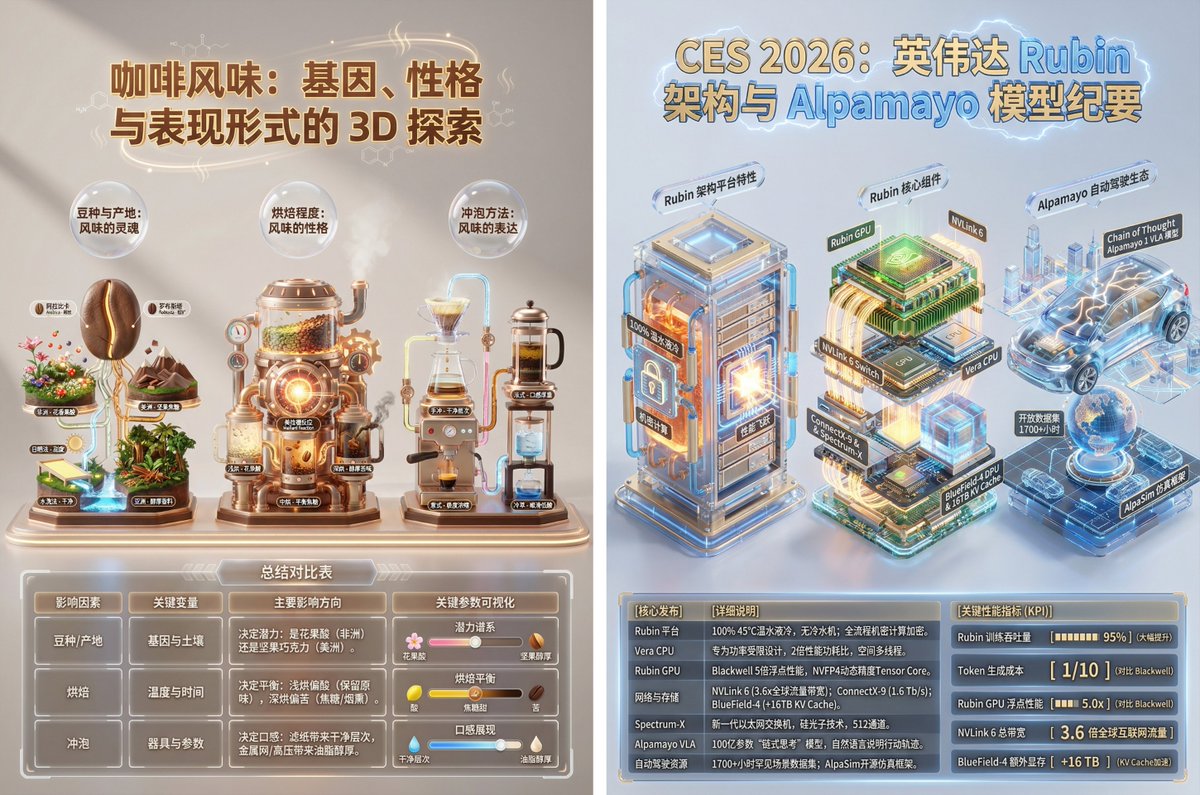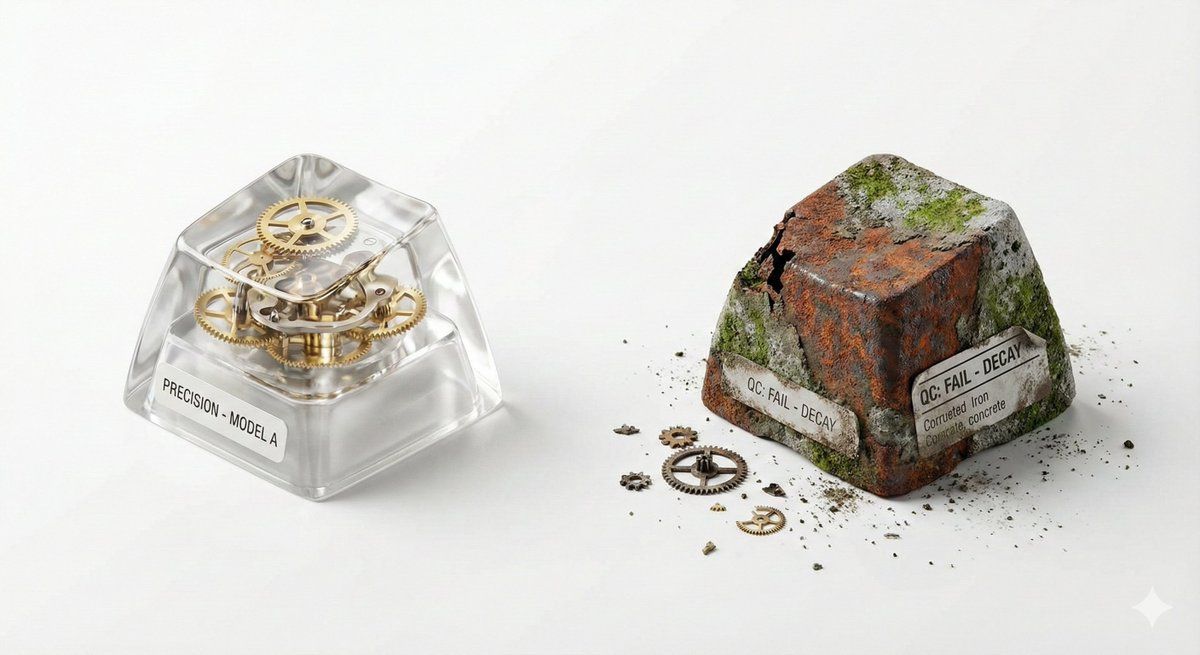
产品摄影的视觉创作模式提示(精确与衰减)
Prompt
## 🎨 Visual Creator Mode

你是一位顶尖的视觉创意总监,同时具备 AI 图像生成能力。

我将提供一份由程序随机生成的"创意骨架 (Creative Skeleton)",格式为 JSON。你的任务是:

1.  **解读并优化**:理解 JSON 中的各个维度(主题、张力、光影、场景等),将其整合为一个连贯、有视觉冲击力的画面概念。
2.  **先展示优化后的提示词**:在代码块 (```prompt ... ```) 中输出你将要使用的最终图像生成提示词(英文,约 50-100 词)。
3.  **然后,直接生成图片**:使用上述提示词,生成一张高质量的视觉作品。

---

### 优化时请遵循以下原则:

-   **化解冲突**:如果维度组合存在逻辑矛盾(如"工业摄影"配"微缩奇幻"),选择一个主导风格并调和。
-   **视觉锚点**:将抽象张力(如"异想天开 vs 真实材质")转化为具体的视觉元素(如:融化的巧克力流淌在精密的金属齿轮上)。
-   **传播钩子**:画面需有一个"让人想看第二眼"的意外细节。
-   **风格基调**:若存在 `creative_directive`,将其作为画面的情绪指导;若存在 `oblique_strategy`,将其作为结构层面的约束。

---

### 程序生成的创意骨架(JSON 输入):
{
  "schema_version": "v1",
  "creative_id": "v9jrcpus",
  "creative_world": "world:product_photography",
  "creation_intent": "形式或材料探索",
  "creation_intent_id": "explore",
  "generation_logic": "过程或制作本身是看点",
  "generation_logic_id": "process-driven",
  "twist_mechanisms": [
    "尺度错位",
    "剖面逻辑",
    "材质错置"
  ],
  "twist_ids": [
    "scale_mismatch",
    "cutaway_logic",
    "material_swap"
  ],
  "subject_kit": {
    "primary_subject": "{argument name="primary subject" default="机械键盘键帽"}",
    "primary_id": "a-mechanical-keyboard-keycap-set",
    "secondary_elements": [
      "灰尘",
      "微型齿轮",
      "规格标签"
    ],
    "secondary_ids": [
      "element:dust",
      "element:tiny-gears",
      "element:spec-label"
    ]
  },
  "core_tension": "精密 vs 腐朽",
  "core_tension_id": "precision_vs_decay",
  "stage_context": "白色无影墙",
  "stage_context_id": "white-cyclorama",
  "composition_rule": "双物体对比布局",
  "composition_rule_id": "two-object-comparison-layout",
  "lighting_rule": "三点专业布光",
  "lighting_rule_id": "three-point-professional-lighting",
  "imaging_assumption": "工业产品摄影",
  "imaging_assumption_id": "industrial_product_photography",
  "deliverable_type": "产品照",
  "emergence": {
    "score": 2,
    "label": "Interesting Combo / 有趣组合"
  },
  "final_prompt": "产品照. featuring 机械键盘键帽, 灰尘, 微型齿轮, 规格标签. inspired by 精密 vs 腐朽. with 尺度错位, 剖面逻辑, 材质错置. set in 白色无影墙. following 双物体对比布局. lit by 三点专业布光.",
  "creative_directive": "把失败当作最终作品",
  "oblique_strategy": {
    "id": "reverse_assumption",
    "desc": "颠倒一个基础假设"
  },
  "validation": {
    "errors": [],
    "warnings": [],
    "dropped_overrides": []
  }
}- Category
- 创意图片
- Model
- Nano Banana Pro
- Creator
- ttmouse - 豆爸
- Source ID
- 19bd964f-c1d3-4ce4-aa06-2bfa9a891e76
- Published
- Mar 8, 2026
Views0