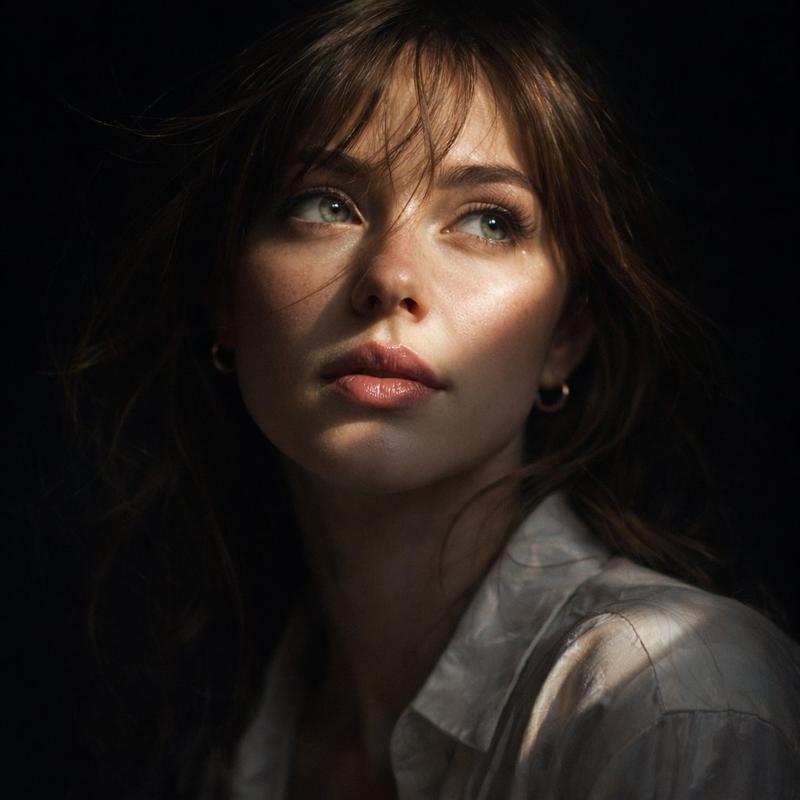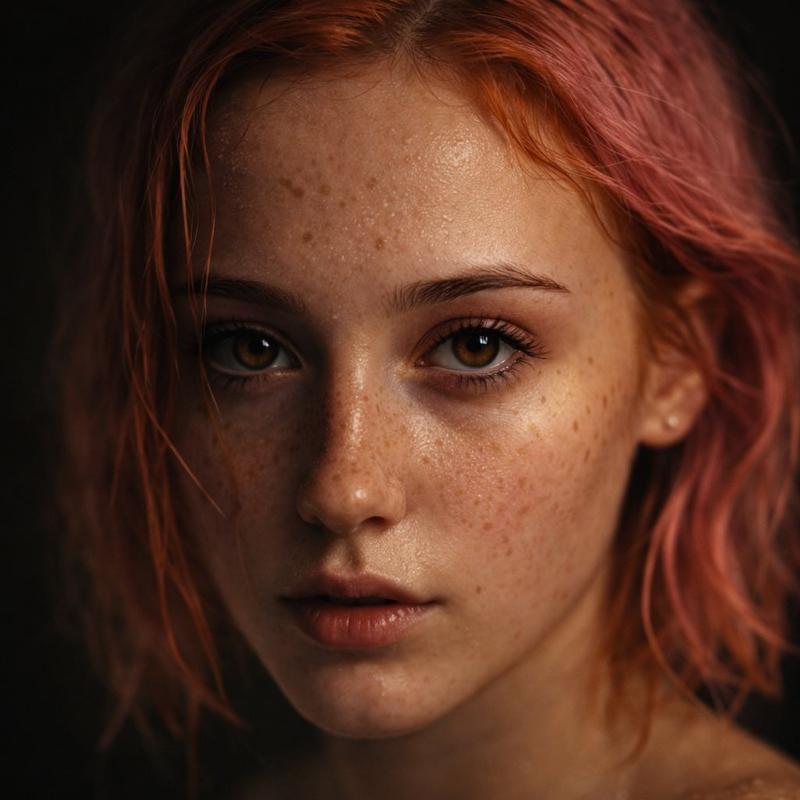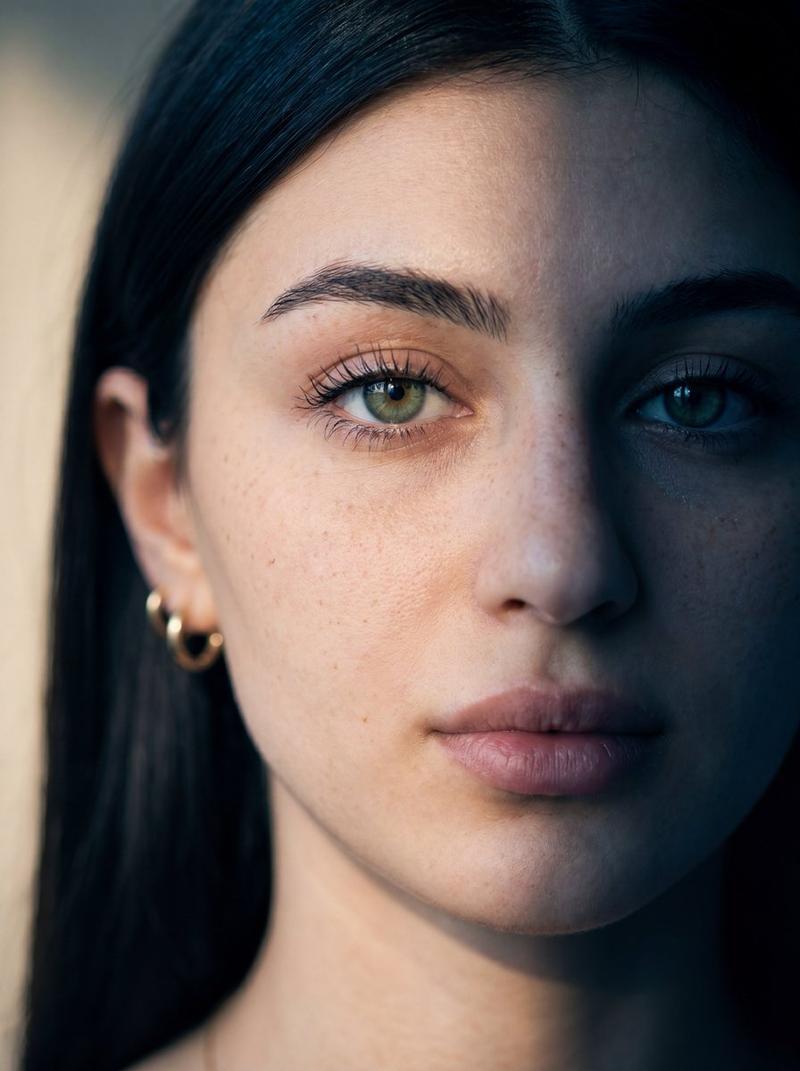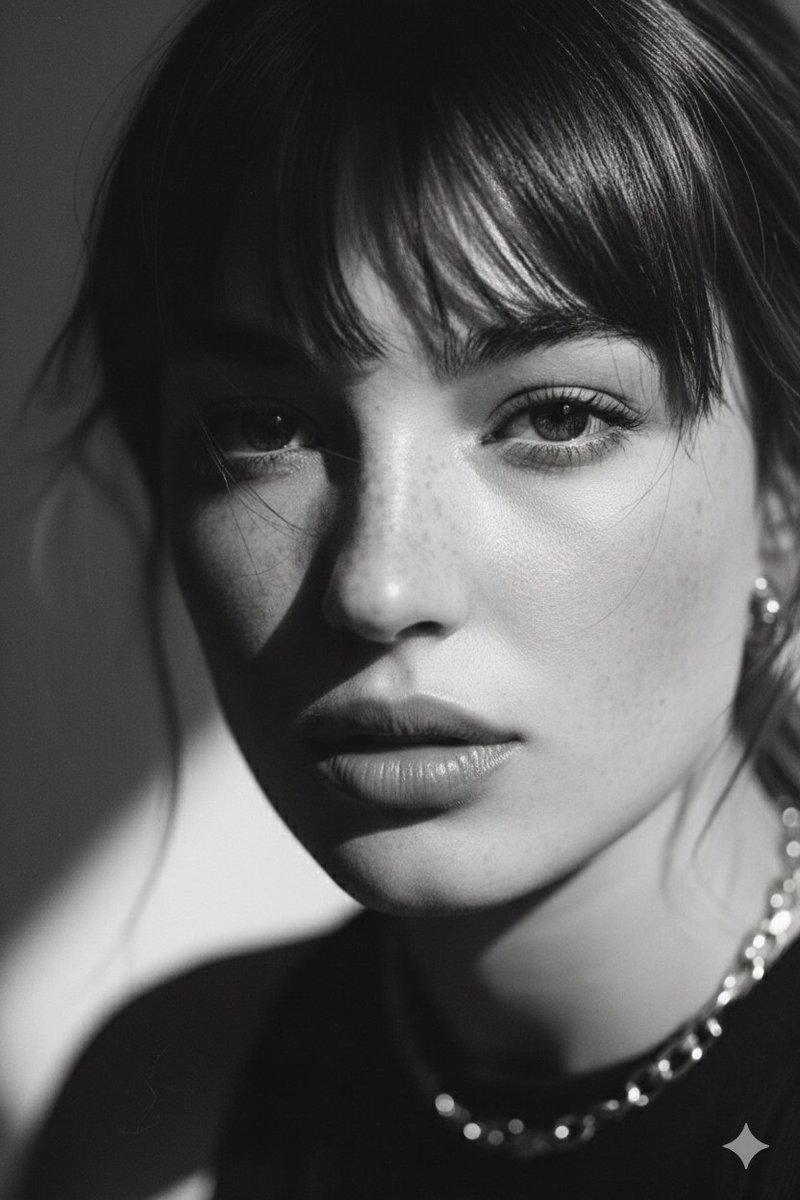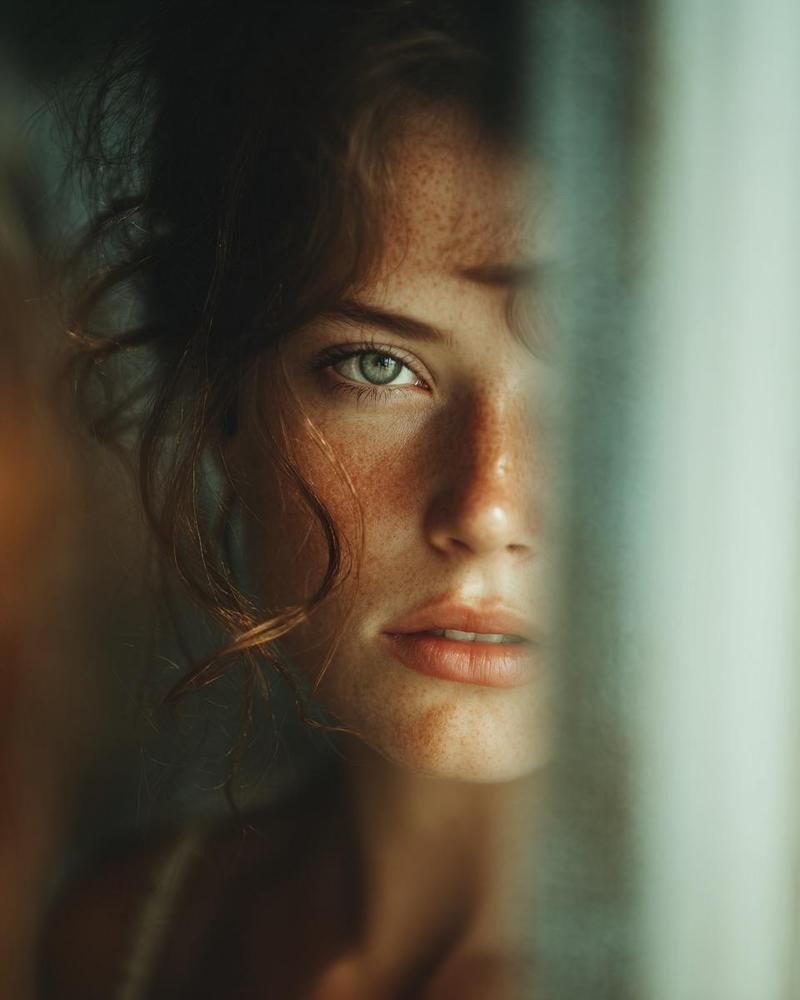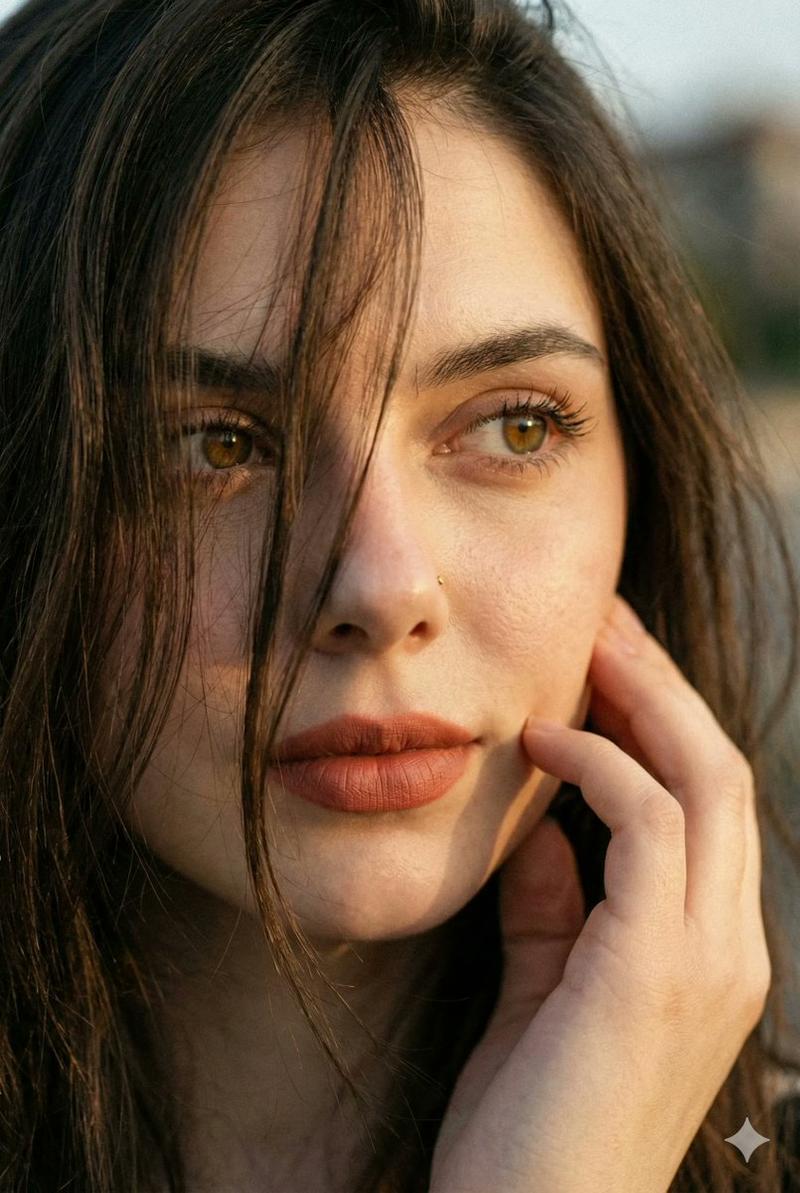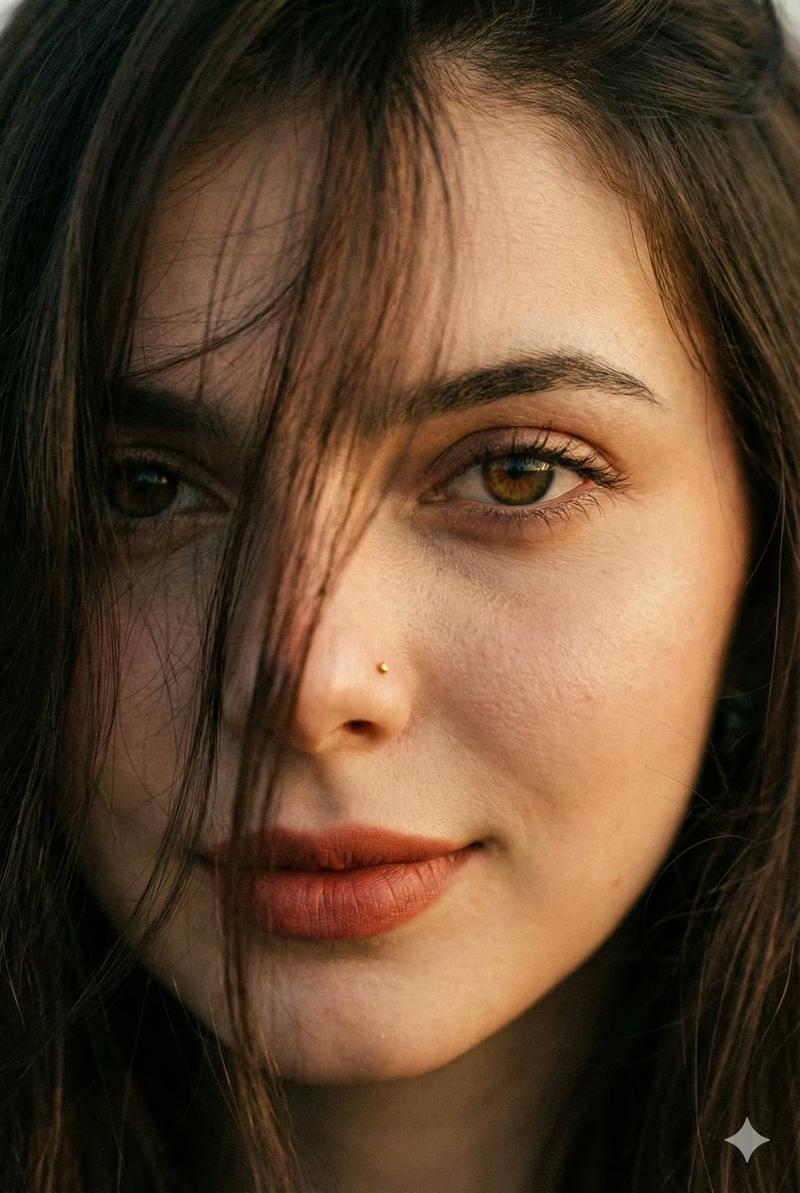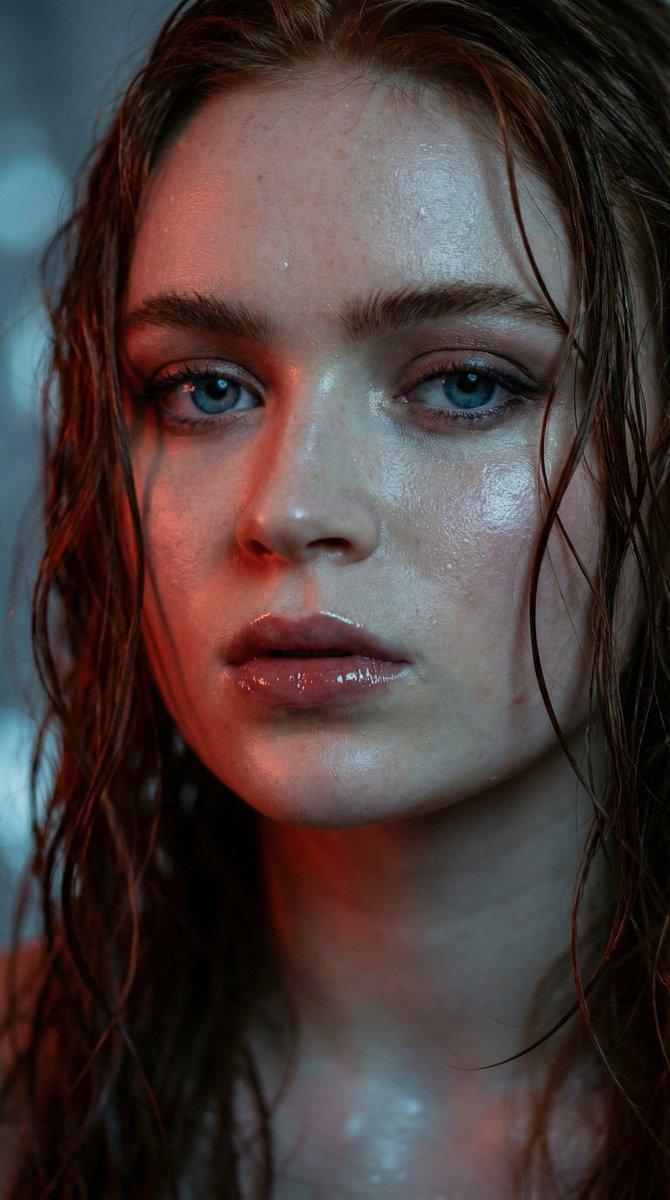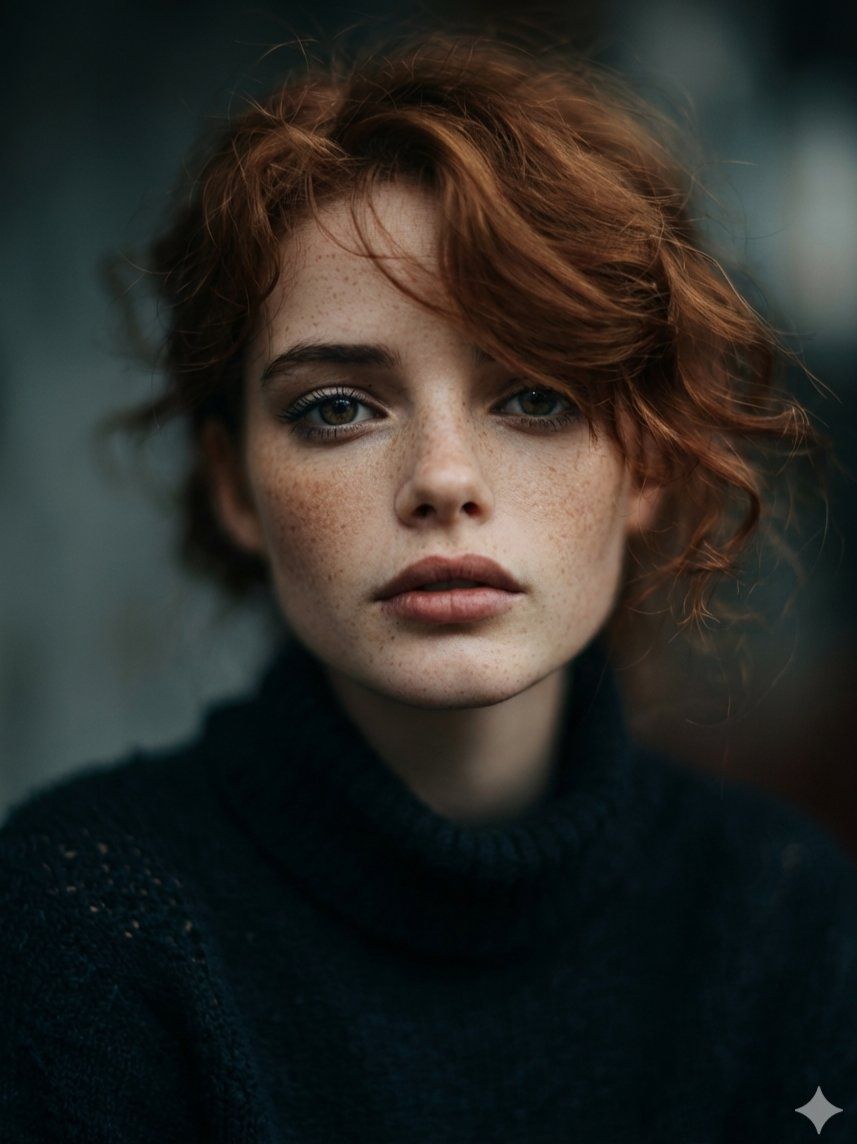
雀斑特写:亲密电影感赤褐色肖像
Prompt
{
  "Objective": "Create a hyper-realistic, intimate close-up portrait with cinematic softness and ultra-high detail, emphasizing natural beauty and emotional depth.",
  "Persona_Details": {
    "Subject": "Young adult woman",
    "Facial_Features": {
      "Eyes": "Piercing {argument name="eye color" default="hazel"} eyes with sharp focus",
      "Skin": "Pale skin with highly detailed natural texture",
      "Freckles": "Distinct dusting of natural freckles across nose and cheeks",
      "Lips": "Full, soft lips"
    },
    "Hair": {
      "Color": "Auburn",
      "Length": "Shoulder-length",
      "Style": "Messy, wavy, naturally tousled"
    }
  },
  "Wardrobe": {
    "Top": "Textured black wool turtleneck sweater",
    "Style": "Minimal, timeless, understated"
  },
  "Scene_and_Environment": {
    "Setting": "Minimal, unobtrusive background",
    "Background_Treatment": "Softly blurred with cinematic bokeh",
    "Mood": "Moody, intimate, emotionally engaging"
  },
  "Lighting": {
    "Type": "Soft cinematic lighting",
    "Quality": "Diffused and gentle",
    "Effect": "Enhances facial contours and skin texture without harsh contrast",
    "Atmosphere": "Warm, intimate, film-like"
  },
  "Photography_Style": {
    "Genre": "Cinematic editorial portrait",
    "Framing": "Close-up portrait",
    "Depth_of_Field": "Shallow depth of field",
    "Focus": "Eyes razor-sharp with smooth falloff toward edges"
  },
  "Camera_and_Technical": {
    "Resolution": "8K",
    "Lens_Equivalent": "Portrait prime (85mm suggested)",
    "Aperture": "Wide aperture (f/1.8–f/2.0 range)",
    "Detail_Level": "Extremely high micro-detail"
  },
  "Color_and_Grading": {
    "Palette": [
      "Natural skin tones",
      "Deep blacks",
      "Warm auburn highlights"
    ],
    "Grading": "Cinematic, subtle contrast, soft highlights and rich shadows"
  },
  "Detail_and_Quality": {
    "Skin_Detail": "Visible pores and realistic micro-texture",
    "Hair_Detail": "Fine individual strands visible",
    "Overall_Realism": "Photorealistic, high-end editorial quality"
  },
  "Quality_Tags": [
    "Hyper-realistic",
    "8K detail",
    "Photorealism",
    "Cinematic portrait",
    "Moody lighting",
    "High-end editorial"
  ],
  "Negative_Prompts": [
    "Overly smooth skin",
    "Plastic or CGI look",
    "Harsh lighting",
    "Text",
    "Logo",
    "Watermark",
    "Low resolution",
    "Illustration or cartoon style"
  ],
  "Output_Constraints": {
    "Text_Overlay": false,
    "Branding": false,
    "Watermark": false
  },
  "Response_Format": {
    "Type": "Single image",
    "Aspect_Ratio": "1:1 or 4:5 recommended",
    "Use_Case": "Editorial portrait, beauty photography, cinematic character study"
  }
}- Category
- 创意图片
- Model
- Nano Banana Pro
- Creator
- Taaruk
- Source ID
- 4d51ac4e-af13-4e9c-b1de-42d0b6afaca2
- Published
- Mar 8, 2026
Views0