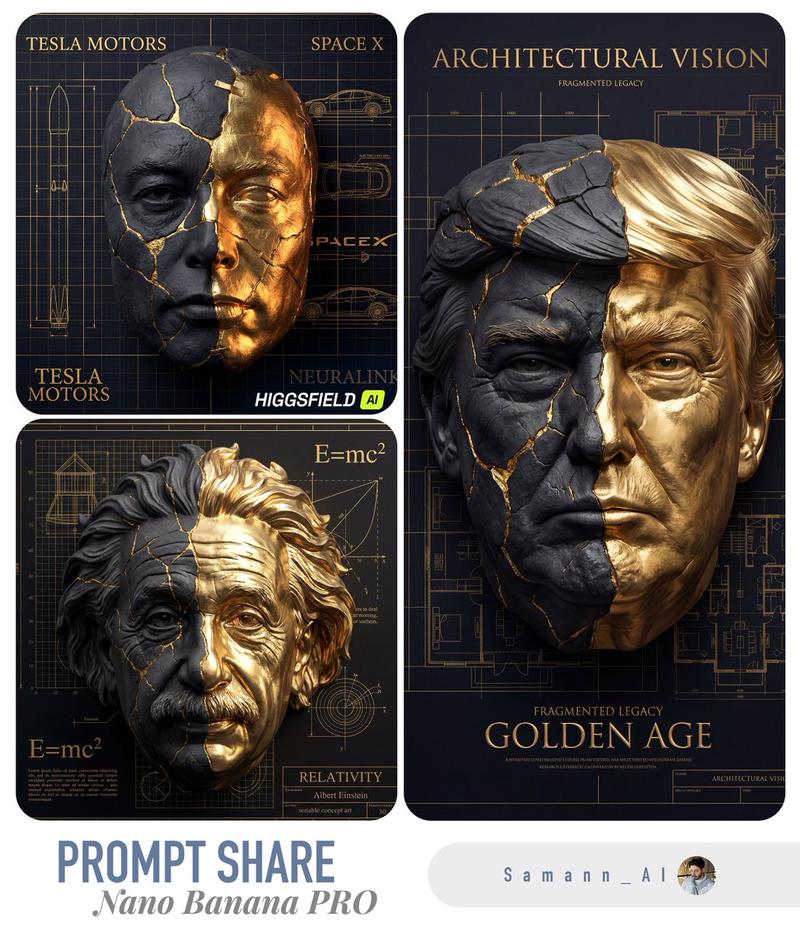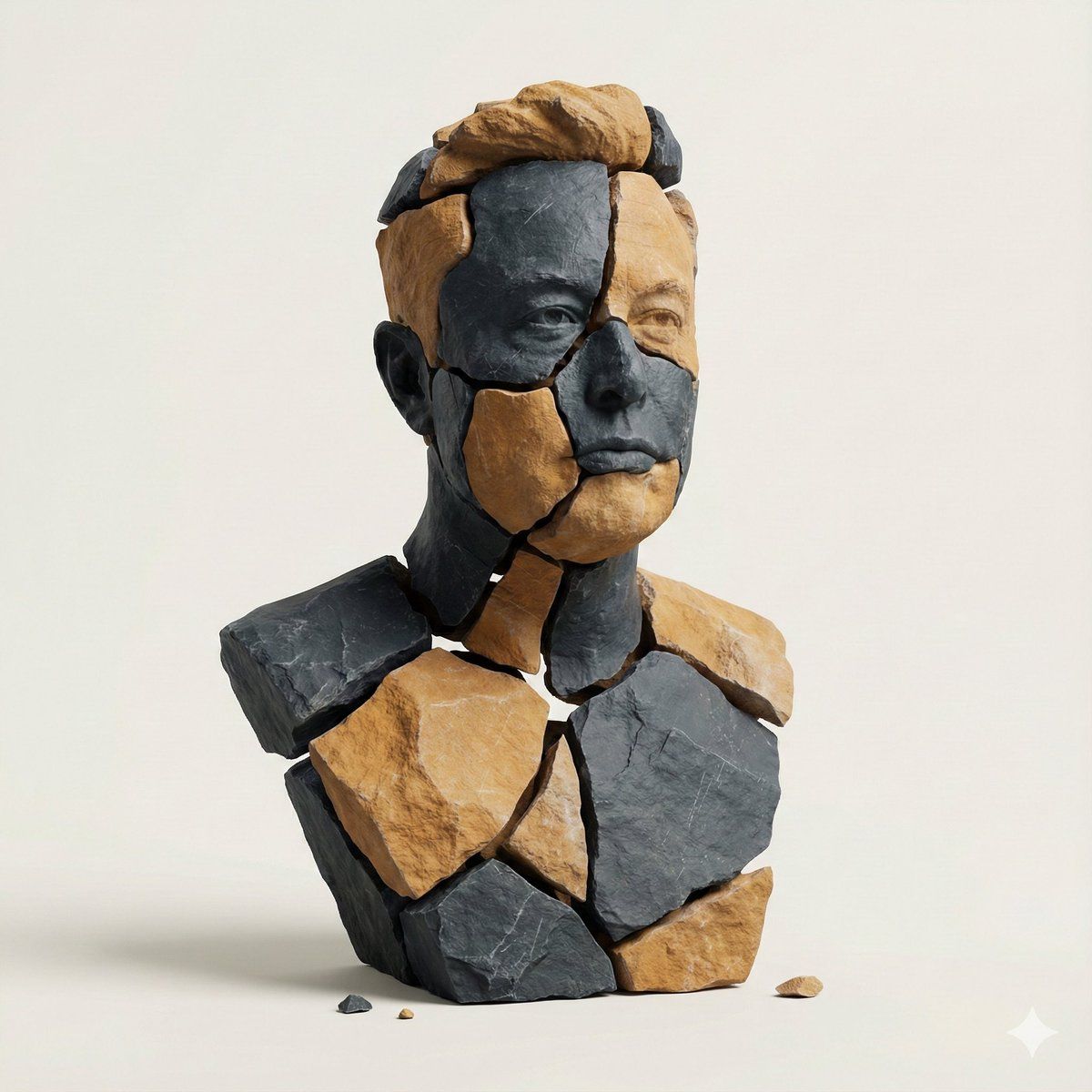
图像到图像风格迁移:碎石雕塑
Prompt
task": "image_to_image_style_transfer",
  "input_image": "{{USER_IMAGE}}",
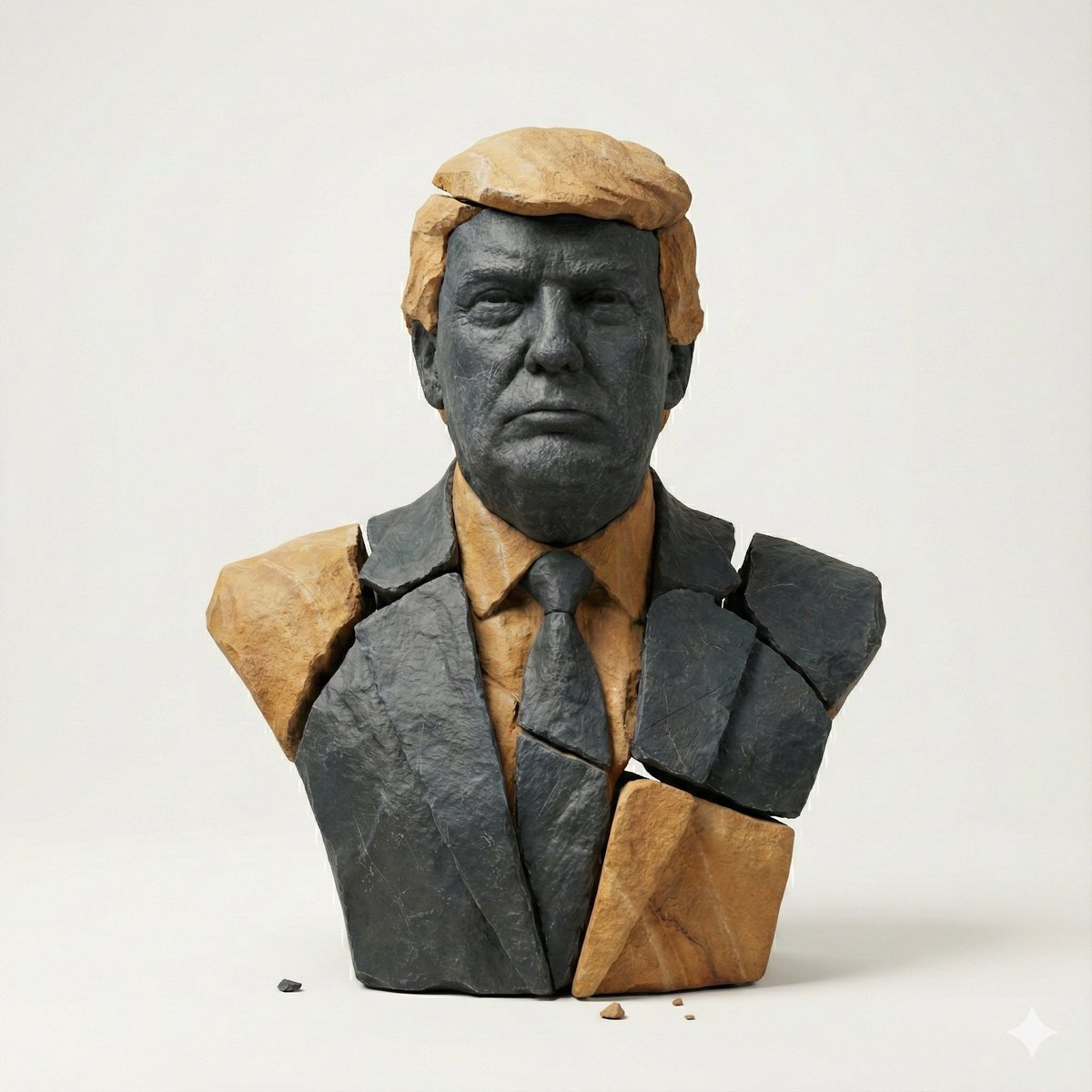
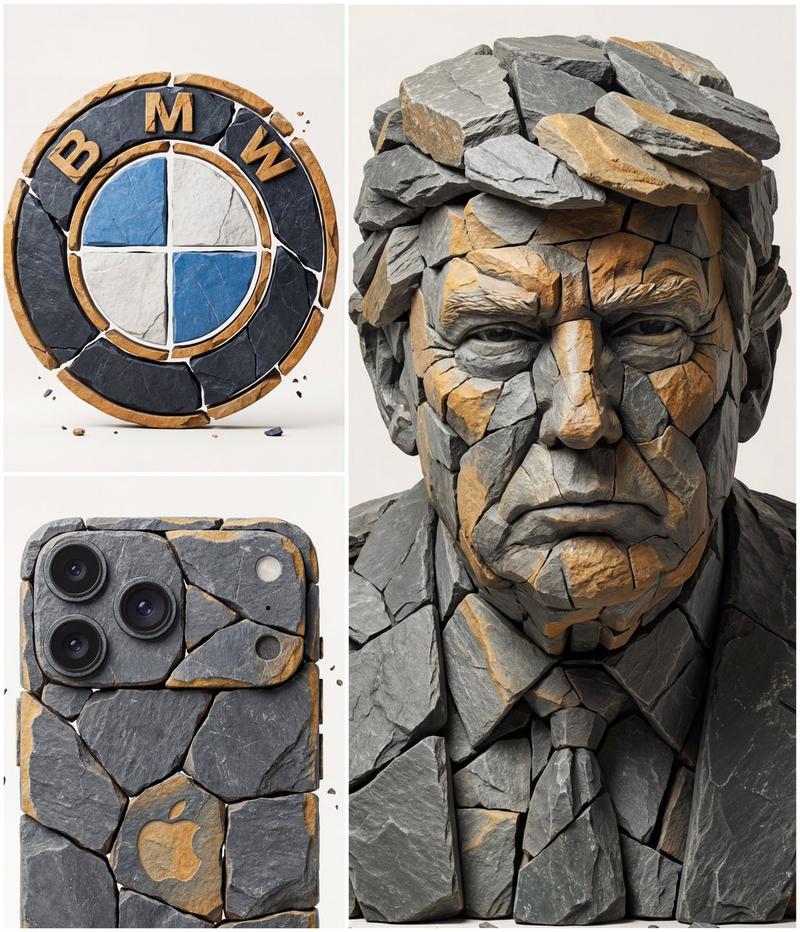
  "prompt": "Create a hyper-real 3D studio composition that recreates the main subject from the provided image as a fragmented stone assemblage. The subject must be built from separate, clearly detached rock pieces with small visible gaps between shards (no pieces merging). Material look: fragmented {argument name="stone type" default="slate + sandstone"} shards with chiseled edges, crisp fractures, visible stone grain, micro-scratches, and realistic roughness. Color palette: predominantly dark slate with subtle warm-ochre sandstone accents. Lighting: soft studio key light from top-left, gentle fill, subtle contact shadows under each shard, realistic ambient occlusion in crevices, clean reflections kept minimal. Background: minimal off-white seamless backdrop, no texture. Framing: centered, clean, straight-on, subject fully readable. Add a few tiny debris chips floating or resting near the base for depth. Preserve the subject’s identity, proportions, and recognizable silhouette from the input image while transforming all surfaces into stone fragments. Hyper-real, high detail, sharp focus, 8k render quality.",
  "negative_prompt": "text, typography, logo, watermark, signature, extra props, busy background, fog, heavy bloom, cartoon, illustration, lowpoly, plastic, metal, glossy paint, melted shapes, merged fragments, unreadable subject, blur, noise, low resolution, oversharpening halos, distorted face/body, extra limbs, deformed geometry",
  "output": {
    "aspect_ratio": "use_input_aspect_ratio",
    "background": "off_white",
    "camera": {
      "angle": "straight_on",
      "framing": "centered",
      "distance": "medium"
    }
  },
  "params": {
    "style_strength": 0.75,
    "identity_preservation": 0.9,
    "detail_level": "very_high",
    "lighting_preset": "soft_studio_top_left",
    "shadow_intensity": "subtle",
    "gap_visibility": "clear",
    "debris_chips": "few_tiny",
    "no_text": true
  }
}- Category
- 创意图片
- Model
- Nano Banana Pro
- Creator
- Dr.duet
- Source ID
- a0335cf0-a854-49be-ac2e-622286600725
- Published
- Mar 8, 2026
Views0