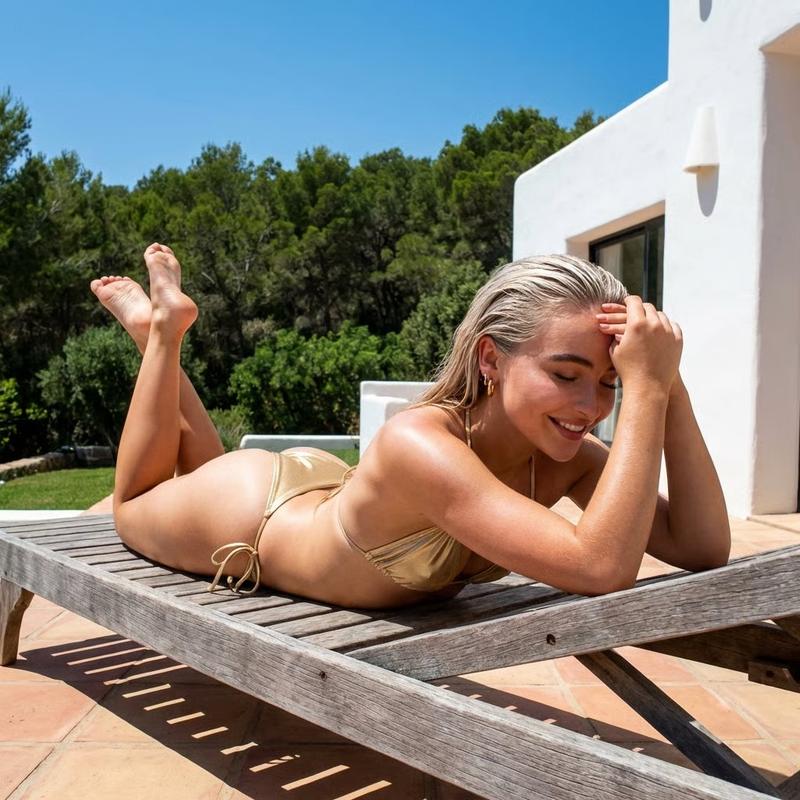
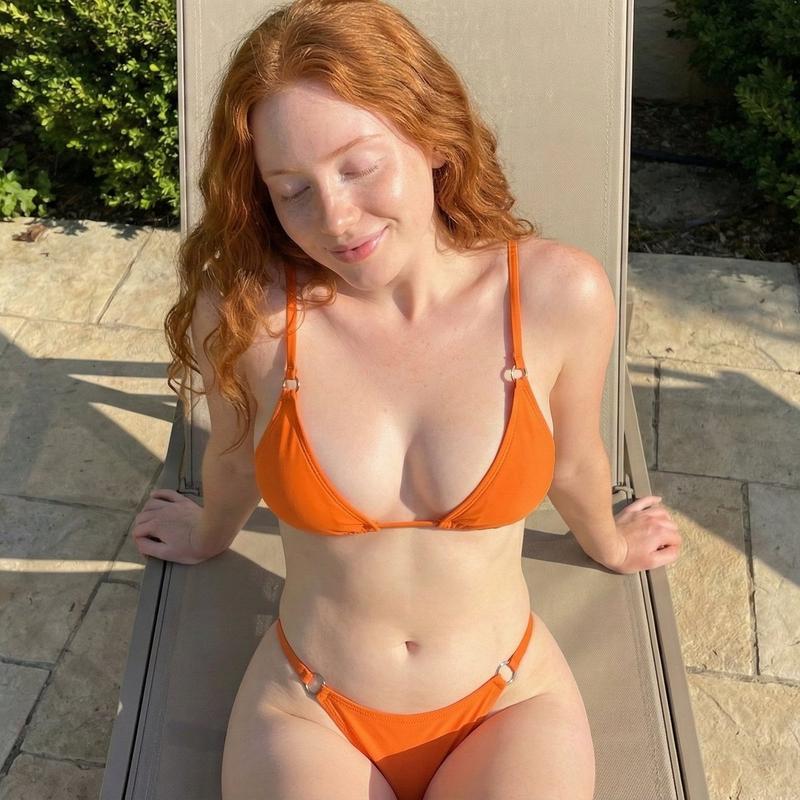
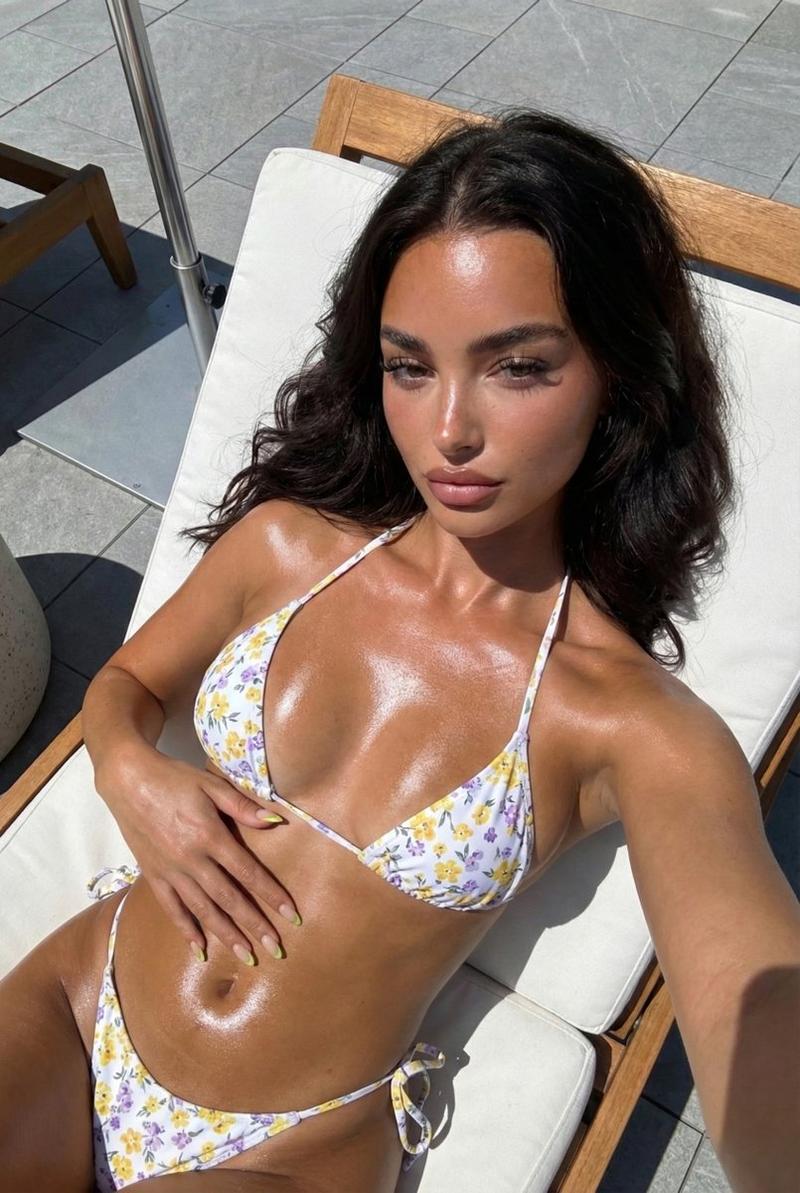
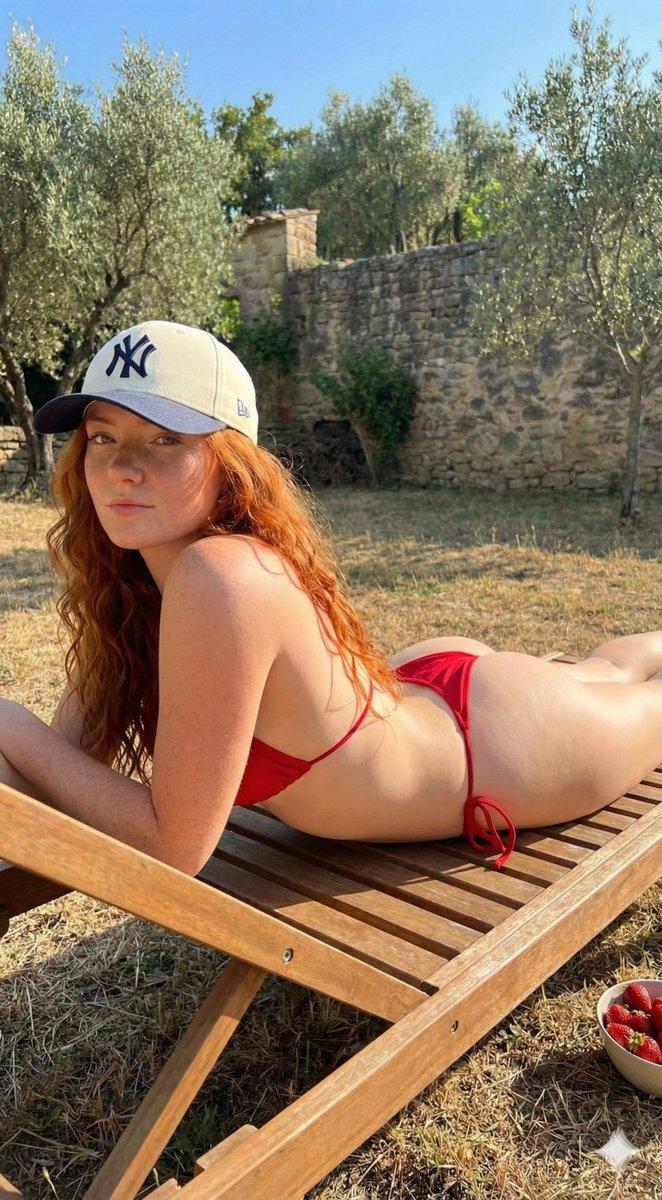
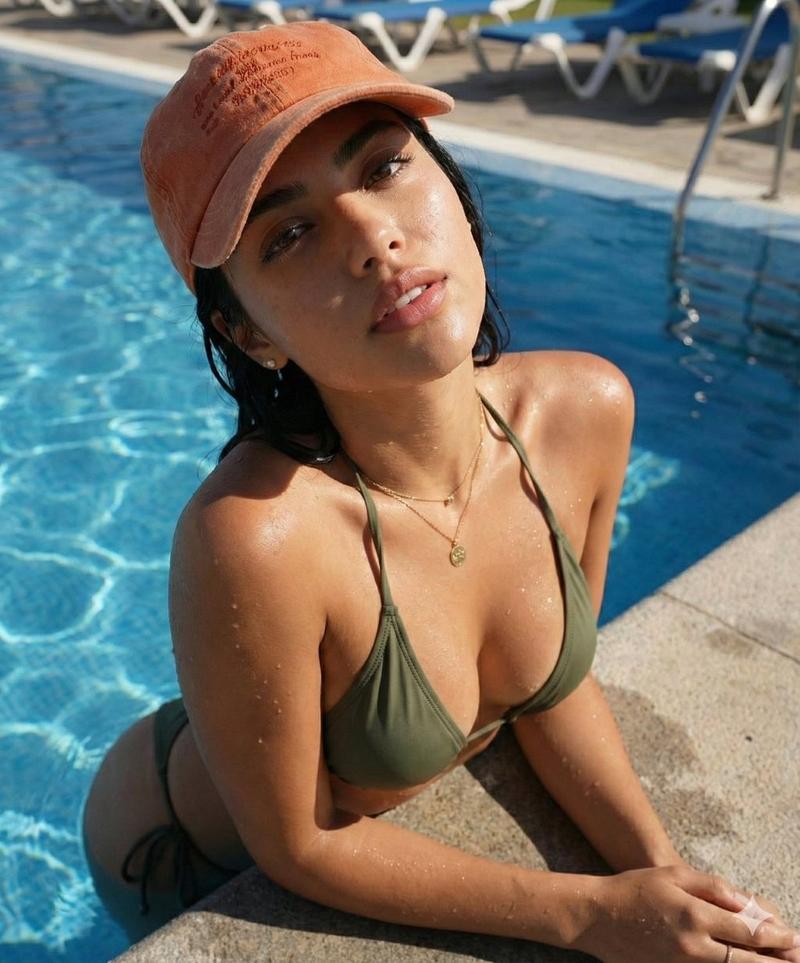
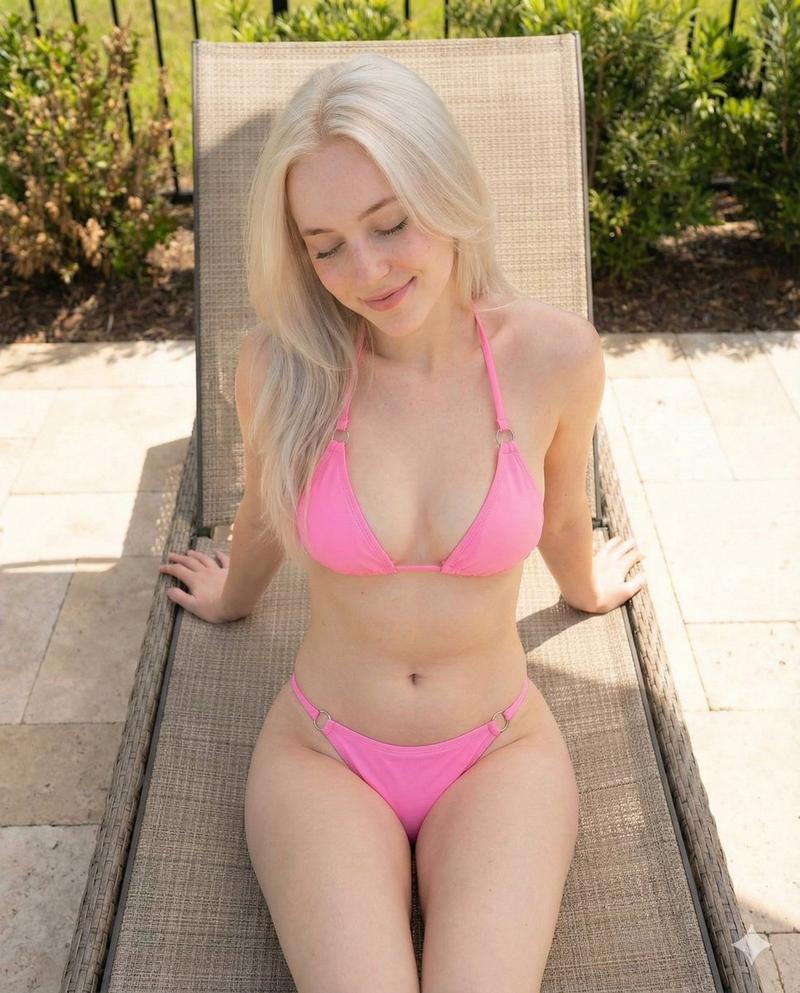
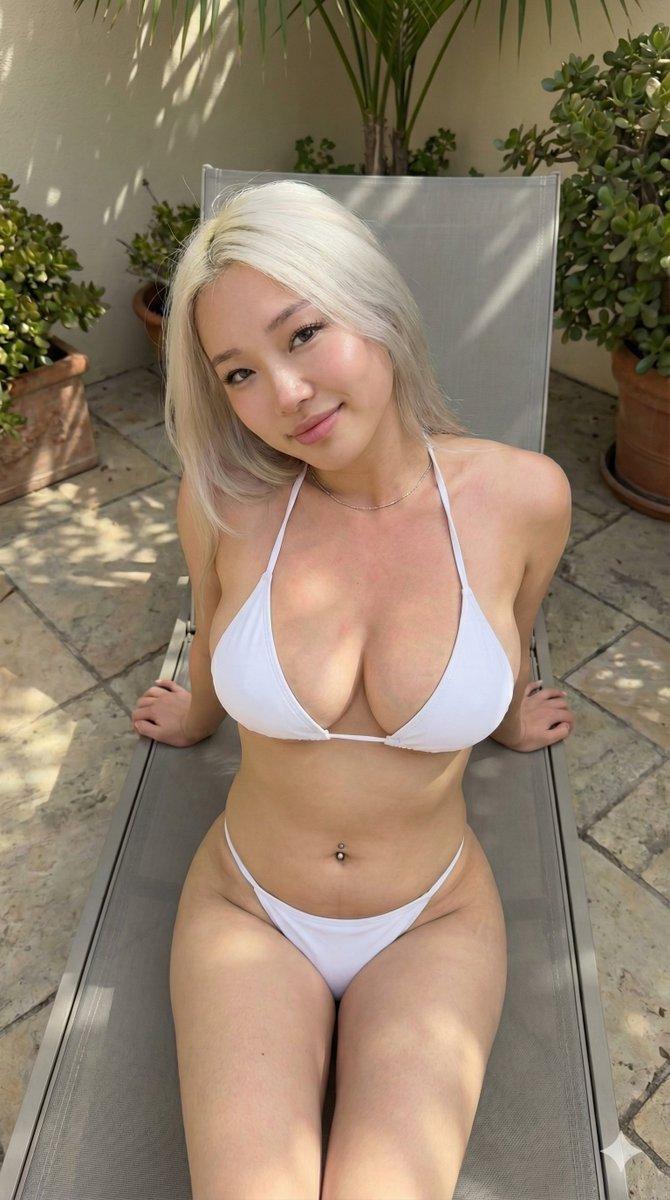
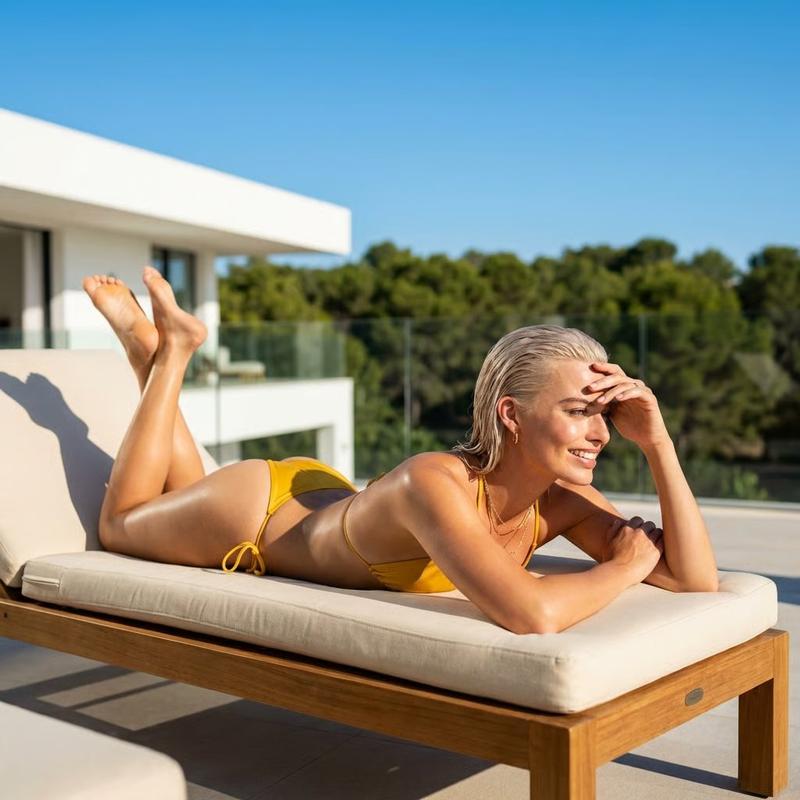
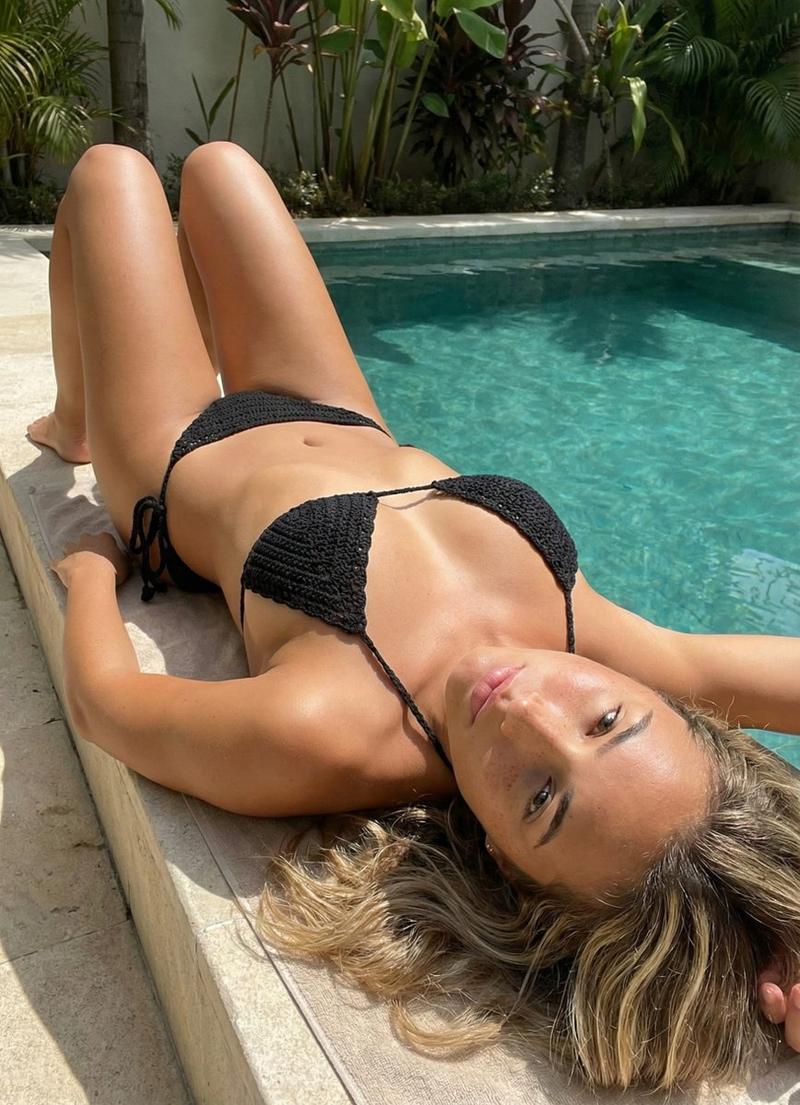
超强硬锁俯卧躺椅姿势复刻
Prompt
{
  "engine": "PX-LOCK-RECONSTRUCT",
  "version": "2.0-ultra-hardlock",
  "mode": "exact-shot-replication",
  "global_hard_locks": {
    "pose_lock": true,
    "body_shape_lock": true,
    "outfit_lock": true,
    "camera_lock": true,
    "lighting_lock": true,
    "environment_lock": true,
    "water_state_lock": true,
    "color_palette_lock": true,
    "deviation_tolerance": {
      "joint_rotation_max_degrees": 2,
      "camera_shift_max_percent": 1,
      "scale_variance_max_percent": 1,
      "silhouette_iou_min": 0.94
    }
  },
  "subject": {
    "adult_confirmation": true,
    "age_estimate": "mid-to-late 20s",
    "ethnicity": "appears white",
    "skin_tone": "light neutral with warm sunlit highlights",
    "height_estimate_inches": 70,
    "body_type": "slim athletic with soft curves",
    "measurements_inches": {
      "bust": 32,
      "waist": 24,
      "hips": 34
    },
    "advanced_anatomy": {
      "bust_sagittal_depth_inches": 4.2,
      "waist_depth_inches": 2.4,
      "hip_depth_inches": 4.6,
      "ribcage_width_inches": 11.5,
      "pelvic_tilt_degrees": 10,
      "glute_projection_inches": 2.6,
      "silhouette_profile": "long, low-profile S-curve with minimal lumbar exaggeration"
    },
    "face": {
      "shape": "angular oval",
      "orientation": {
        "yaw_degrees": -6,
        "pitch_degrees": -3,
        "roll_degrees": 0
      },
      "eyes": {
        "shape": "almond",
        "color": "dark brown",
        "expression": "intense, neutral, direct"
      },
      "brows": "straight, defined",
      "nose": "straight bridge, narrow",
      "lips": {
        "shape": "medium-full",
        "expression": "closed, neutral"
      },
      "emotion_lock": "calm, confident, unsmiling"
    },
    "hair": {
      "color": "dark brown",
      "length": "long",
      "part": "center",
      "style": "natural, loose, slightly damp",
      "placement": "falling back over shoulders and upper back"
    }
  },
  "pose": {
    "base_pose": "prone lounge",
    "surface": "outdoor poolside lounger",
    "body_orientation": "fully horizontal",
    "pelvis": {
      "contact": "lounger",
      "rotation_degrees": 0,
      "height_offset_inches": 0
    },
    "torso": {
      "spine_curve": "neutral with slight extension",
      "chest_lift_inches": 2.5,
      "rotation_degrees": 0
    },
    "arms": {
      "both_arms": {
        "position": "extended forward",
        "support": "resting on lounger backrest",
        "elbow_angle_degrees": 165
      }
    },
    "head": {
      "support": "resting above forearms",
      "tilt_degrees": -3,
      "yaw_degrees": -6,
      "pitch_degrees": -3,
      "gaze": "directly toward camera"
    },
    "legs": {
      "both_legs": {
        "extension": "fully extended",
        "thigh_contact": "lounger",
        "feet": "out of frame"
      }
    },
    "absolute_pose_constraints": [
"subject must be fully prone- Category
- 创意图片
- Model
- Nano Banana Pro
- Creator
- Sienna
- Source ID
- cc41b093-a8e2-4c28-bb26-0be4a56eac1f
- Published
- Mar 8, 2026
Views0