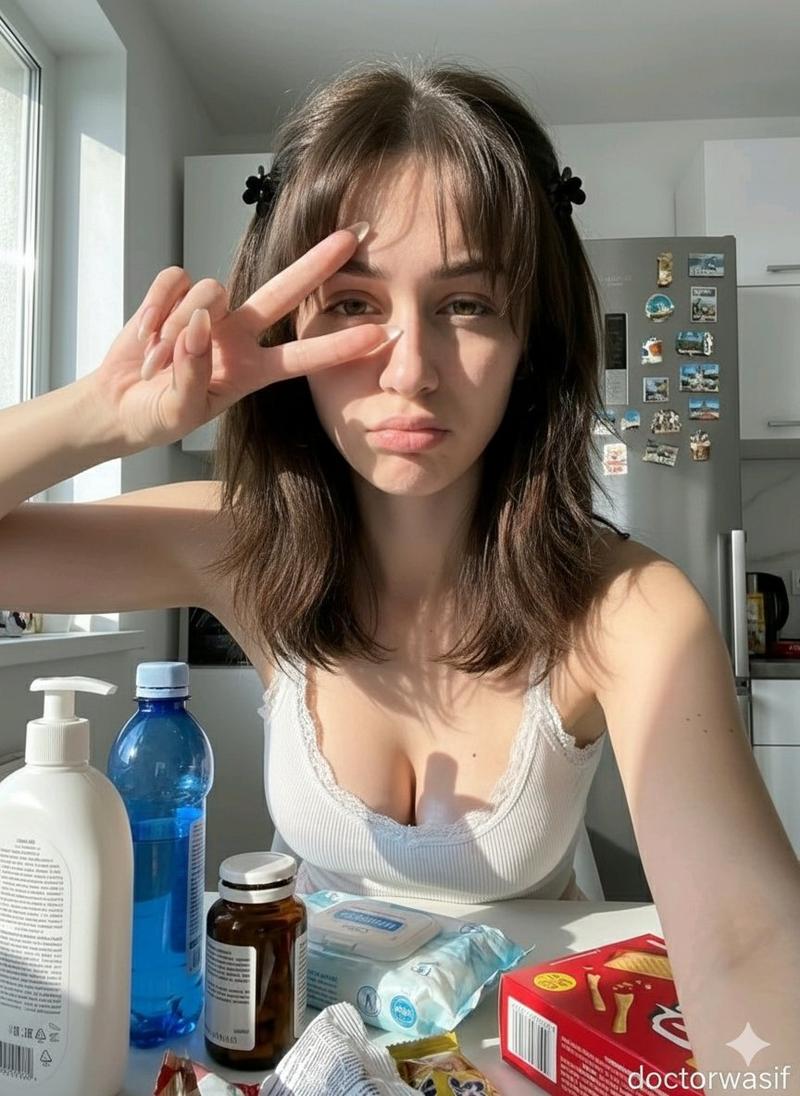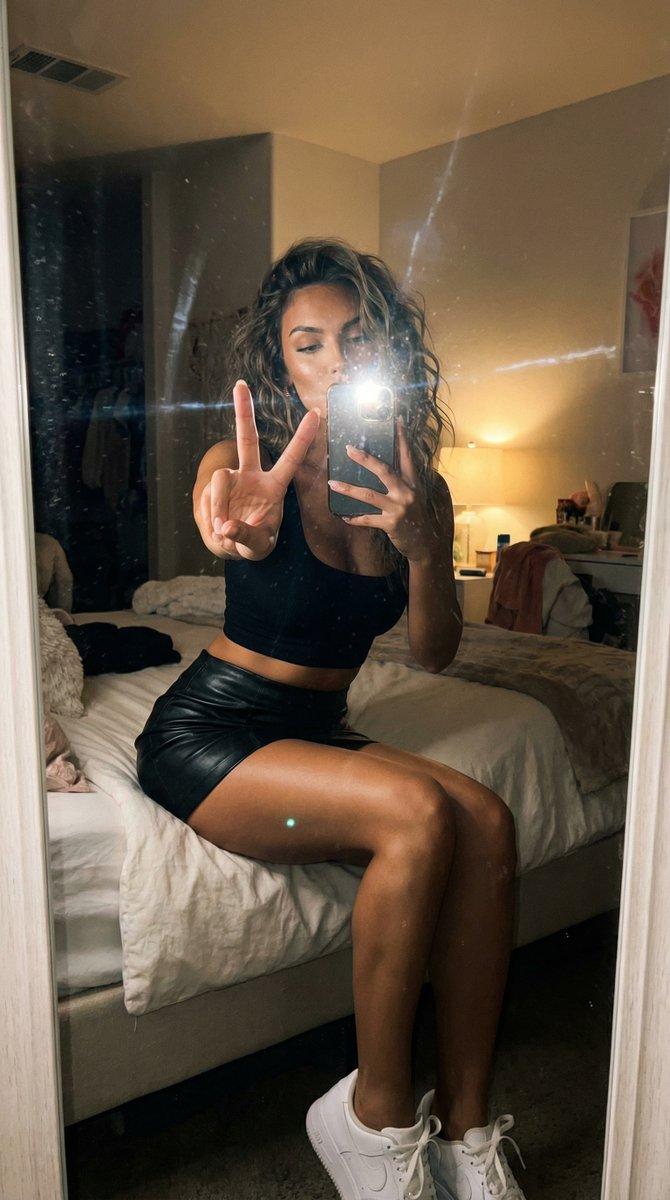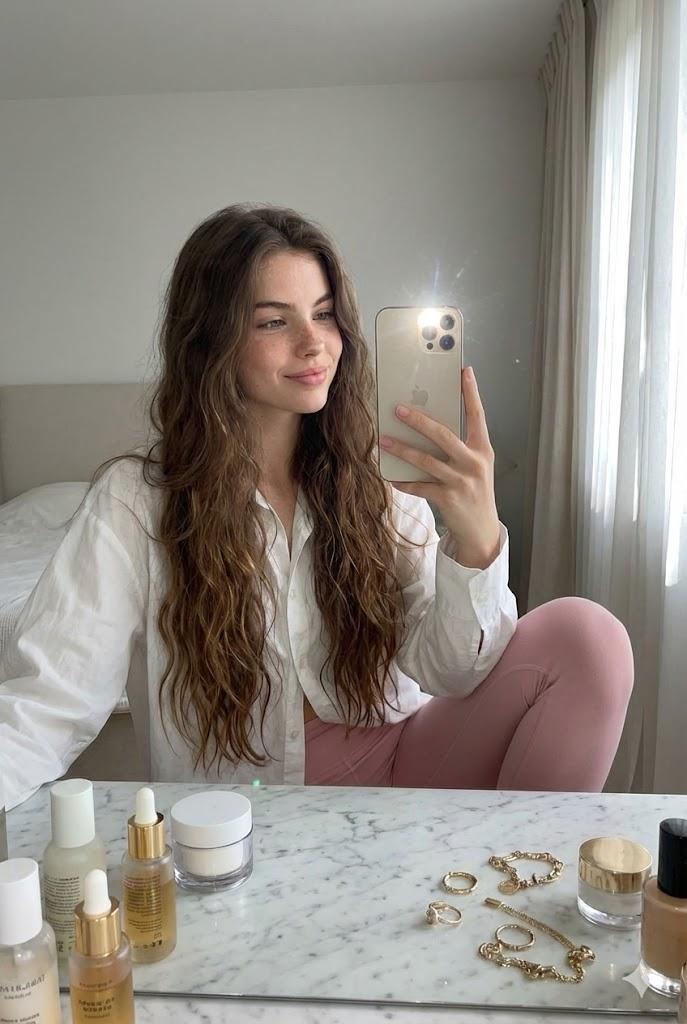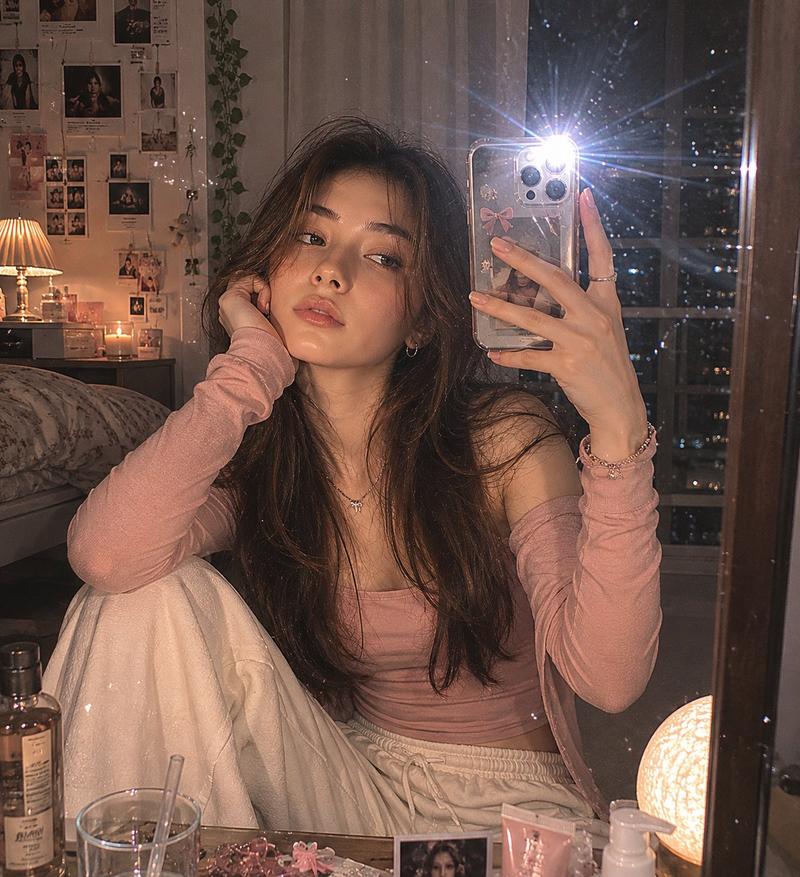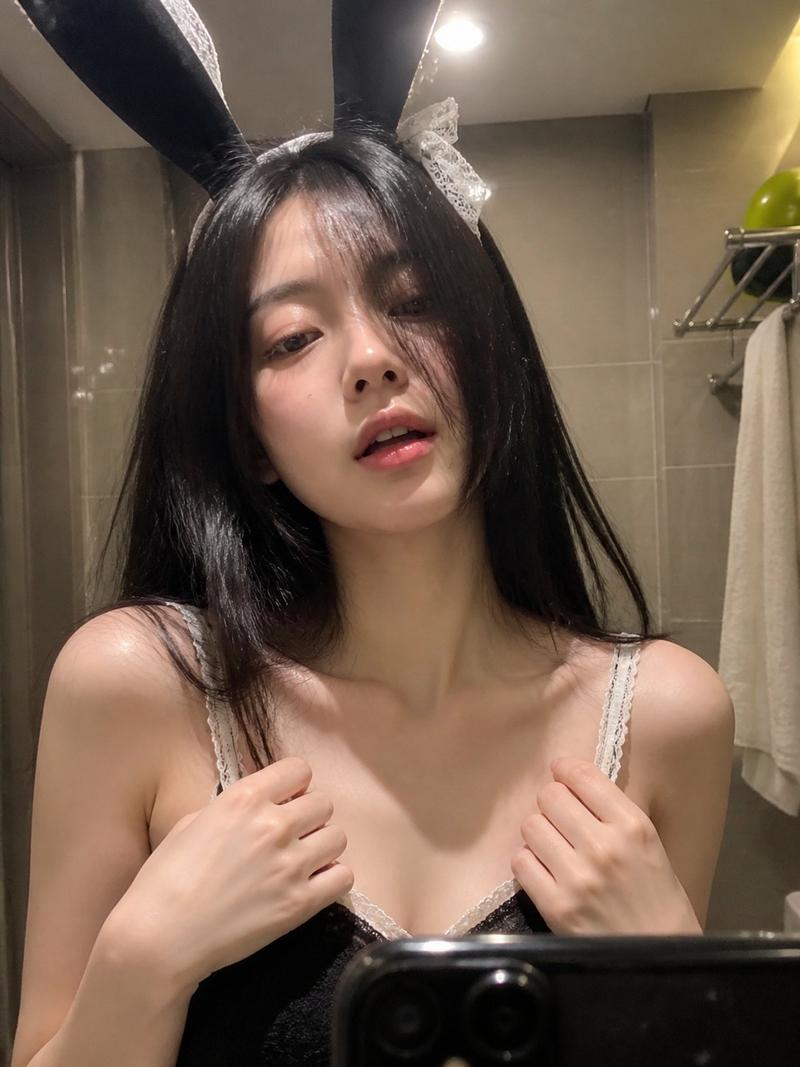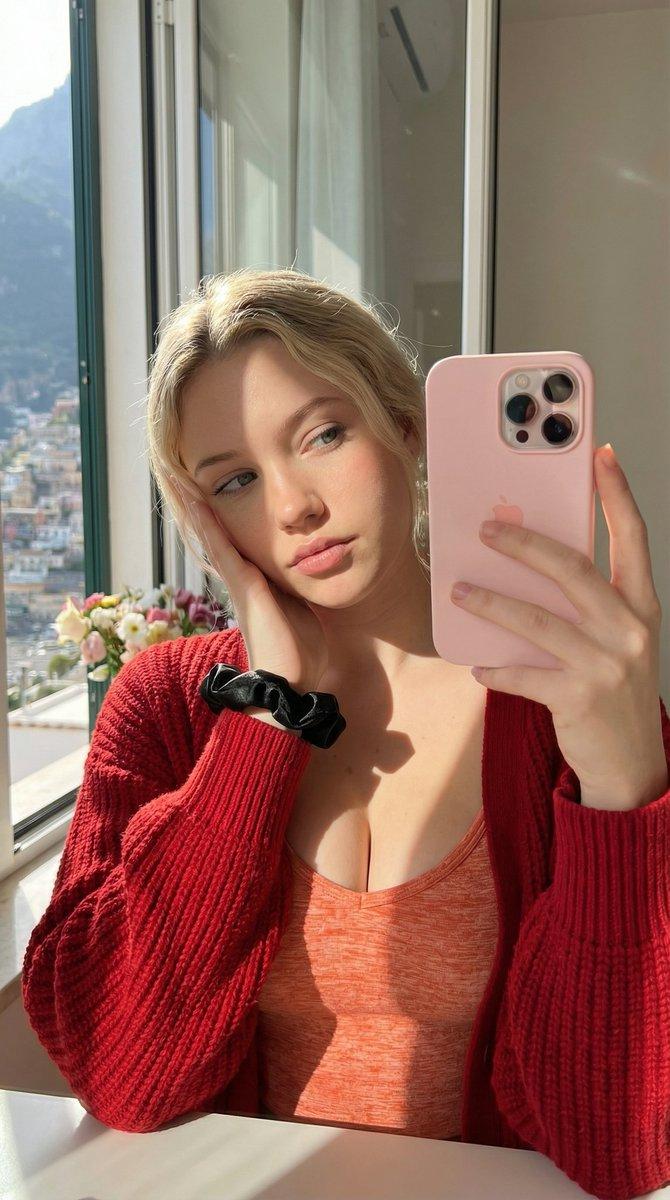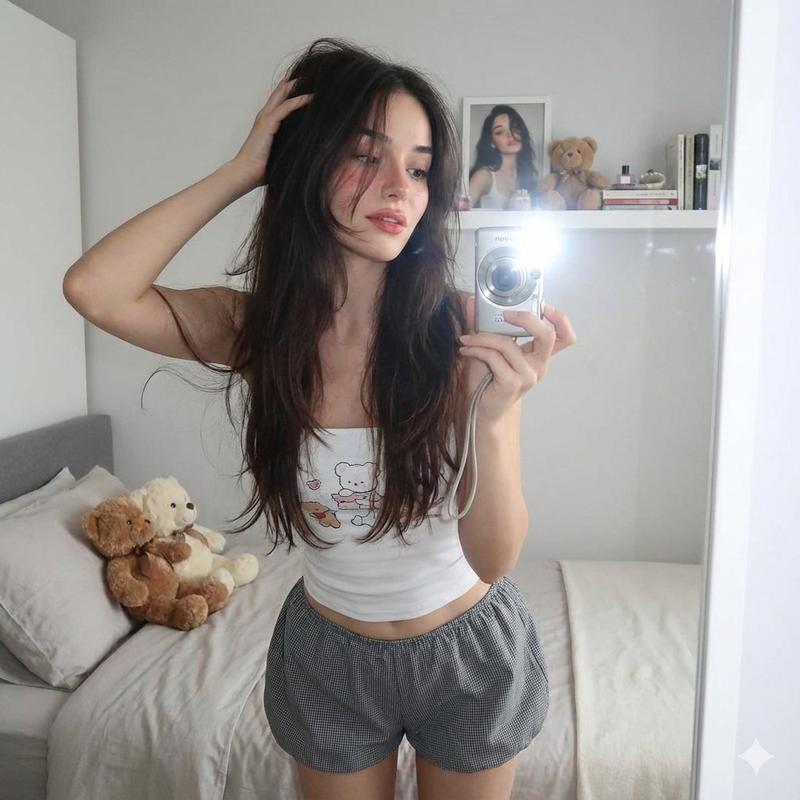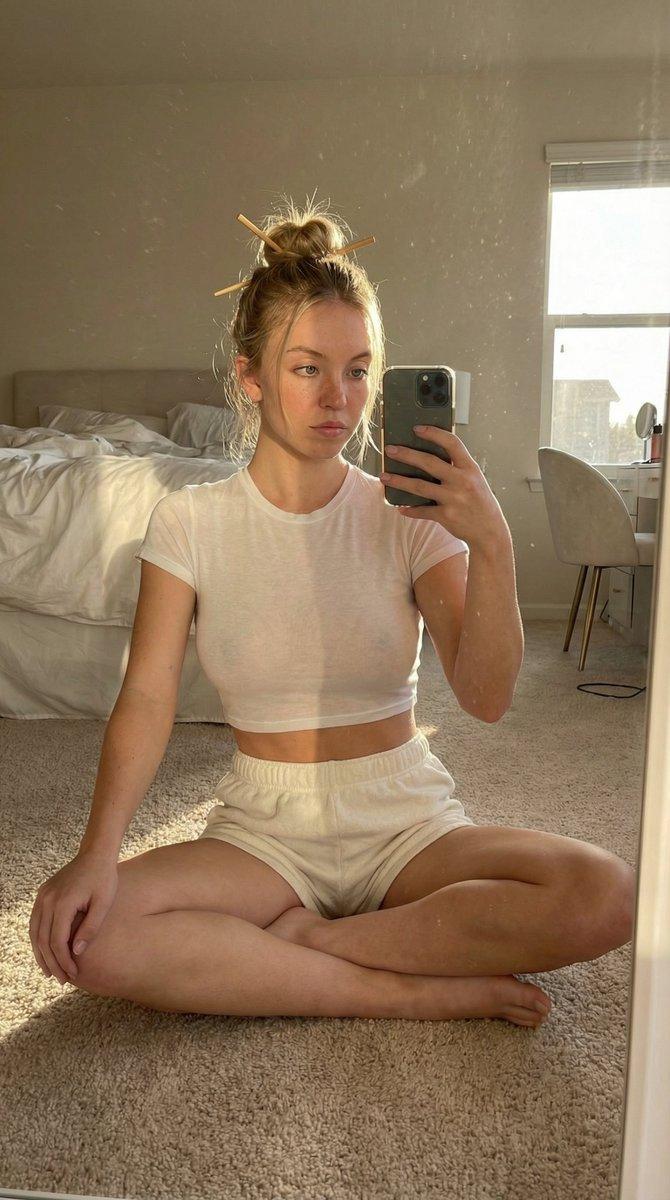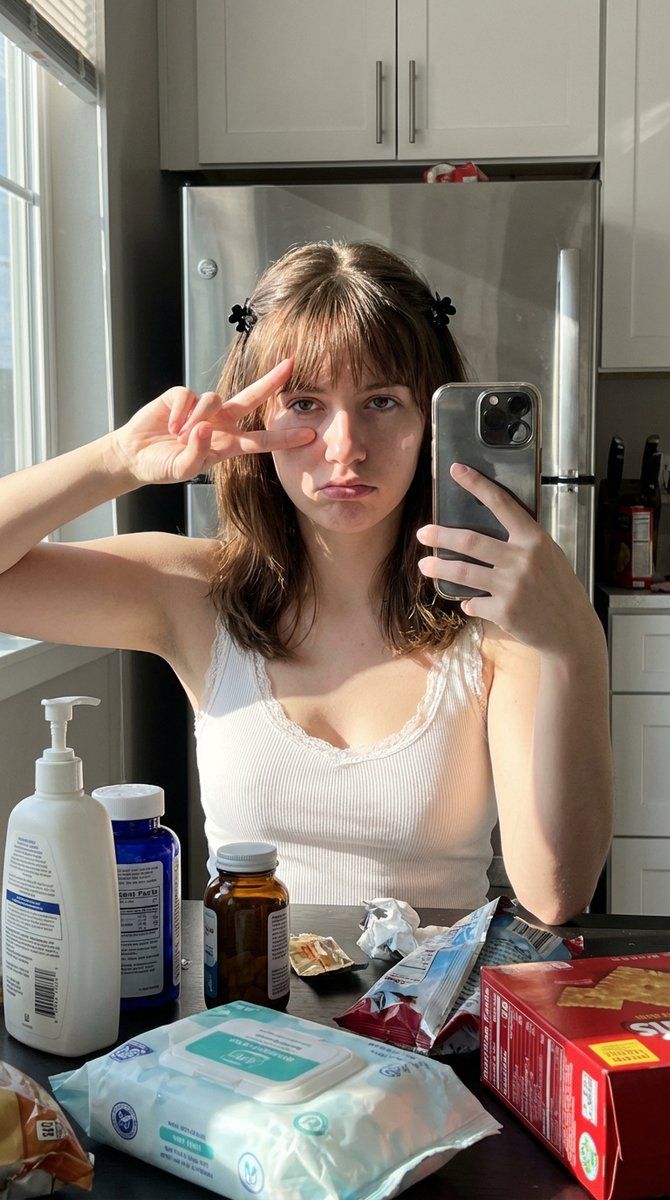
模拟 iPhone 14 Pro 在恶劣光线下的自拍
Prompt
{

"intent": { "image_type": "selfie", "era_preset": "modern_standard", "notes": "Simulating iPhone 14 Pro raw capture in harsh lighting" }, "subjects": { "count": 1, "primary": { "type": "person", "age_range": "young_adult", "gender_presentation": "female", "region_target": "unspecified", "expression": "deadpan_pout", "pose": "peace_sign_over_left_eye", "gaze": "looking_into_lens" }, "additional": [] }, "framing_and_perspective": { "framing": "tight_head_and_shoulders", "subject_fill_ratio": 0.8, "camera_angle": "slightly_high", "distance": "arm_length", "camera_class": "smartphone_front", "lens_equiv_mm": 23, "distortion": { "type": "mild_barrel", "strength_1to5": 2 }, "perspective_effects": { "foreground_scale_emphasis_1to5": 4, "nose_emphasis_1to5": 3, "ear_recession_1to5": 3 }, "depth_of_field": { "mode": "minimal", "strength_1to5": 1, "focus_target": "eyes" } }, "lighting_and_exposure": { "key_light": { "type": "sunlight_window", "direction": "camera_left", "hardness_1to5": 5, "halo_bloom_1to5": 3 }, "exposure_behavior": { "auto_exposure": true, "hdr_tone_mapping_1to5": 3, "overall_brightness_1to5": 5, "contrast_1to5": 5, "shadow_depth_1to5": 4, "highlight_overflow_1to5": 5 }, "failure_modes_active": { "highlight_clipping": true, "shadow_chroma_noise": true, "denoise_smear": false, "sharpen_halos": true, "motion_blur": false, "jpeg_ringing_banding": false, "banding_in_gradients": false, "focus_falloff_edge_softness": false } }, "computational_pipeline": { "skin_smoothing": { "method": "edge_aware", "strength_1to5": 3, "specular_preservation": "required" }, "sharpening": { "strength_1to5": 4, "halo_risk_1to5": 3 }, "noise_and_denoise": { "shadow_chroma_noise_1to5": 3, "denoise_smear_1to5": 2, "grain_strength_1to5": 2 }, "compression": { "jpeg_artifacts_1to5": 2, "banding_risk_1to5": 1 }, "white_balance": { "mode": "auto", "highlight_temp_bias": "neutral", "shadow_temp_bias": "cool" } }, "region_and_face_feature_sliders": { "non_stereotype_policy": "sliders_over_labels", "beauty_mark_under_right_eye": false, "sliders_1to5": { "face_oval_vline_1to5": 3, "cheekbone_prominence_1to5": 3, "brow_definition_1to5": 3, "eye_emphasis_1to5": 3, "eyelid_crease_definition_1to5": 3, "nose_bridge_definition_1to5": 3, "lip_fullness_1to5": 4, "makeup_intensity_1to5": 3, "skin_undertone": "neutral" } }, "environment_and_materials": { "setting": "indoor_home", "clutter_level_1to5": 5, "props": [ "white_pump_b"- Category
- 创意图片
- Model
- Nano Banana Pro
- Creator
- Lore
- Source ID
- fd0df29a-2dce-4444-8176-bc4725e2af98
- Published
- Mar 8, 2026
Views0