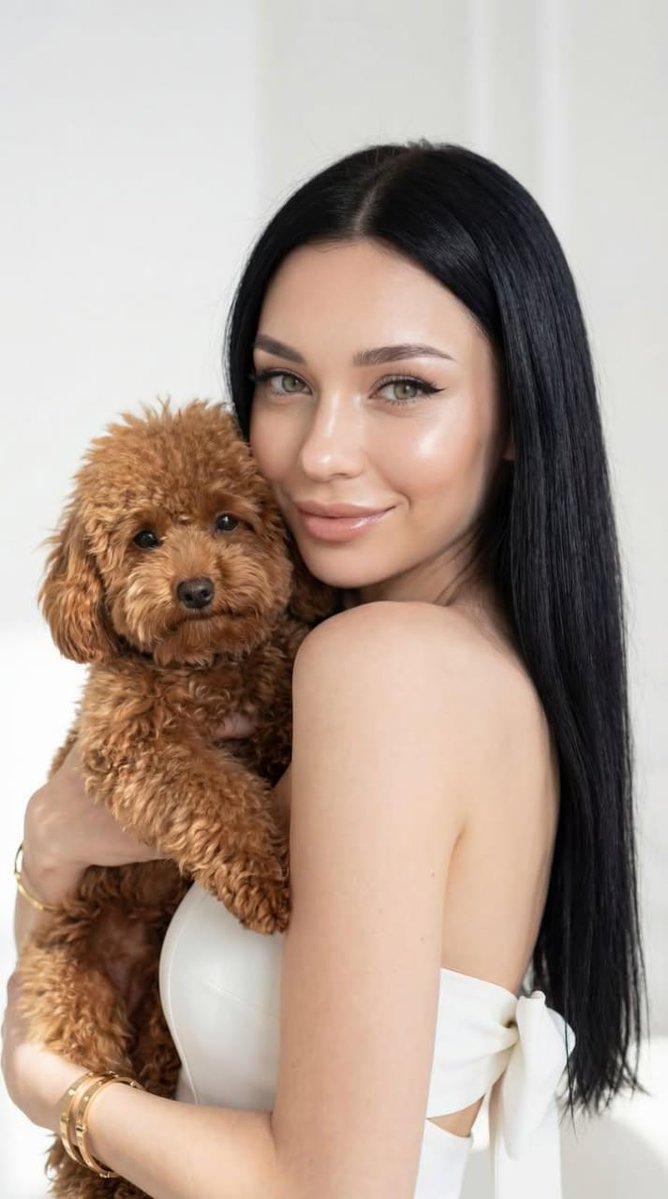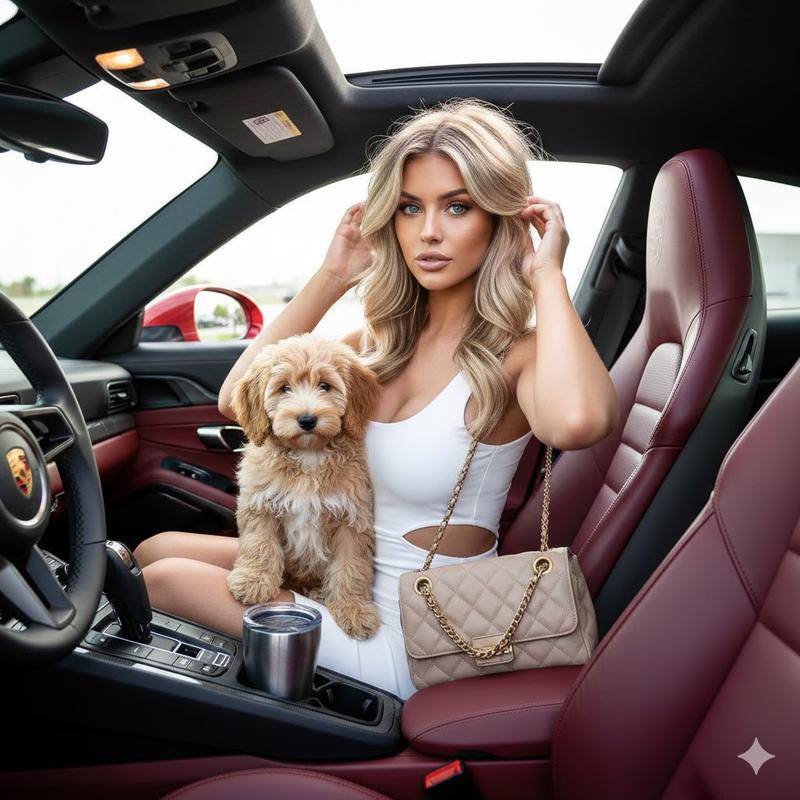
生活方式肖像摄影的详细 JSON 提示词
Prompt
{
"image_type": "photograph",
"orientation": "portrait",
"composition": {
"framing": "medium shot",
"camera_angle": "eye-level",
"subject_placement": "centered with slight left bias",
"depth_of_field": "shallow",
"background_blur": "strong bokeh",
"balance": "asymmetrical but visually balanced",
"crop": "above knees"
},
"subjects": [
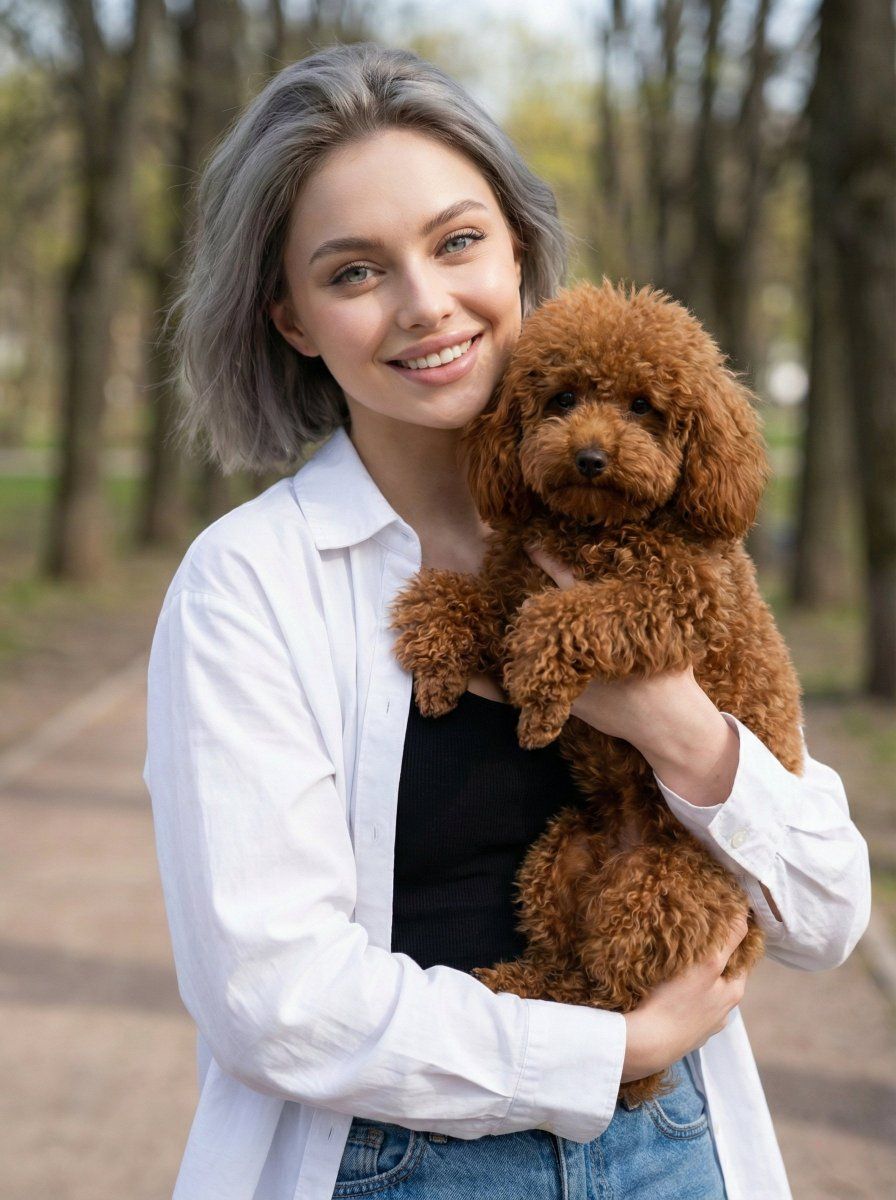
{
"type": "human",
"gender_presentation": "{argument name="gender" default="female"}",
"age_range": "young adult",
"pose": "standing, holding dog close to torso",
"expression": "soft smile, relaxed",
"gaze": "toward camera",
"hair": {
"color": "dark grey",
"style": "short"
},
"clothing": {
"top": "white lightweight button-up shirt",
"inner_layer": "black sleeveless top",
"bottom": "blue denim jeans",
"style": "casual, urban"
}
},
{
"type": "animal",
"species": "dog",
"breed_appearance": "small poodle-type",
"fur": {
"color": "{argument name="dog color" default="reddish brown"}",
"texture": "curly, dense"
},
"pose": "cradled in arms, legs relaxed",
"accessories": "dark leash attached"
}
],
"environment": {
"setting": "{argument name="setting" default="outdoor urban park or pedestrian area"}",
"background_elements": [
"trees",
"paved walkway",
"distant buildings",
"blurred pedestrians"
],
"season_impression": "spring or mild summer"
},
"lighting": {
"type": "natural daylight",
"quality": "soft and diffused",
"direction": "frontal with slight overhead",
"shadows": "minimal and soft",
"highlights": "gentle skin highlights"
},
"color_palette": {
"dominant_colors": [
"white",
"soft green",
"warm brown",
"muted blue"
],
"tone": "warm-neutral",
"saturation": "moderate",
"contrast": "low to moderate"
},
"technical_details": {
"camera_type": "DSLR or mirrorless",
"lens_characteristics": "wide aperture portrait lens",
"approx_aperture": "f/1.8–f/2.8",
"focal_length_estimate": "50mm–85mm equivalent",
"sharpness": "high on subjects, soft background",
"noise": "minimal"
},
"artistic_style": {
"genre": "lifestyle portrait photography",
"mood": "warm, friendly, candid",
"aesthetic": "clean, modern, natural",
"post_processing": {
"skin_tones": "natural and even",
"color_grading": "light warm adjustment",
"retouching": "minimal"
}
},
"background": {
"clarity": "intentionally blurred",
"function": "contextual without distraction",
"lighting_consistency": "matches subject lighting"
},
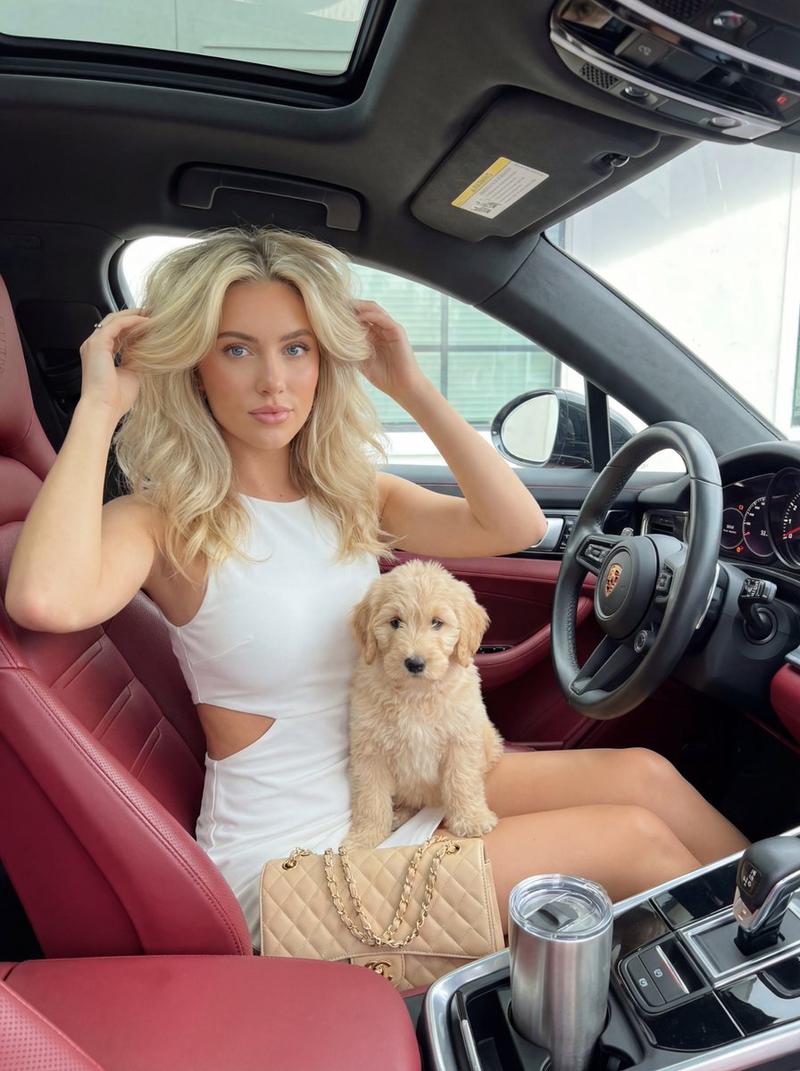
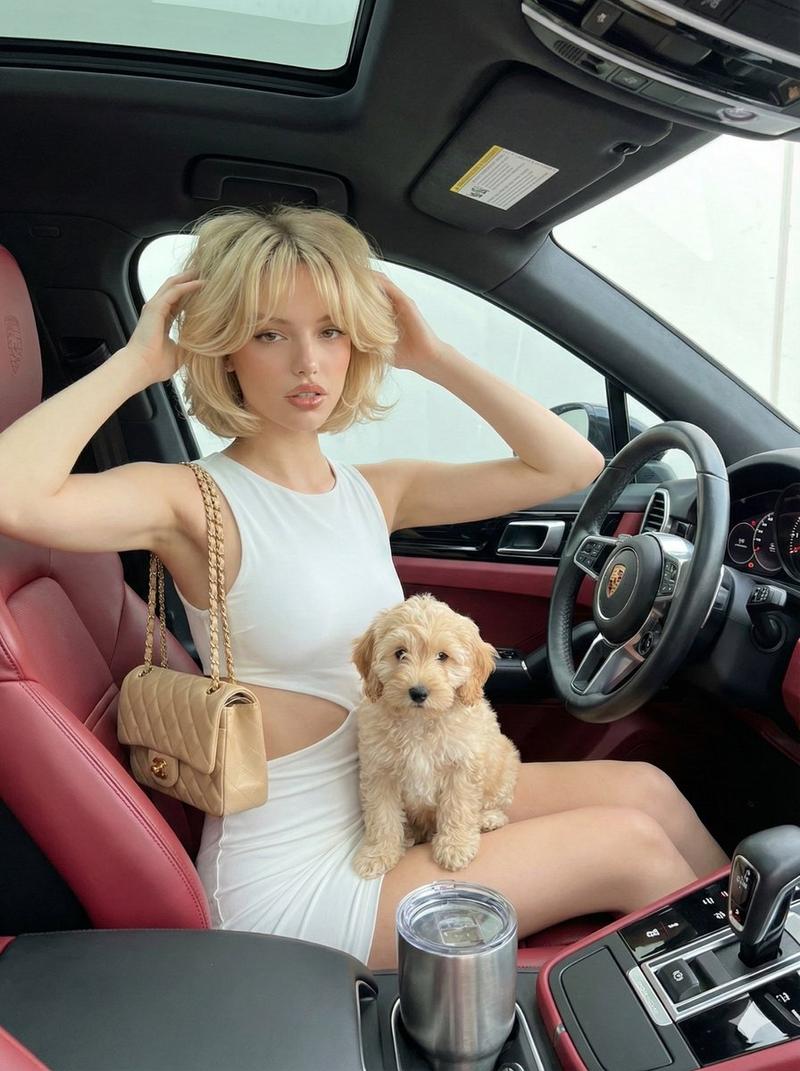
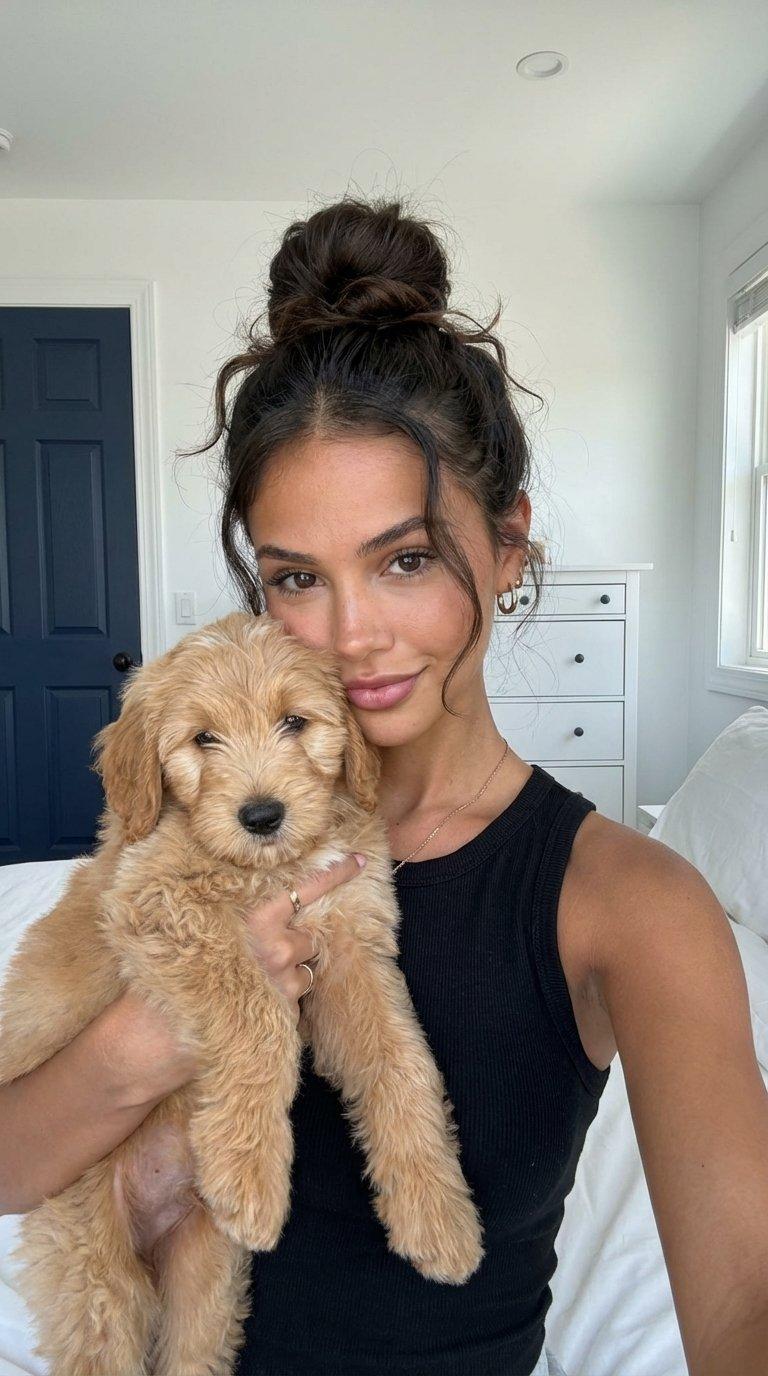
"overall_impression": "A natural lifestyle portrait capturing a relaxed urban moment, emphasizing warmth, companionship, and approachability through soft lighting and shallow depth of field."
}- Category
- 创意图片
- Model
- Nano Banana Pro
- Creator
- Heisenberg
- Source ID
- 8c1d1910-f38c-412b-80d8-8e270586f81e
- Published
- Mar 8, 2026
Views0