19

戏剧性低光人像生成提示
Enlarge

戏剧性低光人像生成提示

Prompt
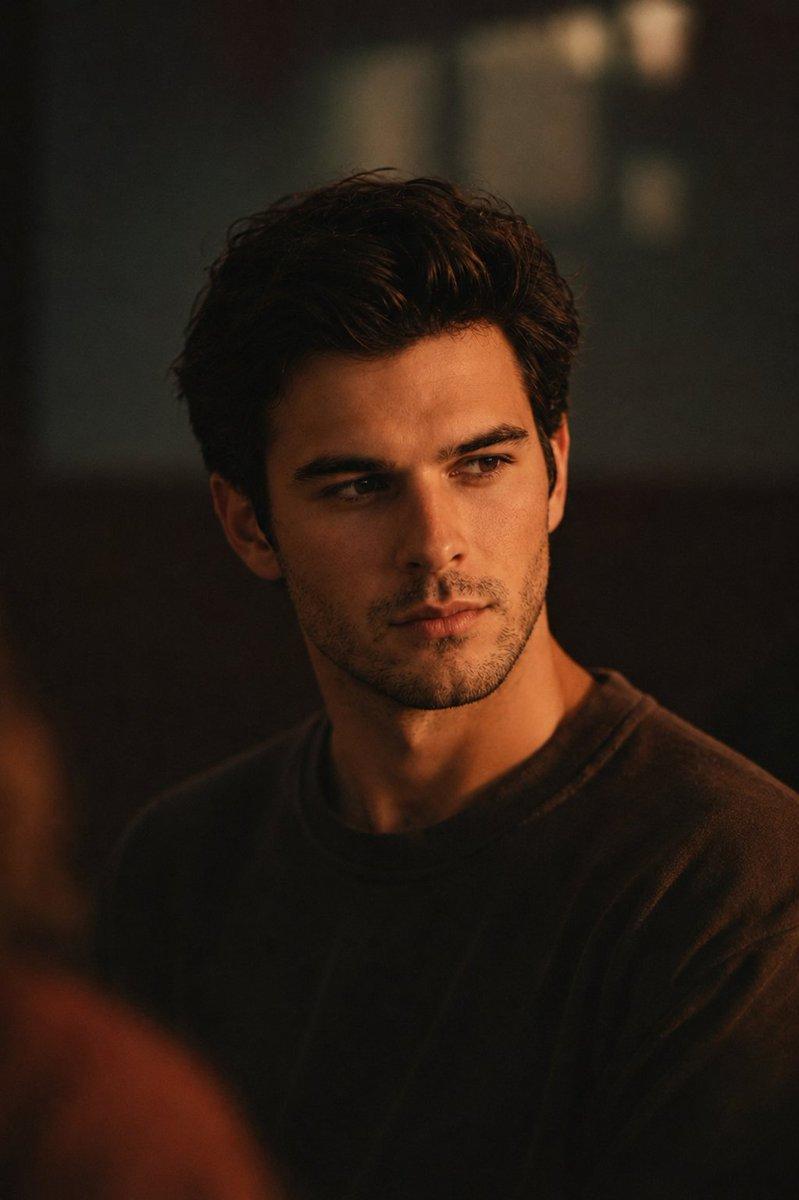
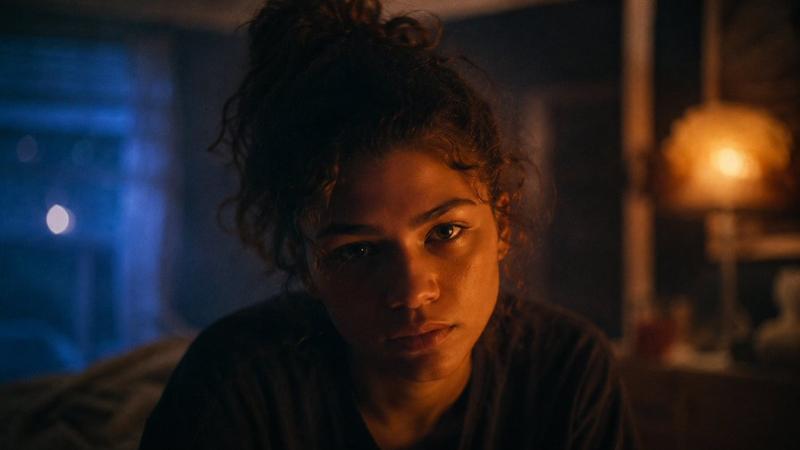
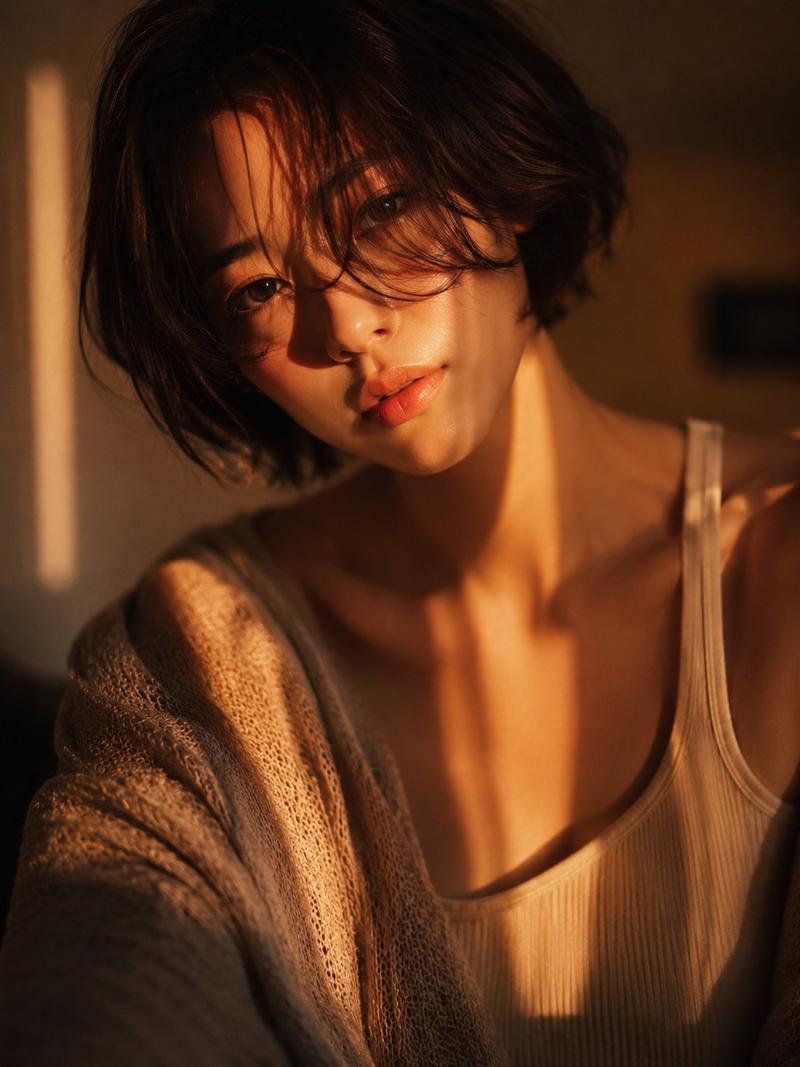
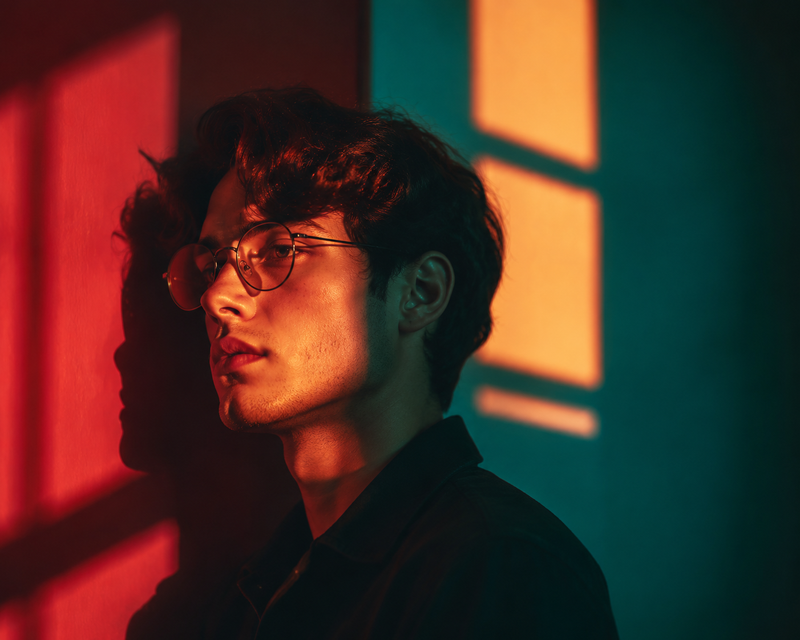
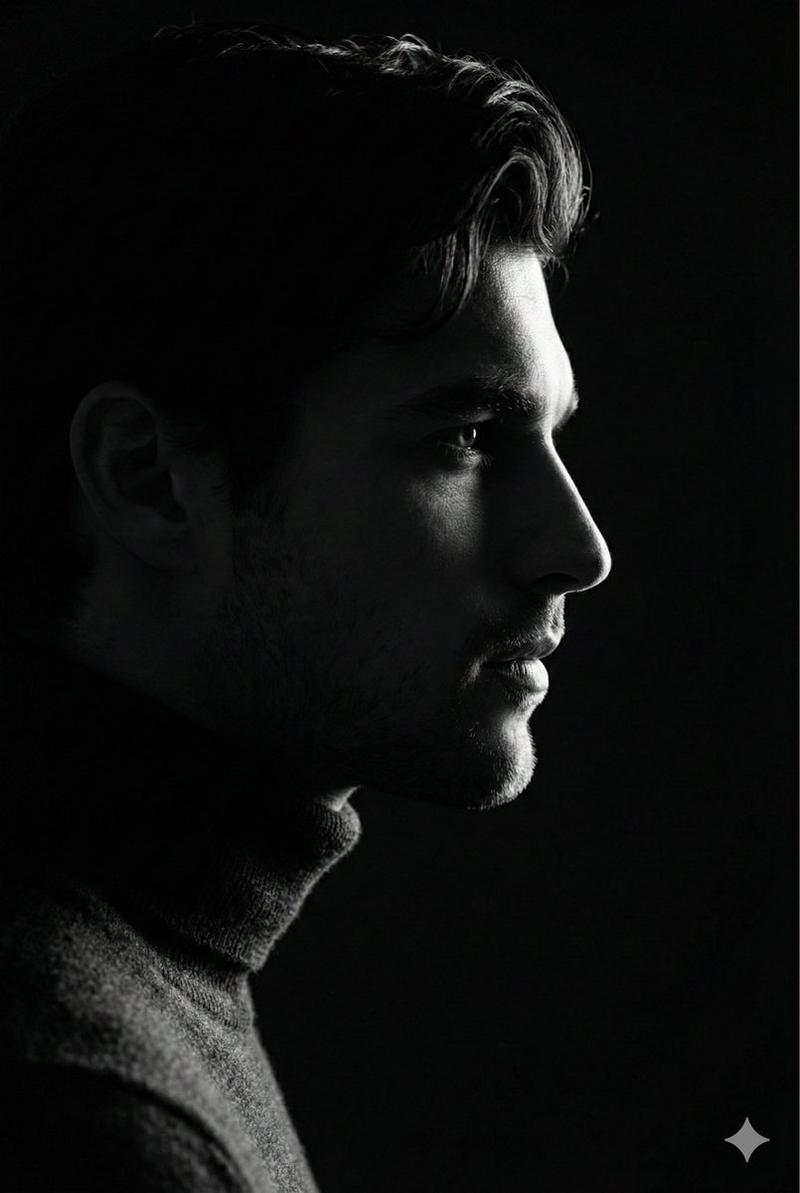
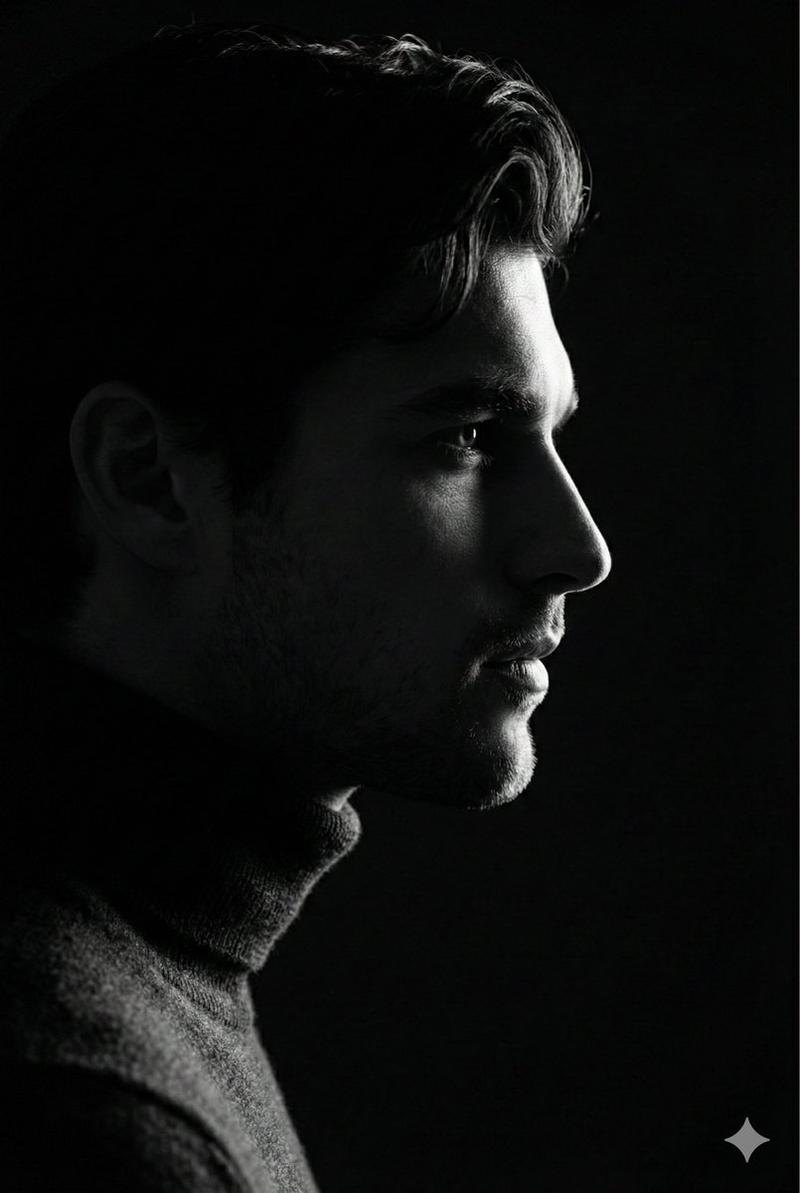
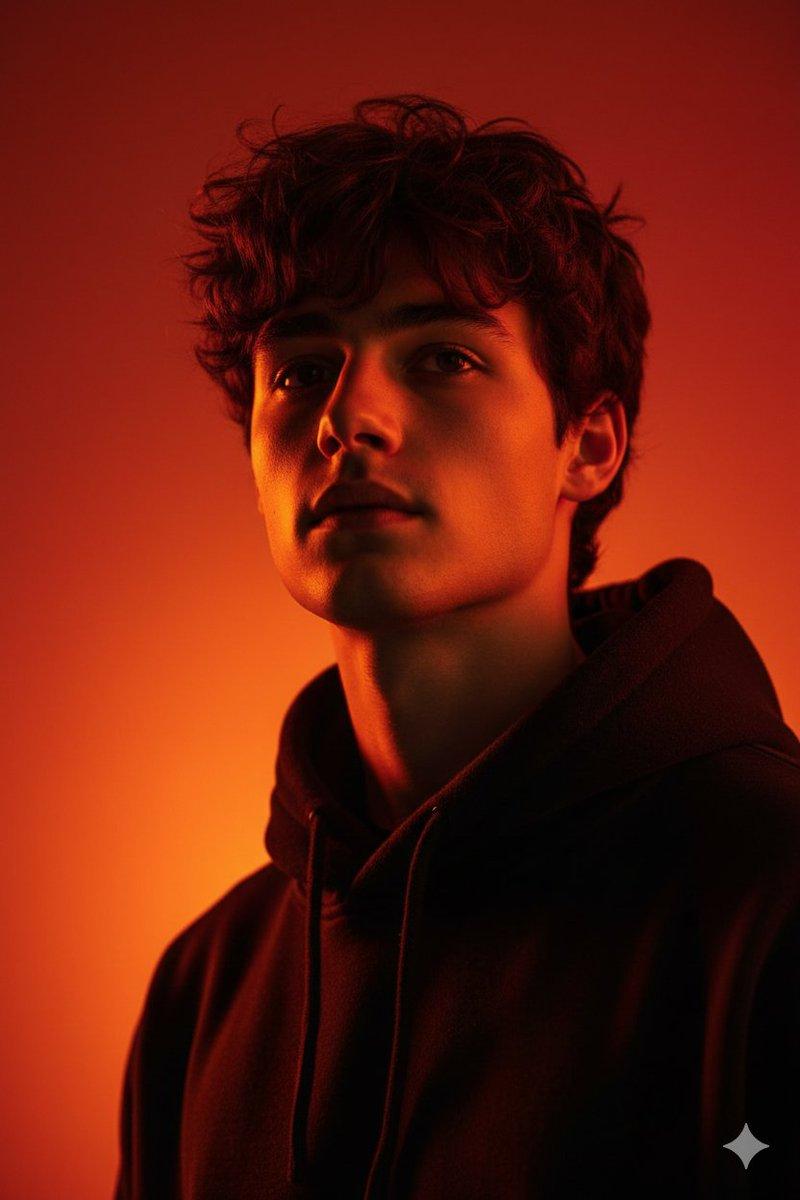
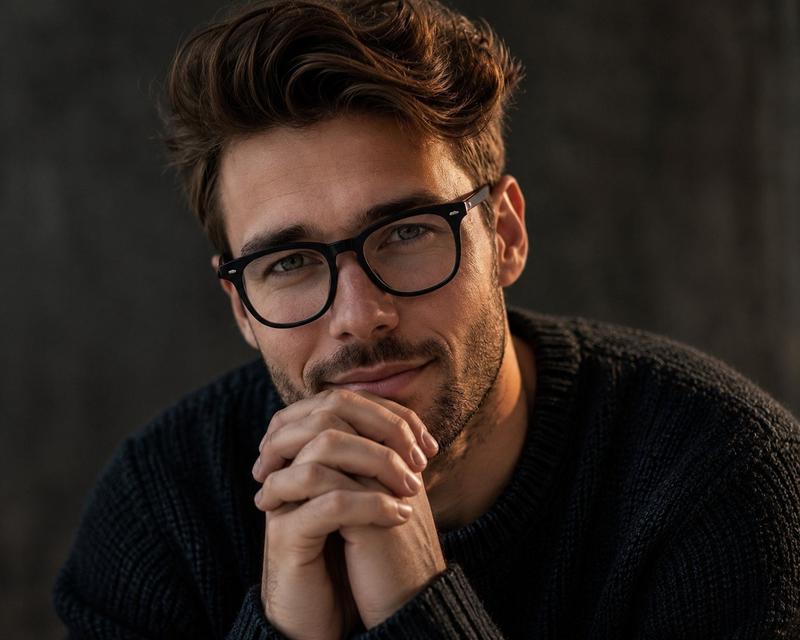
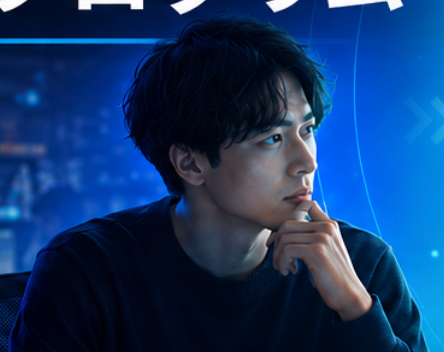
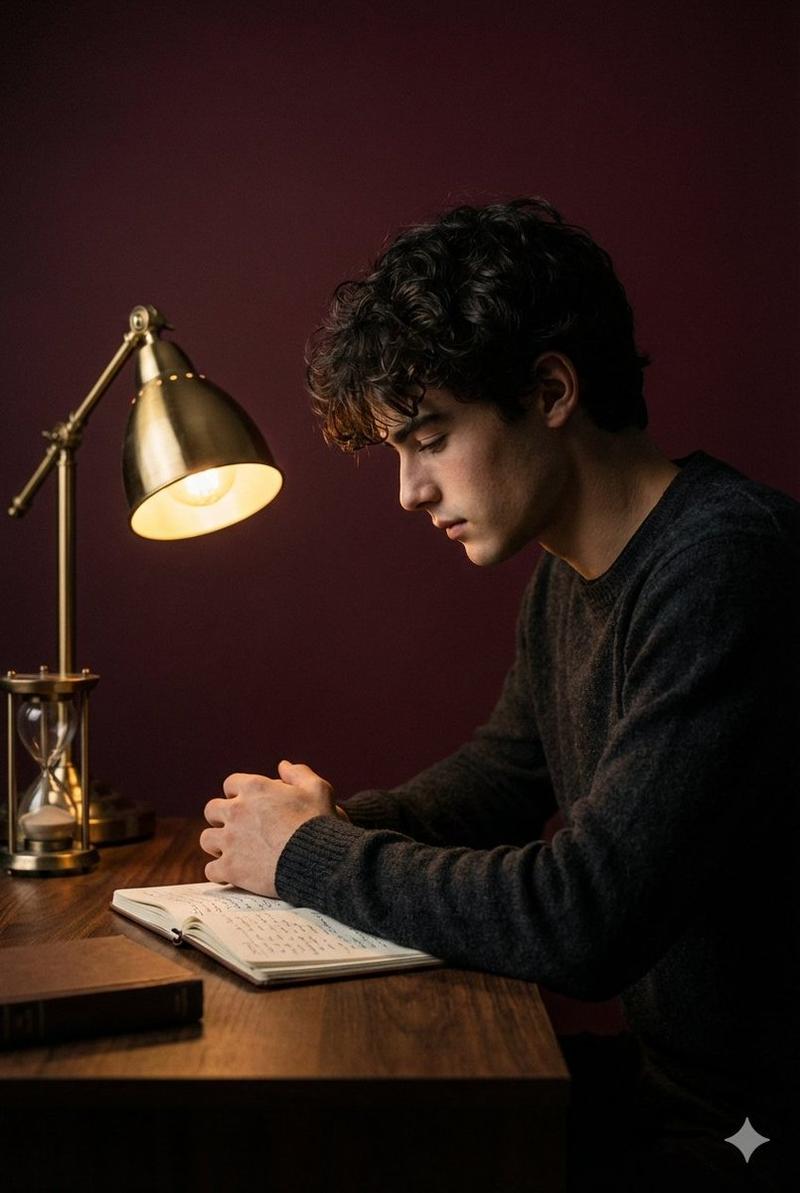
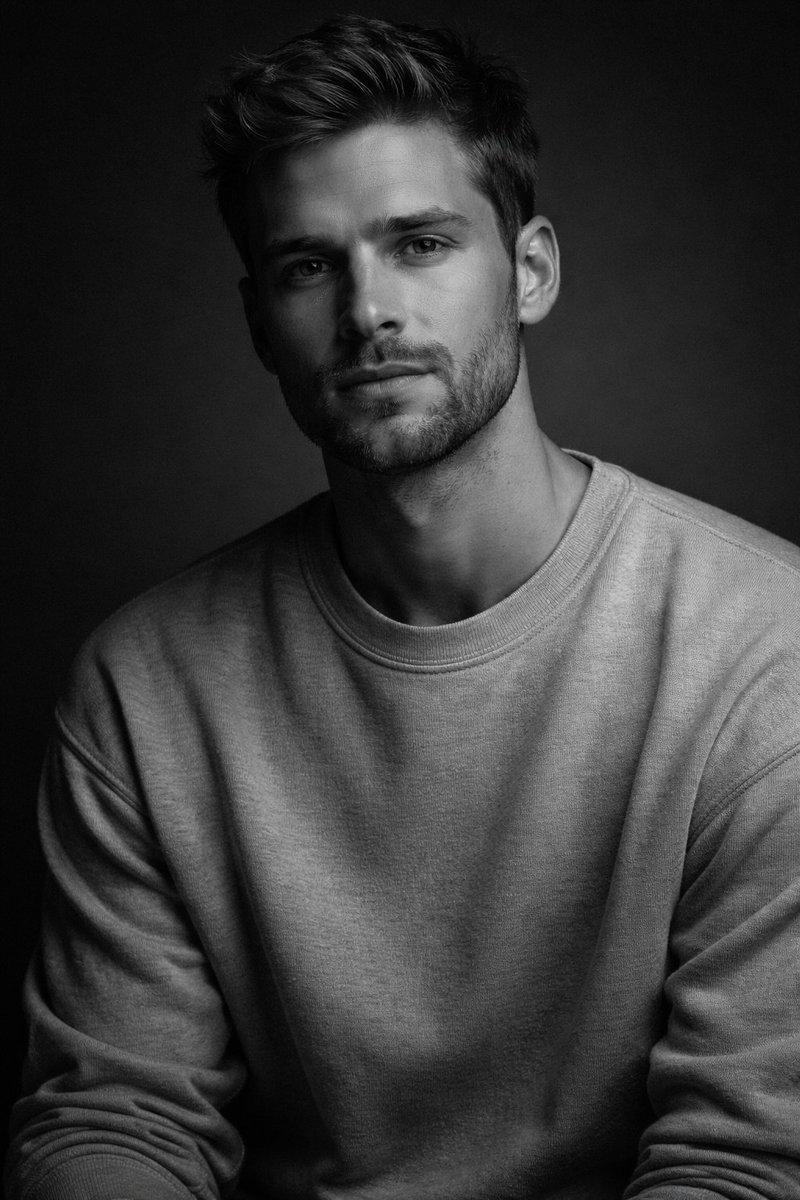
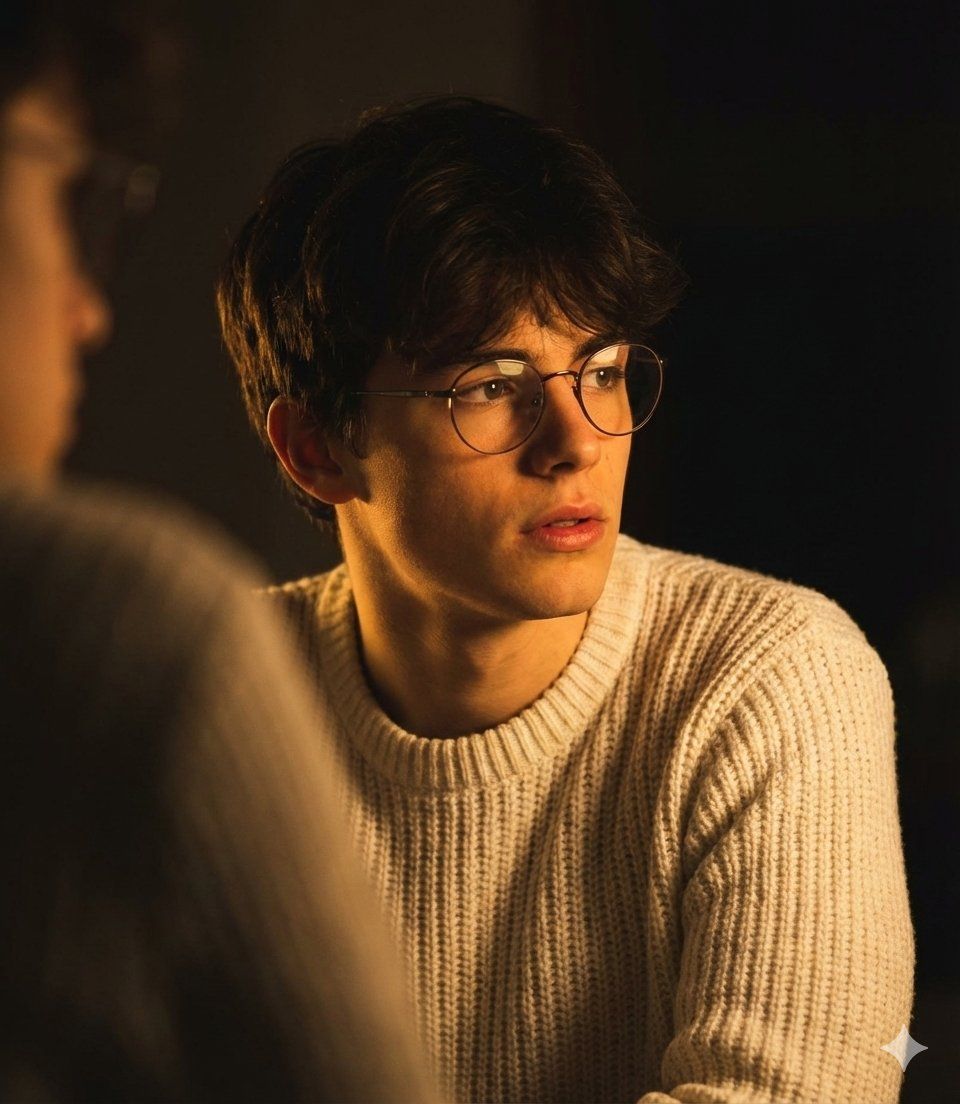
Create this image a handsome young man, use my face on this image, with dark brown hair, is captured in a moody. low-light setting. He is looking off to his right, with a thoughtful and slightly introspective expression, his lips slightly parted. He wears round, thin-rimmed glasses and a light-colored, possibly off-white or light grey, crew-neck knit sweater. The scene is illuminated by dramatic, warm, golden or orange light coming from the left, strongly highlighting his face, jawline, and the texture of his hair and sweater, while casting the rest of the background into deep shadow, A blurred shoulder or figure is visible in the foreground to the left. The overall ambiance is artistic, warm, and intimate
Category
创意图片
Model
Nano Banana Pro
Creator
Harboriis
Views0
Source ID
3d6c7ca9-7a19-4565-8a5d-dce1747a9edb
Published
Mar 8, 2026

Guide

About "戏剧性低光人像生成提示"

What is this prompt for?

"戏剧性低光人像生成提示" AI image prompt for Nano Banana Pro (创意图片). 一个详细的图像生成提示,旨在创作一张戏剧性、情绪化且私密的年轻男子肖像,背景光线昏暗,强调温暖的金色光照和强烈的阴影。它详细说明了拍摄对象的样貌、服装以及艺术化的灯光风格。 --- 创作一张英俊年轻男子…

The full copyable prompt and example visuals above are ready for AI image generation or one-click recreate in Picva.

How to use this prompt

  1. Step 1

    Open the prompt detail

    Review the example visuals, category, and full prompt text for "戏剧性低光人像生成提示".

  2. Step 2

    Copy the prompt

    Copy the prompt body from this page, or load it directly in Studio.

  3. Step 3

    Pick a model (Nano Banana Pro)

    Prefer Nano Banana Pro. If you switch models, keep subject and composition and tweak style terms.

  4. Step 4

    Generate and export

    Recreate the look in Picva, or export into your workflow for editing and publishing.

FAQ

What is the "戏剧性低光人像生成提示" prompt?
It is an AI image-generation prompt for Nano Banana Pro in the 创意图片 category. This page includes the full prompt text, example visuals, and a one-click recreate path in Picva.
How do I use this prompt to generate an image?
Copy the prompt from this page, or use Generate / Studio. Paste it into a compatible image model, or recreate the look in Picva with optional reference images.
Which model is this prompt for?
This page lists Nano Banana Pro. Most descriptive prompts also transfer to nearby image models such as GPT Image, Flux, or Midjourney with light style tweaks.
Can I use the result commercially?
You can usually copy the prompt for creation, but commercial use of the final image depends on the model terms, reference-image rights, and the generated content. Follow the source author and platform rules.