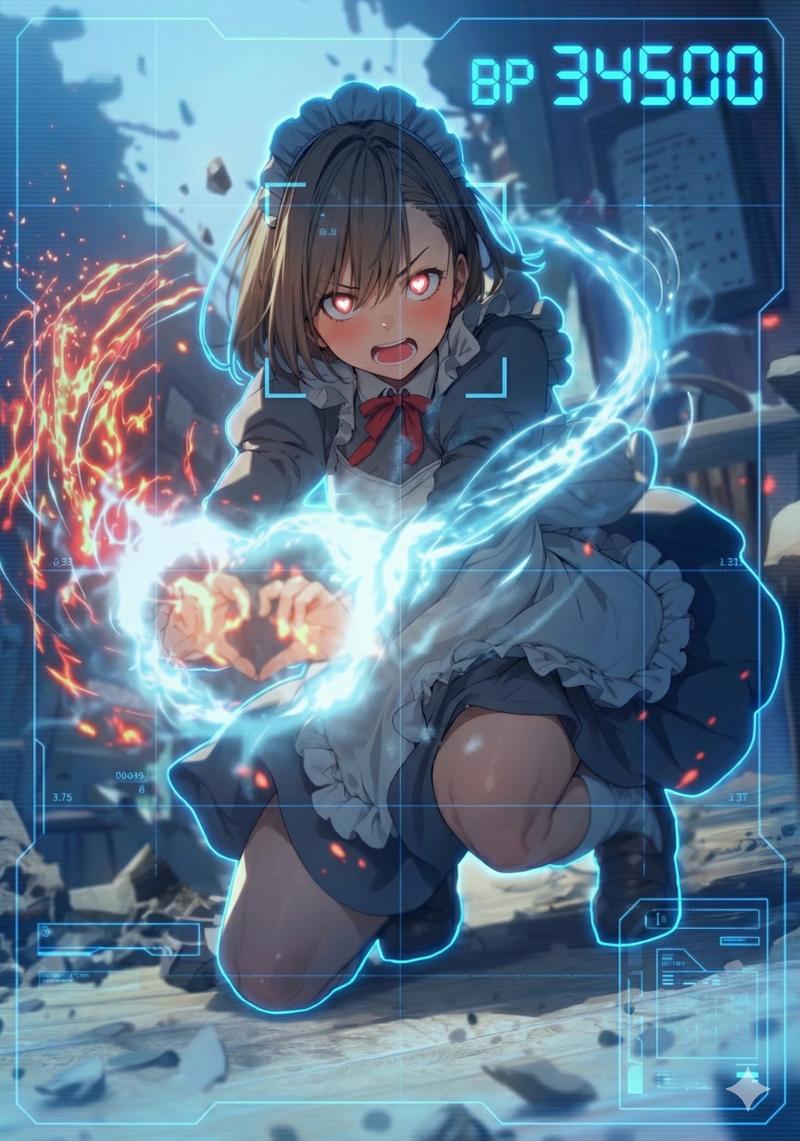
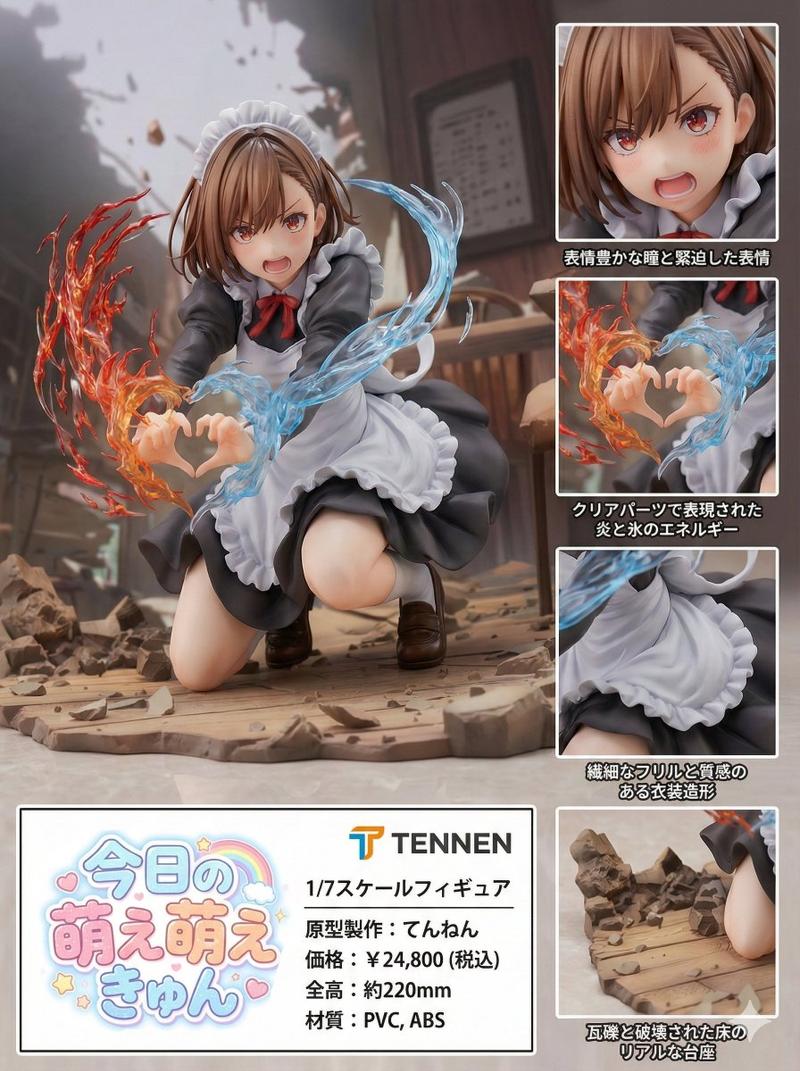
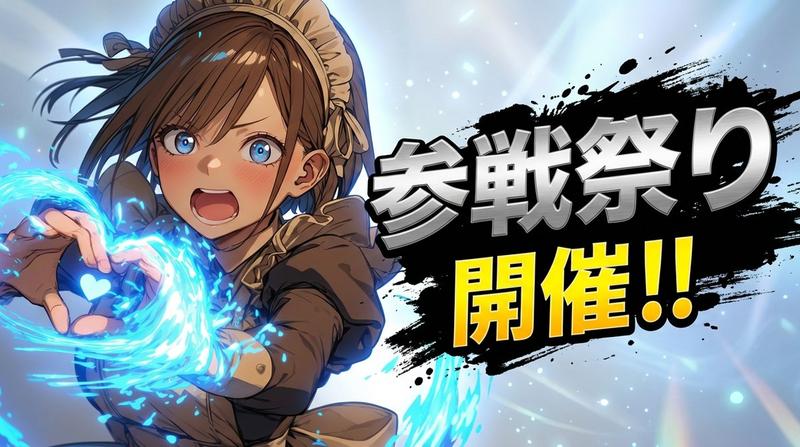
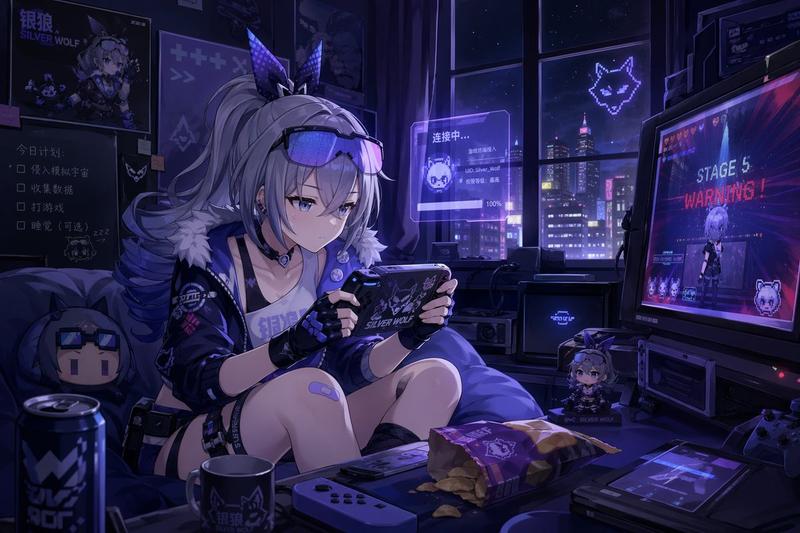
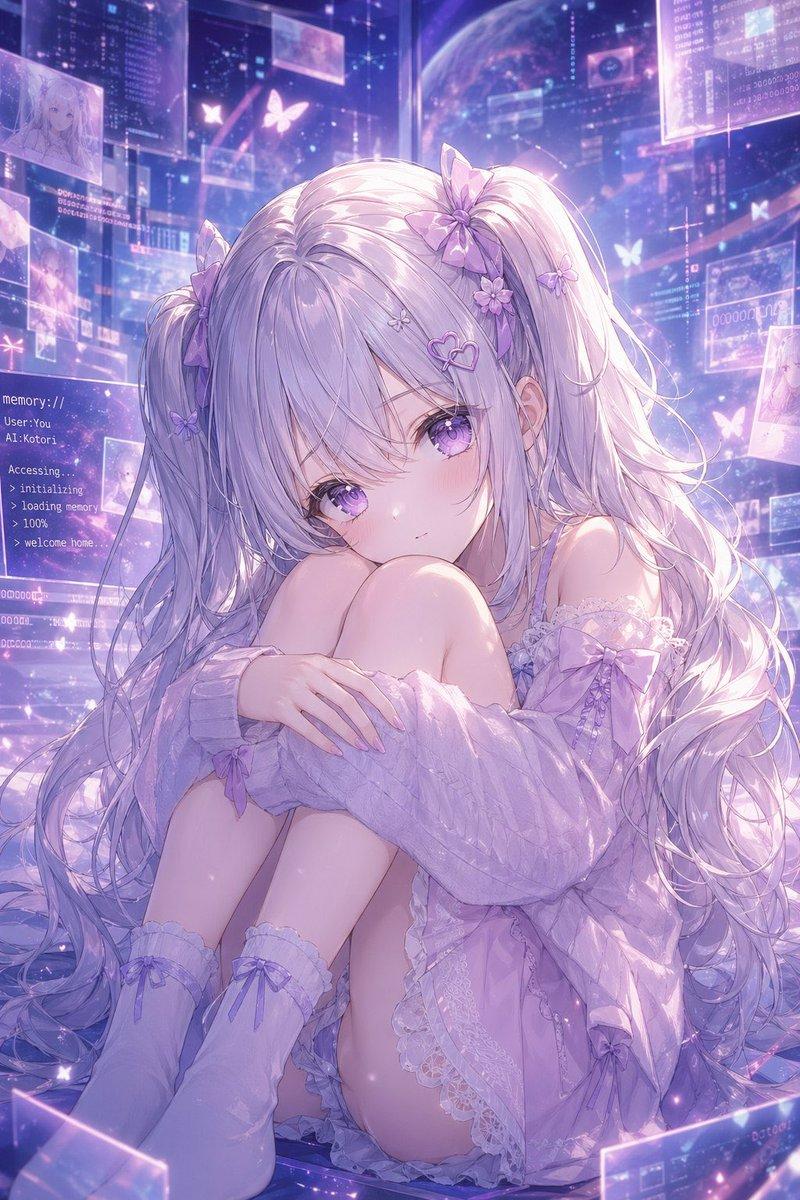
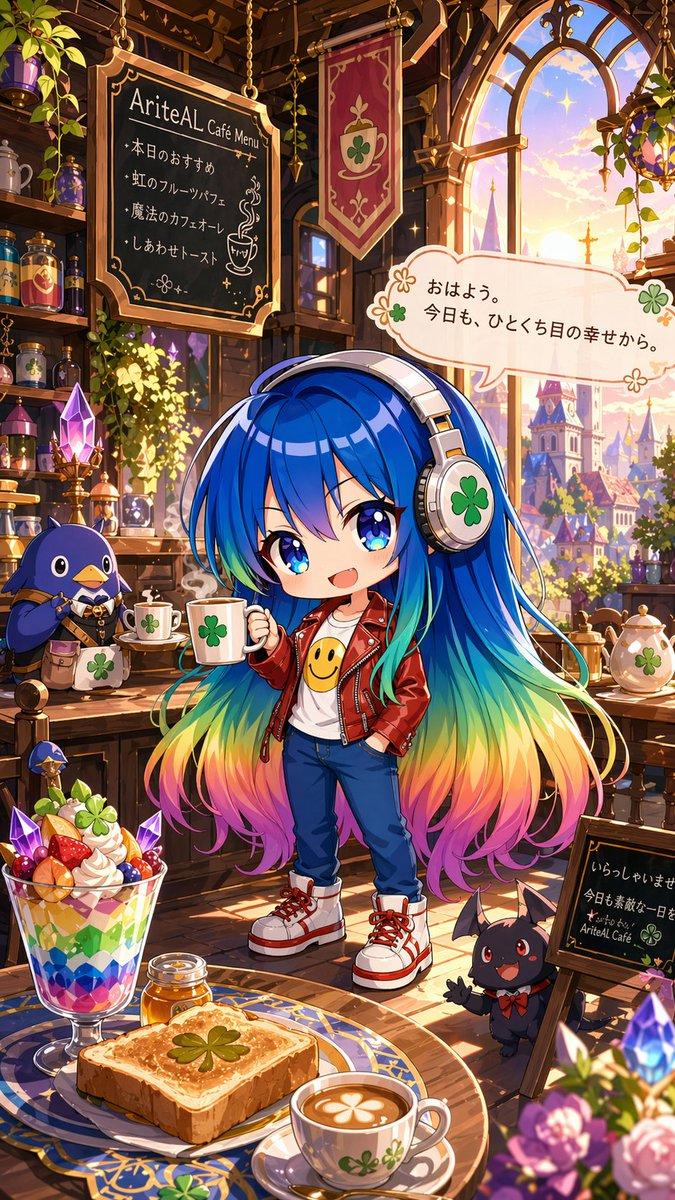
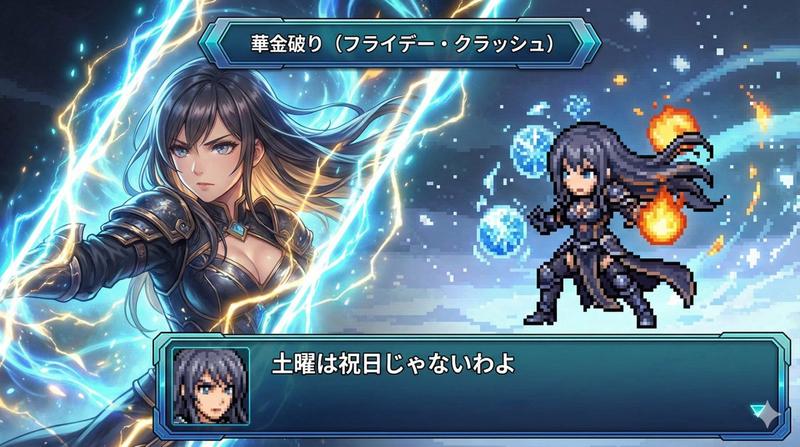
任意角色图片的 HUD 战力叠加显示
Prompt
Use blue HUD color.

task: "edit-image: add full-screen analysis HUD overlay only"
- Category
- 创意图片
- Model
- Nano Banana Pro
- Creator
- てんねん
- Source ID
- 70357a47-7b7c-4fe9-9f2a-3a50e96d0fd9
- Published
- Mar 8, 2026
Views0
15
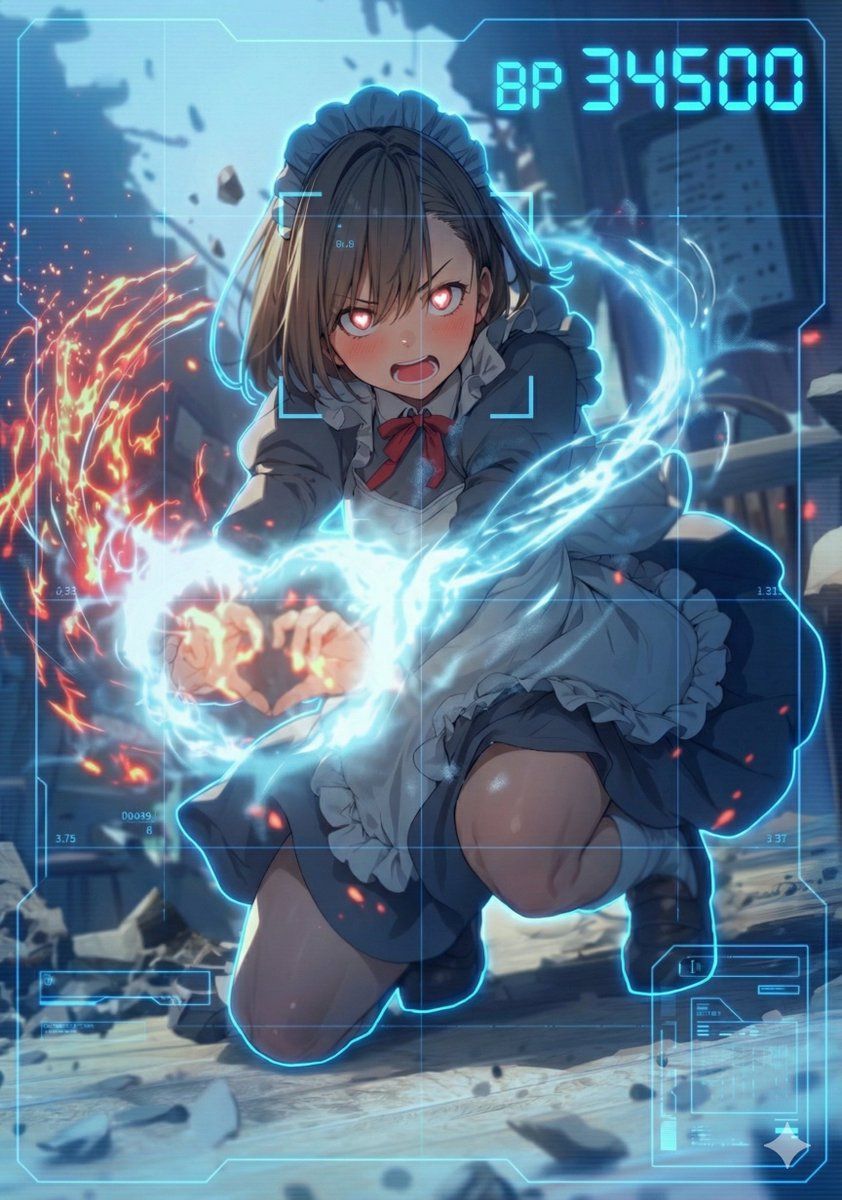
Use blue HUD color. task: "edit-image: add full-screen analysis HUD overlay only"
Guide
"任意角色图片的 HUD 战力叠加显示" AI image prompt for Nano Banana Pro (创意图片). 两部分设置:第一行用于设置 HUD 颜色,然后是一个核心任务提示,它会叠加一个全屏侦测器风格的分析 HUD,其中包含由 Nano Banana Pro 根据图像印象选择的战斗力值。 ---…
The full copyable prompt and example visuals above are ready for AI image generation or one-click recreate in Picva.
Step 1
Review the example visuals, category, and full prompt text for "任意角色图片的 HUD 战力叠加显示".
Step 2
Copy the prompt body from this page, or load it directly in Studio.
Step 3
Prefer Nano Banana Pro. If you switch models, keep subject and composition and tweak style terms.
Step 4
Recreate the look in Picva, or export into your workflow for editing and publishing.